
Tooba Siddiqui
November 11, 2025 • Updated July 10, 2026
8 mins Read
Developed and launched last year, Kling AI quickly became one of the most popular and recommended AI video generation platforms. Providing realistic results and high-resolution videos, Kling AI video models are ranked among the best AI video generators. However, as the demand for better results, faster generation, and creative flexibility increases, so does the search for Kling AI alternatives. Here are seven Kling AI alternatives that offer similar features and results:
- ImagineArt AI video generator
- Hailuo 2.3
- PixVerse v5
- Google Veo 3.1
- Wan 2.5
- Sora 2
Top 6 Kling AI Alternatives
Here’s a breakdown of six AI video generators so that you can get a better idea about which Kling AI alternative to choose:
1. ImagineArt AI Video Generator
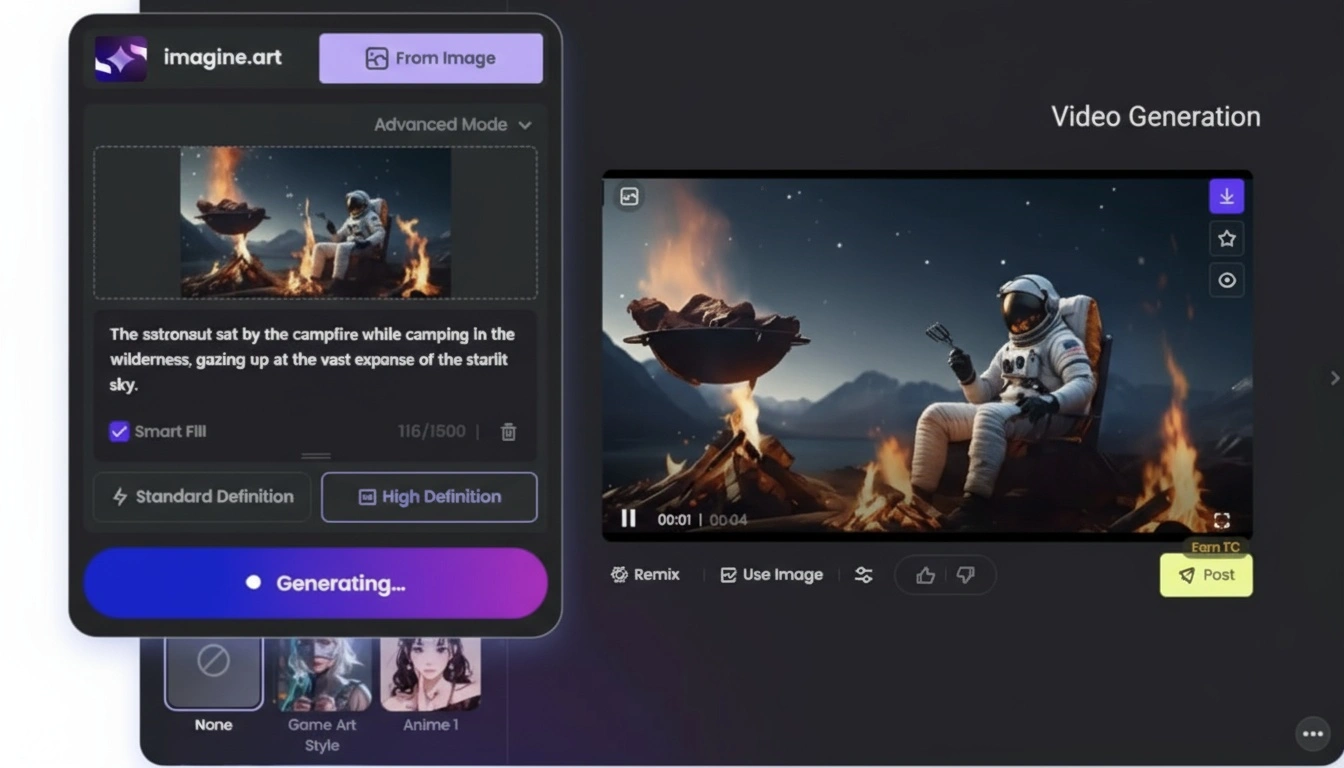
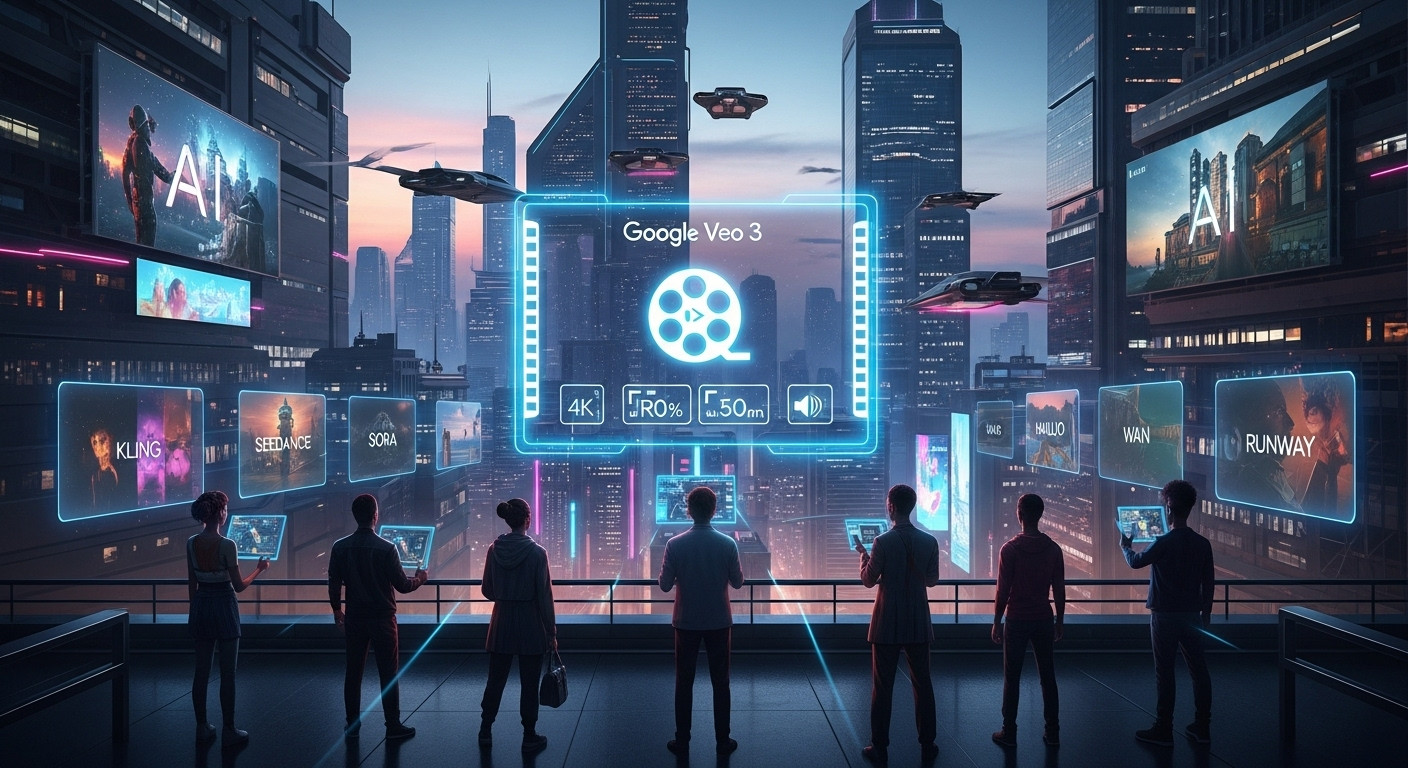
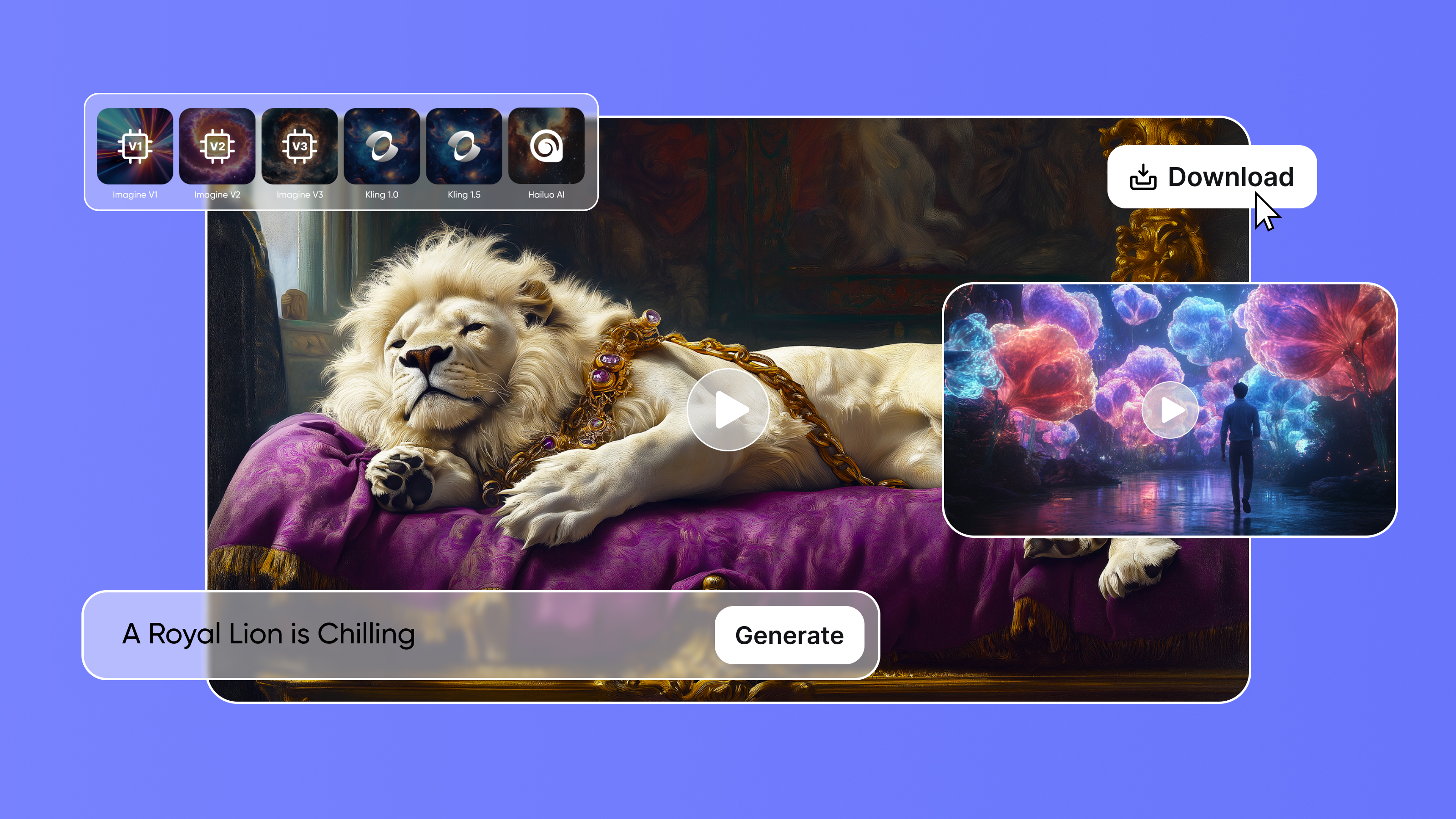
ImagineArt AI video generator offers an all-in-one solution for all your AI video creation needs. The platform provides you with a broader range of creative possibilities, ranging from photorealistic to animations. It comes with a set of multiple well-integrated AI video generation models, including Kling AI, Hailuo AI, PixVerse AI, Seedance AI, Google Veo 3.1, Sora AI, and Runway.
The AI video generator offers you artistic freedom with options to adjust and set video duration, video resolution, aspect ratios, and the number of generations. ImagineArt AI video generator also has prebuilt video presets that allow you to set a certain theme, visual effect, or color palette for your videos.
With ImagineArt AI video generator, you can create AI videos using text-based prompts and reference images as a start frame. It features a ‘first frame preview’ generator, letting you decide the first shot of your video. It comes with a comprehensive and built-in ImagineArt AI video editor that you can use to add elements, text, music, voiceover, and sound effects, and remove or swap the background. You can improve visual quality through visual filters and effects.
Along with the AI video editor, ImagineArt AI video generator gives you complete creative control over camera movement, lighting, tone, mood, environment, and more through prompting and reference images.
ImagineArt offers real-time collaboration features with ImagineArt Flows, a node-based shared workspace. It allows you to create, edit, and share projects sans the app-hopping.
Pricing
- The ImagineArt free plan comes with 50 credits and access to basic tools only.
- The basic plan starts at $10/month with up to 18k credit/year.
- The professional plan starts at $41/month with up to 180k credits/year.
ImagineArt AI video editor is a free tool and doesn’t require any credits for video editing.
Limitations
- ImagineArt is completely cloud-based, requiring a stable internet connection.
- The daily free AI generative credits are limited and provide basic quality results.
2. Hailuo 2.3
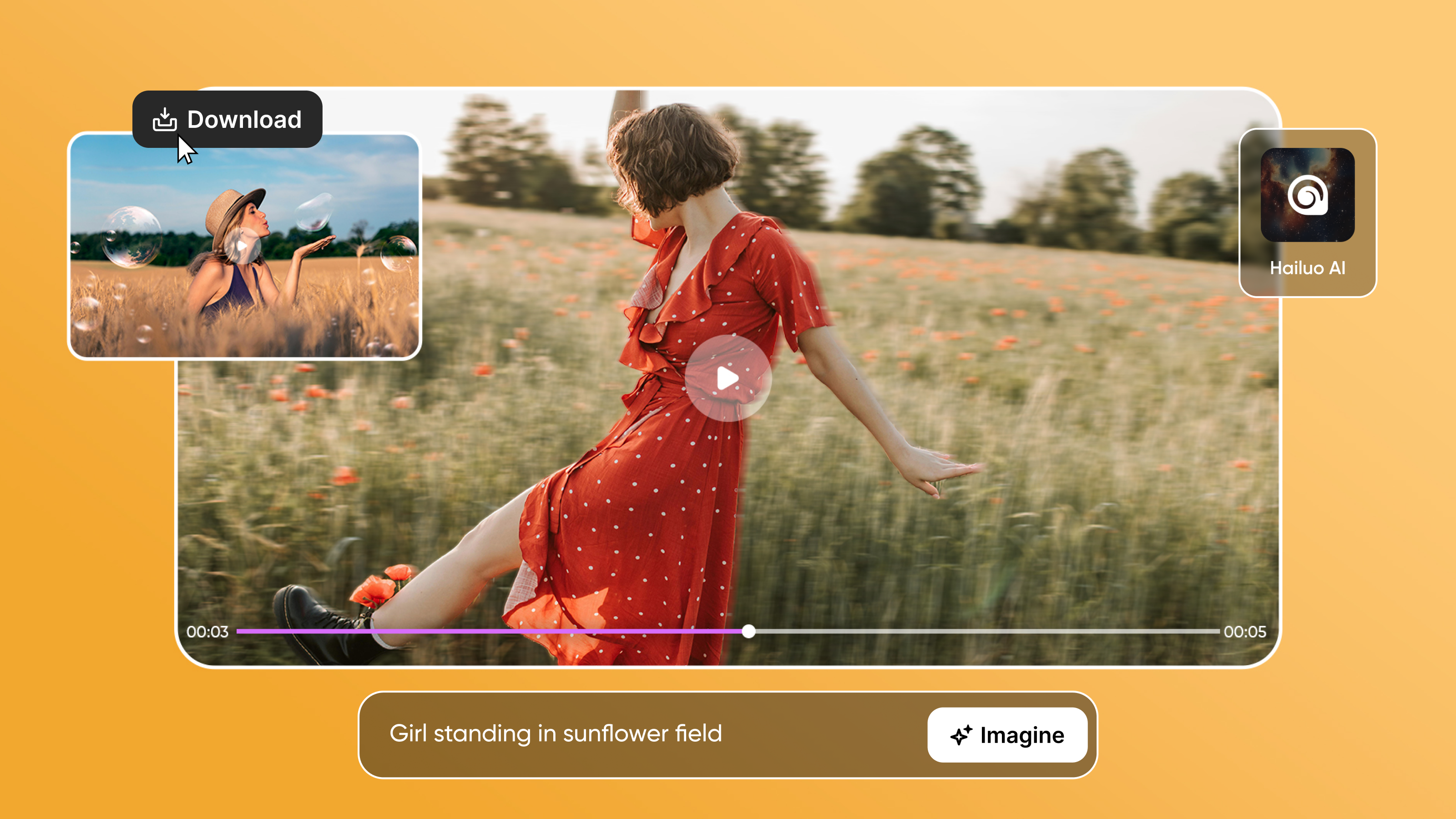
Minimax introduced an upgrade to Hailuo 02 with Hailuo 2.3 and Hailuo 2.3 Fast. The AI video generator ensures visual stability, realism, and environmental believability. Hailuo 2.3 offers improved physics simulation, making sure every limb, surface, and element doesn’t look afloat. It offers crowd visualization, enabling you to create scenes with groups of people with accurate subject-object interaction and improved visual depth.
Hailuo 2.3 allows for both text-based prompts and image references, ensuring thorough preservation of color palette, visual style, and subject details when animating the images. It captures the subtleties of body language, facial expressions, and gestures with precision, while generating videos in different visual styles.
The AI video generator focuses on smoother performance, faster generation, and intuitive usage for efficient and production-ready AI video content. With Hailuo 2.3, you can create cinematic-quality short films, realistic product ads and demos, stylized social media content, and more.
Pricing
- Hailuo 2.3 costs around $0.19 to $0.28 per generation for a 6-second video.
- Hailuo 2.3 Fast costs around $0.066 per second of the generated video.
On ImagineArt, Hailuo 2.3 SD consumes 170 credits per 6-second video, and Hailuo 2.3 Pro consumes 300 credits per 6-second video.
Limitations
- It doesn’t have native audio generation and requires a third-party video editor for audio integration.
- No 4K support or built-in upscaling feature.
Learn more about Hailuo 2.3 features and use cases on ImagineArt blog.
3. PixVerse v5
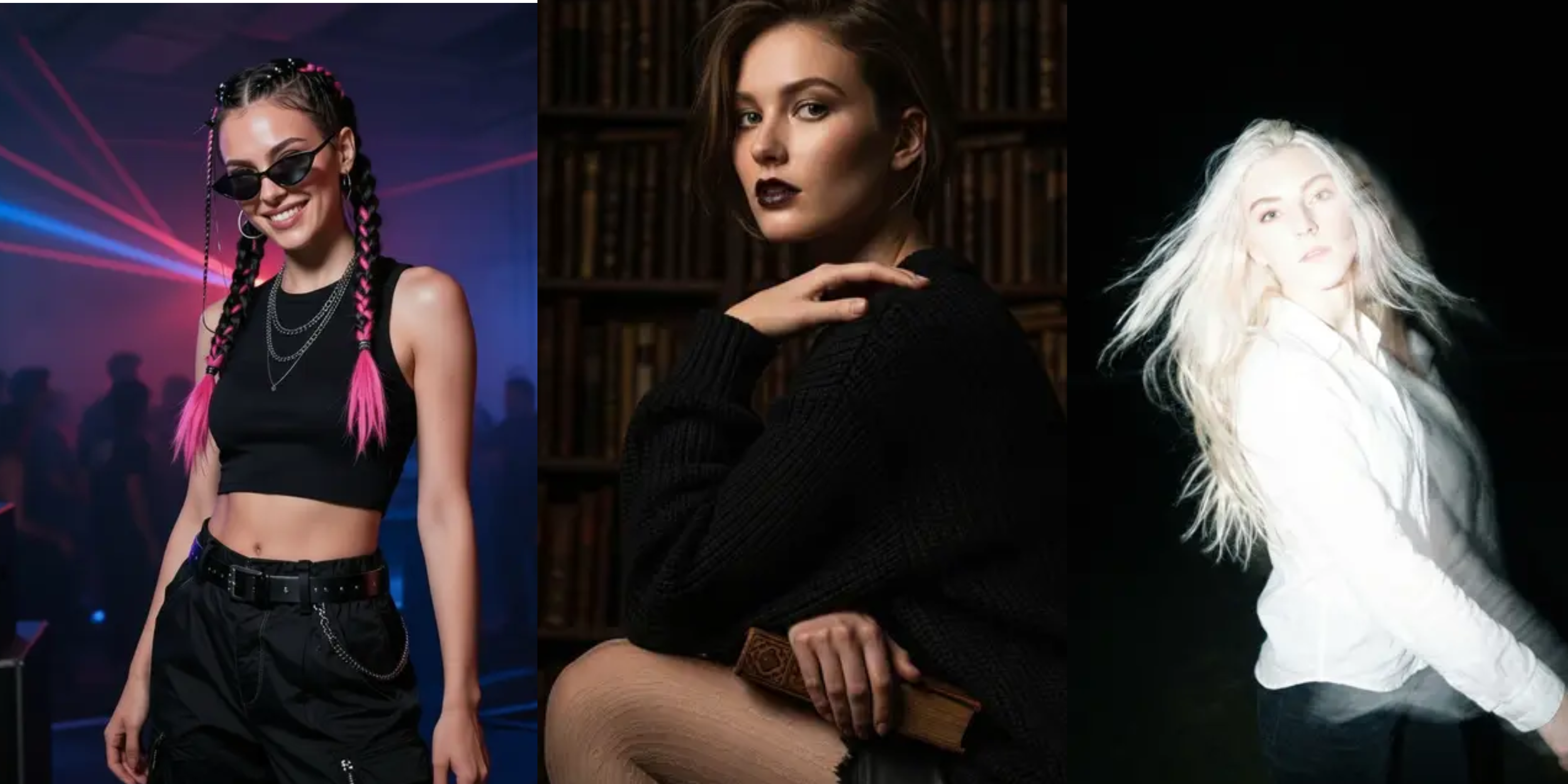
PixVerse v5 AI video generator turns text prompts into incredibly realistic videos with higher fidelity and prompt adherence. The AI video model offers improved physical and environmental believability, ensuring seamless narration and flow.
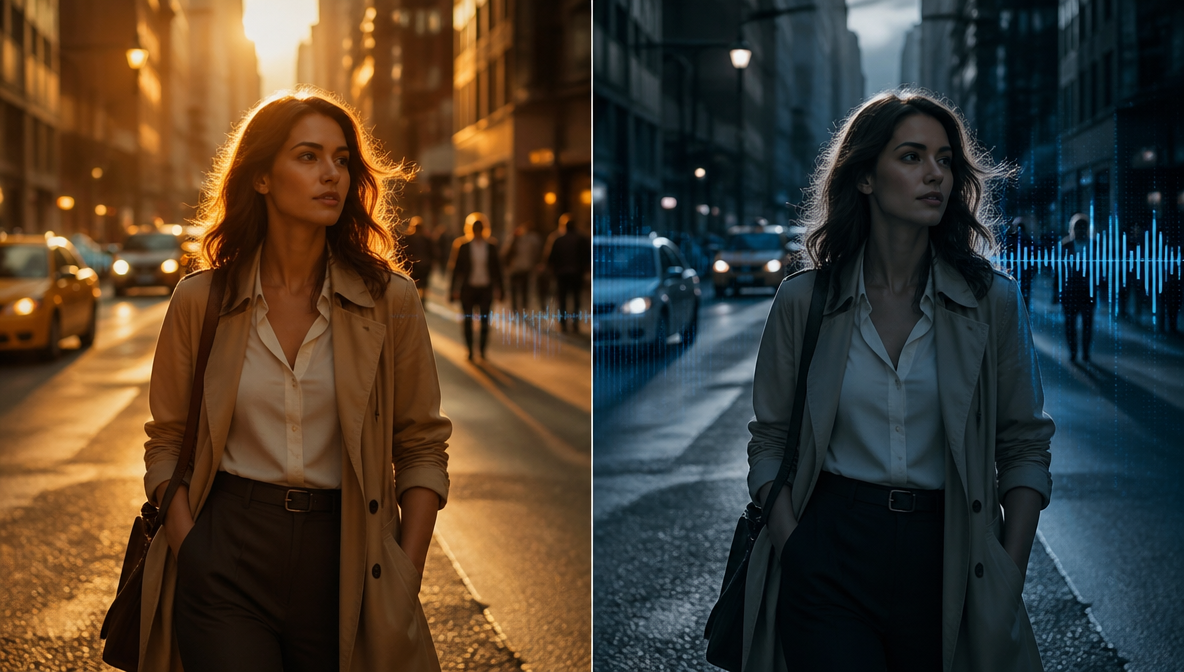
The AI video generator features improved contextual awareness, letting you create natural-looking visuals with smoother transitions and motion flow. PixVerse v5 allows for text prompts and reference images, along with video extension features to create longer videos with a sense of rhythm. It supports audio generation and synchronization, along with start and end frame references for smoother transitions and action sequences.
The AI interprets quickly and accurately, creating short films, brand ads, marketing content, and social media videos in multiple visual styles. The platform features an intuitive interface, allowing for faster generation and better results.
Pricing
- With free access, you can create videos of up to 360p with limited credits and watermarked exports.
- The creator plan is available at $15/month with video quality of up to 720p and access to style presents.
- The pro plan is available at $29/month with video quality of up to 1080p, no watermarks, and faster rendering.
On ImagineArt, PixVerse v5 consumes 240 credits for a 5-second video generation.
Limitations
- PixVerse v5 doesn’t allow for the creation of longer videos and has a duration of up to 10 seconds.
- The AI video model also has customization restrictions compared to other AI video generators.
Learn more about PixVerse v5 features and how to use it on ImagineArt blog.
4. Google Veo 3.1
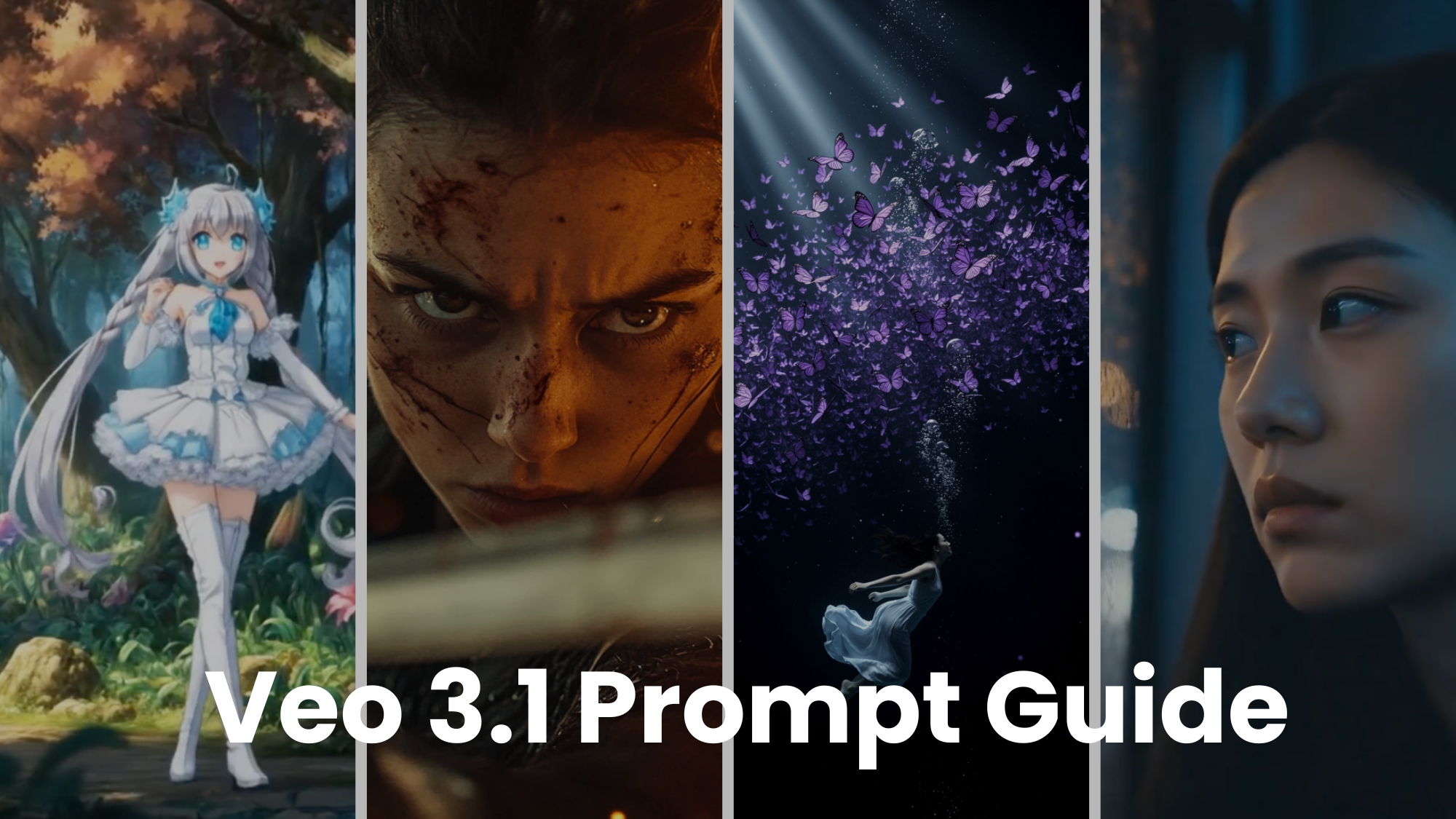
Veo 3.1 is the latest AI video generation model introduced by Google DeepMind. The AI video generator is built on the previous Veo 3 architecture, with improved realism and physics simulation. Veo 3.1 comes with 4K support and higher visual fidelity, letting you create videos with better storytelling and motion.
Veo 3.1 can give you complete control over composition, creativity, and framing, with camera movement adjustments, lighting refinement, visual depth improvements, shadows, and reflections. It supports start and end frame references along with a maximum of three reference images as ingredients to create tailored video content.
This AI video generator comes with thorough audio integration and synchronization, ensuring the lip movements, gestures, body language, and emotions align with the audio cues, background music, human dialogues, and sound effects.
Veo 3.1 can be an ideal AI video generator for B-roll footage creation, product ads, short films, movie teasers, explainers/tutorials, and immersive storytelling videos — where cinematic quality and realism matter the most.
Pricing
- Veo 3.1 costs around $0.40 per second for video with audio or $0.20 per second for video without audio
- Veo 3.1 Fast costs around $0.15 per second of video with audio and $0.10 per second for video only.
On ImagineArt, Veo 3.1 consumes 1900 credits per 8-second video generation, and Veo 3.1 Fast consumes 700 credits per 8-second video generation.
Limitations
- The steep learning curve may be overwhelming, making it difficult to use for individual and beginner-level users.
Learn more about Google Veo 3.1 features and use cases on ImagineArt blog.
5. Wan 2.5
Wan 2.5 is a strong contender to OpenAI Sora 2 and Google Veo 3.1, offering cinematic realism and visual consistency at a much lower cost. The AI video generation model comes with 4K support with 3D motion control and HDR rendering.
Wan 2.5 features real-world physics simulation, higher fidelity, and camera control for dynamic motion and professional-grade visuals. The AI video model demonstrates stronger prompt adherence, following each instruction closely and with accuracy. It ensures precision and realism in subject-object interaction sans the AI glitches and shifts.
Wan 2.5 supports multilingual text prompts in both English and Chinese. It even generates, integrates, and synchronizes the human dialogues, audios, music, and sound effects, eliminating the need for manual video editing. The AI video generator comes with character animation mode, allowing you to create lifelike characters with natural motion and narratives.
Pricing
- Wan 2.5 AI video generator professional package is available at $29-49/month with Full HD video generation features.
- The studio package is available at $99-149/month with resolution of up to 1080p and 4K.
On ImagineArt Wan 2.5 consumes 300 credits per 5-second video generation.
Limitations
- Wan 2.5 AI video generator can create videos of up to 10 seconds and requires manual editing and video stitching for longer content.
- It also requires comprehensive prompt phrasing for accurate visual details and camera control.
Learn more about Wan 2.5 features and use cases on Imagineart blog.
6. Sora 2
OpenAI Sora 2 stands out with its integration in the ChatGPT ecosystem, empowering it with improved contextual awareness, an intuitive interface, and prompt interpretation. Sora 2 can produce lifelike characters and visuals with true-to-life physics, environment, and natural subject/object behavior.
The AI video generator can create high-quality videos in different styles, including realism, anime, animation, cartoons, and more. It excels at world-building and pairs it up with natural human dialogues, audio cues, music, and sound effect generation.
Sora 2 ensures smoother narrative flow and visual coherence, while giving you artistic freedom to create videos of up to 25-second duration. The AI video generation model focuses on accurate replication of human emotion, synchronized lip movements, expressions, movements, and subject interaction for dynamic video content.
OpenAI Sora 2 includes a ‘cameo’ feature that lets you play the role of the main character of your video — or you can use any character, animal, or object to cameo in your video.
Pricing
- The ChatGPT Plus users can create videos of up to 720p at $20/month with 50 priority videos.
- The ChatGPT Pro users can create videos of up to 1080p at $200/month with 500 priority videos and watermark-free downloads.
On ImagineArt Sora 2 consumes 240 credits, and Sora 2 Pro consumes 720 credits per 4-second video generation.
Limitations
- You need to understand Sora 2 prompting engineering to create tailored video content.
- Longer prompts and queries can take more time to process or result in restricted generation.
Learn more about Sora 2 features and use cases on ImagineArt blog.
Found the Right Alternative?
Each of these Kling AI Alternatives has their own strengths, ranging from realism to rapid generation. However, if you want to explore all these Kling AI alternatives, log into ImagineArt AI video generator and experiment with a variety of AL video generation models!
Explore alternatives of these AI models as well: PixVerse AI Alternatives | Google Veo 3.1 Alternatives | Hailuo AI Alternatives | Sora 2 Alternatives | Runway ML Alternatives | Wan 2.5 Alternatives
Tooba Siddiqui
Tooba Siddiqui is a content marketer with a strong focus on AI trends and product innovation. She explores generative AI with a keen eye. At ImagineArt, she develops marketing content that translates cutting-edge innovation into engaging, search-driven narratives for the right audience.