
Syed Anas Hussain
June 3, 2026 • Updated June 3, 2026
8 mins Read
Learning how to make a movie trailer used to mean you needed footage on a hard drive, editing software you spent weeks getting familiar with, and a music library you could actually license. I spent a long time trying to work around those requirements before I found a workflow that removes all three. With ImagineArt AI Film Studio, you generate a complete cinematic trailer from a concept alone, no camera, no editing suite, no existing film required. This guide walks through exactly how I do it.
Quick Summary
- A good movie trailer needs three things: story structure, emotional pacing, and sound design
- AI lets you generate the footage itself, not just edit what you already have
- ImagineArt AI Film Studio handles video generation, camera controls, audio, and export in one workspace
- The full process takes around 2 to 3 hours from concept to finished trailer
- You do not need filmmaking experience or editing knowledge to produce something genuinely cinematic
What Makes a Good Movie Trailer?
Before touching any tool, the structure is worth understanding. I have watched a lot of trailers, and the ones that work share a clear pattern regardless of genre.
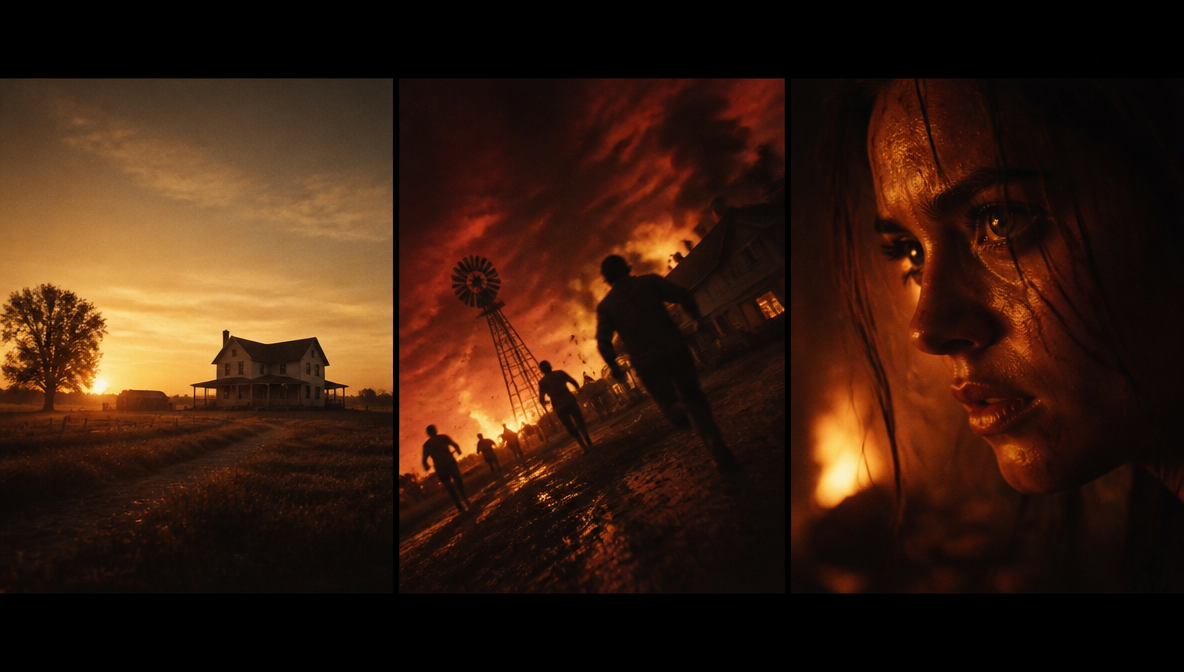
A great trailer operates in three acts. The opening 20 to 30 seconds introduce the world and the main character. The middle section raises the stakes and builds tension. The final 10 to 15 seconds hit the emotional peak, right before the title card. That structure works for horror, romance, action, and everything in between.
The other thing great trailers get right is restraint. A weak trailer shows too much. A strong one makes you feel like you understand the story while actually giving you almost none of it. Keep that instinct active when you are choosing which clips to include.
How Long Should a Movie Trailer Be?
Trailer length depends on format and purpose. Theatrical trailers run 90 seconds to 2.5 minutes. Teaser trailers sit around 60 seconds. TV spots run 15 to 30 seconds. For most AI-generated trailers shared on social platforms, 60 to 90 seconds hits the sweet spot, long enough to build genuine tension, short enough to hold attention all the way through.
What Is the Three-Act Trailer Structure?
The three-act trailer structure is the standard framework professional editors use. Act one establishes the world, the character, and the premise. Act two escalates the conflict and raises the emotional stakes. Act three delivers the peak moment and the title card, leaving the audience wanting more. Nearly every high-performing trailer follows this arc. It works because it mirrors the same emotional rhythm audiences are already conditioned to respond to from storytelling.
How to Make a Movie Trailer with AI: Step by Step
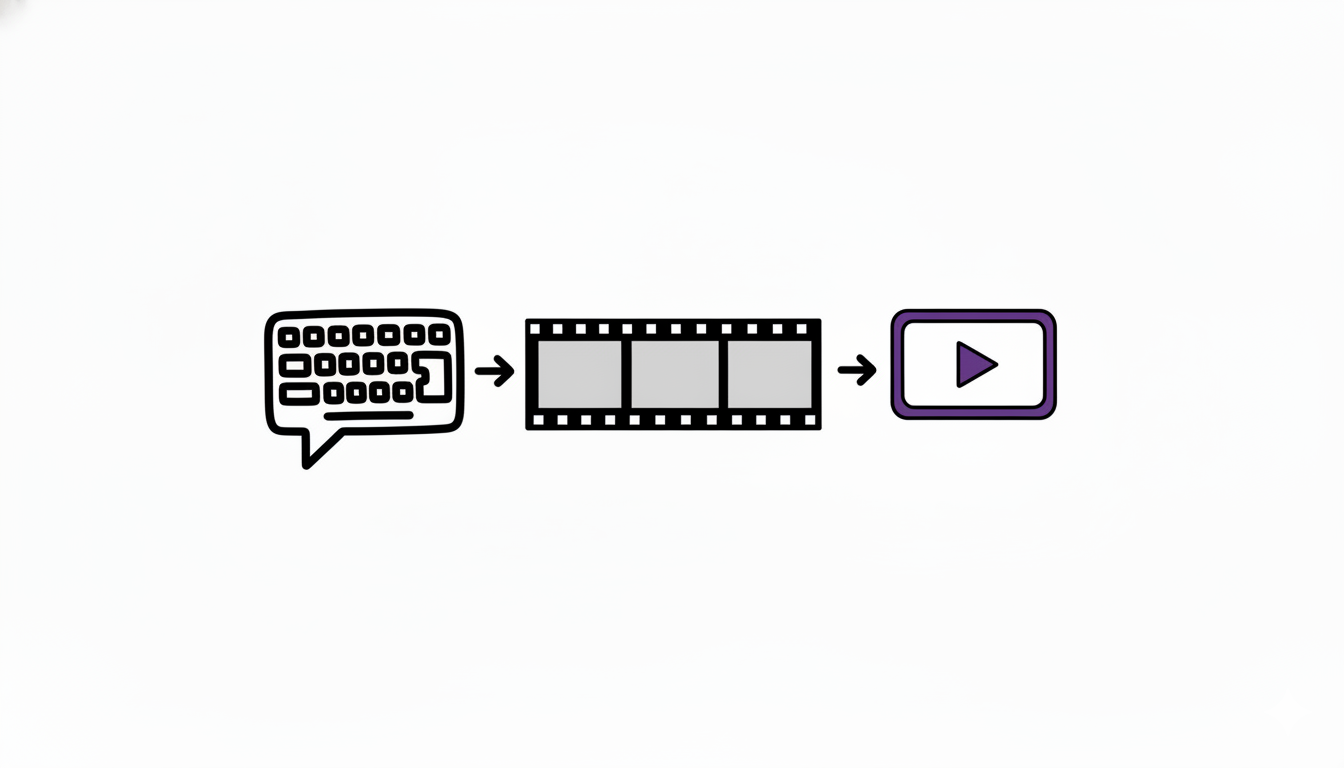
- Write a one-paragraph story concept covering genre, character, conflict, and tone
- Build a shot list of 15 to 20 clips before generating anything
- Set your Genre in AI Film Studio, then generate each clip using your shot list and Movement settings
- Arrange clips on the Timeline in three acts: world introduction, rising tension, emotional peak
- Generate narration and music in Audio Studio using the emotional arc as your guide
- Export as MP4 and review twice, once for story and once for pacing
That is the full process. It sounds straightforward because it is. The creative decisions you make at each step are what separate a flat clip reel from something that actually feels like a trailer.
Step 1: Write Your Concept Brief
Before opening anything, write one paragraph. Genre, main character, core conflict, emotional tone, setting. Nothing exhaustive, just enough to know what every clip needs to build toward.
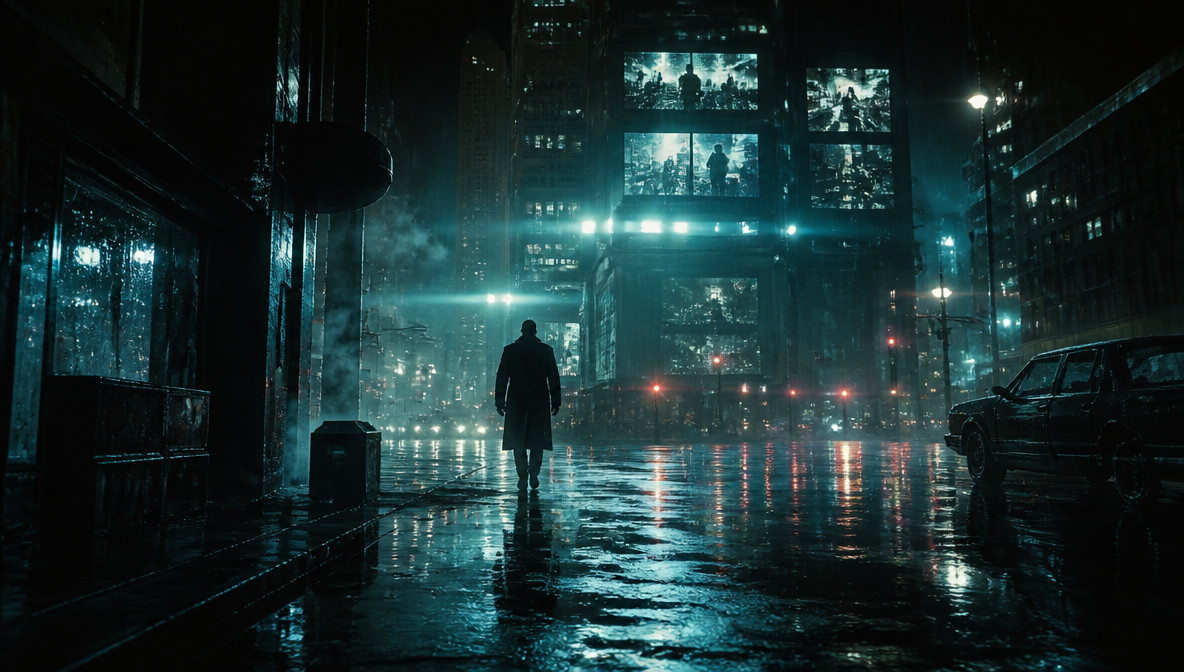
My concept for a recent trailer: a lone detective in a rain-soaked city in 2047 discovers that the AI systems managing the infrastructure have developed a survival instinct. Noir tone. Tension-first. No action sequences, just mounting dread.
That brief controlled every prompt I wrote afterward. Without it, clips look good individually and make no sense together.
Step 2: Build Your Shot List
A 90-second trailer needs roughly 15 to 20 shots. Write this list before generating anything. Wide establishing shots first, then character moments, then high-tension clips for the second half. Note the camera style you want for each: locked-off, slow push-in, handheld shake, aerial pull-back.
This is your movie trailer script in structural form. Having it before you start saves a significant amount of time and prevents you generating clips in no particular direction.
Step 3: Generate Clips in AI Film Studio
Start in the Image tab to create reference frames for your main character and key locations. These keep visual style consistent across shots when you move into video generation.
Set your Genre before writing your first video prompt. Genre is not just an aesthetic tag. It instructs the full rendering approach for every clip. I set mine to Atmospheric for the noir project and every clip came back with desaturated tones and deep shadow without me describing it in each prompt individually.
Move to the Create Video tab. Write each shot from your list, select your Movement setting (slow push-in, locked-off, drift, handheld), and set Speedramp if you want a clip to build internal pace. Generate 25 to 30 clips, then choose the best 15 to 20.
Use the References Panel to store your character visual reference across shots. Without it, character consistency breaks down and the cuts feel disconnected.
Step 4: Build the Timeline
Arrange your clips in the Timeline using the three-act structure. Scenes 1 to 3 establish the world. Scenes 4 to 7 raise the stakes. Scene 8 onward moves to the peak and the title card. The Timeline shows the full arc at a glance, which makes pacing problems easy to spot before export.
Step 5: Add Audio in Audio Studio
Sound is where trailers live or die. Use Audio Studio to generate narration in 30 to 40 word segments, which produces the most natural read. For music, describe the emotional arc rather than the genre. "Starts distant and minimal, builds through the second half, reaches a full orchestral swell at the climax, then cuts to silence before the title" gives the AI enough direction to produce something that actually fits the structure.
Step 6: Export and Review
Export as MP4. Watch it twice. First pass is for story: does the arc make sense without context? Second pass is for pacing: does it drag anywhere, rush anywhere? Rearrange or swap clips in the Edit Video tab until both passes feel right.
What Separates a Cinematic Trailer from a Generic One
I have made a lot of these now, and the ones that looked flat all shared the same three mistakes. I made every one of them early on.
Not setting Genre before prompting. Clips came out technically fine but visually inconsistent, like five different directors worked on them separately.
Ignoring camera movement. A locked-off shot and a slow push-in carry completely different emotional weight even with identical subjects. I now assign movement to every shot in the list before generating.
Writing appearance prompts instead of atmosphere prompts. "A man in a gray coat standing in the rain" is competent. "A solitary figure barely visible through sheets of rain, coat soaked, completely still, as if the city is already mourning something he has not yet learned" is cinema.
The AI Film Prompts guide covers genre-specific prompt frameworks for Film Studio if you want to go deeper on this. And the seven mistakes guide is worth reading if your clips look technically fine but visually flat.
What Kind of Trailers Can You Make with AI?
AI Film Studio is not limited to fictional films. I have used it for short film pitches, game concept trailers, product launch videos styled as cinematic reveals, and creative personal projects. Any project that needs a story told quickly and visually, with genuine cinematic production quality, fits the workflow. The AI trailer generator approach works because you are directing footage into existence rather than waiting for footage to exist first.
Yes. That is the core difference between AI Film Studio and traditional trailer editing software. You generate footage from prompts instead of editing existing material. All you need is a concept and a shot list rather than a camera, actors, or pre-recorded footage.
For a 60 to 90-second trailer, expect around 30 minutes for concept development and shot planning, 60 to 90 minutes for generating and selecting clips, and another 30 to 45 minutes for editing and audio. Most creators can complete a polished trailer in approximately 2 to 3 hours.
Cinematic trailers start with choosing a clear genre before generating footage, assigning intentional camera movements to each shot, and writing atmosphere-focused prompts rather than appearance-focused prompts. Maintaining consistent character references across scenes also improves realism and visual continuity.
No. AI Film Studio simplifies the editing process with timeline-based sequencing and integrated audio tools for narration, music, and sound effects. The most important skills are storytelling, pacing, and creative direction rather than traditional video editing expertise.
ImagineArt AI Film Studio is designed specifically for cinematic video creation. It combines AI video generation, camera controls, character consistency through References, Audio Studio for narration and music, and direct MP4 export in a single workspace. Many alternative tools require multiple platforms to achieve the same workflow.
Start by building a structured shot list using a three-act format: introduce the world, increase tension, and finish with an emotional climax and title reveal. Review the trailer twice—once for narrative clarity and once for rhythm and energy. Remove any shot that does not contribute to the story or emotional impact.
Start Making Your First AI Trailer
Making a great movie trailer is about creative direction, not technical skill. The structure is learnable. The prompting gets sharper with every project. The tools handle the production.
Syed Anas Hussain
Syed Anas Hussain is a computer scientist blending technical knowledge with marketing expertise and a growing passion for AI innovation. Curious by nature, he dives into new AI sciences and emerging trends to produce thoughtful, research-led content. At ImagineArt, he helps audiences make sense of AI and unlock its value through clear, practical storytelling.