
Tooba Siddiqui
September 24, 2025 • Updated July 28, 2026
9 mins Read
With 92% of YouTube creators utilizing GenAI tools, it is quite clear that these tools help creators save time, money, and effort while improving efficiency and workflows. AI video generators not only save time but also provide better quality and cinematic effects in affordable budgets — leveling the field for both individual creators and production studios. When it comes to video creation and editing, AI video generation platform is the smart shortcut worth investing in.
- Runway
- Google Veo 3
- ImagineArt
- Kling AI
- InVideo
- PixVerse
6 Best AI Video Generators for YouTube
Here’s a more detailed look at six of the widely used and best AI video generators for YouTube content creation:
1. Runway AI
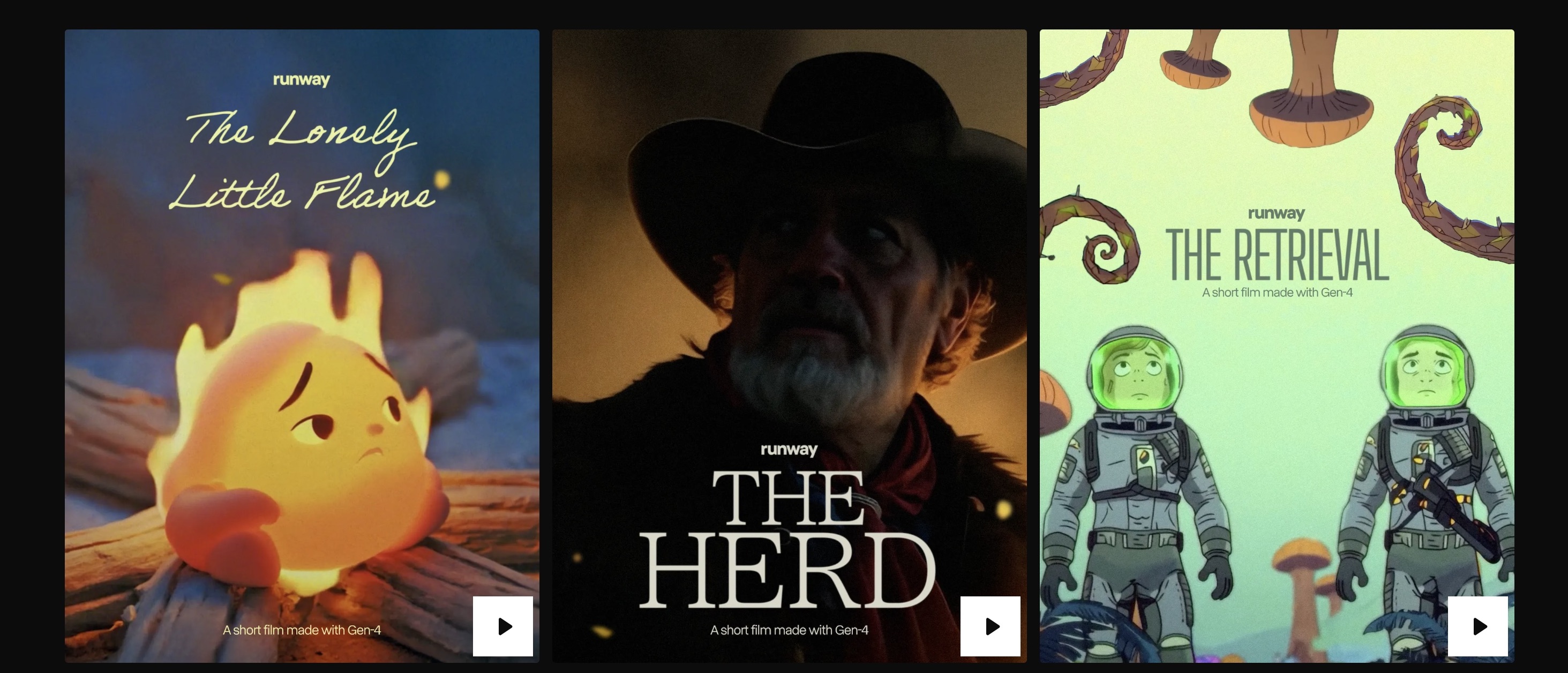
Runway AI offers Gen-3 Alpha and Gen-4 video generation models, along with a built-in video editor Runway Aleph — streamlining the AI video generation and editing processes. The AI video generation models allow you to create videos using text-based prompts, reference images, and reference videos. Runway AI ensures thorough object and character consistency across different frames, shots, and angles, making it ideal for storytelling videos. With frame interpolation feature, you can generate new frames in between for seamless transition and motion fluidity.
Key Features:
- Runway Gen-3 Alpha offers 3D-camera movement, while Runway Gen-4 ensures character consistency, cinematography, and natural motion and movement control for multi-shot storytelling.
- Runway Act II focuses more on realism with features to control gestures, facial movements, and expressions. It includes environment-aware features, allowing you to blend animated characters and scenes into videos.
- Runway Aleph is a state-of-the-art in-context video editing tool, with features to manipulate objects, edit real-time footage, and adjust camera angle. The chat-like interface makes editing simpler and faster, with features to view the edited parts in real-time.
- Runway offers a built-in lip-sync tool that lets you synchronize the uploaded audio or typed script with the video, building seamless character interactions.
- Runway AI can easily be integrated with other tools, such as Google Drive, along with team sharing, real-time editing, and project collaboration features.
Limitations:
Although Runway AI offers a relatively easier interface, using the different video generation and editing tools requires a bit of practice and learning. Also, you will need more credits to generate a high-quality video on Runway AI.
Pricing:
The free plan comes with 125 free credits with a watermark and restricted video quality. The standard plan is available at $12-15 per user/month with 625 monthly credits. The pro plan is available at $28-$35 per user/month with 2250 monthly credits.
On ImagineArt, Runway Gen-4 Turbo consumes 150 credits/video and is available with all pricing packages.
Get to know more about Runway Act II and Runway Aleph on ImagineArt blog.
2. Google Veo 3
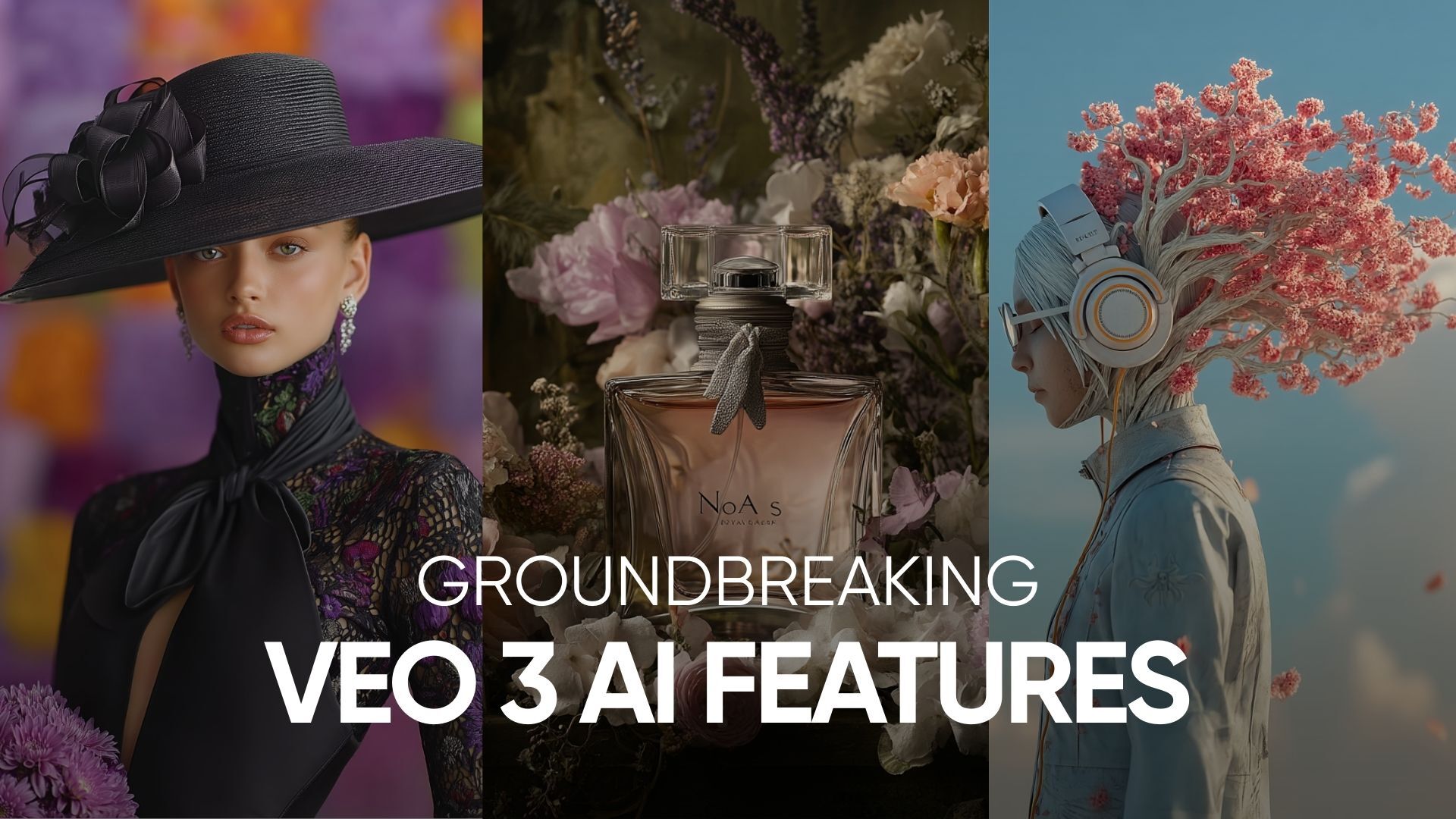
Now integrated into YouTube Shorts, Google Veo 3 offers scenic realism, physics simulation, and 4K video rendering. Through natural language prompts, you can create incredibly realistic and cinematic outputs within a minute with Google Veo 3 Fast/Turbo mode. Google Veo Fast is available for free within the YouTube application. You can also edit, rearrange, and build AI-generated clips on Google Flow using Google Veo 3 for complex scenes and action sequences.
Key Features:
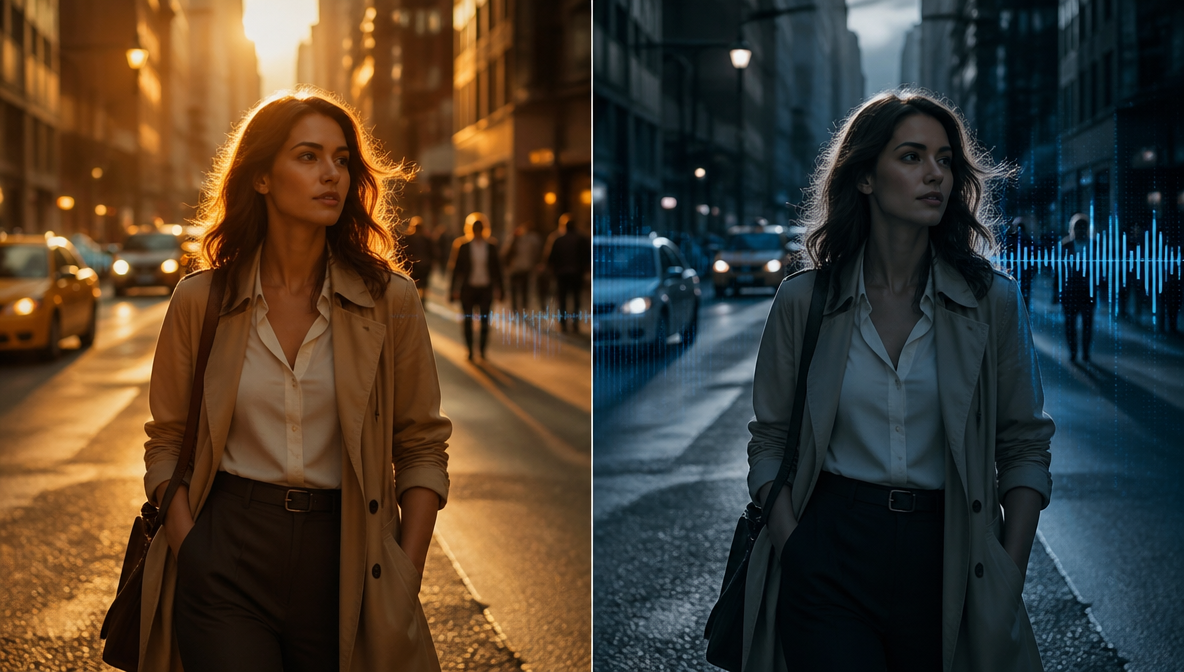
- Google Veo 3 has a built-in audio synchronizer for high-quality sound production. With capabilities to interpret context, Google Veo 3 can produce and align dialogues, sounds, and audio with video for a better viewing experience.
- It can process and understand complicated and lengthy prompts, transforming your ideas into well-detailed videos, without any reiteration or prompt refinement.
- Google Veo 3 can create scenes and action sequences based on real-world physics simulation. The precise physical behavior and reaction to gravity make your video content credible and lifelike.
- With Google Veo 3, you can create YouTube videos of up to 4K resolution — and that too without any pixelation or visual artefacts. It ensures your video content is sharp, detailed, and well-aligned with the context.
- Google Veo 3 ensures the character and scenic consistency in every frame and pixel, ensuring video continuity and visual coherence.
Limitations:
Google Veo 3 can only generate videos of up to 8 seconds. The AI-generated content can sometimes have uncanny valley effects as the characters or objects might appear unnatural.
Pricing:
Google Veo 3 comes with Fast/Turbo modes, with Fast mode requiring only 20 credits as compared to the 150 credits in standard mode. On ImagineArt, Google Veo 3 Standard consumes 1900 credits/video while Google Veo 3 Fast consumes 700 credits/video.
Get to know more about Google Veo 3 use cases and its features.
3. ImagineArt AI Video Generator
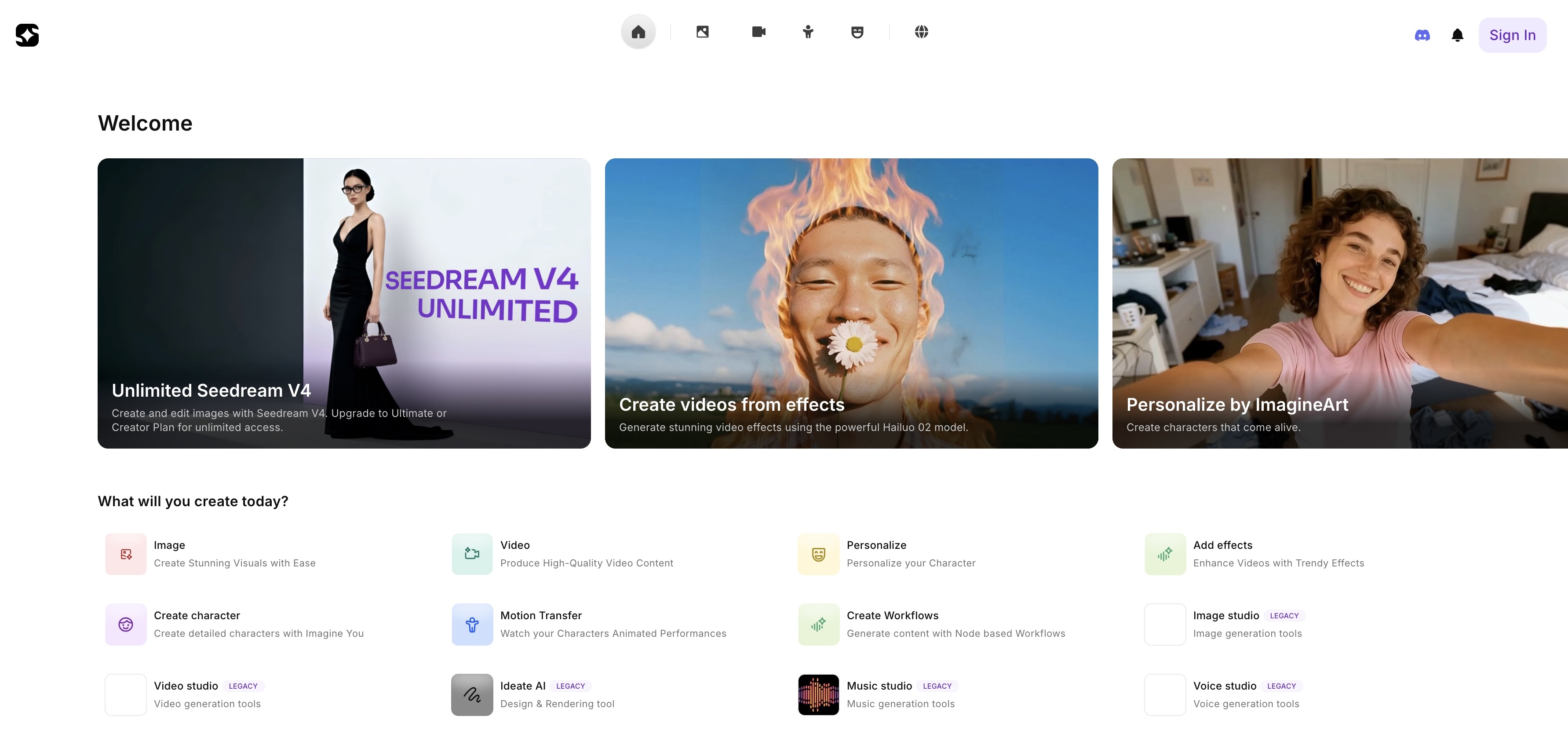 ImagineArt Tools
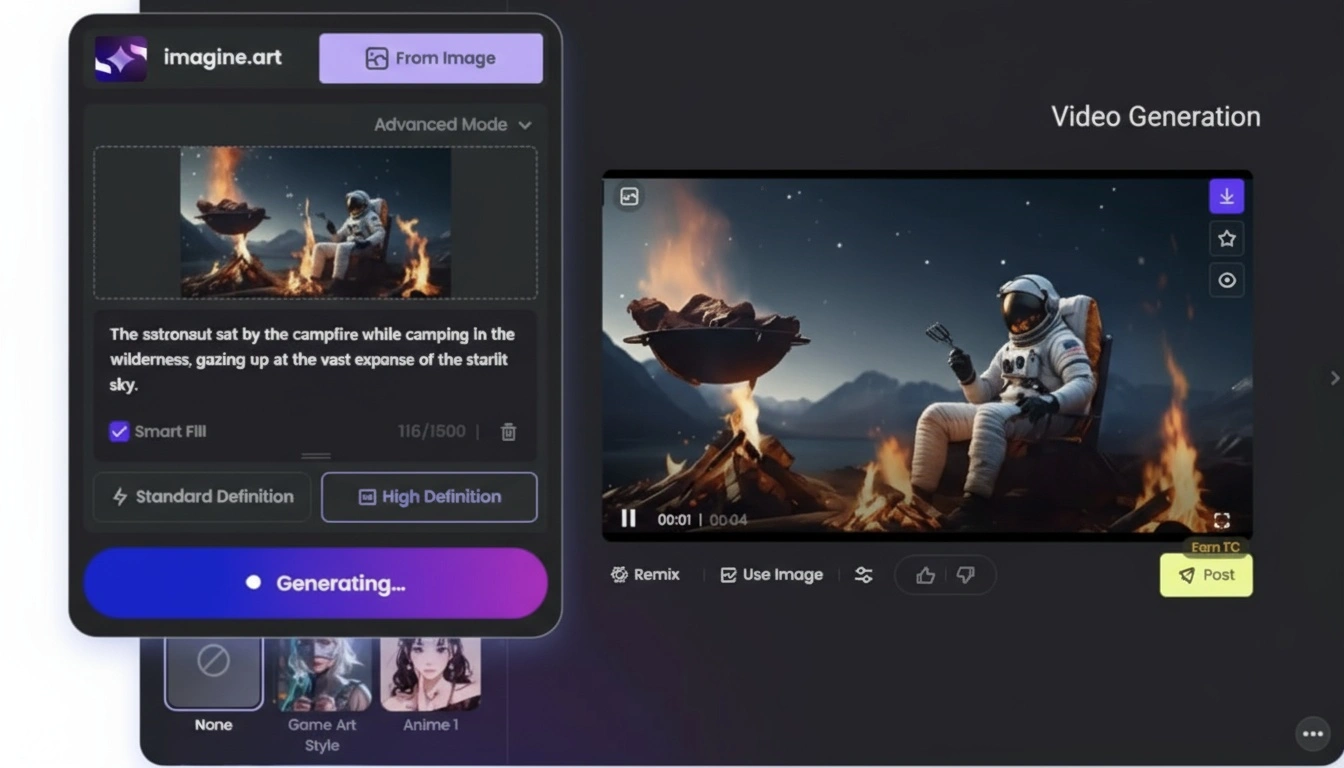
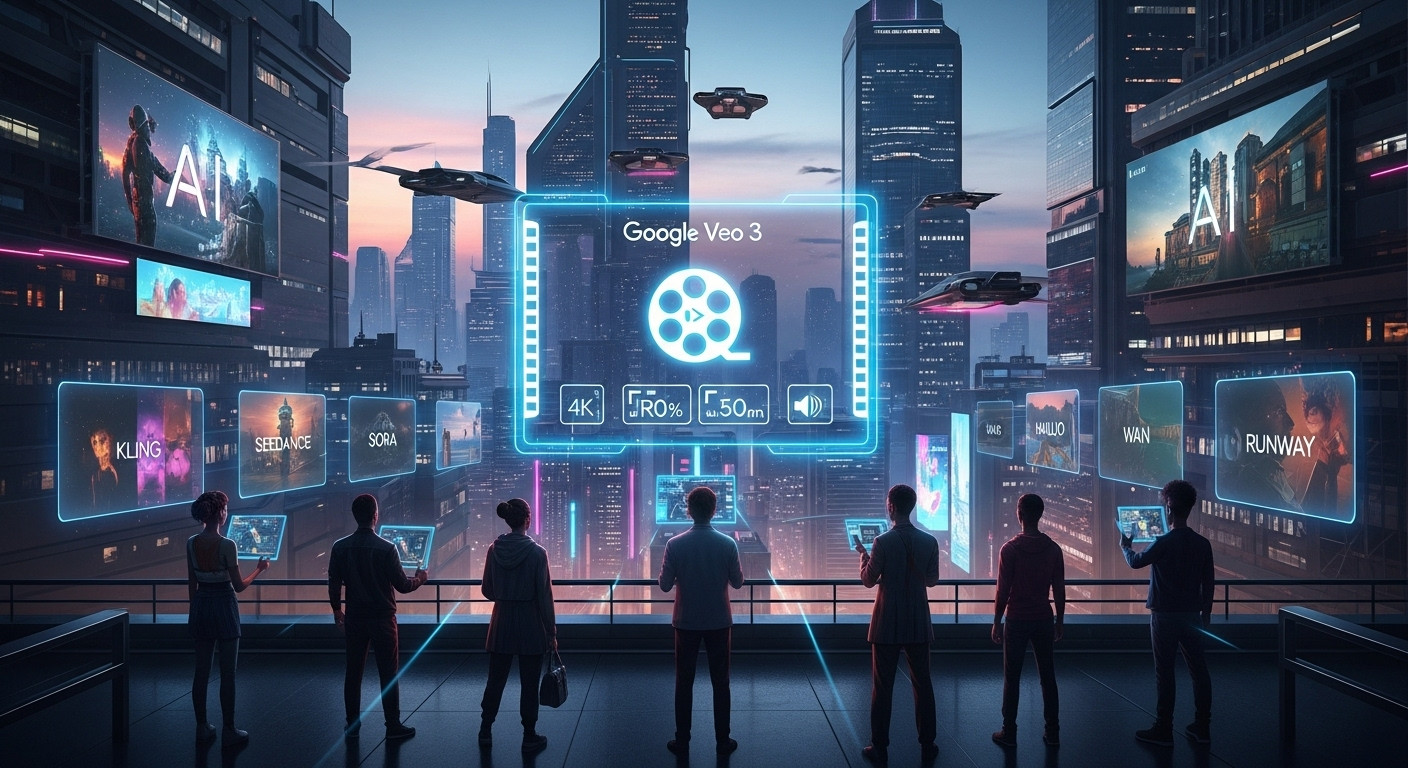
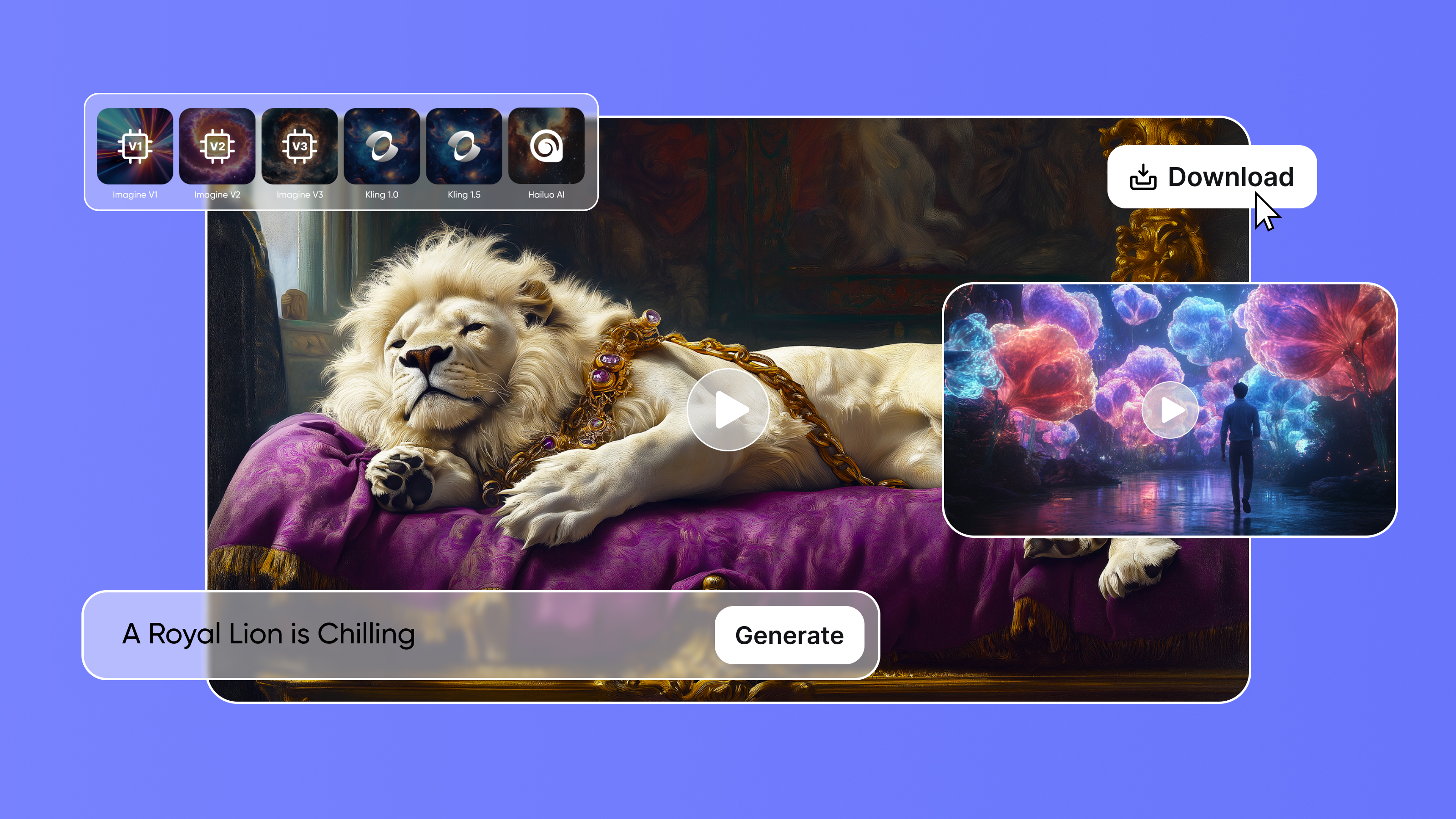
ImagineArt offers a complete AI creative suite that can create high-quality images, videos, voices, music, and creative workflows. ImagineArt AI video generator is well-integrated with top-notch AI video generation models, including Google Veo 3, Kling AI, Seedance AI, PixVerse AI, Runway, Hailuo, Wan, and more.
Key Features:
- ImagineArt also has an AI video editor that allows you to add text, music, background, logos, and images to your videos, with a simple drag-and-drop interface.
- It also includes Imagine Flow for node-based workflows that can turn complex pipelines into simple apps for teams.
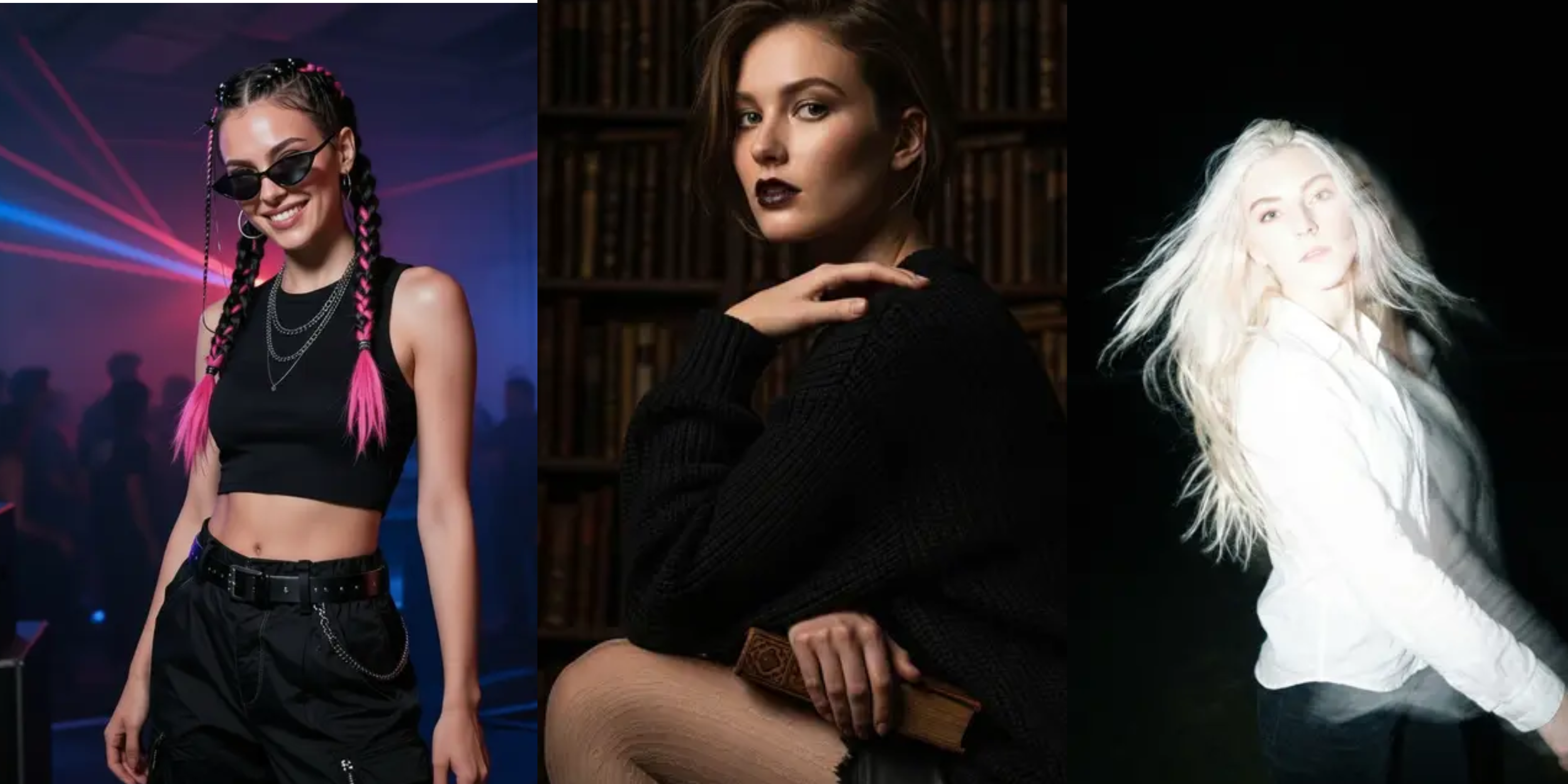
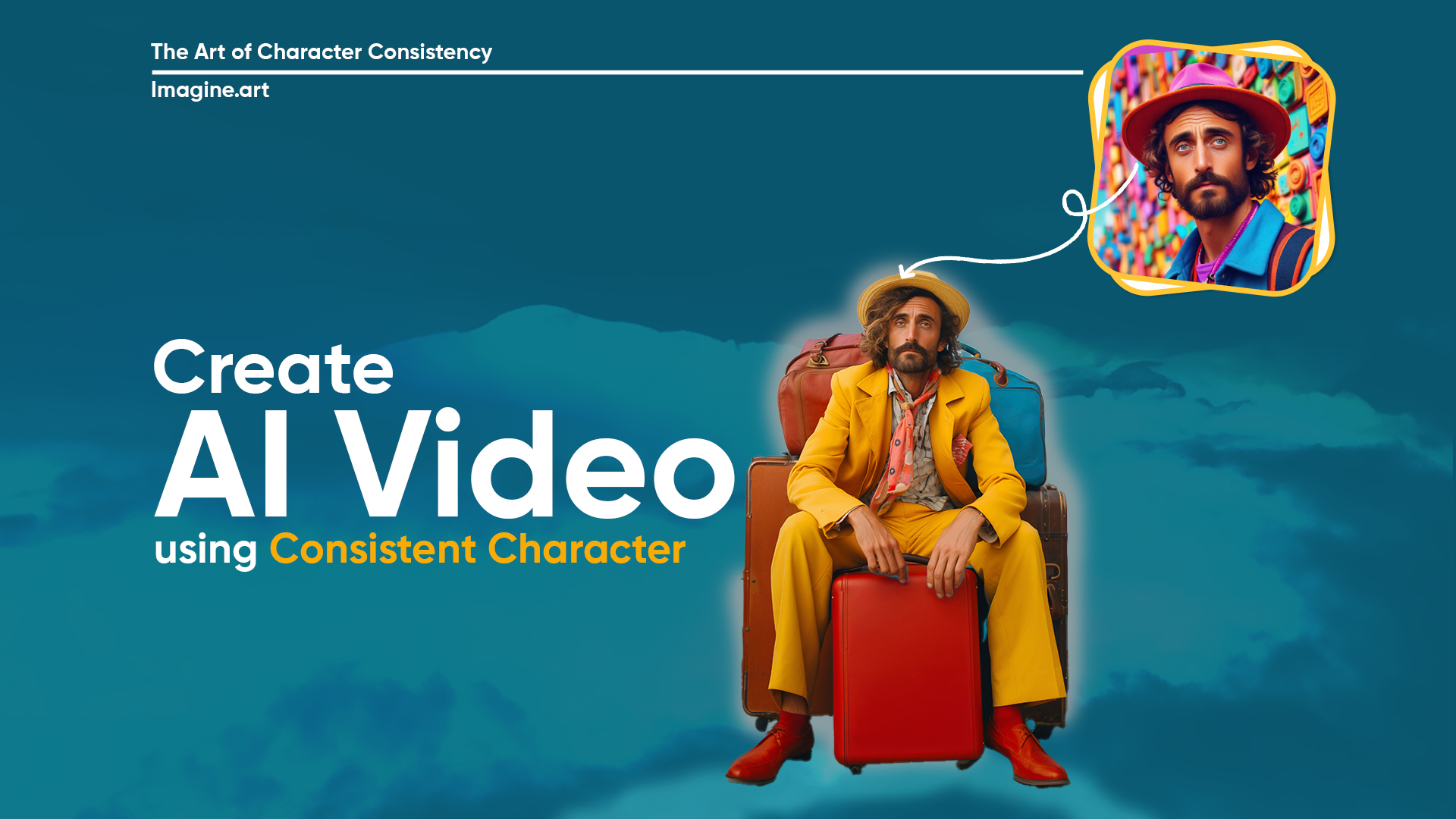
- With Imagine Create Character and Personalize tools, you can create any character in any environment you want. From AI influencers to professional presentation portraits, ImagineArt lets you build and train models with seamless accuracy.
- ImagineArt comes with a built-in design rendering tool, Ideate AI - a real-time canvas for your product designs. With Ideate AI, you can sketch out your ideas and convert them into fully designed prototypes through a single prompt.
- With ImagineArt AI video generator, you get complete creative freedom to adjust visual, audio, and video aspects while experimenting with different styles and models.
Limitations:
ImagineArt is completely cloud-based, requiring a stable internet connection. The daily free AI generative credits are limited and provide basic quality results.
Pricing:
The ImagineArt free plan comes with 50 credits and access to basic tools only. The basic plan starts at $10/month with up to 18k credit/year. The professional plan starts at $41/month with up to 180k credits/year. ImagineArt AI video editor is a free tool and doesn’t require any credits for video editing.
4. Kling AI
Kling AI can create high-resolution and minute-long videos of up to 1080p with 30 fps, making it ideal for YouTube short films, animations, and professional branding content. It also supports realistic camera movements, 3D body and facial expression reconstruction, and textural accuracy. You can adjust motions, backgrounds, transitions, and animations to create more tailored video content.
Key Features:
- Kling AI video generator includes features to map audio and video accurately. With the lip-syncing feature, you can create talking avatars and characters with your voiceover to improve narrative realism.
- It also includes features to customize scenes and background without re-generating the entire video. You can add or remove objects, subjects, and backgrounds with simple prompting.
- The platform offers advanced motion control and enhanced fluidity. You can create realistic physics-based movements, subtle body movements and expressions, and action sequences, making it ideal for filmmakers and content creators.
- Kling AI ensures thorough character, object, and scenic consistency for narrative coherence and video continuity.
- With negative prompting, you can instruct the AI video generator and specify what shouldn’t be included in the video content. This allows for tailored AI video generation without any refinement or reiteration.
Limitations:
The video quality and accuracy greatly depend on the prompt details, which require the users to learn about prompt engineering. Complex scenes and lengthy prompts might take more time for rendering and video generation.
Pricing:
The free access comes with a single-task queue and no credit restriction. The standard plan is available at $79/year with 660 credits/month. The pro plan is available at $293/year with 3000 credits/year. The premier plan is available at $728/year with 8000 credits/month.
On ImagineArt, Kling 2.1 SD consumes 150 credits, Kling 2.1 Pro consumes 270 credits, Kling 1.6 SD consumes 90 credits, and Kling 1.6 Pro consumes 280 credits. These Kling AI versions are available for all ImagineArt price packages.
Get to know more about Kling AI through prompting guide and how to use it.
5. InVideo
InVideo is a cloud-based AI video generator and editor with features designed for creating short-format content, making it perfect for YouTube Shorts. It includes a media library rich with high-quality visuals. The easy-to-use editor allows you to drag and drop assets on the timeline, simplifying the editing process. You can add effects, colors and layouts, and animations to static images. With InVideo AI video generator, you can create marketing videos, product demos, video ads, and more.
Key Features:
- InVideo AI video generator comes with built-in AI scriptwriting features that let you write scripts through text-based prompts.
- You can also add AI voiceovers or clone your favorite actor’s voice with AI voice cloning features. This adds to the content realism and human-like feel.
- With different customizable templates, InVideo features AI avatars to create branding materials, YouTube ads, social media posts, and more.
- The AI editor lets you edit, collaborate, and share your video content in real-time, saving you the cost of a third-party video editing tool.
- InVideo AI video generator is well-integrated with social media and video sharing platforms including Facebook, YouTube, TikTok, and more.
Limitations:
InVideo AI video generator doesn’t allow for credit roll over and has restricted free access to video generation and video editing tools.
Pricing:
The free plan offers 10 minutes AI video per week with watermarks. The plus plan is available at $28 with 60 minutes AI video per week and 60-second generative credits. The max plan is available at $48 with more video minutes and 320 premium visuals. The generative plan is available at $96 with 15 minutes generative credits and complete access to all features.
6. PixVerse
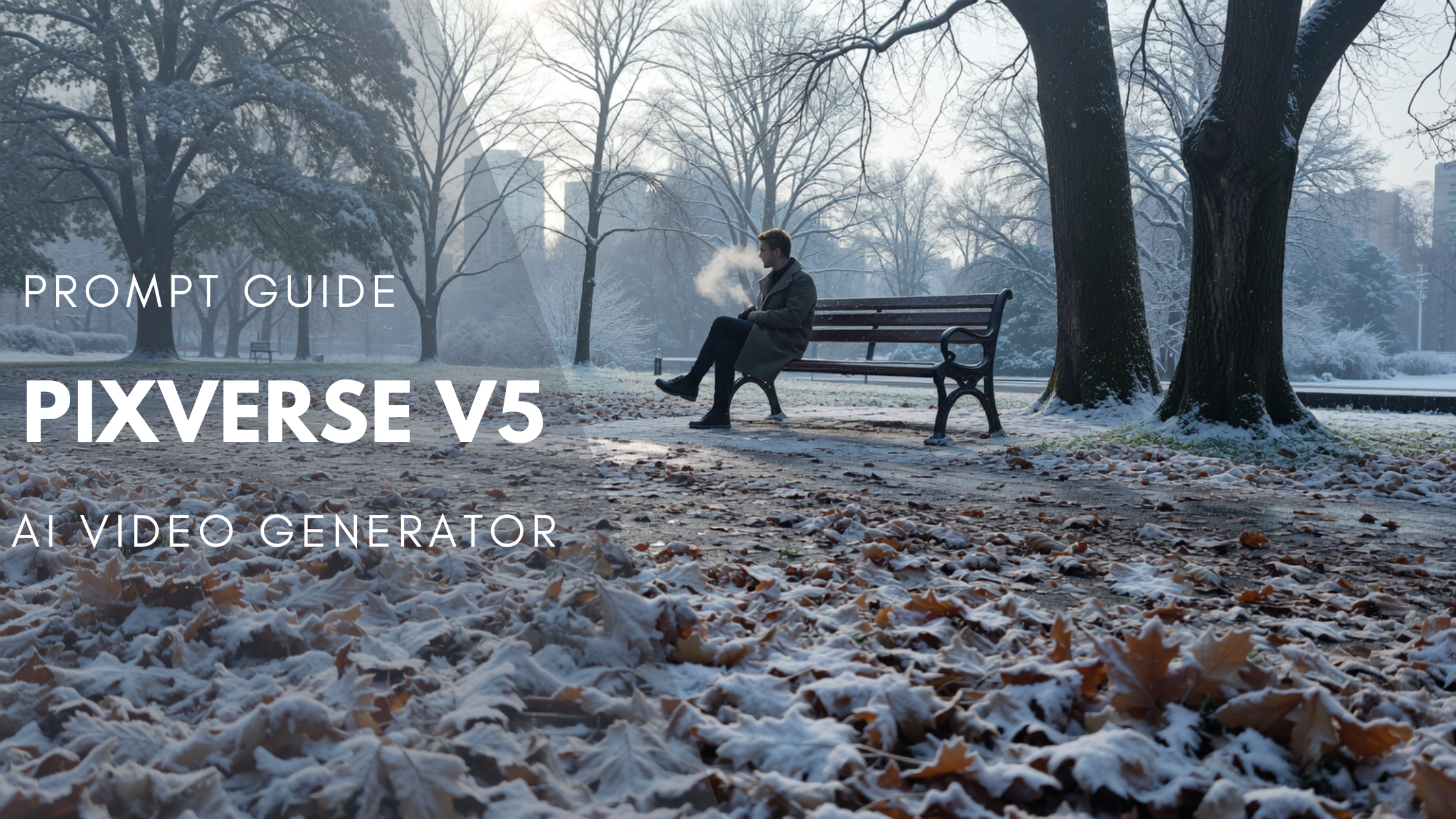
PixVerse AI launched a new AI video generation model, PixVerse V5, offering better motion quality and crispier visuals. PixVerse AI video generator offers multiple video styles, including anime, realistic, claymation, to create visually appealing storytelling videos. With an expansive library of video effects, including body morphing and dynamic animations, PixVerse can create animated content in no time.
- PixVerse AI video generator includes automated speech synchronization features, allowing you to incorporate audio, music, voiceover, and sound effects.
- It supports faster video generation, with a turnaround of a minute, making it ideal for social media content and YouTube Shorts.
- The platform includes multi-format creation, along with video extension and scene blending capabilities.
- PixVerse AI video generator can produce video content of up to 1080p resolution with cinematic quality and incredible visual clarity.
Limitations:
PixVerse has a slight learning curve with prompt specificity as sometimes results might be inconsistent. Although it has speech and sound integration features, it doesn’t allow for real-time audio recording.
Pricing:
PixVerse offers a credit-based pricing system, varying with selected model, resolution, duration, and motion mode.
On ImagineArt, PixVerse V5 consumes 240 credits/video, PixVerse V4.5 consumes 240 credits/video, PixVerse V3.5 consumes 250 credits/video, and PixVerse V4 consumes 250 credits/video.
Get to know more about PixVerse features and how to use it.
Comparison Table: AI Video Generators for YouTube
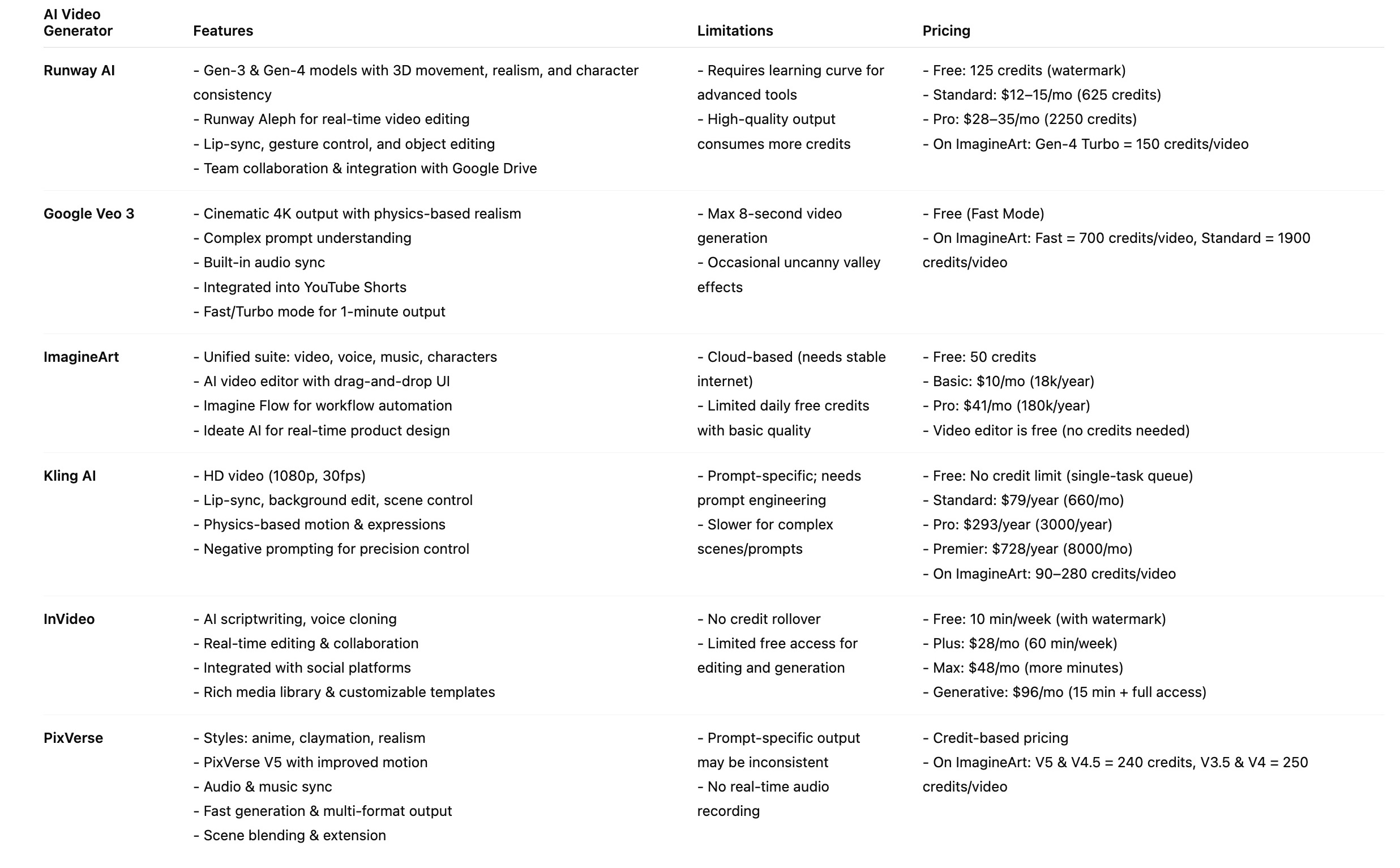
If you are looking for ease of use, versatility, and creative freedom to experiment and explore, try the ImagineArt AI video generator and its comprehensive creative ecosystem.
Exploring AI video generation tools for other creative needs? Read Best AI Video Generators for Commercial Use
Tooba Siddiqui
Tooba Siddiqui is a content marketer with a strong focus on AI trends and product innovation. She explores generative AI with a keen eye. At ImagineArt, she develops marketing content that translates cutting-edge innovation into engaging, search-driven narratives for the right audience.