
Arooj Ishtiaq
December 4, 2025 • Updated March 26, 2026
9 mins Read
Runway’s latest release, Gen-4.5, is already making waves. This isn’t just a small upgrade. After redefining what AI video tools could be with its early models, Runway Gen 4.5 has taken a major step forward, again pushing quality, realism, and creative control to a new level.
What’s even more impressive? It does all this without slowing things down or raising costs. Gen-4.5 feels faster, sharper, and more polished, giving creators more power without extra complexity.
Let’s take a closer look at what makes it stand out.
What Makes Runway Gen-4.5 Different?
Before diving into the upgrades, it helps to understand what we’re really talking about here. Gen-4.5 is Runway’s latest AI video model, built to close the gap between generated video and real-world footage. It focuses on making scenes look, move, and feel more natural while giving creators better control over the final result.
Physical Accuracy and Realistic Motion
One of the biggest differences you will notice in Runway Gen-4.5 is how realistic motion feels. Earlier models often struggled with physics, but this version handles it far better, and objects now move with believable weight, momentum, and force.
These improvements are especially clear in more complex scenes. Liquids behave like real liquids; water pours, splashes, and gathers naturally. Fabric moves and drapes the way cloth should when it’s in motion. All of these small details work together to make videos feel more real, not artificially generated.
Runway achieved this by improving both how the model was trained and the quality of the data it learned from. Gen-4.5 was exposed to better data and refined through more advanced post-training techniques. As a result, the model has a deeper understanding of how the physical world works compared to earlier versions.
Prompt:
A trucking wide side profile shot following a flying squirrel rising through the air with its arms and webbed wings outstretched.
 Runway Gen 4.5 flying squirrel by Runway
Under the hood, Gen-4.5 uses an Autoregressive-to-Diffusion (A2D) architecture built on NVIDIA GPUs. This setup combines the visual clarity of diffusion models with the strong language and scene understanding of autoregressive models, allowing the system to deliver both high-quality visuals and fast performance.
Improved Prompt Adherence
Another major upgrade is how accurately Gen-4.5 follows prompts. With earlier AI video models, you often got something loosely related to what you asked for but not exactly what you had in mind. Gen-4.5 tackles this issue head-on.
The model can now handle complex scenes with multiple elements much more reliably. If you ask for three specific objects, placed in certain positions, performing particular actions, Gen-4.5 can render that accurately. Objects and characters appear where you expect them to be and move the way you describe.
Physical interactions also line up better with your prompts. If you request a collision, you get believable contact and realistic reactions. If you describe specific character movements, they happen as written. Overall, the gap between what you type and what shows up in the final video is much smaller than before.
Expressive Character Generation
Character creation has also taken a noticeable step forward. Gen-4.5 produces characters with more expressive faces and natural body language. In earlier models, characters often looked fine at first glance, but their expressions felt stiff or unnatural. Smiles looked forced, and subtle emotions like worry or thoughtfulness were hard to pull off.
With Gen-4.5, characters can show nuanced emotions through facial expressions that feel more authentic. Gestures match the mood of the scene, and facial details remain stable as characters move. This solves a long-standing issue where faces would shift, warp, or lose consistency during motion.
Independent testing from December 2025 backed this up. Test results showed that characters maintained consistent facial expressions throughout movement. While the model isn’t perfect in every case, expressions stayed believable and coherent across full video sequences.
Prompt:
Close-up shot. A left hand grips the edge of a mirror. We can see an old man in the mirror as he tilts it up and down.
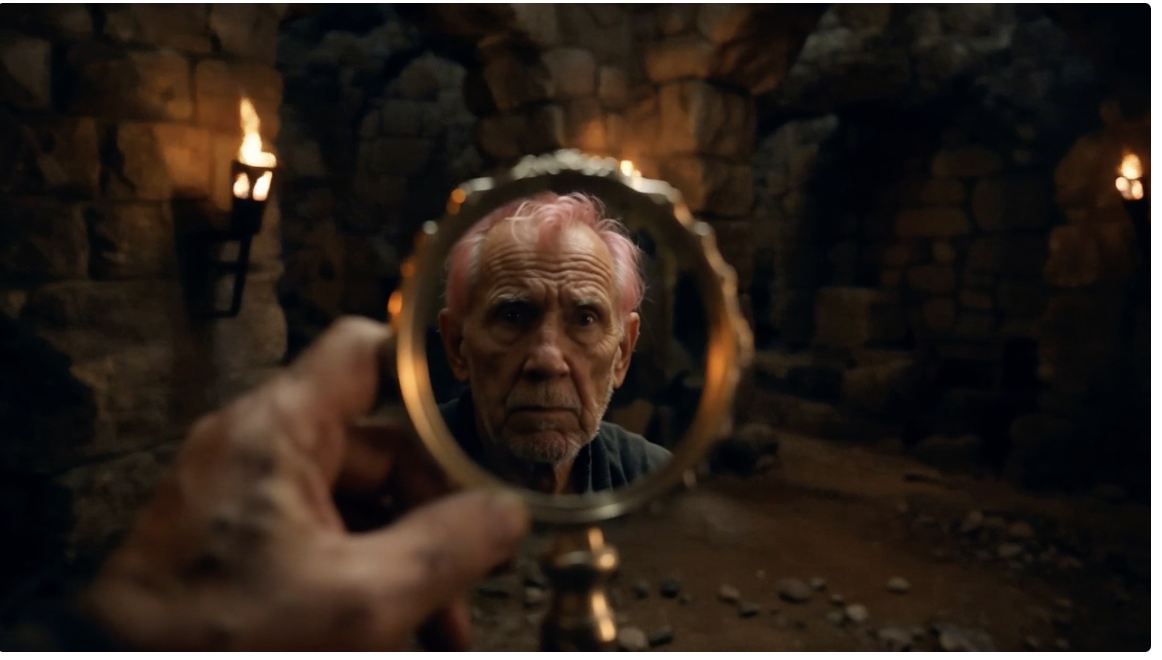 Runway Gen 4.5 cinematic shot by Runway
Stylistic Control and Visual Consistency
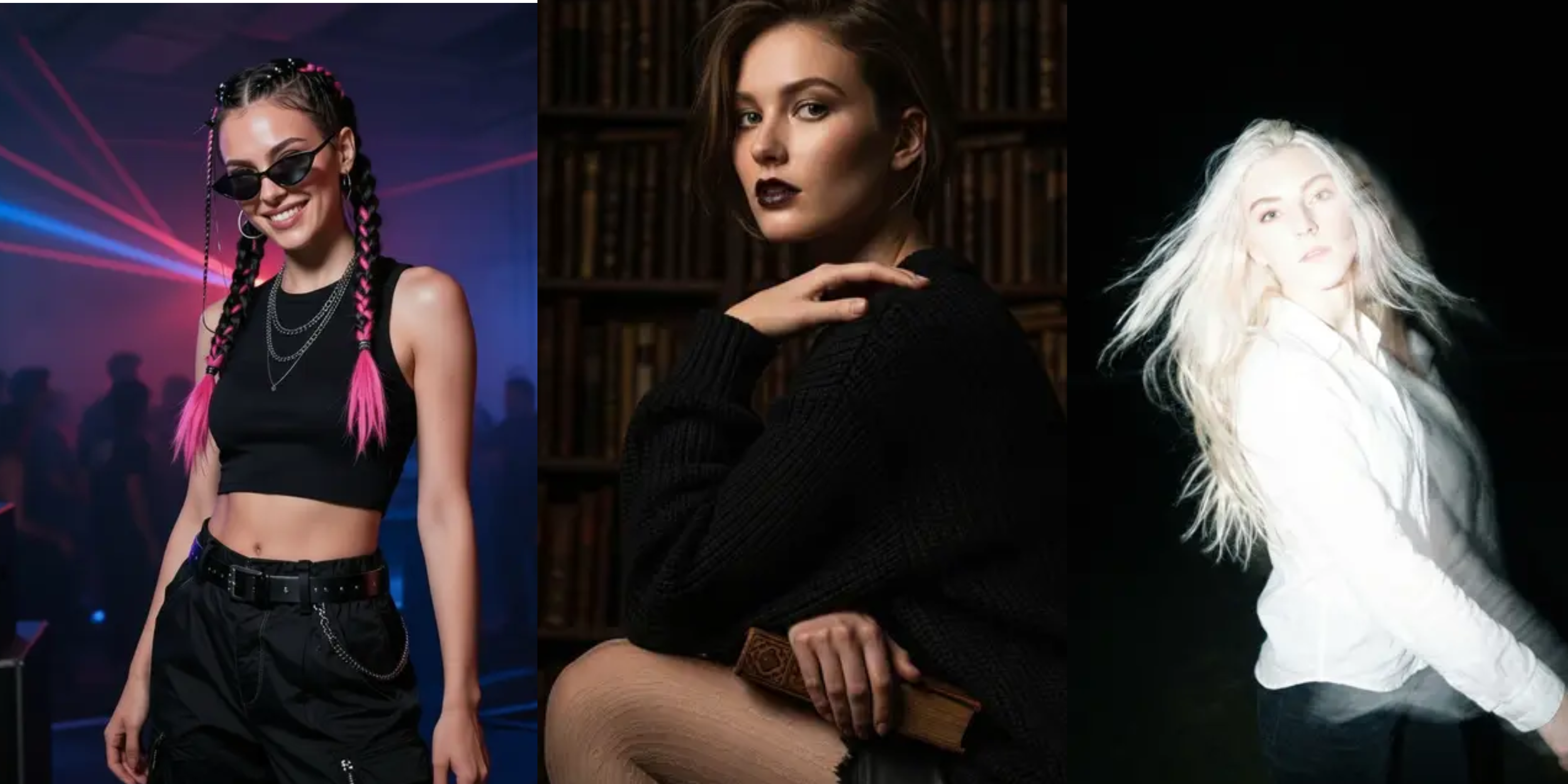
Gen-4.5 also gives creators much stronger control over visual style. It can produce photorealistic footage that closely resembles real-world video, or highly stylized animation that leans into artistic expression rather than realism.
Beyond that, the model handles everyday, slice-of-life scenes just as well as cinematic visuals with dramatic depth and polish. What really sets this apart is consistency. Once you choose a style, Gen-4.5 sticks to it. Colors remain true, lighting remains stable, and the overall look is consistent from start to finish.
The model supports a wide range of visual styles, including:
- Photorealistic footage with lifelike detail
- Stylized animation with strong artistic expression
- Everyday slice-of-life scenes
- Cinematic visuals with dramatic depth
Improved rendering algorithms ensure that quality remains consistent across entire videos. Details hold up from the first frame to the last, motion stays smooth and believable, and even complex transformations maintain visual clarity as elements move or change.
Available Control Modes of Runway Gen 4.5
Gen-4.5 gives creators multiple ways to generate and shape video, depending on how much control they want.
- Text-to-Video: Generate videos directly from written descriptions.
- Image-to-Video: Animate a static image based on a prompt.
- Video-to-Video: Transform existing footage by changing style or adding elements.
- Keyframes: Define the starting and ending frames, then let the model create the transition.
These modes can be combined. You might use an image as the first keyframe and define the last keyframe with text, letting Gen-4.5 handle the in-between. Or you can transform existing footage and extend it using text-to-video.
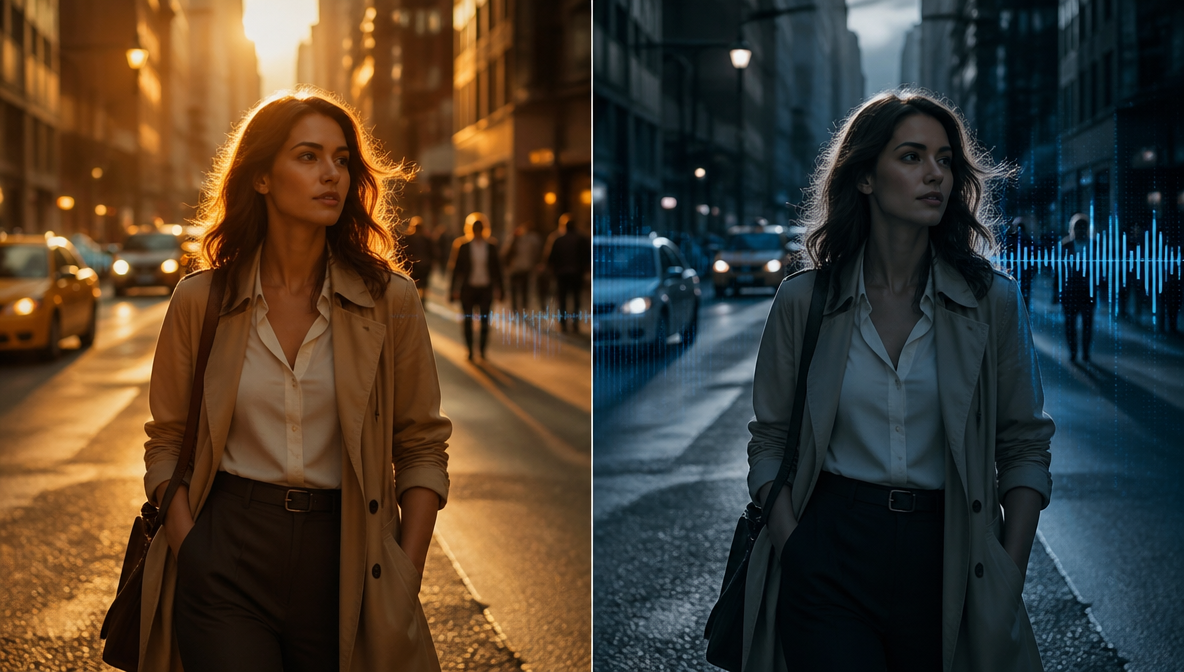
Across all modes, Gen-4.5 maintains the same speed and efficiency as Gen-4. Generation times remain practical for testing ideas and refining results.
Comparing Gen-4.5 to Competitors
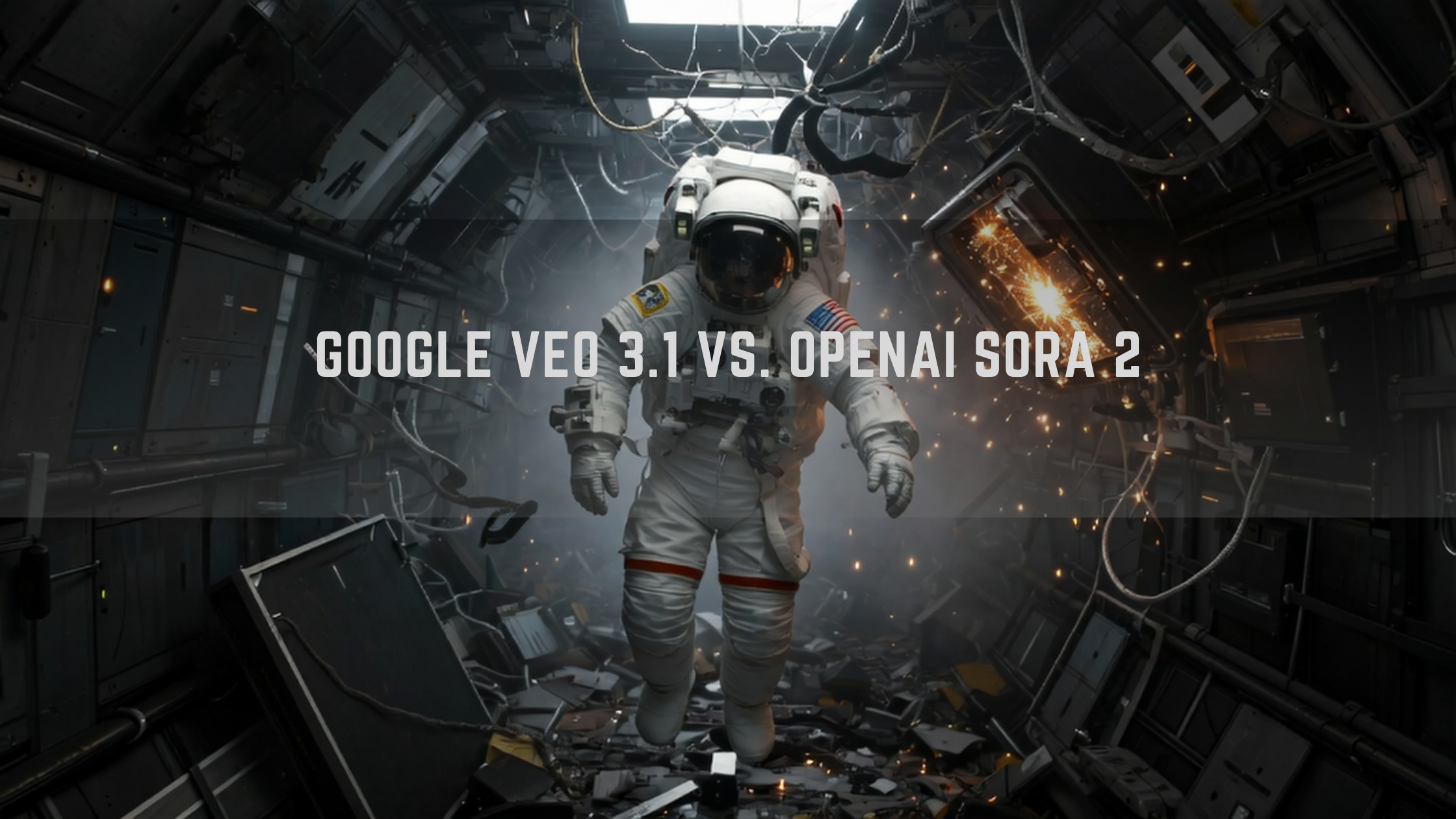
To understand where Gen-4.5 really stands, it helps to see how it compares to other leading AI video models. The two closest competitors right now are Google’s Veo 3.1 and OpenAI’s Sora 2. Each one takes a slightly different approach, and each shines in different situations.
| Area | Runway Gen-4.5 | Runway Gen-4 | Google Veo 3.1 | OpenAI Sora 2 |
|---|---|---|---|---|
| Release & Positioning | Dec 2025 update focused on higher quality and realism; top benchmark score | Earlier Gen-4 release focused on consistency and control | Google’s AI video model with built-in audio and fast output | OpenAI’s flagship video + audio model with strong realism focus |
| Main Strengths | Realistic motion, strong prompt accuracy, cinematic visuals, API support | Character continuity, multi-shot consistency, strong control | Fast 8s videos, native dialogue & sound effects, speed-optimized | Physical realism, synced audio, strong scene control |
| Video Length & Formats | Short cinematic clips; text, image, keyframe inputs | Short clips with similar control modes | Fixed 8-second outputs; fast mode available | 720p / 1080p videos with audio |
| Native Audio | Supported, but visuals prioritized | Limited support | Native audio with dialogue & effects | Core feature with synchronized audio |
| Common Limitations | Minor detail issues (faces, crowds), rare timing errors | More artifacts and motion inconsistencies | Short duration tradeoff | Still evolving for complex scenes |
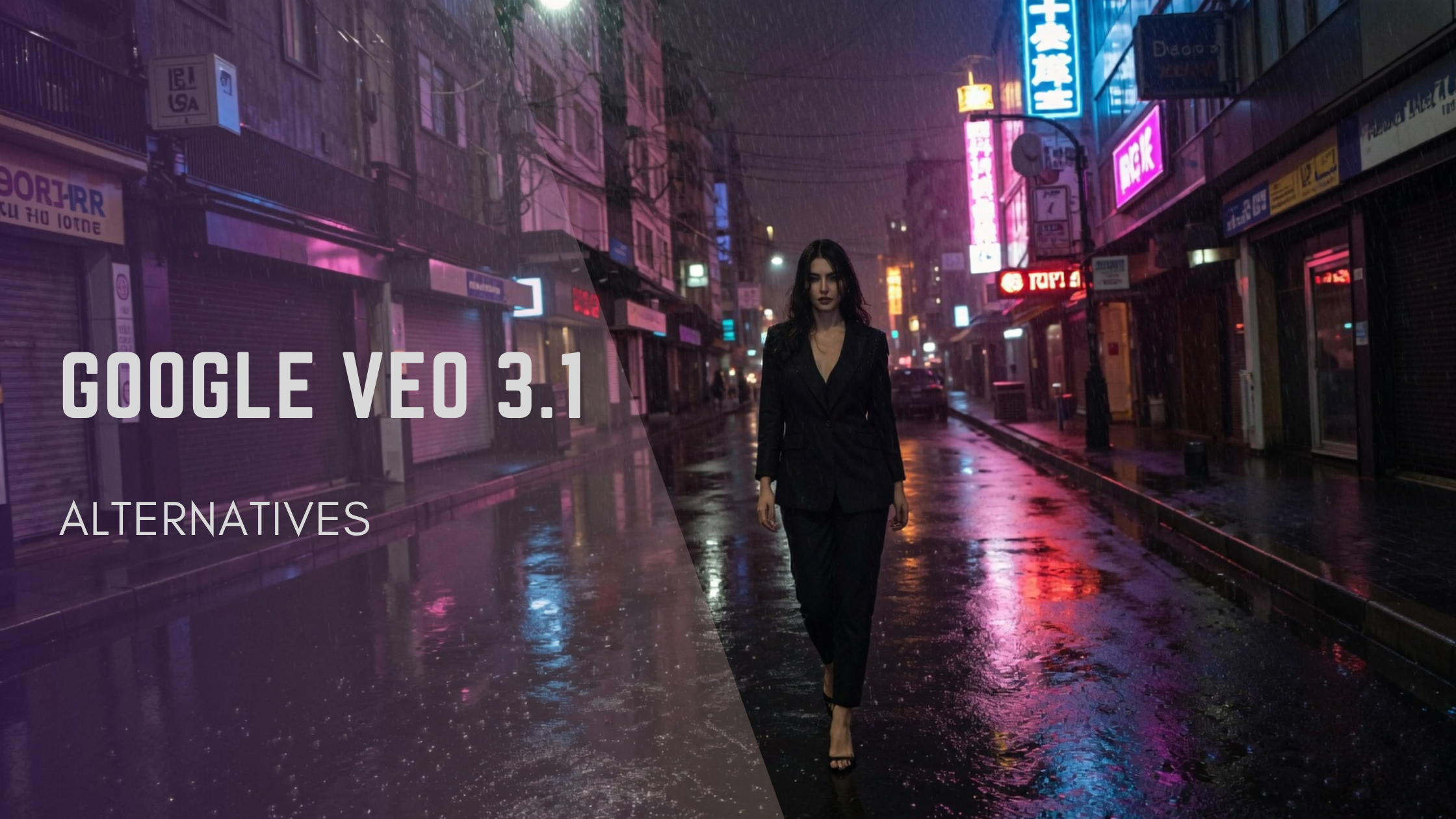
Gen-4.5 vs Google Veo 3.1
Google Veo 3.1 is the closest rival to Gen-4.5. Both models are powerful, but they’re built with different priorities in mind, which makes them better suited for different types of projects.
Where Veo 3.1 Leads
Veo 3.1 stands out in areas where speed, audio, and ecosystem integration matter most.
- Native audio generation, including sound effects and dialogue
- Fast 8-second video outputs designed for quick turnaround
- Deep integration with Google’s ecosystem, including Gemini API and Vertex AI
- Strong cinematic texture and visual styling
- Veo Studio tools are designed for structured, narrative-driven content.
Where Gen-4.5 Leads
Gen-4.5 pulls ahead when realism, motion, and physical accuracy are the priority.
- More believable motion and visual realism in blind tests
- Better handling of physics-heavy prompts and complex movement
- Stronger multi-object physics and temporal coherence
- Better character consistency across scenes
- More accurate prompt adherence for detailed compositions
Gen-4.5 vs OpenAI Sora 2
OpenAI’s Sora 2 focuses heavily on storytelling, audio synchronization, and narrative flow. It’s designed to create cohesive animated scenes guided by high-level story prompts.
Sora 2 Strengths
- Native synchronized audio and dialogue
- Strong narrative structure with atmospheric scenes
- Multimodal sync where audio and visuals work together
- Good control for complex, story-driven scenes
Gen-4.5 Strengths
- Higher visual realism scores in blind comparisons
- Better prompt accuracy and motion consistency
- More reliable performance in complex physical scenes
- Stronger results on Video Arena rankings
Use Cases for Runway Gen-4.5
- Content Creators
Enter your content details as a prompt, and let Runway text-to-video generation AI model create stories, ads, and brand videos for your social media platforms without any need for editing. Perfect for creating dance videos and fitness content, where body movements, trajectories, and motion dynamics are important.
- Marketing
With Runway Gen-4.5, brand and marketing professionals can create compelling product ads, demo videos, promotional materials, marketing explainer videos, and opening or closing shots for product ads quite efficiently.
- Filmmaking
Create cinematic scenes rich with realistic emotions, expressions, and action sequences. Perfect for storyboarding, creating trailers, animation projects, and short films.
- Gaming Content
Gaming enthusiasts and developers can generate in-game cinematics, animated scenes, trailers, gameplay teasers, and character or feature showcases.
Limitations of Runway Gen-4.5
According to Runway ML, the model still has a few limitations:
- Runway Gen-4.5 has exhibited glitches in physics understanding. In some videos, action happened after the consequence.
- Object permanence is the Achilles’ heel of AI video generation, and Runway ML is working to perfect it. You might notice sudden disappearances of objects in various frames.
- The AI video model can sometimes overestimate the correctness and accuracy of an action, leading to incorrect results.
Recommended read: Runway AI Pricing: Free vs Paid Plans
The Bottom Line
Runway Gen-4.5 sets a new benchmark for AI video generation by combining strong visual realism, accurate motion, and reliable prompt adherence. It leads current benchmarks and delivers near-cinematic results in many scenarios.
With native audio, long-form support, and Adobe integration, Gen-4.5 is now suitable for professional workflows across social media, marketing, filmmaking, and education. While limitations remain around causality and object permanence, Gen-4.5 is currently the strongest option available for creators who prioritize visual quality and realistic motion.
In case you are looking for an all-in-one AI video creation and editing experience, try Kling O1 and Kling 2.6 on the ImagineArt AI video generator.
For a recap of previous Runway AI video models, read: Runway AI Overview
Arooj Ishtiaq
Arooj is a SaaS content writer specializing in AI models and applied technology. At ImagineArt, she creates sharp, product-focused content that helps creators and businesses understand, adopt, and get real value from AI tools.