GPT Image 2 — AI Image Generator With Perfect Text
The only free GPT Image 2 tool with 100 credits every day for AI image generation without watermarks. Create high-quality, commercial-ready visuals in seconds, from posters and packaging to UI mockups, multilingual signage, and product shots built for real-world use.
How to generate free AI images with GPT Image 2
Write Your Prompt
Describe exactly what you need — product packaging with readable label copy, multilingual signage in Arabic or Japanese, a UI mockup with real interface text, advertising creative with your exact headline, or a complex multi-subject scene.
Hit Generate
Click generate and GPT Image 2 goes to work. Unlike standard image models that render blindly, GPT Image 2 reasons about spatial relationships, text placement, and compositional accuracy before producing a single pixel.
Preview, Refine, and Download
Preview your output and download instantly without any watermark. If you want to push further, type a refinement instruction in plain language and GPT 2 edits only the element you describe, leaving everything else intact.

Pixel-perfect Multilingual Typography
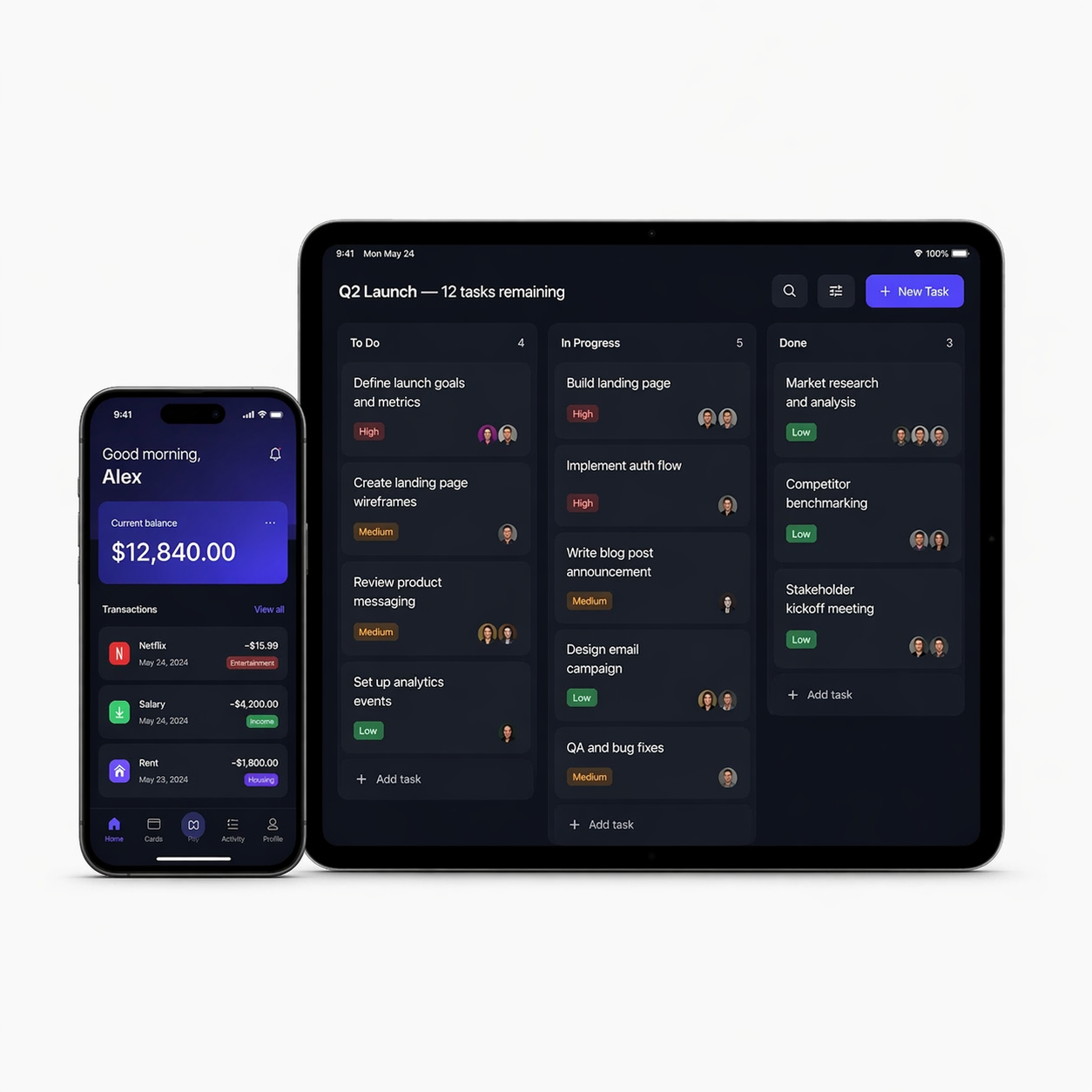
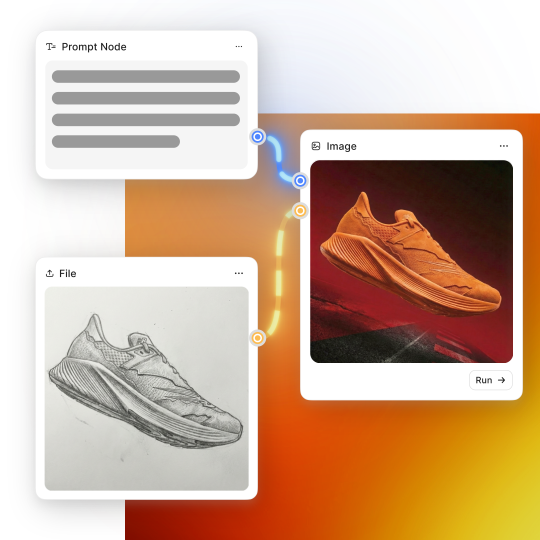
Realistic UI mockup and app screenshot generation
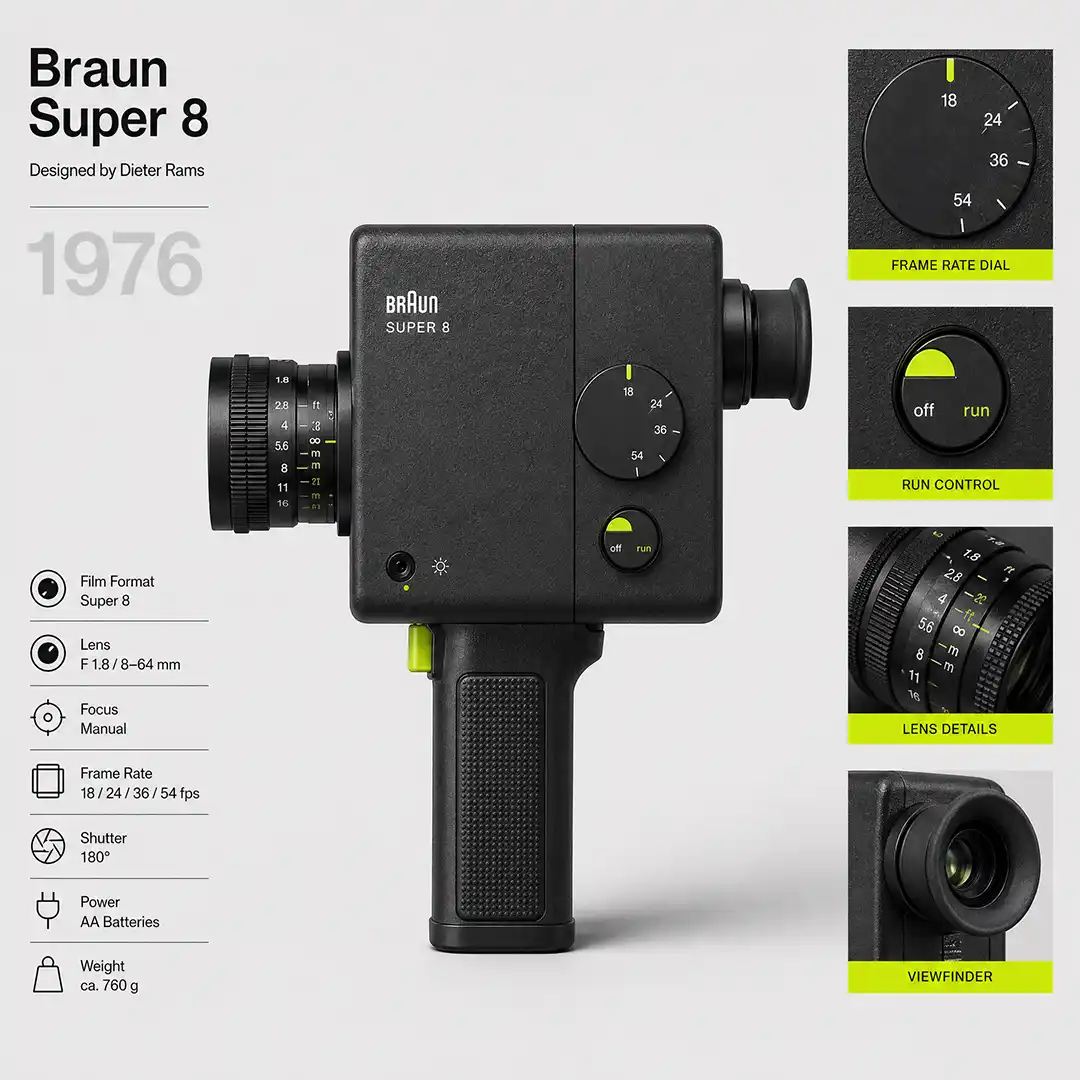
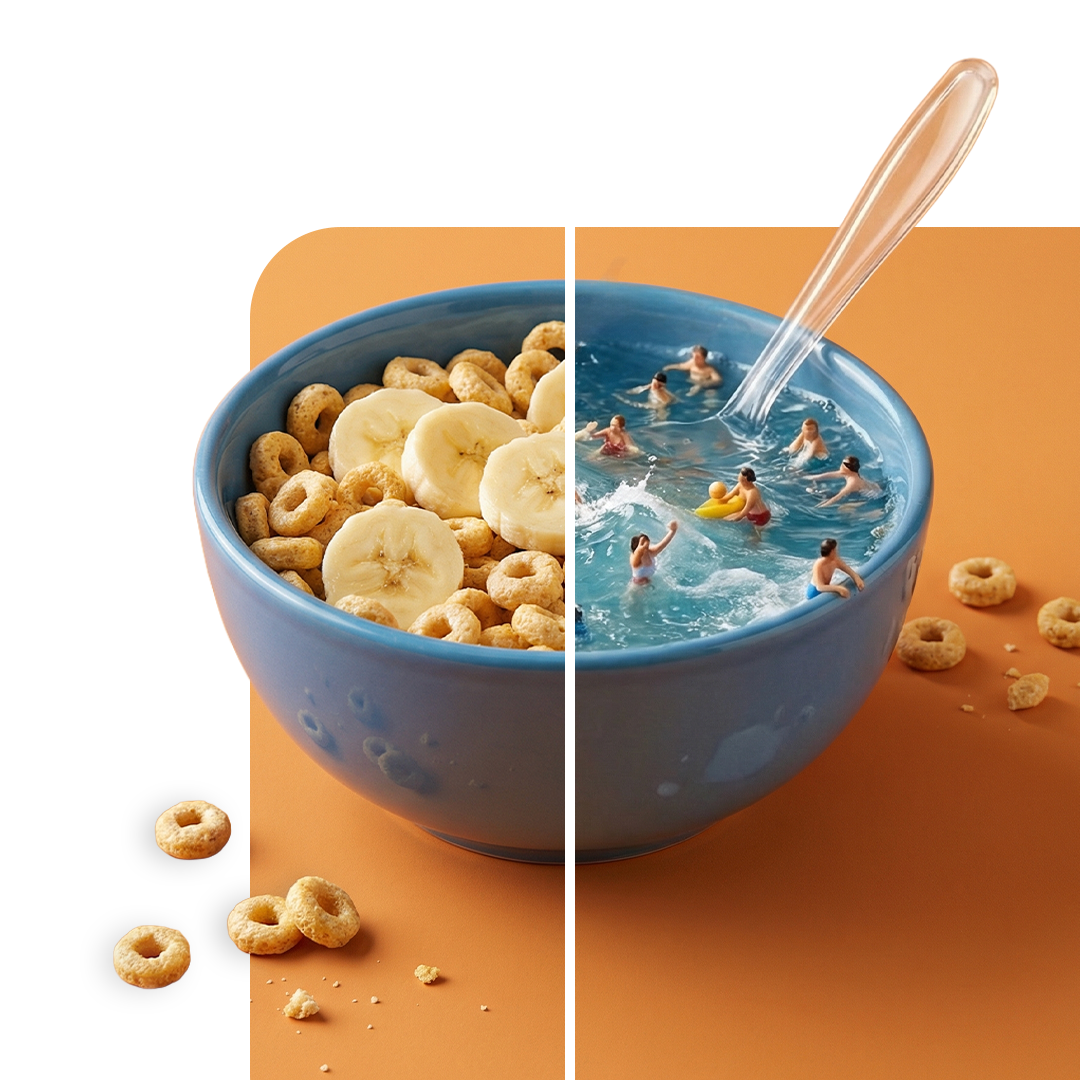
Visual Consistency Across Every Shot
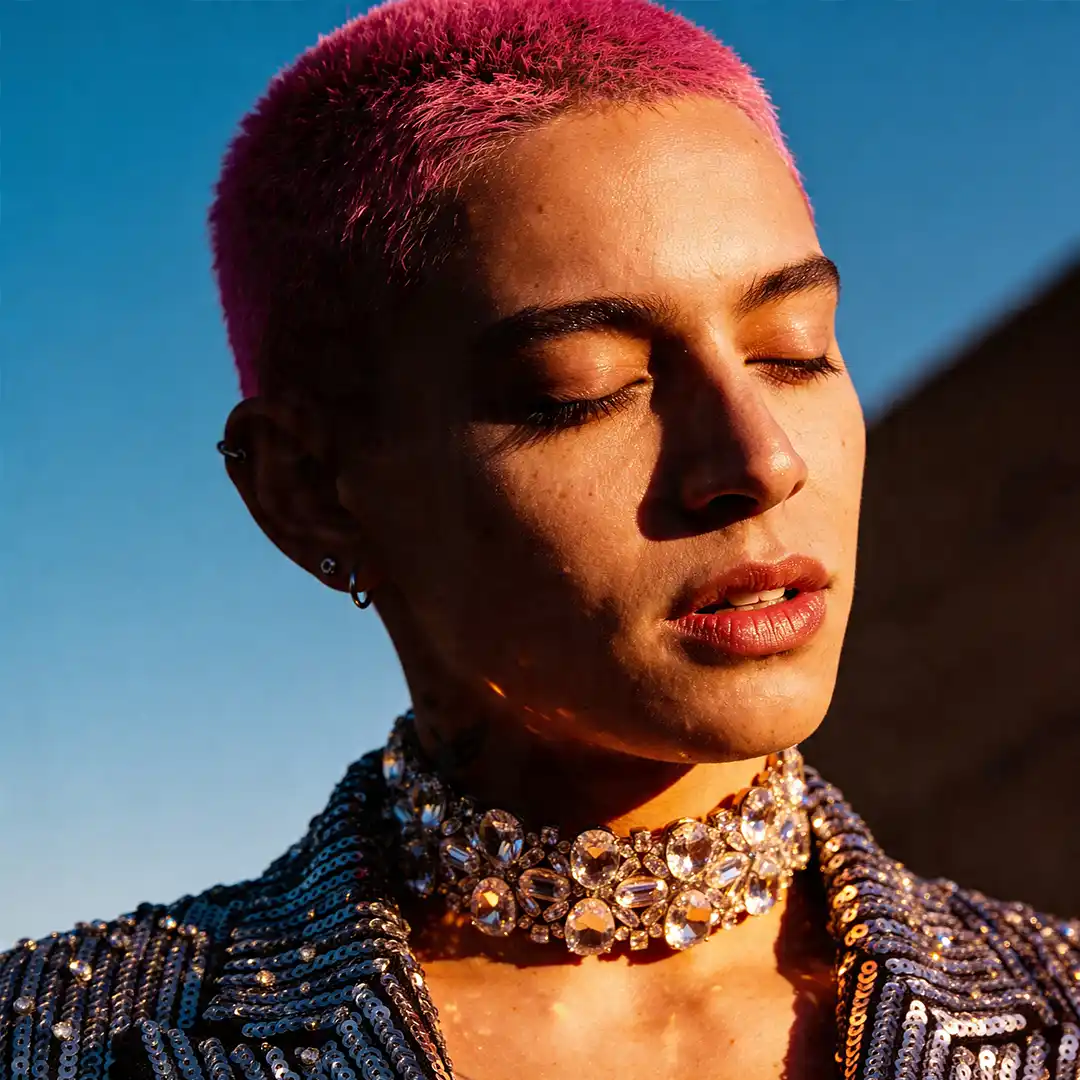
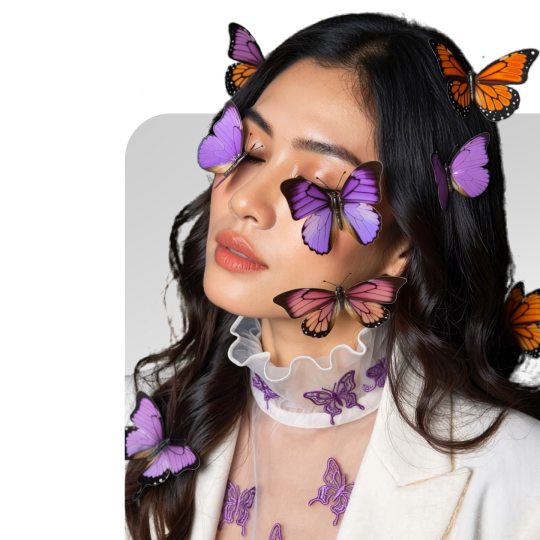
Improved photorealism
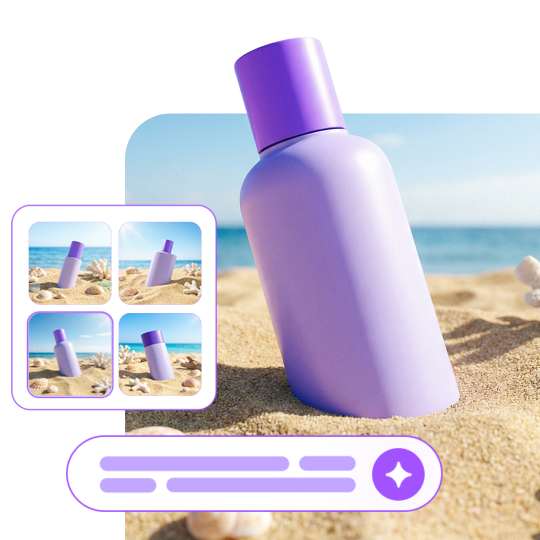
Trusted by Professionals and Creators from top Brands and Companies
Hear From ImagineArt Users
I’ve been designing packaging labels for 8 years and text inside AI images was always a mess. GPT Image 2 on ImagineArt got my Korean and Arabic label copy right on the first try. I’ve cut my iteration time by 60%.

Anya Petrova

We run multilingual ad campaigns across 12 markets. GPT Image 2 is the first tool that handles Chinese, Arabic, and Hindi text inside images without me having to fix anything afterward. The free credits alone covered all our initial testing.

Ben Harris
Our product team used to spend two days in Figma before every client presentation. Now we generate the wireframes and UI concepts in GPT Image 2, get client sign-off on direction, then hand the approved concept to design. We've cut pre-production time in half."

Isabelle Kim
FAQS
GPT Image 2 is OpenAI’s next-generation image model, released April 21, 2026, and available via the API as gpt-image-2. It is the first OpenAI image model with native O-series reasoning, meaning it plans and verifies its output before generating. It is natively integrated into GPT-4o and available free on ImagineArt with 100 credits daily.
Yes. GPT Image 2 is free on ImagineArt. You receive 100 free credits every day and make generate ai images without watermark. Free credits refresh automatically daily, so most individual creators and small teams generate everything they need without ever upgrading. For high-volume commercial use or priority processing, ImagineArt’s paid plans offer unlimited generations.
Four major upgrades: in-image text accuracy jumps to roughly 95% across multilingual scripts (up from ~80% in 1.5); native O-series reasoning lets the model plan the composition before generating; the warm color cast and yellow tint of 1.5 is fully removed; and output resolution reaches up to 2K with aspect ratios from 3:1 to 1:3. Generation is also meaningfully faster.
Yes. Signs, menus, UI copy, packaging labels, infographic text, multilingual signage, and handwritten notes all render correctly across Latin, CJK (Chinese, Japanese, Korean), Hindi, Bengali, and Arabic scripts — with consistent spacing, clean letterforms, and correct line breaks. GPT Image 2 handles curved surfaces, small sizes, and dense layouts that broke every previous AI image model.
Marketing graphics and social media ad creative, product and packaging mockups with readable label copy, app UI visualization and wireframes, pitch deck visuals, e-commerce product shots, multilingual signage in any script, editorial photography, infographic design, brand campaign variants, and any workflow where precise text rendering or strong photorealism matters. All outputs are licensed for commercial use.
GPT Image 2 is architecturally distinct — OpenAI describes it as a generalist reasoning model for images rather than a traditional diffusion model. It delivers far better text rendering, native reasoning, and stronger instruction-following than DALL-E 3. Importantly, DALL-E 2 and DALL-E 3 are both being retired on May 12, 2026. GPT Image 2 is their direct replacement and the recommended model for all production image work.
Midjourney v7 produces strong artistic and aesthetic outputs but has limited text rendering (no reliable CJK or Arabic support), no native reasoning, and no free tier. GPT Image 2 leads on text accuracy, multilingual script support, commercial prompt-following, and consistent character output across batches. For highly stylized artistic work, Midjourney remains competitive. For commercial work requiring readable text, accurate layouts, or brand consistency, GPT Image 2 is the stronger choice.
GPT Image 2 is highly effective for generating logo concepts, brand identity mockups, icon sets, and visual direction decks. It renders typography with high accuracy, respects color specifications, and maintains visual consistency across brand asset variants. For final production logos, a human designer should handle vector export and refinement — but for ideation, client concept approval, and initial creative direction, GPT Image 2 compresses hours of work into seconds.
GPT Image 2 supports output up to 2K resolution with aspect ratios from 3:1 to 1:3, covering portrait, square, landscape, and ultra-wide formats. This covers everything from Instagram portrait posts and square social graphics to widescreen banner ads and cinematic compositions. Higher quality tiers produce finer surface detail, sharper text, and better material rendering.
Yes. Multi-turn editing lets you request targeted changes — swapping a background, adjusting a color, replacing an object, extending a scene, changing a hairstyle — while the rest of the image stays intact. You can upload a reference and describe the change in plain language without any masking tools or technical setup. Targeted edit accuracy is significantly improved over GPT Image 1.5.
Visit the GPT Image 2 generator on ImagineArt. Write a prompt or upload a reference image. Click generate. Your first image is free — 100 credits refresh daily. Sign up for a free ImagineArt account to save your outputs, track your credits, and access image editing and upscaling tools.