Faisal Saeed
October 2, 2025 • Updated August 7, 2026
12 mins Read
Most ecommerce teams no longer ask whether to use AI. They ask which tools deserve a slot in the stack. Gartner projects that half of all online searches will involve an AI assistant by 2028, and the tool market has responded with hundreds of products that all claim to be essential. The wrong picks add subscription costs without adding revenue.
This guide compares the best AI tools for ecommerce in 2026, organized by the job each one does. For every tool you get what it is best at, where it falls short, and what it costs, so you can match tools to bottlenecks instead of collecting logins.
Not anymore.
AI tools are revolutionizing the way e-commerce businesses approach visual content creation, allowing marketers, designers, and content creators to produce stunning visuals faster and more efficiently. In this blog, we'll explore the top 10 AI tools that can elevate your e-commerce marketing strategies.
How We Picked These Tools
Every tool on this list was judged on four things.
- Commerce fit: does it understand product catalogs, listings, and buyer intent, or is it a generic AI tool with a storefront skin
- Integration depth: does it plug into Shopify, WooCommerce, and the rest of a typical stack without custom work?
- Time to value: can a small team get measurable output in the first week?
- Cost honesty: does the entry price reflect what you actually pay at real usage levels?
Comparison Table
| Tool | Category | Free option | Starting price |
|---|---|---|---|
| ImagineArt | Visual content and ad creative | 100 free daily credits | Paid plans on the pricing page |
| Shopify Magic + Sidekick | Platform-native AI | Included with Shopify plans | No extra cost |
| Klaviyo | Email and SMS | Free up to 250 profiles | From $20/mo |
| Jasper | Copywriting | 7-day trial only | From $59/mo (annual billing) |
| Tidio | Customer support | Free plan | From $29/mo; Lyro AI add-on from $39/mo |
| Flair AI | Product photography | Free plan | From around $10/mo |
| Synthesia | Avatar video | Free basic plan | From around $18/mo (annual billing) |
| Midjourney | Image generation | None | From $10/mo |
| Surfer SEO | Content optimization | 7-day trial only | From $69/mo |
Pricing verified July 2026. Vendor pricing changes often; see each tool section for the source link.
ImagineArt
 ImagineArt
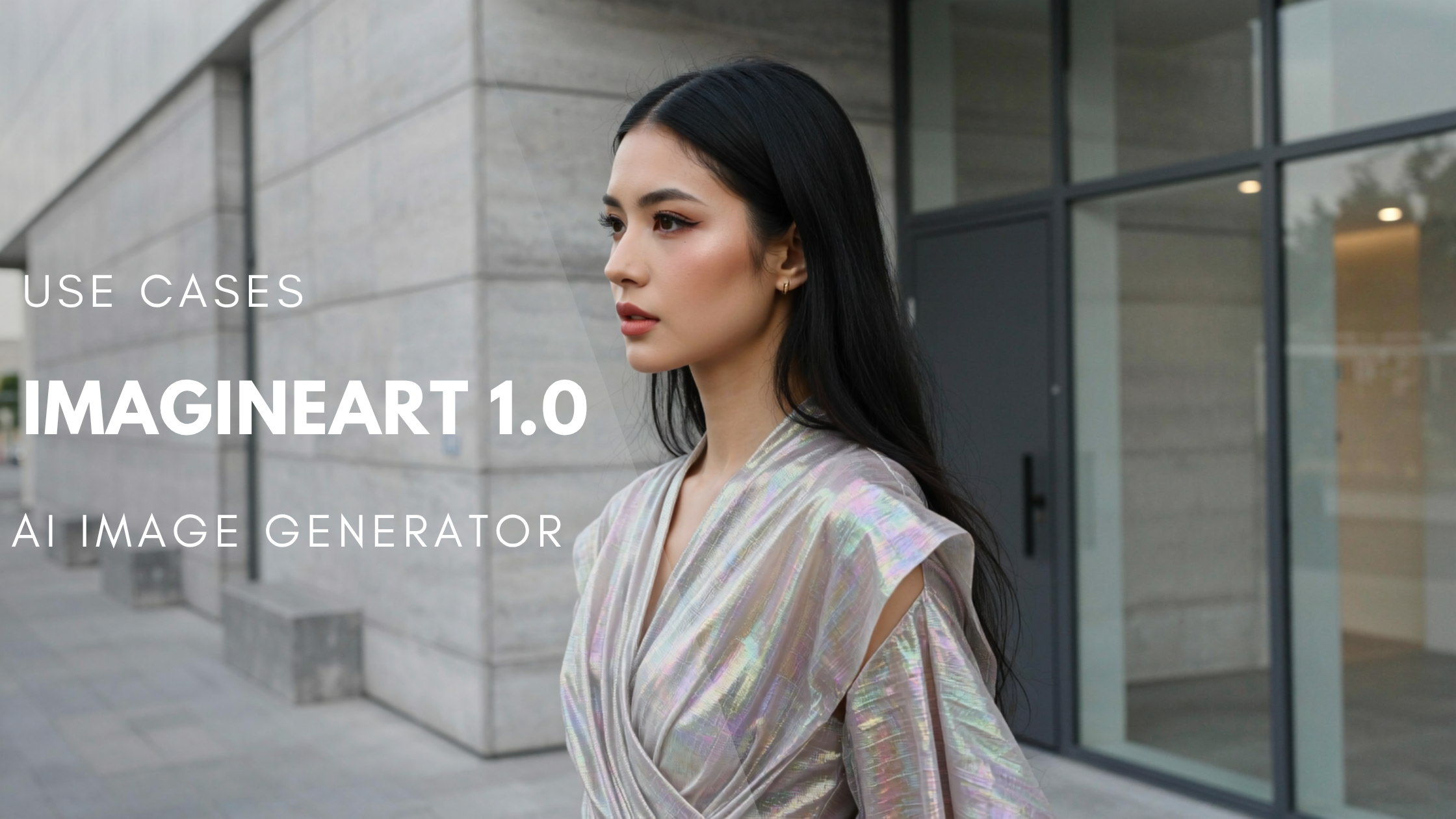
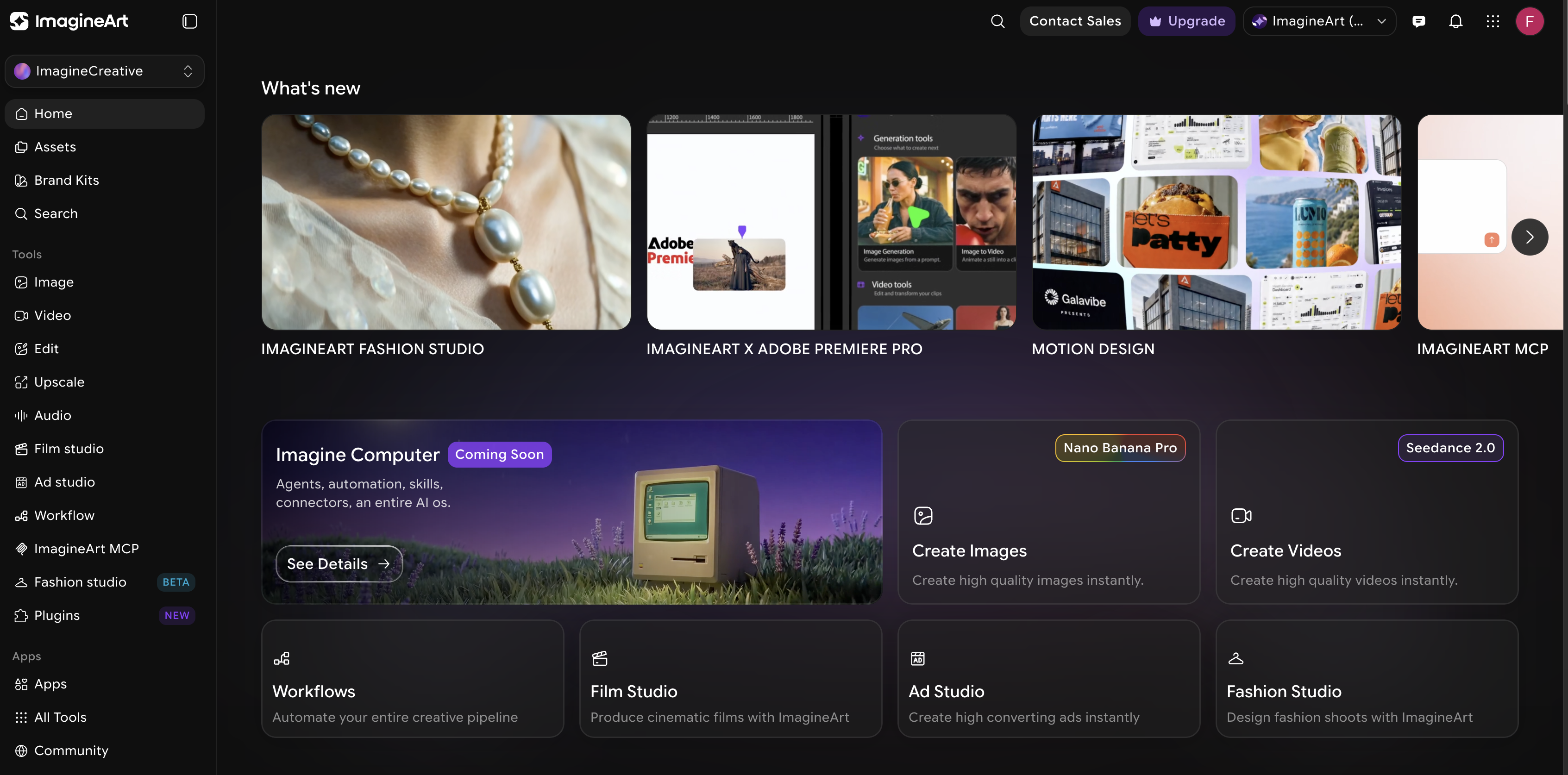
ImagineArt is an AI creative platform that covers the full visual content pipeline for ecommerce: product images, lifestyle shots, product videos, and ad creatives, all from one workspace. Instead of subscribing to one tool for images, another for video, and a third for ads, everything runs from a single account with 100 free daily credits and no credit card required.
Key features for ecommerce teams:
- 30+ image models in one place: The AI Image Generator includes ImagineArt 2.0, Nano Banana 2, Seedream 5, Flux 2, GPT Image 2, and Midjourney V7, so you can pick photorealism for product shots, vector output for logos, or clean in-image text for promo graphics without switching tools.
- Custom model training: Train a model on your own product references to keep products, characters, and brand aesthetics consistent across every generation, which is what makes AI output usable for a real catalog.
- Full editing suite: Background removal, upscaling to 4K, and precise object swaps on existing photos, so real product photography can be enhanced rather than replaced.
- Top video models: The AI Video Generator runs the current lineup including Seedance 2.0, Kling 3.0 Pro with native 4K at 60fps, Veo 3.1, Sora 2, and Wan 2.6.
- Product-specific video tools: The AI Product Video Maker turns product images into short promotional videos for TikTok, Instagram, and product pages, and Motion Transfer extracts motion from a reference video and maps it onto your own product so you can recreate a trending format with your item.
- Ads from a product link: AI Ad Studio turns a product URL or image into multiple ad variations in minutes, with ready-made formats like UGC, unboxing, virtual try-on, and ASMR, plus AI avatars and hook selection for the first three seconds.
- Fashion Images and Videos from a prompt: Finished catalog and editorial fashion shoots for your store made possible with advanced features like AI Fashion Studio. Create videeos, images, ghost mannequins, change backgrounds or models.
Ad Studio is used by brands including Unilever, Knorr, and Kayali, and the variation volume is what makes structured A/B testing practical for small teams: you can test five creative angles in the time a design queue would produce one.
Best for: teams that want image, video, and ad generation in one subscription instead of three separate tools.
Pricing: 100 free daily credits; paid plans on the pricing page.
Flair AI
 Flair AI
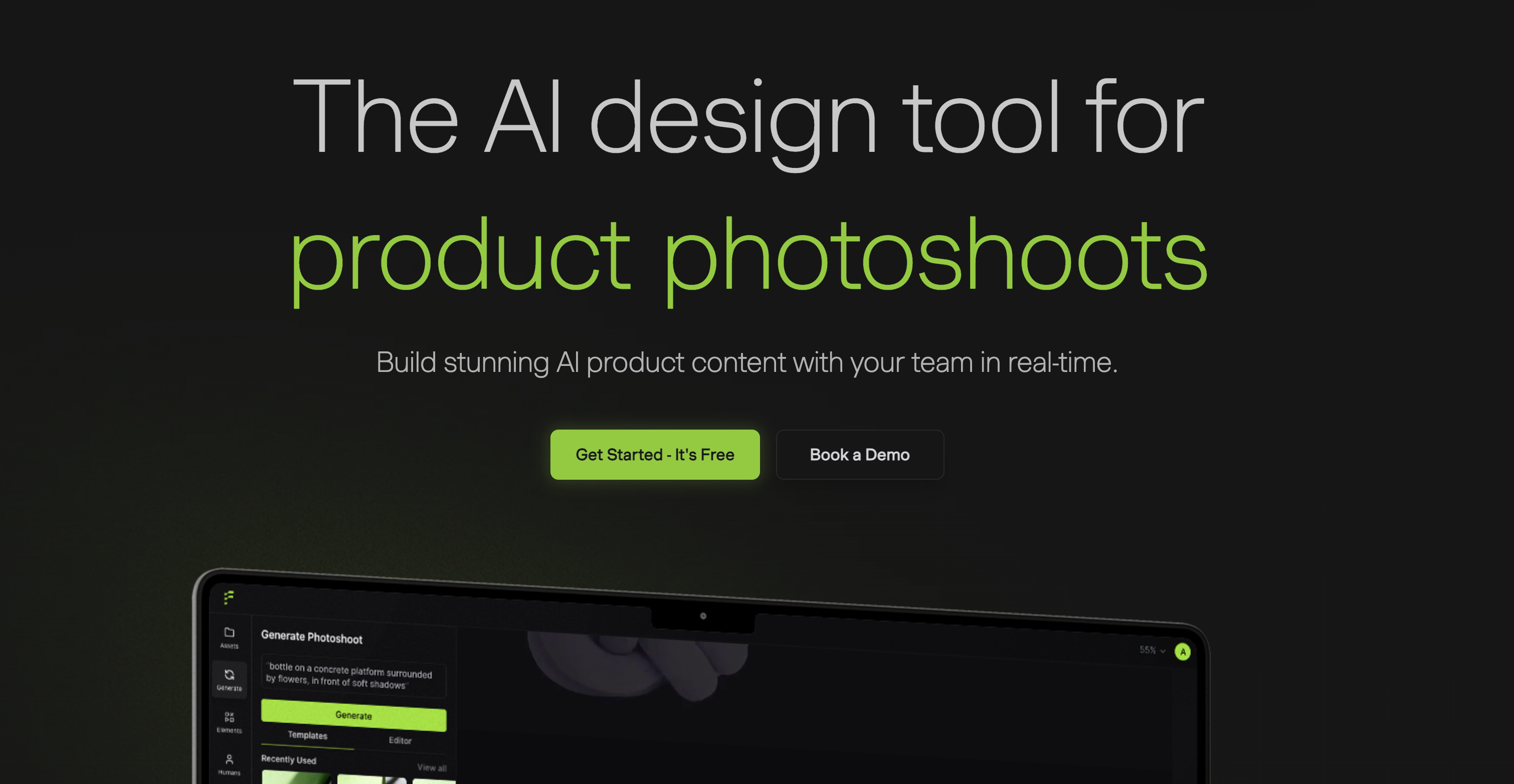
Flair is an AI design tool built specifically for product photography. Its drag-and-drop interface lets you stage a product shoot digitally: place your product, pick props and backgrounds, set the lighting, and generate, replacing photoshoot cost with a per-image workflow.
What it does well:
- On-model photography: Generates product-on-model images with control over model attributes like skin tone, age, and body type for inclusive, authentic imagery.
- Brand-consistent scenes Preserves product details, matches colors, and reuses backgrounds so visuals stay consistent across channels.
- Batch generation: Produces multiple variations at once, which makes it practical for large catalogs and quick A/B tests of product visuals.
- Templates at scale: Build a scene once and reuse it across similar products for a uniform catalog look.
Best for: brands that need styled product photography and on-model shots without a studio. Pricing: Free plan available; paid plans start around $10 per month, with commercial licensing and API access on higher tiers.
Shopify Magic and Sidekick: Best Free Built-In Option
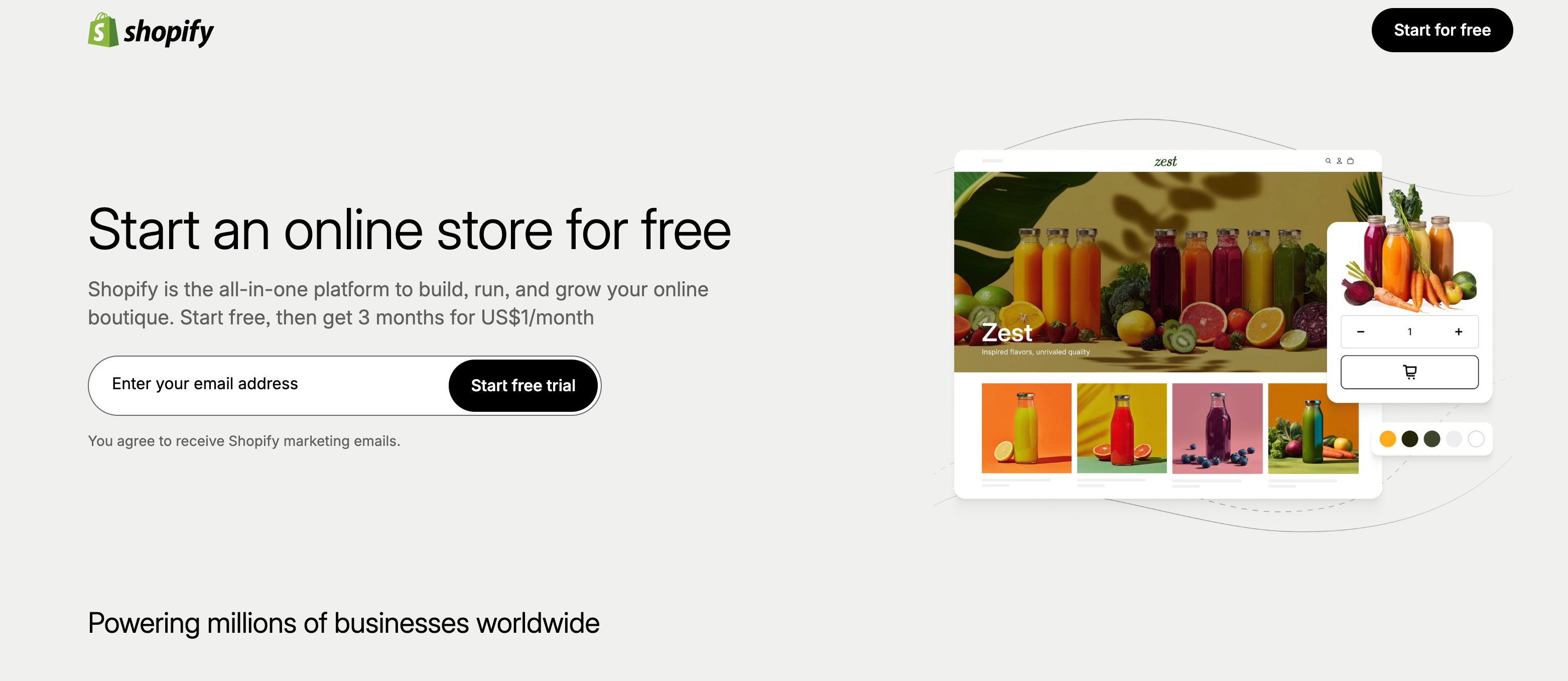 Shopify Magic & Sidekick
If your store runs on Shopify, you already own a set of AI tools. Shopify Magic and Sidekick are included with Shopify subscription plans at no extra cost, and Shopify shipped over 150 AI-focused updates in its Winter 2026 Edition, so the built-in layer keeps getting more capable.
What you get out of the box:
- Product descriptions from keywords: Magic drafts listing copy from a few input words, and brand voice cloning matches generated copy to your existing tone.
- Email and chat assistance: Marketing email drafts with subject lines and CTAs, plus suggested replies in Shopify Inbox.
- Image background editing: Remove or replace product photo backgrounds without leaving the admin.
- Sidekick, the conversational assistant: Handles store tasks through plain language: creating discount codes, pulling sales trends, or adjusting theme settings from a chat box.
The tradeoff is depth. Magic covers basic versions of several jobs, but dedicated tools outperform it in each one. Treat it as the free baseline and add specialists where output quality matters most.
Best for: Shopify merchants who want AI working on day one at no extra cost.
Klaviyo: Best for Email and SMS Retention
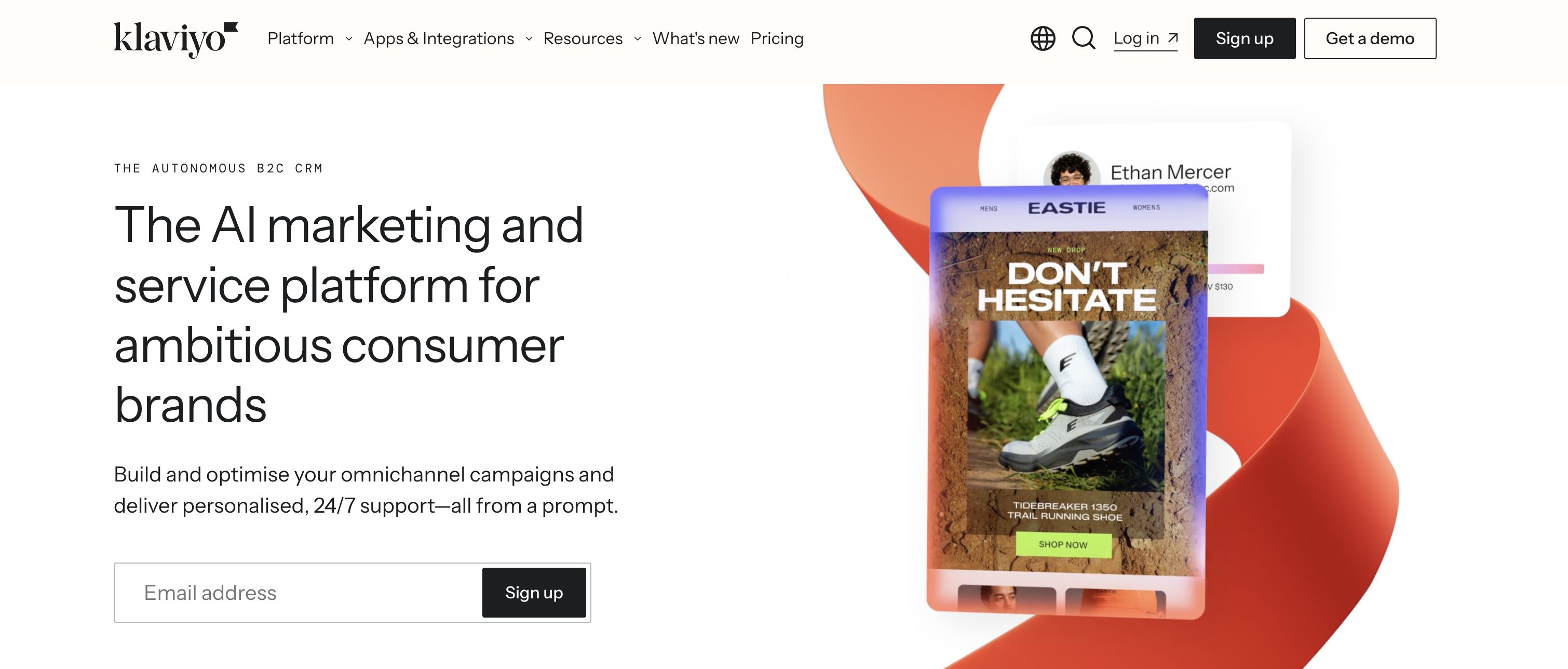 Klaviyo
Klaviyo is the dominant email and SMS platform for ecommerce, and its AI layer is where the retention gains come from. Abandoned cart, welcome series, and win-back automations improve the longer they run, which makes Klaviyo one of the few tools worth setting up before you feel the pain.
Where the AI earns its keep:
- Predictive analytics: Estimates next purchase dates, churn risk, and lifetime value per customer, so flows trigger on predicted behavior rather than just past actions.
- AI-powered segmentation: Combines purchase history, browsing behavior, and predictive scores to target flows precisely instead of blasting the whole list.
- Deep Shopify integration: Product and order data flows in without engineering work, so setup is measured in hours rather than sprints.
- Automated retention flows: Abandoned cart, welcome, post-purchase, and win-back sequences run on autopilot once configured.
One thing to budget for: Klaviyo bills on active profiles, meaning every reachable contact in your account, so list hygiene directly controls your monthly cost.
Best for: stores focused on repeat purchase and lifetime value.
Pricing: Free up to 250 active profiles and 500 monthly emails; paid email plans start at $20 per month for up to 500 profiles and scale with list size.
Jasper: Best for Product Copy at Scale
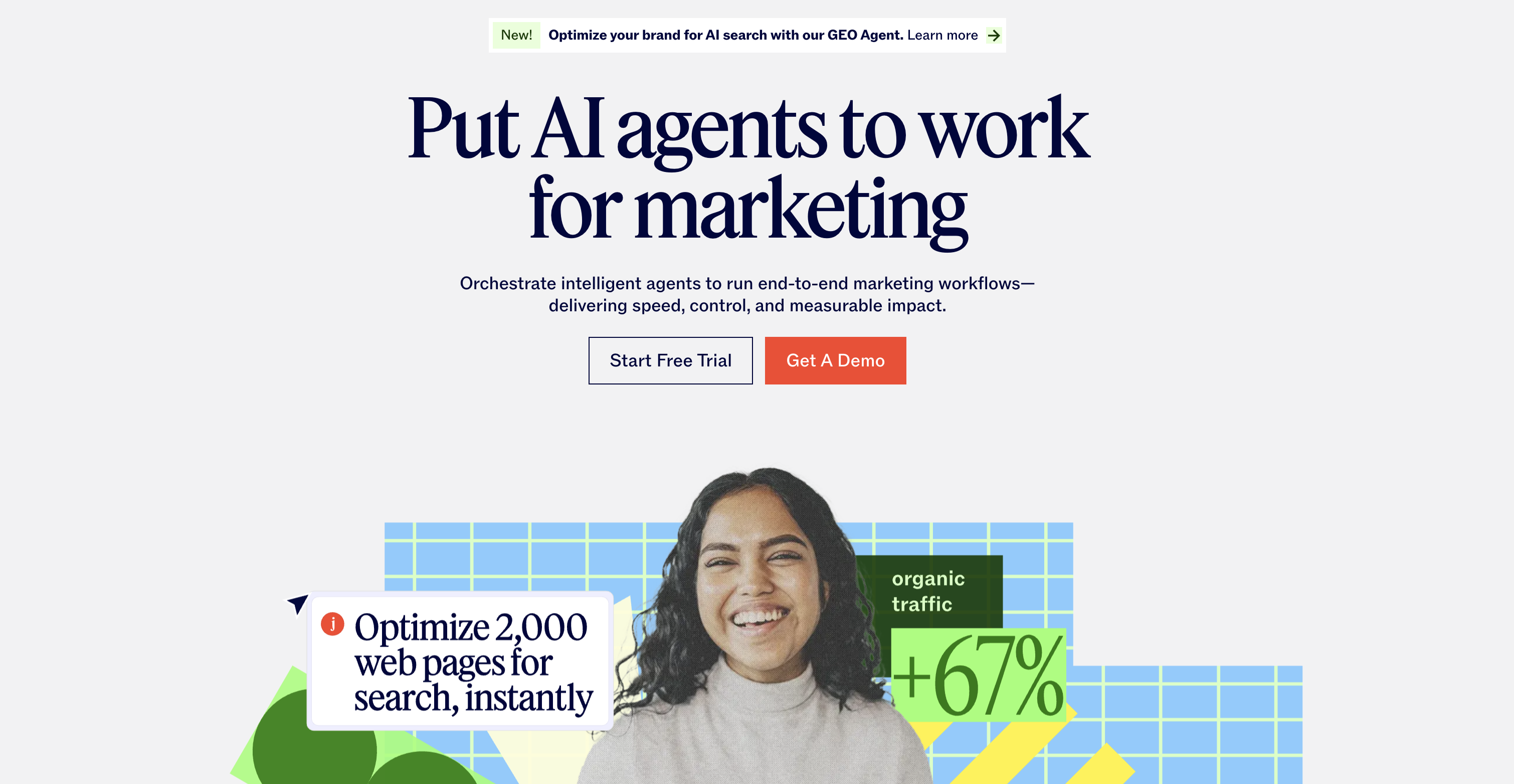 Jasper
Jasper is a content generation platform built for marketing teams that need volume without losing brand voice. For an ecommerce catalog, the difference between Jasper and a general chatbot is consistency: the output sounds like your store on the 400th product description, not just the first.
Where it fits an ecommerce workflow:
- Product descriptions at volume: Purpose-built templates for listing copy, so a catalog refresh does not start from a blank page.
- Brand voice training: Upload style guides and past assets so output matches your tone instead of reading like generic AI text.
- Ad and campaign copy: Modules for ad headlines, email copy, and blog posts keep the whole funnel in one tool.
- Team collaboration: Shared campaigns and multiple brand voices on higher tiers, useful for agencies or multi-brand stores.
The honest caveat: everything still needs human editing for accuracy and product-specific claims. Jasper compresses drafting time; it does not remove the review step. Also note there is no free plan, only a 7-day trial.
Best for: catalogs with hundreds of SKUs that need consistent descriptions fast. Pricing: Pro at $59 per month billed annually, or $69 billed monthly; Business is custom priced.
Tidio: Best for Automating Customer Support
Support is the most mature AI category in e-commerce because the ROI is direct: every ticket the AI resolves is cost removed and response time improved. Tidio pairs a live chat and helpdesk platform with Lyro, its AI agent, which Tidio reports can resolve up to 67% of customer questions automatically.
What Lyro handles for a store:
- Common ticket types on autopilot: Order status, returns, shipping policies, and product questions, answered from your own help content.
- Learns from your knowledge base: Train it on help articles, FAQs, and site URLs rather than writing scripts.
- Human handoff: Conversations beyond its scope route to your team, so the AI does not dead-end a frustrated customer.
- Multichannel inbox: Website chat, Messenger, Instagram, WhatsApp, and email in one dashboard on the platform side.
The metric that matters when evaluating any support AI is resolution rate, meaning how often the tool fully closes an issue without human help, not how many conversations it merely deflects. Budget note: Lyro is metered separately from the base plans, so factor the add-on into your real monthly cost.
Best for: small and mid-size stores drowning in repetitive tickets.
Pricing: Free plan available; paid plans from $29 per month, with the Lyro AI add-on starting at $39 per month for 50 AI conversations (about $32.50 on annual billing).
Adobe Firefly
Adobe Firefly is a generative AI suite integrated with Adobe’s Creative Cloud suite of tools, offering a wide range of features to help creators and businesses generate high-quality visuals from text prompts. It enables users to transform written descriptions into images, videos, and vector art, streamlining the creative process for designers, marketers, and e-commerce businesses.
Firefly’s ability to generate detailed, realistic images from simple text is a game-changer for businesses needing consistent content without relying on traditional design processes.
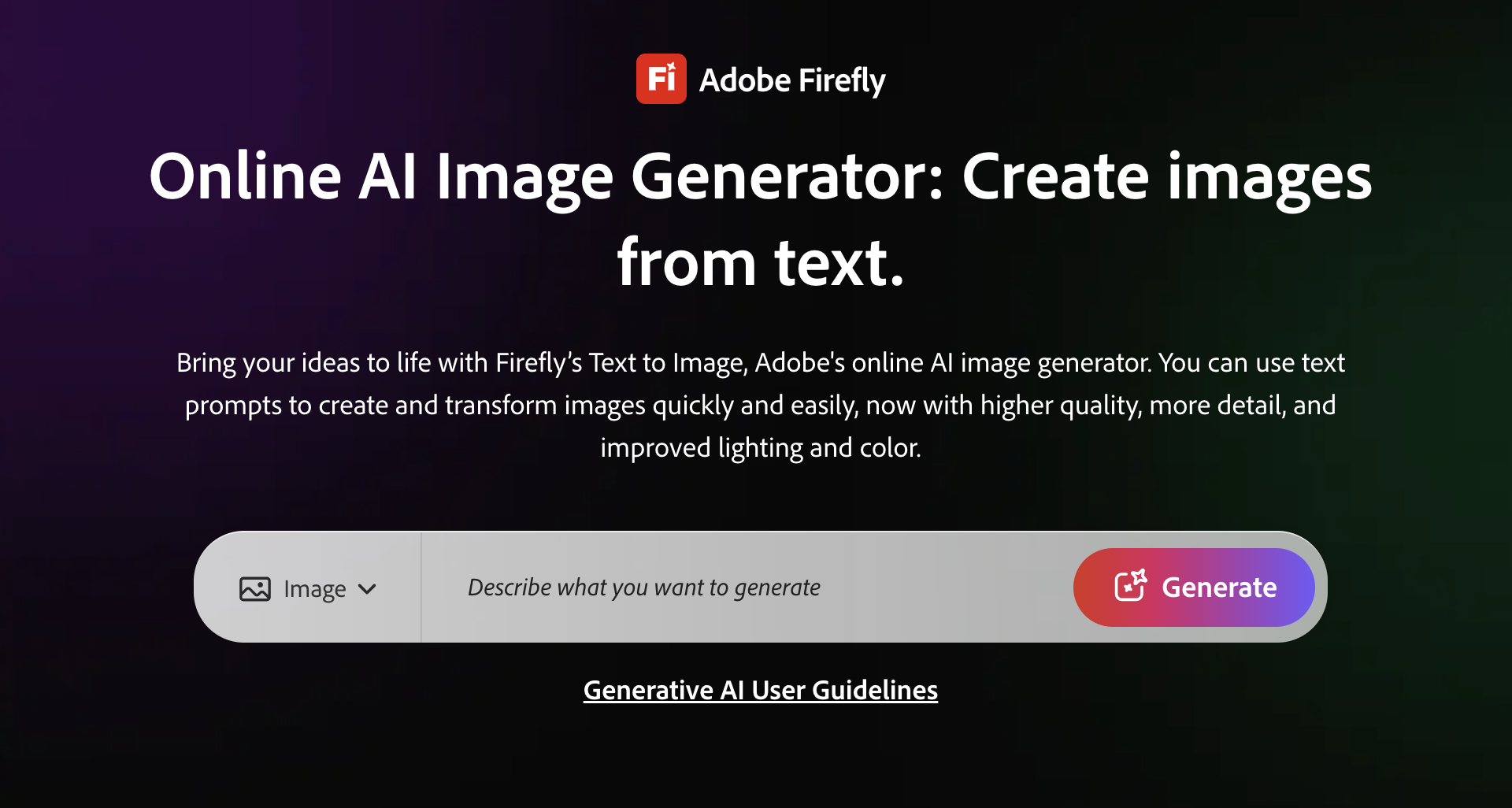 AI Image Generator by Adobe Firefly
With its text-to-image and text-to-video capabilities, Adobe Firefly offers unparalleled flexibility in visual content creation. Businesses can use the platform to generate promotional banners, product images, social media posts, and even video ads, all customized to suit specific branding requirements.
Adobe Firefly’s integration with other Creative Cloud tools such as Photoshop, Illustrator, and Premiere Pro allows for seamless transitions between content generation and post-production, ensuring that generated visuals can be quickly refined and optimized for various platforms.
One of Firefly’s key advantages is its commercial safety feature, which ensures that generated content complies with licensing and copyright laws, providing peace of mind for businesses. However, some users may find that the platform's full potential requires familiarity with the broader Adobe ecosystem.
Synthesia
 Synthesia AI
Synthesia generates presenter-style videos from a script: type your text, pick an avatar and a language, and get a finished video without cameras, actors, or a studio. For ecommerce, that means product demos, how-to content, and support videos at a fraction of production cost.
Key capabilities:
- Large avatar and language library: 240+ avatars and 160+ languages, with narration styles and local accents.
- One-click translation: Localize an entire finished video for a new market without re-recording, which is the feature global stores stay for.
- Screen recording and templates: Useful for product walkthroughs, onboarding, and tutorial content that shows the product in action.
- Voice and avatar cloning: Create a personal avatar and cloned voice on paid plans for a consistent brand presenter.
The tradeoff is that AI avatars and voiceovers still read as synthetic to some viewers, which matters most for brand-sensitive ad campaigns. Synthesia is strongest for demos, tutorials, and support content rather than persuasion-led ads.
Best for: product demos, tutorials, and localized video at scale.
Pricing: Starter from around $18 per month billed annually (about $29 month to month), with 10 video minutes per month; minutes do not roll over.
Conclusion
AI tools are transforming the way e-commerce businesses approach content creation and marketing. From social media managers to product photographers, these tools streamline workflows, enhance creativity, and allow for faster production of high-quality visuals.
By automating repetitive tasks and providing intuitive features, AI tools help alleviate the pressures of maintaining consistency, originality, and performance across various platforms. Whether it’s generating dynamic images, videos, or ad creatives, AI empowers businesses to scale their content production without compromising quality and stay ahead of the competition by delivering engaging, high-converting content to their audiences.
Frequently Asked Questions
There is no single best tool because AI tools for ecommerce solve different jobs. ImagineArt leads for product visuals and ad creative, Klaviyo for email and SMS retention, Tidio for customer support, and Jasper for product copy. Shopify Magic is the best free starting point for Shopify stores. Most teams combine two or three tools matched to their biggest bottleneck.
Yes. Shopify Magic is included with Shopify subscription plans at no extra cost. It covers product descriptions, email copy, image background editing, and chat reply suggestions. Dedicated tools outperform it in each individual category, but it is the fastest way to start using AI on a Shopify store.
Yes. A two-person team using an AI creative platform for visuals, an email platform for retention flows, and a support chatbot can produce output that previously required a full department. AI handles execution, while strategy, targeting, and judgment remain human work.
Entry pricing ranges from free (Shopify Magic, Klaviyo's free tier, ImagineArt's daily credits) to roughly $10 to $70 per month for most specialist tools. Costs scale with usage, such as contact list size for email platforms, AI conversation volume for support tools, or generation credits for image and video tools. Evaluate tools on the cost of the problem they solve, not just the subscription price.
Yes. Tools like ImagineArt and Flair AI generate product images, lifestyle scenes, and on-model photography from text prompts or reference photos. AI-generated imagery works best for lifestyle context, backgrounds, and ad creative. For listings where the product must appear exactly as sold, use AI to enhance real photos rather than generate them from scratch.
Faisal Saeed
Faisal Saeed specializes in content writing and marketing for SaaS and GenAI businesses, driving conversion through comprehensive content that people love to engage with.