
Tooba Siddiqui
July 22, 2025 • Updated July 23, 2025
5 mins Read
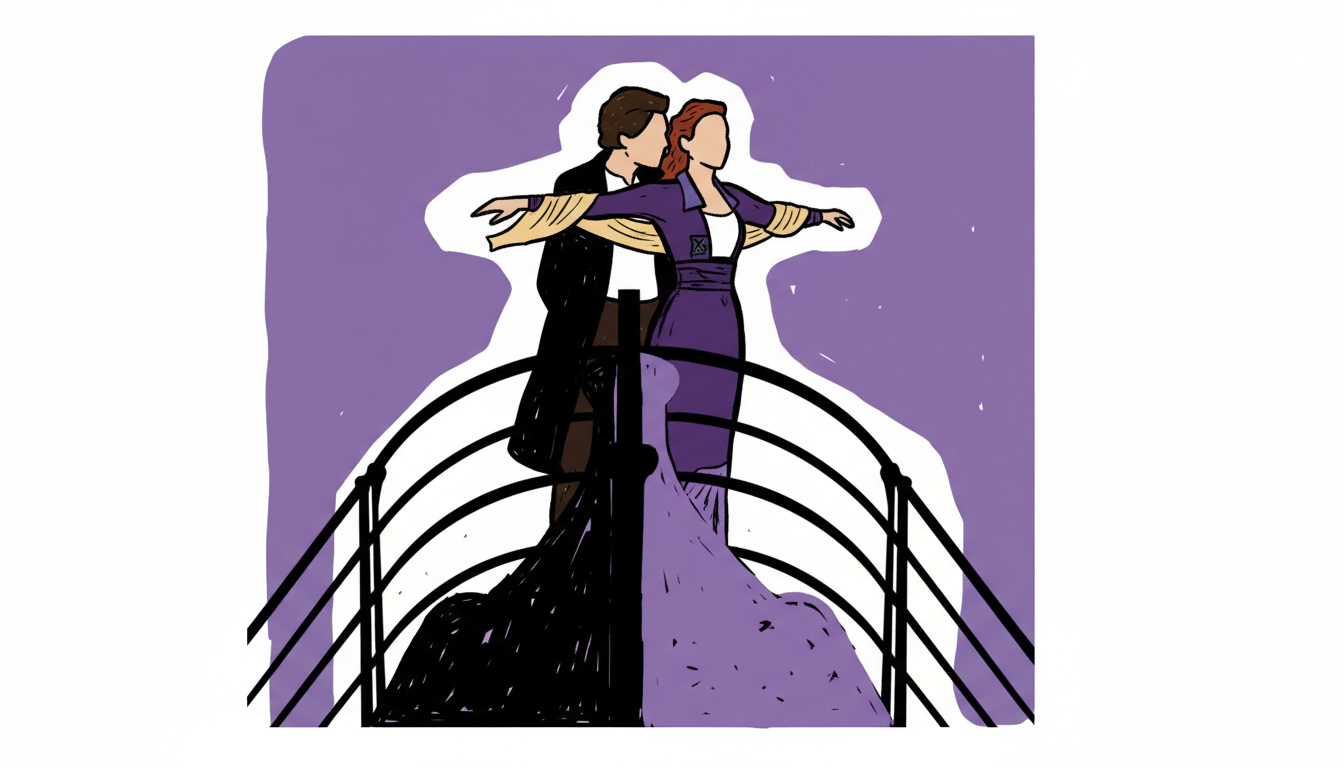
If you’re crafting explainer videos, short stories, or fun content for social media, cartoon videos are a compelling format to grab attention and express ideas visually. But what if you could skip the complexities of animation software and bring your cartoon ideas to life using just text, images, or characters — all powered by AI?
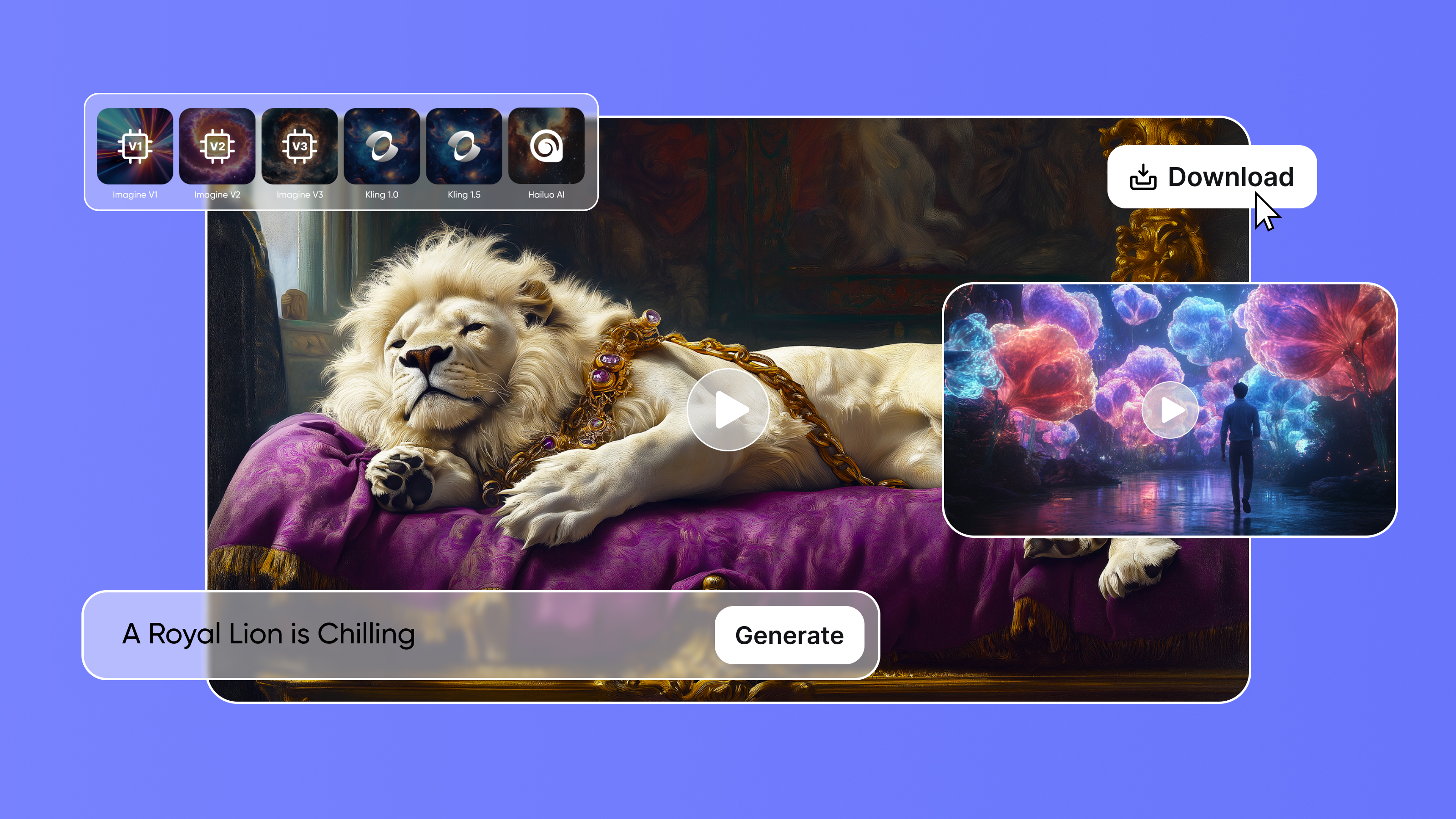
With tools like ImagineArt’s Video Studio, you can now create high-quality cartoon videos from scratch — no design or animation background needed.
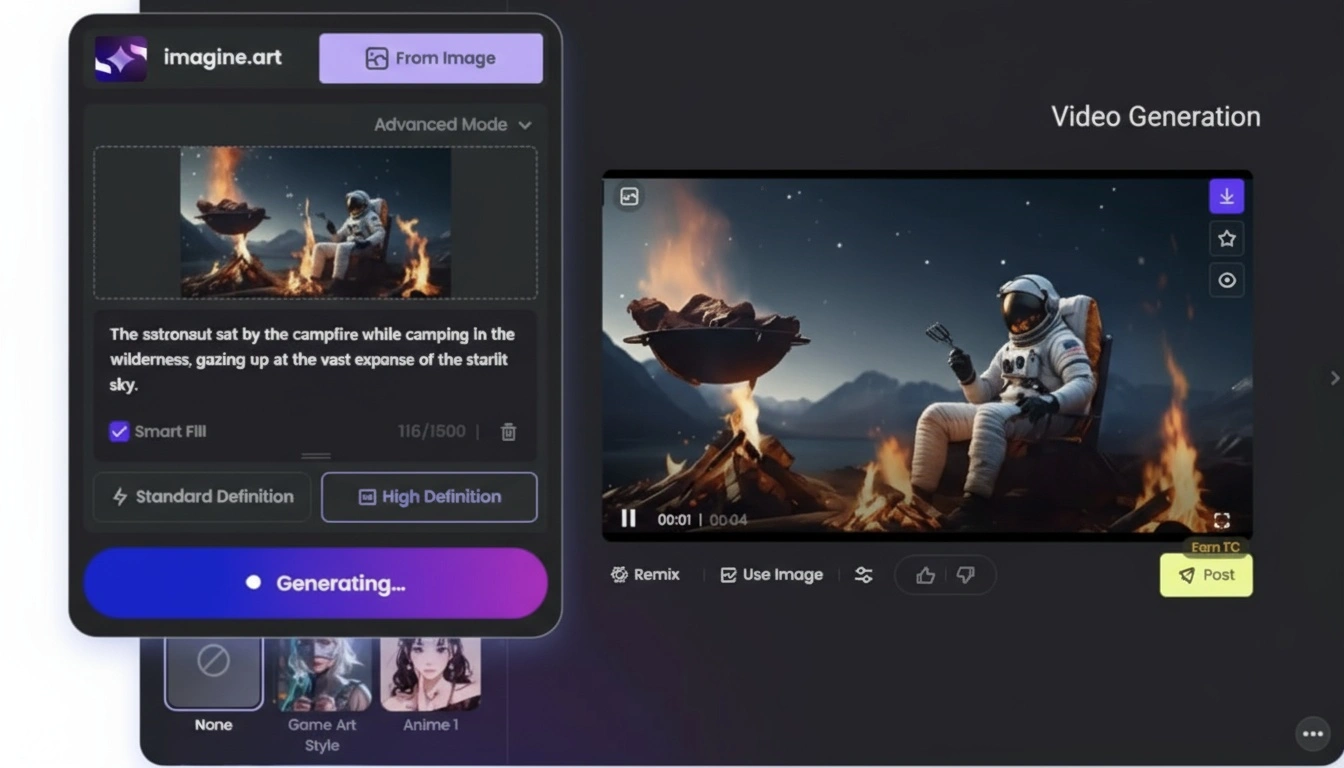
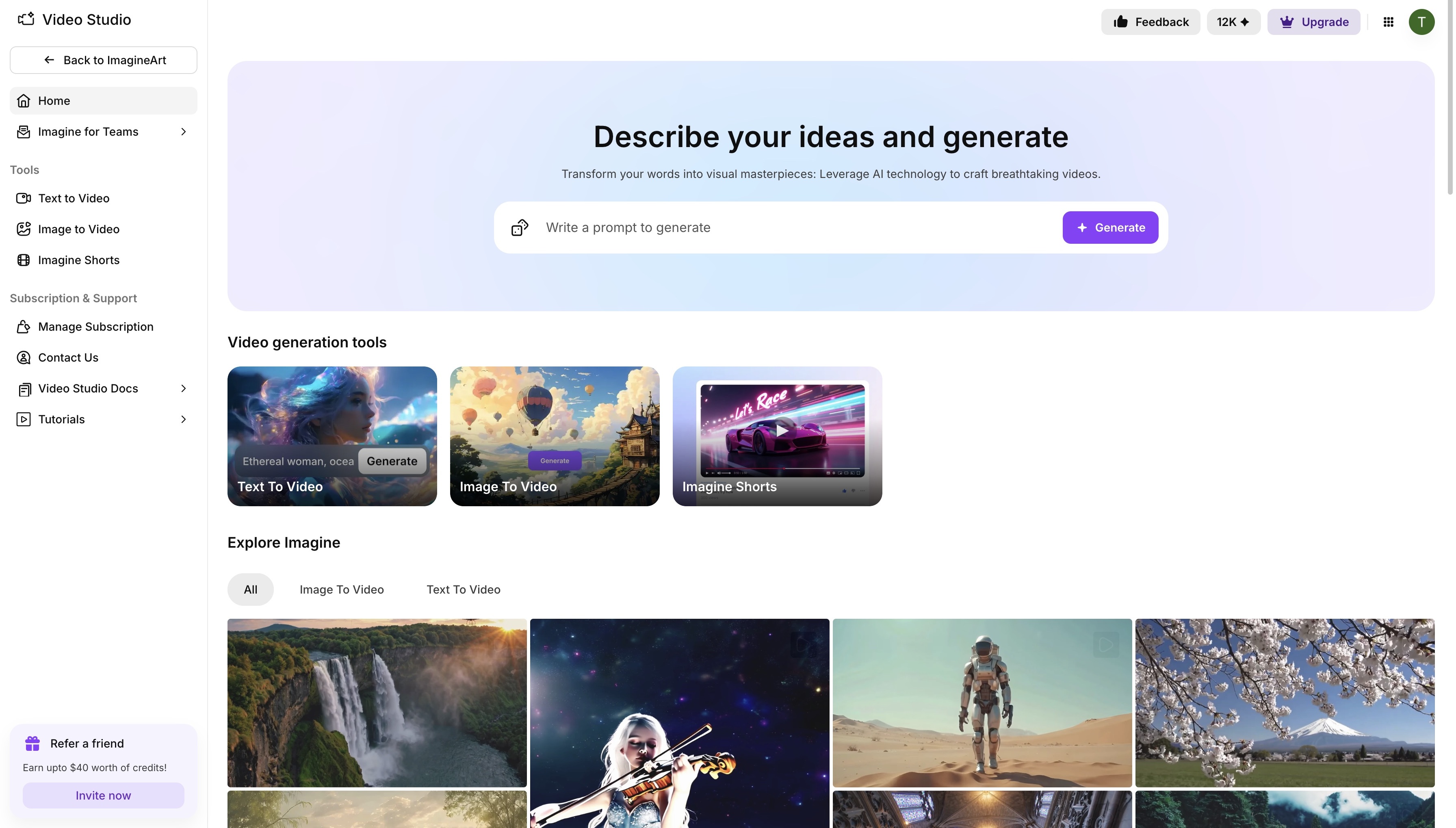 Video Studio dashboard
What You Need to Make Cartoon Videos
Before jumping into the creative process, let’s understand the key ingredients that go into producing a great cartoon video. With AI tools, these steps become faster and more intuitive:
✅ Concept and Scriptwriting
Your cartoon starts with an idea. Define your characters, storyline, and tone. If you're short on time, ImagineShorts can even generate scripts in your chosen tone and language automatically.
🎭 Character & Background Design
Use ImagineArt’s Image Studio to create cartoon-style characters and settings. Choose styles like 2D anime, 3D Pixar-like, sketch, or storybook. Add details that match your storyline.
🎙️ Voiceover & Sound
AI voice tools in ImagineShorts let you select the voice style, gender, accent, and mood. You can also upload your own voice or add music.
🎞️ Animation
You don’t need to animate frame-by-frame. Instead, use ImagineArt’s Image to Video or Text to Video tools to bring characters or scenes to life.
✂️ Final Editing & Export
Compile clips, add effects or transitions, and export in your desired format and aspect ratio for YouTube, Instagram, or TikTok.
How to Create Cartoon Video with ImagineArt
Method 1: Make a Cartoon Video with Text-to-Video
If you have a rough idea or script but no visuals, start here.
Step-by-Step:
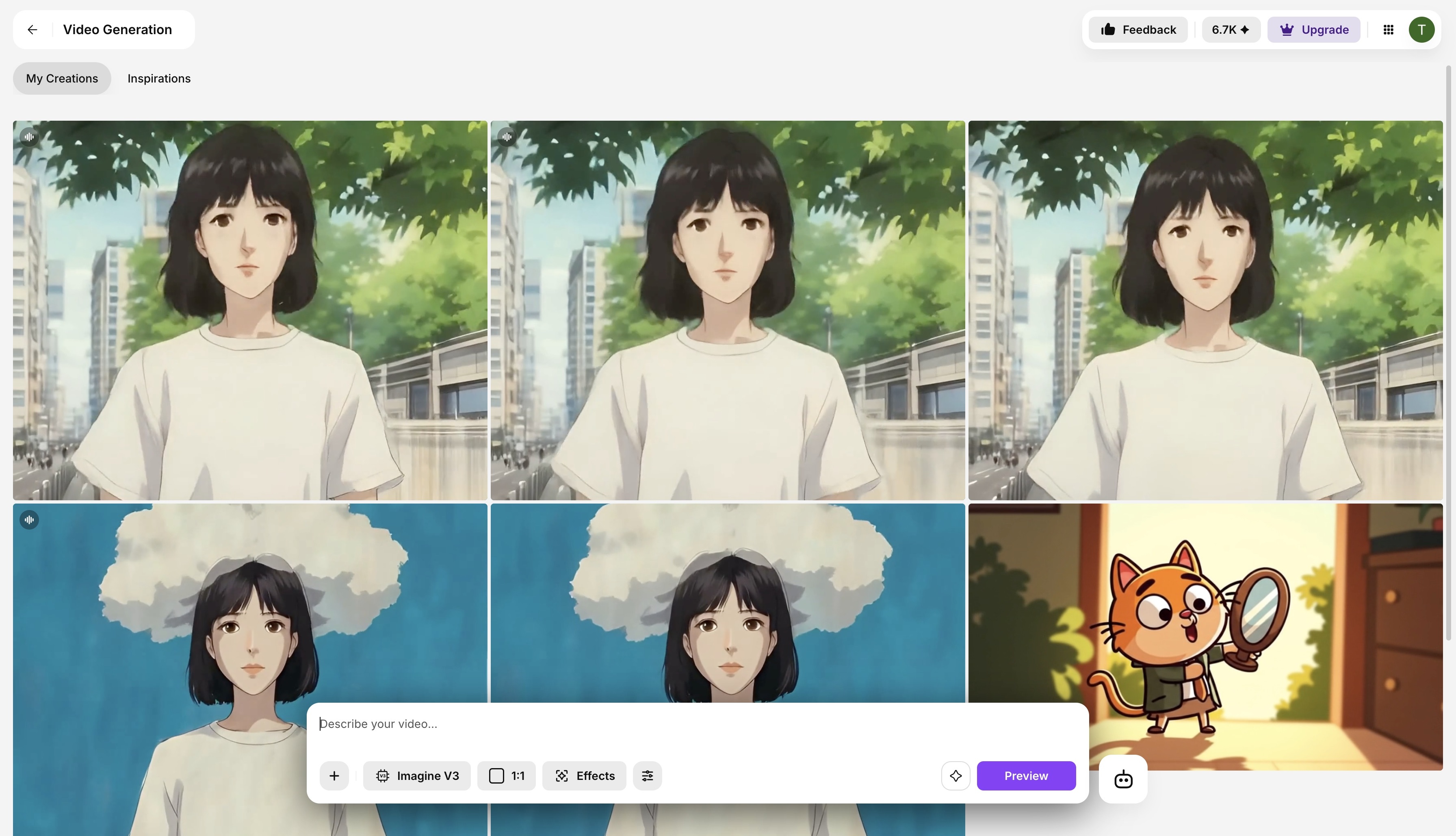 ImagineArt text-to-video
- Go to ImagineArt Video Studio → Text to Video
- Write your idea or let the AI generate a cartoon script
- Choose tone (funny, emotional, fantasy), voice type, and style
- Select cartoonish visuals
- Click “Generate” — your cartoon video will be ready in seconds. You can even add sound once the video is generated.
🔍 Pro Tip: Choose models like “Imagine v3” or “Pixverse v4” for animated/cartoon output.
Method 2: Turn a Cartoon Image into a Video
Already have a character or scene in mind? Animate it with Image to Video.
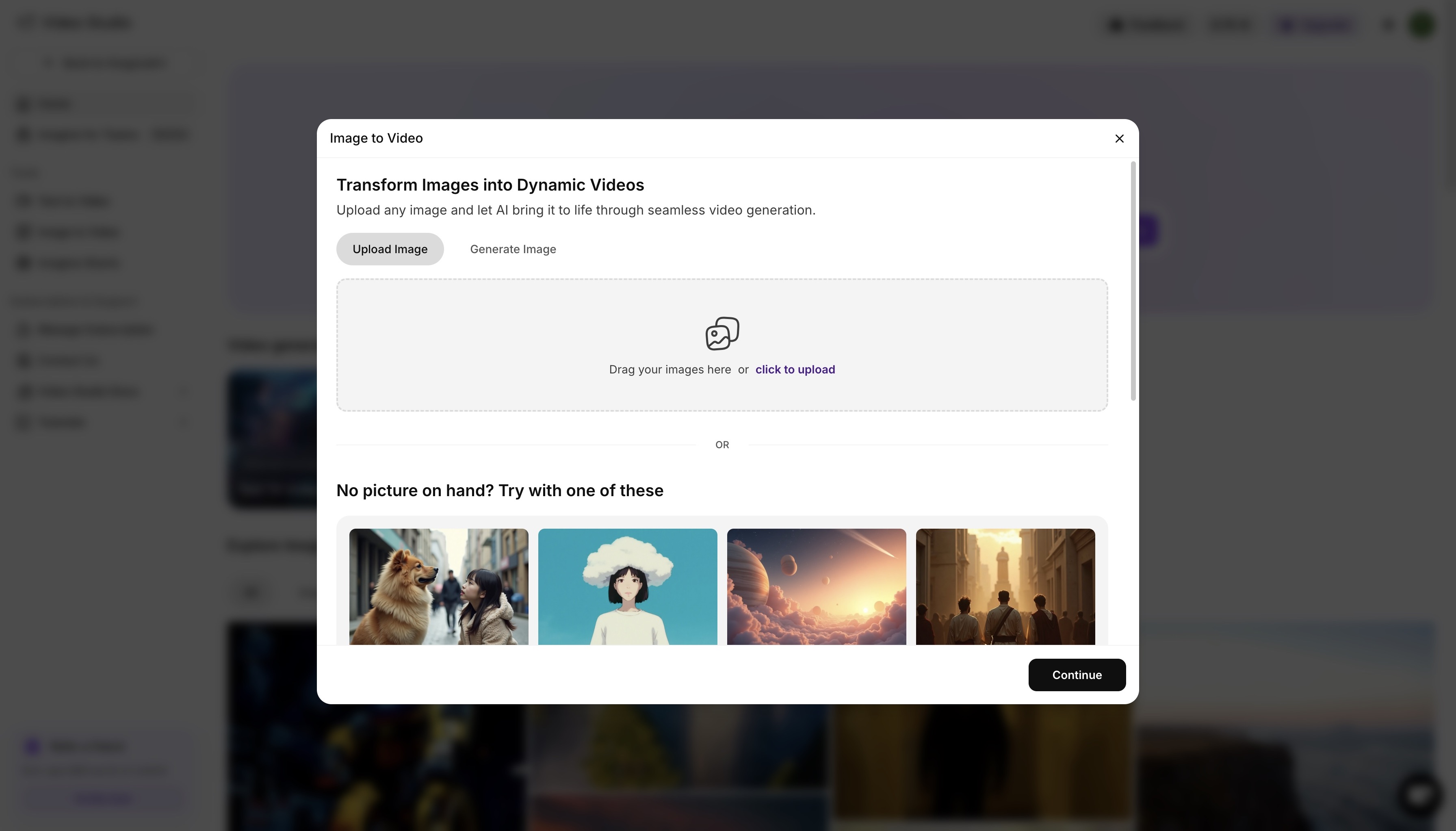 ImagineArt image-to-video
Step-by-Step:
- Upload a cartoon-style image or generate one in ImagineArt Image Studio
- Go to Image to Video and write your motion description
- e.g. “Make the cartoon boy run across a meadow as the sun sets”
- Choose aspect ratio and effects (camera motion, lighting)
- Pick an AI model suited for animated visuals
- Generate the 5s cartoon clip and repeat as needed
Method 3: Generate a Cartoon Character and Animate It
Combine both studios for full control over your cartoon vision.
Step-by-Step:
- Open Image Studio
- Prompt: “Cute cartoon fox warrior holding a staff, standing in a forest”
- Once generated, download or send the image directly to Video Studio
- Describe animation: “Fox blinks, lifts staff, forest wind blowing leaves”
- Choose stylistic effects and generate
Repeat this for multiple actions or scenes and stitch them together into a full video.
Why Cartoon Videos Matter — And Who They Impact
Cartoon videos aren't just for kids — they’re one of the most versatile storytelling formats for all types of audiences. Cartoon videos and animated visuals can dramatically enhance viewer engagement, emotional connection, and message retention, no matter you’re an educator, a brand, a content creator, or a marketer.
🎓 Educational Content
Cartoon videos simplify complex topics through visual metaphors and friendly characters. For students and learners, they reduce cognitive load and make information more digestible. Animated explainers are especially effective for younger audiences, ESL learners, or anyone who benefits from visual learning.
📣 Marketing & Brand Awareness
For brands, cartoon videos are a non-threatening, memorable way to grab attention on social media. Whether you're launching a new product or explaining a service, cartoons can make your message feel fun, relatable, and instantly shareable — perfect for Facebook, Instagram, or YouTube ads.
💼 Corporate Communication & Training
Many companies now use animated characters in onboarding videos, policy explainers, or internal training modules. Compared to traditional talking-head videos, cartoons feel more inclusive and universally engaging, especially across diverse age groups and regions.
🧒 Kids & Family Content
Of course, cartoon videos are still gold for children’s entertainment and education. With the right tone and pacing, they captivate young viewers while also building language, behavior, and cognitive skills.
🎭 Entertainment & Storytelling
From creators on TikTok to indie animators on YouTube, cartoons offer limitless creative freedom. With AI tools, even solo creators can build worlds, invent characters, and share serial stories without animation experience.
Final Thoughts
With ImagineArt’s AI-powered tools, anyone can create expressive, animated videos without needing a design team or expensive software. Whether you're making content for YouTube, Instagram, or your next marketing campaign, cartoon videos are a fun, powerful way to connect with your audience.
Frequently Asked Questions
1[
2  {
3    "id": "1",
4    "question": "Do I need animation skills to create cartoon videos with ImagineArt?",
5    "answer": "Nope! ImagineArt is designed for non-designers. Its AI handles the visuals, animation, and voiceovers — you just describe your idea in text or upload a cartoon image."
6  },
7  {
8    "id": "2",
9    "question": "Can I generate characters or scenes in cartoon style?",
10    "answer": "Yes! Use ImagineArt’s Image Studio to generate characters in styles like 2D anime, 3D Pixar-style, sketch, or storybook."
11  },
12  {
13    "id": "3",
14    "question": "Can I export videos for TikTok, Instagram, or YouTube?",
15    "answer": "Absolutely. You can export videos in multiple aspect ratios (9:16, 1:1, 16:9) optimized for different platforms."
16  },
17  {
18    "id": "4",
19    "question": " Is ImagineArt free to use?",
20    "answer": "ImagineArt offers a free trial with limited credits. For extended features and higher resolution exports, you can choose from their affordable paid plans."
21  }
22]
Tooba Siddiqui
Tooba Siddiqui is a content marketer with a strong focus on AI trends and product innovation. She explores generative AI with a keen eye. At ImagineArt, she develops marketing content that translates cutting-edge innovation into engaging, search-driven narratives for the right audience.