
Tooba Siddiqui
November 10, 2025 • Updated June 5, 2026
8 mins Read
AI video generation was introduced with the major purpose of democratizing filmmaking, making it accessible and available to all with minimal effort and cost. Now with a ton of AI video tools claiming to be the best, Kling AI remains a solid bet when it comes to turning ideas into high-resolution videos. We will compare some of the top contenders with Kling AI to see if it lives up to the hype:
- Hailuo AI
- Wan AI
- Sora AI
- Veo
- PixVerse AI
Here's a comparison table:
| Feature | Kling AI | Hailuo AI | Wan AI | Sora AI | Google Veo | PixVerse AI |
|---|---|---|---|---|---|---|
| Resolution | Up to 1080p | 4K (Business Tier+) | Up to 1080p | Up to 1080p | 4K (Veo 3.1+) | Up to 1080p + 4K Upscaling |
| FPS | 30 fps | 24–30 fps | 24 fps | 30 fps | 24 fps | 16–24 fps |
| Aspect Ratio | 16:9, 9:16, 1:1 | 16:9, 9:16, 1:1 | 16:9, 9:16, 1:1, 4:3, 3:4 | 16:9, 9:16, 1:1 | 16:9, 9:16 | 16:9, 9:16, 1:1, 4:5 |
| Video Duration | Up to 5 sec (extend to 3 min) | 6–10 sec | Up to 10 sec | Up to 25 sec | Up to 8 sec (extend to 1 min) | Up to 30 sec (extend to 8 sec) |
| Primary Strengths | Cinematic realism, audio sync, visual coherence | Higher fidelity, improved physics, clarity | Temporal consistency, multilingual interpretation | Integrated with ChatGPT, scene consistency | Audio sync, advanced physics, realism | Intuitive interface, fast generation, effects |
| Customization Level | High | High | High | Medium to High | High | High |
| Input Options | Text, Image, Elements, & Video | Text, Image, Subject Ref. | Text, Image, Audio | Text, Image, Video | Text, Image, Video | Text, Image |
| Processing Time | 1 min | 6 sec or less | 10 sec in < 1 min | 1 min | 8 sec in < 1 min | 1 min |
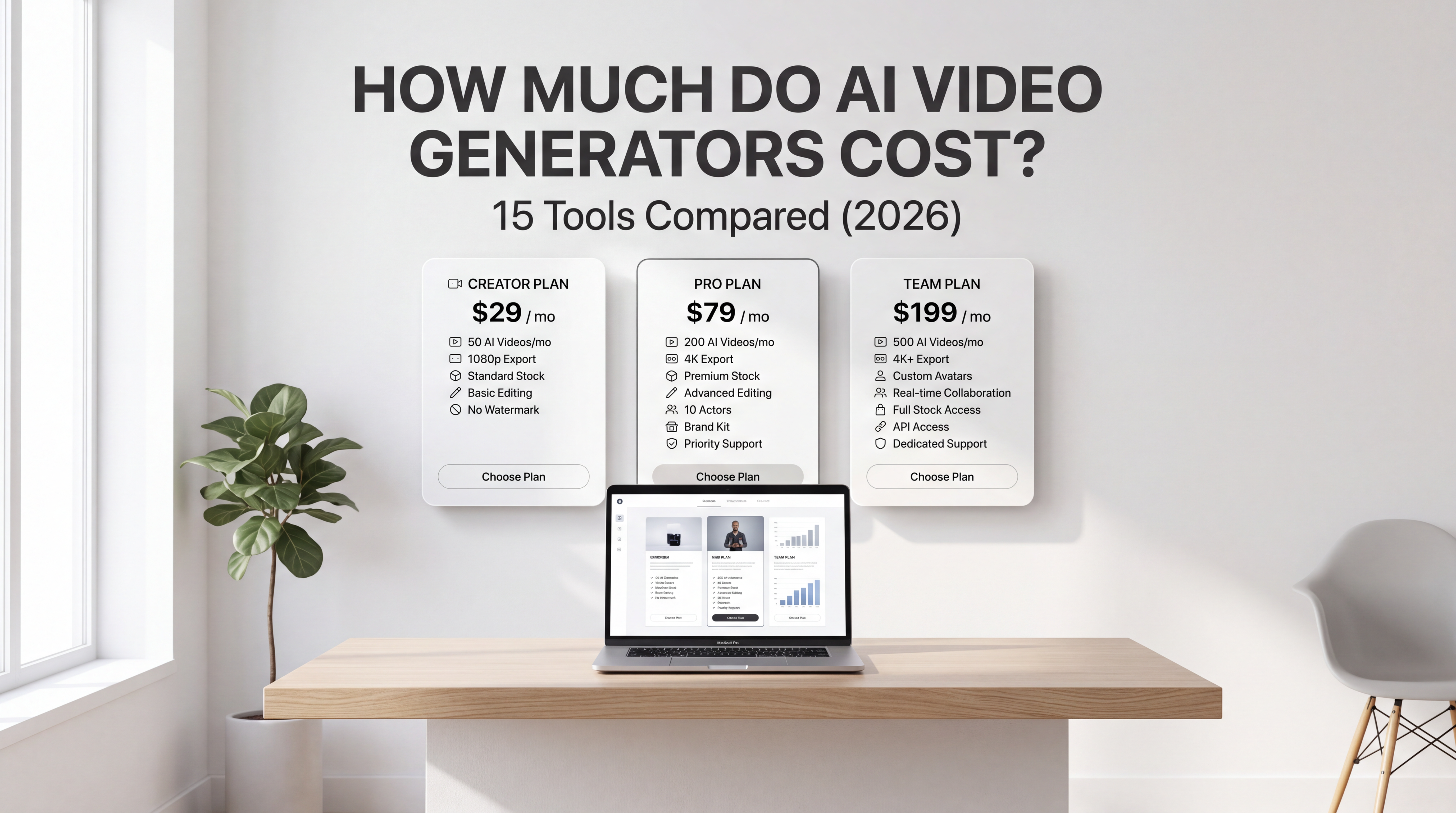
| Pricing | $10/month (660 credits) | $10/month (1000 credits) | $10/month (300 credits) | $20/month (ChatGPT Plus) | $0.40 per sec (Veo 3.1) | $100/month (15,000 credits) |
1. Resolution Comparison
Kling AI supports a video resolution of up to 1080p, giving your videos the much-needed visual clarity and high quality.
Hailuo AI stands out with 4K resolution support, but restricts this feature to business and higher-tier subscribers only.
Wan AI is capable of generating ultra-high definition videos of up to 1080p resolution.
Sora AI creates high-quality videos of up to 1080p resolution.
Google Veo comes with 4K resolution support that is now available for recently released and previous AI video generation models.
PixVerse AI can generate videos at a maximum video resolution of up to 1080p, with different options and 4K upscaling features.
2. Frames Per Second (FPS)
Kling AI supports a frame rate of 30 frames per second, giving your action sequences motion smoothness and adding visual clarity.
Hailuo AI frame rate ranges from 24 fps to 30 fps, depending on the chosen AI video generation model.
Wan AI video generator creates incredibly cinematic results at a frame rate of 24 fps.
Sora AI demonstrates flawless visual consistency, allowing you to create videos in any preferred style at a frame rate of 30 fps.
Google Veo generates videos at 24 frames per second while ensuring thorough detailing and improved realism.
PixVerse AI can create videos at 16 fps and 24 fps. However, 16 fps is the default frame rate setting on PixVerse AI video generator.
3. Aspect Ratio
Kling AI allows you to create videos for different social media platforms with supported aspect ratios of 16:9, 9:16, and 1:1.
With Hailuo AI, you can create videos in landscape orientation using a 16:9 aspect ratio, vertical orientation using 9:16, and square orientation using 1:1.
Wan AI video generator offers a diverse set of aspect ratios, including 16:9, 9:16, 1:1, 4:3, and 3:4. The aspect ratio depends on the chosen AI video generation model and version.
With Sora AI, you can customize aspect ratios or create AI videos in standard formats of 16:9 (widescreen), 9:16 (vertical), and 1:1 (square).
Google Veo, including the latest Veo 3.1, allows for a 16:9 (widescreen) aspect ratio and 9:16 (portrait) for image-to-video generation.
PixVerse AI supports the standard 16:9 widescreen format, 9:16 vertical or portrait format, 1:1 square format, and 4:5 format for Instagram.
4. Video Duration
Using the free version, you can create videos of up to 4 to 5 seconds on Kling AI. The AI video generator can create videos of up to 3 minutes using the ‘extend’ feature that lets you add 4 to 5 seconds to the existing video.
With Hailuo AI video generator, you can generate videos of up to 6 to 10 seconds. However, some versions and models can only create videos of 6 seconds when a higher resolution is selected.
Wan AI can create 10-second-long videos, and a couple of other Wan AI video models can produce videos of up to 5 to 6 seconds.
With OpenAI Sora, you can create videos of up to 25 seconds using the Sora storyboard available to pro users.
Google Veo, including Veo 3.1, can create 8-second videos, but the ‘extend’ feature lets you increase the video duration by adding more scenes and extending the total length to up to a minute.
PixVerse AI also has an ‘extend feature, with which you can generate videos of up to 30 seconds, but the standard video length remains 8 seconds.
5. Primary Strengths
With Kling AI, you can add cinematic realism, smoother narrative flow, synchronized audio, motion fluidity, video effects, character consistency, video extension, and visual coherence to your video content. Also, with negative prompting, you can eliminate the unnecessary details and visual artefacts.
Hailuo AI video generator delivers higher fidelity, improved physics simulation, visual depth, clarity, movement andexpression accuracy, and better prompt adherence.
Wan AI ensures temporal consistency, creative control, multilingual interpretation, audio synchronization, visual realism, and cinematic quality in the generated video content.
OpenAI Sora is well-integrated in ChatGPT, adding to contextual understanding and prompt adherence. It enhances physics simulation, scene and character consistency, and audio generation and synchronization.
Google Veo, including Veo 3.1, supports audio generation and synchronization with lip movements, advanced physics, prompt accuracy, and improved realism.
PixVerse AI comes with a user-friendly and intuitive interface, letting you create videos with well-integrated and synchronized audio, visual effects, instruction following, and faster generation.
6. Customization Level
Kling AI offers a high customization level, featuring negative prompts, camera control, visual style diversity, ‘motion brush’ feature for movements, ‘element’ feature for multi-image references, keyframe references, and more. The Kling O1 model supports video editing, letting you add/remove objects, subjects, scene elements and modify backgrounds.
Hailuo AI has a high customization level, allowing you to create tailored videos in different visual styles, visual effects, audio integration, camera adjustments, and more.
Wan AI video generator has a high customization level with a dedicated model to animate characters, style transfer, multilingual audio, motion and camera control, environmental settings, and more.
OpenAI Sora offers a defined set of editing tools, allowing you to remix, extend, blend, loop, and refine the video content, allowing for extensive video editing and customization.
Google Veo, including Veo 3.1, comes with higher customization control. The AI video generator includes ‘extend’ features, ‘ingredients’ feature, and ‘start/end frame’ to create tailored videos, along with capabilities to generate and synchronize audio, set camera position and angles, aspect ratios, and more.
PixVerse AI comes with a high customization level with control over camera angles, mood, tone, lighting, and style through detailed prompts. The AI video generator supports negative prompting and includes a ‘Fusion’ feature to replace and merge elements from other images.
7. Input Options
Kling AI supports multi-modal input, with text-based prompts, reference images and elements, and reference videos.
Hailuo AI video generation models can create high-quality content, using text-based prompts, reference images, and subject references for characters.
With Wan AI, you can create detailed and synchronized videos with text prompts, reference images, and audio clips for audio-visual synchronization.
OpenAI Sora accepts detailed text prompts, high-quality reference images, and high-definition video clips for editing and extension.
Google Veo, including Veo 3.1, allows for both image and text-based prompts and high-quality start and end frames for improved transitions and action sequences.
PixVerse AI supports both text-based prompts and reference images for AI video creation and allows for video input for the video extend feature.
8. Processing Time
Kling AI is known to create incredible results in a minute, while generating video during off-peak hours can lead to faster and better generation.
Hailuo AI is fully capable of generating a short-form video in 6 seconds or less, based on the server load and queue waiting time.
Wan AI can generate a 10-second video in less than a minute, or it can take at least 2 minutes, when the server load is significantly high.
Sora AI can generate tailored video content within a minute, depending on the prompt complexity, current demand, load, limits, and resource allocation.
Google Veo, including Veo 3.1 and Veo 3.1 Fast, can generate an 8-second video in under a minute. The higher resolution videos often take longer to process and generate.
PixVerse AI video generator can generate a realistic video within a minute, based on the selected model, resolution, customization, and prompt details.
9. Pricing
Kling AI subscription plan costs around $10/month with 660 monthly credits.
Hailuo AI subscription plan costs around $10/month with 1000 credits
Wan AI subscription plan costs around $10/month with 300 monthly credits.
OpenAI Sora costs around $20/month for ChatGPT plus plan and $200/month for ChatGPT pro plan.
Google Veo AI video generator offers different prices for different AI video models. Veo 3.1 costs around $0.40 per second for video with audio, or $0.20 per second for video-only. Veo 3.1 Fast costs around $0.15 per second of video with audio.
PixVerse AI subscription plan costs around $100 with 15,000 credits and 333 video generations.
Recommended read: Cost of AI Video Generators
Explore It All on ImagineArt!
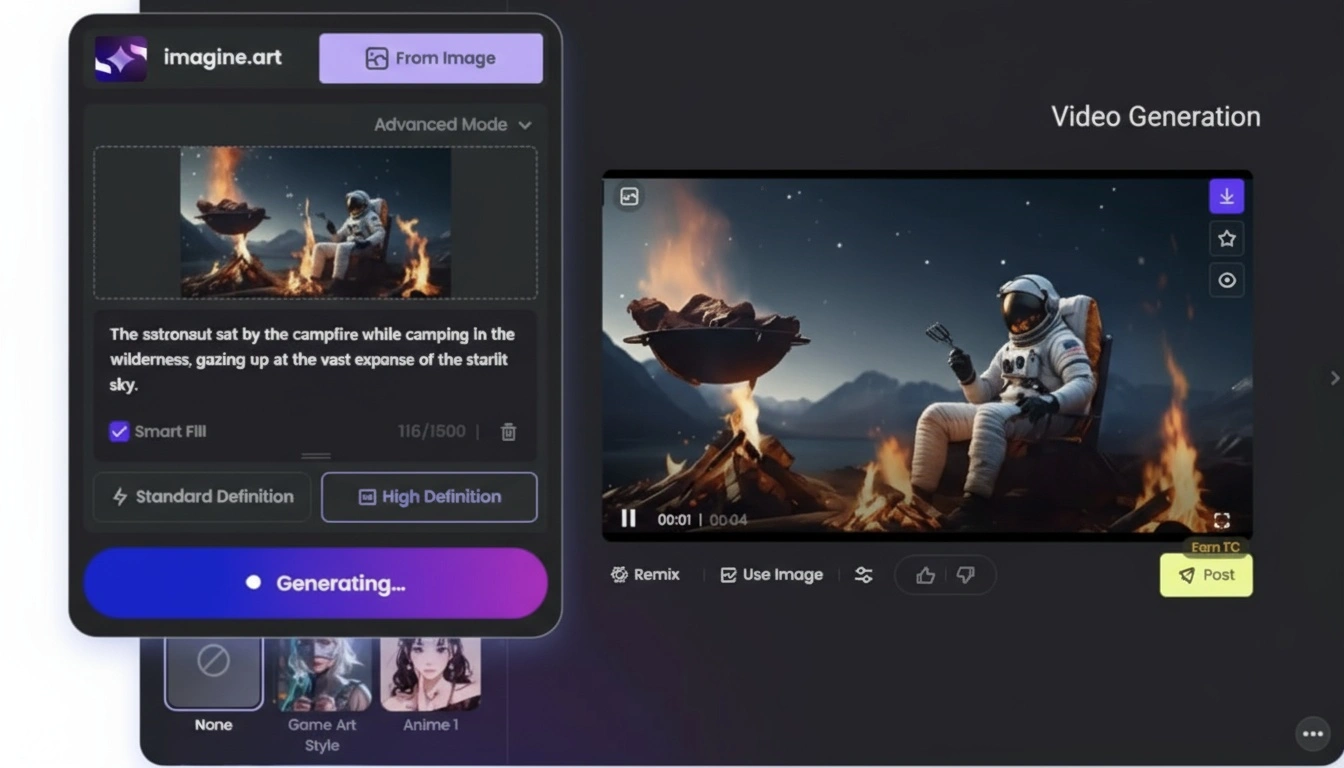
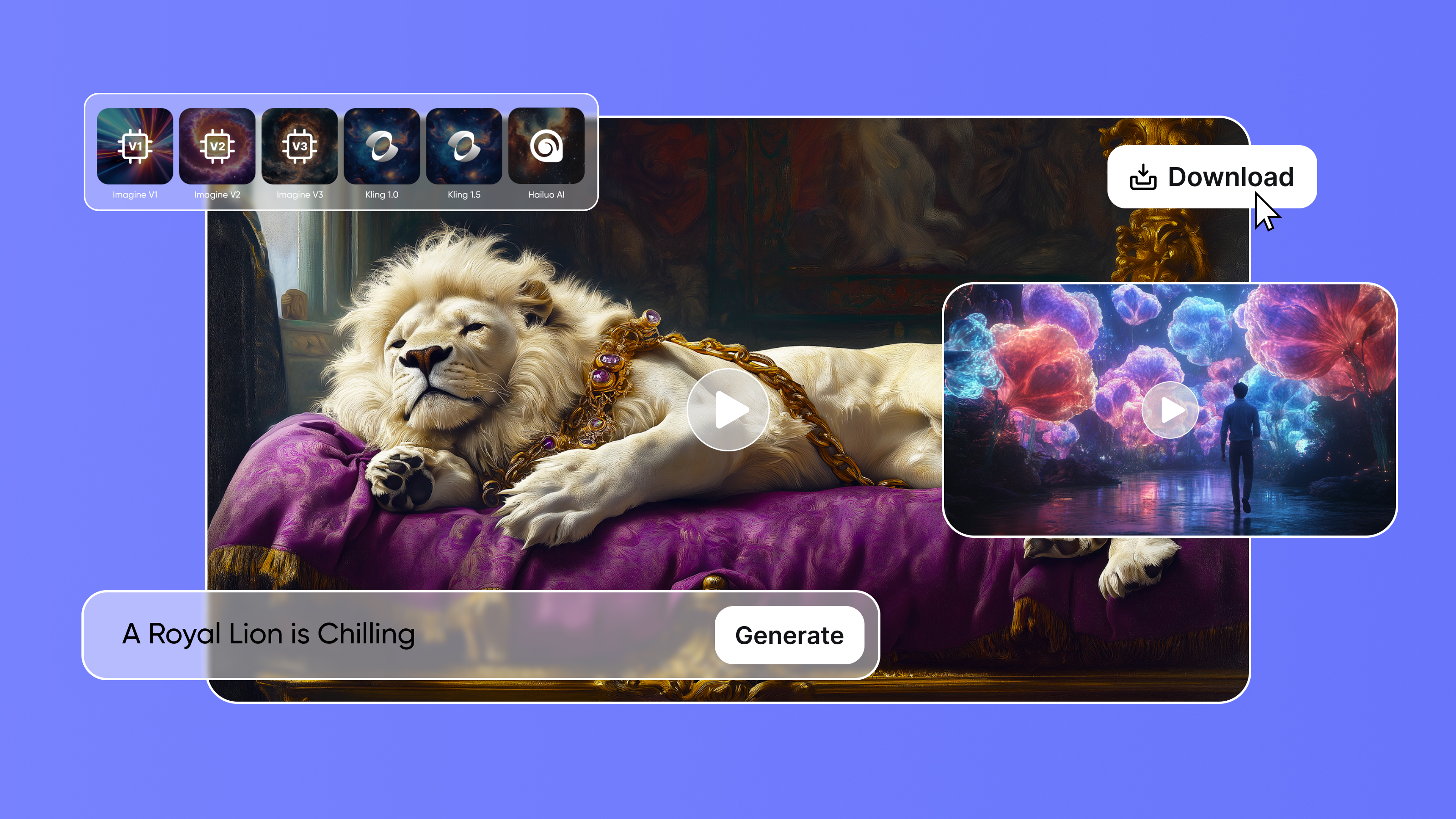
ImagineArt AI video generator features industry-best AI video generation models with a set of diverse options, including prebuilt presets, video duration selection, video resolution selection, and different aspect ratios. The all-in-one video generator has a credit-based system, allowing you to explore multiple AI video models in a single subscription!
To compare AI tools in more detail, read: Veo 3 vs Top AI Video Generators | Nano Banana vs Top AI Image Generators | PixVerse AI vs Other AI Video Generators | Hailuo AI vs Other AI Vide Generators
Tooba Siddiqui
Tooba Siddiqui is a content marketer with a strong focus on AI trends and product innovation. She explores generative AI with a keen eye. At ImagineArt, she develops marketing content that translates cutting-edge innovation into engaging, search-driven narratives for the right audience.