
Try the New ImagineArt! 🎉 Smarter, Faster, Better!

Try now
HomeBlogsExplainer-video-magic-textual-concepts-with-imagine-transforming-ai-video-generator
Explainer Video Magic:  Textual Concepts with ImagineTransforming AI Video Generator

Explainer Video Magic: Textual Concepts with ImagineTransforming AI Video Generator

Imagine AI Video Generator makes creating videos simple and fun. You don't need to be an expert to turn your ideas into amazing visual stories.

Sophia Felix

Sophia Felix

June 26, 2024 • Updated November 29, 2024

5 mins Read

On this page

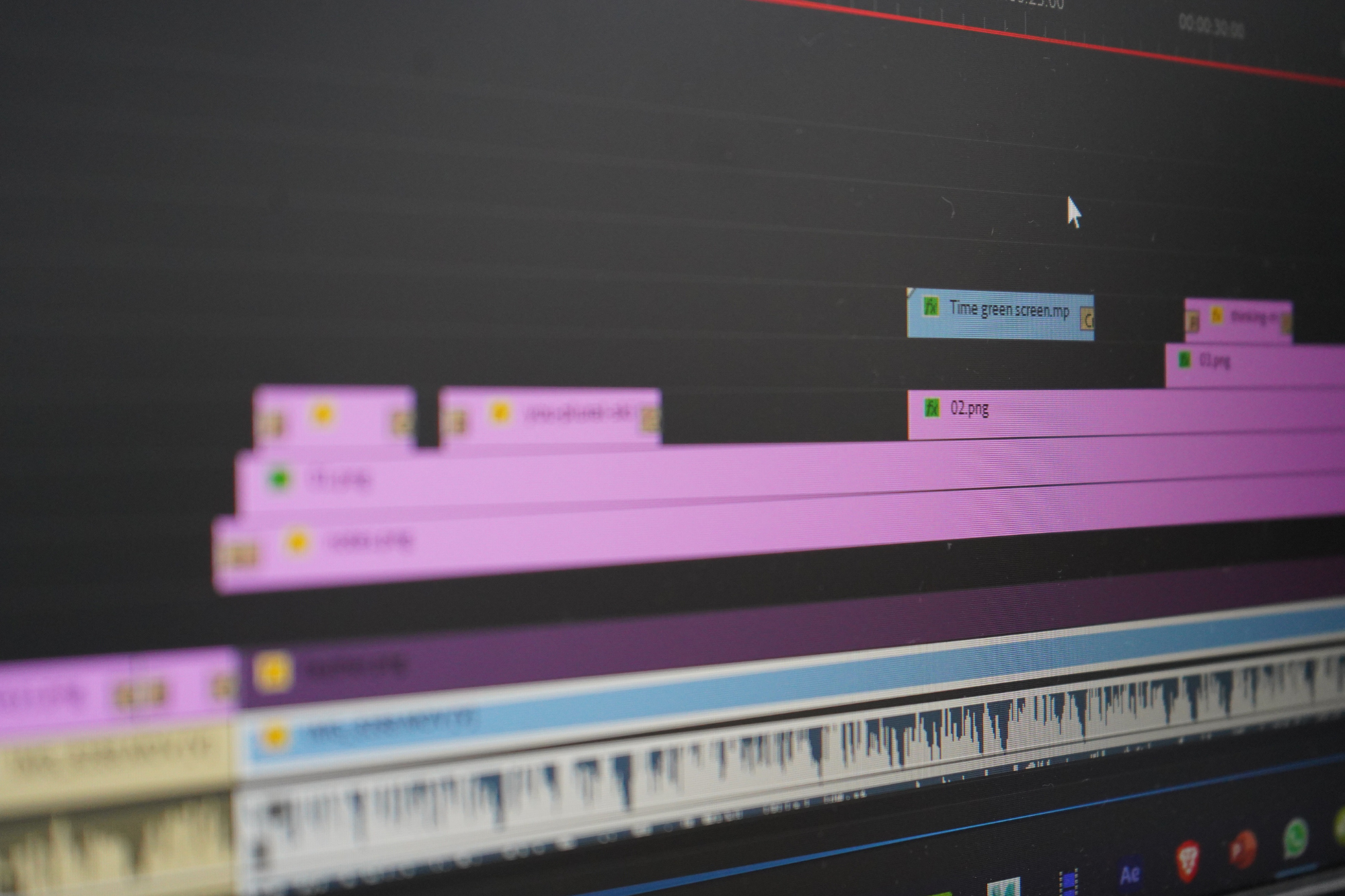
Making videos is hard. It needs both technical skill and creativity. This process is evolving quickly with the help of the Imagine AI Video Generator. Making videos is now much quicker and easier with these tools! Let's examine how text-to-video AI technologies alter how we produce videos by turning written ideas into captivating visual stories.

Overview of Imagine AI Video Generator:

Imagine AI Video Generator is a unique tool that creates videos using AI. It's similar to having a highly intelligent artist on your computer! Using this tool, you can transcribe written words into videos featuring images and audio.

Imagine AI Video Generator assists those who wish to make videos but might not be proficient in drawing or editing them. With AI Art you can achieve the perfect look in everything. To understand the meaning of the input text, the AI applies a variety of algorithms to analyze it.

Transformation of Textual Concepts:

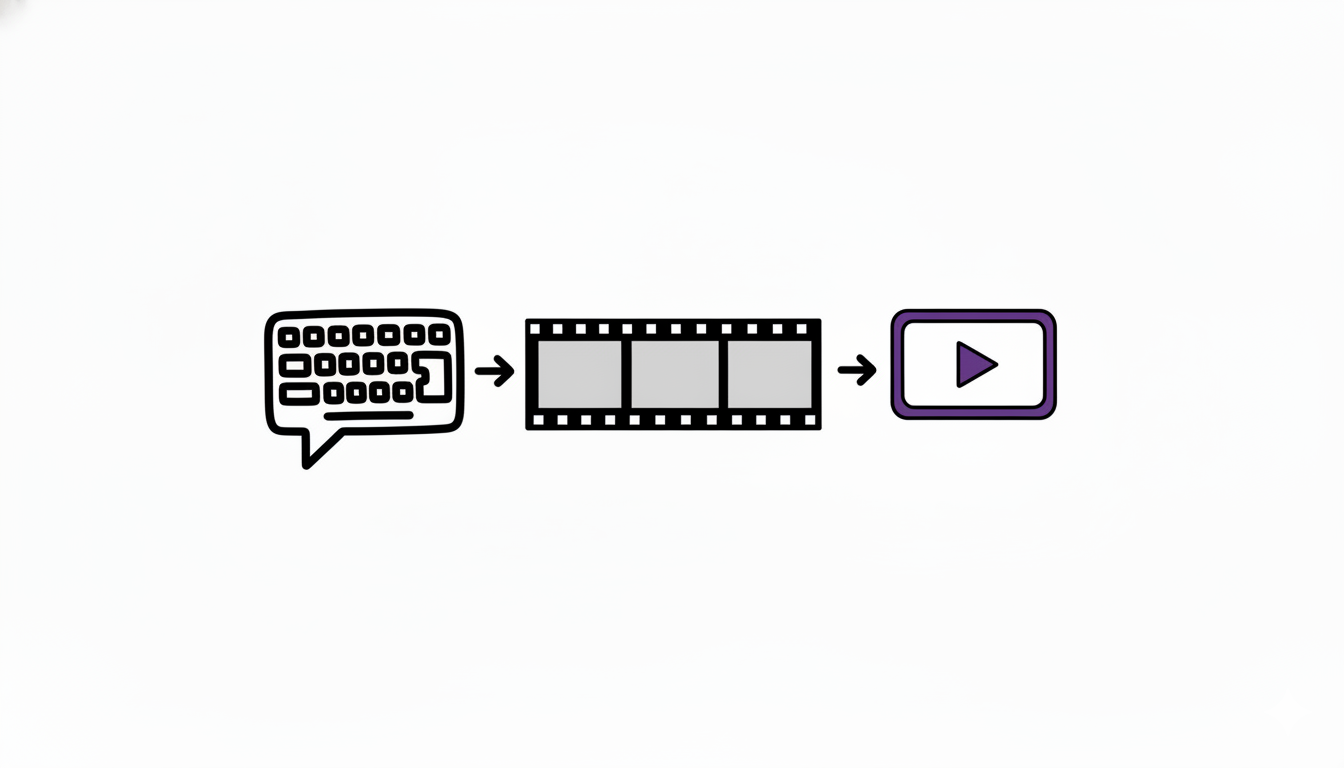
Imagine an AI that reads and comprehends your writing before turning words into videos. It then makes use of its smart brain to determine which images and sounds correspond with your words.
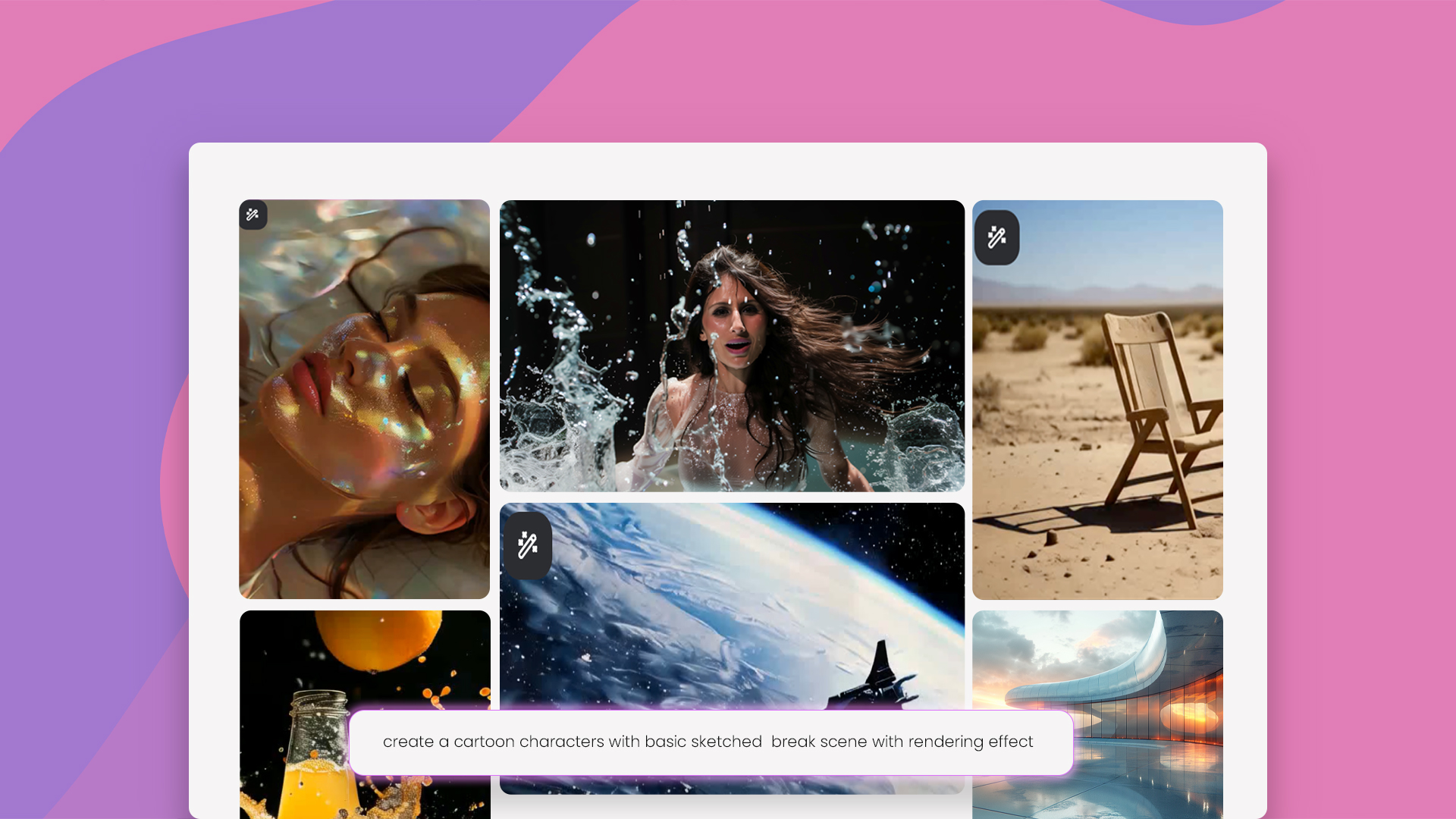
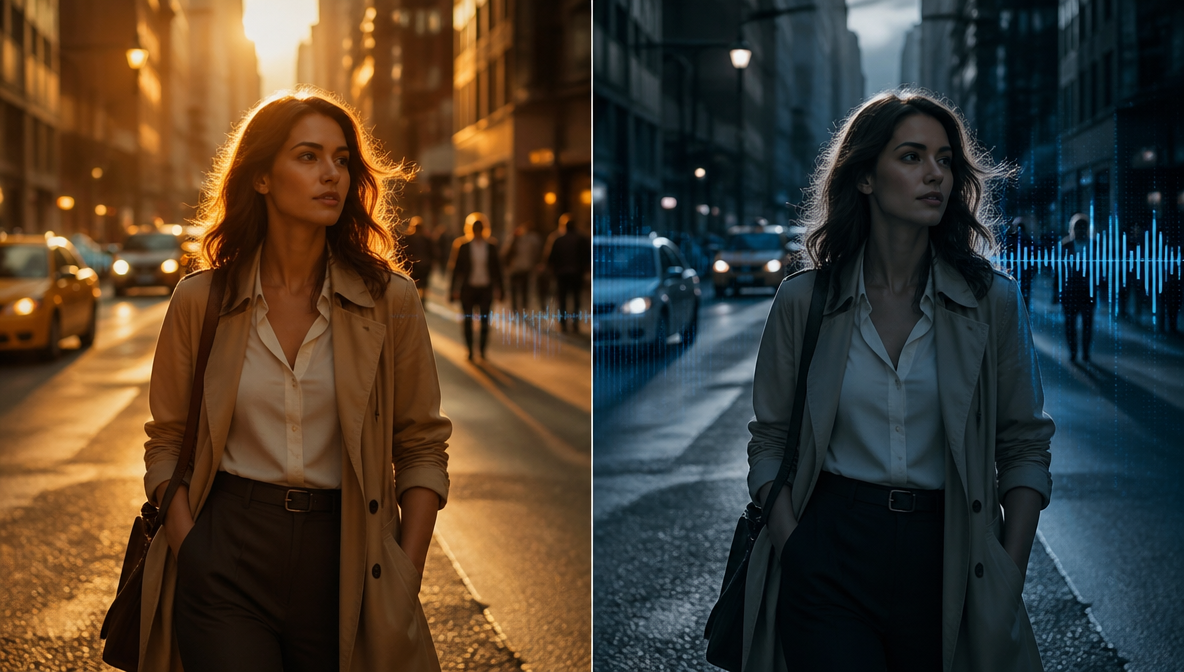
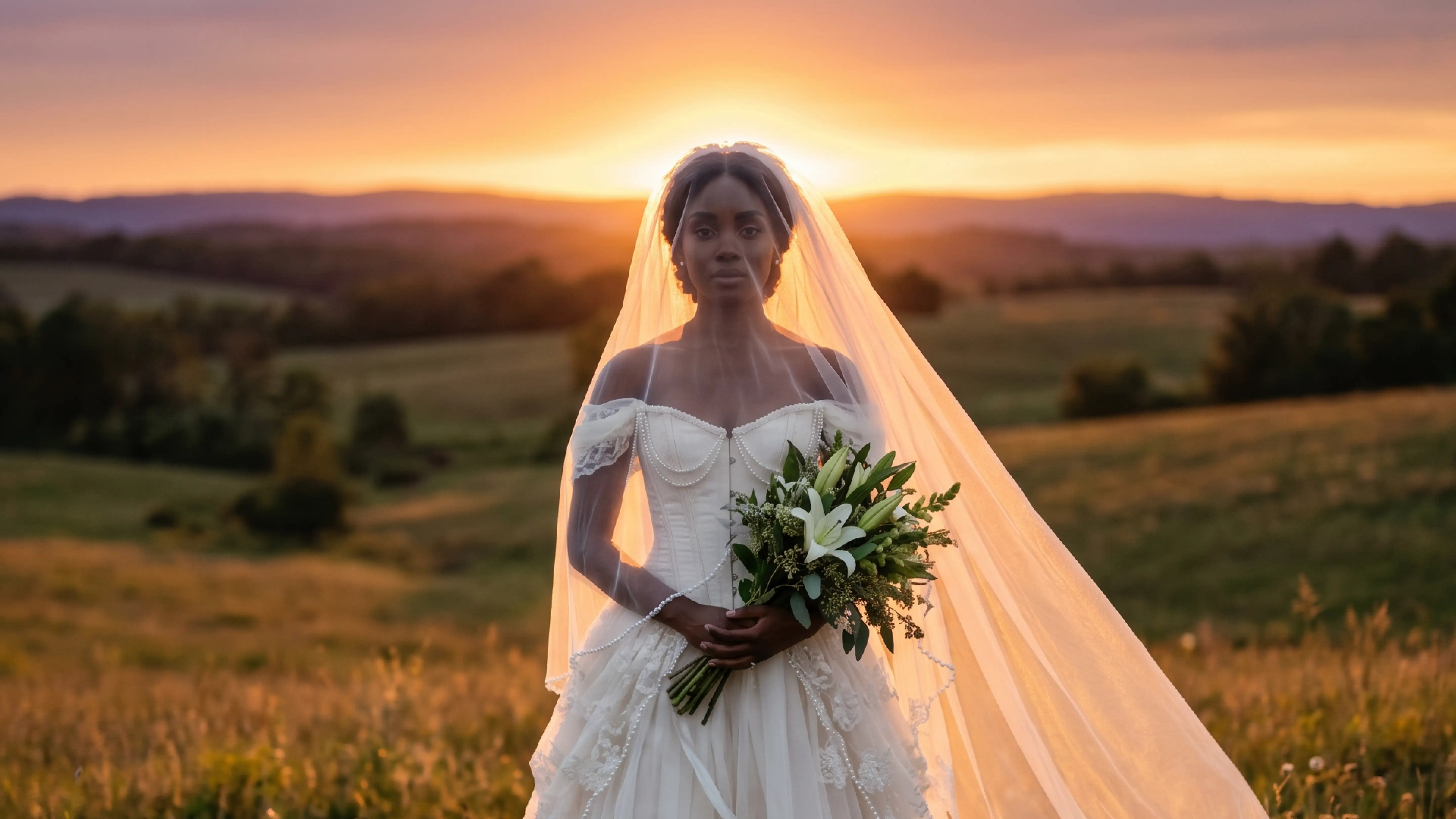
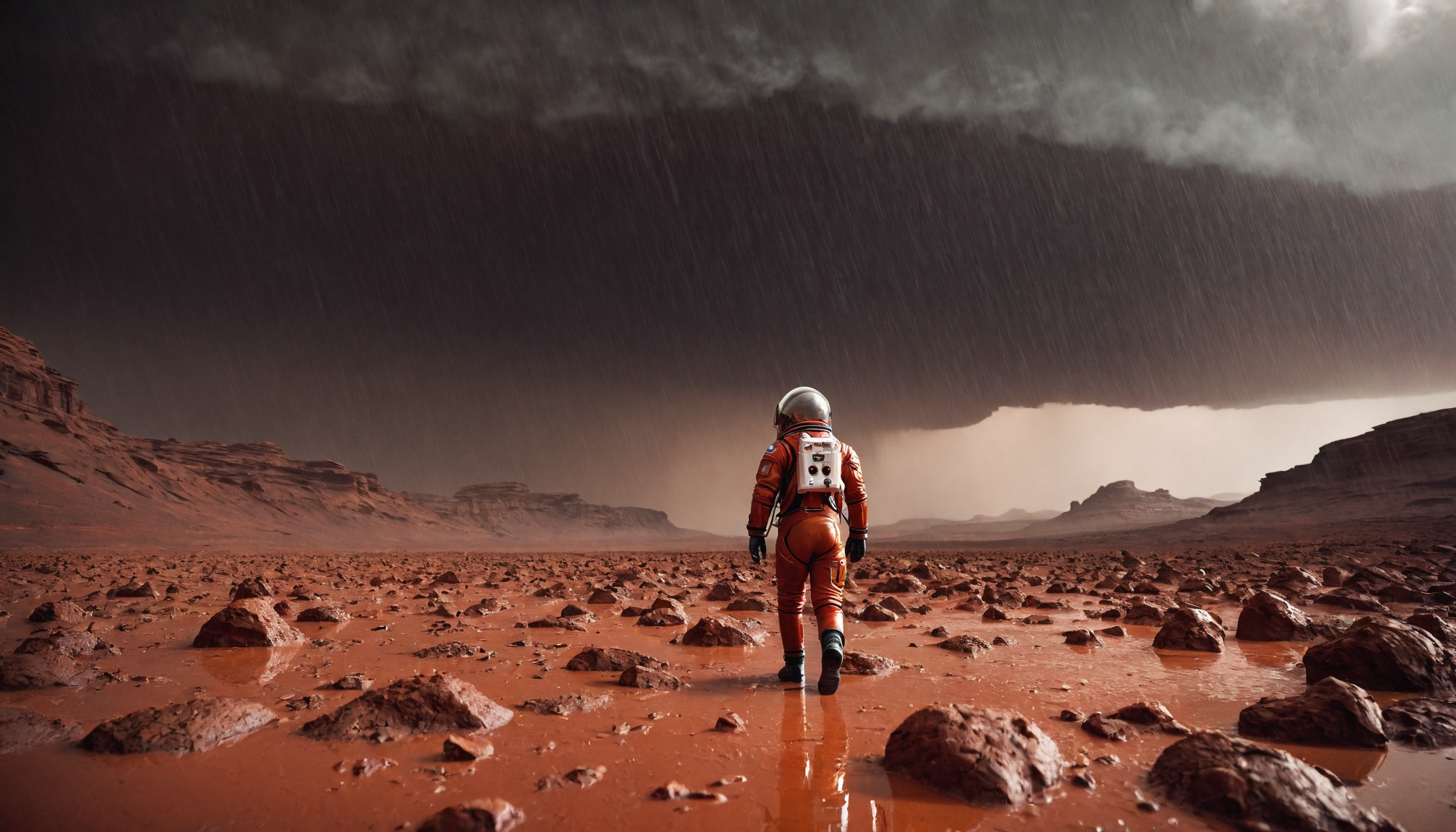
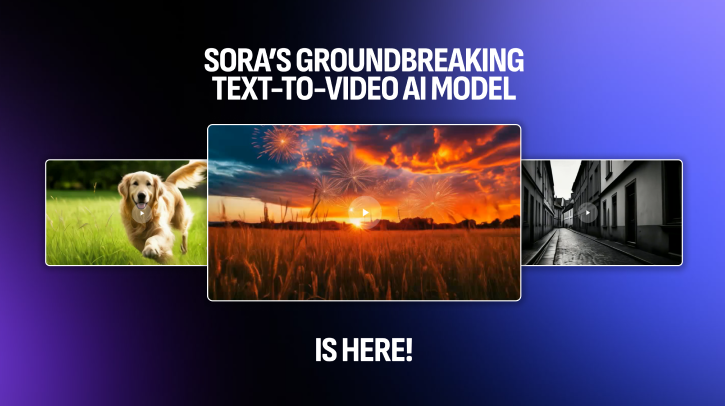
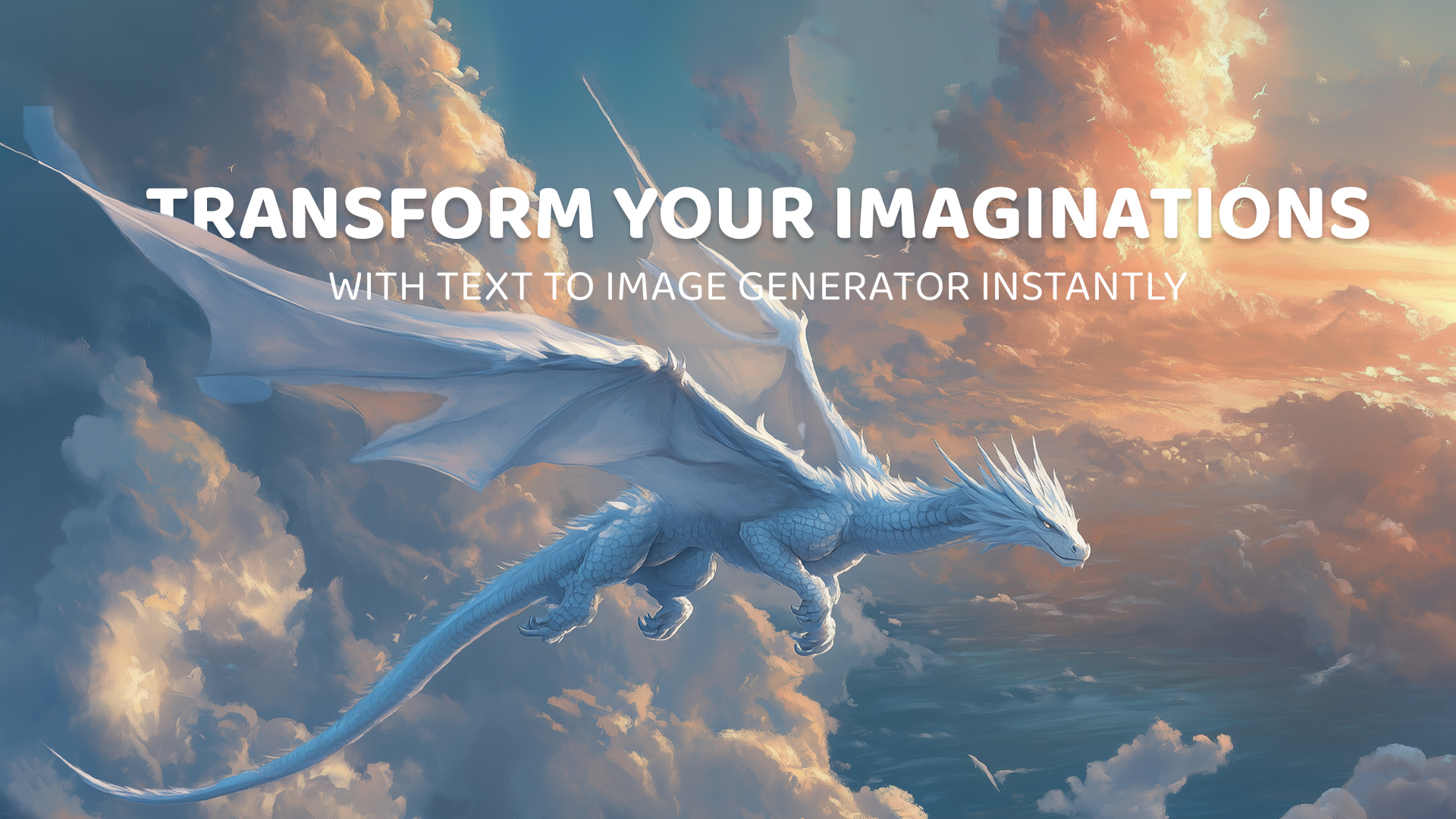
Generated with Imagine Generated with Imagine

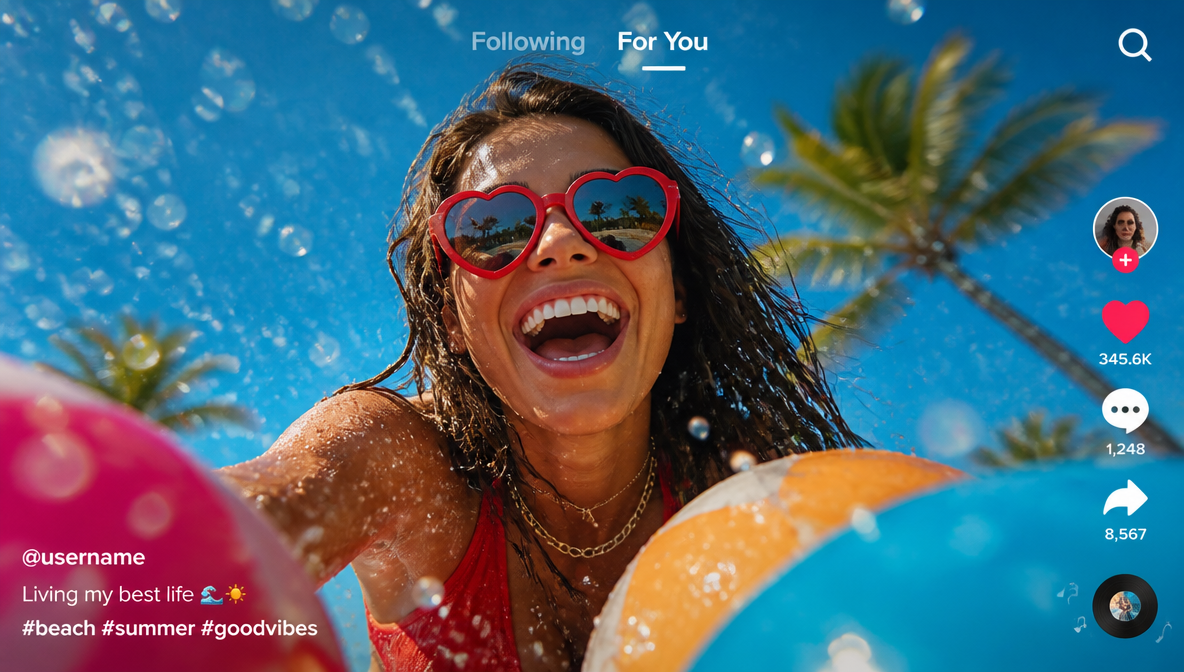
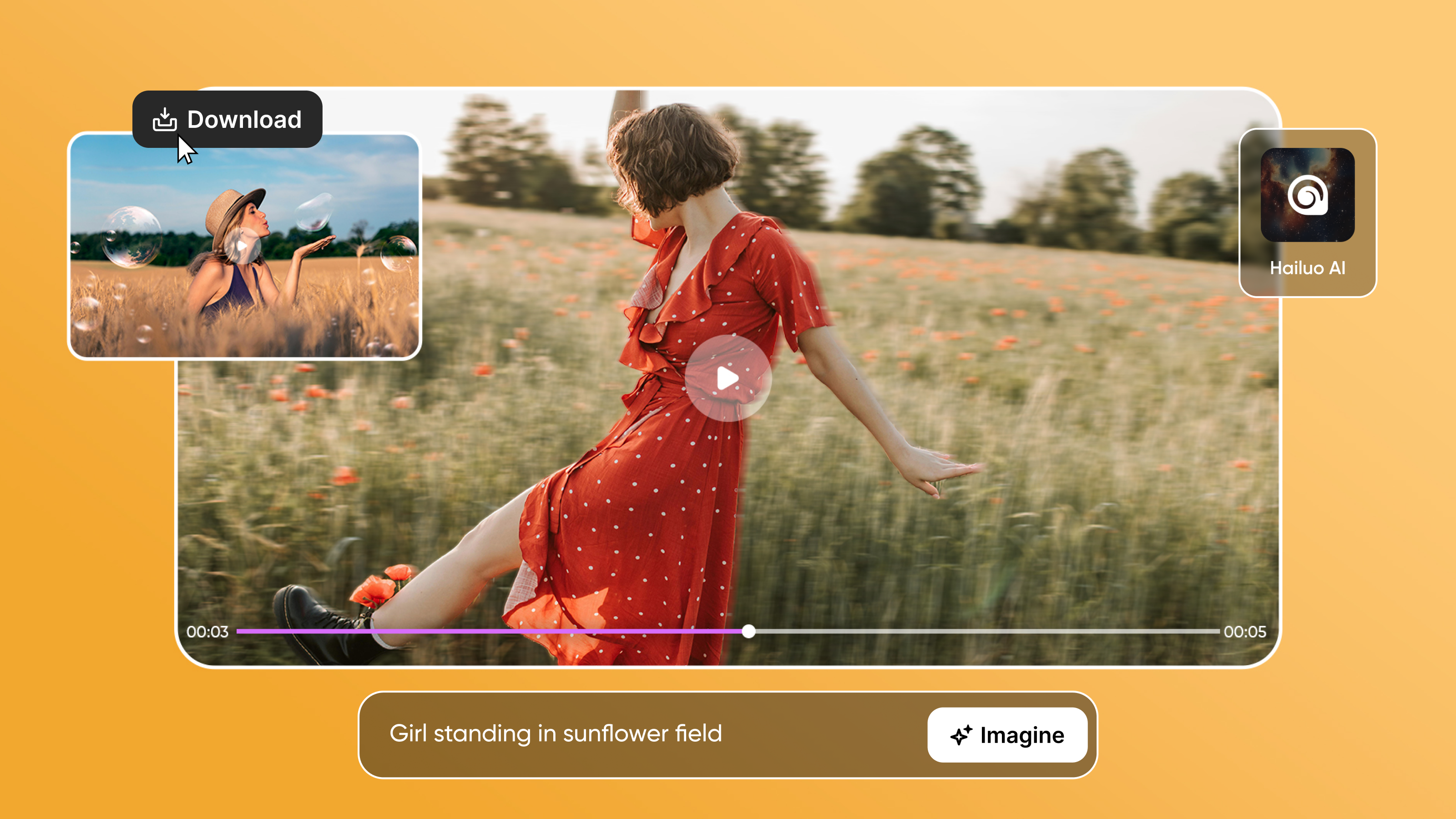
Without the need for you to create or edit videos yourself, Imagine AI makes it simple to turn any story or concept into a video. For anyone who wants to make videos but doesn't know where to begin, this makes it ideal. Imagine AI helps you bring your imagination to life visually and engagingly, whether you're using it for school projects, telling stories to friends, or just having fun with video creation. For instance, Imagine AI can produce a video of a beach with crashing waves and a bright sun if you write about a pleasant day at the beach. It only takes a few seconds for this process to complete, so you can see your ideas come to life right away!

Create Engaging Visual Narratives :

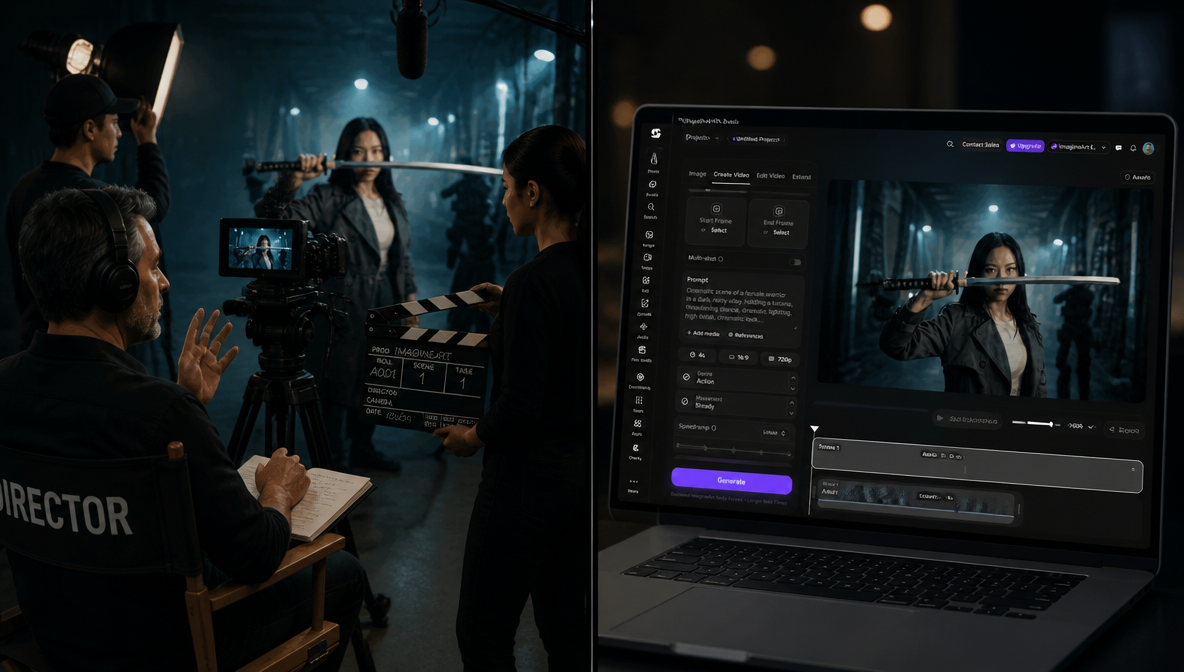
Imagine AI puts everything together to make a video that tells a story. Finally, you can watch your video and make changes if you want. It's like being a movie director without needing lots of cameras or actors!
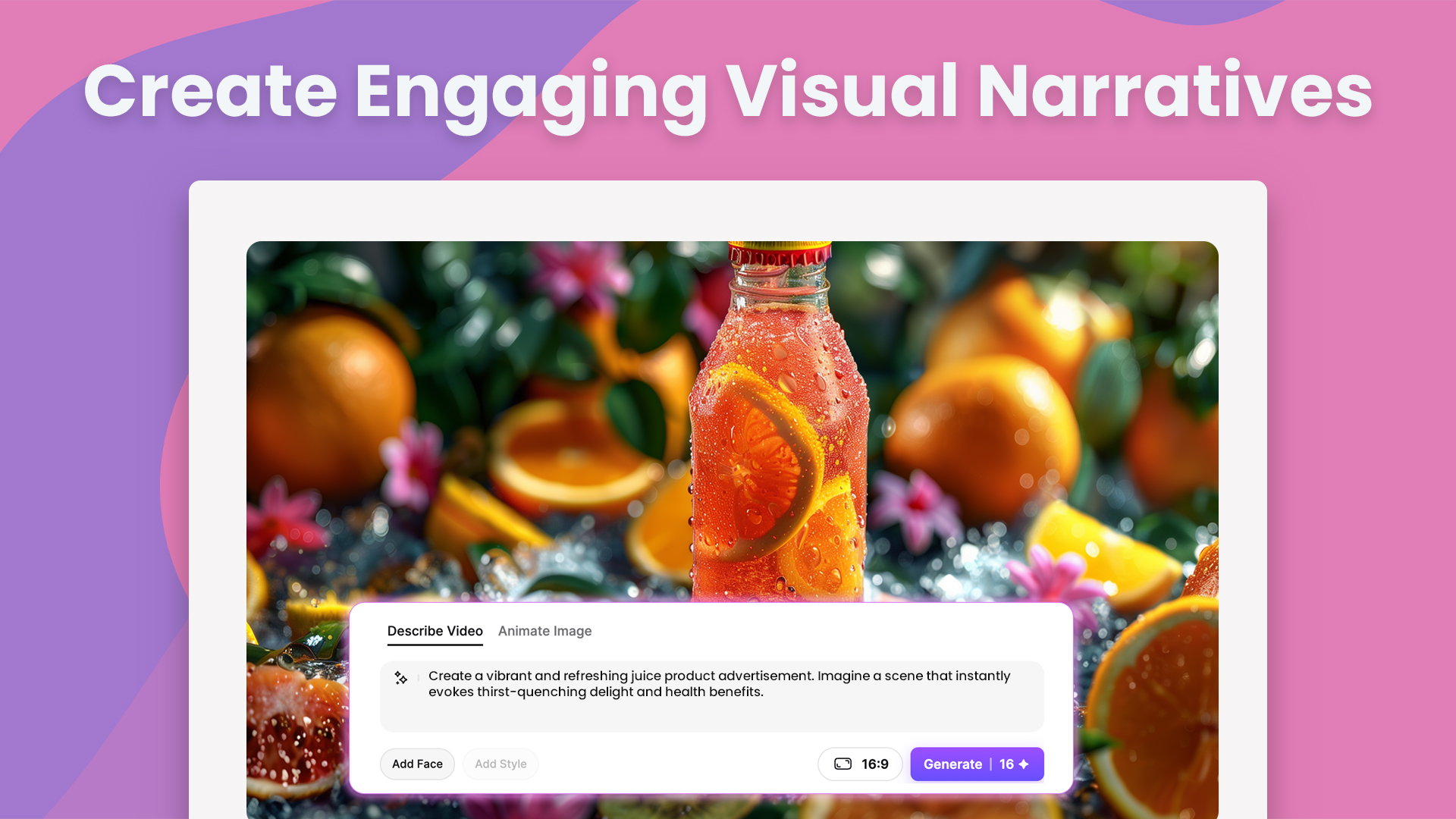
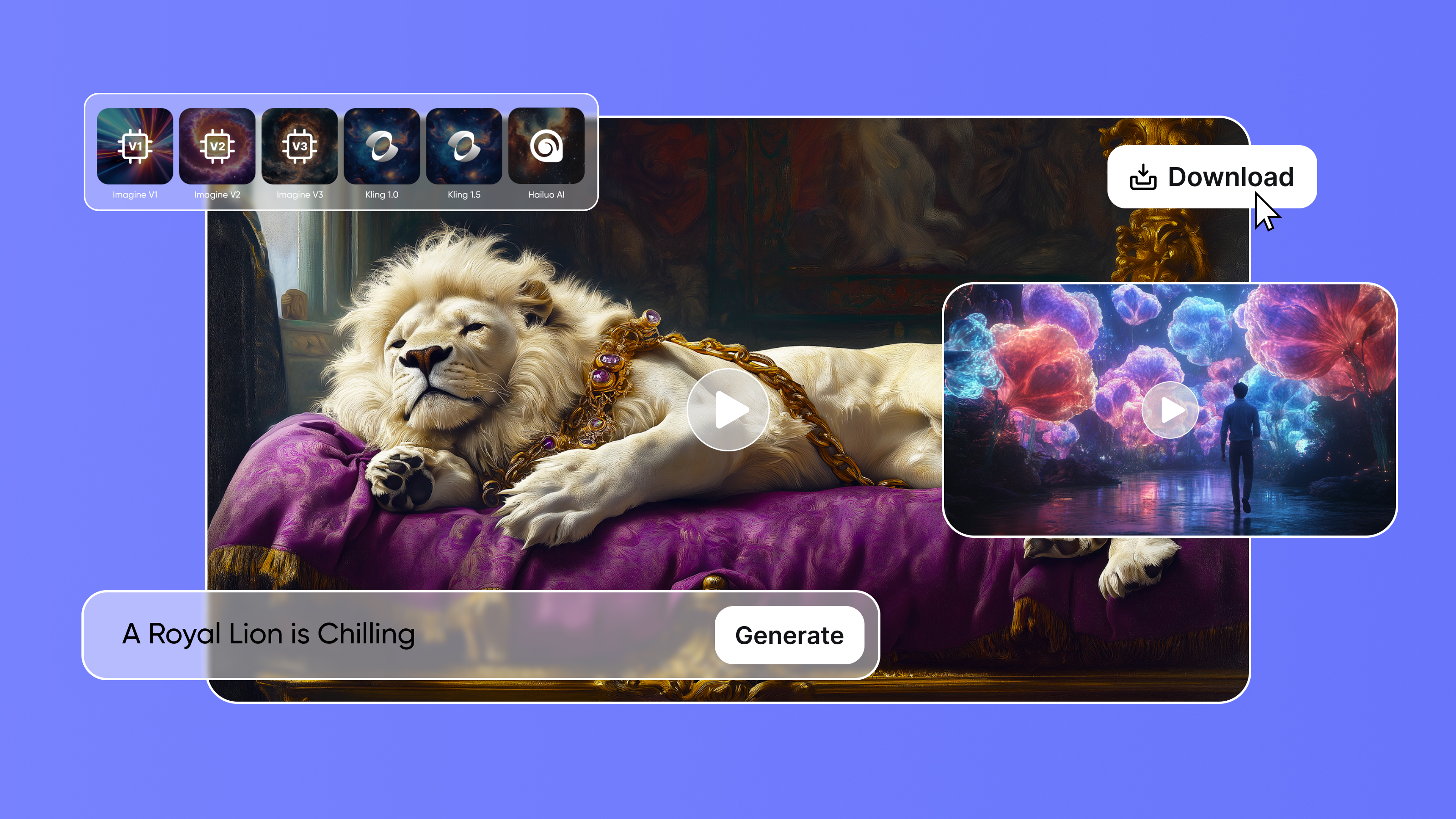
Generated with Imagine Generated with Imagine Here are few easy steps with which you can create Engaging Visual Narratives.

  • Describe Your Idea :

First note down the idea you want to explain before you begin making your video. This could be a science lesson, an adventure story, or anything else you can think of. Your video will be easier to make if your idea is more clear.

  • Write your description :

Write down the text that will help Imagine AI figure out what you want in your video once you have your story or concept. Give a description of the scenes, people, and activities you hope to see. To help Imagine AI create the images and sounds that go with your story, provide as much detail as you can.

  • Select or Upload Image :

Select pictures that go with your script, or let Imagine AI come up with some based on what you say. Your video's visuals will be composed of these pictures. You can use AI-generated images that are precisely suited for your story, or you can choose images from a library.

  • Customization :

It's time to add your unique touch now. Tailor the image styles, colours, and backgrounds to your desired look. By taking this step, you can add something special and eye-catching to your video.

  • Review and Export :

Check your video's flow and ensure it effectively conveys your story. Make any required changes to the timing, audio, or graphics to enhance the presentation as a whole. When you're happy, edit your video and get it ready to export or save.

Benefits of Creating Videos with Imagine AI :

Imagine AI Art Generator has a lot of benefits when used. You don't have to be an expert to create videos, which makes it simple. You can easily make changes if you want something different. Imagine AI also assists you in producing videos, even if you're only starting out, that sound and look professional.

  • Simple Interface :

This tool is easy to use. Anyone with little to no experience can use it .

  • Professional Results:

With Imagine AI Video Generator, you can create high-quality videos. They look and sound professional.
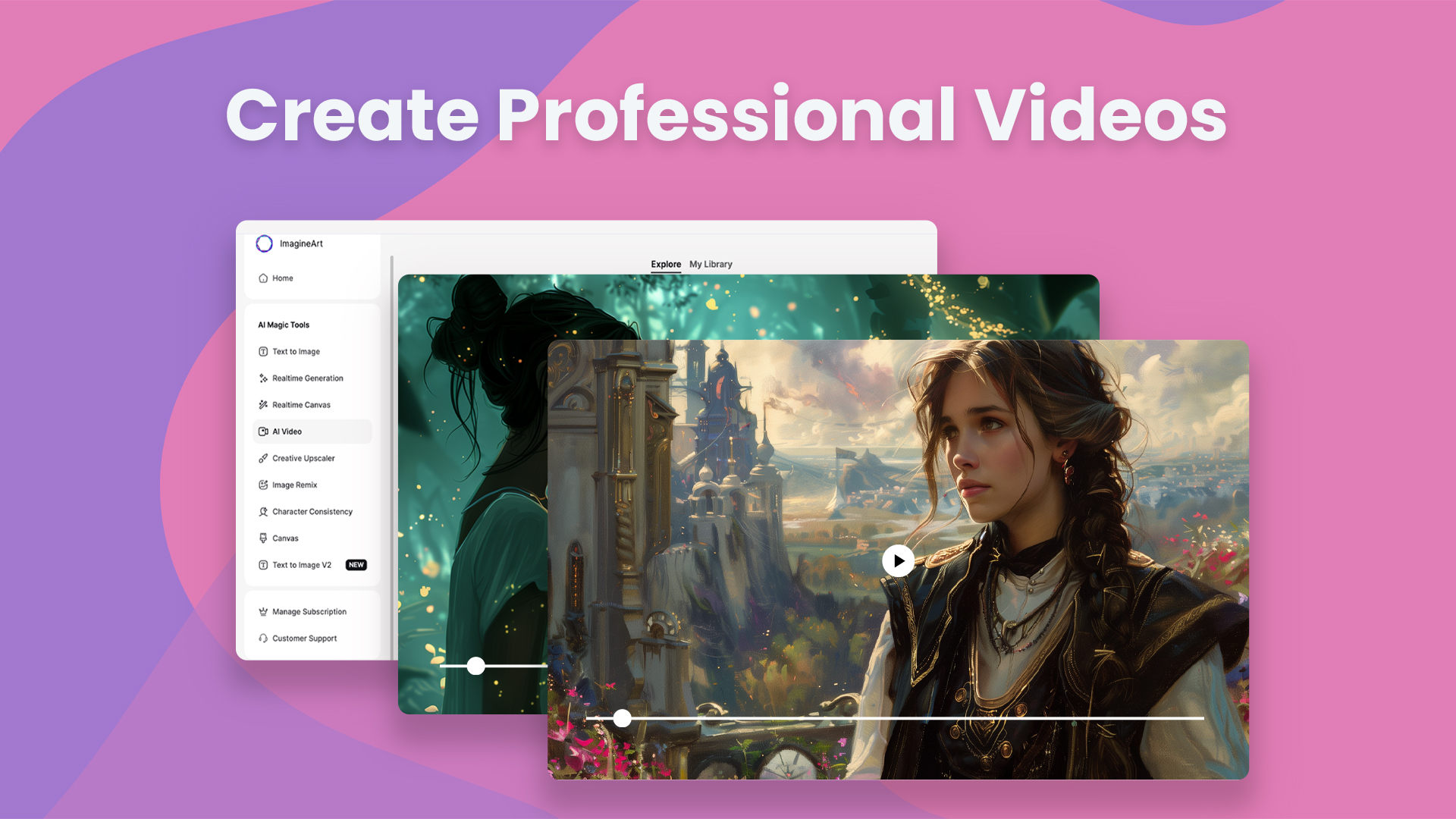
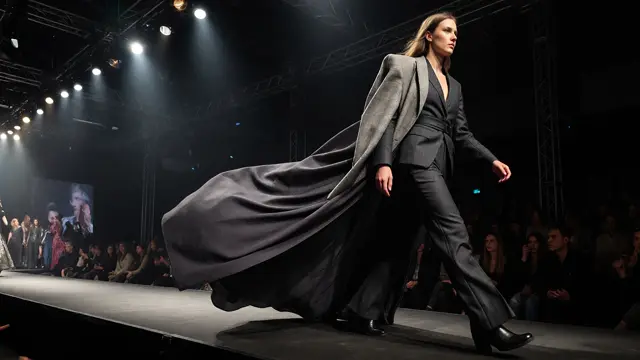
Generated with Imagine Generated with Imagine

  • Cost-Effective:

Saves money compared to hiring professional video editors.

  • Accessible:

You can use it anytime, anywhere with internet. You don't have to be an expert to use it.

  • Interactive:

It engages viewers. It has content that is both visually appealing and informative.

Conclusion

Imagine AI Video Generator makes creating videos simple and fun. You don't need to be an expert to turn your ideas into amazing visual stories. With just a few steps, you can create professional-looking videos quickly and easily. Imagine AI video generator helps you bring your imagination to life. It is perfect for school projects, storytelling. It's a powerful tool that anyone can use to make engaging and creative videos.

FAQs

Imagine AI Video Generator uses advanced AI algorithms to analyze written descriptions and transform them into videos. It selects relevant images, audio, and scenes to match the text, turning simple words into dynamic visual stories.

No, the tool is designed to be user-friendly, making it accessible even to those with little to no video-making experience. Its simple interface allows anyone to create high-quality videos without needing technical skills.

Yes! You can personalize the video by adjusting image styles, colors, backgrounds, and even adding specific audio elements to match your vision. This customization lets you give your video a unique, professional touch.

Imagine AI Video Generator offers multiple benefits:

  • Simple Interface: Easy for beginners to use.
  • Professional Results: Creates high-quality, professional-looking videos.
  • Cost-Effective: Saves money compared to hiring professional video editors.
  • Accessible: Can be used anywhere, anytime with internet access.
  • Interactive: Engages viewers with visually appealing and informative content.

You can create a wide range of videos, from educational projects and science lessons to storytelling and entertainment. Whether it's for school, personal use, or business, the tool is versatile enough for any creative endeavor.

Sophia Felix

Sophia Felix

Sophia Felix is an AI enthusiast and content marketer passionate about the way technology reshapes creativity and the human experience. She dives into the latest AI trends, making complex tech accessible and inspiring for everyone.

More topic you may like

Thumbnail

AI Video Generation

The Power of Visual Storytelling: Bringing Text to Life with Animated Videos

avatar

Tooba Siddiqui

Thumbnail

AI Video Generation

The Art of Character Consistency: Create AI Video using Consistent Character

avatar

Ryan Hayden

Thumbnail

AI Video Generation

Educational Animation: Enhancing Learning Experiences with Text-to-Video Tools

avatar

Sophia Felix

Thumbnail

AI Video Generation

Photos to Videos in Seconds: Introducing AI Video Generation from Imagine!

avatar

Ryan Hayden

Thumbnail

AI Video Generation

The Future of Video Content: Automating Video Production with Text-to-Video AI

avatar

Tooba Siddiqui

Thumbnail

AI Video Generation

PixVerse V5.5 Exclusive Update | ImagineArt

avatar

Arooj Ishtiaq

Thumbnail

AI Video Generation

Best Free AI Video Generator Apps in 2026

avatar

Aqsa Nazir Kayani

Thumbnail

AI Video Generation

Video Editor Overview - Features and Use Cases | ImagineArt

avatar

Tooba Siddiqui

Thumbnail

AI Video Generation

Best Realistic AI Video Generators | ImagineArt

avatar

Tooba Siddiqui

Thumbnail

AI Video Generation

Top 11 InVideo Alternatives for AI Video Generation

avatar

Arooj Ishtiaq

Thumbnail

AI Video Generation

Veo 3.1 vs Sora 2 - A Comprehensive Comparison

avatar

Tooba Siddiqui

Thumbnail

AI Video Generation

Seedance Pro Fast Overview | ImagineArt

avatar

Tooba Siddiqui

Thumbnail

AI Video Generation

10 Best AI Video Editing Tools for Digital Marketers (2026) — Tested & Ranked

avatar

Tooba Siddiqui

Thumbnail

AI Video Generation

Adobe Firefly Video Generator vs. Canva Video Generator vs. ImagineArt Video Studio | ImagineArt

avatar

Tooba Siddiqui

Thumbnail

Prompt Guides

JSON Prompting for AI Video Generation | ImagineArt

avatar

Tooba Siddiqui

Thumbnail

AI Video Generation

Why ImagineArt Is the Best All-in-One AI Video Generator?

avatar

Kamran Arshad

Thumbnail

AI Video Generation

Wan 2.5 Alternatives for AI Video Generation | ImagineArt

avatar

Tooba Siddiqui

Thumbnail

AI Video Generation

How To Create Motivational Videos With AI?

avatar

Arooj Ishtiaq

Thumbnail

AI Video Generation

The Evolution of AI Video Generation

avatar

Ryan Hayden

Thumbnail

AI Video Generation

10 Best AI Video Generators for Commercial Use

avatar

Tooba Siddiqui

Thumbnail

AI Video Generation

6 Best AI Video Editing Tools For Influencer Marketing

avatar

Tooba Siddiqui

Thumbnail

AI Video Generation

HappyHorse 1.0 vs Seedance 2.0: Which AI Video Model Should You Use?

avatar

Syed Anas Hussain

Thumbnail

AI Image Generation

Top 10 Leonardo AI Alternatives | ImagineArt

avatar

Arooj Ishtiaq

Thumbnail

Marketing

Small Business Video Marketing Guide: How to Grow in 2026

avatar

Tooba Siddiqui

Thumbnail

ImagineArt for Teams

AI Filmmaking - D|Studio x ImagineArt Case Study

avatar

Zahida Misher

Thumbnail

AI Video Generation

Hailuo AI vs Other AI Video Generators | ImagineArt

avatar

Tooba Siddiqui

Thumbnail

AI Video Generation

7 Best HeyGen Alternatives in 2026: Comparing AI Avatar Platforms

avatar

Syed Anas Hussain

Thumbnail

AI Video Generation

Kling AI Alternatives for AI Videos | ImagineArt

avatar

Tooba Siddiqui

Thumbnail

AI Video Generation

Is SORA AI Video Generator available to use?

avatar

Sophia Felix

Thumbnail

AI Video Generation

Sora 2 AI Video Generator Alternatives | ImagineArt

avatar

Tooba Siddiqui

Thumbnail

AI Video Generation

How To Use Seedance 2.0? | ImagineArt

avatar

Arooj Ishtiaq

Thumbnail

ImagineArt for Teams

Top Marketing Trends to Follow in 2026

avatar

Zahida Misher

Thumbnail

AI Video Generation

How To Make Cinematic Video with AI | ImagineArt

avatar

Tooba Siddiqui

Thumbnail

AI Video Generation

How to Add Logo to Video | ImagineArt

avatar

Tooba Siddiqui

Thumbnail

ImagineArt for Teams

The Secret to Scaling Brand Consistency Across Teams

avatar

Zahida Misher

Thumbnail

AI Video Generation

11 Top Free AI Image to Video Tools 2026 (Tested & Ranked)

avatar

Umaima Shah

Thumbnail

AI Video Generation

What Is the Best AI Video Generator for TikTok? Here's the Answer (2026)

avatar

Tooba Siddiqui

Thumbnail

AI Film Studio Guides, Tutorials & Resources

How to Add AI Visual Effects to Your Videos

avatar

Syed Anas Hussain

Thumbnail

AI Video Generation

Veo 3.1 Update Breakdown | ImagineArt

avatar

Tooba Siddiqui

Thumbnail

AI Video Generation

How Much Do AI Video Generators Cost? 15 Tools Compared (2026)

avatar

Sameer Sohail

Thumbnail

Prompt Guides

Prompt Guide for Veo 3.1 | ImagineArt

avatar

Arooj Ishtiaq

Thumbnail

AI Video Generation

Best AI Video Generators for Movies | ImagineArt

avatar

Tooba Siddiqui

Thumbnail

AI Video Generation

How to Add Text to a Video | ImagineArt

avatar

Tooba Siddiqui

Thumbnail

AI Film Studio Guides, Tutorials & Resources

How to Make a Movie with AI in 2026 (Step-by-Step Guide)

avatar

Syed Anas Hussain

Thumbnail

AI Video Generation

Runway Gen-4.5 Overview | ImagineArt

avatar

Arooj Ishtiaq

Thumbnail

AI Video Generation

Kling AI vs Other AI Video Generators | ImagineArt

avatar

Tooba Siddiqui

Thumbnail

AI Video Generation

6 Best AI Video Generators for YouTube

avatar

Tooba Siddiqui

Thumbnail

AI Video Generation

Wan 2.6 — What Can We Expect? | ImagineArt

avatar

Tooba Siddiqui

Thumbnail

AI Video Generation

How to Add Music to a Video | ImagineArt

avatar

Tooba Siddiqui

Thumbnail

AI Video Generation

AI Image to Video Generator: How to Turn Any Image into a Video

avatar

Tooba Siddiqui

Thumbnail

ImagineArt for Teams

AI Short Film | Rico x ImagineArt Case Study

avatar

Zahida Misher

Thumbnail

AI Video Generation

How to Create Halloween Videos with AI | ImagineArt

avatar

Tooba Siddiqui

Thumbnail

AI Video Generation

How to Add Background to Video | ImagineArt

avatar

Tooba Siddiqui

Thumbnail

AI Video Generation

Veo 3.1 Alternatives for AI Video Generation | ImagineArt

avatar

Tooba Siddiqui

Thumbnail

AI Video Generation

How To Make Cartoon Video | Imagine Video Studio

avatar

Tooba Siddiqui

Thumbnail

AI Video Generation

Tips for Finding A Good AI Video Generator | ImagineArt

avatar

Tooba Siddiqui

Thumbnail

Prompt Guides

Prompt Guide for PixVerse V5 AI Video Generator | ImagineArt

avatar

Tooba Siddiqui

Thumbnail

AI Video Generation

Is Sora Video Generator Free? A Comprehensive Guide with Price and Features Comparison

avatar

Ryan Hayden

Thumbnail

AI Video Generation

Seedance AI Video Generator Features | ImagineArt

avatar

Tooba Siddiqui

Thumbnail

AI Video Generation

20+ Video Editing Tips for Beginners and Professionals (2026)

avatar

Tooba Siddiqui

Thumbnail

AI Video Generation

Best AI Video Generators for Commercials | ImagineArt

avatar

Tooba Siddiqui

Thumbnail

AI Video Generation

How to Use Hailuo AI on ImagineArt | ImagineArt

avatar

Tooba Siddiqui

Thumbnail

AI Video Generation

Google Veo 3 Features: Full Breakdown & How to Access It

avatar

Sameer Sohail

Thumbnail

AI Video Generation

6 PixVerse AI Alternatives for Content Creators

avatar

Saba Sohail

Thumbnail

AI Film Studio Guides, Tutorials & Resources

AI Film Studio vs Traditional Video Production: 2026 Comparison

avatar

Syed Anas Hussain

Thumbnail

AI Video Generation

How to Edit MP4 Video | ImagineArt

avatar

Tooba Siddiqui

Thumbnail

AI Video Generation

How to Earn with Hailuo AI Video Generator

avatar

Ryan Hayden

Thumbnail

AI Video Generation

Sora is out: What could it mean for the future?

avatar

Ryan Hayden

Thumbnail

AI Video Generation

Discover Videocraft’s New Models: The Future of Creative Video Generation

avatar

Endless Possibilities. Just Imagine.

Product

  • Audio Studio
  • AI Film Studio
  • AI Ad Studio
  • Lipsync Studio
  • AI Workflows
  • Features
  • Enterprise
  • Apps
  • API Docs

Image

  • AI Image Generator
  • ImagineArt 1.5
  • ImagineArt 2.0
  • GPT Image 2
  • Nano Banana 2
  • Image Upscaler
  • Flux 2

Video

  • AI Video Generator
  • AI Video Editor
  • Seedance 2.0
  • Sora 2
  • Veo 3.1
  • Kling 3.0
  • Pixverse v6
  • Seedance 2.5

Resources

  • Blogs
  • Enterprise Resources
  • Community
  • Pricing
  • Creator Program
  • Contact Sales

ImagineArt

  • Privacy Policy
  • Terms & Conditions
  • Help Center
  • About Us

All rights reserved.
Blog
Editing Tools

AI Video Editor

Create and edit videos with AI transitions and effects.

AI Image Editor

Edit, retouch, and transform images with AI tools.

Kling AI Motion Control

Add dynamic motion to static images with AI-powered animation controls.

AI Image Generator
BG Remover
AI Anime Generator
AI Image Combiner
AI Image Face Swap
AI Image Replace
AI Video Generator
AI Heygen Avatar
AI Animation Generator
AI Product Video Maker
AI Video Object Removal
AI Video Recolor
AI Video background Changer
AI Models
Seedance 2.0
Kling 3.0
Seedream 5.0
Recraft V4
Runway Gen 4.5
Seedance 2.5
Explore All
ConnectUnlock the future of creativity with our Generative AI community—where art, video, and images are born from the power of AI imagination!
Discord
Facebook
Instagram
Pinterest
Reddit
Snapchat
Twitter
YouTube
WhatsApp
AffiliateAPICreatorsPricing
Launch App