Seedream 5.0: Image Generator & Editor With Web Search
Generate stunning visuals with Seedream 5.0, an AI image generator and editor that uses up to 14 reference images and creates highly consistent and prompt-accurate results in 2K.



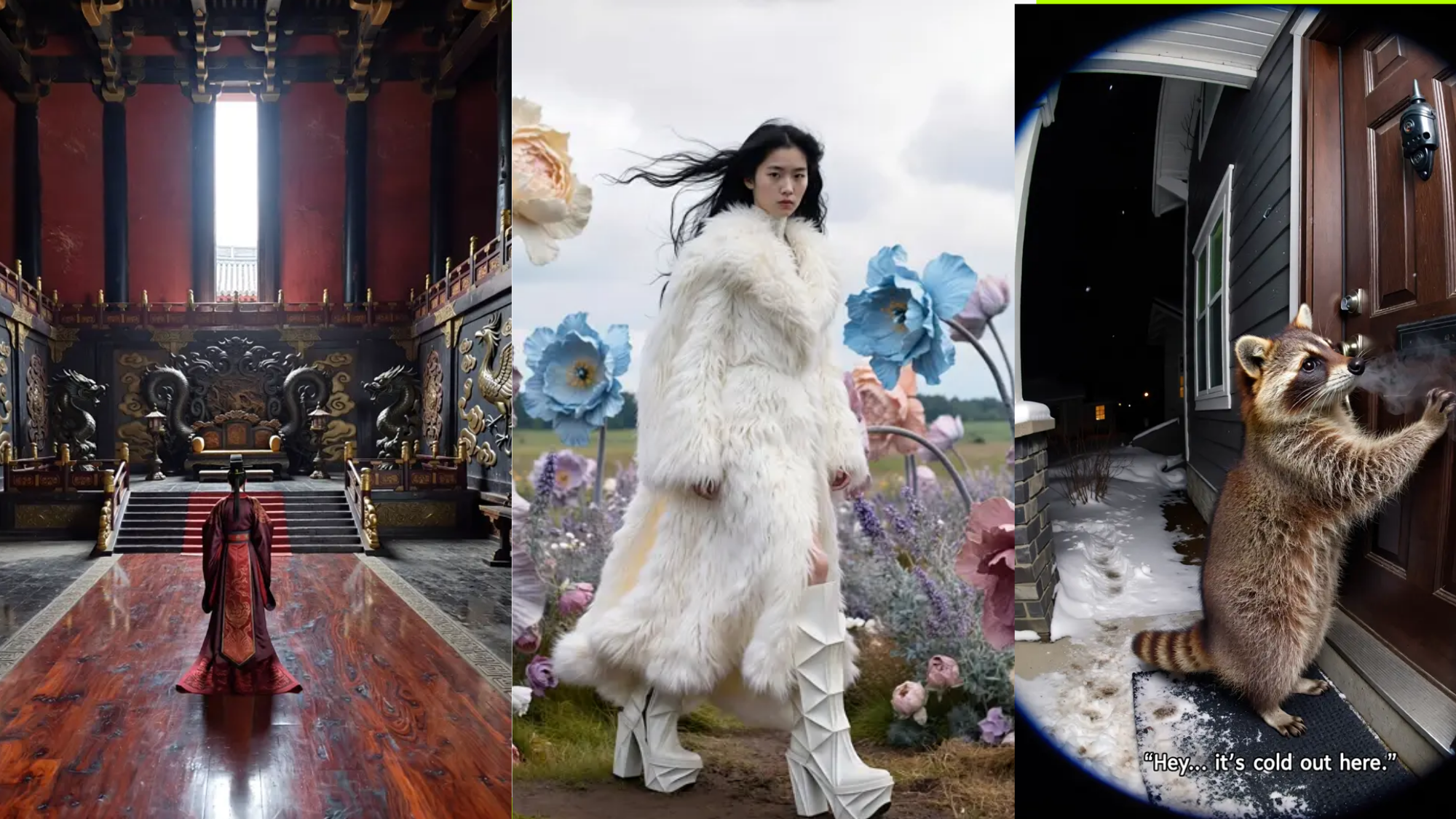
Community Creations
First AI Generator With Live Web Search
Seedream 5.0 does a web search while generating images. When you ask for recent trends, current events, or modern references, it actually searches online to understand what you mean. This makes your results more relevant and up-to-date instead of relying only on old training data.

AI-Powered Image Editing with Magic Circle Control
Circle specific areas and apply targeted edits with natural language. Seedream 5.0 AI image editor understands object mechanics and scene composition. Describe changes like "move the car to the yellow box,” or "rotate the product 45 degrees." The model executes edits while maintaining lighting, shadows, and background consistency.

Multimodal Input Processing
Seedream 5.0 takes text and images as input. Add images to text prompts for stronger creative control and precise direction. Combine up to 14 reference images with detailed instructions for accurate rendering and controlled results.

2K & 4K Resolution Output Options
Seedream 5.0 generates images at 2K resolution directly, and you can use its AI enhancement feature to upscale it to 4K resolution. Both options deliver sharp, high-quality images suitable for professional use, printing materials, and large displays.
How To Use Seedream 5.0 On ImagineArt?
Step 1
Write Your Prompt
Write your prompt, include abstract concepts, moods, styles, or specific elements. Seedream 5.0 will search the web if needed to understand current references or trending topics.
Step 2
Choose Your Settings
Select 2K or 4K output resolution. Pick your aspect ratio based on where you’ll use the image. Adjust other parameters like style preferences if needed.
Step 3
Edit & Download
Review your generated image. Use brush tools to make precise adjustments to specific areas. Download when satisfied or generate variations with different prompts.
Customer Testimonials

ApexStudios
"I’ve tried a lot of AI image tools, but this one feels much more reliable. The results are clean, consistent, and require fewer retries. It saves me a lot of time."

Anya Petrova
Marketing Designer

DreamWorks
"The image quality is seriously impressive. Even when I upscale, the details stay sharp and natural. It’s become part of my regular design process."

Ben Harris
Product Manager

Pixels
"What I like most is how easy it is to edit and refine images without starting over. It makes experimenting with ideas much faster."

Isabelle Kim
Concept Artist

Shopify
"I use it for professional work, and the consistency really stands out. The results are polished enough to share with clients without heavy editing."

Michael Chenn
Product Designer
Trusted by Professionals and Creators from leading brands
Sign up for freePurchase a Subscription
Upgrade to get access to pro features and generate more and better
Basic
For newcomers taking their first steps
View Plans
Billed monthly
Included in plan
3Kcredits per month
Additional Features
Up to ~600 Image Generations/month
Up to ~97 Video Generations/month
General Commercial Terms
Image Generation Visibility: Public
4 Concurrent Image Generations
Complimentary Access
All GPT Models
All Gemini Models
All Claude Models
Unlimited Generations
10 Image Models
9 Video Models
Standard
For rising creators to level up their game
View Plans
Billed monthly
Included in plan
8Kcredits per month
Additional Features
Up to ~1.6k Image Generations/month
Up to ~265 Video Generations/month
General Commercial Terms
Image Generation Visibility: Private
8 Concurrent Image Generations
Complimentary Access
All GPT Models
All Gemini Models
All Claude Models
Unlimited Generations
Nano Banana
Runway Gen 4 Turbo
Midjourney V7
8 more Image Models
8 more Video Models
Ultimate
Peak performance for pros
View Plans
Billed monthly
Included in plan
16Kcredits per month
Additional Features
Up to ~3.2k Image Generations/month
Up to ~530 Video Generations/month
All styles and models
General Commercial Terms
Image Generation Visibility: Private
Complimentary Access
All GPT Models
All Gemini Models
All Claude Models
Unlimited Generations
All image models in Standard plan
All video models in Standard plan
Kling 2.6 Pro
Seedance 1.5 Pro
ChatGPT 1.5
Creator
A full production engine for powerhouses
View Plans
Billed monthly
Included in plan
100Kcredits per month
Additional Features
Up to ~20k Image Generations/month
Up to ~3.3k Video Generations/month
All styles and models
General Commercial Terms
Image Generation Visibility: Private
Complimentary Access
All GPT Models
All Gemini Models
All Claude Models
Unlimited Generations
All image models in Ultimate plan
All video models in Ultimate plan
Kling 3.0 Pro
Seedance 2 Fast
Nano Banana 2
Have questions?
We have answers!
Seedream 5.0 is the latest AI image generator with editing features that integrate web search for up-to-date visuals, advanced prompt understanding, brush-based editing, and 2K/4K output.
Seedream 5.0 uses live web data to create images that match current trends, making your visuals accurate, fresh, and relevant.
Seedream 5.0 searches the web to ensure images reflect recent events or trending topics, keeping visuals accurate and current.
Seedream 5.0 produces native 2K images that can be upscaled up to 4K. Both 2K and 4K resolutions are best for print, digital media, presentations, and large displays.
Yes. Seedream 5.0’s enhanced text rendering ensures clear, readable typography for posters, infographics, diagrams, and instructional materials.
Seedream 5.0 introduces web search, better abstract prompt interpretation, improved text rendering, refined brush editing, and more output options.
Yes. Seedream 5.0 preserves style in edits, enables reference-based consistency across images, and can generate multiple style variations from a single prompt.
Create Smarter Images With Seedream 5.0
Generate and edit visuals with Seedream 5.0, which understands context, follows complex logic, and delivers high-quality results.