Tooba Siddiqui
October 9, 2025 • Updated January 20, 2026
10 mins Read
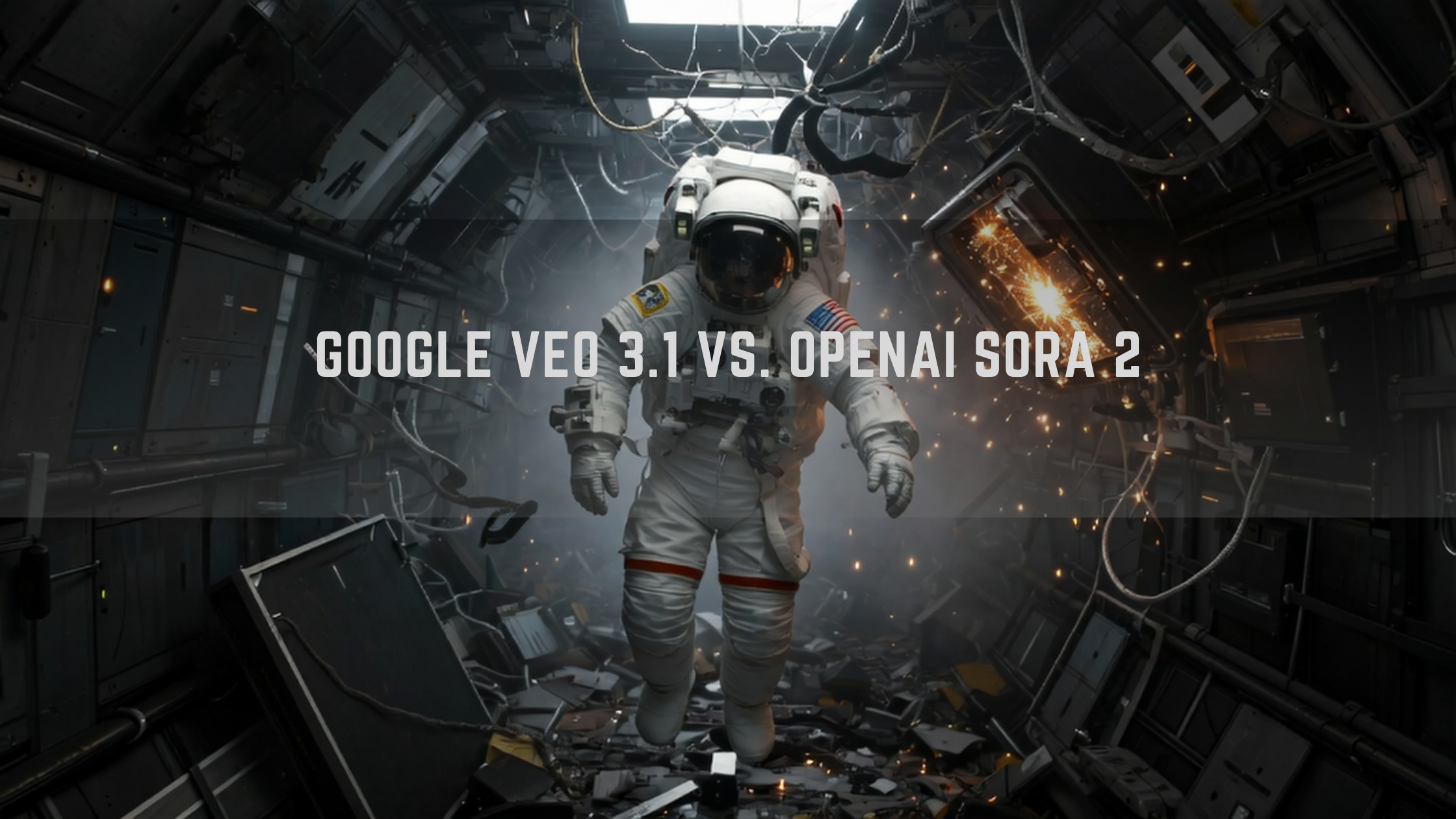
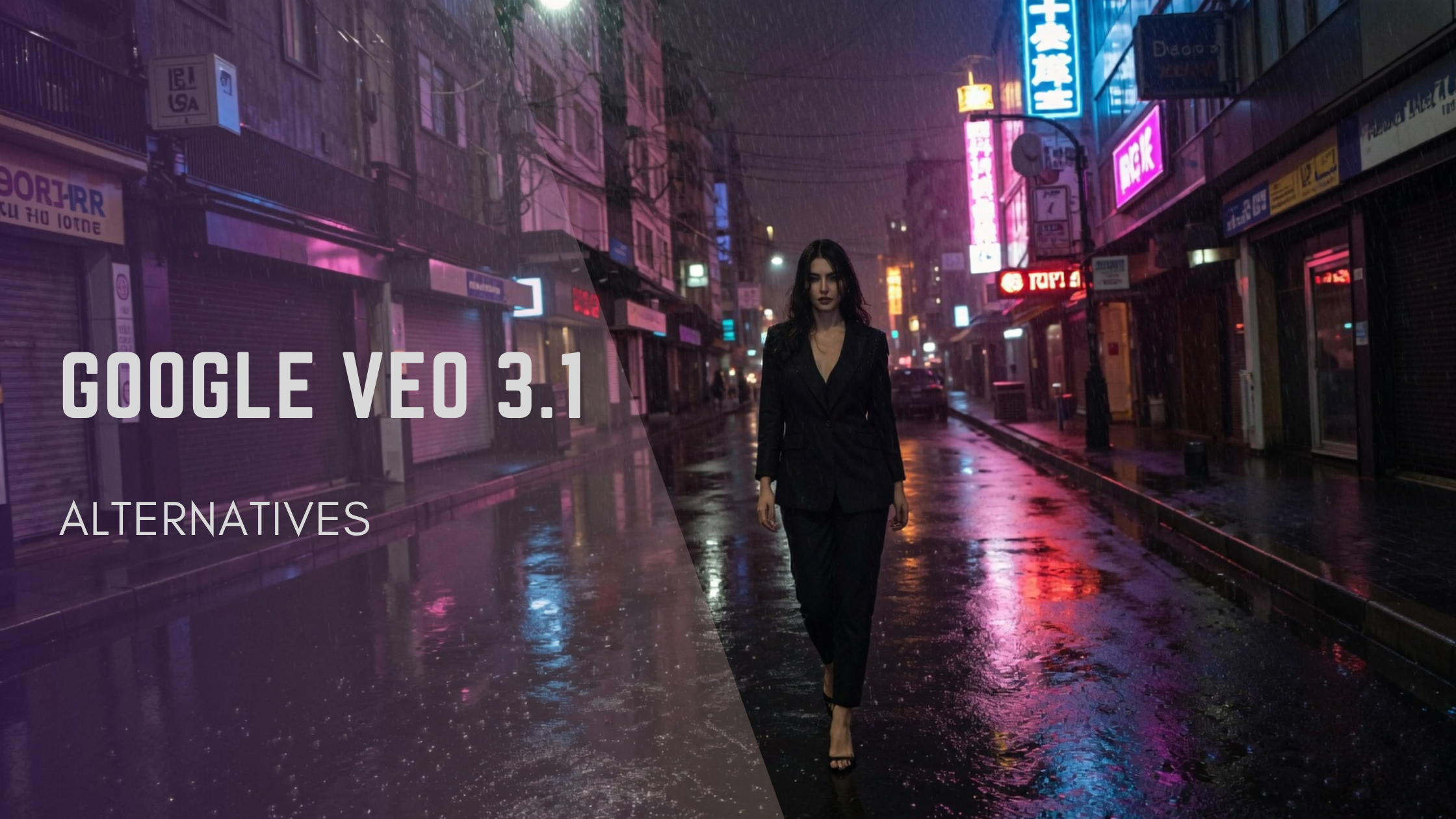
If you have noticed it, there’s a pattern to AI video generation model releases: one after the other, countering the competitor with incremental improvements. With the launch of OpenAI Sora 2, the release of a competing model was expected. Enters Veo 3.1, an upgrade to Veo 3, not to be confused with the highly anticipated Google Veo 4 set to be released later this year.
What Was Veo 3 Before?
Before the upgrade, Google Veo 3 offered an incredible AI video generation platform, letting you create videos with high fidelity and real-world physics simulation. The model was perfect for content creators, filmmakers, marketers, and more. Here are some important Veo 3 specifications:
- Native audio generation: Google Veo 3 had the built-in capability to generate soundscapes, sound effects, dialogues, or music for video scenes based on descriptions.
- Physics simulation: Google Veo 3 is fully capable of replicating the real-world movement, motion dynamics, body mechanics, and more with environmental believability, higher fidelity, and realism.
- Lip sync and consistency: Google Veo 3 ensures the dialogues, expressions, and emotions are perfectly aligned with lip movement and body language.
Although Google Veo 3 brought about huge improvements in AI video generation. It lacked the flexibility of generating multiple shots and the faster speed that most creators want now. With Google Veo 3.1, most of these missing features will be addressed.
Recommended read: Google Veo 3 Features
What’s New in Veo 3.1?
Both Veo 3.1 and Veo 3.1 Fast are built on the foundational Veo 3 model, with enhanced and added capabilities. Veo 3.1 Fast is a better-fit for low-cost rapid generation, with no significance difference in visual quality of the output. Anyway, here’s how the Veo 3.1 upgrade makes it a more powerful AI video generator:
1. Improved Identity/Character Consistency
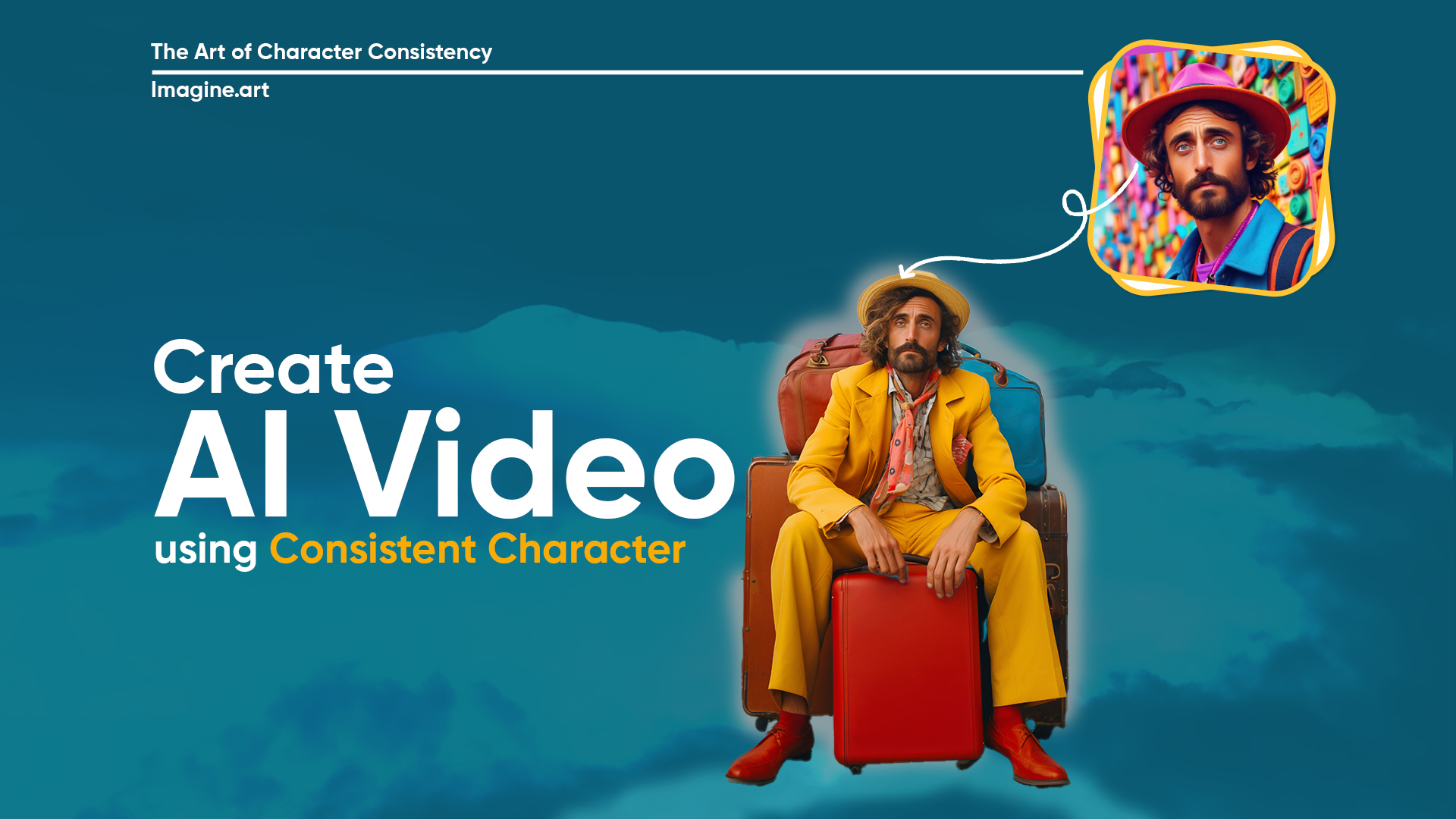
Higher visual fidelity was one of the key features of Google Veo 3. However, there were issues with character and scene consistency. The unusual and awkward background and facial shifts would often impact the overall visual quality, requiring reiteration and refinement. With Google Veo 3.1, you don’t have to look twice to ensure character and scene consistency. Even with changing the background or settings, Veo 3.1 ensures your characters look same across different scenes.
2. Increased Resolution & 4K upscaling
Unlike Google Veo 3, with the Veo 3.1 upgrade, you can generate videos of 1080p resolution without the 8-second cap. Google Veo 3.1 allows you to create high-resolution videos of up to 30 seconds. Veo 3.1 comes with state-of-the-art 4K upsclaing, letting you capture the details and textures with more clarity.
3. Scene Extension
Unlike its predecessor Veo 3, Veo 3.1 allows you to literally build, edit, and extend scene and produce videos longer than the standard 8-second cap. The scene extend feature lets you re-arrange, add, or remove frames from the video content, while making sure the objects, scenes, and character remain consistent. This feature allows for more comprehensive storytelling and detailed content creation.
4. Addition of Cinematic Presets
Google Veo 3.1 comes with cinematic presets, enabling you to take complete control of the narrative and visual storytelling. Veo 3.1 presets allow you to streamline the video generation process, letting you incorporate complex effects without any prompting or iteration. You can direct the camera movements with presets, such as drone shots, slow or fast pans, zoom in or zoom out, tracking shots, and more. Change the lighting, mood, and tone with presets and set the right atmosphere for your video content.
5. Image Blending & Creative Control
Veo 3.1 offers you complete creative control with its advanced 'ingredients to video' feature. It allows you to add three reference images and produce videos with multiple scenes and shots, combining the reference images with using both text-based prompts. With 'frames to video,' you can add the starting and ending frames to create seamless transitions with visual coherence and audio-visual synchronization. The foundational Veo 3 model makes sure the character doesn’t change appearance or style from shot to shot and frame to frame.
6. Improved SFX Mixing
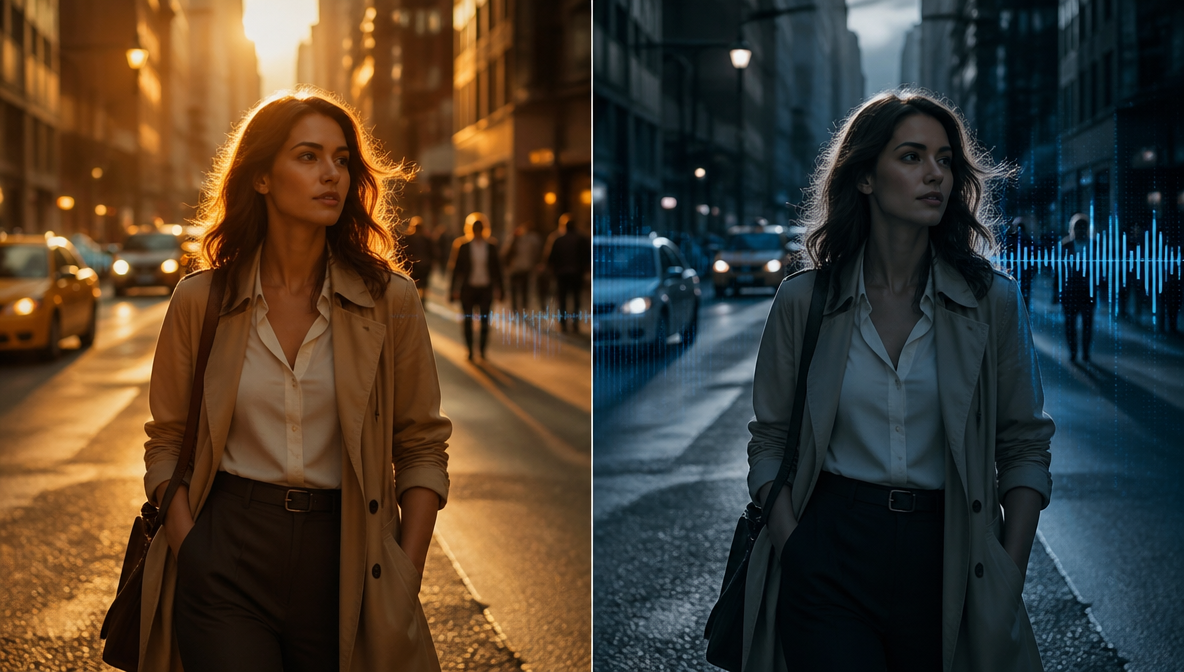
Similar to Google Veo 3, the Veo 3.1 ensures native audio generation and accurate lip syncing. The Google Veo 3.1 will ensure each sound effect is layered and aligned based on the prompt. With improved contextual understanding, Veo 3.1 binds the audio cues to the action descriptions in your prompts and generates sound effects for on-screen actions. This ensures visual coherence and consistency throughout the video.
7. Precise Video Editing
On Flow, Veo 3.1 lets you edit scenes and characters through simple prompting. With 'edit' feature on Google Flow, you can enhance lighting, shadows, contrast, and more without switching to different tab. The 'insert object' allows you to add detail or element or reconstruct the backdrop and environmental settings, without morphing or disrupting the entire scene. With 'remove' feature, you can eliminate any unwanted element or character seamlessly. From a quick enhancement to complex adjustment, Veo 3.1 on Google Flow can handle all the editing requirements!
8. Native Vertical Video Generation
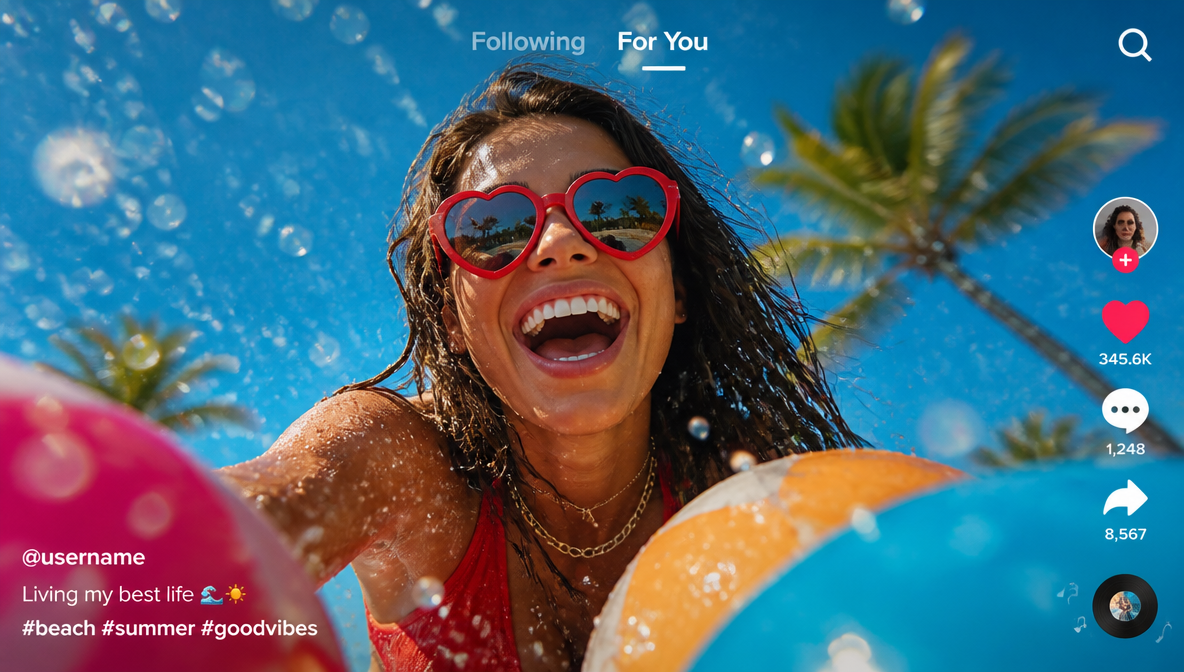
Veo 3.1 offers mobile-first, portrait mode output in 9:16 aspect ratio. With ingredient to video feature, you can create full-screen videos in vertical format without cropping out any element or compromising on visual fidelity, quality and framing. This makes Veo 3.1 perfect for short-form content, including YouTube Shorts, TikTok clips, Instagram Reels, and more.
Possible Use Cases for Google Veo 3.1
With the upgrade of Google Veo 3.1, creators, influencers, marketers, and business professionals can improve their AI video content. Here are a few possible use cases for Google Veo 3.1:
Google announced Veo 3.1 less than 24 hours ago, and the @ImagineArt_X team already added it to their suite!
— TechHalla (@techhalla) October 16, 2025
You can even pair it with Imagine You and clone yourself like I did. Prompts for the image and video are in the ALTs.
1. Techhalla on Trash Metal pic.twitter.com/iRyfjer43b
Content Creation for Social Media
With the capability to generate longer videos, Google Veo 3.1 allows YouTubers, Instagram influencers, and TikTok creators to create high-quality product promotional videos, tutorials, viral challenges, demos, and more, without needing to extend their videos through a third-party tool.
Marketing Campaigns and Ads
With Google Veo 3.1, marketers and branding professionals can create multiple variations of their product videos using Veo 3.1 presets and video styles. This allows for improved content creation and higher engagement rates.
🚨 We’ve officially entered the “AI Ad Era.”
— Jaynit Makwana (@JaynitMakwana) October 16, 2025
This Pepsi ad isn't real.
Veo 3.1 is live & it can create full-scale commercial ad campaigns.
Write a prompt → get a cinematic ad in minutes.
5 wild examples (don't miss example 3🤯): pic.twitter.com/gIjFOdwiv6
Educational and Explainer Videos
Google Veo 3.1 allows online educators, tutors, and coaches to improve their lesson videos, tutorials, lectures, and concept-based videos. With improved audio synchronization, creators can add sound cues with dynamic visuals to explain difficult concepts while keeping the listeners engaged.
Corporate and Business Presentations
Business professionals can create training videos, sales pitches, product concept videos, explainers, presentations, and content for onboarding. Google Veo 3.1 allows for dynamic pacing and clear audio for improving corporate presentations and internal communications.
Learn more about Veo 3.1 use cases on ImagineArt blog.
Veo 3.1 vs Sora 2
Sora 2 raised the benchmark with its realism in AI video generation. However, Google Veo 3.1 is expected to outperform Sora 2 AI video generator.
Similarities:
- Sora 2 and Google Veo 3.1 both offer native audio generation, matching audio and sound cues with the defined background, movement, emotion, and motion dynamics.
- Both AI video generators offer improved controllability with multi-shot generation and consistency, ensuring continuity and realism.
- Real-world physics and simulation were the foundational features of Google Veo 3, which is now a key feature of Sora 2 AI video generator.
Recommended read: Sora 2 Overview
Core Focus:
- Sora 2 heavily focuses on realism, with capabilities to create shorter videos. The AI generation model ensures visual fidelity and quality with photorealism and artistic touch. The model comes with a ‘cameo’ feature to integrate any human, animal, or object in the video content. With the ‘cameo’ feature, safety controls and measures are pivotal for this AI video generator’s success.
- Google Veo 3.1 offers improved generation with scene extension and image blending, ensuring enhanced consistency and minimal visual or audio artefacts. The high resolution of 1080p for both shorter and extended videos allows for enterprise-scale AI video generation, improving its usage.
Access:
- You can access Sora 2 on the Sora app on an invite-only basis and restricted usage, or use it on ChatGPT by subscribing to the Pro plan. The model is also available on ImagineArt, with Sora 2 consuming 240 credits and Sora Pro consuming 720 credits.
- You can access Veo 3.1 on Google Flow, the Gemini API, Vertex AI API (where it was first exposed in its code), and also on ImagineArt. On ImagineArt, Google Veo 3.1 consumes 1900 credits per 8-second video generation, and Google Veo 3.1 fast consumes 700 credits per 8-second video generation.
Recommended read: Veo 3.1 vs Sora 2 - A Comprehensive Comparison
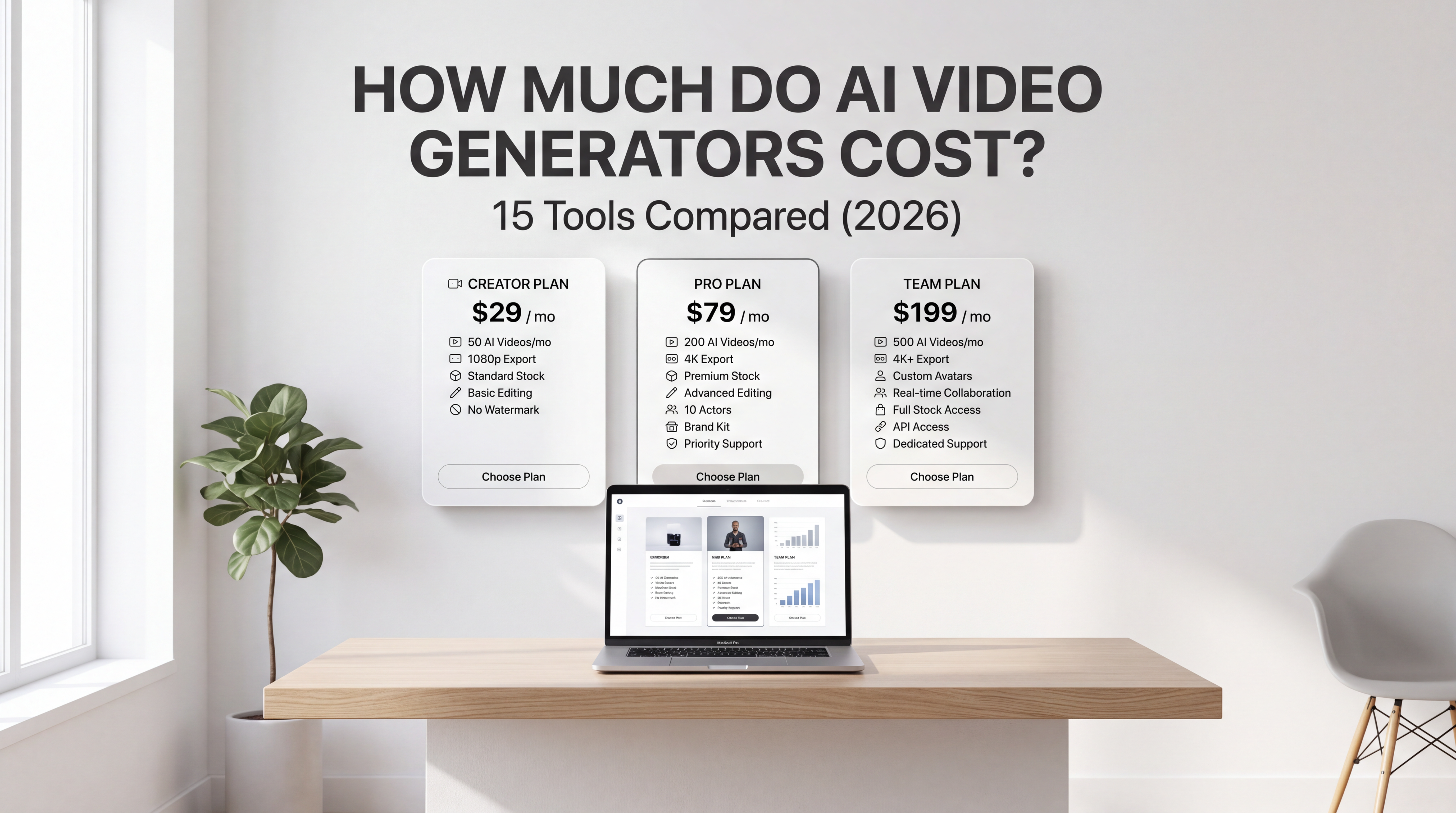
Veo 3.1 Pricing
Veo 3.1: $0.40 per second for video with audio or $0.20 per second for video without audio Veo 3.1 Fast: $0.15 per second of video with audio and $0.10 per second for video only.
On ImagineArt, Veo 3.1 consumes 1900 credits per 8-second video generation and Veo 3.1 Fast consumes 700 credits per 8-second video generation.
Final Thoughts
Surely, Google Veo 3.1 is a major advancement in AI video generation. With improvements in resolution, duration, and speed, this model will become the favorite tool of many creators until the next Google upgrade. Will Google end 2025 with Google Veo 4, or will it be a New Year surprise for all?
Tooba Siddiqui
Tooba Siddiqui is a content marketer with a strong focus on AI trends and product innovation. She explores generative AI with a keen eye. At ImagineArt, she develops marketing content that translates cutting-edge innovation into engaging, search-driven narratives for the right audience.