Kling AI Video Generator
Kling isn't one model, it's an entire family, and ImagineArt gives you the whole lineup in one place. From the reasoning-driven O-series to the 4K flagship to the turbo tiers built for speed, every Kling release is here, no separate signups, no jumping between platforms
Trusted by Professionals and Creators from leading brands
Community Creations
Why everyone's suddenly talking about Kling
This isn't hype for hype's sake. Kling's global user base just crossed 100 million registered users across 224 countries, and Kuaishou's Kling AI revenue grew over 200% year-on-year last quarter alone. It's become the model professional creators reach for when they need motion that doesn't look like it was generated, gravity that behaves, fabric that moves like fabric. ImagineArt runs the full lineup so you can match the model to the job instead of settling for whatever one tool gives you.
The Kling lineup, decoded
Nine models, one dropdown. Here's what each one is actually for:
- Kling O1: The "thinks before it generates" model. Reasons through scene logic, references, and complex instructions before rendering. Best for tricky prompts with multiple subjects.
- Kling O3: The advanced reasoning tier above O1. Handles complex multi-element references with more precision. Best for layered scenes.
- Kling 3.0: The current flagship. Native 4K, multi-shot storytelling up to 15 seconds, element consistency across shots. Best for hero content.
- Kling 3.0 Turbo Pro: Same 3.0-generation intelligence, tuned for speed, 1080p output. Best for client deliverables and final-output content.
- Kling 3.0 Turbo SD: The fast, budget-friendly turbo tier at 720p. Best for iteration, social content, and high-volume workflows.
- Kling 2.6 Pro: Native audio sync arrived here first. Best for dialogue-driven scenes.
- Kling 2.5 Pro: The old sweet spot between quality and credit cost before 3.0 launched. Still solid for straightforward text-to-video work.
- Kling 2.1 Pro: Earlier-generation cinematic control. Best if you're working with an established workflow.
Physics that actually behave
The reason Kling output doesn't look like it's floating through a dream is a 3D spatiotemporal joint attention mechanism doing the unglamorous work in the background. Gravity, momentum, material weight, all simulated rather than faked. A cloth actually drapes. A ball actually bounces the way a ball should. It's the detail most people can't name but immediately notice is missing in worse video models.
How To Use Kling AI On ImagineArt?
Step 1
Choose Your Input Method
Select text-to-video and write a detailed scene description, or pick image-to-video and upload your photo. Use multi-element editing to combine multiple reference images for character consistency across shots.
Step 2
Configure Generation Settings
Set your video generation duration, choose an aspect ratio based on your platform, and select a quality level. Kling AI supports flexible output ratios, from vertical mobile formats to widescreen cinema formats.
Step 3
Generate And Download
Click generate, and the AI processes your video generation request using its diffusion transformer architecture. Download your finished video, or use extension features to continue the scene further.
Text in, video out. Or photo in, motion out.
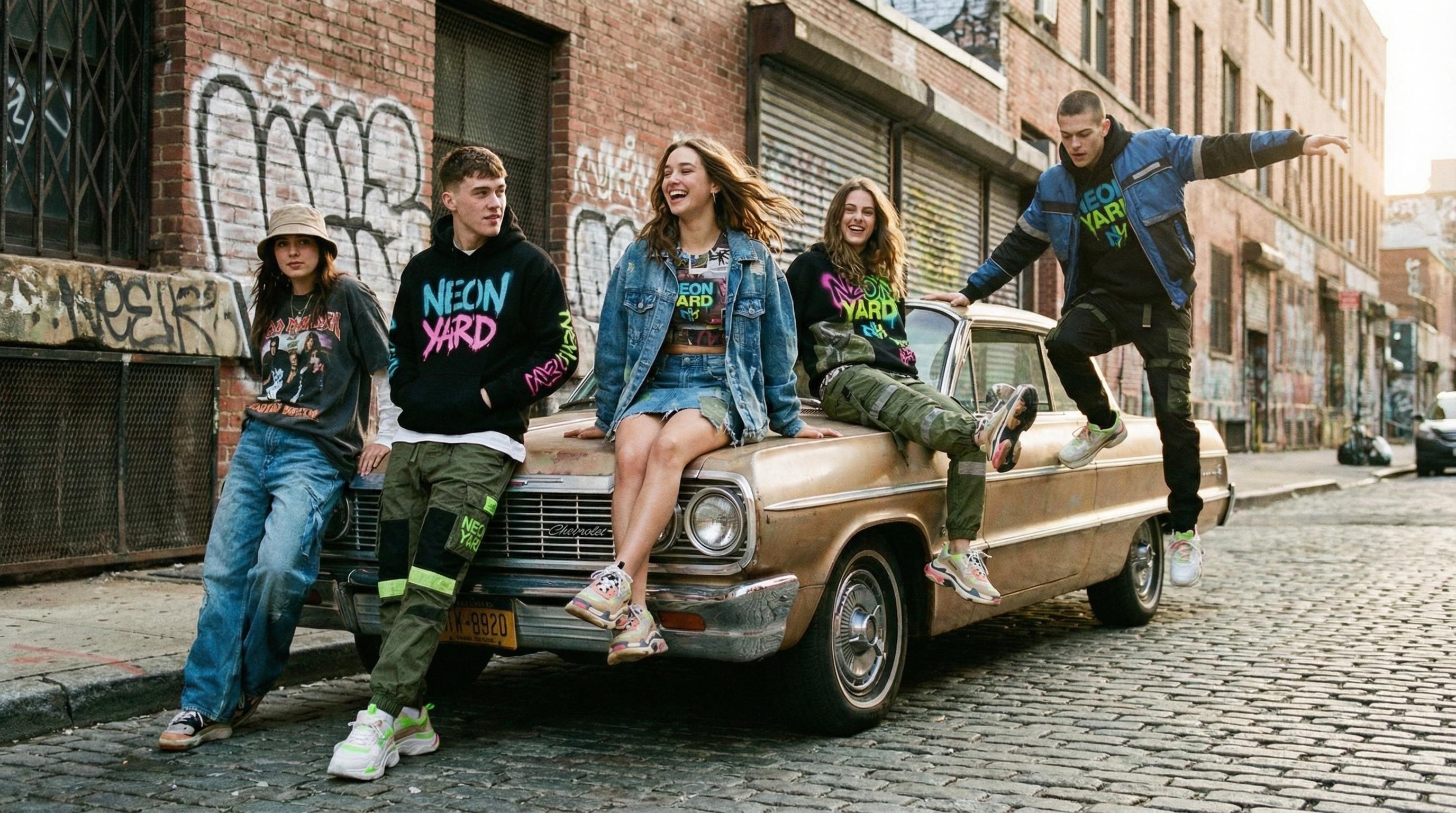
Write a prompt, get a matching video at up to 4K depending on the model you pick. Or upload a photo and watch it come to life, movement added while every original detail stays intact. Camera motion feels handheld rather than obviously synthetic, and lighting adjusts the way it would if the scene were actually filmed.
Stop stitching, start extending
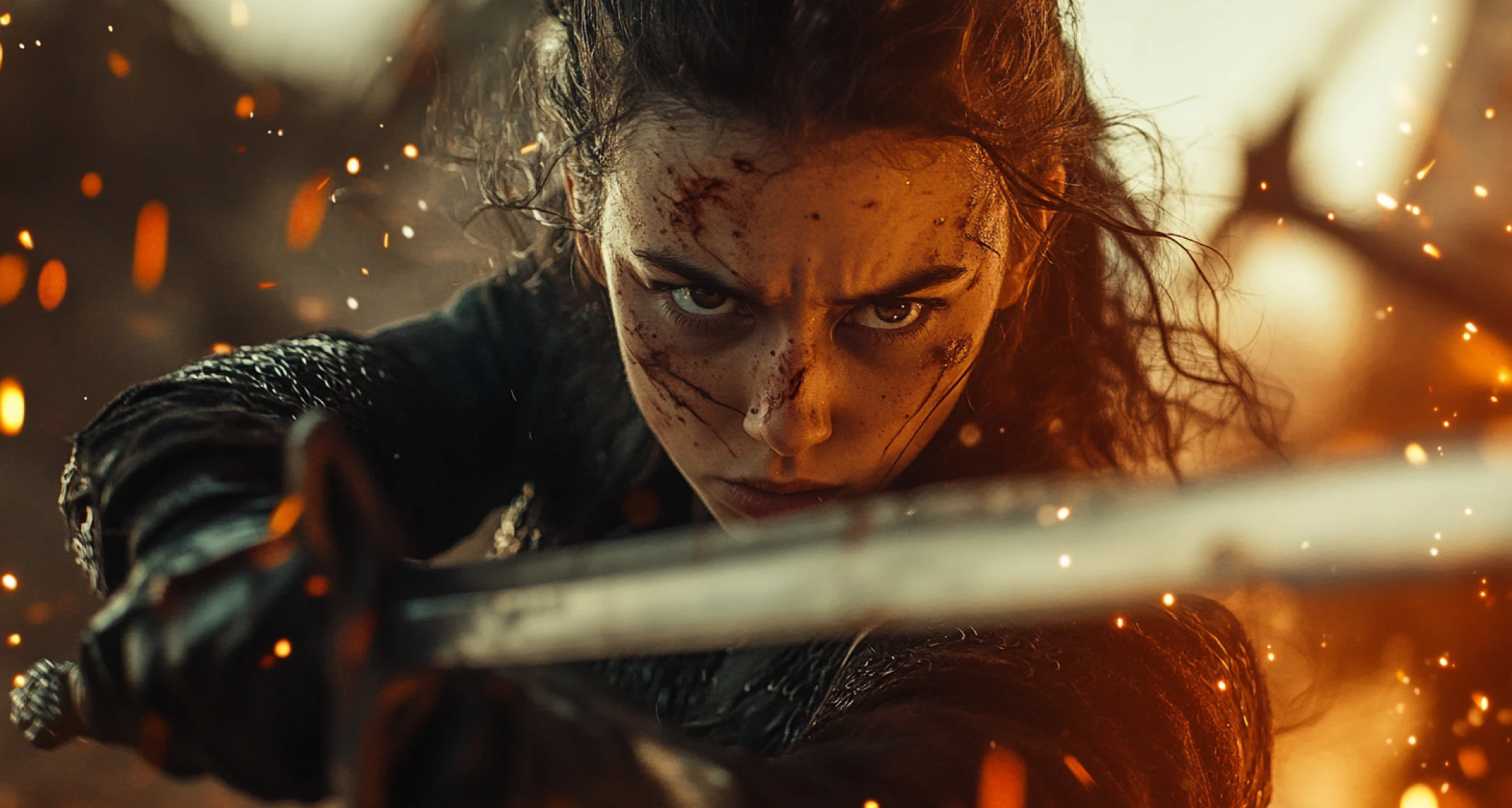
Kling 3.0's multi-shot structuring lets you define up to 6 individual shots inside a single generation, each with its own subject, action, and framing, stitched together automatically instead of by hand. Build a full product demo, a multi-beat story, or an action sequence piece by piece without the seams showing.
Where this actually gets used
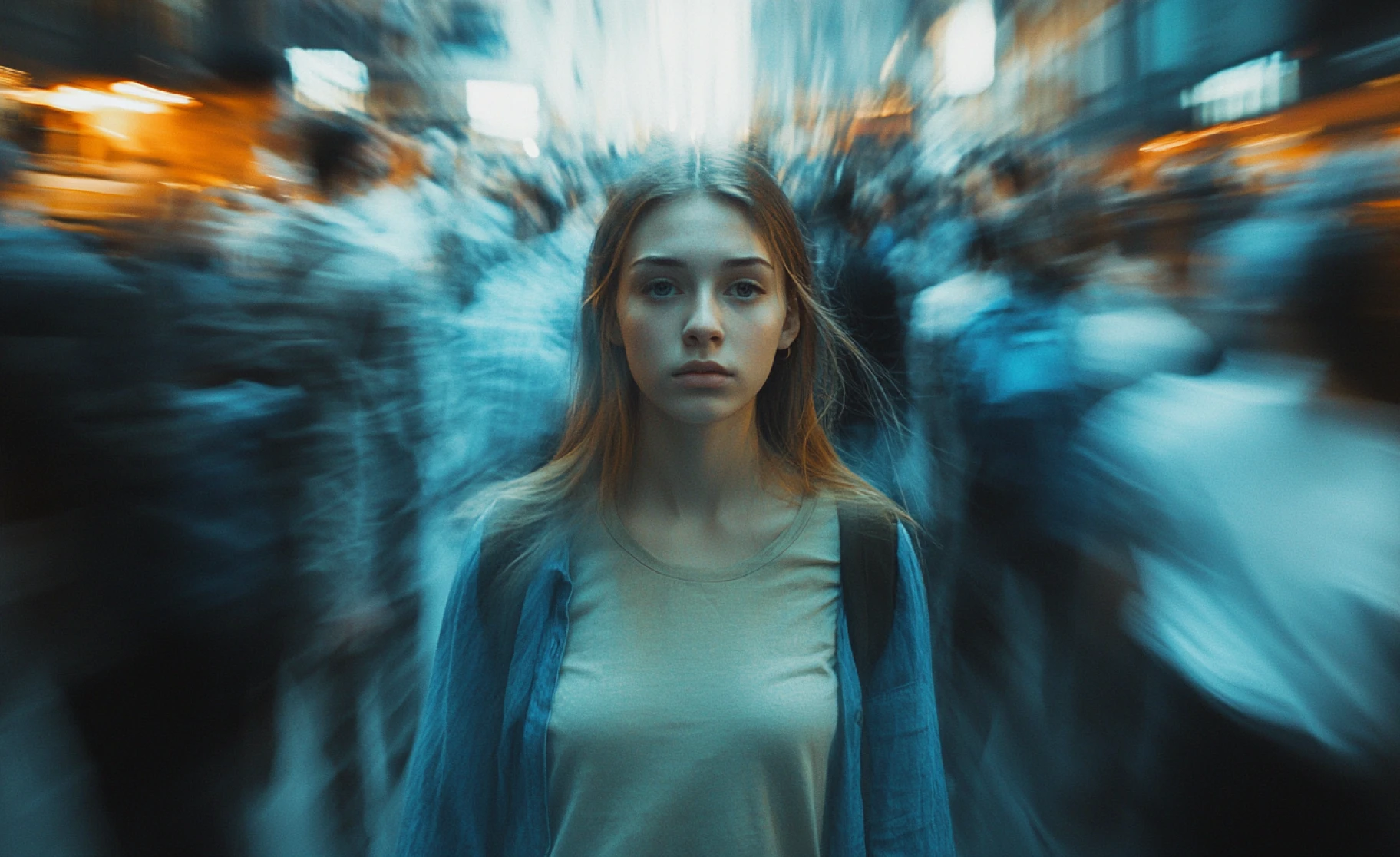
Filmmaking: pair Kling with the AI Film Studio for short and long-form work, scene extension, native audio, synchronized dialogue, without touching a traditional editing timeline.
Marketing and avatars: turn an AI-generated image into an expressive avatar and drop it straight into a product ad. Lip-sync and expression accuracy are good enough that it doesn't read as obviously synthetic.
Editing control: inpainting, semantic reconstruction, object manipulation, all inside the AI Video Generator, so the fix doesn't require a full regeneration.
You might also be interested in
Purchase a Subscription
Upgrade to get access to pro features and generate more and better
Basic
For newcomers taking their first steps
View Plans
Billed monthly
Included in plan
3Kcredits per month
Additional Features
Up to ~600 Image Generations/month
Up to ~97 Video Generations/month
General Commercial Terms
Image Generation Visibility: Public
4 Concurrent Image Generations
Complimentary Access
All GPT Models
All Gemini Models
All Claude Models
Unlimited Generations
10 Image Models
9 Video Models
Standard
For rising creators to level up their game
View Plans
Billed monthly
Included in plan
8Kcredits per month
Additional Features
Up to ~1.6k Image Generations/month
Up to ~265 Video Generations/month
General Commercial Terms
Image Generation Visibility: Private
8 Concurrent Image Generations
Complimentary Access
All GPT Models
All Gemini Models
All Claude Models
Unlimited Generations
Nano Banana
Runway Gen 4 Turbo
Midjourney V7
8 more Image Models
8 more Video Models
Ultimate
Peak performance for pros
View Plans
Billed monthly
Included in plan
16Kcredits per month
Additional Features
Up to ~3.2k Image Generations/month
Up to ~530 Video Generations/month
All styles and models
General Commercial Terms
Image Generation Visibility: Private
Complimentary Access
All GPT Models
All Gemini Models
All Claude Models
Unlimited Generations
All image models in Standard plan
All video models in Standard plan
Kling 2.6 Pro
Seedance 1.5 Pro
ChatGPT 1.5
Creator
A full production engine for powerhouses
View Plans
Billed monthly
Included in plan
100Kcredits per month
Additional Features
Up to ~20k Image Generations/month
Up to ~3.3k Video Generations/month
All styles and models
General Commercial Terms
Image Generation Visibility: Private
Complimentary Access
All GPT Models
All Gemini Models
All Claude Models
Unlimited Generations
All image models in Ultimate plan
All video models in Ultimate plan
Kling 3.0 Pro
Seedance 2 Fast
Nano Banana 2
ImagineArt Kling AI Reviews
Learn what users says about ImagineArt Kling AI video generator.

“The site offers many models for generating photos and videos. We have the well-known Banana and Seedream models, as well as the option to try community models for generating images. You can edit and change the images. Then just select the right model for your video. There are many models to choose from for generating videos. These include Wan, VEO, Kling, Hailuo, Runway, and more. Overall, I like the layout of the website, where everything is clear and one thing follows another.”
“For my kind of work i need diffrent video and inage generation platforms. ImagineArt gives me a wide variety and as I speak kling, Hailou, Seedance and veo models are great for video here. Also, a lot of features like sound and ai text to speech keep getting updated every few days. A great place for beginners to get a taste of gen ai and also for intermediate and pros to really take flight.”
“The platform's results are always very good, and sometimes excellent. On other occasions, but rarely, they are poor compared to the prompts described. Video quality has always been high, especially when using Kling extensively in the Pro versions. Unfortunately, for some time now, Imagine. Art has adapted to the EXCESSIVELY EXPENSIVE prices of its providers (Kling, PixVerse, Hailu and soon Veo3) and to access the normal services I used before without a PRO subscription, I should now spend 41 USD/month. Obviously, this is not acceptable, and I believe it is not the right policy to break into the market, which is now too competitive. It's a pity”
“my experience has been really great being a part of imagineart CPP program, loved the website lots of great tools and the addition of new kling and hailuo models made it much much better i would have given 5 stars if you guys just add the 10 second duration in image to video models i already told saad in the discord group for creators hoping it would be added asap and yeah special thanks to emma for being very supportive and providing quick response and help...”
“I tried multiple tools to create videos but only imagine art was able to give me crisp videos as per the prompt.”
Have questions?
We have answers!
Kling AI is a video generation platform using a diffusion-based transformer architecture with a proprietary 3D VAE network. It generates videos from text descriptions or images at 1080p resolution, 30 fps, up to 2 minutes long, using 3D spatiotemporal modeling for realistic physics simulation.
Kling AI generates a clip per request, then lets you extend it further using scene-extension features to build toward a longer, complete sequence.
Kling AI generates cinema-grade videos at 1080p resolution with 30 frames per second. The proprietary 3D VAE network ensures high visual quality from expansive scenes to detailed close-ups.
Kling AI uses a 3D spatiotemporal joint attention mechanism that models complex motions while adhering to real-world motion rules. The architecture inspired by Scaling Law principles simulates actual physical characteristics like gravity, momentum, and material properties instead of guessing or approximating.
Yes, Write natural language prompts describing your desired scene, and Kling AI generates matching video content. The diffusion transformer architecture deeply understands text semantics to transform descriptions into concrete visual scenarios.
Yes, upload still images or artwork, and Kling AI animates them with realistic motion. The 3D VAE preserves image details while adding natural movement that follows physics rules and maintains lighting consistency.
Kling AI supports flexible output aspect ratios thanks to a variable resolution training strategy. Generate vertical formats for mobile, horizontal widescreen for traditional video, square for social media, and other ratios to meet different platform requirements.
The 3D variational autoencoder is Kuaishou’s proprietary technology that enables cinema-grade 1080p video generation. It processes visual information in three dimensions to maintain quality and realism throughout motion sequences.
The computationally efficient full-attention mechanism serves as a spatiotemporal modeling module, accurately capturing complex motion and details, including fast-moving objects and drastic scene changes that challenge other video generators.
Yes. Use the video extension feature to continue videos beyond the initial 2-minute generation limit, up to 3 minutes total. The AI maintains visual and motion continuity throughout extended sequences.
Multi-elements editing lets you upload up to 4 reference images to ensure character consistency across different shots. Kling AI maintains facial features and characteristics across scenes, angles, and lighting like a professional film production would.
Yes. The motion brush tool lets you paint motion paths on frames to direct specific objects independently. Guide individual elements in different directions or speeds while maintaining control over scene composition.
Yes. Kling AI includes lip sync technology for creating realistic talking videos with accurate mouth movements matching audio. Supports multi-language audio with natural facial expressions and lip movements.
Kling AI generates longer videos (up to 2 minutes vs 10-60 seconds), uses proprietary 3D VAE for better quality, implements true 3D spatiotemporal modeling for realistic physics, and provides more flexible aspect ratios through variable resolution training.