
Tooba Siddiqui
September 3, 2025 • Updated April 22, 2026
18 mins Read
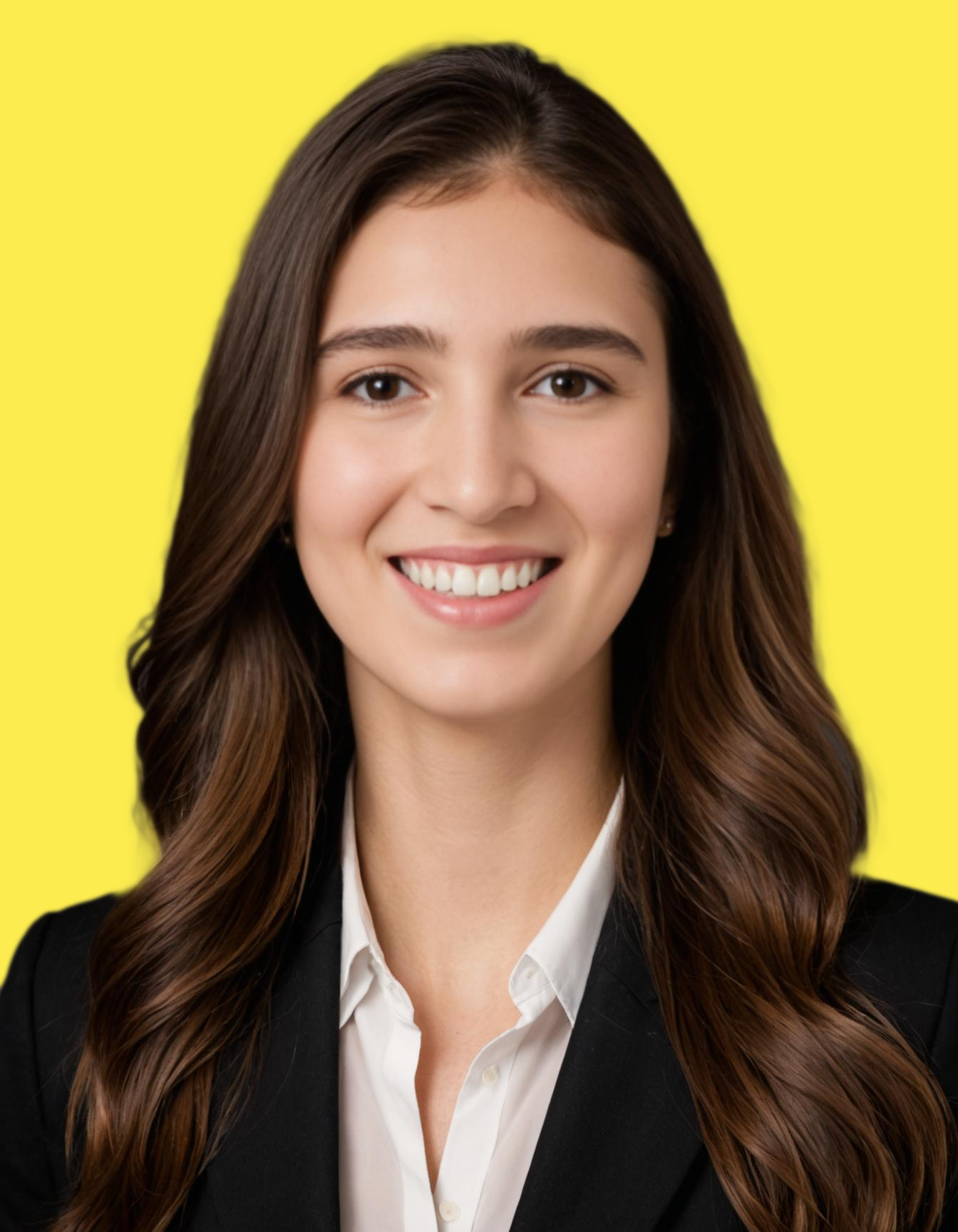
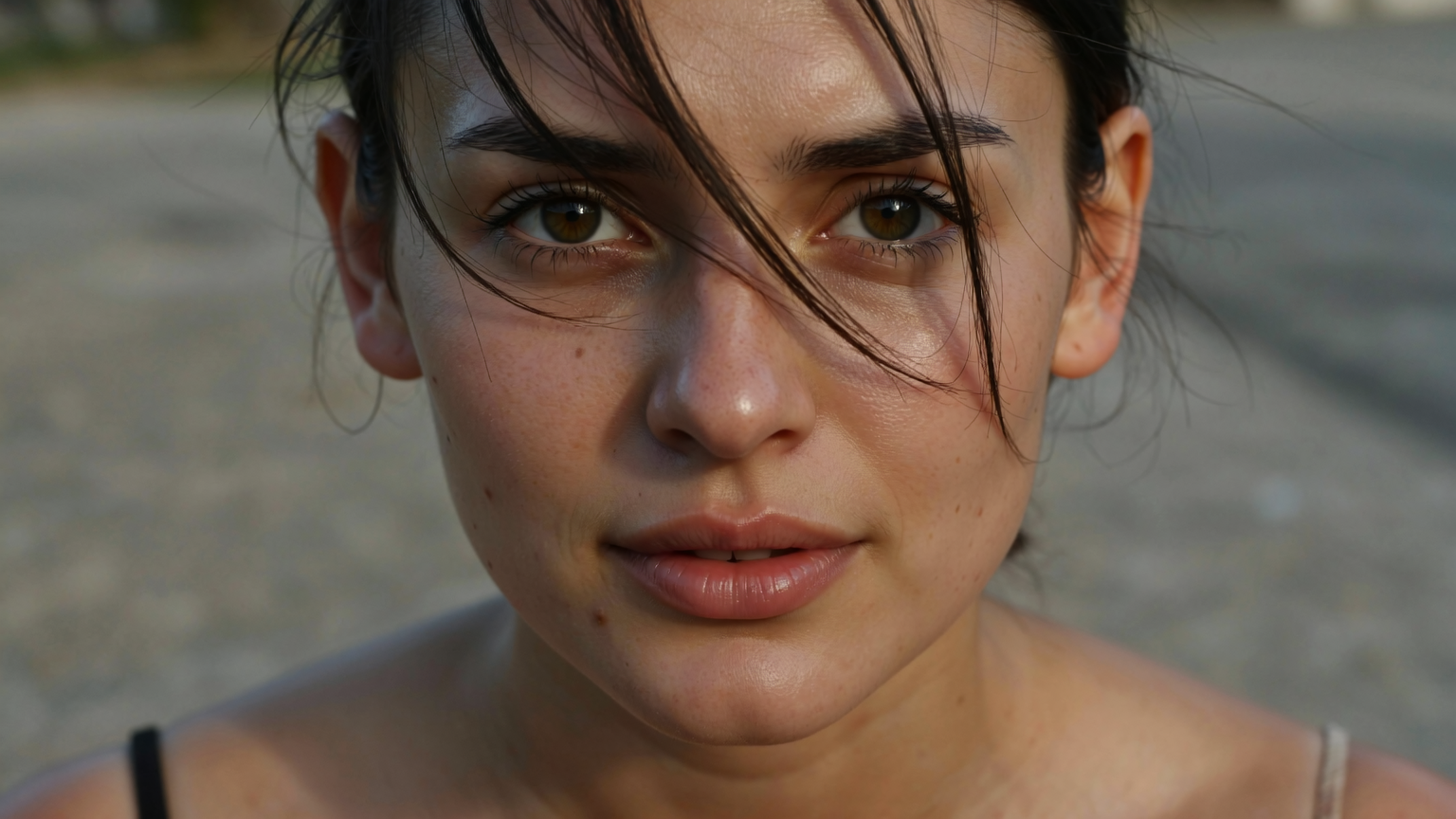
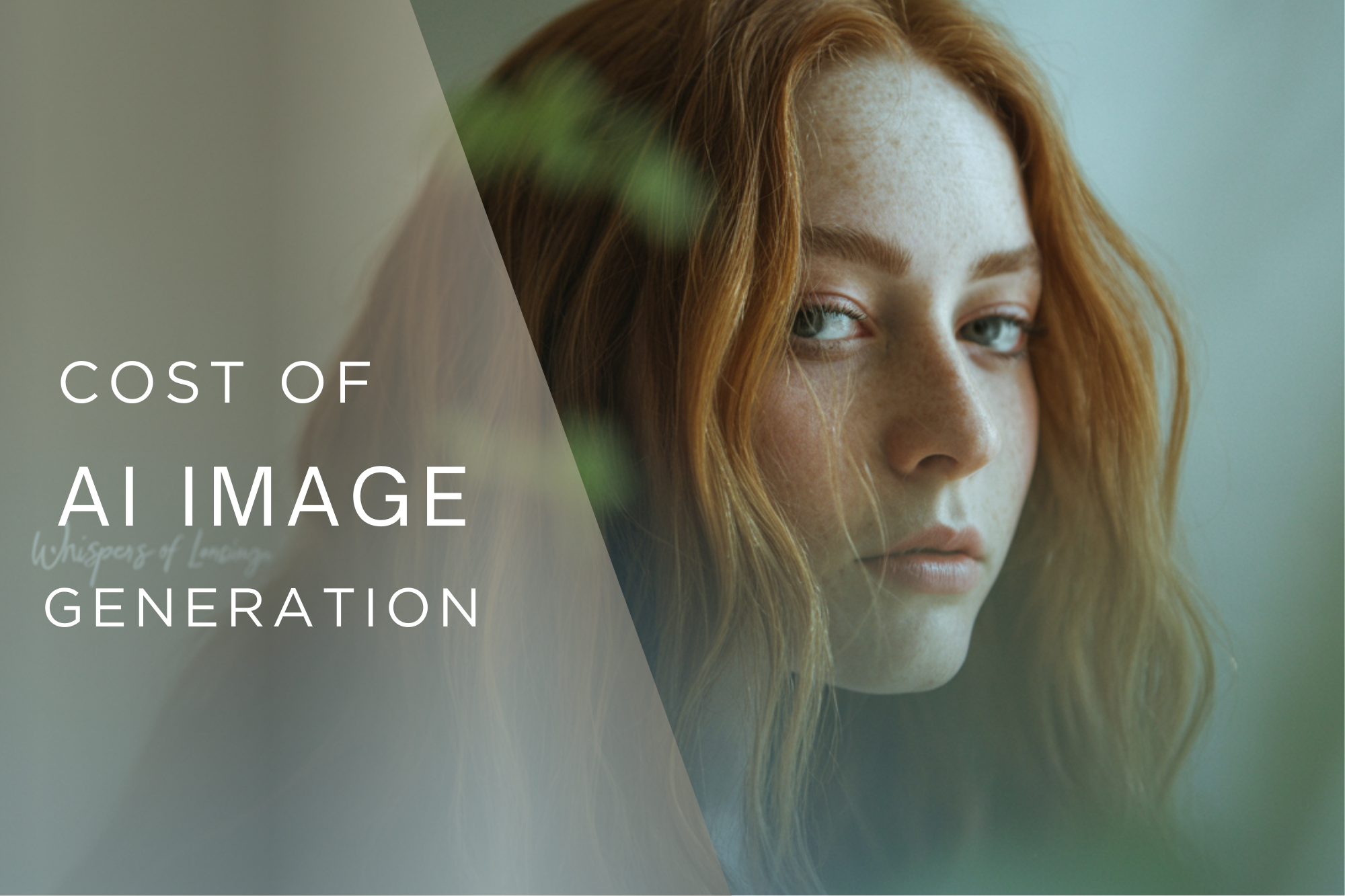
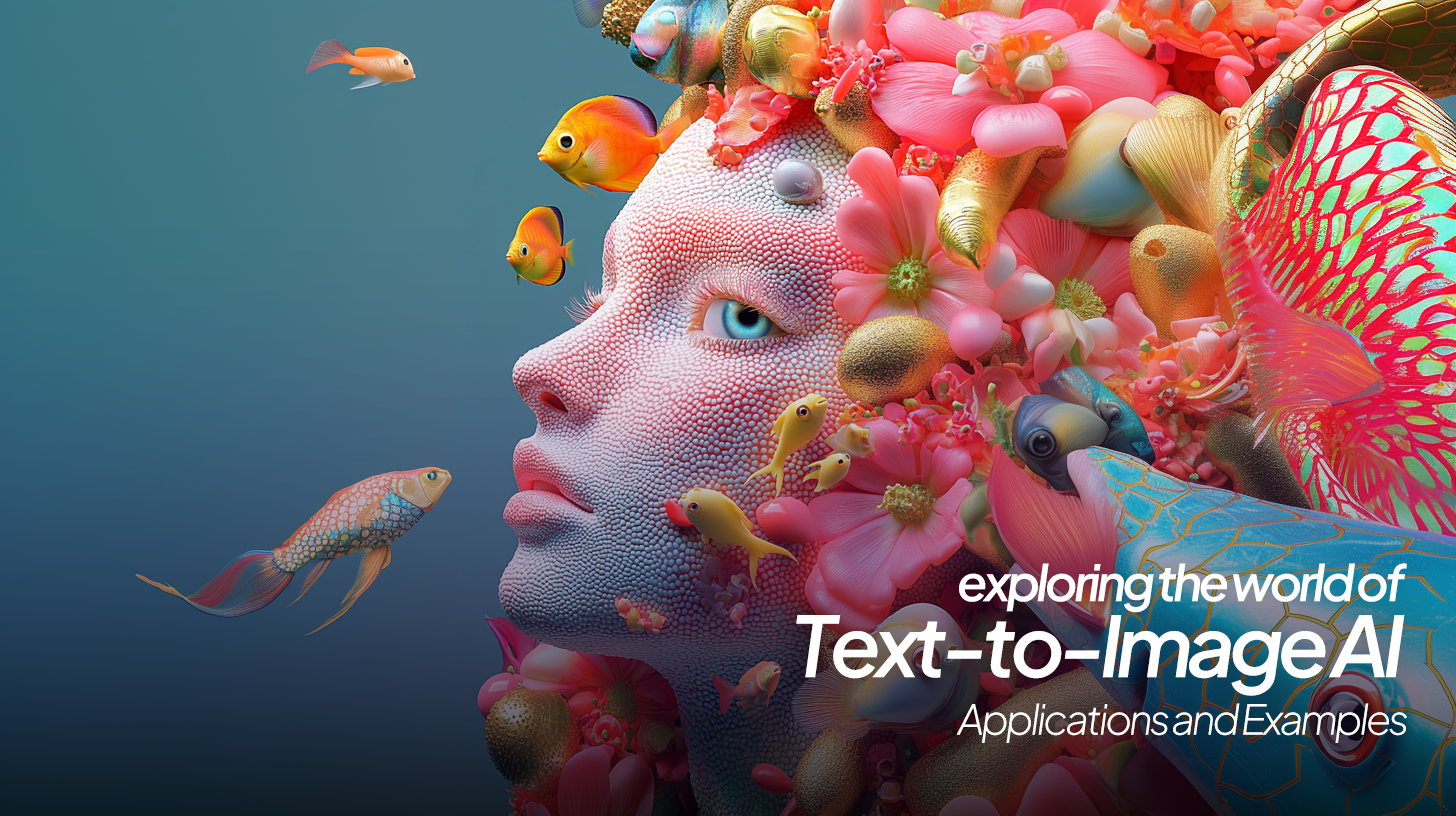
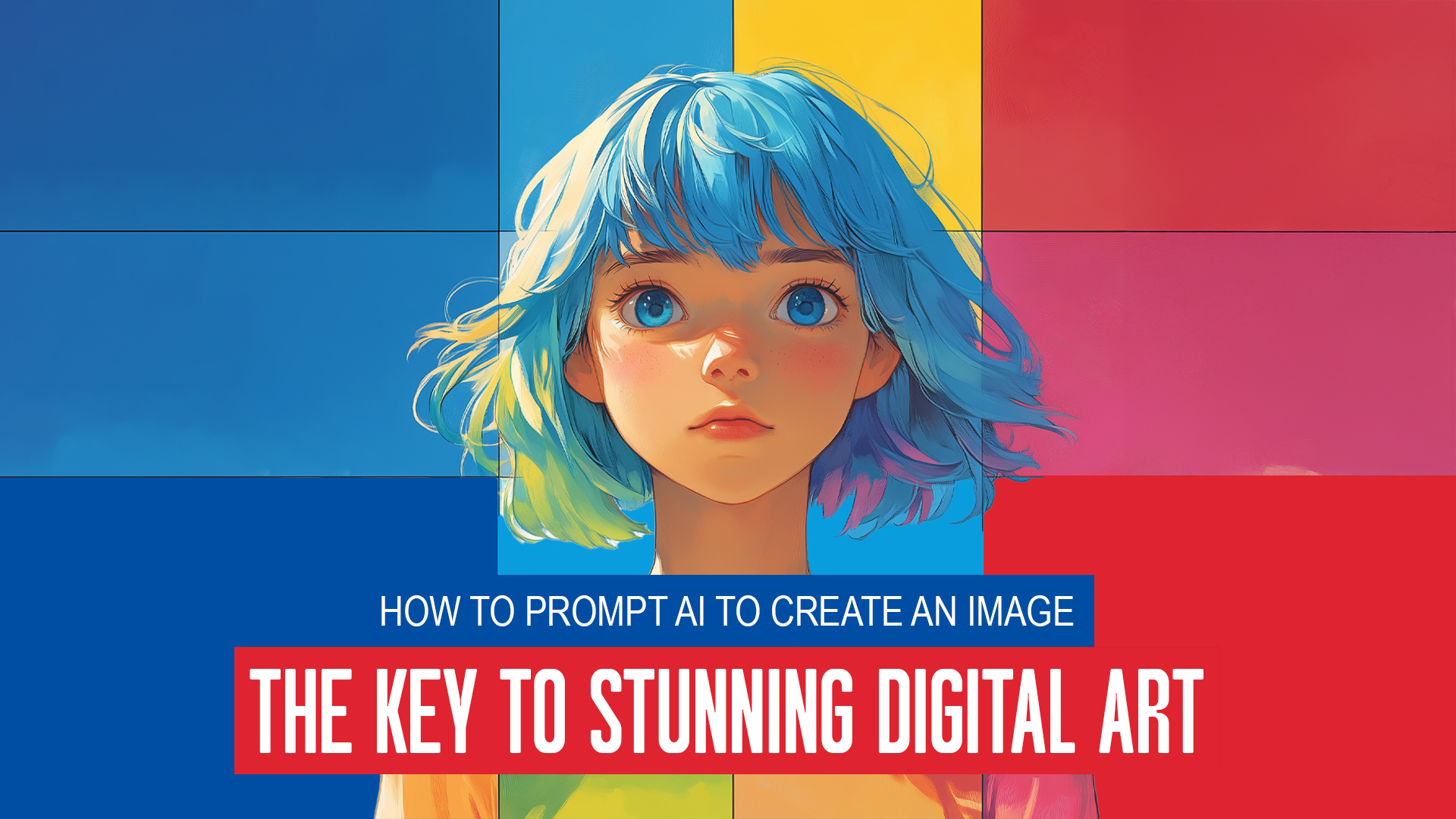
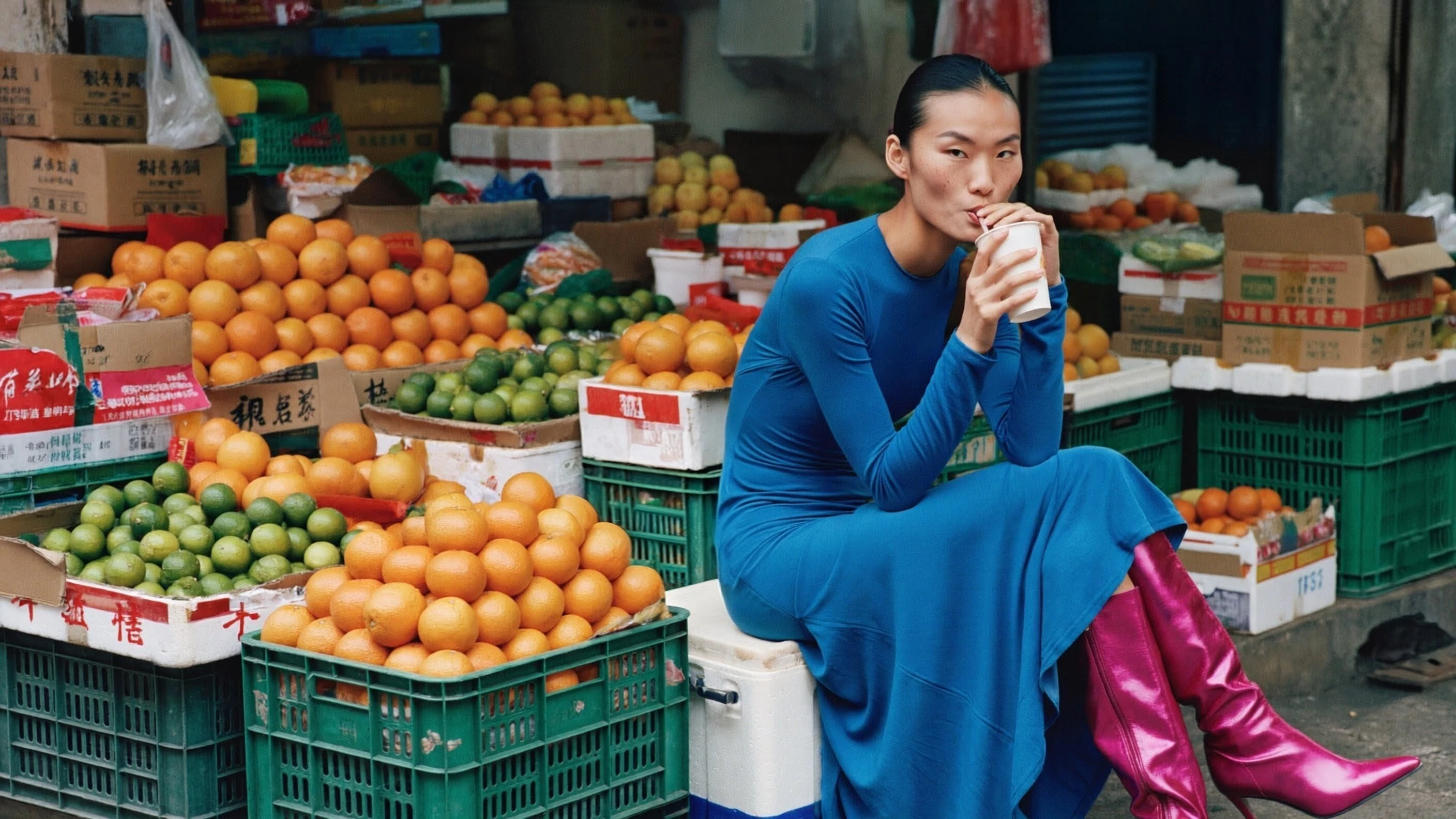
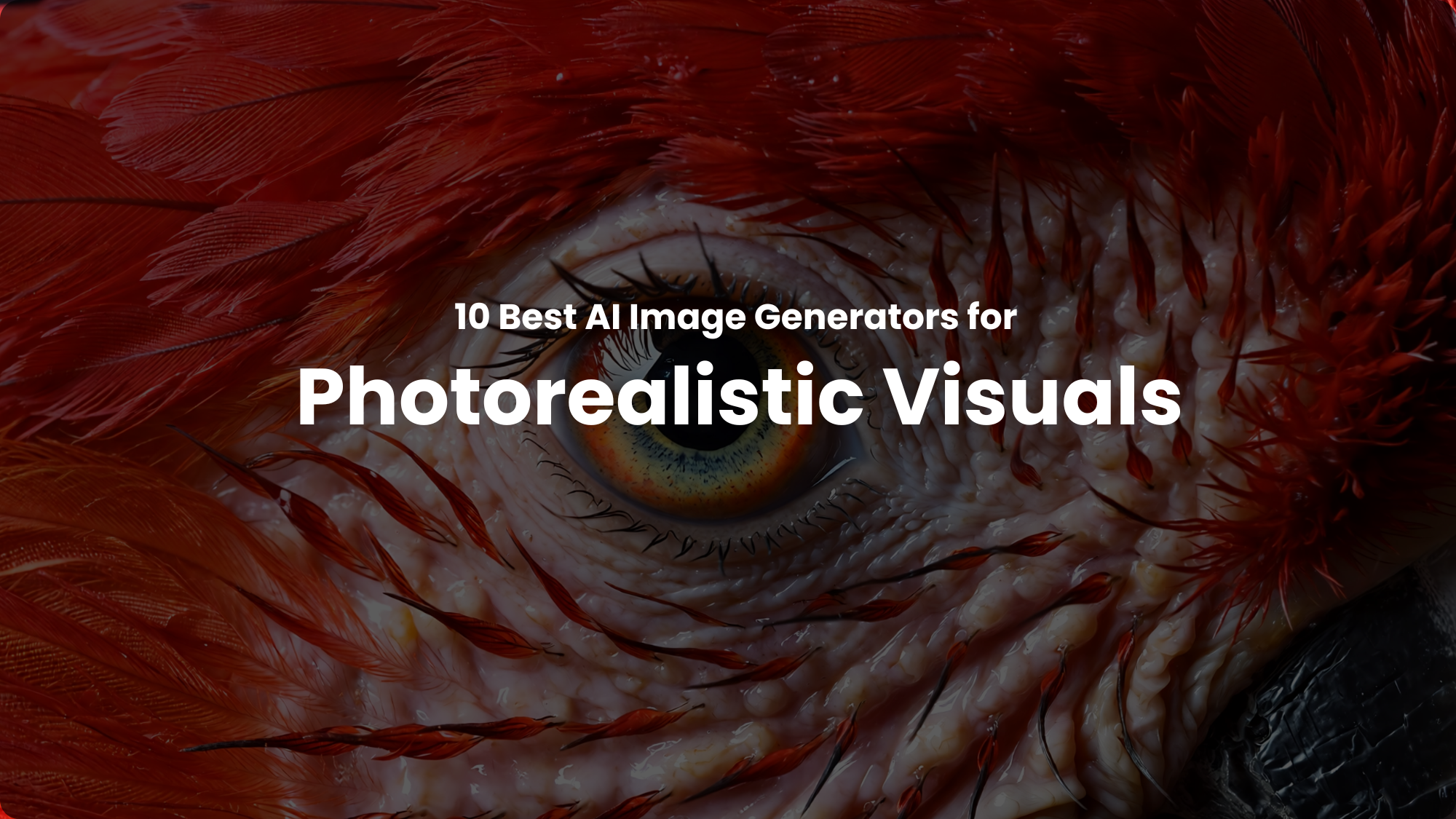
You know what’s not real now? The thin line separating the human-captured realistic photos from AI-generated photorealistic visuals. AI photorealism isn’t about making images look real but more about empowering what was impossible before. Such AI image generators help creators and artists think beyond the physical restriction and explore the expansive landscape of imagination — with just a prompt. Here are our top picks to turn your imagination into realistic visuals:
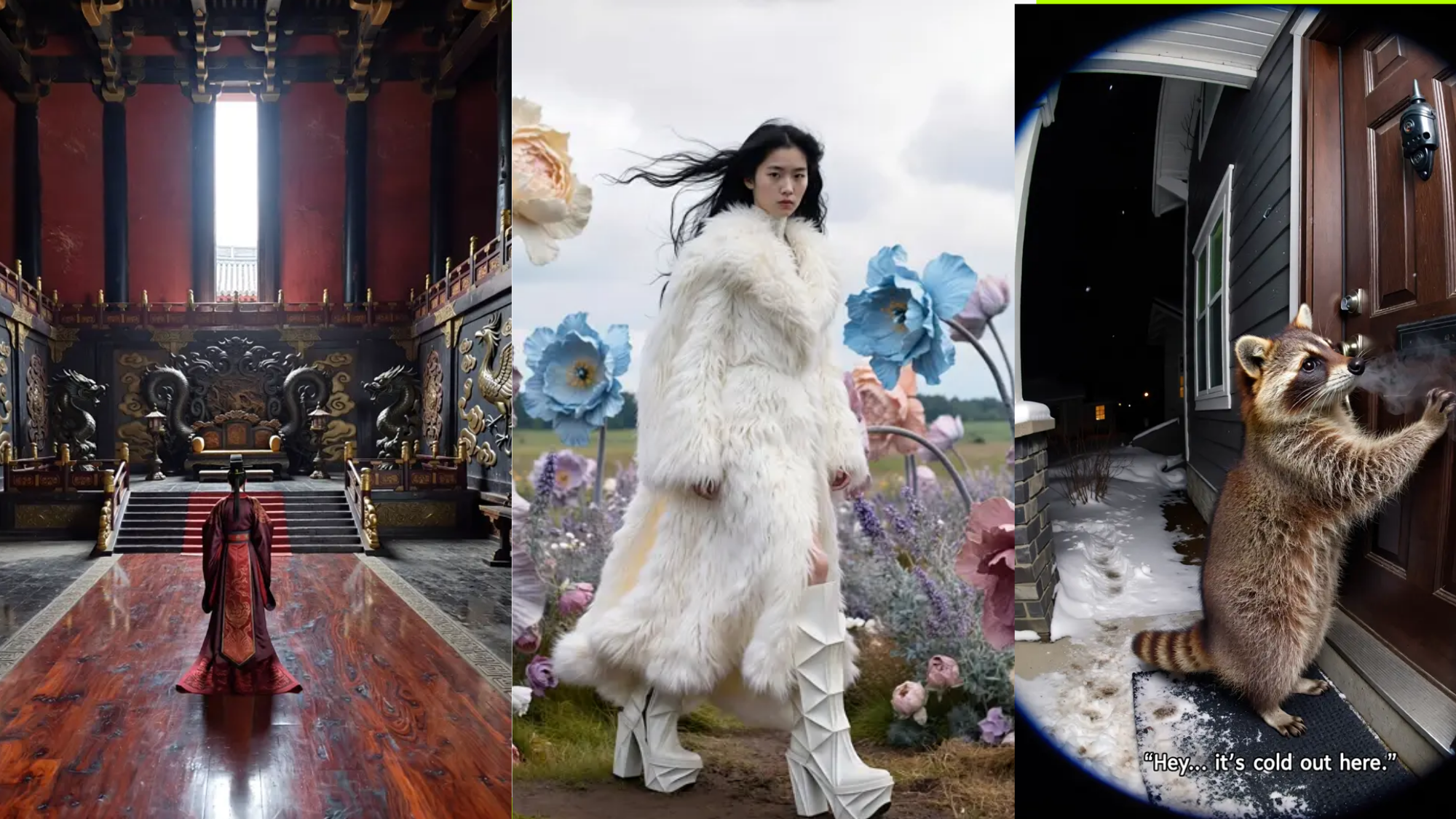
The gap between AI-generated images and real photography is nearly invisible now. The best AI image generators for photorealistic visuals produce images that appear to have been shot with professional cameras. You get studio-lit product shots, natural skin textures in portraits, and architectural renders that fool the eye, all without needing expensive equipment or physical photoshoots.
Here are the AI generators ranked by photorealistic capability:
- ImagineArt 2.0 - Native 4K photorealism with accurate text rendering
- Flux 2 - 4MP resolution with professional-level detail
- Imagen 4 - Fast photorealistic generation from Google
- Nano Banana Pro - 4K realistic visuals with text rendering
- GPT Image 2 - Accurate text rendering with incredible realism
- Midjourney V7 - Cinematic photorealism with artistic polish
- Adobe Firefly - Commercially safe photorealistic generation
- Ideogram 3 - Strong text rendering with photorealistic capability
- Kling O1 Image - Multi-reference photorealism for consistency
- ImagineArt Apps - Template-based CGI for product visualization
What Makes Photorealistic AI Actually Photorealistic?
Real photorealism isn’t just about sharp images. It’s about getting the details right:
Lighting that behaves naturally:
- Shadows fall where they should
- Reflections appear on appropriate surfaces.
- Light sources create believable highlights
Textures that look tactile:
- Skin shows pores, not plastic smoothness
- Fabric displays proper weave and drape
- Materials reflect light like their real-world counterparts
Composition that matches photography:
- Depth of field works correctly
- Proportions stay anatomically accurate
- Environmental elements interact realistically
The generators on this list handle these fundamentals consistently instead of occasionally getting them right by accident.
1. ImagineArt 2.0
ImagineArt 2.0 builds on the realism foundation of ImagineArt 1.5 Pro while adding physical material rendering and native multi-ratio canvas support. If you need photorealistic images that hold up across every format — square product shots, cinematic widescreen, or vertical stories — this model composes for the ratio from the start rather than cropping from a default.
ImagineArt 2.0 ranked #9 in the world on the @ArtificialAnlys leaderboard.
— ImagineArt (@ImagineArt_X) April 20, 2026
Bootstrapped. World-ranked. Just getting started.
The best is still ahead.
RT if you believe great products speak for themselves. pic.twitter.com/XkP043CK3I
What Makes It Photorealistic
Physical material rendering: Unlike models that approximate what materials look like in photographs, ImagineArt 2.0 simulates how light actually interacts with them. This means:
- Skin renders with depth through subsurface scattering, not surface color alone
- Glass and water display accurate refraction, visibly distorting what's behind them
- Fabric shows correct weave structure and drape under directional light
- Metal reflectivity matches the actual surface finish rather than a generic shine
Native multi-ratio canvas: ImagineArt 2.0 generates a composition built for the target ratio, not adapted from a square crop. This means:
- Square, widescreen, and vertical formats each get purpose-built framing
- Photorealism holds at the frame edges, where cropped models typically lose quality
- Subjects are correctly positioned and weighted for each aspect ratio
- No regeneration required when the same image is needed across multiple formats
Cinematic lighting accuracy:
- Shadows fall in physically correct directions relative to the described light source
- Highlights respond to surface finish — matte, gloss, and semi-gloss behave differently
- Color temperature shifts correctly between interior and exterior environments
- Ambient occlusion and edge lighting render without flattening the scene
Multi-language text rendering:
- Text is legible across Latin, Cyrillic, CJK, and Arabic scripts in a single generation
- Mixed-language layouts maintain correct typographic hierarchy
- Text responds to scene lighting rather than appearing overlaid
- Small font sizes remain sharp at native resolution
Key Features of ImagineArt 2.0
- Native 2K generation across any aspect ratio without cropping
- Physical material rendering: subsurface scattering, refraction, surface finish accuracy
- Multi-language text integration within photorealistic scenes
- Cinematic lighting with consistent shadow and highlight behavior
- Reference image support for repeatable visual style
- Generative fill for targeted scene editing
- Upscaling for large-format print output
- API access for production workflow integration
Best For
Choose ImagineArt 2.0 when you need:
- Brand photography that requires consistent photorealism across multiple formats
- Product imagery where material accuracy — glass, metal, fabric — is non-negotiable
- Cinematic pre-visualization for film or commercial production
- Multi-format social content that needs to look like premium photography
- Marketing visuals that combine photorealistic scenes with integrated text
- Client deliverables where the output is expected to pass as a real photograph
Pricing
Credit consumption:
- ImagineArt 2.0 consumes 25 credits per generation Included in ImagineArt subscriptions starting at $10/month
Recommended read:
2. Flux 2
Flux 2 from Black Forest Labs delivers 4-megapixel photorealistic images with professional-level detail. The model handles complex scenes with multiple elements while maintaining photographic quality throughout.
Photorealistic Strengths
High-resolution detail:
- 4MP output maintains clarity
- Fine textures render accurately
- Complex scenes stay sharp
- Professional print quality
Advanced lighting simulation:
- Realistic shadow behavior
- Natural highlight and midtone relationships
- Proper exposure across scenes
- Professional lighting setups are rendered accurately
Material physics:
- Surfaces react to light correctly.
- Reflections and refractions work naturally
- Transparent and translucent materials behave realistically
- Texture detail across different material types
Multi-Reference Processing
Flux 2 can process up to 10 reference images simultaneously. This matters for photorealism because you can:
- Maintain consistent lighting across product shots
- Match specific material finishes exactly
- Recreate particular photographic styles
- Ensure brand visual consistency
Key Features
- 4MP high-resolution output
- Multi-reference processing (up to 10 images)
- Three variants for speed vs. quality trade-offs
- Professional photorealism for commercial use
- Advanced prompt interpretation
- Character consistency across generations
- Hex code color matching for brand accuracy
Best For
Flux 2 works best when you need:
- High-resolution product photography
- Photorealistic images matching specific references
- Complex brand guidelines requiring multiple inputs
- Professional commercial photography replacements
- Consistent visual style across campaign materials
Pricing
On ImagineArt:
- Flux 2 Schnell: 15 credits (faster)
- Flux 2 Dev: 20 credits (balanced)
- Flux 2 Pro: 25 credits (highest quality)
Native API:
- Schnell: $0.01 per image
- Dev: $0.06 per image
- Pro: $0.17 per image
Recommended read:
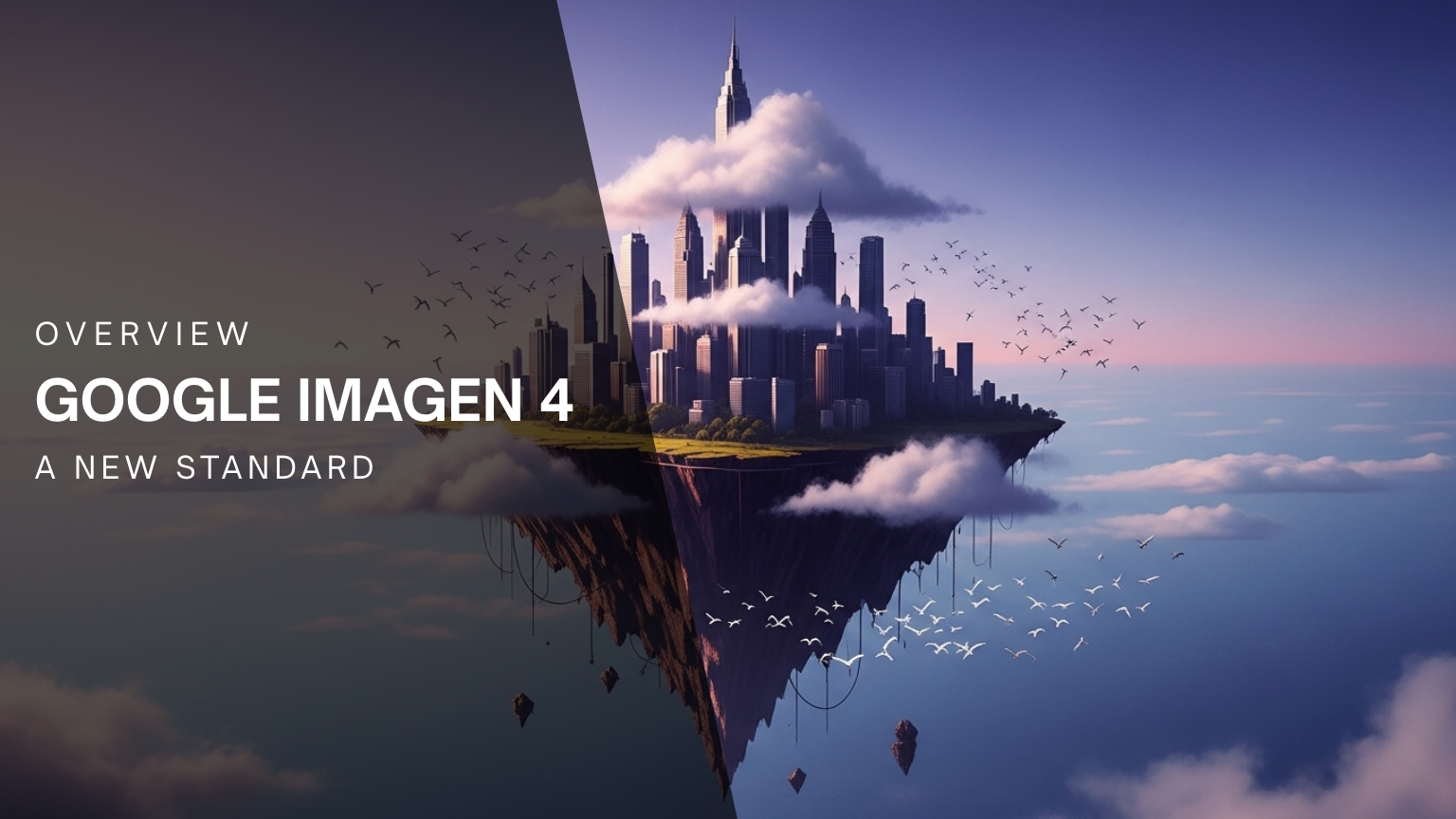
3. Imagen 4
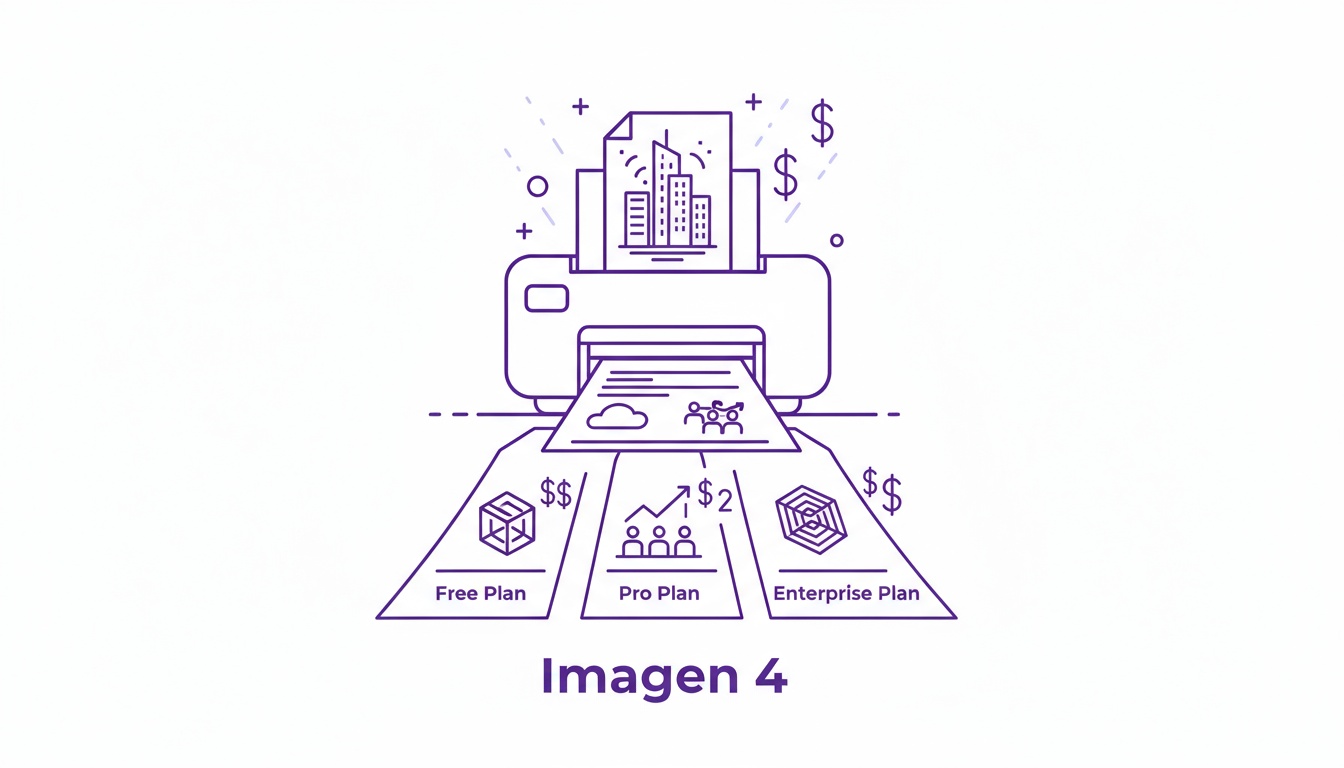
Imagen 4 from Google focuses on photorealistic output with particularly strong performance in natural landscapes, water rendering, and glass materials. The model generates realistic images faster than most alternatives, making it practical for time-sensitive projects.
Realistic Rendering Capabilities
Material specialization:
- Water droplets look convincingly wet
- Glass shows proper transparency and refraction
- Landscapes display natural environmental detail
- Reflective surfaces behave realistically
Skin and fabric realism:
- Skin texture appears natural without plastic smoothness
- Fabric displays appropriate weave patterns
- Clothing drapes realistically on forms
- Natural wrinkles and folds
Lighting authenticity:
- Natural outdoor lighting renders convincingly
- Studio lighting setups work correctly
- Mixed lighting scenarios balance realistically
- Color temperature shifts appear natural
Speed Advantage
Imagen 4 generates photorealistic images significantly faster than earlier versions. This speed matters when you’re:
- Testing multiple concepts quickly
- Working under tight deadlines
- Creating daily content at scale
- Iterating based on client feedback
Key Features
- 2K resolution output
- Three quality tiers (Fast, Standard, Ultra)
- Excellent water, glass, and landscape rendering
- Realistic skin and fabric textures
- Multi-language support
- Wide aspect ratio support
- Character consistency across generations
- Commercial usage rights included
Best For
Choose Imagen 4 when you need:
- Quick photorealistic concept testing
- Natural landscape imagery
- Product shots featuring glass or water
- Rapid iteration on photographic ideas
- Time-sensitive realistic visuals
- Daily content production at scale
Pricing
Three pricing tiers:
- Fast: $0.02 per image (quickest generation)
- Standard: $0.04 per image (balanced)
- Ultra: $0.06 per image (highest quality)
On ImagineArt:
- 24 credits per generation
Recommended read:
4. Nano Banana Pro
Nano Banana Pro from Google combines 4K photorealistic generation with improved text rendering. When you need realistic images that also include readable text elements like signs, labels, or product packaging, this handles both requirements effectively.
Photorealistic & Text Capabilities
4K resolution realism:
- High-detail textures at 4K
- Natural lighting at professional resolution
- Material accuracy is maintained at large sizes
- Print-ready photorealistic output
Text integration:
- Readable typography within realistic scenes
- Product labels appear naturally
- Signage integrates believably
- Text rendering that doesn’t break photorealism
Material and Lighting
The model renders materials with appropriate physical properties:
- Metals show correct reflectivity
- Fabrics display realistic texture
- Organic materials look natural
- Environmental elements interact properly
Lighting behaves according to real-world physics:
- Shadow softness matches the light source size
- Color temperature affects scene mood naturally
- Multiple light sources interact correctly
- Ambient light fills shadows realistically
Key Features
- 4K native resolution
- Photorealistic rendering with text accuracy
- Multi-language text support
- Natural material rendering
- Professional lighting simulation
- Multiple aspect ratios (portrait, square, landscape)
- Resolution options (1K, 2K, 4K)
- Up to 4 variations per generation
Best For
Nano Banana Pro works well for:
- Product packaging mockups requiring text
- Signage in realistic environments
- Infographics with photorealistic elements
- Marketing materials combining text and photography
- Multilingual realistic content
- Professional documents with visual elements
Pricing
On ImagineArt:
- 80 credits per generation
Native (Google AI):
- Token-based, approximately $0.02-$0.05 per image
Recommended read:
5. GPT Image 2
GPT Image 2 builds on the generation capabilities of GPT Image 1 while adding 99% typography accuracy, 4K output, and the ability to generate eight distinct images from a single prompt. If you need photorealistic images where text is part of the design — not a placeholder to fix in post — and want to evaluate multiple creative directions before committing, this model changes how that workflow runs.
GPT Image 2 is now LIVE on ImagineArt.
— ImagineArt (@ImagineArt_X) April 21, 2026
The next leap in AI image generation is here and the results speak for themselves.
What makes GPT Image 2 different:
✦ Unmatched text rendering precision (finally, readable text in generated images)
✦ Complex multi-element layouts that… pic.twitter.com/wH0QNFKHy0
What Makes It Photorealistic
4K output resolution: Unlike models that cap at 2K or upscale to reach print-ready sizes, GPT Image 2 generates at full 4K with a quality-first approach that prioritizes fidelity at scale. This means:
- Hero assets and large-format print output require no post-generation upscaling
- Fine surface details retain sharpness at any crop level
- Photorealistic textures hold across the full image, not just the center
- Production-ready output from the first generation pass
Self-checking output verification: Before delivering a result, GPT Image 2 verifies the output against the prompt and checks for physical implausibility. This means:
- Lighting direction is consistent with the described light source position
- Shadows and reflections don't contradict each other within the same scene
- Spatial relationships between objects remain coherent
- Physically impossible results — floating shadows, reversed reflections — are caught before delivery
Typography accuracy: GPT Image 2 publishes a 99% typography accuracy rate — the most specific text-rendering benchmark in the field. This means:
- Headlines, product names, and body copy render without letter distortion or merging
- Text responds to scene lighting rather than appearing pasted over the image
- Small font sizes remain legible within complex photorealistic compositions
- Text-heavy mockups come back correct enough to present, not just close enough to read
Material and scene realism:
- Skin texture renders at pore level without the plastic smoothness of lower-parameter models
- Glass, metal, and fabric behave according to their actual physical properties
- Multi-element scenes maintain spatial coherence between foreground and background
- Background and foreground interact with the same light source consistently
Key Features of GPT Image 2
- 4K resolution output with quality-first photorealism
- 99% typography accuracy for text-integrated creative
- Eight images from one prompt for simultaneous creative direction evaluation
- Self-checking output verification for physical plausibility
- Enhanced prompt reasoning for complex multi-element scenes
- Inpainting and selective editing that preserves photorealistic consistency
- Supports advertising creative, packaging mockups, and product visualization
Best For
Choose GPT Image 2 when you need:
- Advertising creative where headlines and copy are integrated into the image
- Packaging visualization with legible labels that are correct from generation
- Campaign direction-finding that requires multiple interpretations before committing
- High-resolution hero assets for large-format print or digital placements
- Photorealistic mockups that come back ready to present without a text-correction round
- Iterative creative workflows where reducing the number of generation rounds matters
Pricing
Credit consumption:
- GPT Image 2 consumes 60 credits per generation on ImagineArt
- API access available for production workflow integration
Recommended read:
6. Midjourney V7
Midjourney V7 brings significant improvements to photorealistic rendering while maintaining the distinctive cinematic quality the platform is known for. If you want photorealism with an artistic edge rather than pure documentary-style realism, Midjourney delivers results that look professionally shot and post-processed.
V7 Photorealism Improvements
Enhanced skin rendering:
- More realistic pores and texture
- Natural subsurface scattering
- Appropriate skin tone variation
- Believable facial details, including wrinkles and blemishes
Fabric and material accuracy:
- Clothing displays realistic weave patterns
- Materials show appropriate texture detail
- Reflective surfaces behave correctly
- Transparent and translucent materials render naturally
Lighting and shadow improvements:
- More accurate shadow behavior
- Realistic light falloff
- Natural highlight positioning
- Environmental lighting feels authentic
Raw Style for Documentary Realism
The --style raw parameter pushes Midjourney toward documentary-style photorealism:
- Less artistic interpretation
- More camera-like rendering
- Natural color grading
- Authentic photographic look
Without the raw parameter, you get:
- Cinematic color grading
- Stylized lighting
- Artistic composition
- Polished, professional aesthetic
Both approaches deliver photorealism but with different flavors. Raw works for product photography and documentary work. Standard works for advertising and cinematic projects.
Key Features
- V7 model with enhanced photorealism
- Raw mode for documentary-style realism
- Improved skin, fabric, and material rendering
- Better shadow and lighting accuracy
- Style reference for brand consistency
- Character reference for recurring elements
- Multiple aspect ratio support (1:2 to 2:1)
- Discord and web interface access
Best For
Midjourney V7 photorealism works well for:
- Advertising and marketing visuals with cinematic quality
- Fashion photography with stylized realism
- Product photography needing artistic edge
- Portrait work with a polished aesthetic
- Concept art requiring photographic believability
- Campaign materials blending realism and style
Pricing
Subscription tiers:
- Basic: $10/month
- Standard: $30/month
- Pro: $60/month
- Mega: $120/month
No free tier available.
Recommended read:
7. Adobe Firefly
Adobe Firefly focuses on commercially safe photorealistic generation trained exclusively on licensed Adobe Stock content and public domain materials. If copyright concerns matter for your photorealistic work, Firefly provides clearer licensing than models trained on scraped web data.
Photorealistic Capabilities
Adobe Firefly’s photorealism varies depending on the model variant you access through the platform. The latest versions show improved, realistic rendering:
Realistic rendering:
- Professional-quality outputs suitable for commercial use
- Natural lighting in many scenarios
- Decent material and texture rendering
- Photographic composition when prompted correctly
Material handling:
- Fabrics show appropriate texture
- Reflective surfaces render reasonably well
- Organic materials look natural in most cases
- Environmental elements integrate believably
Limitations for pure photorealism:
Firefly prioritizes commercial safety and a broad style range over absolute photorealistic quality. Results can look polished but sometimes lean toward illustration rather than pure photography. When you need the most realistic possible output, dedicated photorealism models like ImagineArt 1.5 Pro or Flux 2 typically outperform Firefly.
Key Features
- Training on licensed content only (copyright safety)
- Access to multiple AI models (Adobe, Google, OpenAI, Runway)
- Text-to-image and text-to-video generation
- Generative Fill editing tools
- Creative Cloud integration
- Content Credentials watermarking
- Commercial usage rights included
- Multiple aspect ratios (9:16, 16:9, 1:1)
Best For
Adobe Firefly works well for photorealistic needs when:
- Copyright and licensing clarity are critical.
- You already use Adobe Creative Cloud
- Agency work requires clean commercial rights
- Compliance matters for enterprise use
- You need multi-modal creation (image + video + editing)
- Integration with Photoshop/Illustrator matters
Pricing
Creative Cloud subscription:
- All Apps: $59.99/month (includes 1,000 Firefly credits)
- Firefly standalone pricing varies
API access:
- $0.05 per image
8. Ideogram 3
Ideogram 3 built its reputation on accurate text rendering, but the model also handles photorealistic generation when prompted appropriately. If you need photorealistic images that include readable text like product labels, signage, or typography, Ideogram 3 delivers both requirements.
Photorealism Performance
Ideogram 3’s photorealistic capability sits behind dedicated realism models but exceeds many general-purpose generators:
Where it excels photographically:
- Portrait photography with text overlays
- Product shots featuring labels and packaging
- Environmental scenes with signage
- Marketing materials combining imagery and typography
- Quote graphics with photographic backgrounds
Realistic rendering:
- Natural lighting in controlled scenarios
- Decent skin texture and material rendering
- Believable environmental elements
- Photographic composition when specified
Photorealism limitations:
The model prioritizes text accuracy and style flexibility over maximum photorealism. Pure photographic realism without text elements works better with models like ImagineArt 1.5 Pro, Flux 2, or Imagen 4.
Key Features
- Industry-leading text rendering accuracy
- Photorealistic style option
- Style reference system (up to 3 images)
- Character consistency across generations
- Multi-language support
- Batch generation (up to 4 variations)
- Multiple aspect ratios (9:16, 4:3, 3:4, 1:1, 16:9)
- Commercial usage rights
Best For
Choose Ideogram 3 for photorealistic work when:
- Text accuracy matters as much as visual realism.
- Creating promotional posters with photography
- Product photography needs visible labels.
- Event announcements combining text and realistic imagery
- Quote graphics with photographic backgrounds
- Marketing materials requiring both text and realism
Pricing
Native platform:
- Free: Limited daily generations
- Basic: $7/month
- Plus: $16/month
- Pro: $48/month
On ImagineArt:
- 36 credits per generation
Recommended read:
9. Kling O1 Image
Kling O1 Image delivers photorealistic generation with strong consistency across multiple images by processing up to 10 reference images simultaneously. If you’re creating a photorealistic content series requiring visual continuity, this maintains realistic quality while ensuring consistency.
Photorealistic Strengths
Consistency-focused realism:
Kling O1’s photorealism shines when you need the same realistic subject across multiple contexts:
- Same person photographed in different settings
- Product shown realistically from multiple angles
- Character maintaining a photorealistic appearance across scenes
- Brand elements staying visually consistent
Realistic rendering:
- Natural lighting across generations
- Material consistency in multi-image sets
- Photographic composition maintained
- Environmental realism, when specified
Multi-reference processing:
The model processes up to 10 reference images to maintain photorealistic consistency:
- Lighting style stays consistent
- Material finishes match across images
- Photographic aesthetic continues throughout
- Brand visual language maintains realism
Photorealism Limitations
Kling O1 prioritizes consistency over absolute photorealistic quality. Single-image photorealism from dedicated models like ImagineArt 1.5 Pro or Flux 2 may surpass Kling O1’s output, but Kling O1 wins when you need that same realistic subject appearing consistently across many images.
Key Features
- Multi-reference processing (up to 10 images)
- Character consistency across photorealistic generations
- Natural language editing
- Style transfer maintaining realism
- Multi-image fusion
- Local editing for specific elements
- Standard aspect ratios (9:16, 16:9, 1:1)
- Commercial usage rights
Best For
Kling O1 Image works well for photorealistic needs when:
- Creating character-based, realistic content series
- Product photography requiring same item across contexts
- Multi-post campaigns needing visual continuity
- Realistic storytelling with recurring elements
- Brand mascots in photorealistic settings
- Comic or narrative content witha photographic style
Pricing
Native API:
- Basic: $0.03 per image
- High-resolution: $0.08 per image
- 10-reference processing: $0.12 per image
On ImagineArt:
- Single reference: 20 credits
- Multi-reference: 30 credits
10. ImagineArt Apps
ImagineArt Apps takes a different approach to photorealistic visuals by providing pre-designed CGI templates specifically for product placement. Rather than generating photorealistic scenes from scratch, you place products into professionally designed, realistic environments.
Photorealistic Approach
ImagineArt Apps doesn’t generate photorealism through AI image generation. Instead, it uses pre-built photorealistic CGI environments:
Template-based realism:
- Professional CGI scenes with realistic lighting
- Pre-designed environments with photographic quality
- Consistent lighting and materials across templates
- Studio-quality product presentation
Product integration:
When you place products into these templates, the apps handle:
- Realistic shadow generation
- Appropriate lighting on products
- Natural reflections
- Photographic composition
Use case focus:
This works best for specific photorealistic product visualization:
- E-commerce product photography
- Marketing product shots
- Social media product posts
- Quick, realistic product presentations
Limitations for General Photorealism
ImagineArt Apps serve a specific photorealistic need (product visualization) rather than general photorealistic image generation. For custom photorealistic scenes, traditional AI models like ImagineArt 1.5 Pro, Flux 2, or Imagen 4 offer more flexibility.
Key Features
- Pre-designed photorealistic CGI templates
- Quick product-to-realistic-post workflow
- Mobile and web accessibility
- Platform-optimized export formats
- Multiple realistic scenario templates
- Consistent professional quality
- Social media aspect ratio presets
- Integration with the ImagineArt ecosystem
Best For
Choose ImagineArt Apps for photorealistic needs when:
- Creating realistic e-commerce product photography
- Need quick photorealistic product shots at scale
- Mobile creation of realistic product content
- Consistent, realistic brand photography
- Time-sensitive, realistic product launches
- Template-based workflow suits your needs
Pricing
Included in ImagineArt plans:
- Pro and Max: $29-120/month
Credit consumption:
- Basic templates: 5 credits
- Advanced CGI: 8 credits
Conclusion
AI-generated photorealism has moved past experimental quality into production-ready tools. These generators create images that fool the eye when rendered correctly, replacing expensive photography setups for many use cases.
Pick the model that matches what you actually need to create, test it with your real projects, and use it consistently. Photorealistic AI generation works when you choose the right tool for the job.
Ready to create photorealistic visuals?
Explore ImagineArt’s AI Image Generator to access multiple photorealistic models through one platform.
Recommended Read:
Photorealistic creation guides:
Other AI generator guides:
- Best AI Image Generators for Cinematic Visuals
- Best AI Image Generators for Artistic Visuals
- Best AI Image Generators for Marketers
- Best AI Image Generators for Professionals (2026 Edition)
Technical guides:
Tooba Siddiqui
Tooba Siddiqui is a content marketer with a strong focus on AI trends and product innovation. She explores generative AI with a keen eye. At ImagineArt, she develops marketing content that translates cutting-edge innovation into engaging, search-driven narratives for the right audience.