Try the New ImagineArt! 🎉 Smarter, Faster, Better!

Try now
HomeBlogsHow-ai-transforms-text-into-visual-art-1
How AI Transforms Text into Visual Art

How AI Transforms Text into Visual Art

Explore how AI brings your words to life by transforming text into beautiful visual art with tools like the ImagineAI Text to Image Generator. Discover the simple process, benefits, and creative possibilities this innovative technology offers, allowing anyone to turn their ideas into captivating images effortlessly.

Sophia Felix

Sophia Felix

October 31, 2024 • Updated November 29, 2024

5 mins Read

On this page

AI technology has greatly advanced digital art. Now, anyone can turn text into stunning visual art with ease. Imagine typing your idea—a serene landscape or a complex character. Then, watch it come to life on the screen.

Free AI tools, like Imagine AI Image Generator, make art creation easier. They help both beginners and pros. This guide explains how AI transforms text into visual art. It provides a seamless experience for both artists and hobbyists.

Why Text-to-Image AI Matters

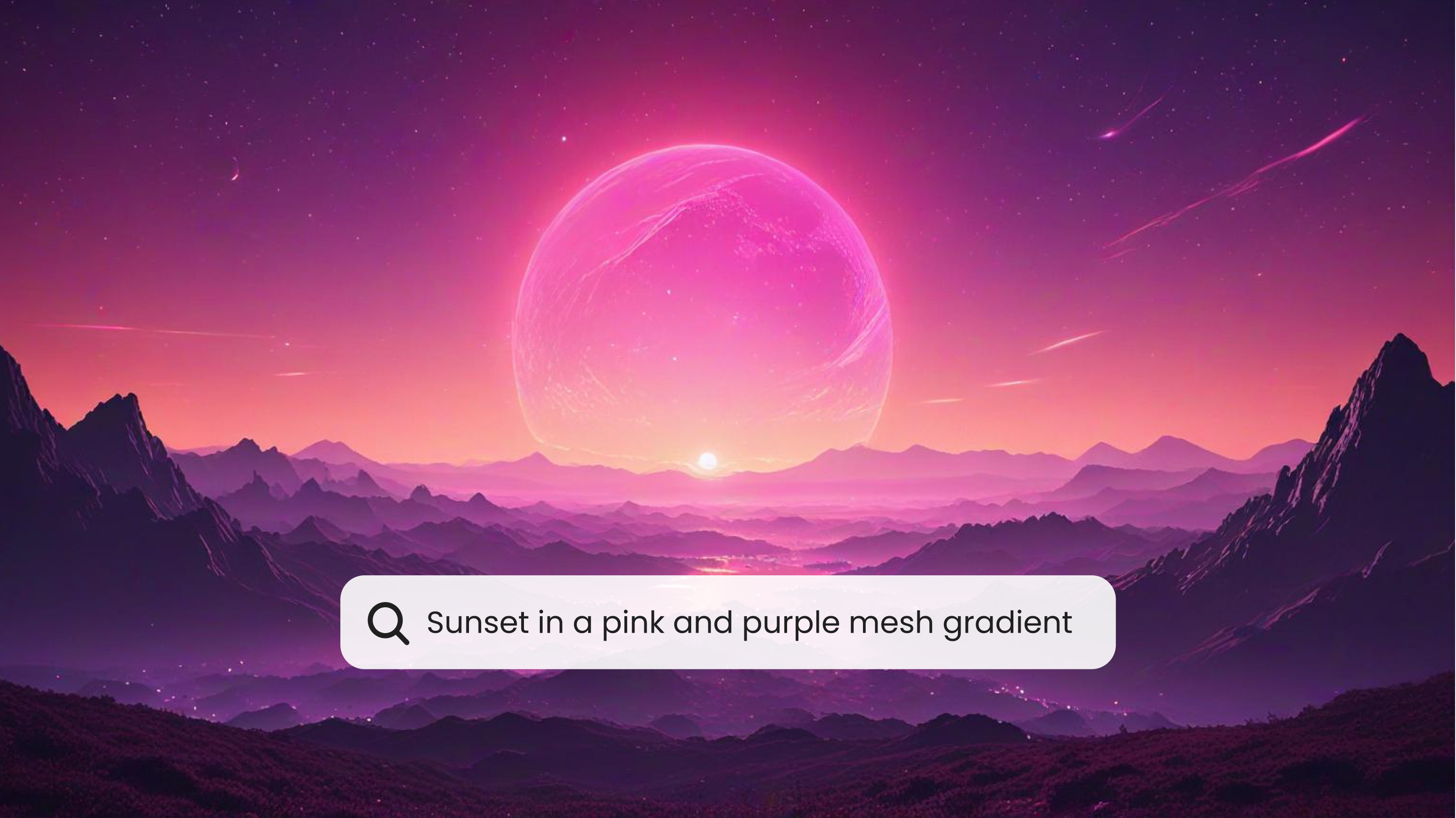
Text-to-image AI changes our approach to creativity. It turns simple prompts into artwork. Traditionally, creating concept art required extensive skill and time. AI lets you quickly and clearly share ideas. It turns words into stunning, vivid images.

This technology democratizes art. It lets anyone visualize ideas, whether they're planning a project, illustrating a story, or creating for fun. AI Image Generator excels in this field. It gives users access to various models, styles, and settings to easily transform their ideas.
text to image concept arttext to image concept art

How Does Text-to-Image AI Work?

AI image generators interpret text prompts. They use advanced neural networks to create visuals that match the input. It involves training models on large datasets of images and text. This teaches the AI to link specific phrases with visual elements. When you input a prompt, the AI leverages this training to produce images that match your description.

Let’s explore how the Imagine AI Image Generator makes this process accessible:

Getting Started with Imagine AI Image Generator

  • After signing up, users can access various models in Imagine AI Image Generator. Each model is tailored to different artistic needs. Imagine V5 (Beta) and Imagine V4, for example, offer unique settings suited to create either realistic imagery or stylised art.
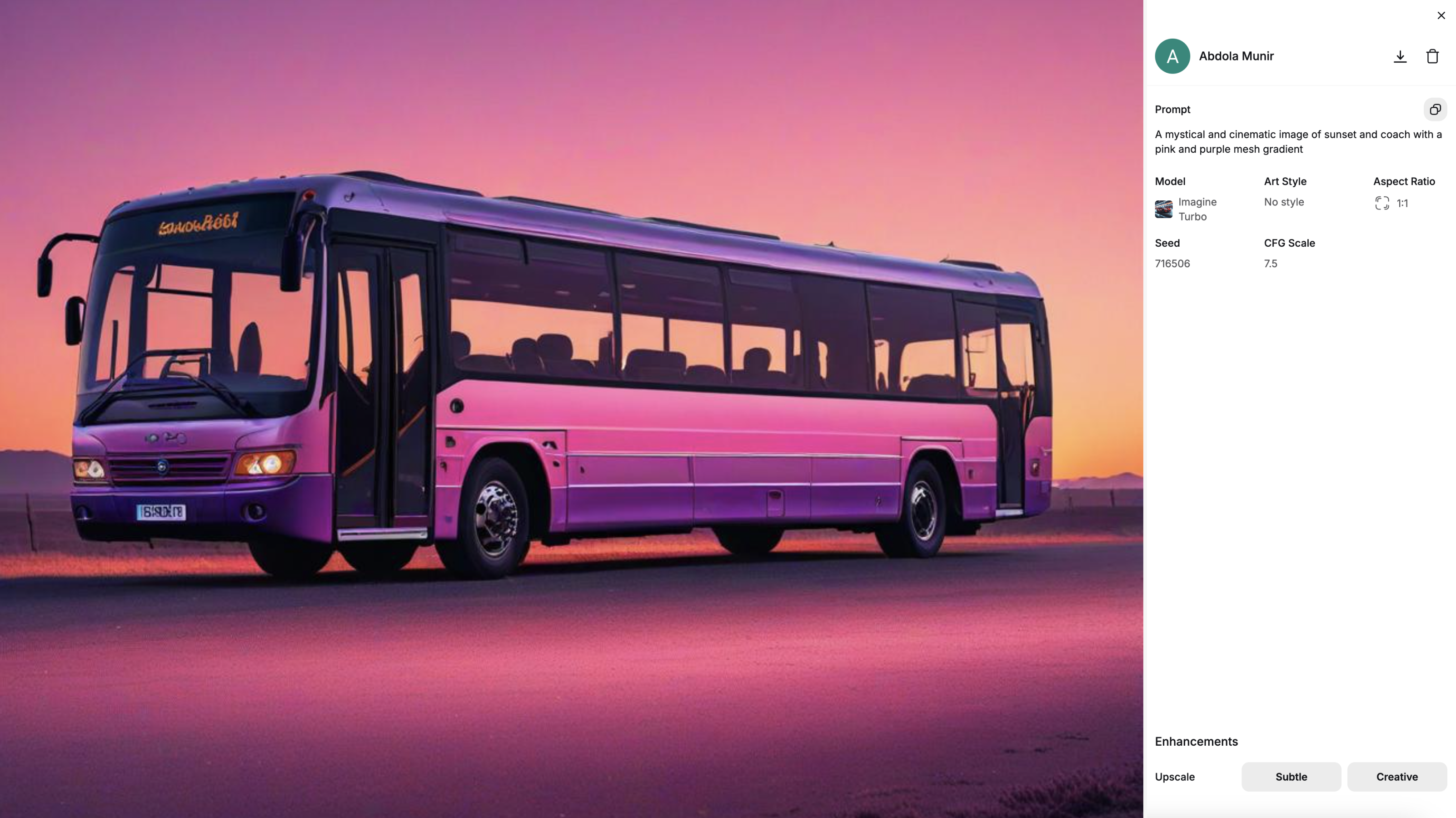
ImagineAI Text to Image GeneratorImagineAI Text to Image Generator

  • Selecting Your Preferred Art Style The AI has 90 unique art styles. They range from realism and fantasy to anime and surrealism. Just pick the one that matches your vision. The AI will adjust its algorithms to that style. This will set the aesthetic base for your artwork.
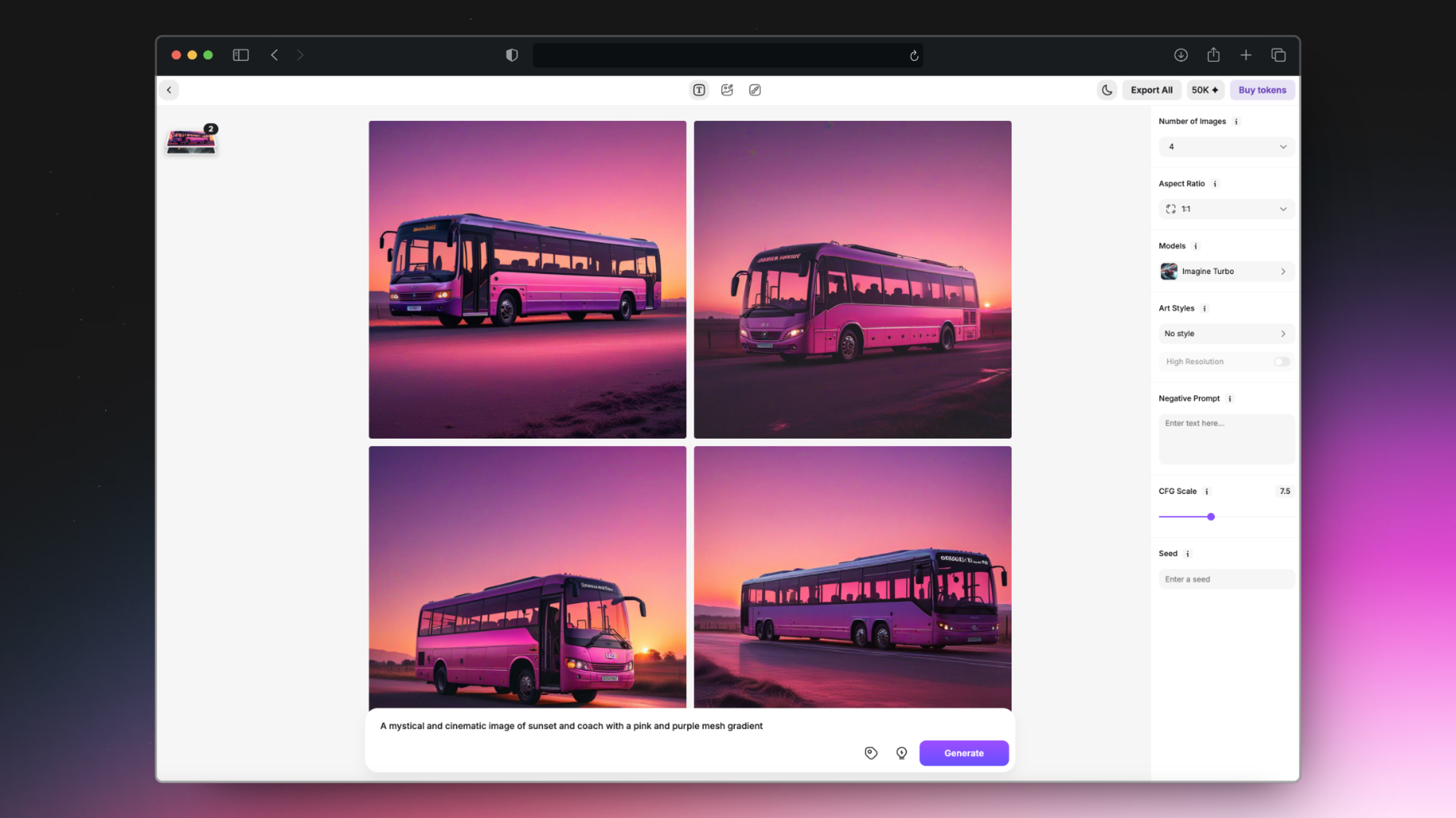
image (8).pngimage (8).png

Crafting Your Prompt

Your prompt acts as the “blueprint” for your artwork. A detailed prompt helps the AI capture specific elements. These can be about characters, settings, mood, or color. Users can guide the AI to produce better results by adding descriptive words and phrases.

For example, if you want a forest scene at night with an ethereal glow, mentioning those details will help the AI. Think of it as a conversation with a creative assistant, where the clearer you are, the better the results.

Fine-Tuning the Details

Imagine AI provides several customization tools to help you refine the output:

  • CFG Scale Adjusting the CFG (Classifier-Free Guidance) scale helps the AI understand the importance of your prompt. A higher CFG scale makes the AI stick to your description. A lower setting allows for more creativity, leading to unexpected but beautiful results.
  • Negative Prompts This tool tells the AI what elements to avoid in the image. For a fantasy prompt, add "no modern or industrial elements" as a negative prompt. This keeps the image true to the genre, without any surprises.
  • Seed Setting for Consistency If you like a look, save the settings with a seed number. This lets you reproduce the same image, with minor changes, later. Step Scale for Quality Adjusting the step scale affects image quality. A higher setting creates sharper, more detailed images. The trade-off is a slight increase in processing time, but the results are worth it for high-quality output.
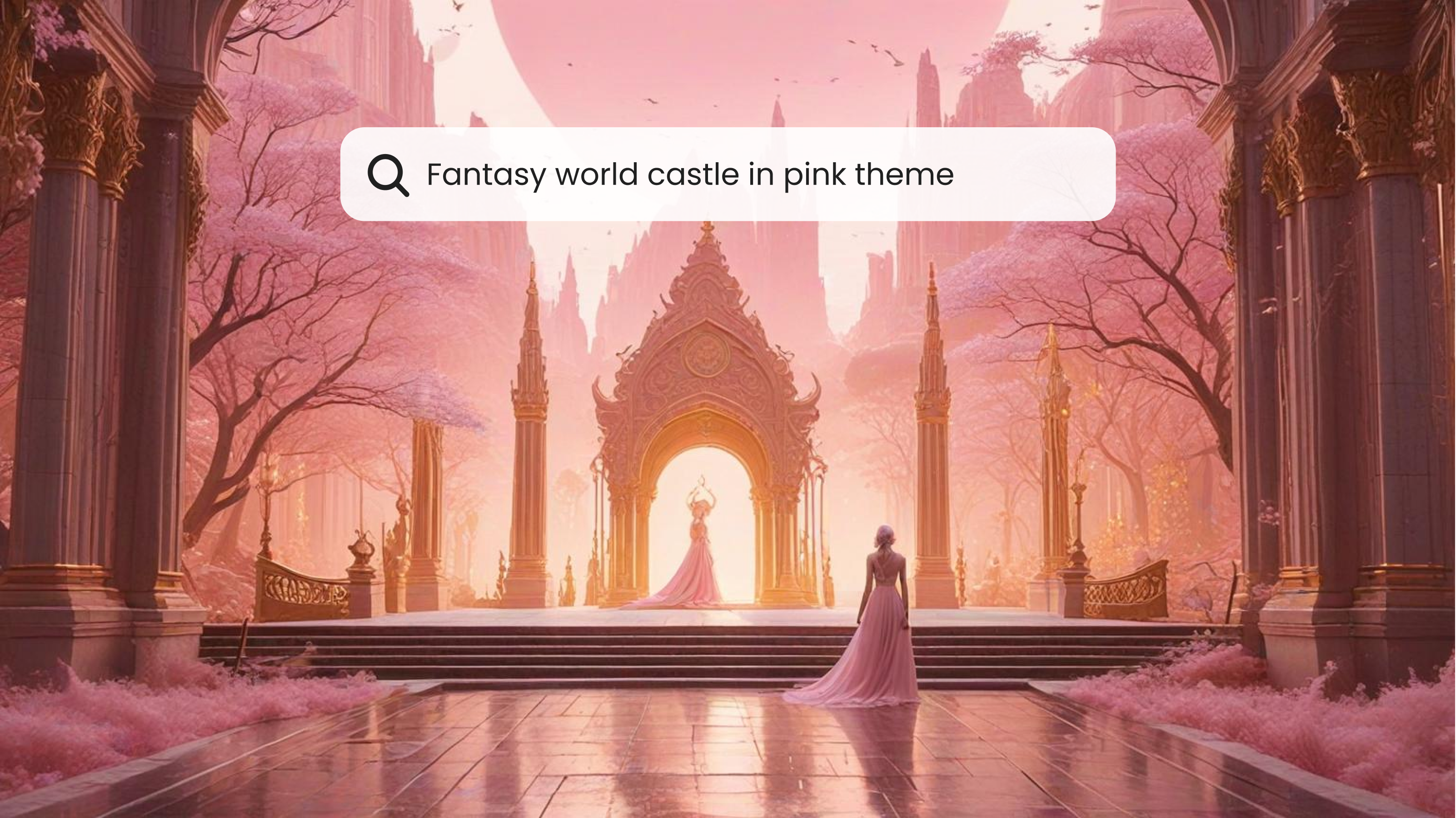
fantasy image generatorfantasy image generator

Bringing Your Art to Life

Once your image is generated, Imagine AI provides tools for enhancing and adding final touches to your work: Image Upscaling For users wanting a higher resolution, the AI upscaler enhances your artwork. It sharpens details and boosts the resolution for larger displays or print.

  • Image Remixing and Inpainting Remixing lets you apply new styles or filters to your art. You can experiment with different aesthetics without starting from scratch. Inpainting fills in missing areas or refines existing parts. It ensures every detail matches your vision.
  • Advanced Editing with Canvas For further refinement, Imagine AI offers a Canvas feature. It's a space for advanced editing. It’s similar to a digital sketchpad where you can rework details, overlay text, or add new design elements.
  • Ideate: A Creative Playground Ideate mode allows users to explore freely, experimenting with prompts and styles without limits. Think of it as a creative sandbox where you can test ideas, refine techniques, and discover new artistic possibilities.

Using Text-to-Image AI for Storytelling and World-Building

Text-to-image AI can transform storytelling. It is great for making concept art for world-building and character design. You're writing a fantasy story. You input a prompt about a mystical forest at sunset. It has towering trees and an elven warrior ready for adventure. The AI reads your input, adjusts the details according to your prompt, and delivers an artwork that aligns with your creative vision. This approach is a game-changer. It helps writers, game developers, and anyone wanting to build visual narratives. It lets them see their ideas visually represented almost instantly.

FAQs

Yes! Many AI image generators, like Imagine AI, can upscale images. Their upscaling features enhance the resolution of your generated images. This means you can produce artwork that looks great on digital screens and even in print.

Not at all! Text-to-image AI is designed to be user-friendly, allowing anyone to create art regardless of their skill level. Simply type a prompt and let the AI handle the technical aspects, making it accessible for beginners and experts alike.

The level of detail in your prompt directly impacts the AI's output. A simple prompt can yield great results. But, adding specifics—like color, mood, and background—helps the AI make a more accurate image.

Conclusion

AI text-to-image tech has opened new avenues for digital art. It lets anyone turn words into stunning visuals. For concept art, world-building, or digital art, use text-to-image AI. Imagine AI Image Generator can boost your creativity. Just write a prompt, adjust a few settings, and watch as your ideas come to life in vivid detail.

Sophia Felix

Sophia Felix

Sophia Felix is an AI enthusiast and content marketer passionate about the way technology reshapes creativity and the human experience. She dives into the latest AI trends, making complex tech accessible and inspiring for everyone.
More topic you may like

Thumbnail

AI Image Generation

Crafting Engaging Social Media Posts with Text-to-Image Conversion

avatar

Sophia Felix

Thumbnail

AI Image Generation

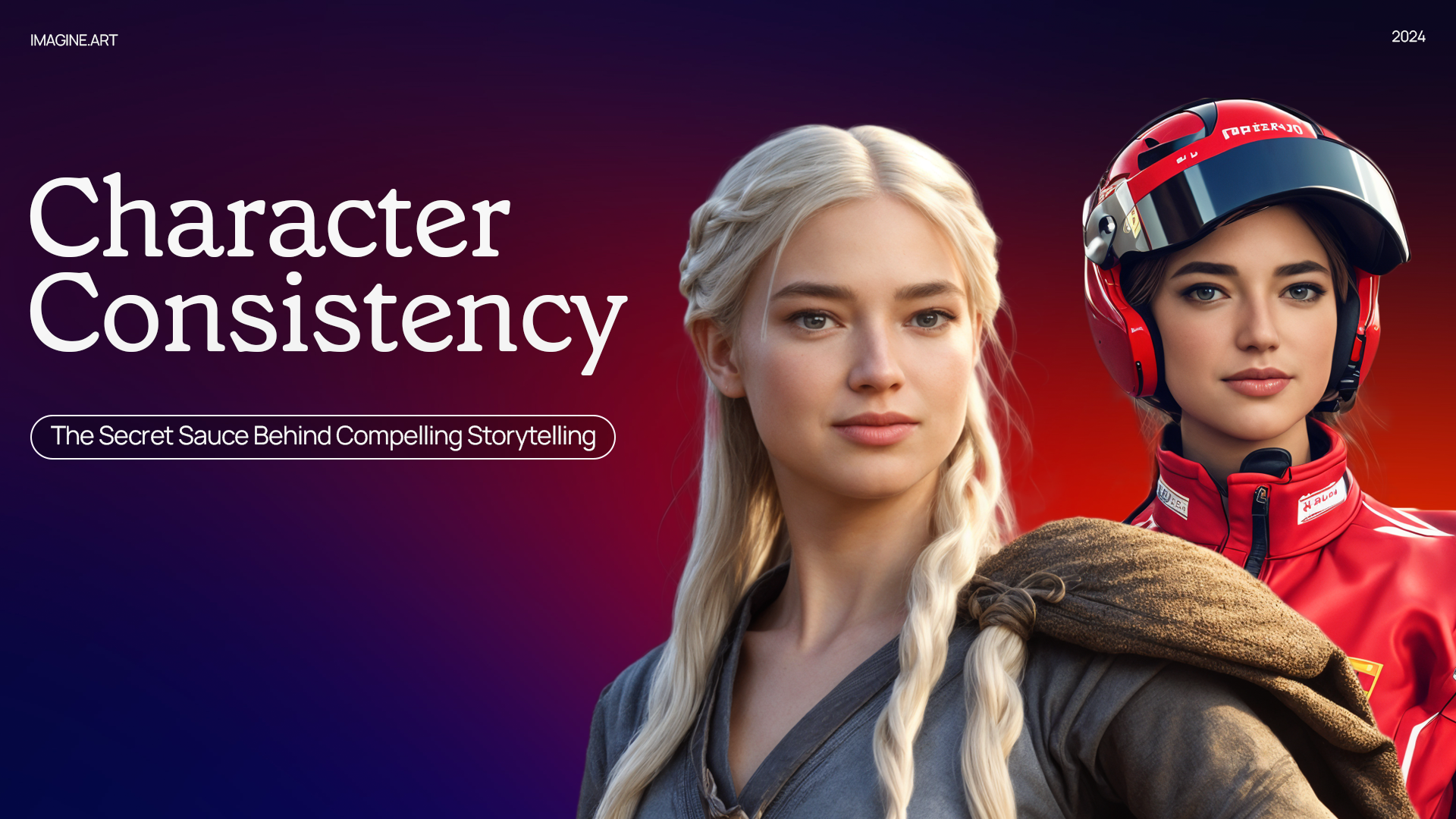
Character Consistency: The Secret Sauce Behind Compelling Storytelling

avatar

Sophia Felix

Thumbnail

AI Image Generation

Exploring the World of Text-to-Image AI: Applications and Examples

avatar

Sophia Felix

Thumbnail

AI Image Generation

How to Prompt AI to Create an Image: The Key to Stunning Digital Art

avatar

Sophia Felix

Thumbnail

AI Image Generation

How to Create Adorable Anime Characters with an AI Image Generator

avatar

Sophia Felix

Thumbnail

AI Image Generation

Painting without Limits: Ideate & Imagine AI Art Generator

avatar

Sophia Felix

Thumbnail

AI Image Generation

Remixing Through Time: Exploring Historical and Contemporary Examples of Image Remixing

avatar

Sophia Felix

Thumbnail

AI Image Generation

Our Favorite Settings to Generate the Best Anime Art in Imagine

avatar

Ryan Hayden

Thumbnail

AI Image Generation

Transform Your Images: A Step-by-Step Guide to Imagine AI Image Remix

avatar

Ryan Hayden

Thumbnail

AI Image Generation

How to Create Realistic AI Images with ImagineArt 1.0

avatar

Sophia Felix

Thumbnail

AI Image Generation

Harnessing the Creative Power of Imagine AI Art Generator in Visual Learning

avatar

Ryan Hayden

Thumbnail

AI Image Generation

A Guide to Using Our AI Image Generator for Concept Art

avatar

Ryan Hayden

Thumbnail

AI Image Generation

How to Write a Good Prompt Using ImagineArt

avatar

Sophia Felix

Thumbnail

AI Image Generation

Types of AI Art: From Style Transfer to Generative Adversarial Networks (GANs)

avatar

Ryan Hayden

Thumbnail

AI Image Generation

Remixing Nature: Creating Surreal Landscapes through Image Remixing

avatar

Sophia Felix

Thumbnail

AI Image Generation

Mastering AI Artistry in Imagine: Your Creative Journey with Magical 'Seed'

avatar

Ryan Hayden

Thumbnail

AI Image Generation

Imagine AI Art Generator: All That You Need to Know Before You Start

avatar

Ryan Hayden

Thumbnail

AI Image Generation

Reviving the Past: AI-Powered Artistic Exploration of Ancient Civilizations

avatar

Ryan Hayden

Thumbnail

AI Image Generation

Imagine AI Art Generator: Your Guide to Creating Your Own Disney Character

avatar

Sophia Felix

Thumbnail

AI Image Generation

The Future of Digital Art: Image Upscaler for High-Fidelity Graphics

avatar

Sophia Felix

Thumbnail

AI Image Generation

How to Create the AI Graffiti Effect

avatar

Sophia Felix

Thumbnail

AI Image Generation

Building a Character Universe: Establishing Consistent Design Rules for Diverse Characters

avatar

Sophia Felix

Thumbnail

AI Image Generation

Transforming Story Concepts into Visual Art: A Guide for Writers

avatar

Sophia Felix

Thumbnail

AI Image Generation

AI Image Enhancement: Bring your images to perfection with AI Image Upscaler

avatar

Ryan Hayden

Thumbnail

AI Image Generation

Beyond Upscaling: Creative Enhance - Your Personal AI Art Studio

avatar

Ryan Hayden

Thumbnail

AI Image Generation

The Evolution of Character Consistency: From Sketch to Screen in Visual Storytelling

avatar

Sophia Felix

Thumbnail

AI Image Generation

Marketing Magic: How Text-to-Image Tools Boost Branding Efforts

avatar

Sophia Felix

Thumbnail

AI Image Generation

Scaling New Heights: Exploring the Limitless Possibilities of AI Image Enhancement

avatar

Sophia Felix

Thumbnail

AI Image Generation

Collaborative Creativity: Ideate for Group Art Projects

avatar

Sophia Felix

Thumbnail

Design

Design Your Perfect New Year Party with ImagineArt

avatar

Thumbnail

AI Image Generation

Nano Banana 2 vs Seedream 5.0 Lite | ImagineArt

avatar

Arooj Ishtiaq

Thumbnail

AI Image Generation

Seedream 4.5 Guide For Image Generation | ImagineArt

avatar

Arooj Ishtiaq

Thumbnail

AI Image Generation

Best AI Image Generators for Anime Style 2026 | ImagineArt

avatar

Tooba Siddiqui

Thumbnail

AI Image Generation

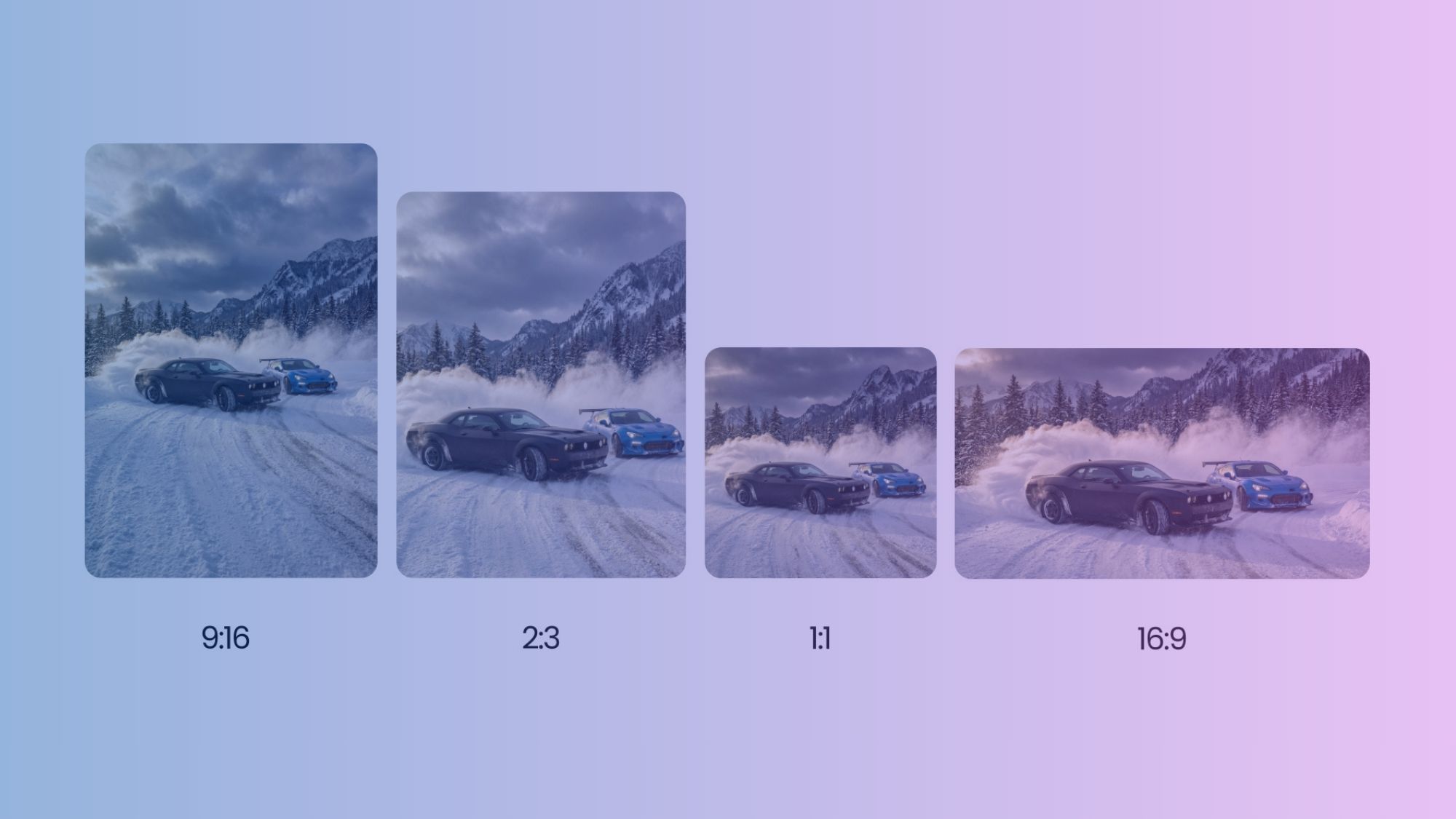
Social Media Image Sizes: A Practical Guide for Professionals

avatar

Umaima Shah

Thumbnail

AI Image Generation

Which GPT Model is Best for Image Generation

avatar

Umaima Shah

Thumbnail

AI Image Generation

Create Product Mockups With Nano Banana Pro

avatar

Umaima Shah

Thumbnail

AI Image Generation

ImagineArt 1.0 Overview: The Most Realistic AI Image Generator Yet

avatar

Tooba Siddiqui

Thumbnail

AI Image Generation

ImagineArt 1.5 AI Image Generator Overview

avatar

Tooba Siddiqui

Thumbnail

AI Image Generation

Best AI Image Generators for Cinematic Visuals

avatar

Tooba Siddiqui

Thumbnail

AI Image Generation

ImagineArt 1.0: Use Cases and Creative Possibilities

avatar

Tooba Siddiqui

Thumbnail

AI Image Generation

27 Monday Quotes for Humor and Motivation | ImagineArt

avatar

Saba Sohail

Thumbnail

AI Video Generation

Top 6 Krea AI Alternatives | ImagineArt

avatar

Arooj Ishtiaq

Thumbnail

AI Image Generation

Imagen 4 Pricing: Free vs Paid Plans

avatar

Tooba Siddiqui

Thumbnail

Prompt Guides

JSON Prompting for AI Image Generation – A Complete Guide with Examples | ImagineArt

avatar

Tooba Siddiqui

Thumbnail

Prompt Guides

Seedream 5.0 Lite Prompt Guide with 30 Ready-to-Use Prompts

avatar

Arooj Ishtiaq

Thumbnail

AI Image Generation

Nano Banana Pro — What Can We Expect? | ImagineArt

avatar

Tooba Siddiqui

Thumbnail

Prompt Guides

Prompt Guide for ImagineArt 1.0 AI Image Generator | ImagineArt

avatar

Tooba Siddiqui

Thumbnail

Marketing

How AI-Generated Product Photos Can Increase Your Sales and Improve Customer Engagement

avatar

Tooba Siddiqui

Thumbnail

AI Image Generation

Best AI Image Generators for Commercial Use | ImagineArt

avatar

Tooba Siddiqui

Thumbnail

AI Image Generation

Google Imagen 3: Full Review, Features & Use Cases | ImagineArt

avatar

Tooba Siddiqui

Thumbnail

AI Image Generation

Best AI Image Generators for Marketers in 2026

avatar

Tooba Siddiqui

Thumbnail

AI Image Generation

Best AI Image Generators for Commercials | ImagineArt

avatar

Tooba Siddiqui

Thumbnail

AI Image Generation

Best AI Image Generators for Photorealistic Visuals

avatar

Tooba Siddiqui

Thumbnail

AI Image Generation

Ideogram AI Features | ImagineArt

avatar

Tooba Siddiqui

Thumbnail

AI Image Generation

Google Imagen 4 Overview | ImagineArt

avatar

Tooba Siddiqui

Thumbnail

AI Image Generation

ImagineArt 2.0 AI Image Generator Overview

avatar

Syed Anas Hussain

Thumbnail

AI Image Generation

36 Studio Ghibli Art Stunts in Marketing with ImagineArt

avatar

Sophia Felix

Thumbnail

Marketing

DeepSeek vs. ChatGPT 4.0: The AI Showdown No One Saw Coming

avatar

Zahida Misher

Thumbnail

AI Image Generation

Tested 84 AI Tools for Productivity, Creativity and Business Growth | ImagineArt

avatar

Saba Sohail

Endless Possibilities. Just Imagine.
Product

  • Audio Studio
  • AI Film Studio
  • AI Ad Studio
  • Lipsync Studio
  • AI Workflows
  • Features
  • Enterprise
  • Apps
  • API Docs

Image

  • AI Image Generator
  • ImagineArt 1.5
  • ImagineArt 2.0
  • GPT Image 2
  • Nano Banana 2
  • Image Upscaler
  • Flux 2

Video

  • AI Video Generator
  • AI Video Editor
  • Seedance 2.0
  • Sora 2
  • Veo 3.1
  • Kling 3.0
  • Pixverse v6
  • Wan 2.6

Resources

  • Blogs
  • Enterprise Resources
  • Community
  • Pricing
  • Creator Program
  • Contact Sales

ImagineArt

  • Privacy Policy
  • Terms & Conditions
  • Help Center
  • About Us

All rights reserved.
Blog
Editing Tools

AI Video Editor

Create and edit videos with AI transitions and effects.

AI Image Editor

Edit, retouch, and transform images with AI tools.

Kling AI Motion Control

Add dynamic motion to static images with AI-powered animation controls.

AI Image Generator
BG Remover
AI Anime Generator
AI Image Combiner
AI Image Face Swap
AI Image Replace
AI Video Generator
AI Heygen Avatar
AI Animation Generator
AI Product Video Maker
AI Video Object Removal
AI Video Recolor
AI Video background Changer
AI Models
Seedance 2.0
Kling 3.0
Seedream 5.0
Recraft V4
Runway Gen 4.5
Imagen V3
Explore All
ConnectUnlock the future of creativity with our Generative AI community—where art, video, and images are born from the power of AI imagination!
Discord
Facebook
Instagram
Pinterest
Reddit
Snapchat
Twitter
YouTube
WhatsApp
AffiliateAPICreatorsPricing
Launch App