
Syed Anas Hussain
April 22, 2026 • Updated April 24, 2026
7 mins Read
With ImagineArt 2.0, we are releasing the most advanced AI image generator that pushes photorealism, text rendering, and cinematic quality beyond anything that came before it. This is not an incremental update — it is a generational leap in how AI creates images that are indistinguishable from real photographs.
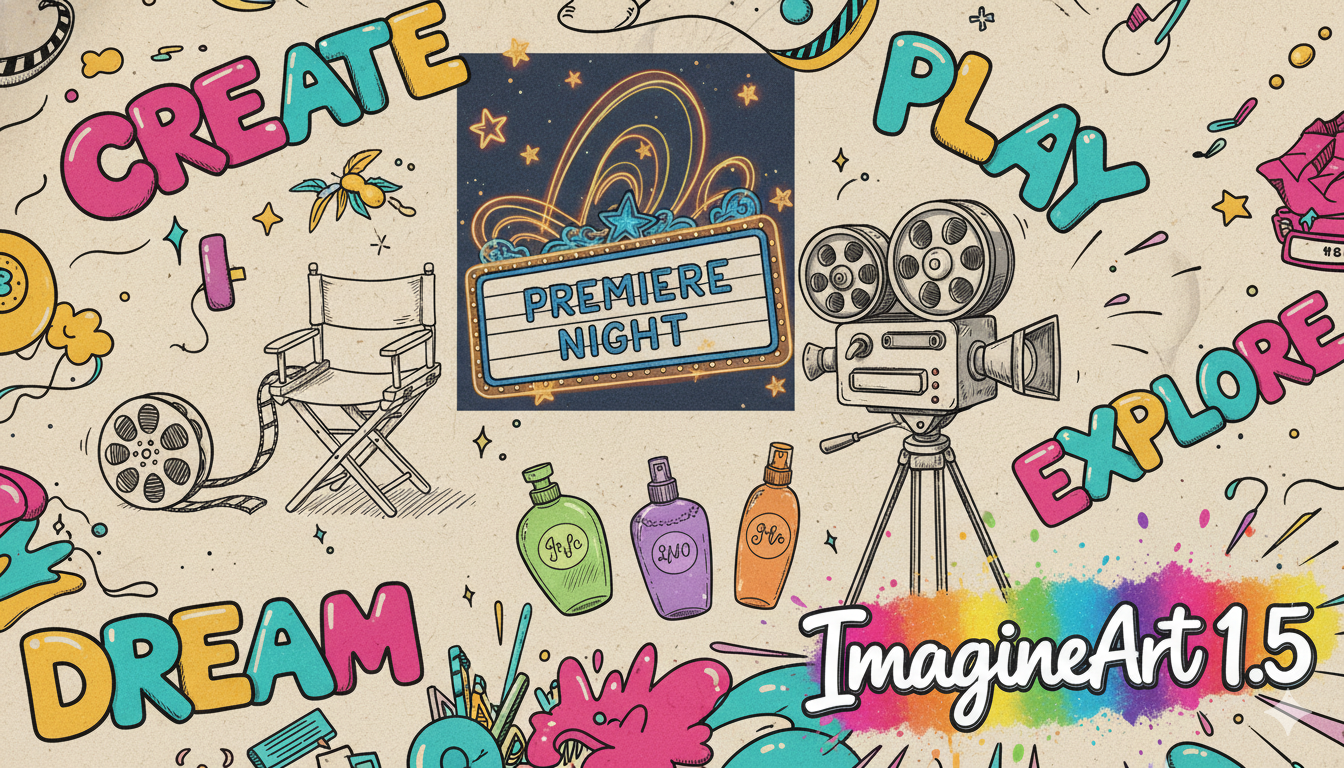
Built on top of everything we learned from ImagineArt 1.5, the 2.0 model delivers eight major breakthroughs in a single model: true life-like realism, precise text generation, cinematic lighting, creative direction, style mastery, visual reasoning, scene logic, and spatial understanding.
Key Features of ImagineArt 2.0
ImagineArt 2.0 is built to transform how you use AI image generation for professional photography, design, marketing, and artistic expression. Here is what makes it different from every model that came before it.
1. True Life-Like Realism
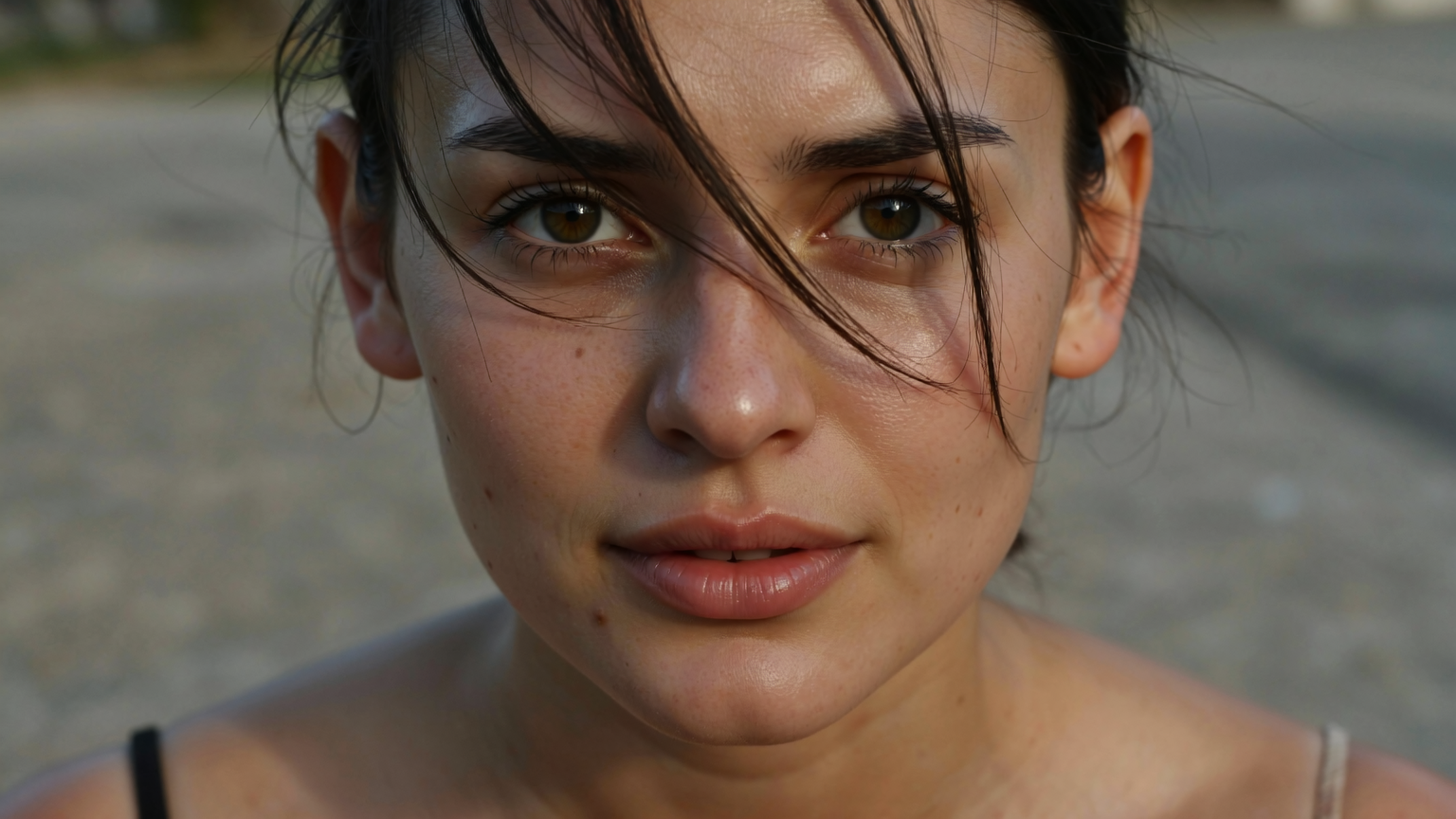
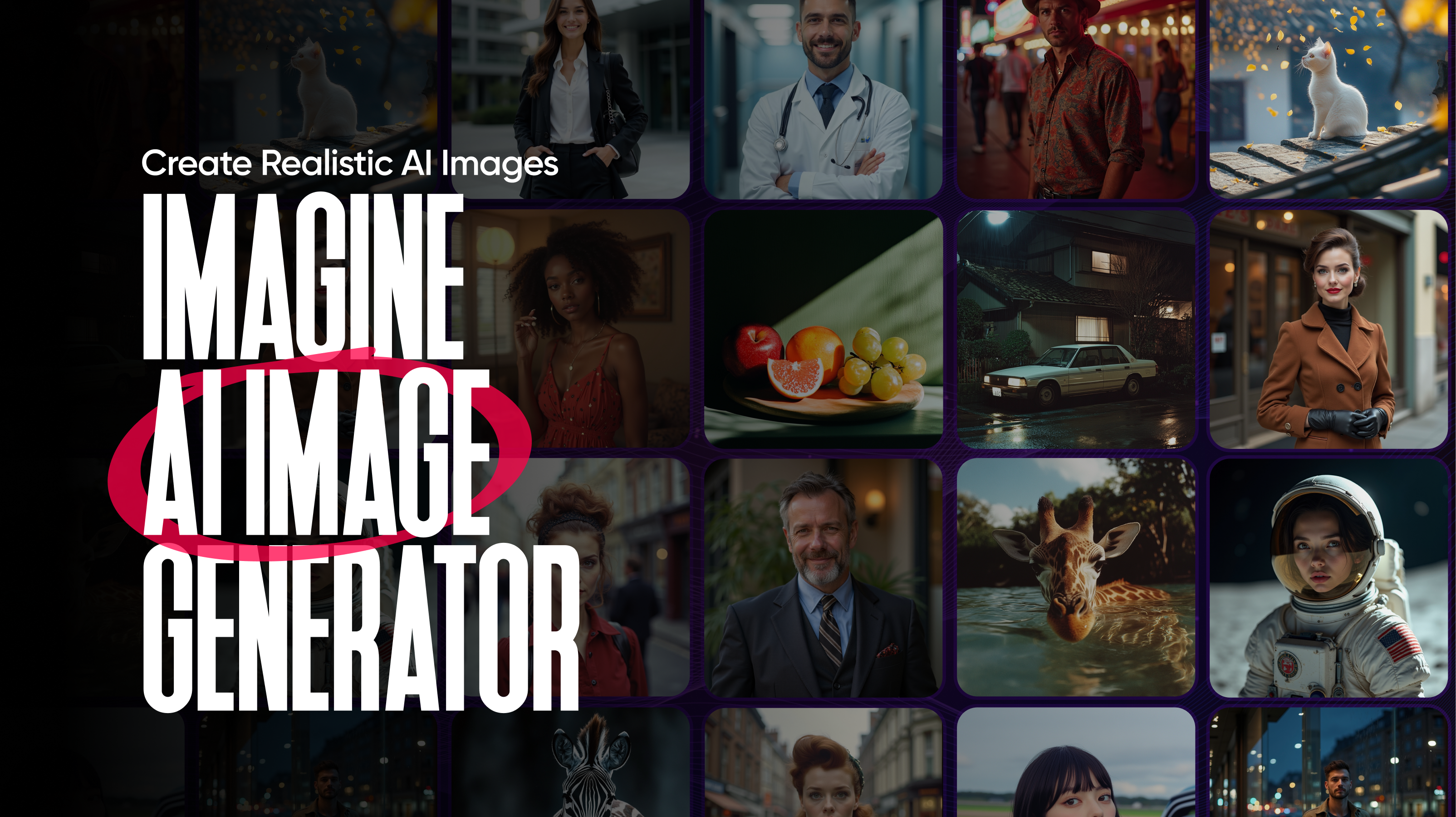
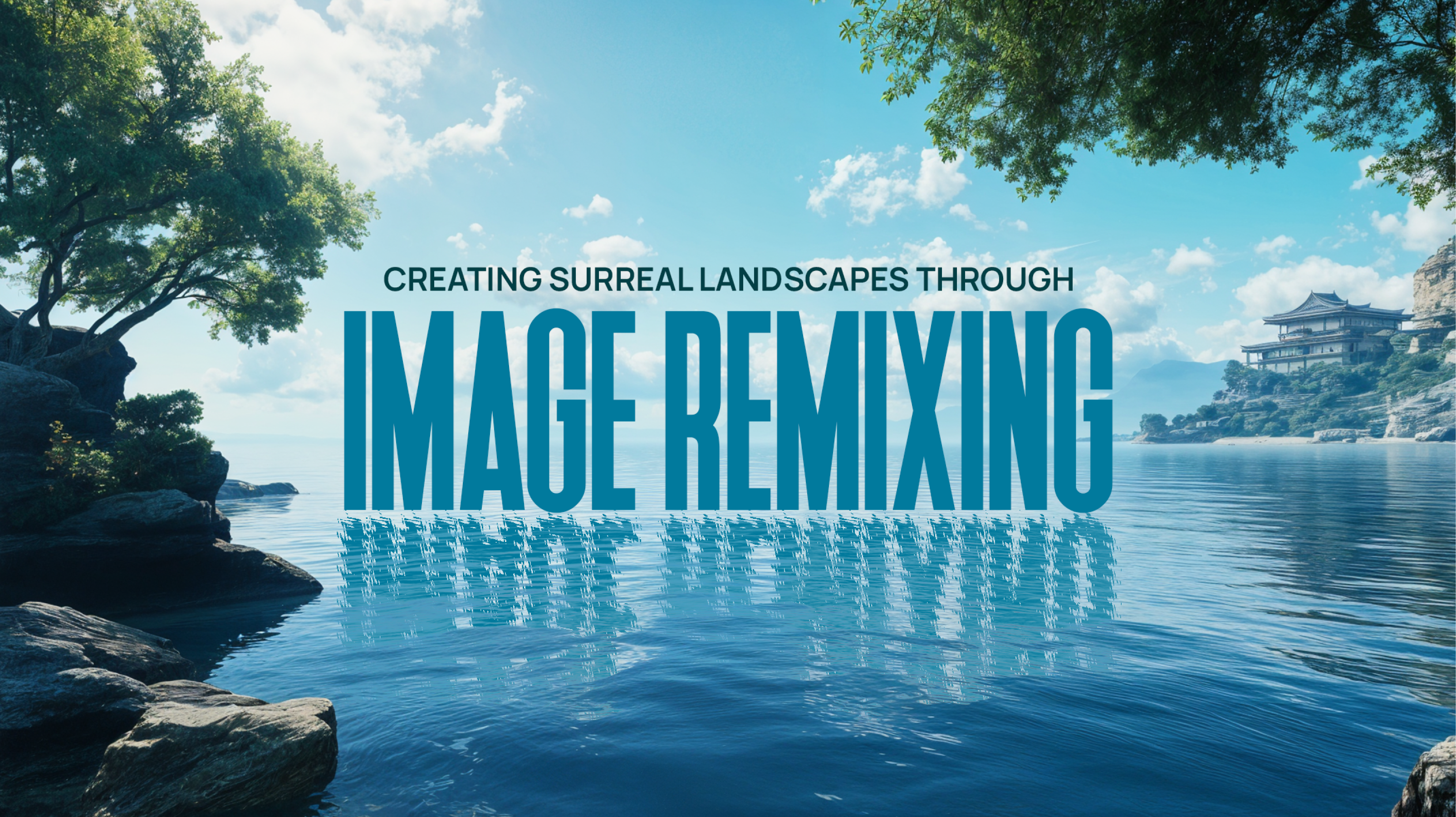
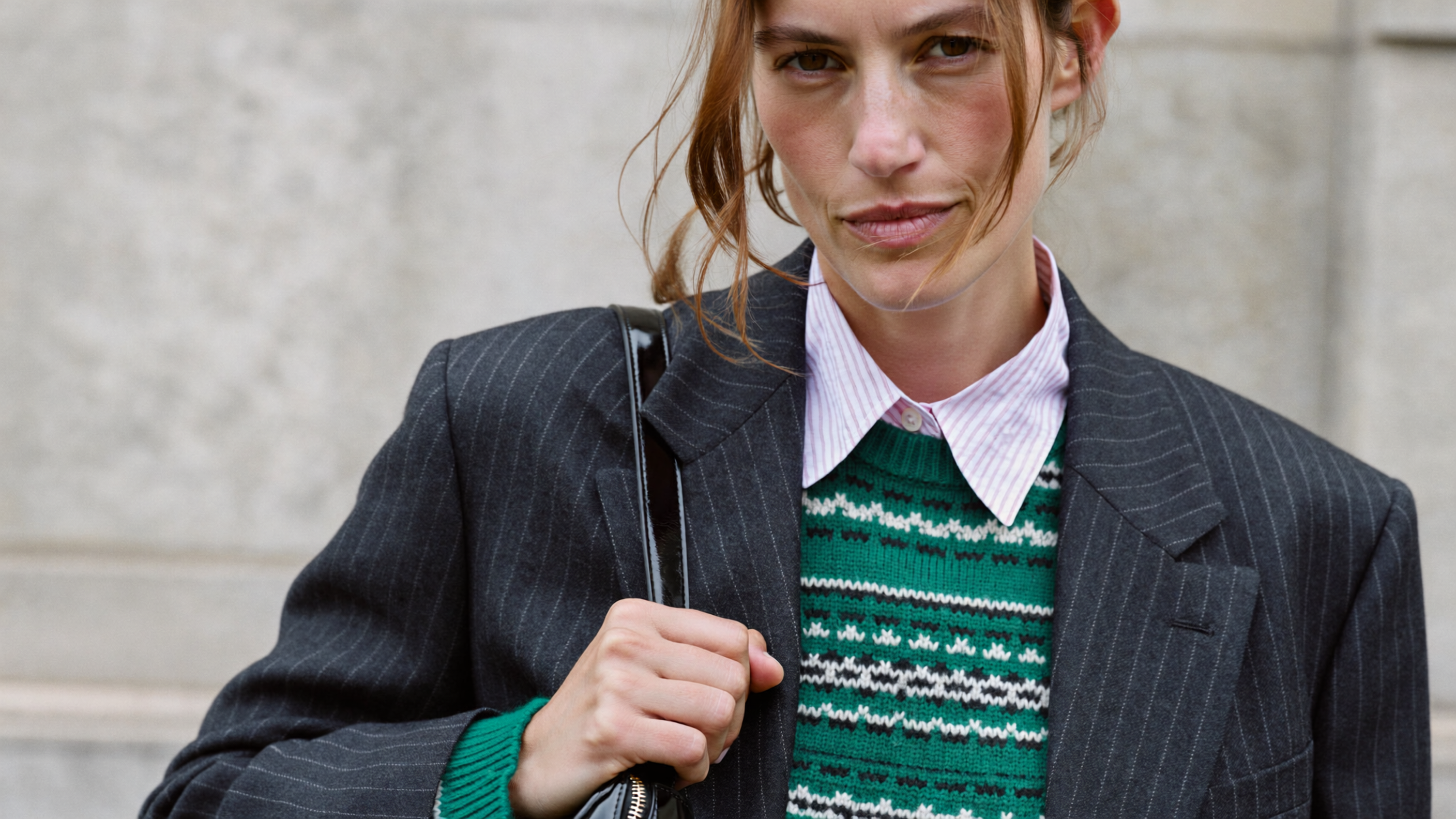
Realism is the foundation of ImagineArt 2.0, and this model takes it to a level where every generation is indistinguishable from a photograph taken in the real world. Skin pores, fabric weave, water refraction, subsurface scattering — the model renders physical reality with a precision that eliminates the gap between AI-generated and camera-captured images.
Whether you are generating portraits with visible pore-level skin detail, architectural shots with precise glass reflections, or macro photography with tack-sharp botanical textures, ImagineArt 2.0 delivers results that look and feel truly photographed rather than rendered.
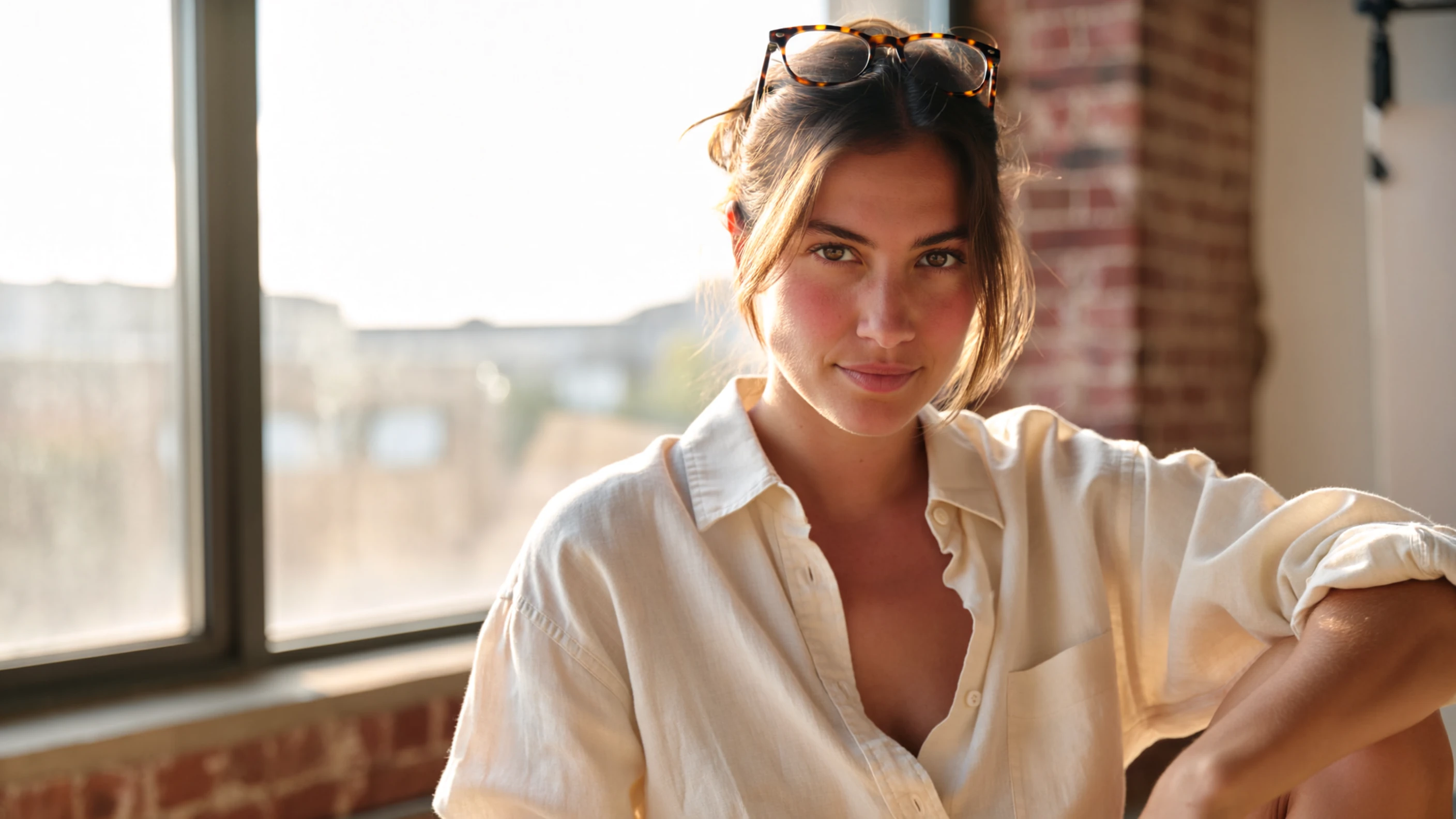
With a 97% realism score and 96% prompt accuracy, ImagineArt 2.0 sets a new benchmark for photorealistic AI image generation. To see what this realism looks like in practice, check out our 30+ use cases with example prompts.
Recommended read: Best AI Image Generators for Realistic Visuals
2. Precise Text Generation
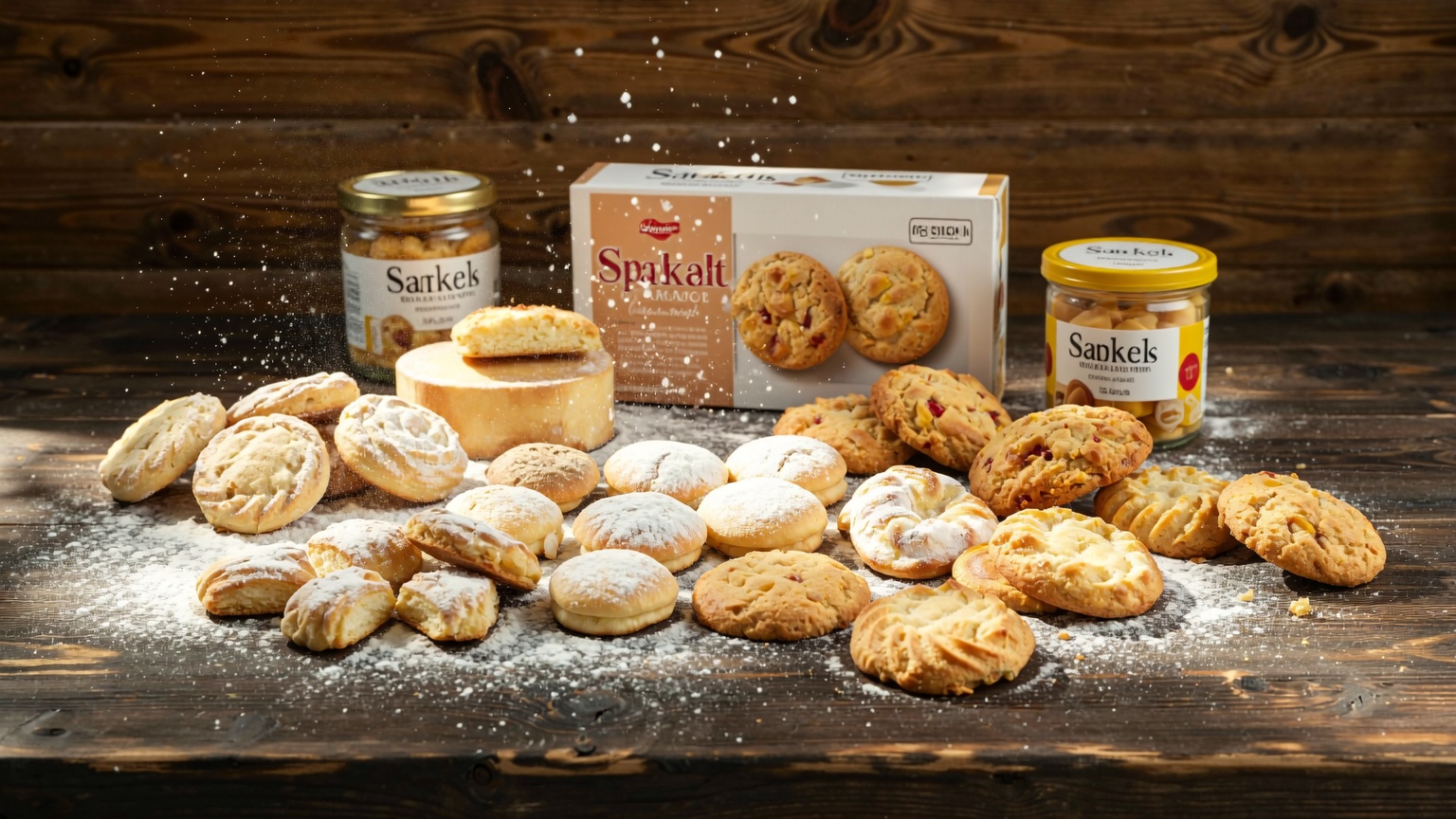
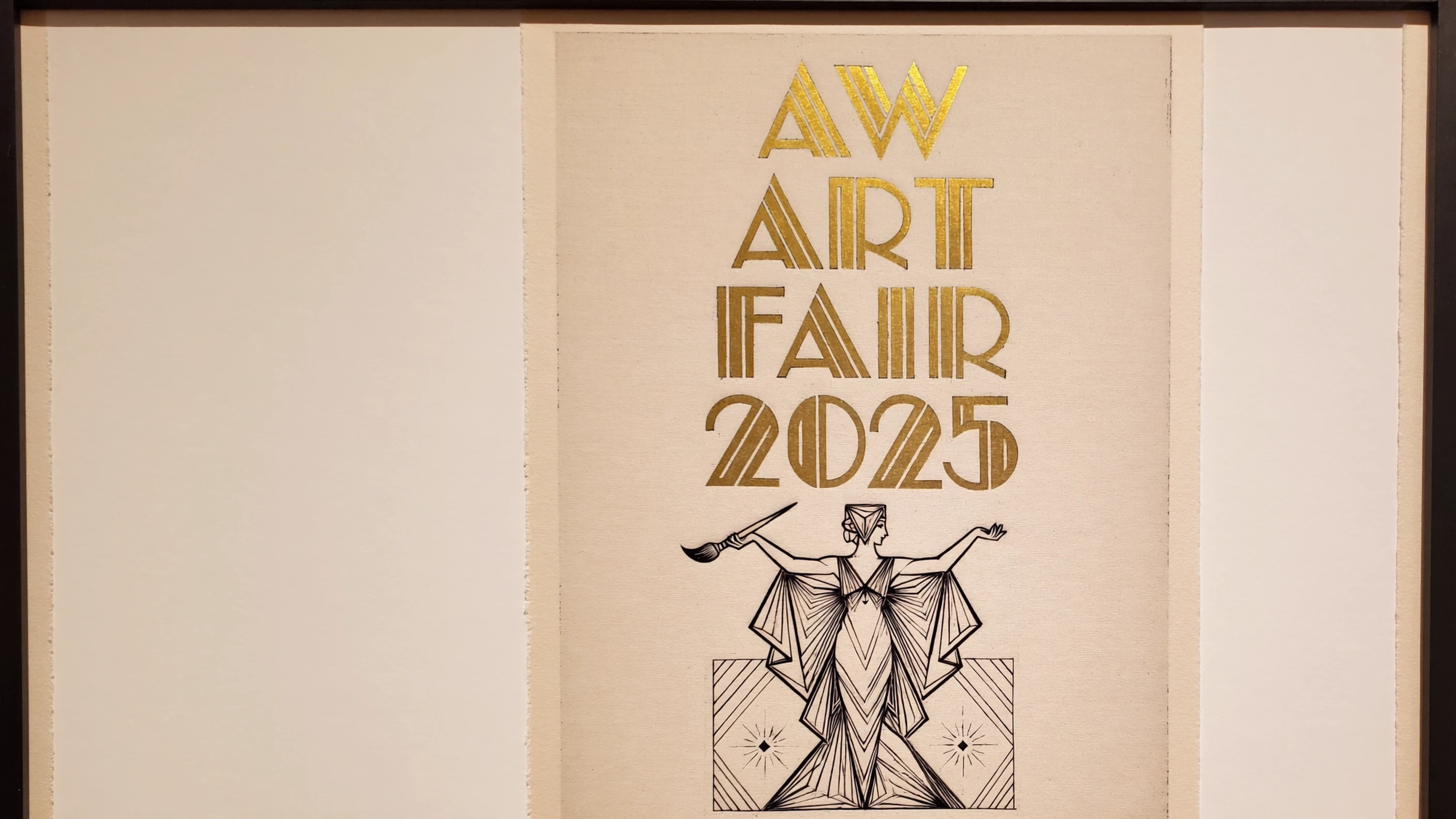
Text rendering has been one of the biggest pain points in AI image generation — and ImagineArt 2.0 solves it. The model generates crisp, legible text in any style, language, and layout. From neon signs and hand-lettered packaging to poster headlines and product labels, the typography integrates naturally into every image.
This is not just about readability. ImagineArt 2.0 ensures the text is grammatically correct, properly spaced, and stylistically consistent with the rest of the visual. Whether you need bold sans-serif headlines for a marketing banner or elegant serif type for a luxury brand campaign, the model handles it with professional-grade precision. For tips on writing prompts that get the most out of this capability, see our ImagineArt 2.0 prompt guide.
Recommended read: Best AI Image Generators for Prompt Adherence
3. Cinematic Lighting & Atmosphere
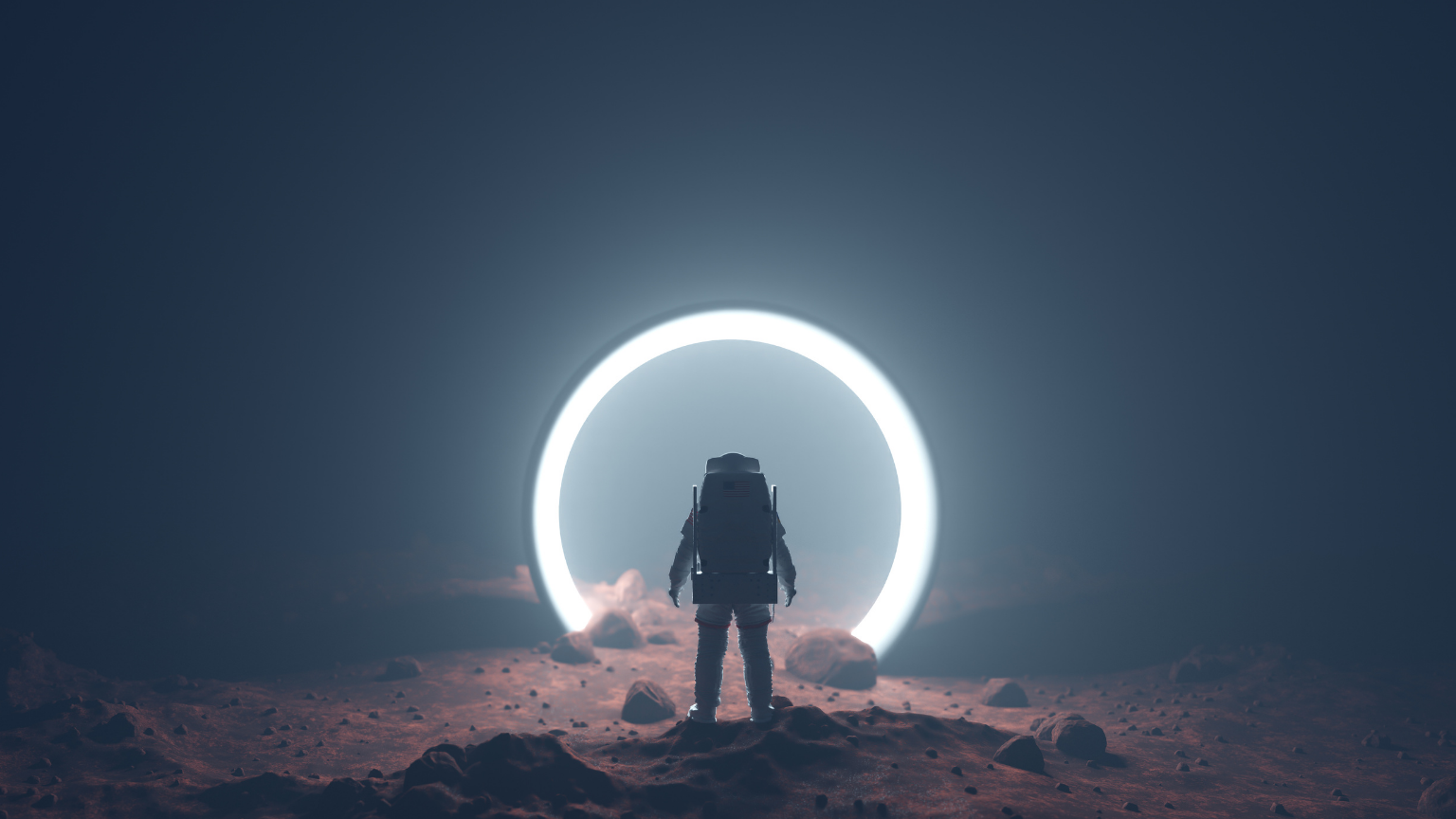
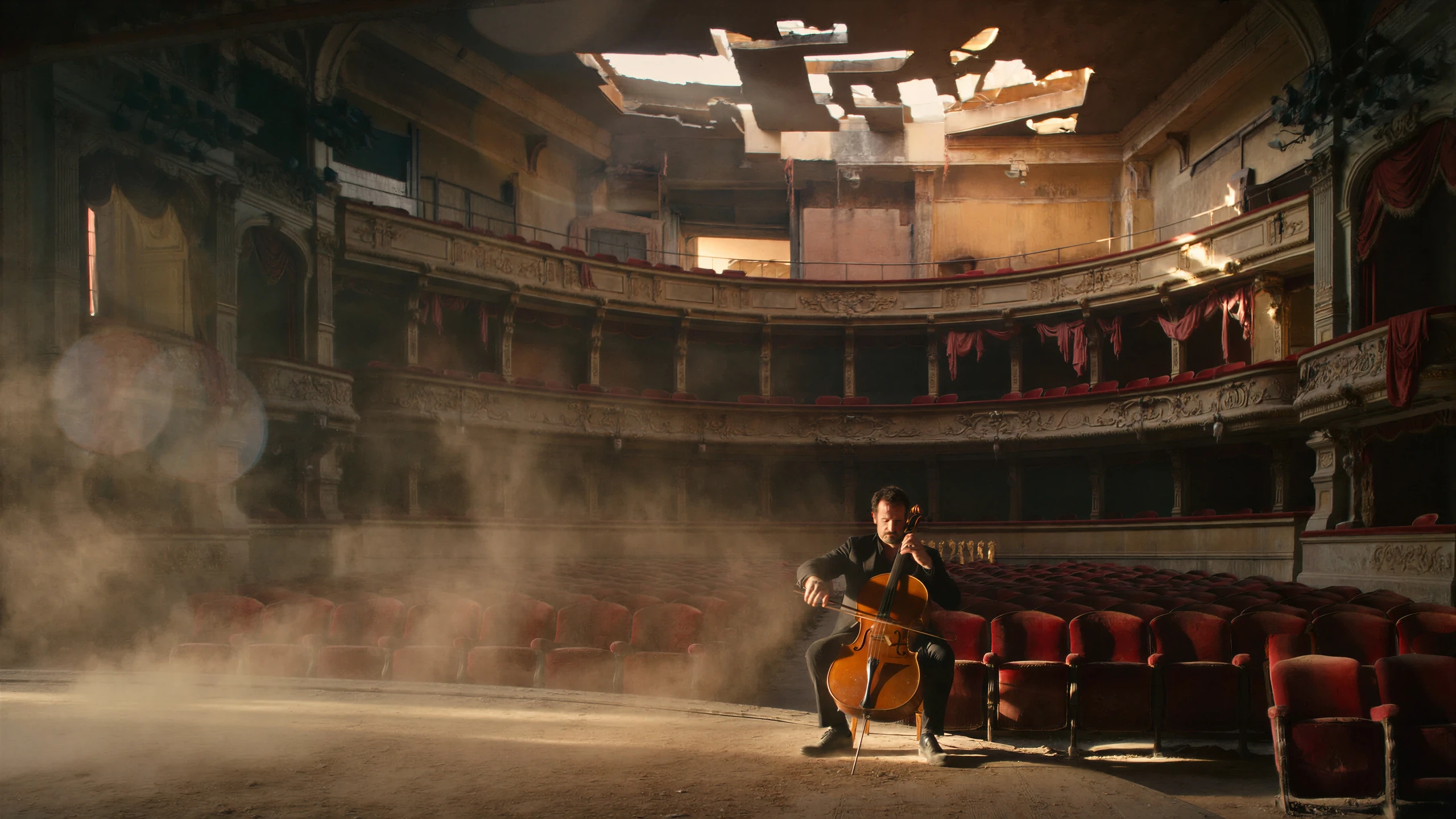
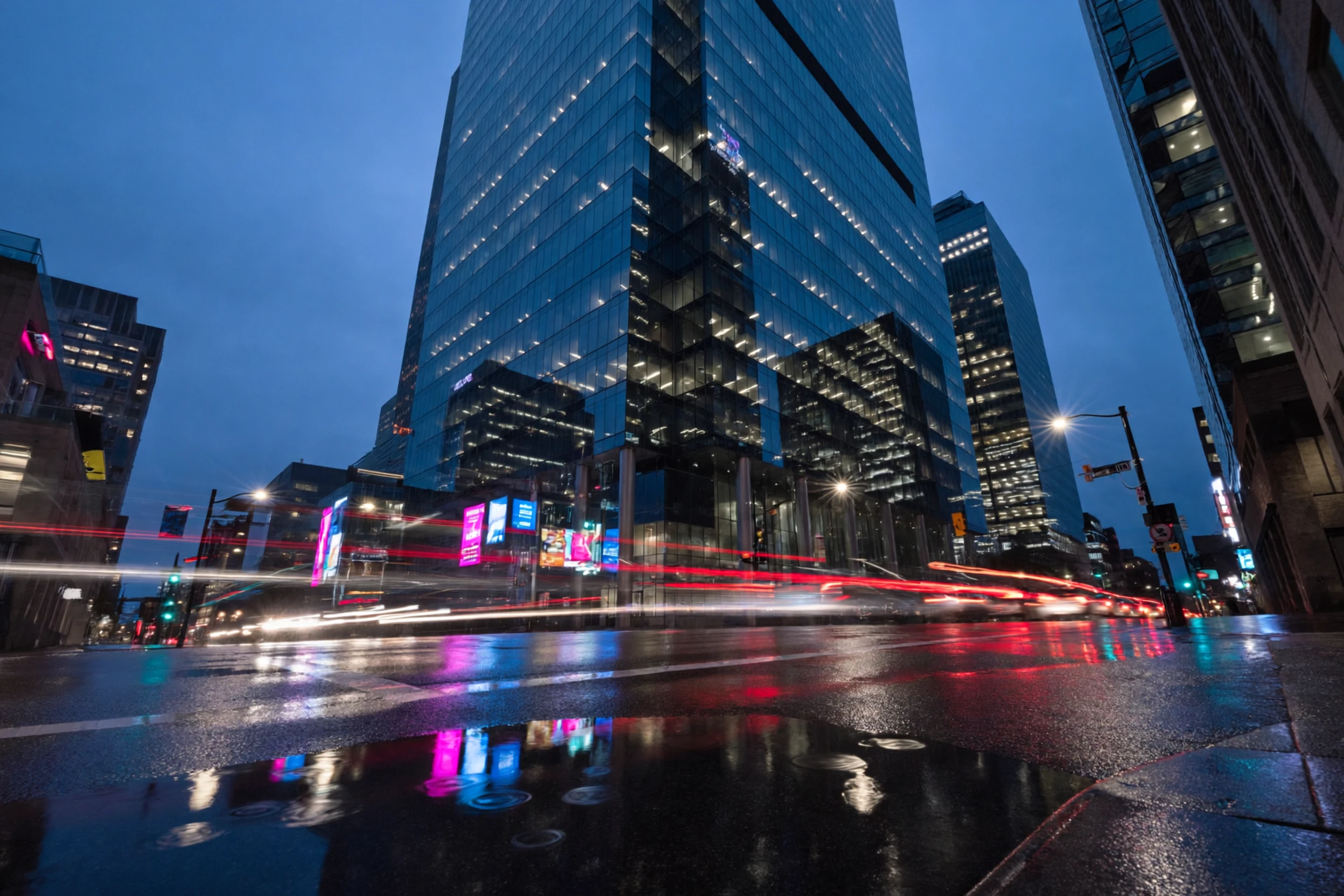
ImagineArt 2.0 understands light the way a cinematographer does. Long-exposure light painting, neon motion trails, dark studio energy, golden hour rim lighting — the model renders every lighting scenario with precision and intentionality.
This capability transforms how creators approach visual storytelling. Instead of flat, evenly-lit outputs, ImagineArt 2.0 delivers images with depth, mood, and atmosphere. The lighting responds to scene context, environment, and creative direction, producing results that feel deliberately directed rather than algorithmically generated.
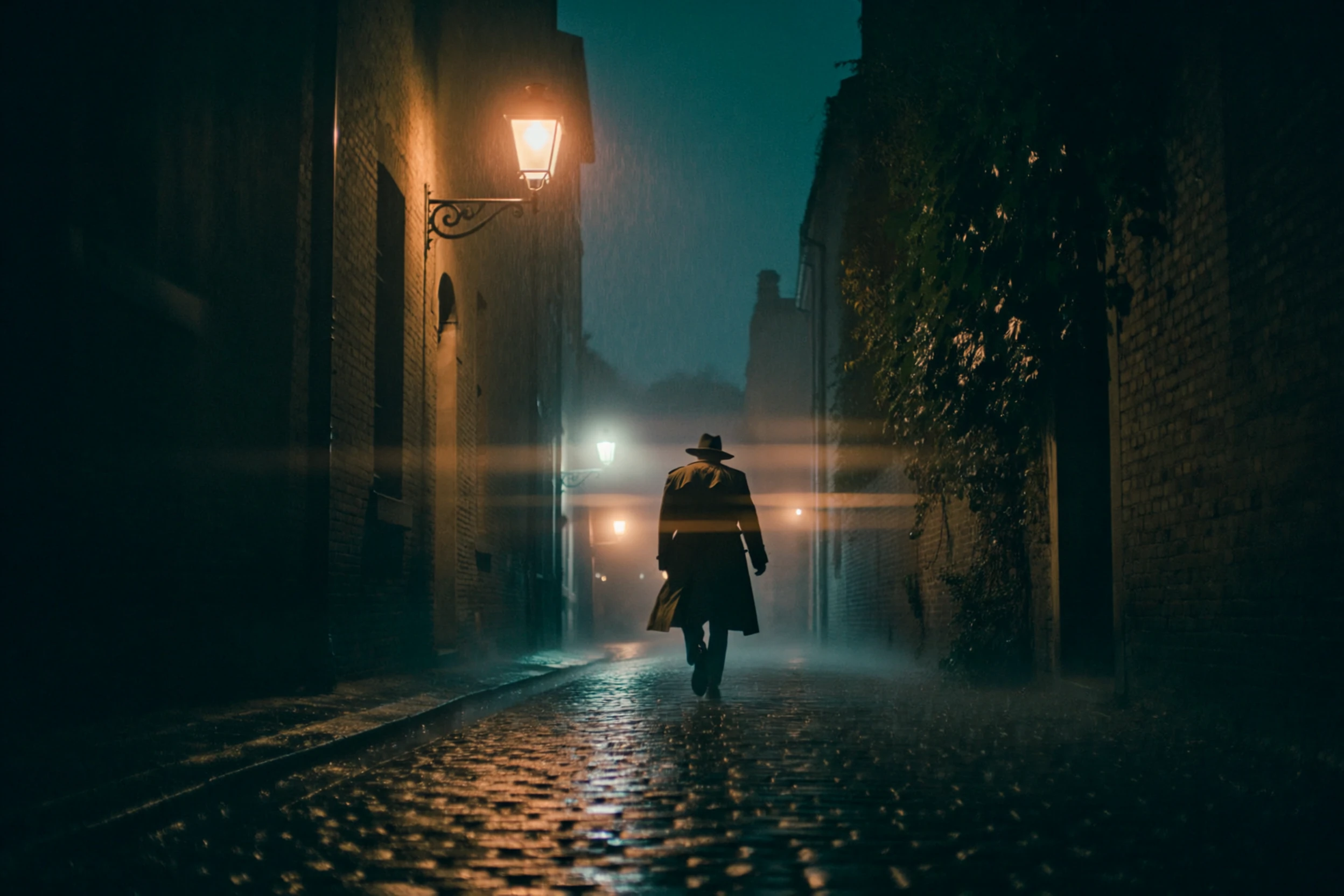
With a +60 point improvement in cinematic effects over v1.5, this is the most significant leap in AI lighting quality to date.
4. Creative Direction & Composition
ImagineArt 2.0 gives you full creative control over your generated images. Composition guides, depth of field control, and custom color grades are now built directly into the model's understanding. You direct the scene — the AI delivers it faithfully.
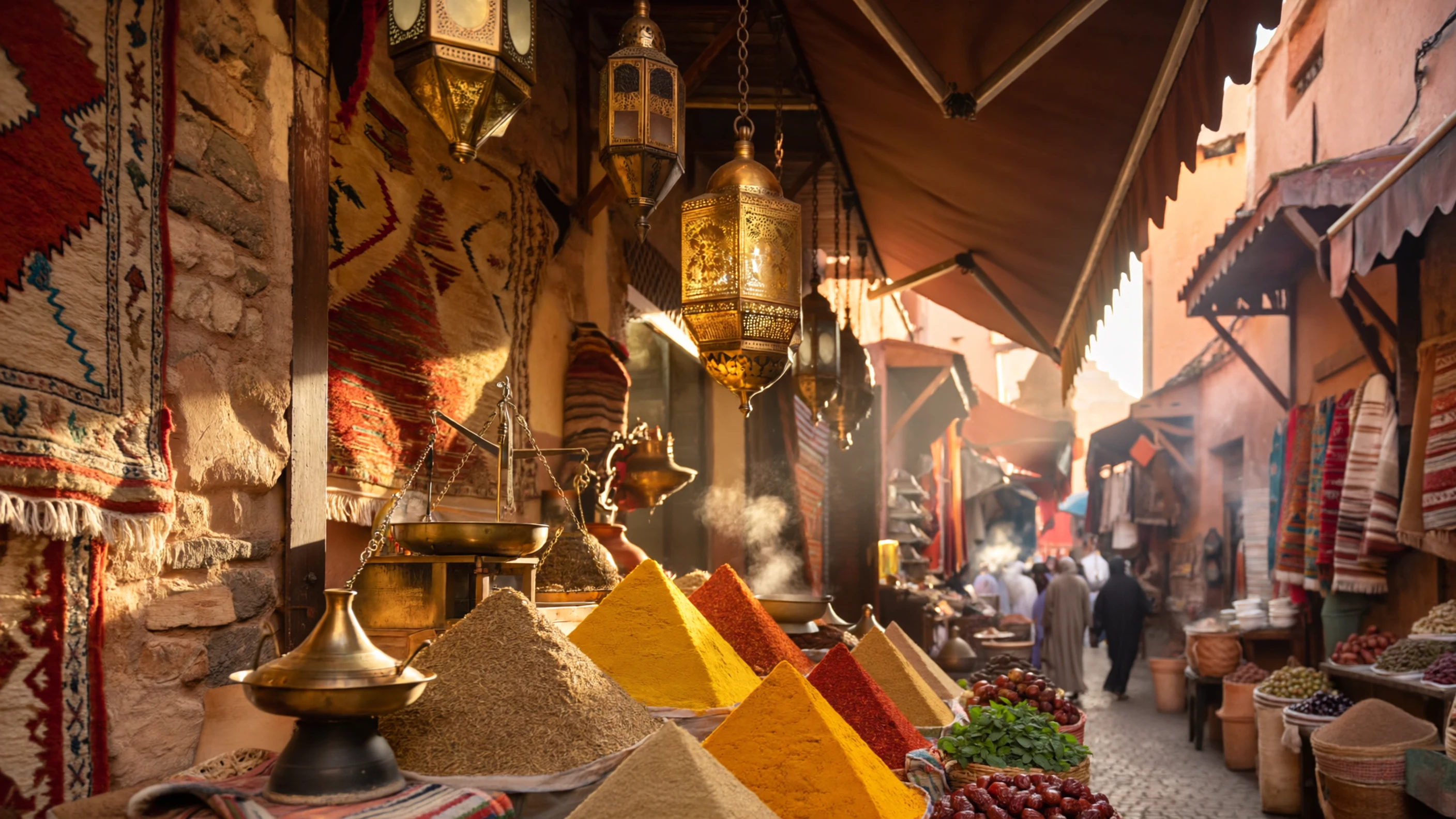
This means you can specify the exact framing, color palette, and atmospheric tone you want, and the model will execute it with consistency. Marrakech spice souks with golden lantern light, Santorini blue doors at golden hour, or minimalist studio shots with precise shadow placement — the creative vision is yours, and ImagineArt 2.0 translates it into reality. If you are new to the platform, our step-by-step guide to using ImagineArt 2.0 walks you through the full workflow from account setup to final export.
5. Style Mastery
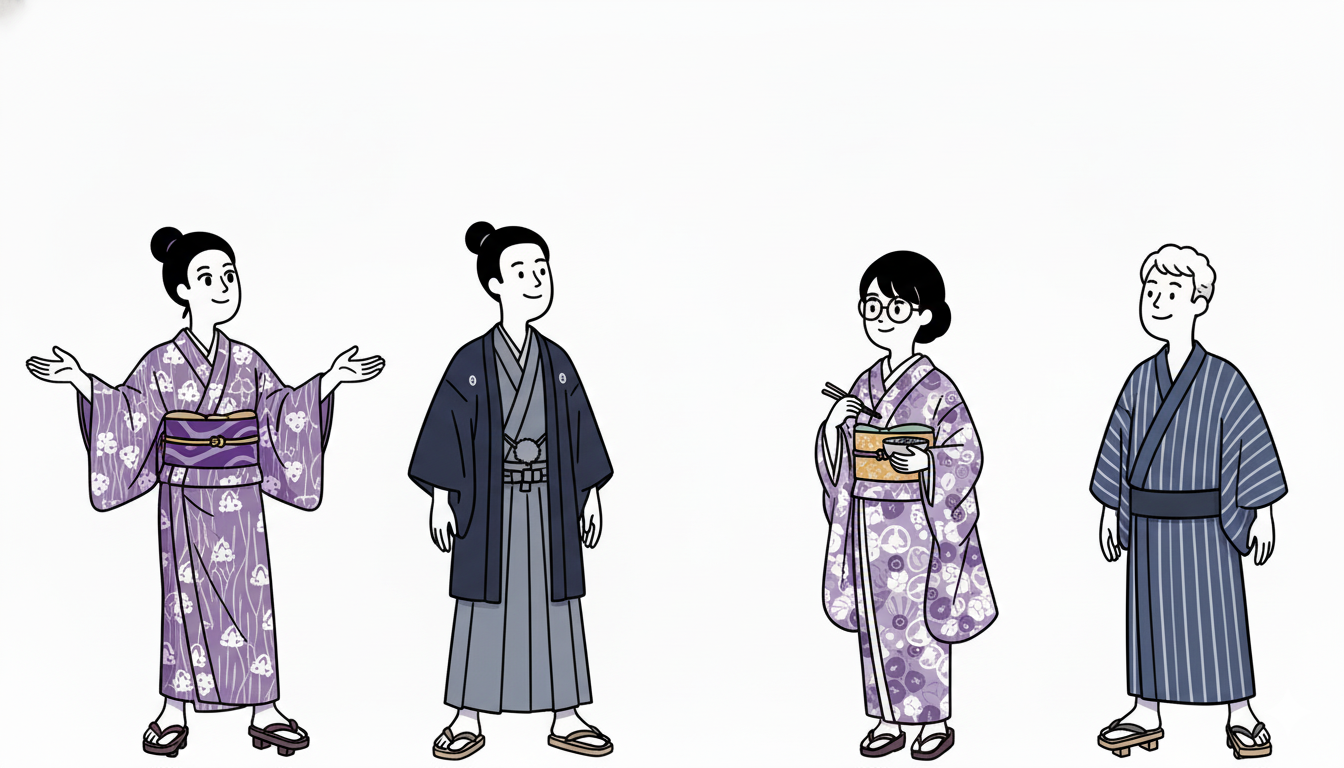
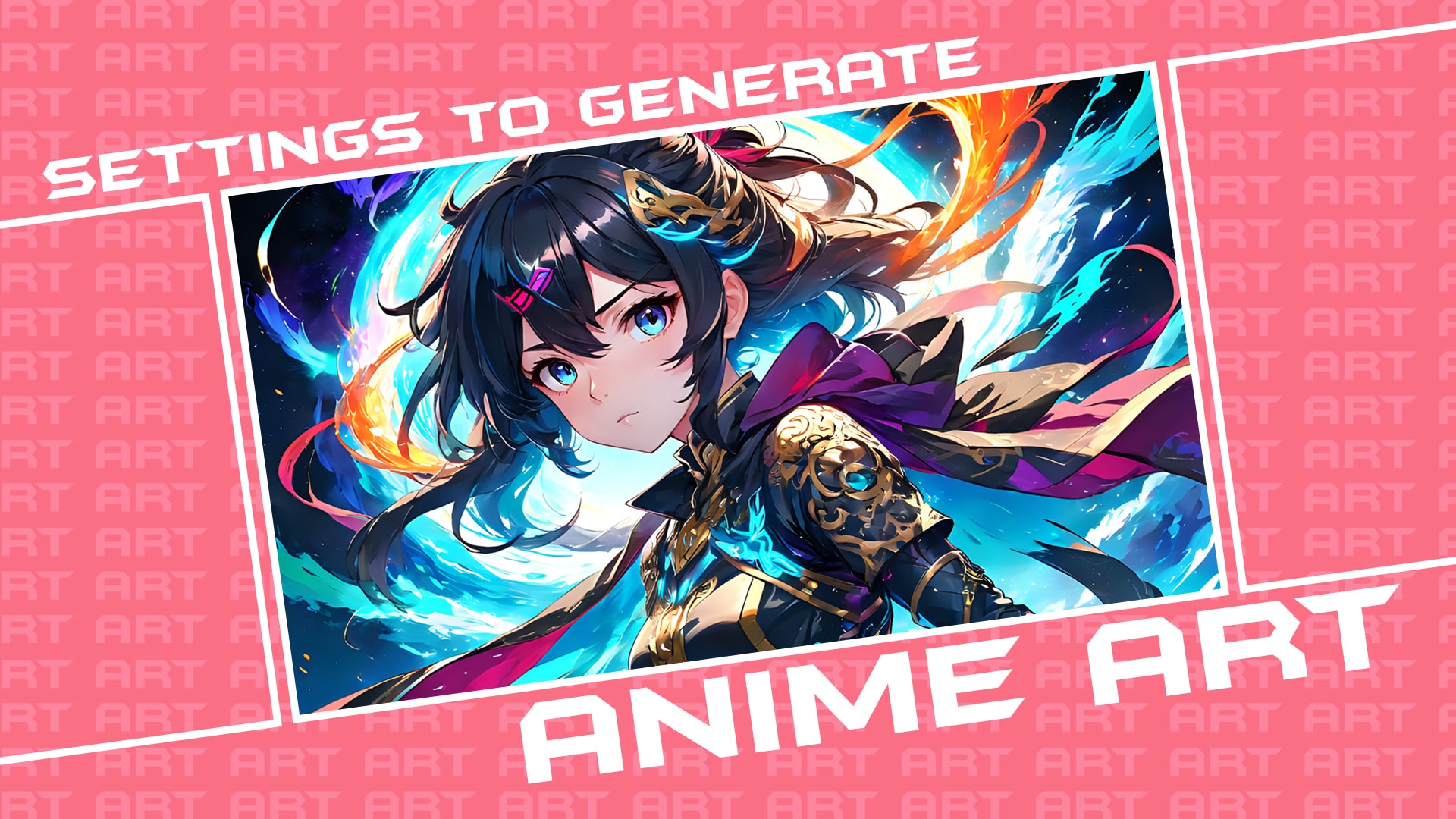
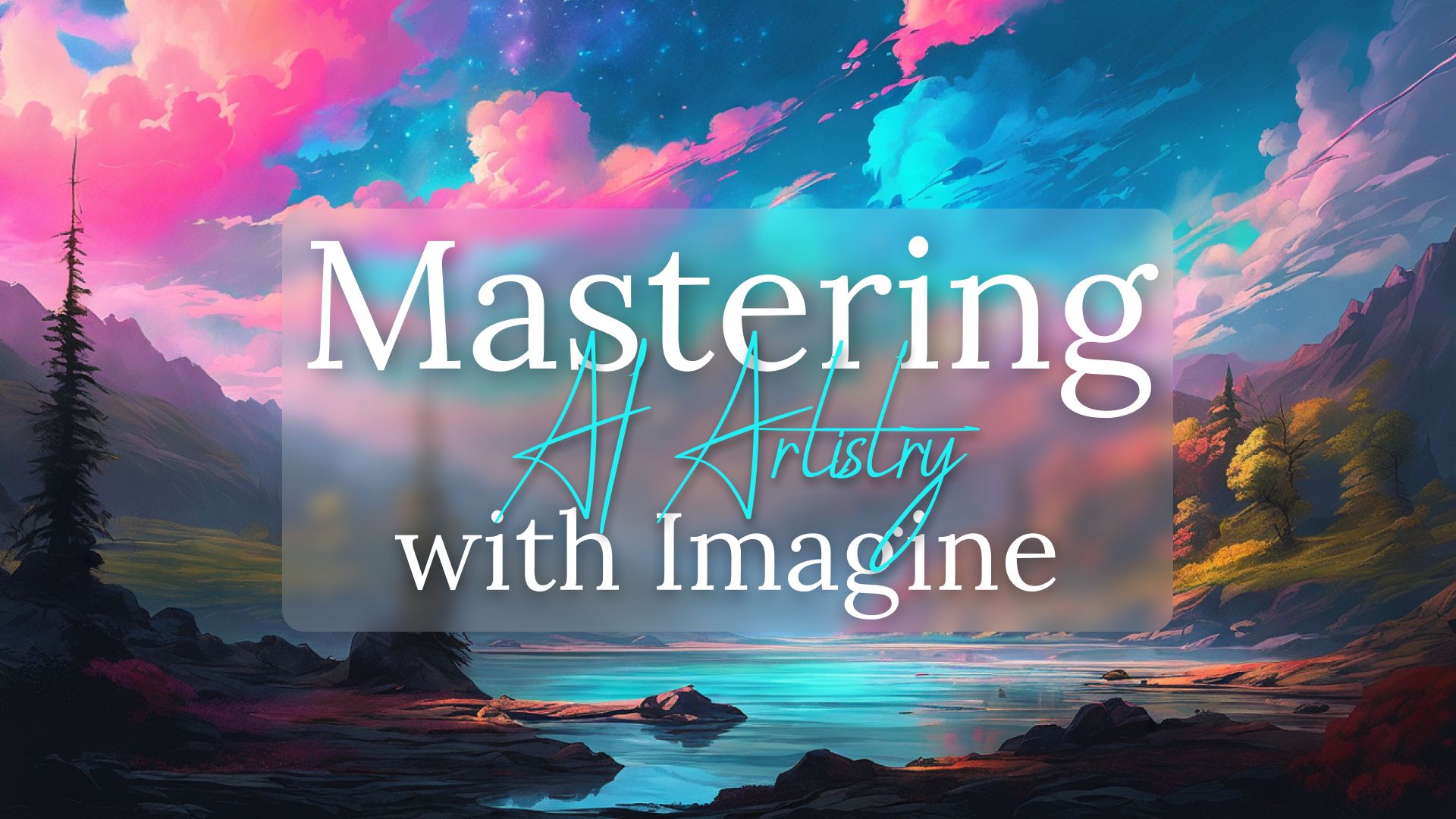
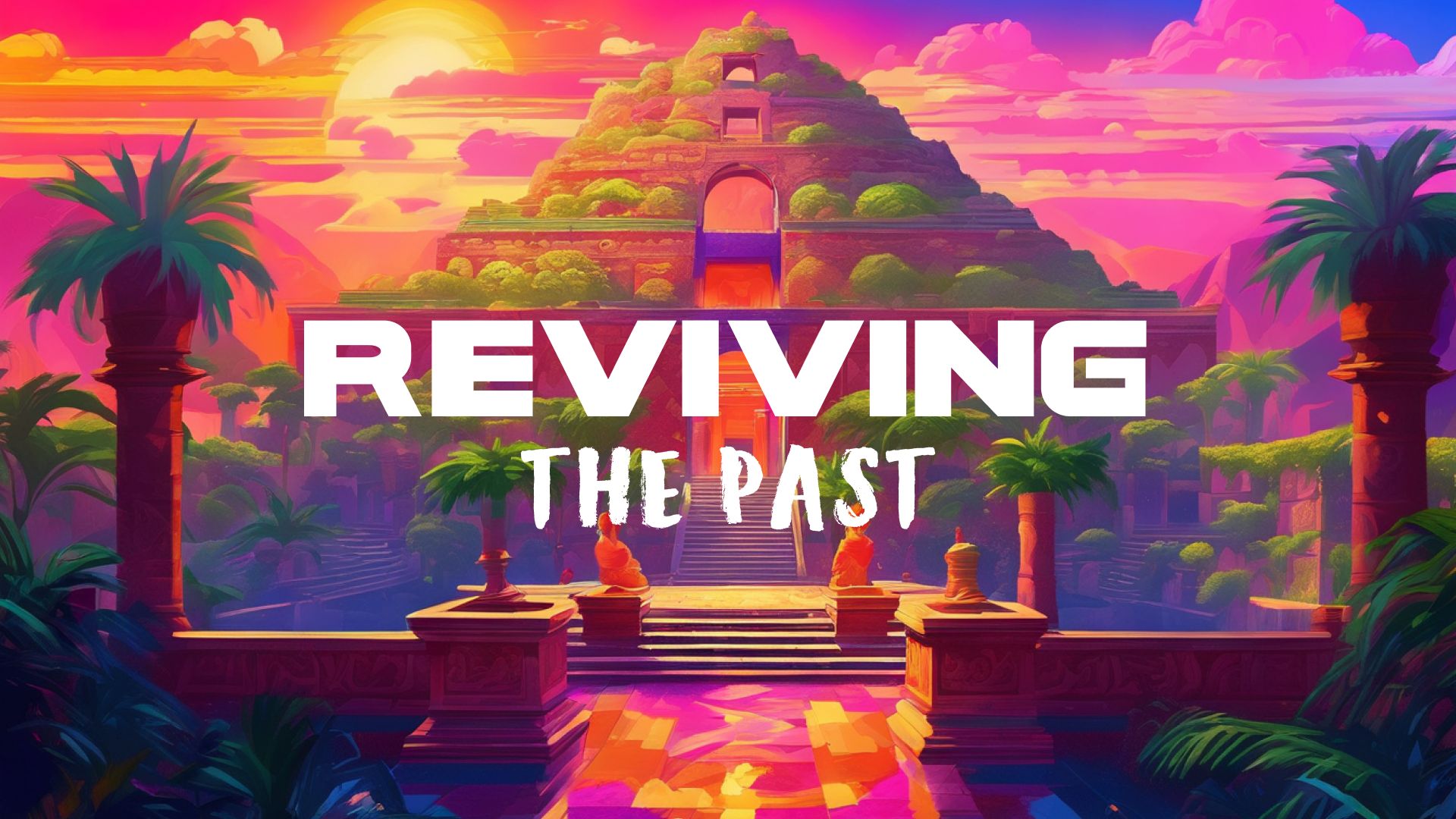
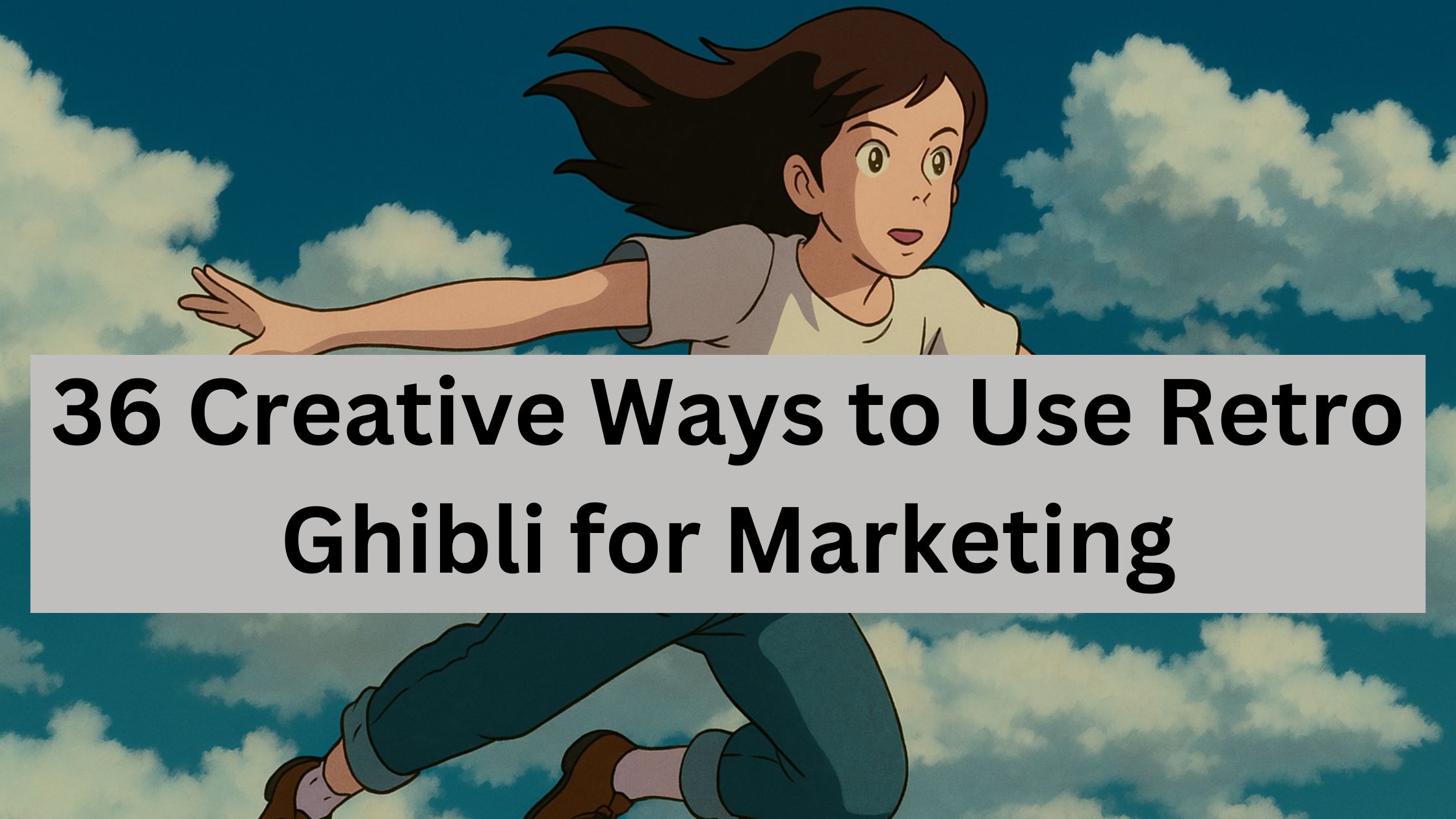
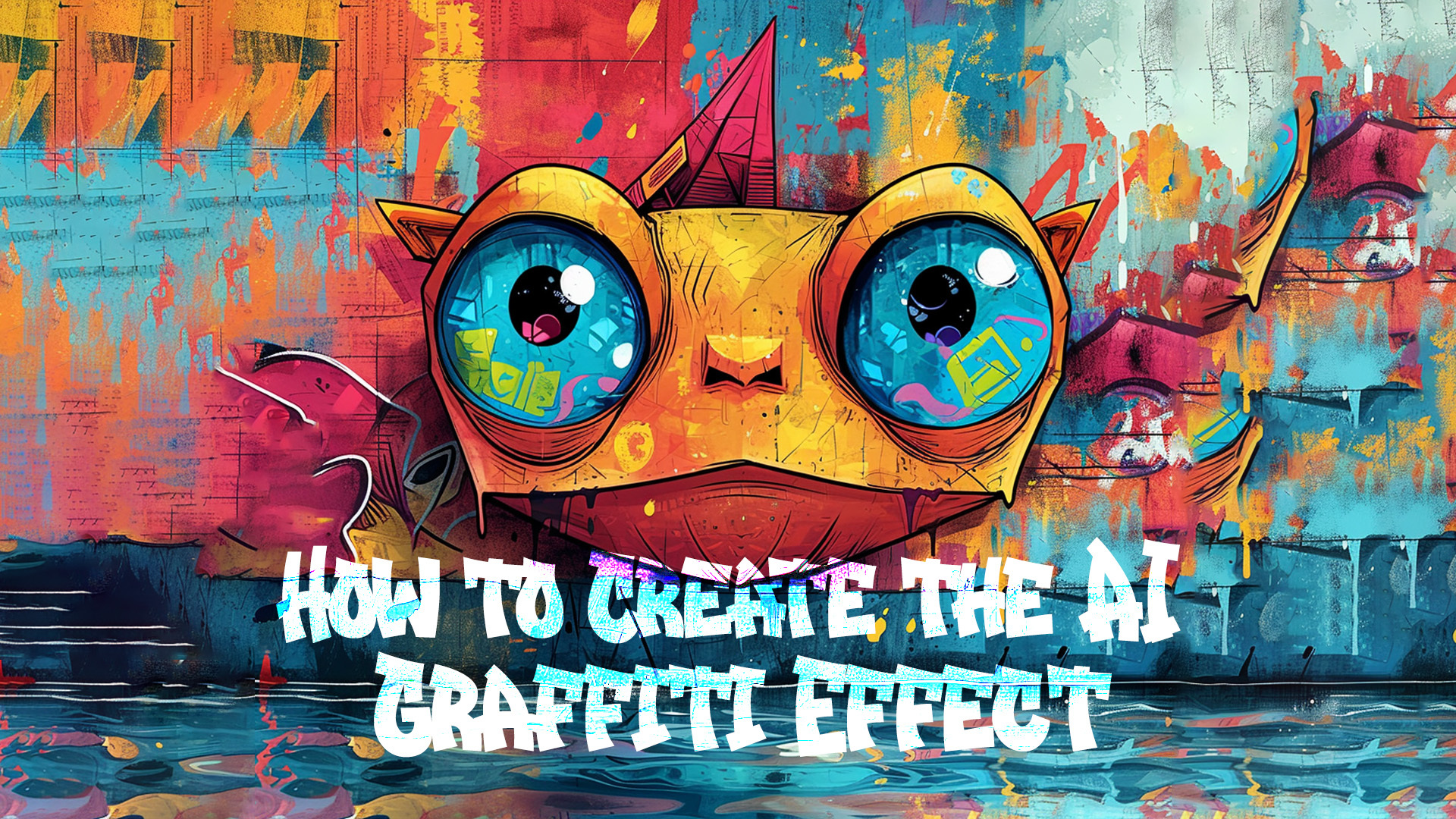
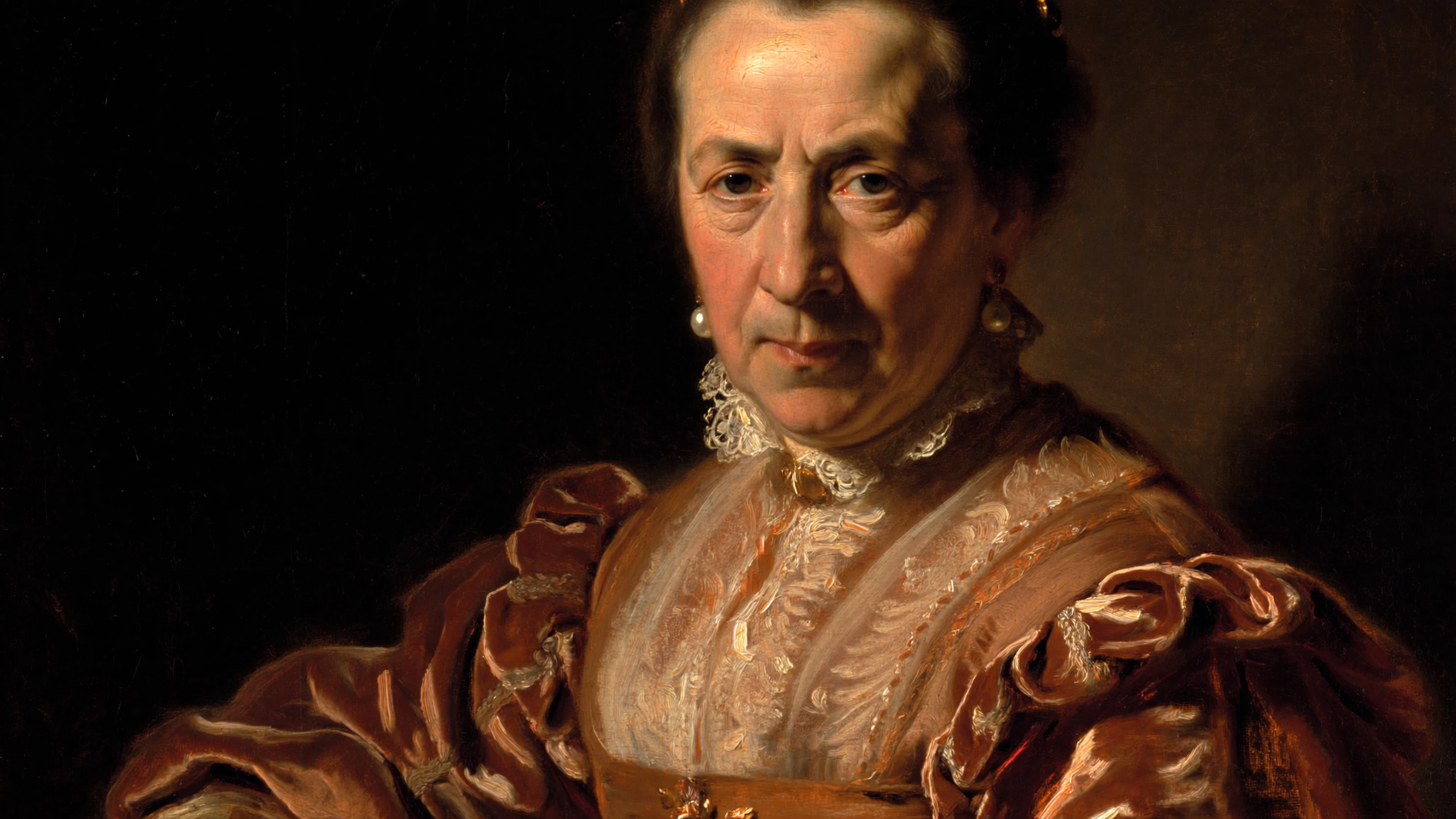
ImagineArt 2.0 covers the full spectrum of artistic expression. Oil painting, ink wash, claymation, film grain, watercolor, surrealism, concept art — the model adapts its visual language to match any creative style you request.
This is not limited to mimicking existing aesthetics. The model understands the fundamental characteristics of each style — brushstroke texture for oil paintings, translucency for watercolors, tactile surface detail for claymation — and applies them authentically.
6. Visual Reasoning & Scene Logic
New in 2.0 is a visual reasoning engine that understands scene logic and spatial relationships. The model does not just place objects in a frame — it understands how elements relate to each other physically, how light interacts with materials, and how composition creates visual hierarchy.
This means multi-character scenes are rendered with correct spatial relationships, reflections behave physically, and environmental elements respond logically to each other. It is the difference between an image that looks right and an image that feels right.
7. Aspect Ratios & Platform-Native Formats
ImagineArt 2.0 natively supports every canvas ratio without cropping, quality loss, or compromise. From 1:1 squares for Instagram to 9:16 vertical for Stories and Reels, 16:9 widescreen for film, 21:9 ultrawide for YouTube banners, and even extreme ratios like 1:3 for Pinterest and display ads.
The full list of supported formats includes: 4:1, 3:1, 21:9, 16:9, 3:2, 5:4, 4:3, 1:1, 3:4, 4:5, 2:3, 9:16, 9:21, 1:3, and 1:4.
8. The v2.0 Performance Leap
The numbers tell the story of how significant this upgrade is compared to ImagineArt 1.5:
- +30 points improvement in prompt accuracy
- +20 points improvement in text rendering
- +20 points improvement in realism score
- +60 points improvement in cinematic effects
- 96% prompt accuracy (v2.0)
- 97% realism score (v2.0)
Across every dimension — accuracy, text, realism, diversity, lighting, style, aesthetic quality, color fidelity, detail precision, creative consistency, and structural coherence — ImagineArt 2.0 outperforms its predecessor by a significant margin.
Use Cases of ImagineArt 2.0
ImagineArt 2.0 is built for professional creators, photographers, designers, and brands who need production-quality visuals. Here are the key use cases where the model excels.
1. Photorealistic Portraits & Editorial Photography
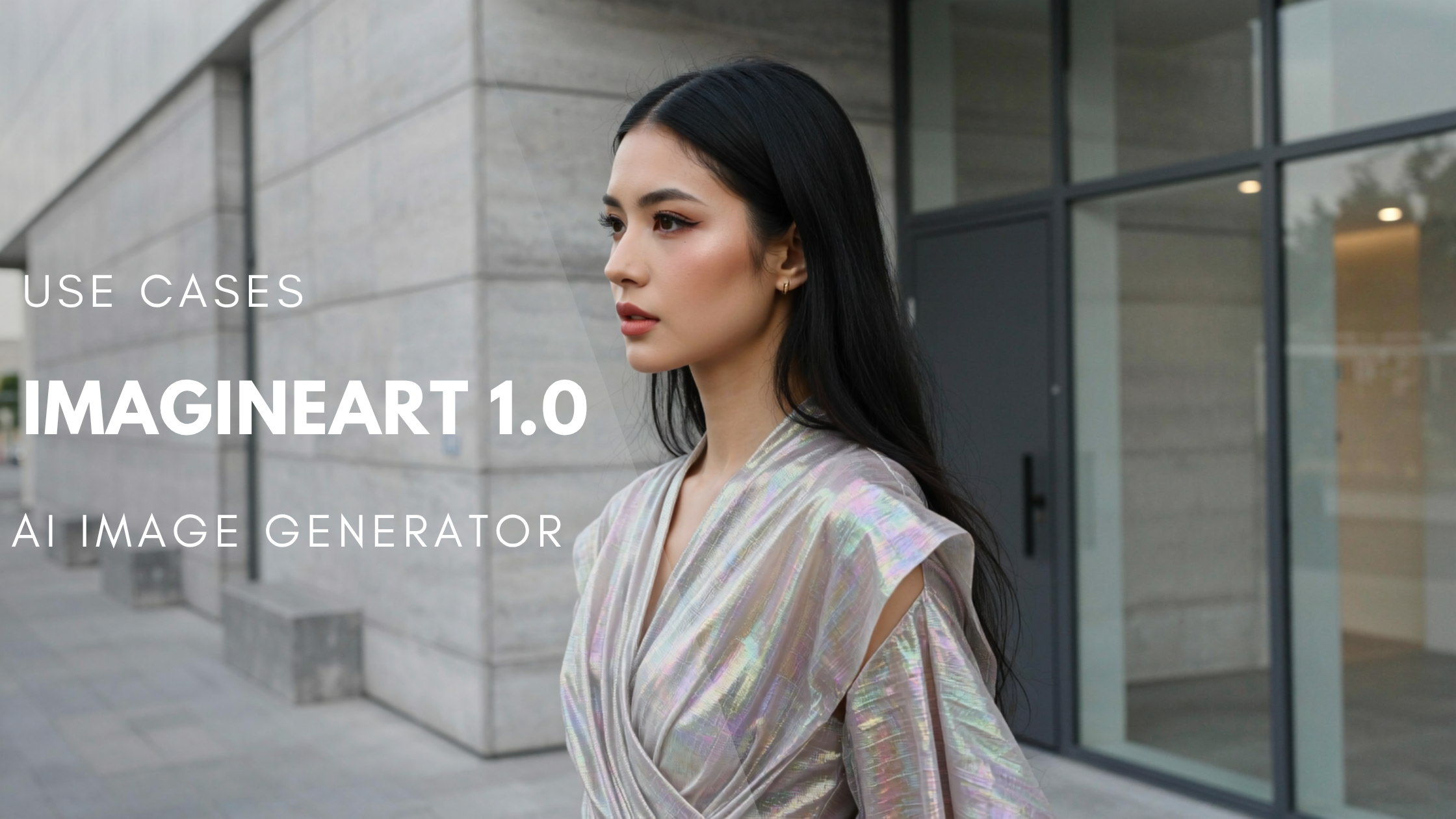
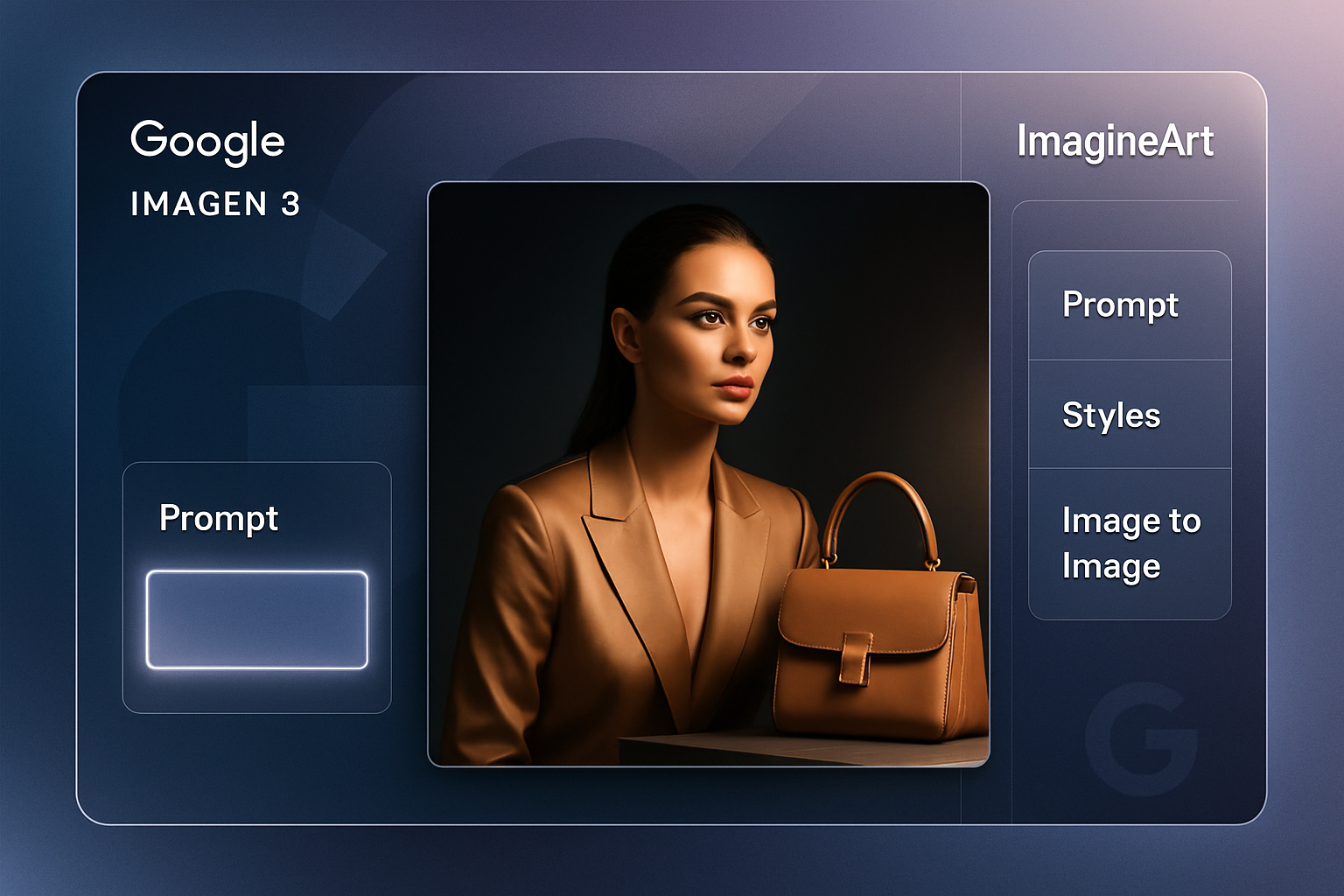
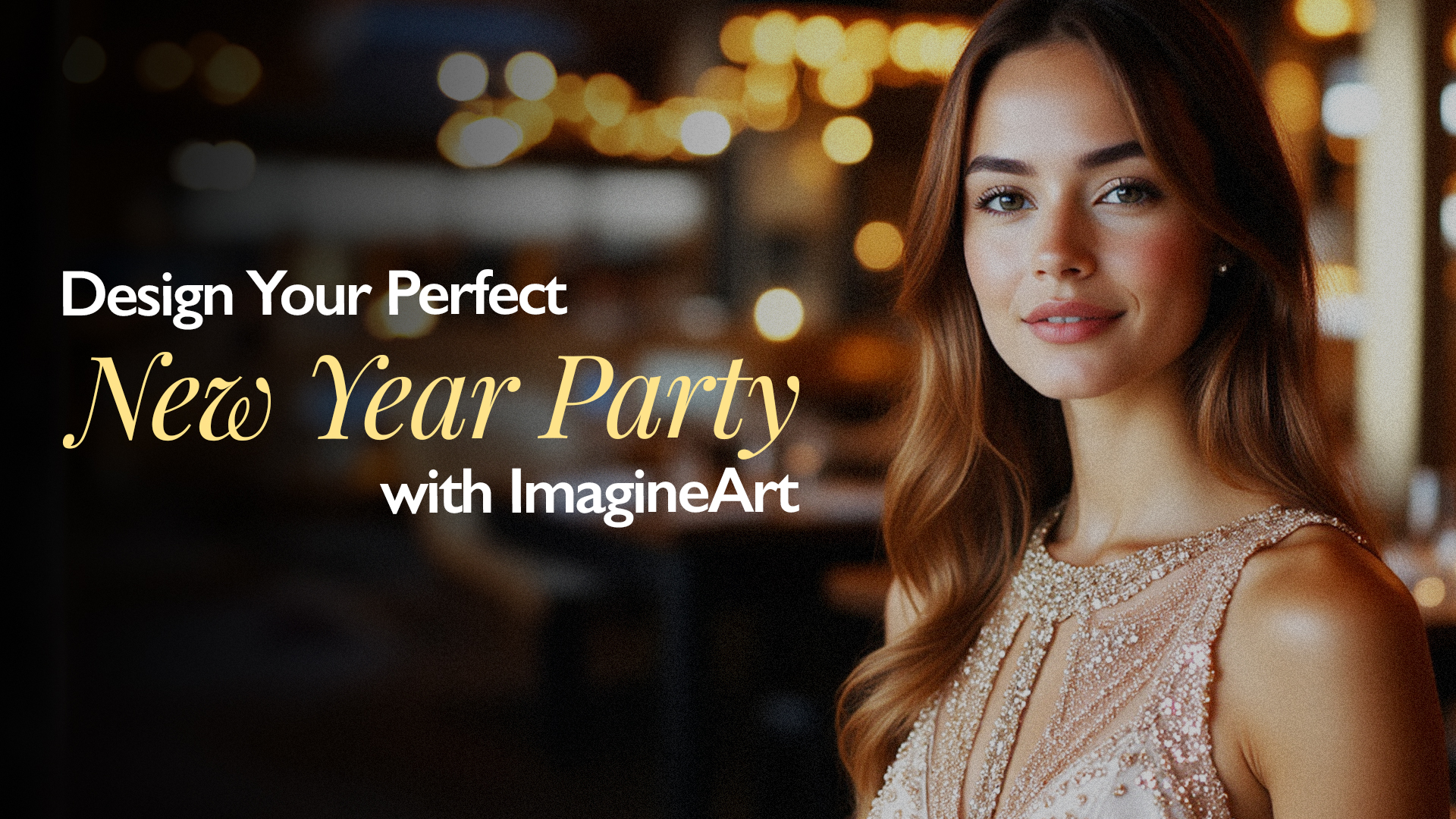
With true skin-level realism, accurate expression capture, and cinematic lighting, ImagineArt 2.0 generates portraits that rival professional studio photography. Whether it is editorial fashion, corporate headshots, or lifestyle photography, the model captures every nuance from lens bokeh to skin texture. For example prompts you can try right now, see our prompt guide with 50+ ready-to-use prompts.
2. Product Photography & Commercial Shoots
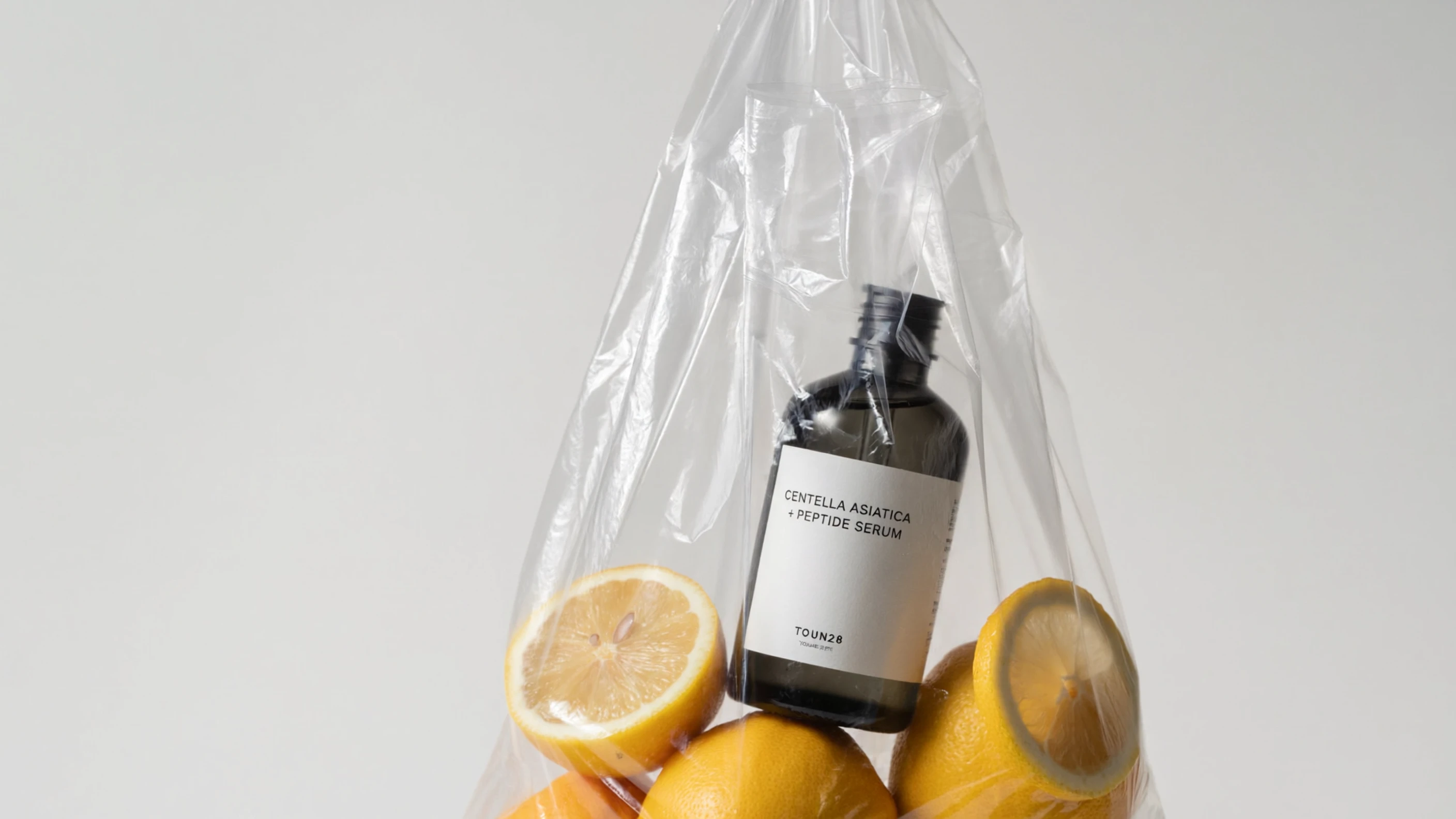
Generate studio-quality product visuals with realistic shadows, reflections, textures, and material rendering. From perfume bottles on marble surfaces to fashion flatlay compositions, ImagineArt 2.0 produces commercial-grade imagery without a studio setup. Explore 30+ use cases with prompts to see exactly what the model can produce across product, editorial, and marketing photography.
3. Poster Design & Marketing Materials
With precise text rendering and built-in composition intelligence, ImagineArt 2.0 creates complete poster designs, marketing banners, and promotional materials with accurate typography, balanced layouts, and professional-grade visual quality.
4. Cinematic Concept Art & Storyboarding
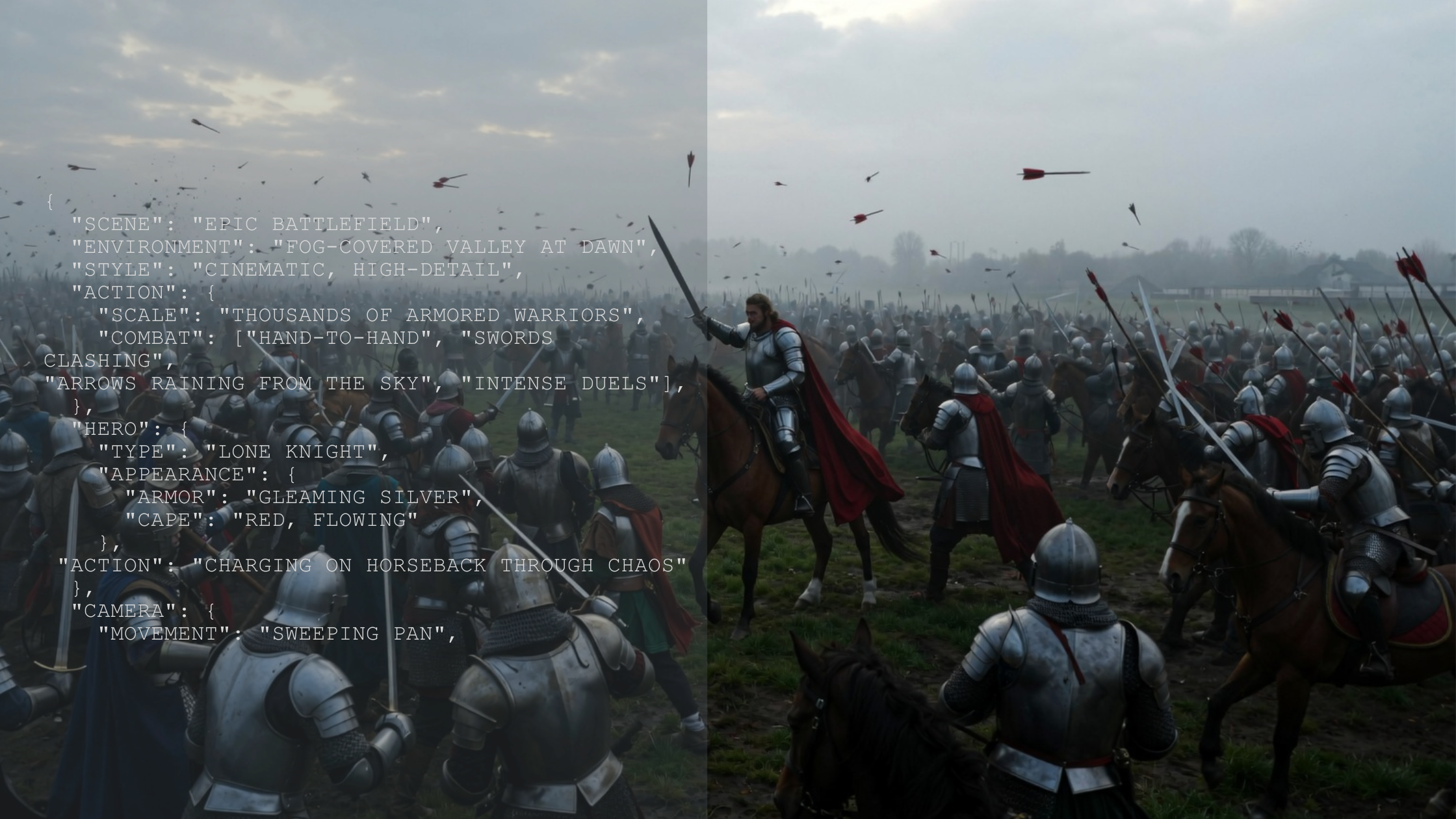
Filmmakers, animators, and creative directors can use ImagineArt 2.0 to generate cinematic concept art with Hollywood-level lighting, color grading, and atmospheric depth. The model understands what cinematic truly means — it does not just generate images, it creates frames.
5. Architecture & Interior Design Visualization
From glass towers with blue-hour reflections to interior design concepts with precise material rendering, ImagineArt 2.0 generates architectural and interior visuals with photographic precision.
6. Social Media Content at Scale
With native support for every platform aspect ratio, ImagineArt 2.0 allows creators and brands to generate platform-optimized visuals for Instagram, TikTok, YouTube, LinkedIn, Pinterest, and more — all from a single generation, without cropping or resizing. To get started, follow our step-by-step tutorial for using ImagineArt 2.0.
ImagineArt 2.0 vs ImagineArt 1.5 vs ImagineArt 1.0
Here is how the three generations of ImagineArt models compare across key capabilities:
| Feature | ImagineArt 1.0 | ImagineArt 1.5 | ImagineArt 2.0 |
|---|---|---|---|
| Realism Score | Baseline | ~77% | 97% |
| Prompt Accuracy | Baseline | ~66% | 96% |
| Text Rendering | Not supported | Basic | Precise, multi-style, multilingual |
| Cinematic Lighting | Basic | Improved | +60 point gain, full cinematic control |
| Visual Reasoning | Not available | Limited | Full scene logic and spatial understanding |
| Style Range | Limited | Expanded | Oil, ink, claymation, film grain, watercolor, surrealism |
| Aspect Ratios | Limited | More formats | 15 native ratios from 4:1 to 1:4 |
Pricing
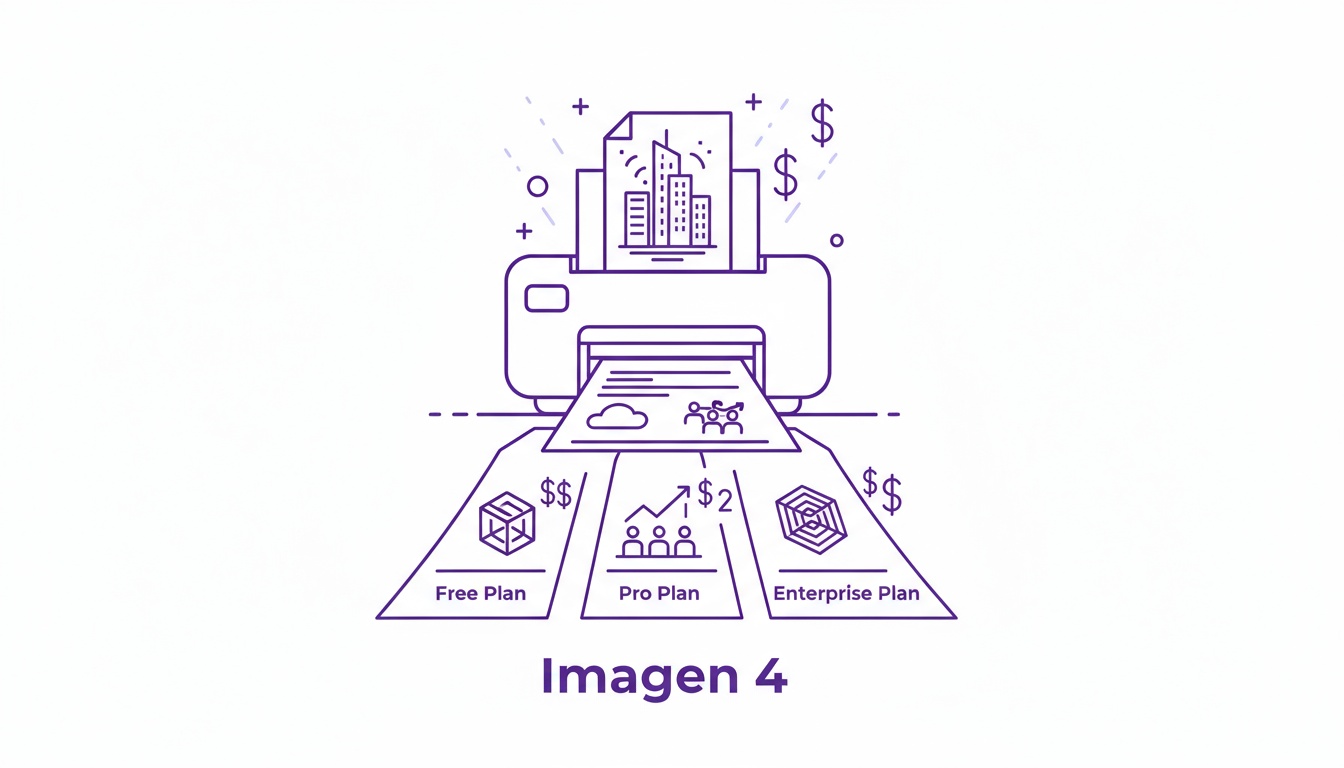
ImagineArt 2.0 operates on a credit-based system. Here is a breakdown of the available plans:
- Free Plan: 50 credits per month with limited features and functionality.
- Basic Plan: $10/month, providing up to 18k credits/year and access to more features.
- Professional Plan: $41/month, offering up to 180k credits/year, including access to high-resolution images, extended features, and priority support.
Conclusion
ImagineArt 2.0 is not just a new version — it is a new category of AI image generation. With true photorealistic quality, precise text rendering, cinematic lighting mastery, and full creative direction control, it gives professional creators a tool that delivers results indistinguishable from professional photography.
Whether you are a solo creator, a design agency, a developer building with the API, or a brand producing visual content at scale, ImagineArt 2.0 is built to make the impossible possible.
Recommended read: ImagineArt 2.0 vs Top AI realistic AI Image Generator
Syed Anas Hussain
Syed Anas Hussain is a computer scientist blending technical knowledge with marketing expertise and a growing passion for AI innovation. Curious by nature, he dives into new AI sciences and emerging trends to produce thoughtful, research-led content. At ImagineArt, he helps audiences make sense of AI and unlock its value through clear, practical storytelling.