
Arooj Ishtiaq
January 13, 2026 • Updated March 6, 2026
6 mins Read
As AI image generation continues to get better, creators are now looking beyond experimentation and toward outputs that can be used directly in professional workflows. With the release of ImagineArt 1.5 Pro, we have introduced a model specifically to support those needs, focusing on high-resolution output, stronger composition, and more reliable visual accuracy.
The pro version is an evolution of ImagineArt 1.5. It is built for production-ready image generation, particularly for creators working on posters, layouts, marketing visuals, and other design-sensitive formats.
What is ImagineArt 1.5 Pro?
 ImagineArt 1.5 Pro
ImagineArt 1.5 introduced improved photorealism, prompt accuracy, text rendering, and expression capture. These upgrades made it easier to generate realistic visuals with fewer iterations, especially for concept art and creative exploration.
However, as more creators began using ImagineArt in real-world design scenarios, certain limitations became apparent. High-resolution requirements, complex layouts, and typography-heavy designs often demanded greater structural control than earlier models could consistently provide.
ImagineArt 1.5 Pro addresses these challenges. It builds on the strengths of ImagineArt 1.5 while introducing targeted improvements aimed at professional and commercial use cases.
Creators familiar with ImagineArt 1.5 will find the transition intuitive, with noticeable gains in output reliability and visual structure.
Features of ImagineArt 1.5 Pro
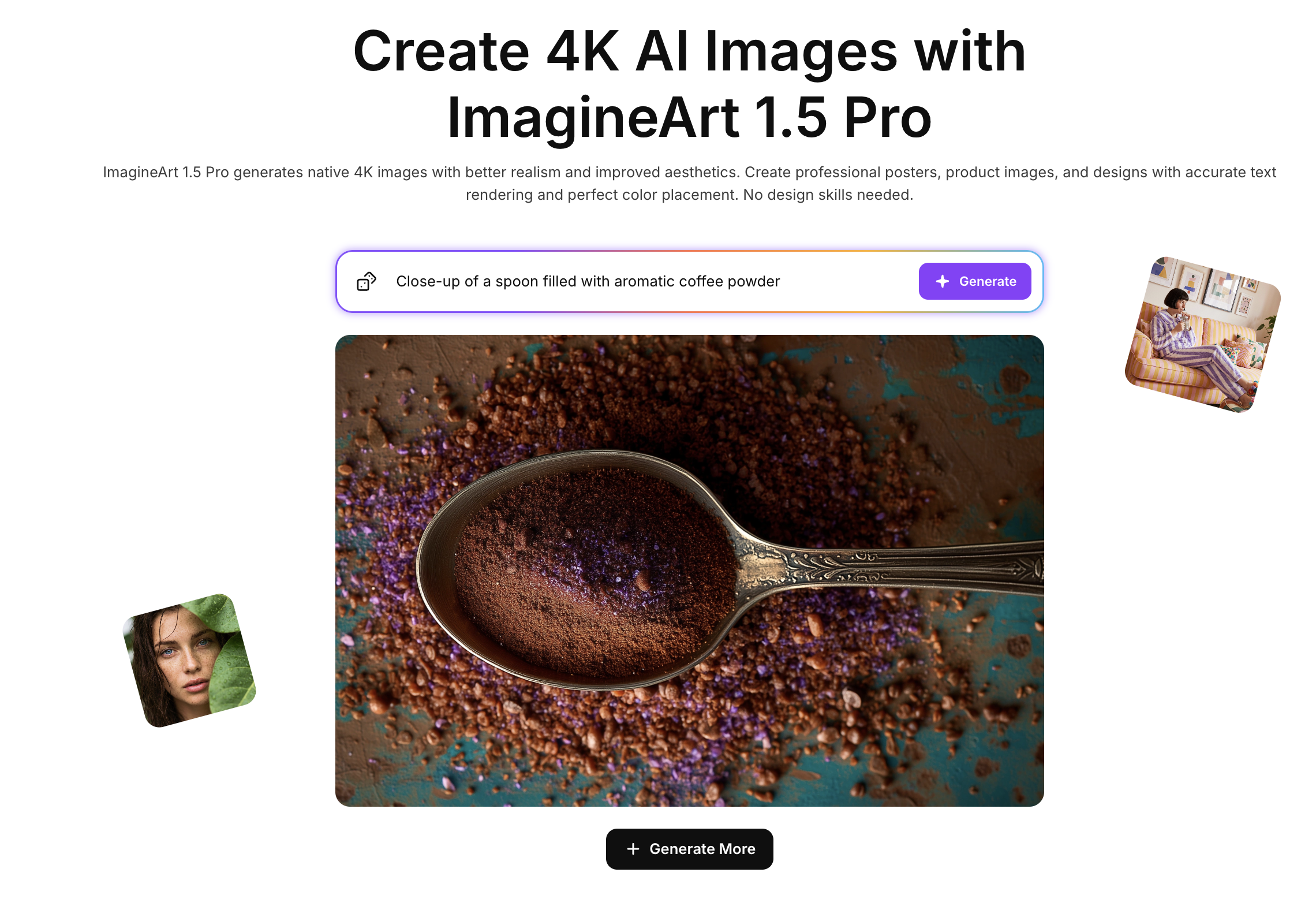
Native 4K Image Generation
For many creators, resolution is a practical requirement, not just a matter of quality. Earlier workflows often relied on upscaling for print or large formats, which could reduce clarity and detail.
ImagineArt 1.5 Pro introduces native 4K image generation. It allows image generation at high resolution from the outset. This maintains clarity across textures, edges, and typography, making the outputs more suitable for posters, banners, and other large-format visuals.
By generating images directly at higher resolutions, the model reduces the need for post-processing and helps ensure that visual details remain consistent across different use cases.
Creators looking to work with high-resolution visuals can explore this capability directly within the ImagineArt AI image generator.
Enhanced Realism and Visual Consistency
While realism has always been a core focus of ImagineArt models, professional workflows often need more than surface-level detail. Inconsistent lighting, uneven material behavior, or fragmented scenes can make images feel less reliable for use.
ImagineArt 1.5 Pro improves realism by refining how lighting, depth, and materials work together in a scene. As a result, skin tones, fabrics, reflective surfaces, and environments appear more cohesive, with more natural shadows and highlights.
Rather than pushing dramatic effects, the model focuses on consistency and balance. As a result, the visuals feel controlled and realistic across a wide range of scenarios.
Improved Poster and Object Composition
One of the most common challenges in poster and layout-driven design is maintaining clear structure. In complex compositions, objects can feel crowded, misaligned, or lack a clear focal point.
ImagineArt 1.5 Pro addresses this with a stronger understanding of spatial relationships and visual hierarchy, positioning elements more intentionally and improving balance between foreground and background.
With ImagineArt 1.5 Pro, it is easier to generate posters, promotional graphics, and structured layouts that feel organized, without needing extensive prompt refinement. These improvements are especially noticeable in designs with multiple objects or visual elements in a single frame.
Creators working on layout-focused visuals can explore similar workflows through ImagineArt’s poster design and visual composition tools.
More Accurate Color Placement
Color control plays an important role in branding and visual communication. In earlier models, detailed color instructions could sometimes result in inconsistent placement across different elements of an image.
ImagineArt 1.5 Pro has improved accuracy when interpreting color-related prompts. Colors are applied more reliably to the intended objects or regions, helping maintain coherence across the overall composition.
This improvement is especially needed for creators working with specific color palettes or design systems, where visual consistency is essential.
Text Rendering at High Resolution
Text rendering has been a long-standing challenge in AI image generation, particularly when working at higher resolutions or integrating typography into complex layouts.
Building on the progress made in ImagineArt 1.5, ImagineArt 1.5 Pro delivers clearer, more legible text at native 4K resolution. Improvements in spelling, grammar, and syntax accuracy help ensure that generated text is usable without extensive correction.
Text placement also feels more calculated, with typography integrating more naturally into the visuals. This makes the model more reliable for posters, advertisements, thumbnails, and other text-heavy designs.
Creators interested in typography-focused workflows can explore ImagineArt’s text-based image generation capabilities for practical examples.
Built-In Aesthetic Understanding
Even with detailed prompts, you need multiple iterations to create a visual balance. ImagineArt 1.5 Pro addresses this by refining its built-in aesthetic understanding.
The model analyzes the framing, color harmony, and tone to produce images that feel visually balanced by default. This reduces the need for overly complex prompts and helps creators get the perfect creatives more quickly.
For creators who prefer to focus on concept and direction rather than technical fine-tuning, the built-in guidance of Imagine Art 1.5 Pro plays an important role.
Expression Capture & Emotional Detail
ImagineArt 1.5 introduced improved expression capture, allowing for more emotionally nuanced visuals. ImagineArt 1.5 Pro builds on this by refining facial expressions and subtle emotional details.
It is more beneficial for portraits and character-focused images as they need more defined natural posture, mood, and expression, which adds depth to storytelling and cinematic visuals.
Creators working on character design or narrative-driven artwork can explore these improvements through ImagineArt’s portrait and character generation tools.
Multiple Inputs and Creative Control
Like earlier ImagineArt models, ImagineArt 1.5 Pro supports multimodal generation using both text prompts and reference images. The reference images help maintain consistency in style, composition, and character details across multiple generations.
Customization options such as aspect ratios, visual styles, and personalization features are also available, allowing creators to adapt the model to different creative needs.
ImagineArt 1.5 Pro vs Other AI Image Generation Models
Different AI image models are built with different priorities, and those differences become more noticeable in professional workflows.
- Compared to Flux 2, ImagineArt 1.5 Pro produces more realistic and visually consistent outputs. While Flux 2 often leans toward stylized or artistic results, ImagineArt 1.5 Pro focuses on natural lighting, accurate materials, and balanced realism, making it better suited for commercial and design-focused use cases.
- Nano Banana Pro generally meets expected quality standards for image generation and works well for fast creative output. However, ImagineArt 1.5 Pro offers stronger control over composition, resolution, and text rendering, which becomes important when creating posters, layouts, and high-resolution visuals.
- GPT Image 1.5 can generate strong visuals, but it sometimes crops important elements or introduces visual hallucinations in complex scenes. ImagineArt 1.5 Pro is more stable in this regard, maintaining framing, structure, and object consistency more reliably, especially in design-sensitive outputs.
ImagineArt 1.5 Pro Credit Usage
Each image generated using ImagineArt 1.5 Pro costs 25 credits. Credits are deducted automatically at the time of generation, so you’ll always know exactly how much each image uses before creating it.
Use Cases for ImagineArt 1.5 Pro
Posters and Visual Design
Improved composition, text rendering, and native 4K resolution make ImagineArt 1.5 Pro well-suited for poster creation and structured visual layouts.
 Action Movie Poster
Product and Concept Visualization
The model handles lighting, materials, and realism, which supports product mockups, packaging concepts, and design prototypes.
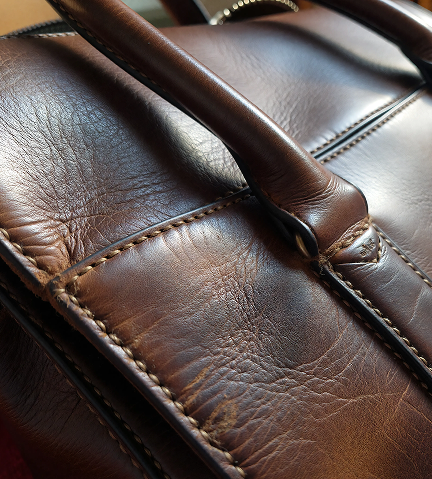 28. Leather Bag Detail.png
Typography-Based Creatives
Clear and accurate text rendering allows creators to experiment with typography-heavy designs while maintaining legibility.
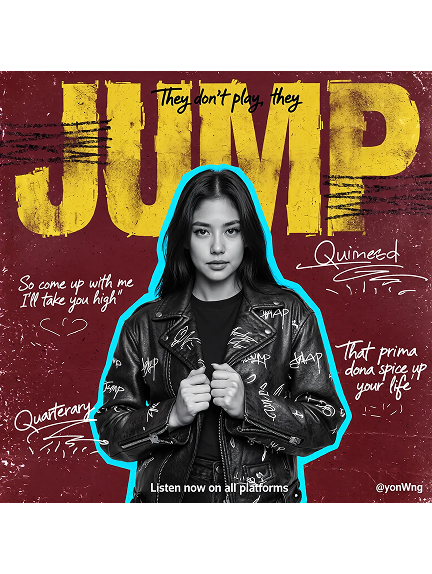 Typography based creatives for ImagineArt 1.5 pro
Cinematic and Narrative Artwork
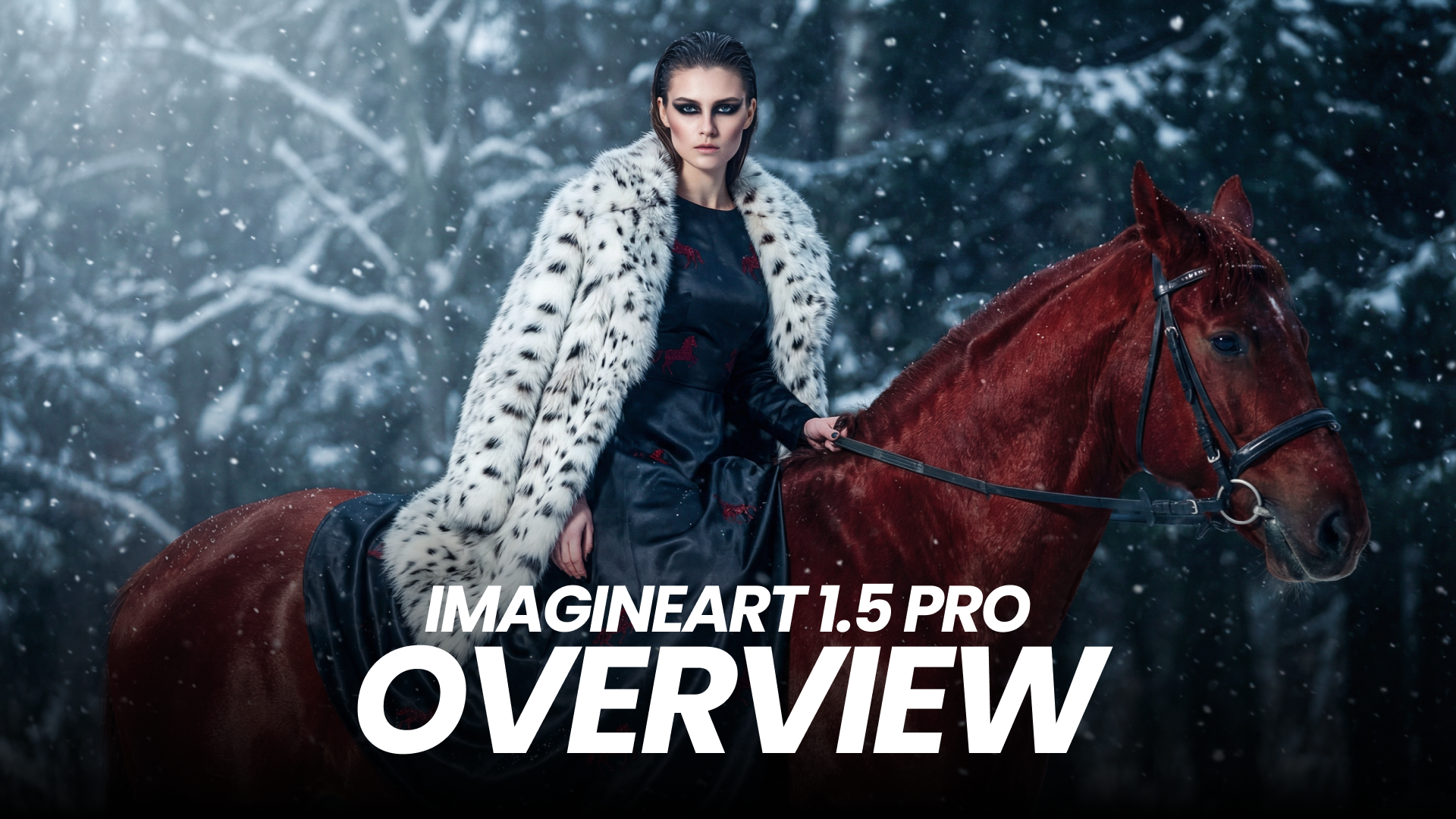
It offers enhanced realism, expression capture, and aesthetic consistency that support cinematic visuals and storytelling-focused projects.
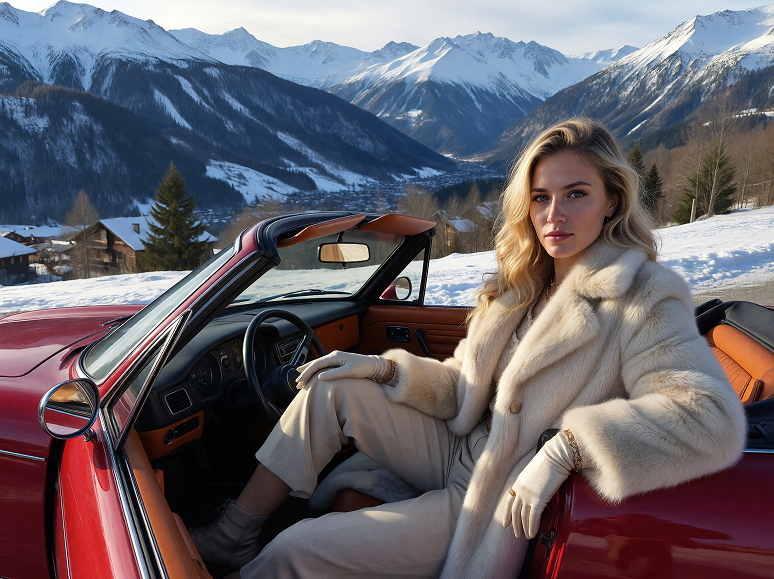 Alpine Luxury Fashion
Ready to create stunning visuals?
ImagineArt 1.5 Pro represents a focused evolution of the ImagineArt image generation lineup, addressing practical challenges faced by creators working on high-resolution and composition-sensitive projects. By building on the foundation of ImagineArt 1.5 and refining key capabilities, the Pro model aligns more closely with professional design and production workflows.
Arooj Ishtiaq
Arooj is a SaaS content writer specializing in AI models and applied technology. At ImagineArt, she creates sharp, product-focused content that helps creators and businesses understand, adopt, and get real value from AI tools.