How to Prompt AI to Create an Image: The Key to Stunning Digital Art
Ready to turn your ideas into eye-catching digital art with the help of AI? Learning how to craft the right prompts can make all the difference, whether you want realistic images, imaginative scenes, or something in between. This guide is here to walk you through simple yet effective tips for writing prompts that truly bring your vision to life.

Sophia Felix
October 28, 2024 • Updated October 29, 2025
6 mins Read
AI-generated imagery is revolutionizing digital art, with tools like ImagineArt, Midjourney, Stable Diffusion, and DALL-E empowering users to create stunning visuals from simple text prompts.
While the concept is straightforward, the quality and structure of prompts are crucial to achieving high-quality, personalized results. Each tool interprets prompts in unique ways, making prompt crafting an essential skill for directing the AI to create exactly what you envision.
1. Essential Elements of a Great Prompt
Creating a successful prompt is an art. A well-structured prompt allows the AI to understand not only what to create but how to represent it. Here are the essential elements:
- Subject: The main focus of the image—this could be a person, animal, object, or scene.
- Description: Enrich your subject by adding background elements, setting, and actions.
- Aesthetic and Style: Specify the artistic approach, from traditional mediums to modern styles, along with color schemes and lighting.
Example: Simple: "Panda"
- Detailed: "Curious Panda exploring a misty autumn forest at dawn, with light filtering through the trees"
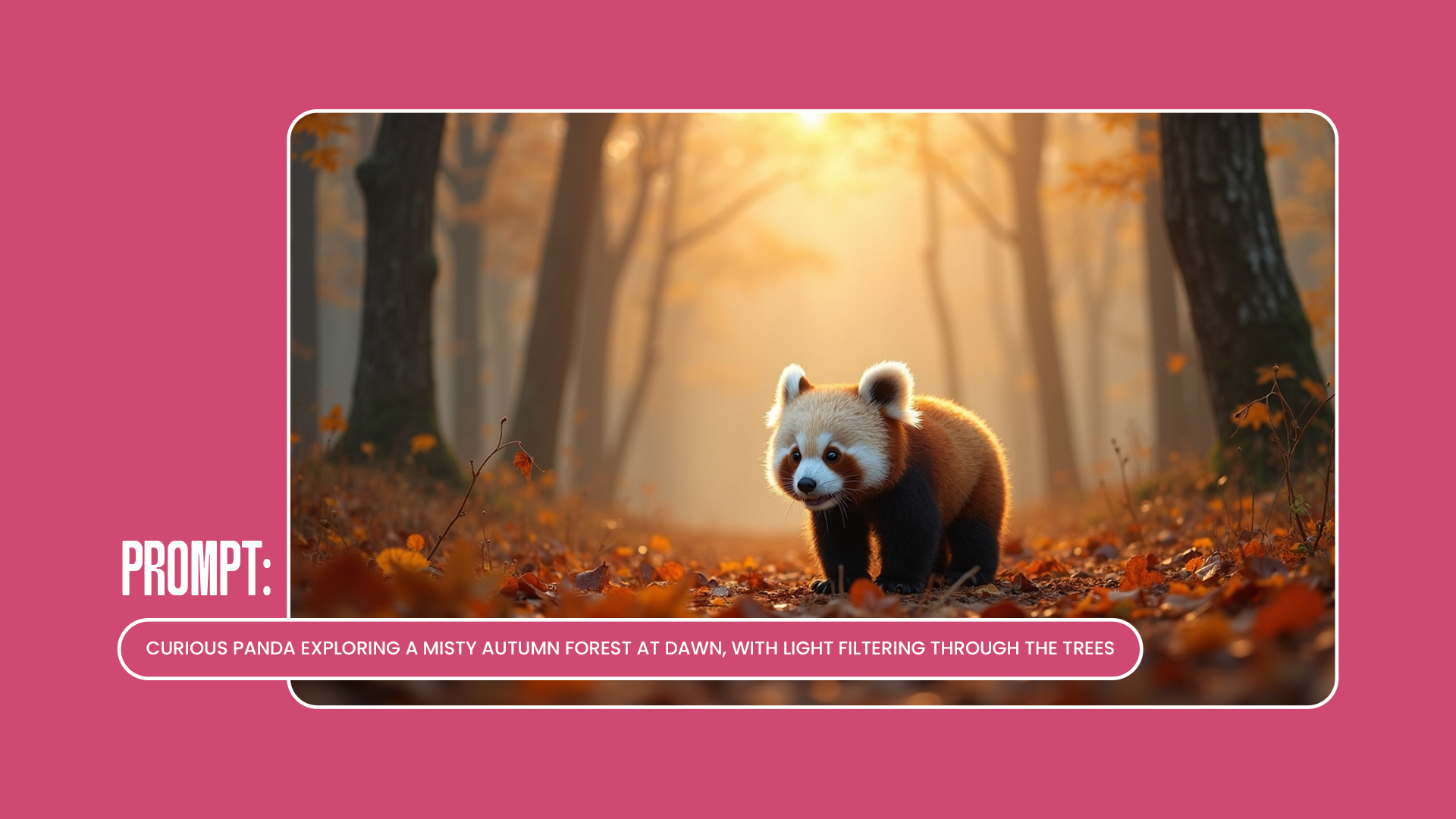 AI-generated image of a realistic panda sitting in a natural forest setting
2. Crafting Clear, Natural Language Prompts
For precise outputs, use clear and descriptive language rather than just keywords. Detailed prompts guide AI better than sparse phrases, creating images that look closer to what you envisioned.
Example:
- Keyword-based: “Panda, forest, autumn, sunlight”
- Conversational: “A Panda in a misty forest at dawn, with sunlight filtering softly through autumn leaves”
Tips:
Avoid keyword-stuffing; think of prompt writing as telling a friend what you want to see. Use adjectives and adverbs for realism and nuance, like “glistening water,” “softly glowing lights,” or “misty dawn.”
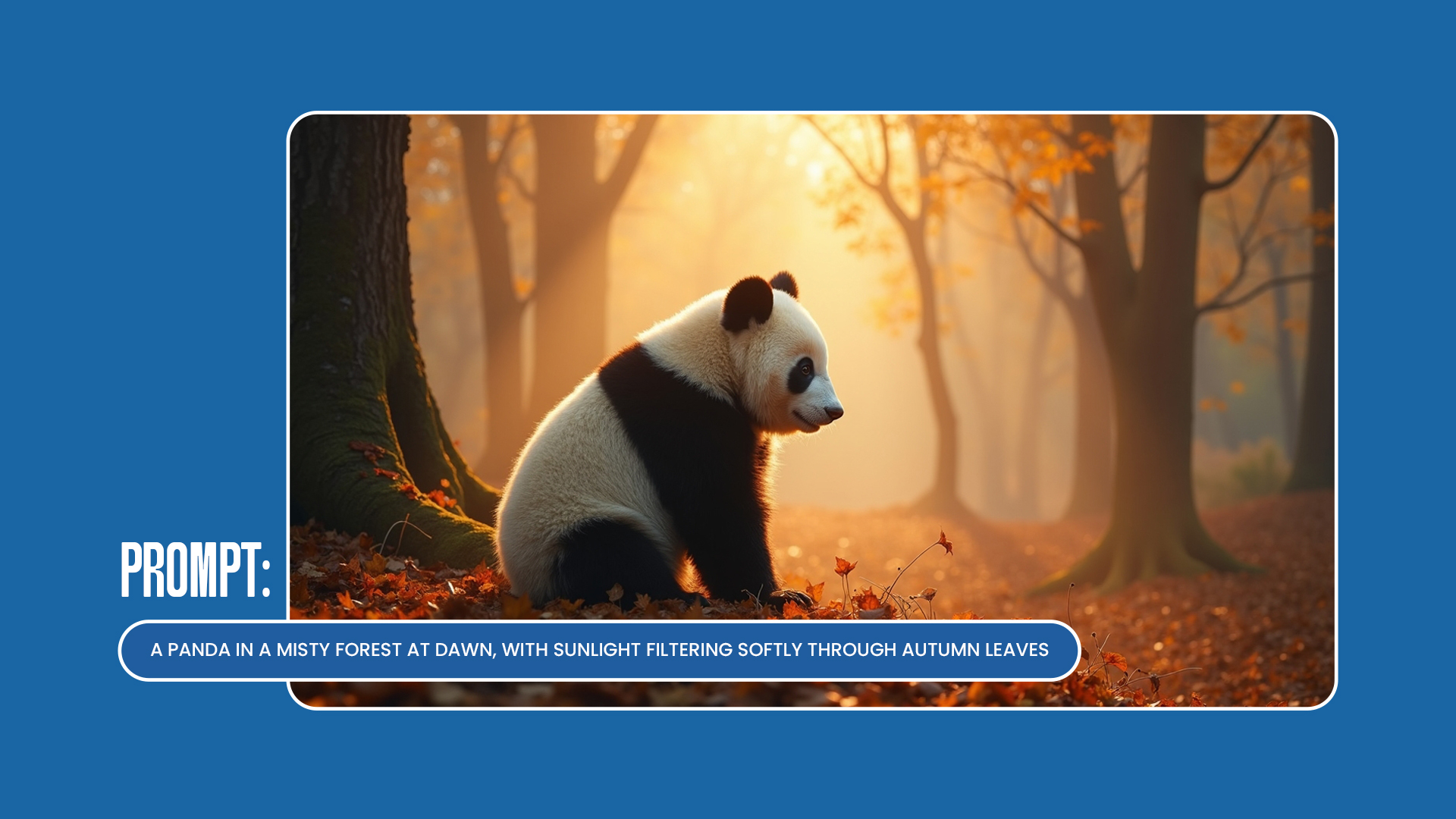 AI-generated image of a realistic panda sitting in a natural forest setting
3. Structuring Prompts for Different AI Platforms
Each AI platform interprets prompts differently, so it helps to adjust your approach based on the tool you’re using:
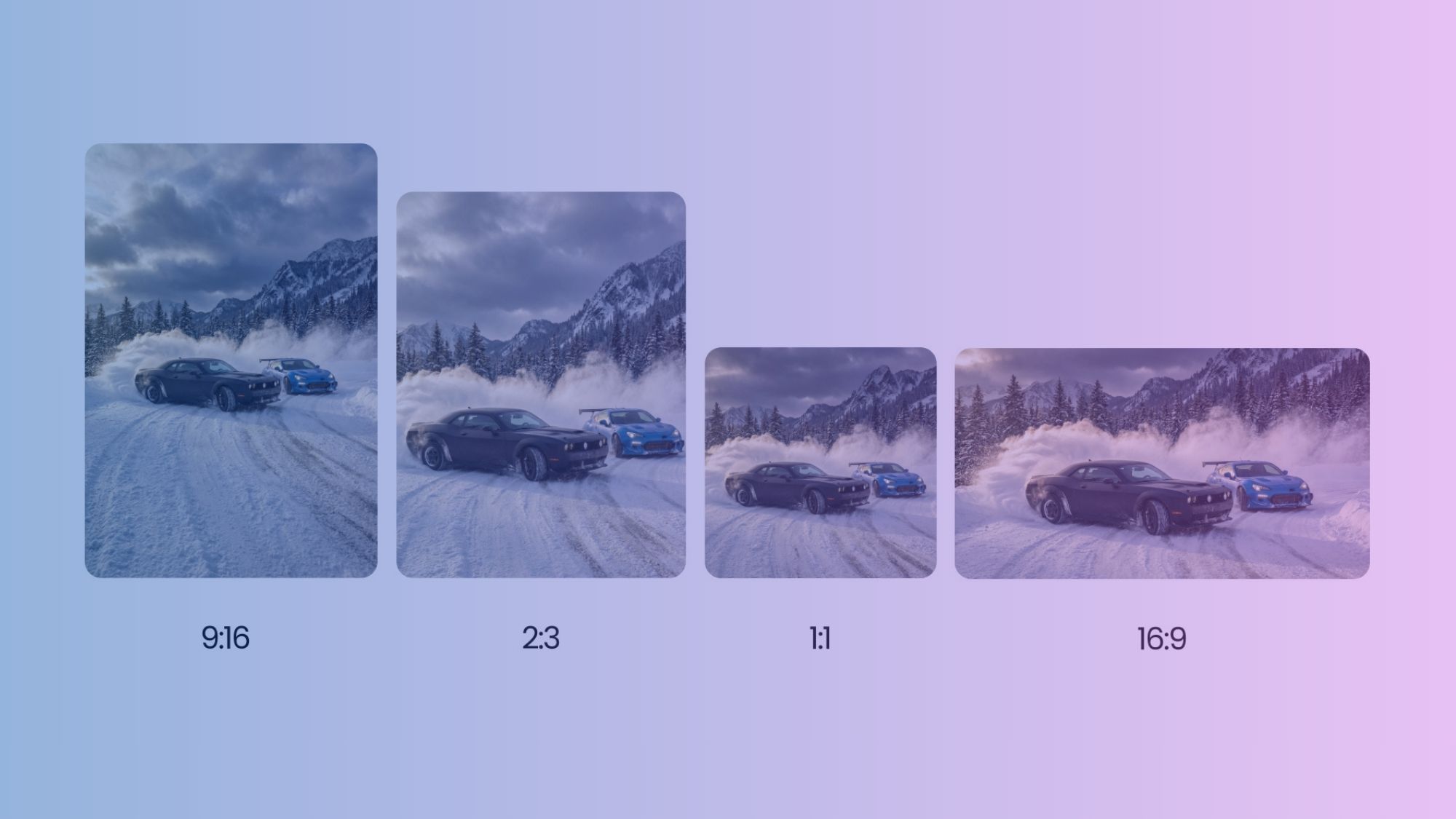
- Midjourney: Supports aspect ratios (--ar 16:9), and responds well to in-depth descriptions. Use broader language for mood or tone.
- Stable Diffusion: Works with “negative prompts” to eliminate unwanted elements and gives high control over style.
- DALL-E: Known for handling surrealism and highly specific requests; focus on precise details if your vision is intricate. Example Comparison: For a single prompt like “A bustling ferrari cityscape at night,” each platform may interpret the scene uniquely, with variations in lighting, style, and detail level.
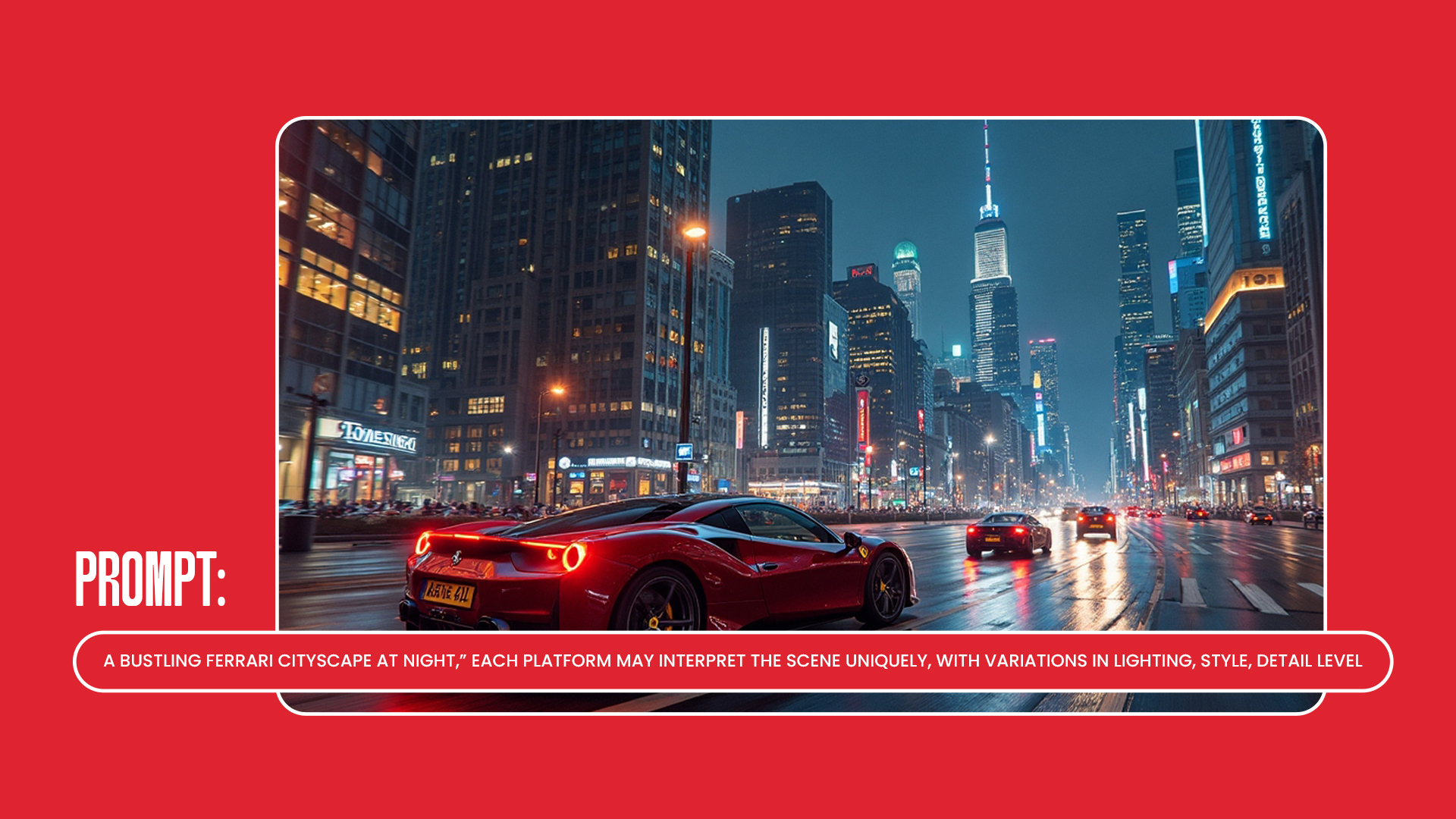 AI-generated image of a modern car with a sleek design and futuristic details
4. Experimenting with Prompt Lengths and Complexity
Experiment with prompt length to see how different descriptions affect your results: Short (10-20 words): Good for simple images. Example: “Ferrari cityscape, neon lights, flying cars.” Medium (30-50 words): Adds moderate detail and mood. Example: “A neon-lit ferrari metropolis with holographic ads and flying cars gliding through the sky.”
Long (50+ words): Useful for complex compositions. Example: “A sprawling ferrari city at night, with glowing neon lights, towering skyscrapers, floating holograms, and flying cars weaving through the busy skyline under a smoky, twilight sky.”
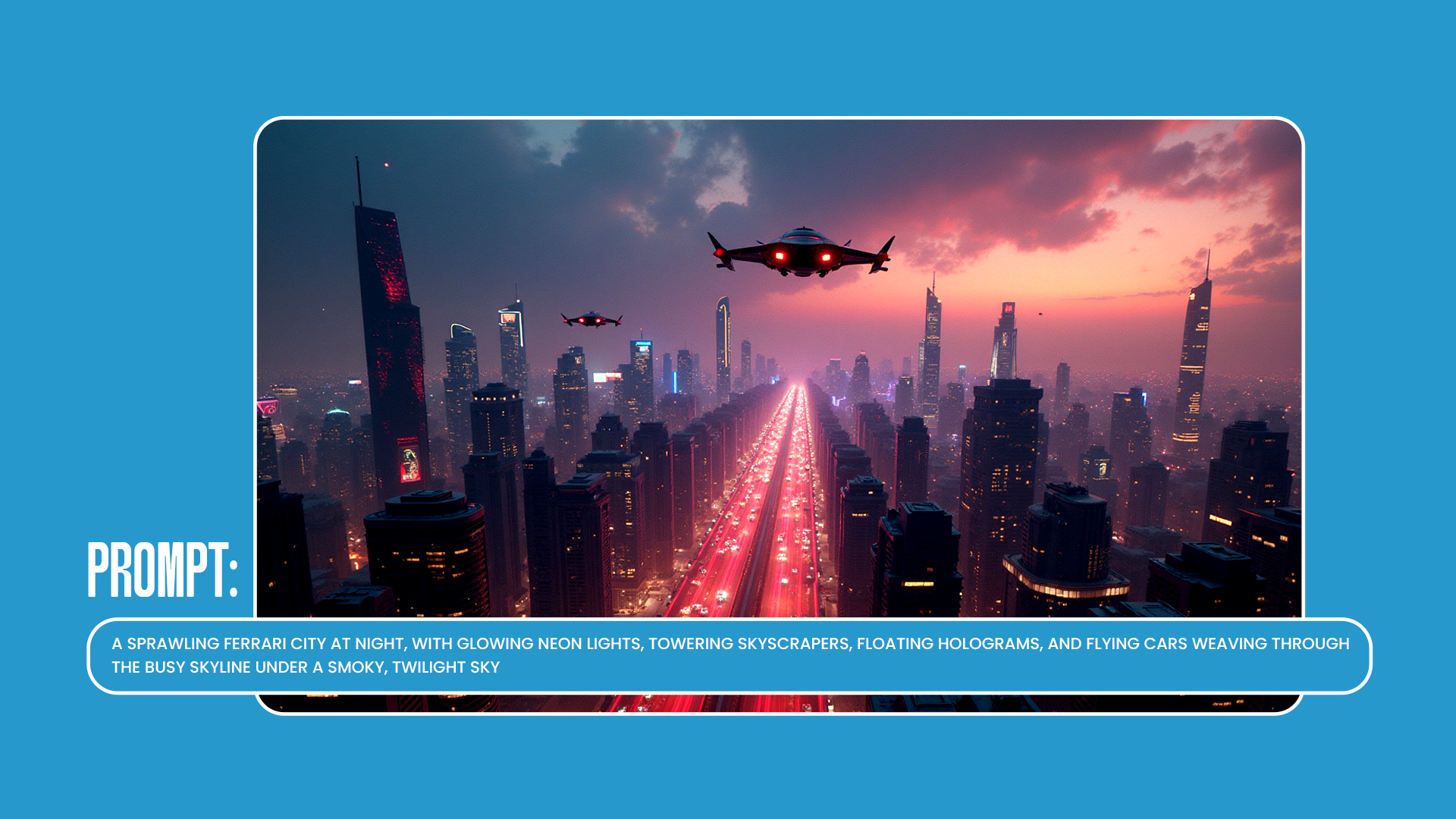 AI-generated image of a modern car with a sleek design and futuristic details
5. Advanced Prompting Techniques for Detailed AI Art
For more intricate artwork, leverage advanced techniques in your prompts:
- Visual Composition Keywords: Use terms like “close-up,” “wide shot,” or specific angles to guide how the scene is framed.
- Emotion and Atmosphere: Words like “mysterious,” “vibrant,” or “serene” can set a distinct mood.
Example Comparison:
- Basic: “A dark castle”
- Detailed: “A grand castle under a stormy sky, lightning illuminating its dark towers, surrounded by fog that gives a spooky atmosphere.”
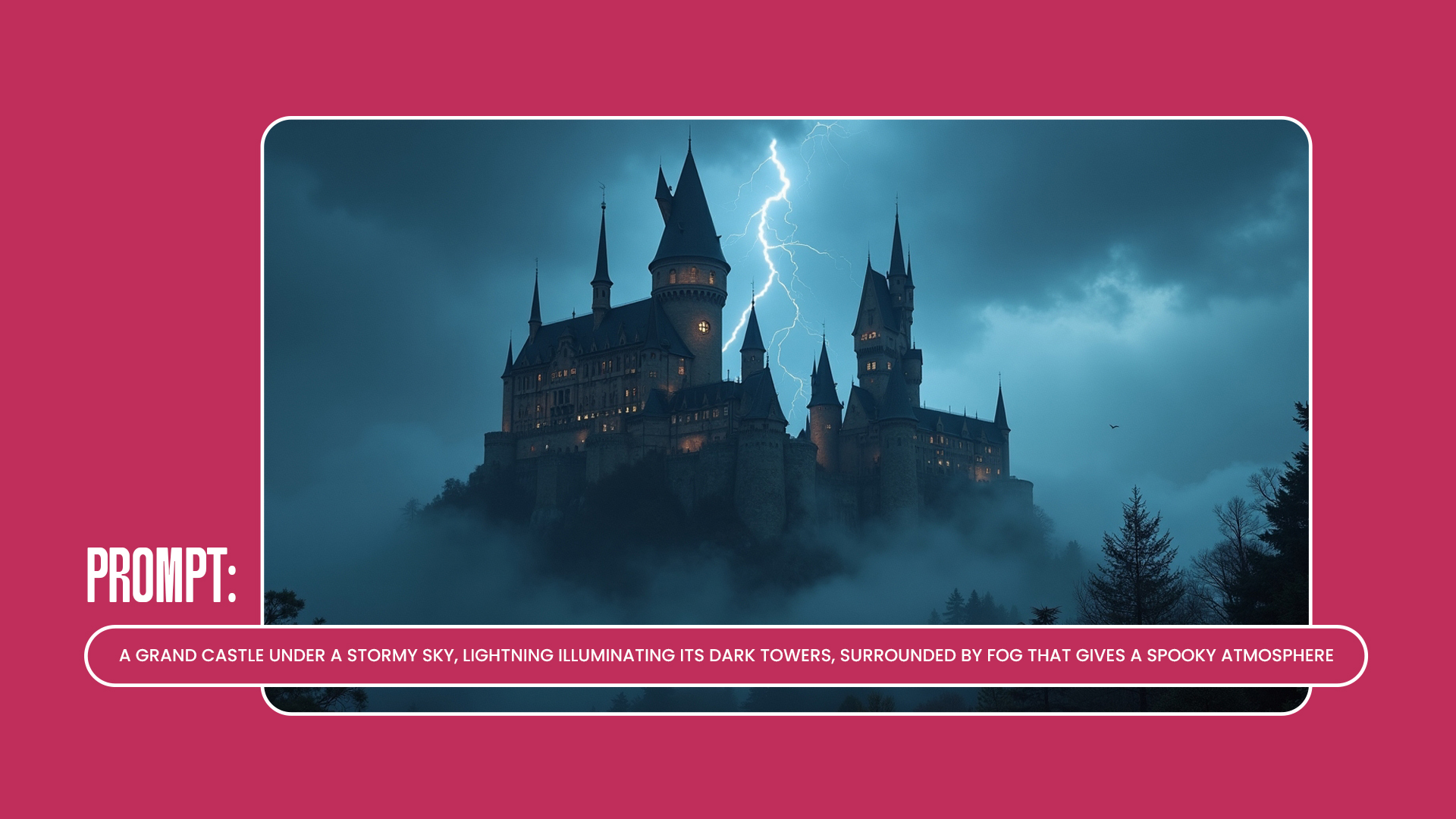 AI-generated image of a majestic castle with detailed architecture in a scenic landscape
6. Post-Generation Enhancements: Upscaling and Refinement
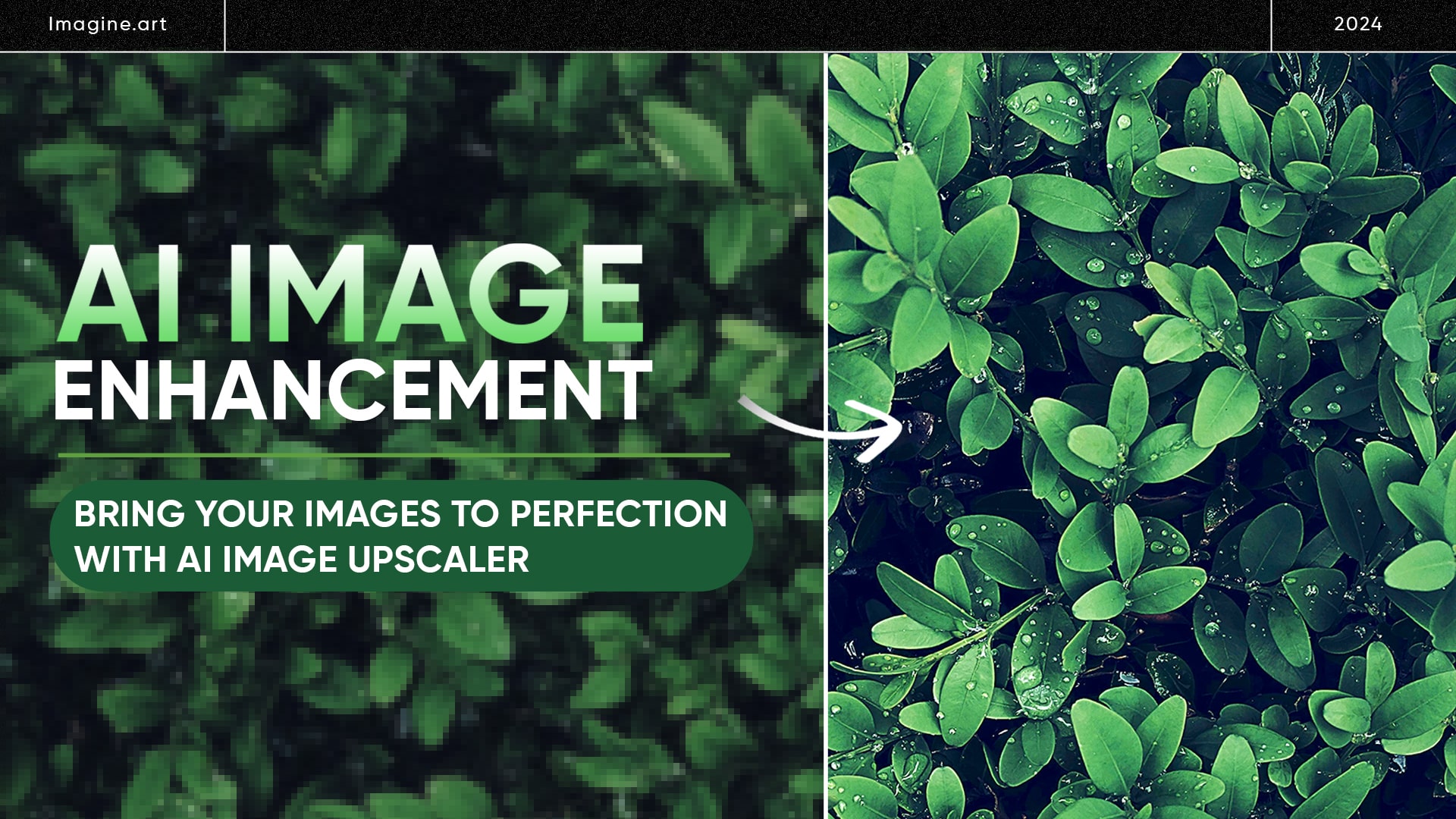
Once the AI has generated an image, tools like LetsEnhance.io allow you to upscale and refine details, making it suitable for larger formats or print. For added clarity, especially in large or high-resolution images, consider refining colors and contrast.
Example: Upscaling can transform an image from a basic digital format to a high-fidelity piece, with crisper details and better color saturation.
7. Quick Reference Prompt Examples
To inspire readers, here’s a list of prompts tailored to different styles, subjects, and moods:
- Sci-fi/ferrari: “A futuristic Ferrari with neon lights, flying cars, and holographic advertisements in the rain.”
- Nature/Watercolor: “A delicate watercolor painting of roses blowing in the wind on a sunny spring day.”
- Industrial/3D: “A steampunk machine with detailed gears, brass finish, and intricate pipes.”
Conclusion: The Power of Prompt Engineering in AI Art
Prompt engineering isn’t just about instruction—it's the art of coaxing creative, high-quality imagery from AI. Through specificity, experimentation, and refinement, anyone can become an AI artist. The process of prompt creation is as much an art form as the resulting image, and with each prompt, you’ll better understand how to bring your artistic vision to life.
FAQS
Here are some best practices for crafting effective AI image prompts:
- Use clear and descriptive language.
- Be specific about details such as the subject, setting, lighting, colors, and mood.
- Experiment with the length of your prompts to find what resonates with each AI tool.
- Include style modifiers and artistic references when it makes sense.
- Take advantage of features specific to each platform.
- Don’t hesitate to refine your prompts based on the results you get.
- Consider keeping a prompt journal to track what techniques work best for you.
Absolutely! Some AI generators, like Stable Diffusion, allow you to use negative prompts to tell the AI what to avoid. For example, you might say, 'No blurry, low-quality, or distorted proportions.' However, focusing on what you want to see often yields better results, so balance your negative prompts with positive descriptions of your desired outcome.
The specificity of your prompts is key! Aim for clear details without making them overly complicated. Include essential aspects like the scene, style, and mood you want to capture. Different AI models have different strengths, so don’t hesitate to experiment with varying levels of detail to see what works best for each platform.
A strong AI art prompt is specific and rich in detail. It should paint a vivid mental picture of what you want to see, including the subject, setting, lighting, colors, and mood. For example, instead of saying just 'a sunset,' try 'A vibrant sunset over a bustling cityscape, with warm orange and pink hues reflecting off glass skyscrapers, and the soft glow of streetlights beginning to flicker as people hurry home.' This way, the AI has a clearer idea of what you’re envisioning.
If the AI isn’t delivering what you had in mind, try breaking down your prompts into smaller, manageable steps. Start with a basic subject to see how the AI interprets it. Once you get a result, gradually add details. If the output is still off, experiment with different descriptive words that convey a similar idea. This iterative process can help you fine-tune your prompts until the AI gets closer to your vision.
Sophia Felix
Sophia Felix is an AI enthusiast and content marketer passionate about the way technology reshapes creativity and the human experience. She dives into the latest AI trends, making complex tech accessible and inspiring for everyone.