Kling 2.6 Video Generator
Turn your words into an immersive cinematic experience with Kling 2.6, ImagineArt's AI video generator built around native audio support. Kling 2.6 Pro handles dialogue, sound effects, and background music in the same generation as your visuals, at resolutions up to 1080p, so you get motion fluidity and a fully scored scene from a single prompt instead of stitching audio on afterward. Free to try, with 100 daily credits to start.
Trusted by Professionals and Creators from leading brands and companies
Kling 2.6 Community Creations
Write your ideas and see them come to life. Just enter a text prompt along with an optional reference image or video, select your styles & effects, and watch Kling 2.6 AI work its magic!
Prompt:
A knight in full armor rides a white horse, sword raised, through a dramatic, motion-blurred landscape with fiery orange and dark, cloudy skies.
Prompt:
Dynamic shot of a motocross rider mid-air during a jump, with dirt flying and the sun backlighting the action, conveying speed and excitement.
Prompt:
Blue sports car driving on a snow-covered landscape with ice formations under a bright sun, creating tire tracks in the snow.
Prompt:
Man skateboarding downhill on mountain road with blurred motion, capturing freedom and adventure in scenic landscape.
Prompt:
A person hikes up a rocky mountain trail in foggy, overcast weather, wearing a backpack and warm outdoor gear.
Add the Cinematic Flair to Your Visuals
Kling 2.6 comes with state-of-the-art rendering capabilities, letting you create incredible visuals in resolution up to 1080p. As Kling 2.6 AI, the model supports a diverse range of visual styles, from cinematic realism to fully animated content, so the same prompt structure works whether you're after a photorealistic product shot or a stylized animated scene. Explore more style options with the AI Image Generator if you need matching static visuals to go with your video.
Generate Visuals with Motion Fluidity
With Kling 2.6, you can add motion, fluidity, stability, and smoothness to your action sequences and scene transitions. The AI video model ensures each element, character, and object moves and interacts naturally, providing a more dynamic viewing experience than choppier, less physics-aware generators. This is where Kling 2.6 Pro specifically earns its reputation: complex multi-object scenes hold together instead of drifting or glitching mid-shot.
Narrate Stories with Native Audio Support
With Kling 2.6, you can mention dialogues, soundscapes, audio cues, background music, and sound effects directly in your prompt. The AI closely follows the instructions and makes sure the audio aligns with the visuals, delivering a complete multimedia experience in one pass rather than a separate editing step. Want more control over the soundtrack specifically? The Audio Studio lets you build or adjust a custom track before or after generation.
Why Creators Are Choosing Kling 2.6 Pro for Cinematic AI Videos

Multi-Mode Inputs
Start with a script or image. Kling 2.6 AI Video Generator transforms any idea into a polished video that fits your exact creative vision.
AI Prompt Enhancer
Say goodbye to weak outputs. The AI rewrites and optimizes your prompts for better composition, motion depth, and storytelling flow.
AI Audio Sync
No more awkward timing. Every sound, beat, and dialogue line syncs perfectly with your visuals for a smooth, professional rhythm.
Character Consistency
Keep your main character recognizable across every shot. Kling 2.6 AI locks in appearance, style, and motion for seamless storytelling.
Intuitive Workflow
Convert your text or reference image into professionally done and polished videos in just a few clicks, without any video creation or editing skills.
AI Motion Transfer
Switch between cinematic, animated, photorealistic, or surreal aesthetics in seconds. Every style looks handcrafted by a pro.
Endless Style Options
Switch between cinematic, animated, photorealistic, or surreal aesthetics in seconds. Every style looks handcrafted by a pro.
Realistic In Speech Video
Generate lifelike speaking videos where expressions, lip sync, and tone align perfectly with your dialogue or narration.
AI Emotional Direction
Tell the AI the mood you want, and it delivers. Every scene, light, and gesture mirrors the emotion: tense, hopeful, romantic, or chaotic.
How to make AI Videos using Kling 2.6?
Add Input
Upload a reference image and a text-based prompt. Make sure the images are high quality, and mention all the relevant details about characters, scenes, transitions, dialogues, and SFX directly in your prompt.
Customize
Adjust aspect ratio, resolution, and style once your initial generation is ready. Refine the prompt for a second pass if the motion, audio, or framing isn't quite right; Kling 2.6 responds well to targeted follow-up prompts rather than a full rewrite.
Export or Edit
Download your finished video directly, or move it into the AI Video Editor to trim, add text overlays, or combine it with other clips before publishing.
More AI Video Models You Can Access Free on ImagineArt
ImagineArt provides 7 days of free access to top models such as VEO, Seedance, Sora, WAN, Pixverse, Hailuo, Runway, and Other Kling versions, letting you experiment with alternative versions for faster, more cinematic, or more realistic results.

Kling AI
Use other Kling models like 1.5, 1.6, 2.1, 2.5 turbo, avatar, avatar 2.0 and O1 for smooth, dynamic AI animations.
Pixverse AI
Try Pixverse AI models like V3.5, V4, V4.5, V5, and V5.5 for cinematic AI videos with vivid detail and realism.

Google VEO
Explore Google VEO, VEO 2, 3, 3 Fast, 3.1, and 3.1 Fast for fast, lifelike videos.

Sora AI
Explore Sora 2 for advanced AI storytelling with cinematic visuals and realism.

WAN AI
Access WAN 2.2, WAN 2.2 Animate, WAN 2.5 for hyperrealistic AI videos with precise motion.

Hailuo AI
Try Hailuo 2.0, 2.3, 2.3 Fast for fluid cinematic AI videos with natural motion effects.

Runway AI
Try Runway Aleph, Runway Act II for professional AI video production and editing tools.

Seedance AI
Use Seedance 1.0, Seedance Pro Fast for rhythmic, expressive AI-generated video sequences.
Why Kling 2.6 Is The Best AI Video Generator?
Kling 2.6 makes professional video creation simple, fast, and accessible.
Generate High-Impact Ads
With Kling 2.6, small businesses and startups can create impactful video ads without any professional crew or equipment. You can generate studio-level product launch videos, social media ads, and product promotion content with a cinematic visual appeal and audio support.
Create Training Videos with Ease
With Kling 2.6, you can transform the written guidelines, manuals, and training documents into interactive and engaging video content. The AI video model can streamline your training and onboarding processes with clear visuals and even clearer voiceover and audio.
Generate Social Media Videos Instantly
With Kling 2.6, you can create immersive, stunning video content. The motion fluidity and native audio support ensure smoother narrative flow. The seamless animation, incredible visuals, and well-integrated audio help you keep your social media content engaging and captivating.
Purchase a Subscription
Upgrade to get access to pro features and generate more and better
Basic
For newcomers taking their first steps
View Plans
Billed monthly
Included in plan
3Kcredits per month
Additional Features
Up to ~600 Image Generations/month
Up to ~97 Video Generations/month
General Commercial Terms
Image Generation Visibility: Public
4 Concurrent Image Generations
Complimentary Access
All GPT Models
All Gemini Models
All Claude Models
Unlimited Generations
10 Image Models
9 Video Models
Standard
For rising creators to level up their game
View Plans
Billed monthly
Included in plan
8Kcredits per month
Additional Features
Up to ~1.6k Image Generations/month
Up to ~265 Video Generations/month
General Commercial Terms
Image Generation Visibility: Private
8 Concurrent Image Generations
Complimentary Access
All GPT Models
All Gemini Models
All Claude Models
Unlimited Generations
Nano Banana
Runway Gen 4 Turbo
Midjourney V7
8 more Image Models
8 more Video Models
Ultimate
Peak performance for pros
View Plans
Billed monthly
Included in plan
16Kcredits per month
Additional Features
Up to ~3.2k Image Generations/month
Up to ~530 Video Generations/month
All styles and models
General Commercial Terms
Image Generation Visibility: Private
Complimentary Access
All GPT Models
All Gemini Models
All Claude Models
Unlimited Generations
All image models in Standard plan
All video models in Standard plan
Kling 2.6 Pro
Seedance 1.5 Pro
ChatGPT 1.5
Creator
A full production engine for powerhouses
View Plans
Billed monthly
Included in plan
100Kcredits per month
Additional Features
Up to ~20k Image Generations/month
Up to ~3.3k Video Generations/month
All styles and models
General Commercial Terms
Image Generation Visibility: Private
Complimentary Access
All GPT Models
All Gemini Models
All Claude Models
Unlimited Generations
All image models in Ultimate plan
All video models in Ultimate plan
Kling 3.0 Pro
Seedance 2 Fast
Nano Banana 2
Free
billed annually
- 3000 credits / month
- In-house models only
- 36k credits per year
- 1 Fast Image concurrency




Trusted by 30M+ creative team, designers and marketers.
User Reviews
See what our users are actually saying

“As a content creator, Kling 2.6 has entirely changed the way I create content. I no longer have to worry about manually adding and editing audio, Kling 2.6 does it for me! A must-try AI video tool for every creator! ”

“Being in the marketing field requires me to come up with new video content every day, and it takes a lot of time and effort. But not anymore! With Kling 2.6, I can create high-quality ads, promotional content, and launch videos in just a few minutes. What a lifesaver! ”
“As an online educator with limited video editing skills, I can make better-quality educational videos with Kling 2.6. I can prompt exactly what I want to narrate, and the AI simply integrates and aligns with lip movements and gestures. ”
“As a small brand owner, I can create incredible-quality ads for my products using just the text prompts. The voiceover and background music are such an added bonus; I don’t have to learn any video editing software! ”
Frequently Asked Questions
Get answer about every possible query you have related to Kling 2.6.
More resources

Kling AI Pricing: Every Plan, Credit and Hidden Fee Explained
A complete breakdown of Kling AI's pricing plans for 2026. Monthly vs. annual costs, real credit consumption by mode, billing gotchas, and how to access Kling on ImagineArt for free.

Kling AI Alternatives for AI Videos | ImagineArt
Explore the best Kling AI alternatives for AI video generation in 2025. Compare features, pricing, and limitations of ImagineArt, Hailuo AI, PixVerse AI, Google Veo, and more to find the right alternative.
Kling AI vs Other AI Video Generators | ImagineArt
Compare Kling AI with Hailuo AI, Wan AI, Sora AI, Veo, and PixVerse AI for AI video generation. Explore key factors like resolution, FPS, pricing, and customization for video generation.
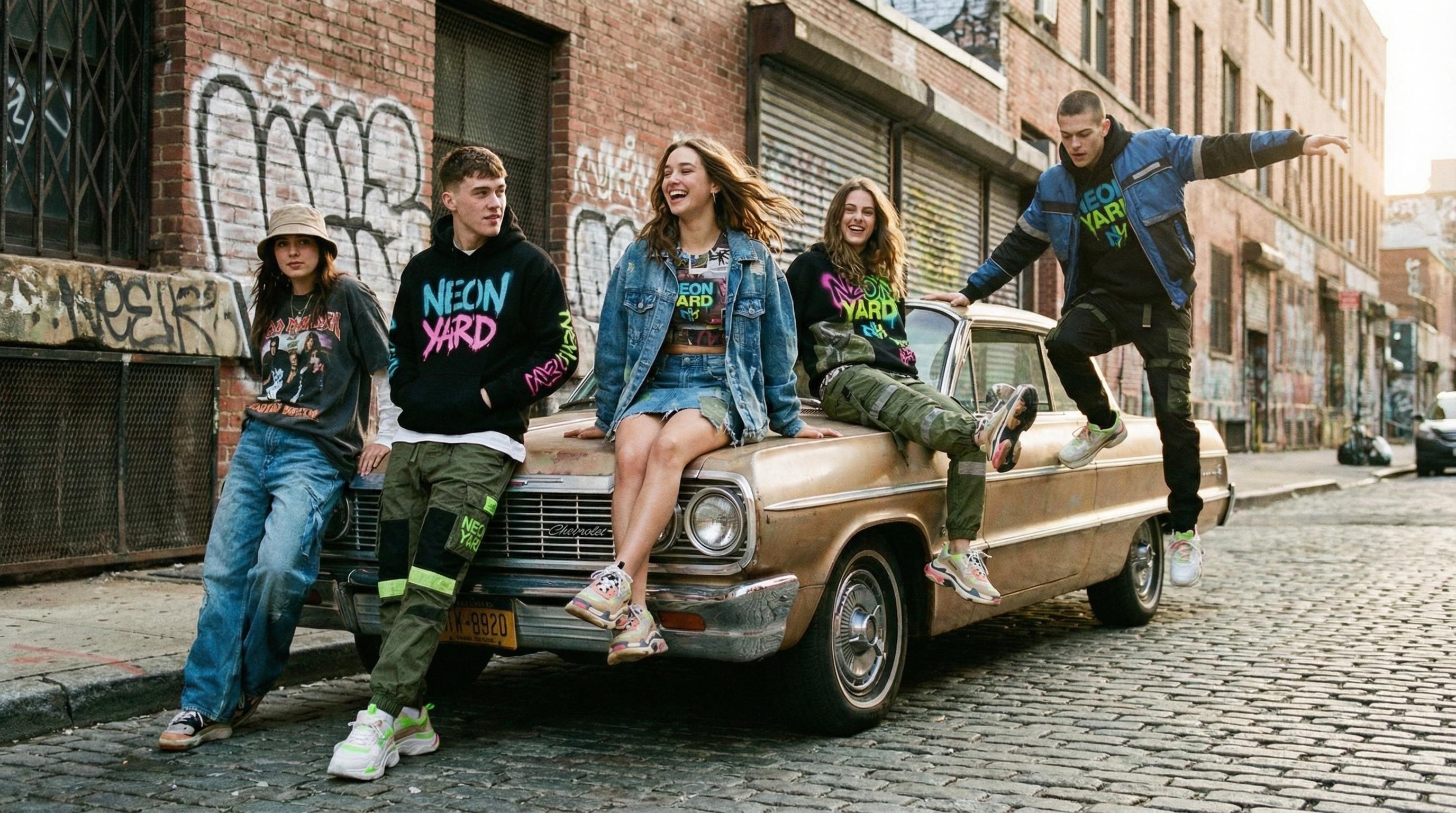
Kling 3.0 Prompt Guide with 16 Ready-to-Use Prompts
Learn how to write effective Kling 3.0 prompts with a practical cheat sheet covering multi-shot, native audio, elements, multilingual dialogue, and storytelling control.
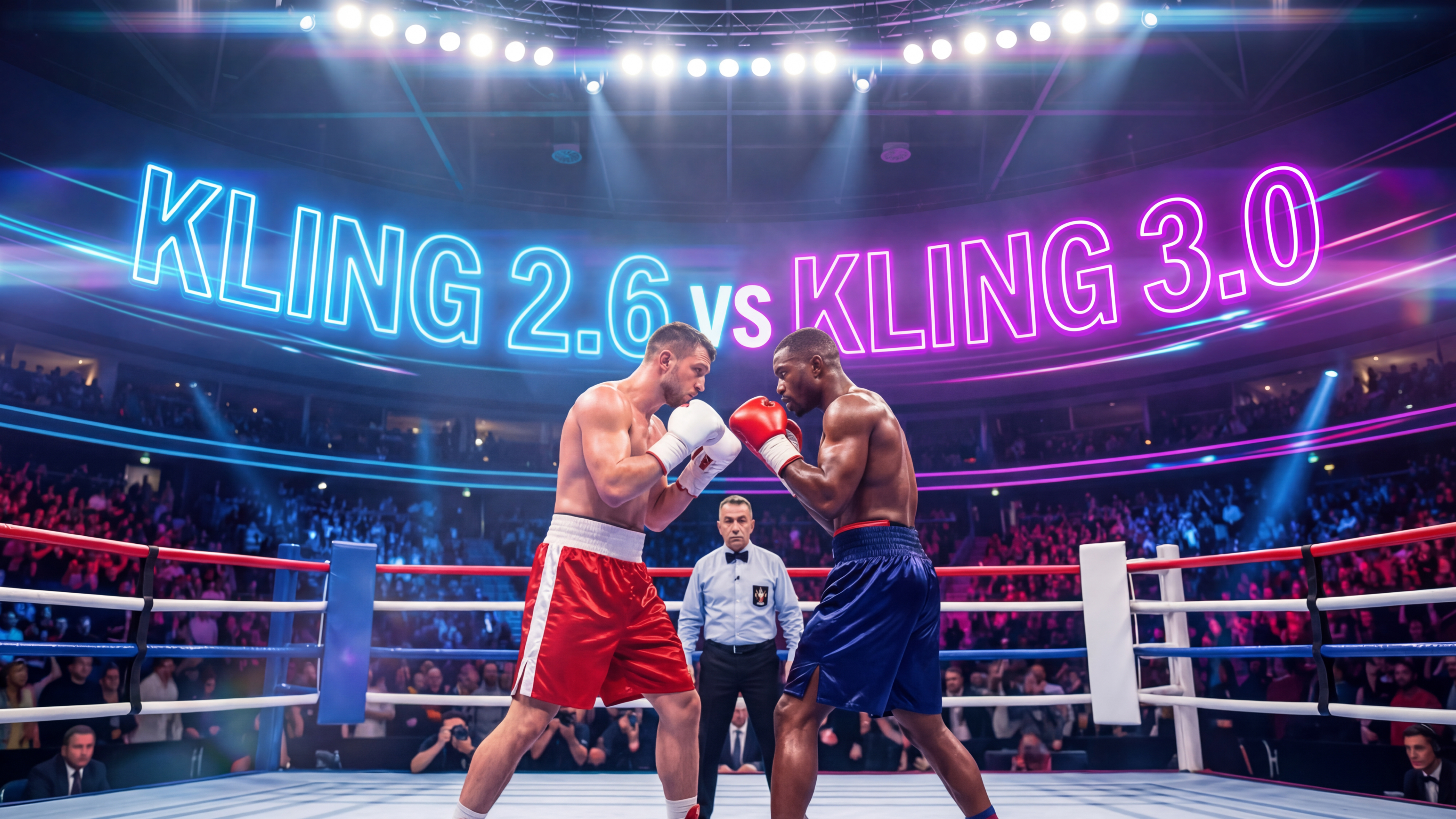
Kling 3.0 vs 2.6: What Changed for AI Video Creators
Heard the buzz around Kling 3.0 vs Kling 2.6? We tested both in real creator scenarios. Run the same side-by-side tests in ImagineArt and see what the hype is actually about.
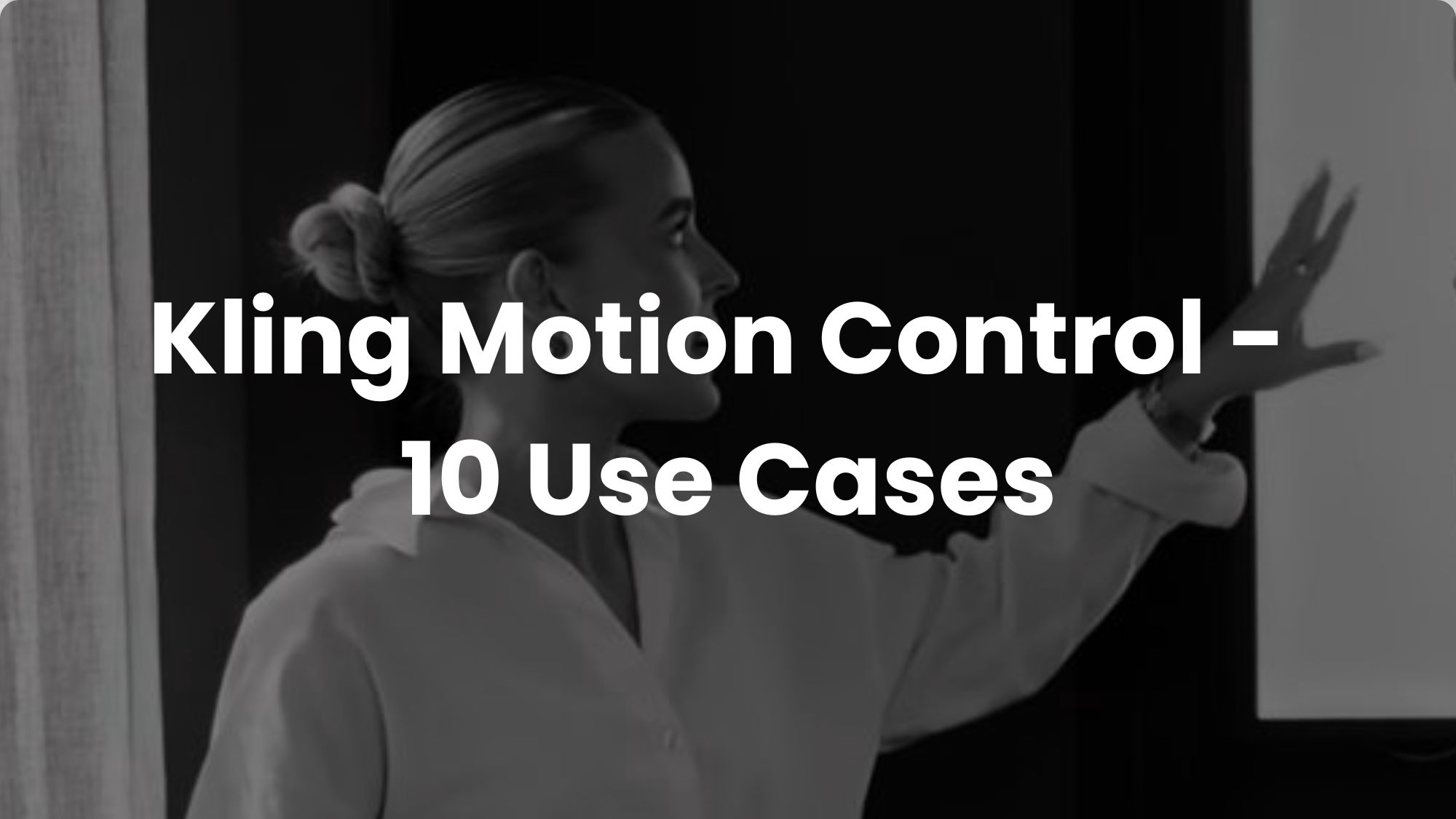
Kling Motion Control Exclusive Prompt Guide with 10 Use Cases for Performance Animation
Discover 10 real-world use cases for Kling Motion Control with detailed prompts. Learn how to create marketing, educational, and cinematic videos using motion transfer for lifelike performance animation.
Imagine More with AI Creative Suite
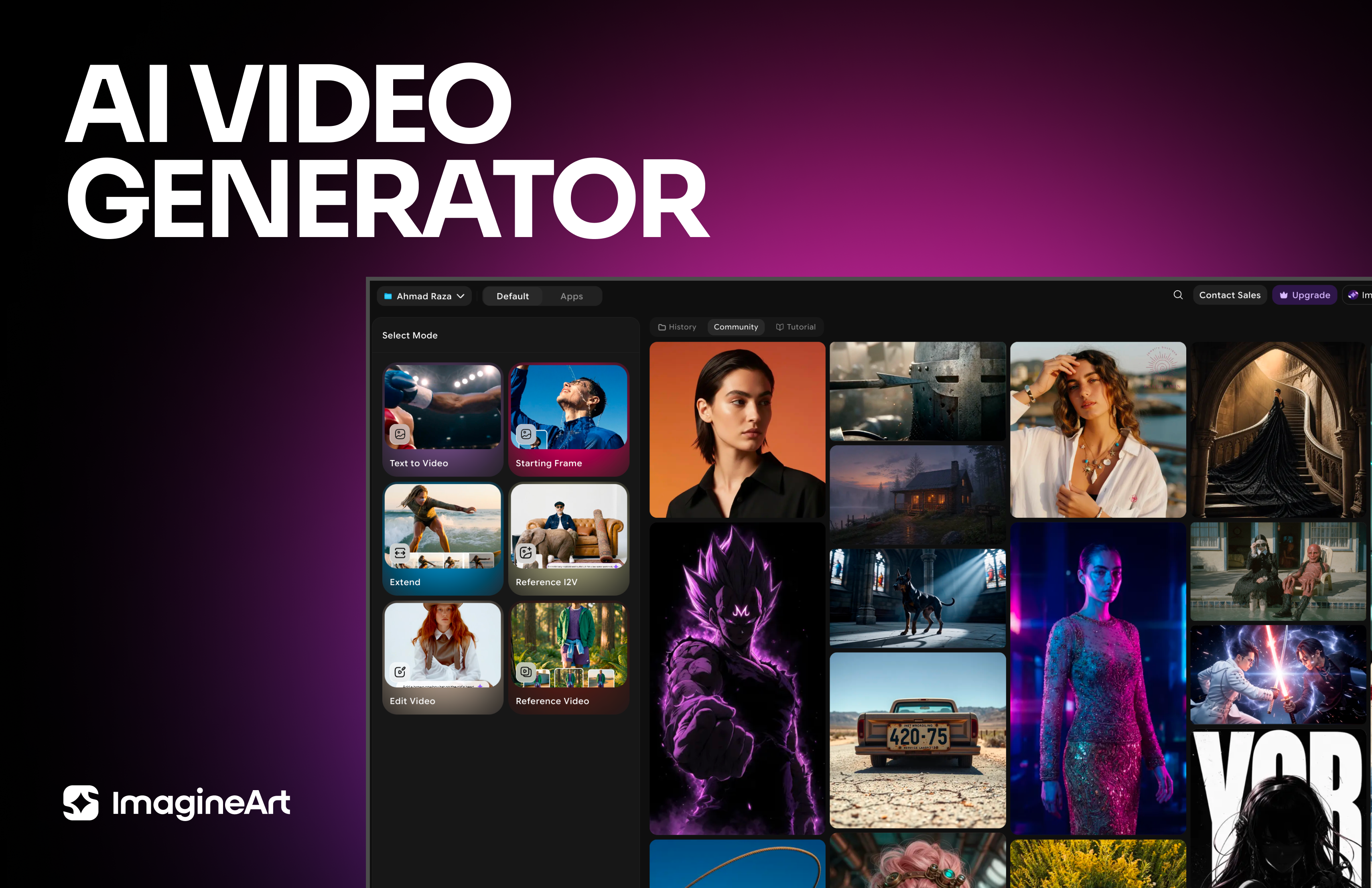
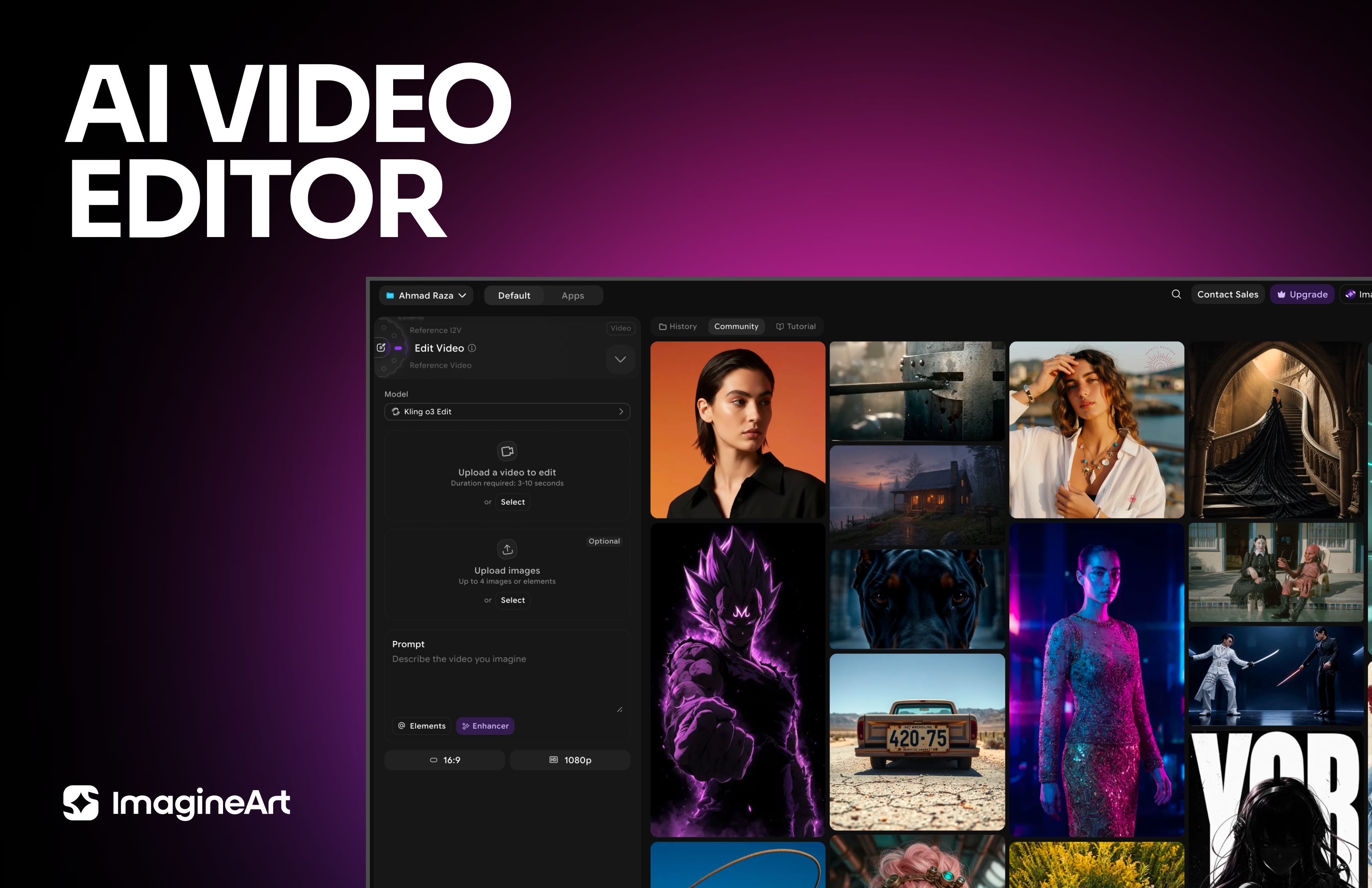
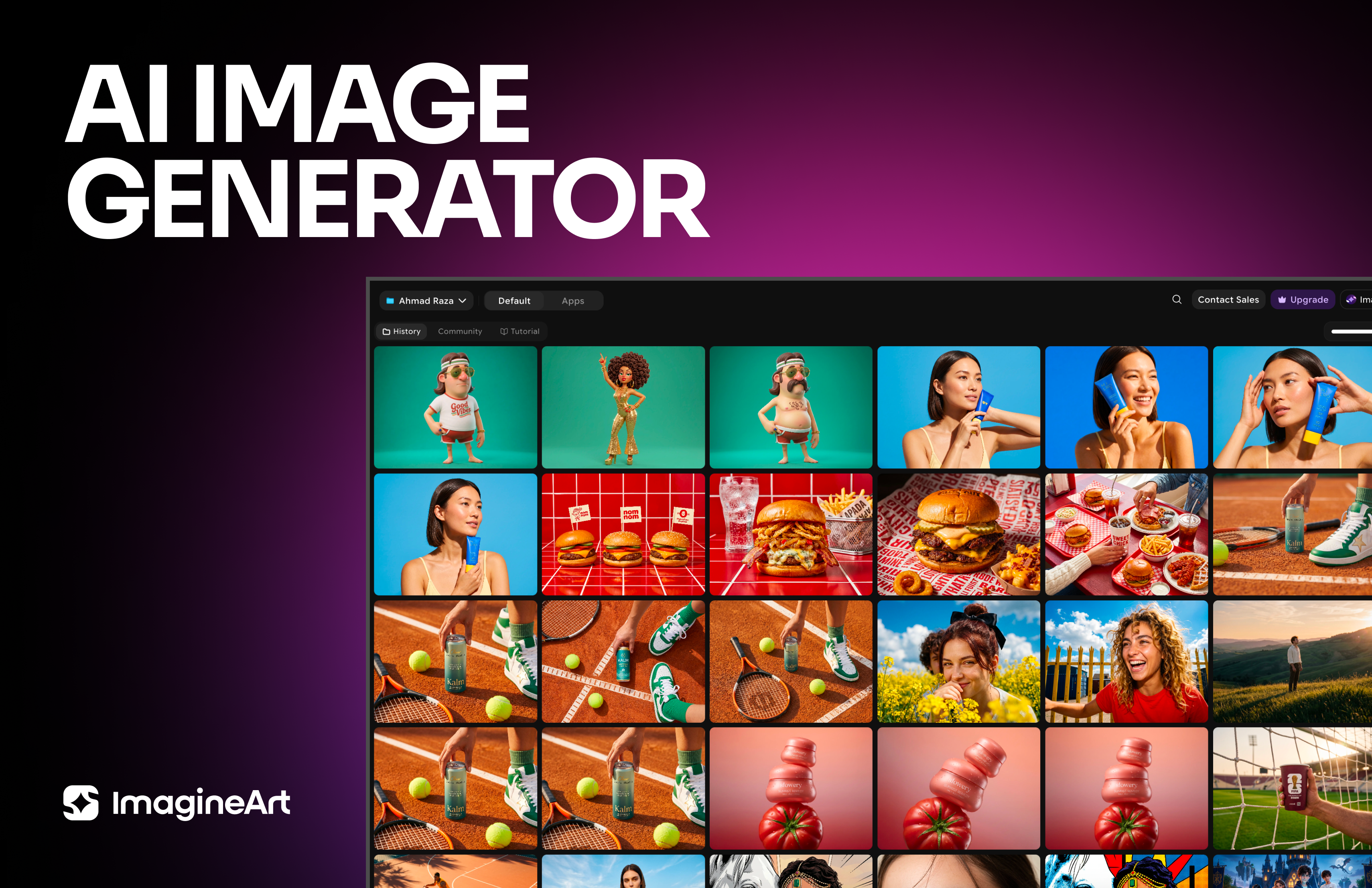
ImagineArt gives you everything you need to create, customize, and bring your ideas to life in one seamless platform.

Ready to Generate with Kling 2.6?
Generate realistic AI videos with Kling 2.6 for free at ImagineArt.
Try Kling 2.6