Kling O1
Kling O1 is Kuaishou's unified AI video model, combining generation and editing in one system through multimodal visual language (MVL). Rather than treating Kling O1 as just another video generator, use it as a full Kling AI video editing tool: reference up to 7 images, keyframes, and video clips in a single prompt, tag any element directly with "@" to swap or restyle it, and extend an existing clip's continuity without regenerating from scratch. It's your all-in-one film production and direction engine.
Trusted by Professionals and Creators from leading brands
Community Creations
Multi-Modal Input for Kling 01
Kling O1 ai supports multiple input types in a single generation: text prompts, up to 7 reference images, keyframes, and reference videos. This is what separates Kling O1 from a typical single-input video generator, the model reads all of these together with deeper semantic understanding, so it can accurately interpret a character reference, a visual style reference, or a video clip's motion and produce a Kling O1 image or video with clear, consistent details rather than a rough approximation of what you described.
Extend Videos with Continuity
Kling O1 lets you elongate video duration using video-to-video reference, without the artifacts that usually give away AI-extended footage, facial shifts, color drift, background warping, or awkward cuts between shots. This is where Kling O1 functions less like a generator and more like a Kling O1 video editor: it maintains visual coherence and scene continuity while generating the shot before or after an existing one, so a multi-shot sequence holds together as one continuous piece rather than a series of visibly stitched clips.
Transform & Edit Videos
With Kling O1, you get a professional-grade Kling AI video editing tool built into the same model. Use text prompts or image references to add, alter, or remove subjects, objects, and backgrounds; experiment with camera angles, visual styles, or weather and environmental settings, all inside footage you've already generated. Tag any image or element with "@" directly in your prompt to swap or restyle it, turning what would normally be a full regeneration into a targeted, single edit.
Create with Kling O1 in Three Quick Steps
Step 1
Add Input
Enter all the scene and character details in the prompt box. Or you can add reference images to ensure more consistent results. Give your prompt a lookover to ensure all details are clearly mentioned.
Step 2
Customize
Select the ‘Kling O1’ model from the model categories. Select the duration, aspect ratio, and resolution of your video. You can even preview the first frame for a more tailored video content.
Step 3
Export or Edit
Download the generated video in your preferred format. Or you can even edit it on ImagineArt AI video editor and customize it to fit your requirements.
Manipulate Backgrounds & Products For Ads
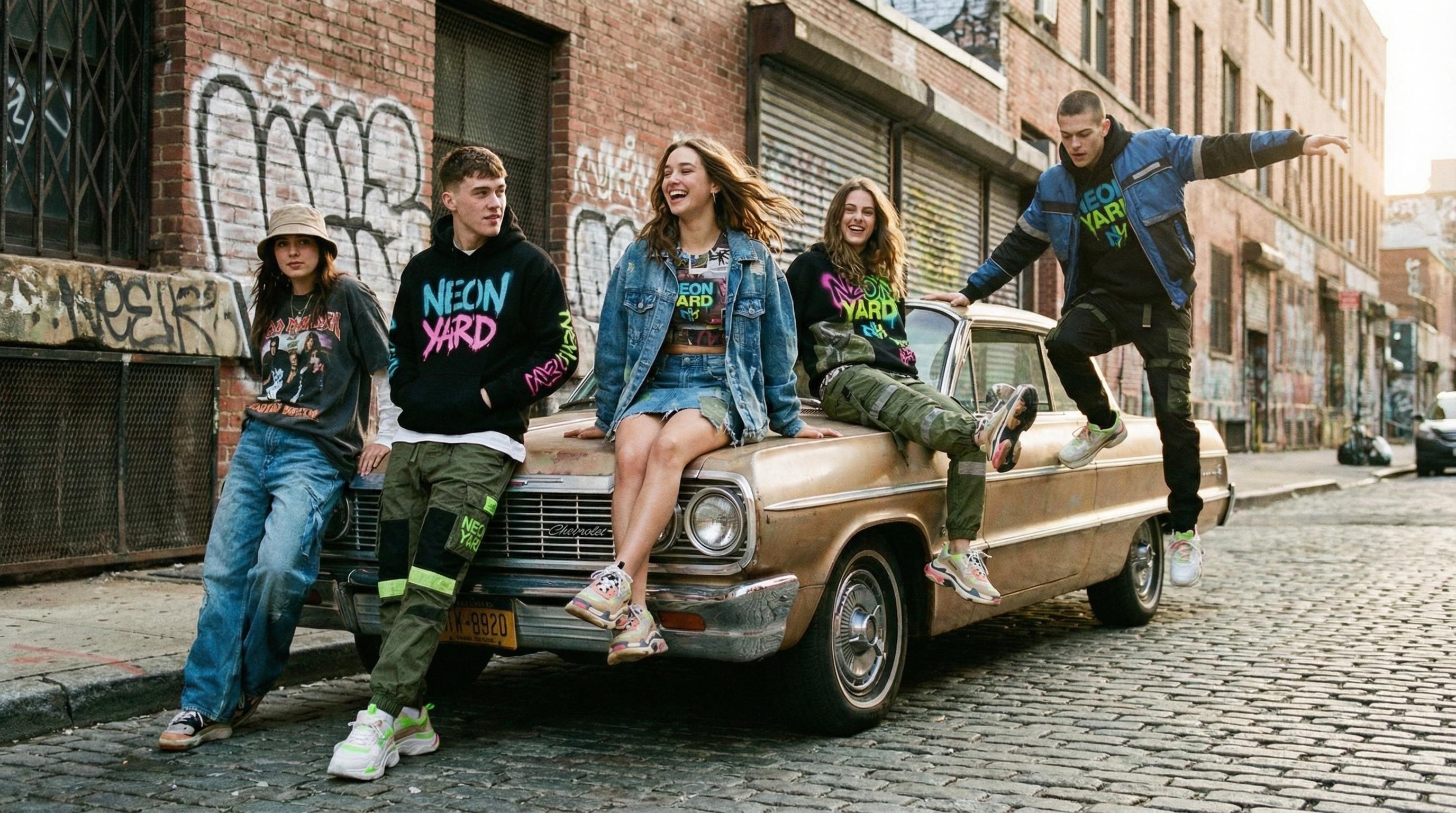
Kling O1 can create realistic and cinematic product ads in no time. With this AI video model, you can add multiple image references or environmental settings to create and advertise different versions of your products in a single video. Experiment with adding or removing text to your product videos. No more multiple reiterations to create different ads for different product variants – simply tell Kling O1 and generate with director-level control.
Create Online Tutorials
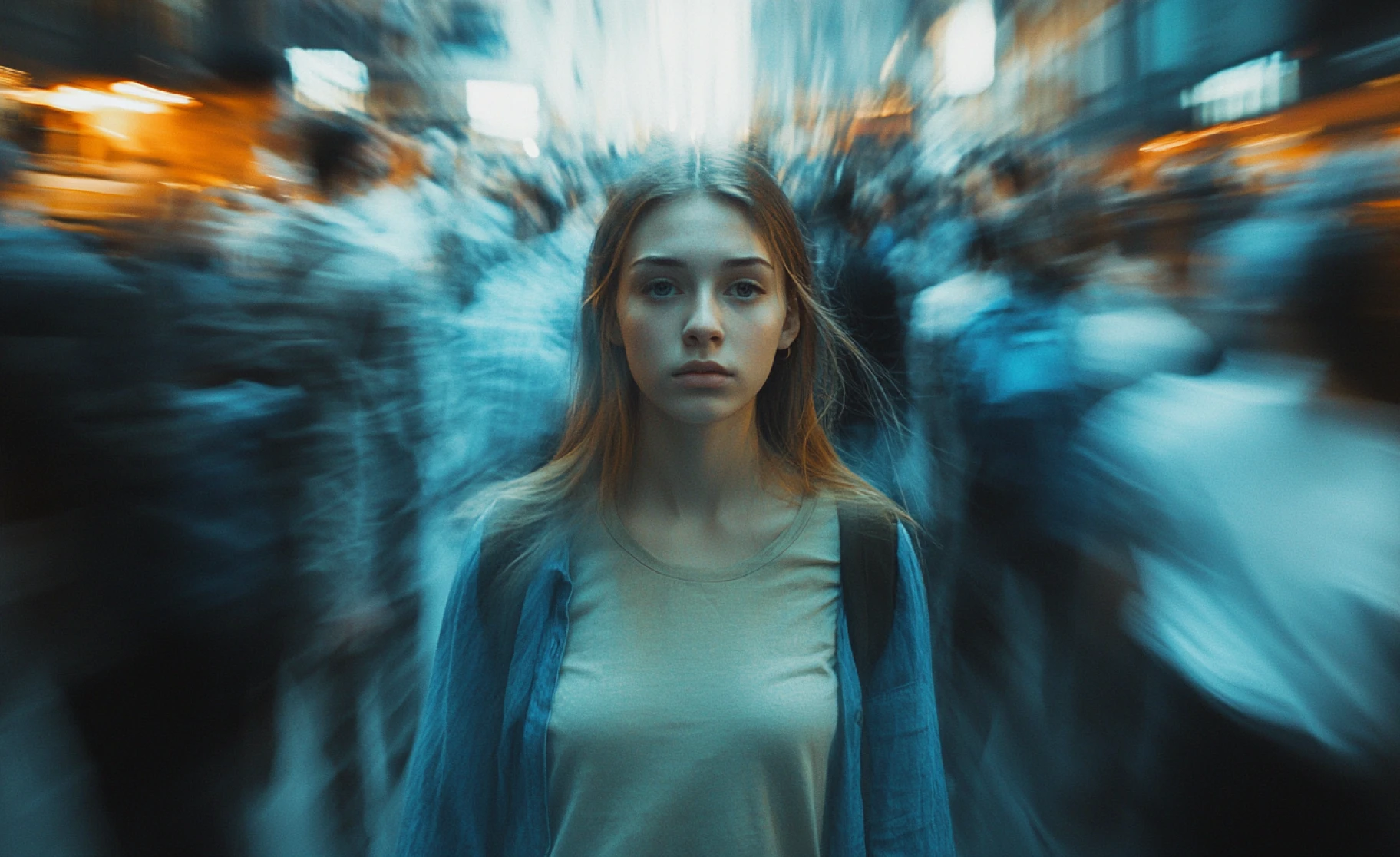
With Kling O1, you can experiment with camera angles, narrative pacing, and tone before finalizing any video content. Add reference images of your diagrams, charts or character, define the color palette, select the visual style and effects, and create a video avatar for interactive lessons and guides.
Direct Narrative-Rich Films & Animations
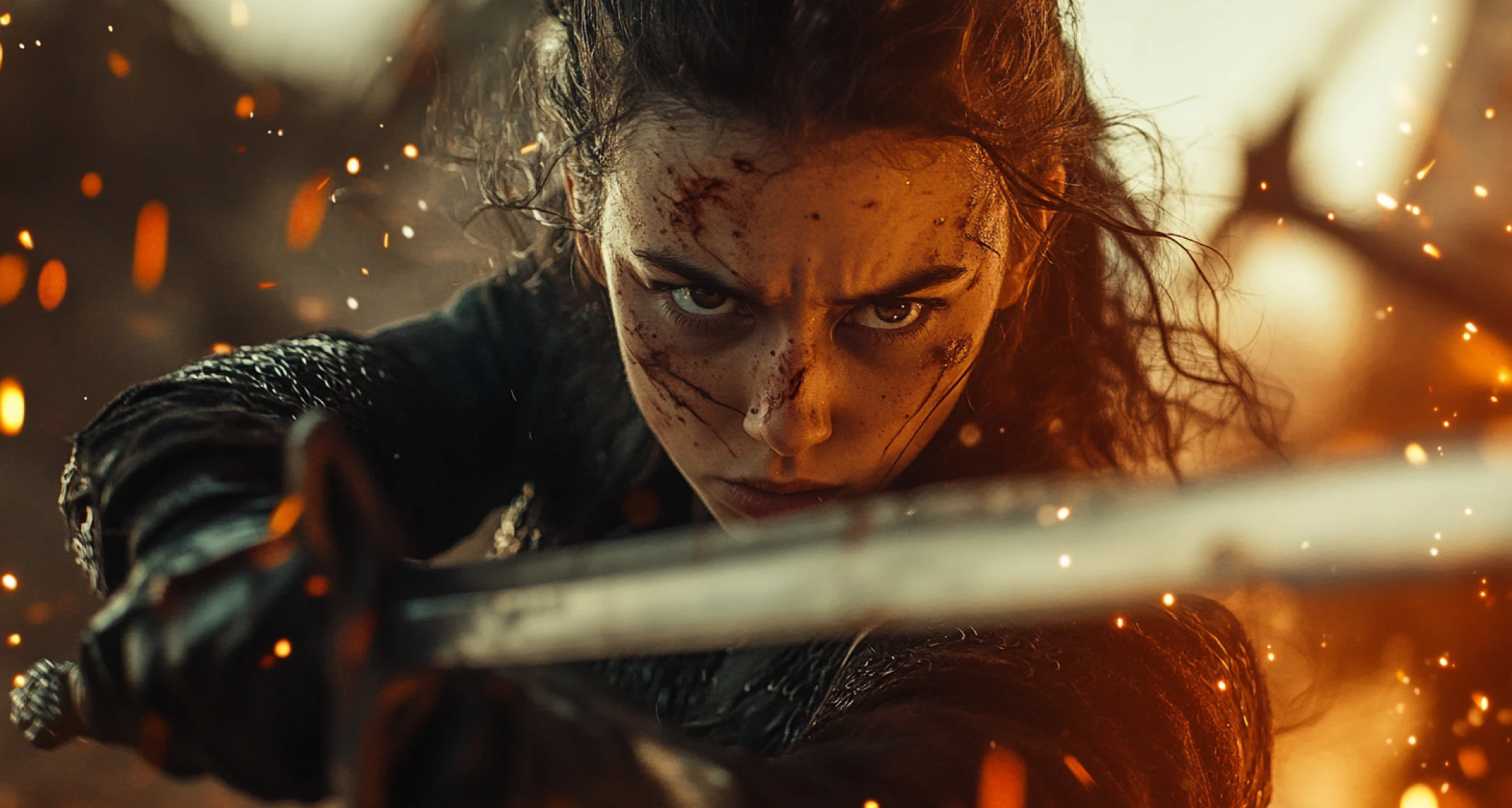
With Kling O1 on ImagineArt, you no longer have to worry about flickering faces or facial shifts in your short films. The AI video model supports scene extension, allowing you to add multiple shots before and after any scene without any need for post-production manual editing. From dynamic action sequences to rich settings to synchronized motion and transitions, Kling O1 can do it all in real-time!
You might also be interested in
Purchase a Subscription
Upgrade to get access to pro features and generate more and better
Basic
For newcomers taking their first steps
View Plans
Billed monthly
Included in plan
3Kcredits per month
Additional Features
Up to ~600 Image Generations/month
Up to ~97 Video Generations/month
General Commercial Terms
Image Generation Visibility: Public
4 Concurrent Image Generations
Complimentary Access
All GPT Models
All Gemini Models
All Claude Models
Unlimited Generations
10 Image Models
9 Video Models
Standard
For rising creators to level up their game
View Plans
Billed monthly
Included in plan
8Kcredits per month
Additional Features
Up to ~1.6k Image Generations/month
Up to ~265 Video Generations/month
General Commercial Terms
Image Generation Visibility: Private
8 Concurrent Image Generations
Complimentary Access
All GPT Models
All Gemini Models
All Claude Models
Unlimited Generations
Nano Banana
Runway Gen 4 Turbo
Midjourney V7
8 more Image Models
8 more Video Models
Ultimate
Peak performance for pros
View Plans
Billed monthly
Included in plan
16Kcredits per month
Additional Features
Up to ~3.2k Image Generations/month
Up to ~530 Video Generations/month
All styles and models
General Commercial Terms
Image Generation Visibility: Private
Complimentary Access
All GPT Models
All Gemini Models
All Claude Models
Unlimited Generations
All image models in Standard plan
All video models in Standard plan
Kling 2.6 Pro
Seedance 1.5 Pro
ChatGPT 1.5
Creator
A full production engine for powerhouses
View Plans
Billed monthly
Included in plan
100Kcredits per month
Additional Features
Up to ~20k Image Generations/month
Up to ~3.3k Video Generations/month
All styles and models
General Commercial Terms
Image Generation Visibility: Private
Complimentary Access
All GPT Models
All Gemini Models
All Claude Models
Unlimited Generations
All image models in Ultimate plan
All video models in Ultimate plan
Kling 3.0 Pro
Seedance 2 Fast
Nano Banana 2
What Our Customers Say

ApexStudios
This is AI video creation at its finest! The model is super intelligent and creates exactly what you want and how you want. With multiple image and element references, I can direct the AI about character positions, camera angles, and scene compositions. My new go-to video tool!

Ravi Patel
Creative Manager

DreamWorks
Finally, a model that delivers complete creative freedom, not just fake promises. I can try as many backgrounds as I want, manipulate objects and subjects, and even add text. This is the Photoshop of videos, incredibly fast and precise but without any software download.

Isabelle Kim
Concept Artist

Pixels
The speed at which this AI video generator edits results is quite impressive. What impresses me the most is how well it maintains the quality and coherence of videos after shot extension and style changes. Highly recommended!

Anya Petrova
Marketing Designer
TechNova
I work in filmmaking and have used a ton of video tools. But I’ve never come across a model that produces and edits visuals with such accuracy. There literally is no need to make any manual edits. What a life-saver!

Ben Harris
Product Manager

Shopify
As a social media lead, I have to create a multitude of video content for daily upload. Kling O1 has completely changed my workflow. Now, I can edit on the go, create UGC with image references, and even extend shorter clips with video references. A must-have for creators!

Michael Chenn
Product Designer
Have questions?
We have answers!
Kling O1 is an AI video model from Kling AI that unifies generation and editing in one system. It supports multiple input types, text, images, and video references, and delivers cinematic results with native video editing built in. For the broader Kling model family, see Kling AIKling AI or the current flagship, Kling 3.0Kling 3.0.
Kling O1 is positioned as an "all-in-one" video creation and editing model, supporting text-to-video, image-to-video, and native video editing with start and end frames in one place, rather than requiring separate tools for generation versus editing. Its multimodal visual language (MVL) support enables precise editing and director-level control that earlier Kling versions, covered in our Kling 2.1 prompting guideKling 2.1 prompting guide, didn't offer in the same unified form.
You can use Kling 01 to create cinematic content, social media clips, marketing and branding videos, educational tutorials, and more. The style flexibility and ease of use make Kling O1 approachable for both experienced and beginner creators.
Add detailed text-based prompts, upload start and end frames, and include reference images for more consistent results. Mention lighting and camera details specifically for more refined output. For structured examples, see the Kling 3.0 prompt guideKling 3.0 prompt guide, which covers the same reference-tagging approach Kling O1 uses.
No, Kling O1 doesn’t have native audio generation and synchronization. You can add and create dialogues, sound effects, background music, and audio cues on ImagineArt AI video editor.
Yes, you can use Kling O1 for free on ImagineArt AI video generator. The platform assigns 100 free daily credits upon sign-up, letting you explore and experiment with video generation and editing.
Kling O1 is focused on unified video generation and editing. For still-image generation with its own multi-reference system, see Kling Image O3Kling Image O3. For the current flagship video model with multi-character coreference, see Kling 3.0Kling 3.0.