Veo 3 AI Video Generator
Veo 3 is Google's AI video model, creating hyper-realistic videos with natural motion and synchronized audio, free to start on ImagineArt. It understands real-world physics, so footage looks professionally filmed instead of stiff or robotic. Just describe your scene, and watch it come to life with realistic motion, lighting, and sound.
Trusted by Professionals and Creators from leading brands
Community Creations
Videos That Look Professionally Filmed
Veo 3 remains one of Google's strongest video AI models, transforming text prompts or images into high-resolution videos that rival professional footage. It's a genuinely good free Veo 3 AI video generator option for marketing, social content, or creative projects where quality matters.
Movement That Looks Natural, Not Generated
Most AI video tools produce jerky, unnatural motion. Veo 3 was trained to understand real-world physics, how people walk, how objects fall, how fabric moves, so your videos look authentic rather than synthetic. This is still one of the clearest reasons the Veo 3 AI video generator remains widely searched even as newer versions ship: the underlying motion quality holds up.
Your Vision, Executed Exactly
Request a low-angle tracking shot or an intimate close-up, and Veo 3 delivers it accurately. The model understands cinematic language, lighting preferences, and genre atmospheres. Gothic shadows, warm tones, dramatic angles- describe it and watch it happen, no separate lighting or camera crew required.
How To Use Google Veo 3?
Step 1
Write Your Scene
You have to describe your video with details about characters, setting, camera angles, and mood. Add a reference image to guide the AI if you have one.
Step 2
Choose Your Settings
Choose your style (cinematic, realistic, artistic), aspect ratio (16:9, 9:16, 1:1), and adjust lighting or camera movement options.
Step 3
Generate & Download
Get your video with synchronized audio in about 10 seconds. Download immediately or refine your prompt for variations.
Generate Specific Shots
Veo 3 lets you direct with precision, whether it's a dramatic low-angle tracking shot or an intimate close-up. Low angles amplify intensity and scale; close-ups draw viewers into a scene's emotional core. This is the same shot vocabulary a real camera operator would recognize, described in plain language instead of technical jargon.
Diverse & Rich Rendering
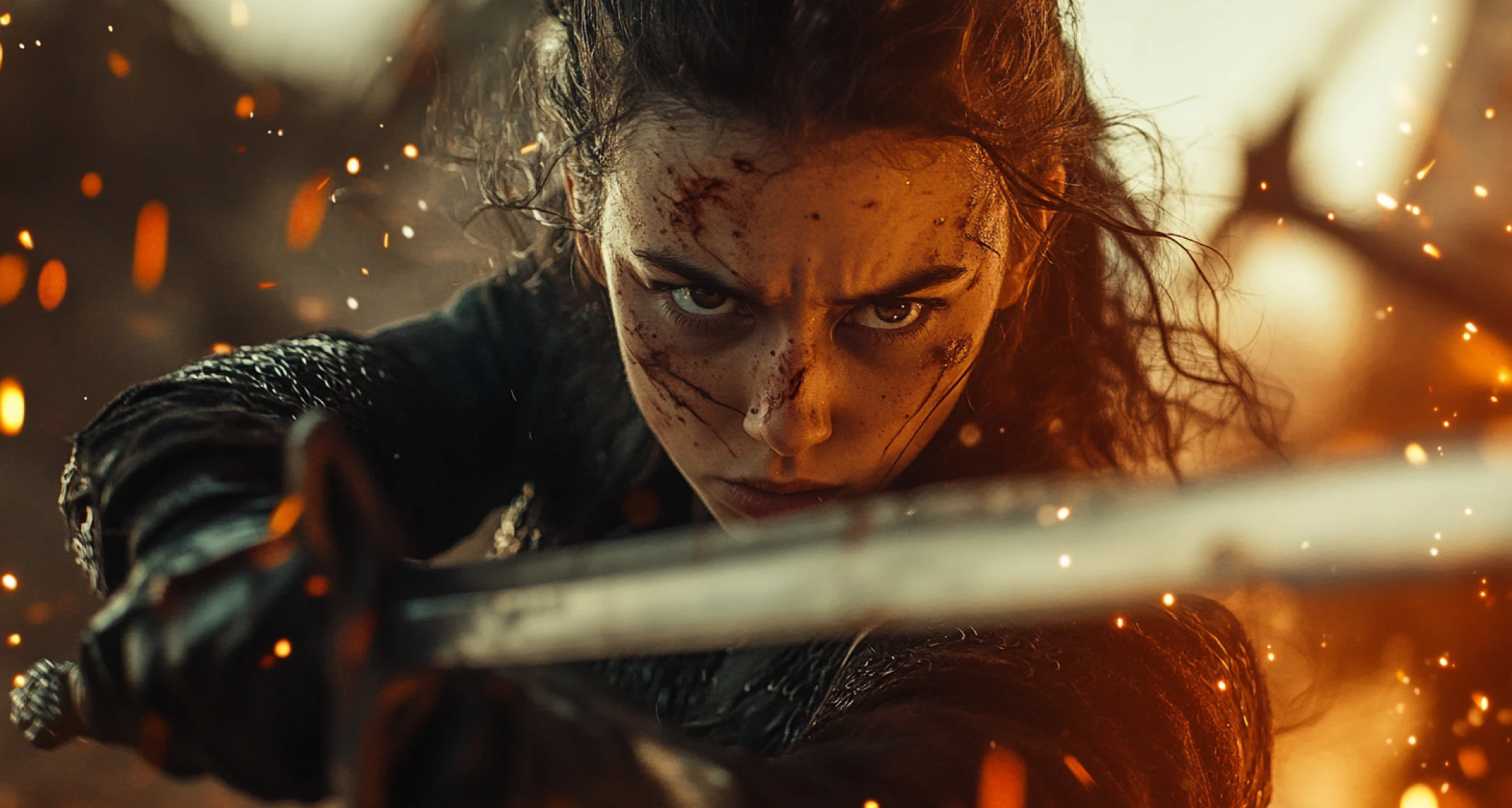
Veo 3 has an intuitive grasp of diverse video genres, recreating the right atmosphere for each one. Describe a gothic scene, and it conjures moody shadows and eerie elegance with striking accuracy. The more specific your prompt, the more precisely the output matches what you pictured, this holds true whether you're using Veo 3, Veo 3.1, or Veo 4.
Contextual Audio
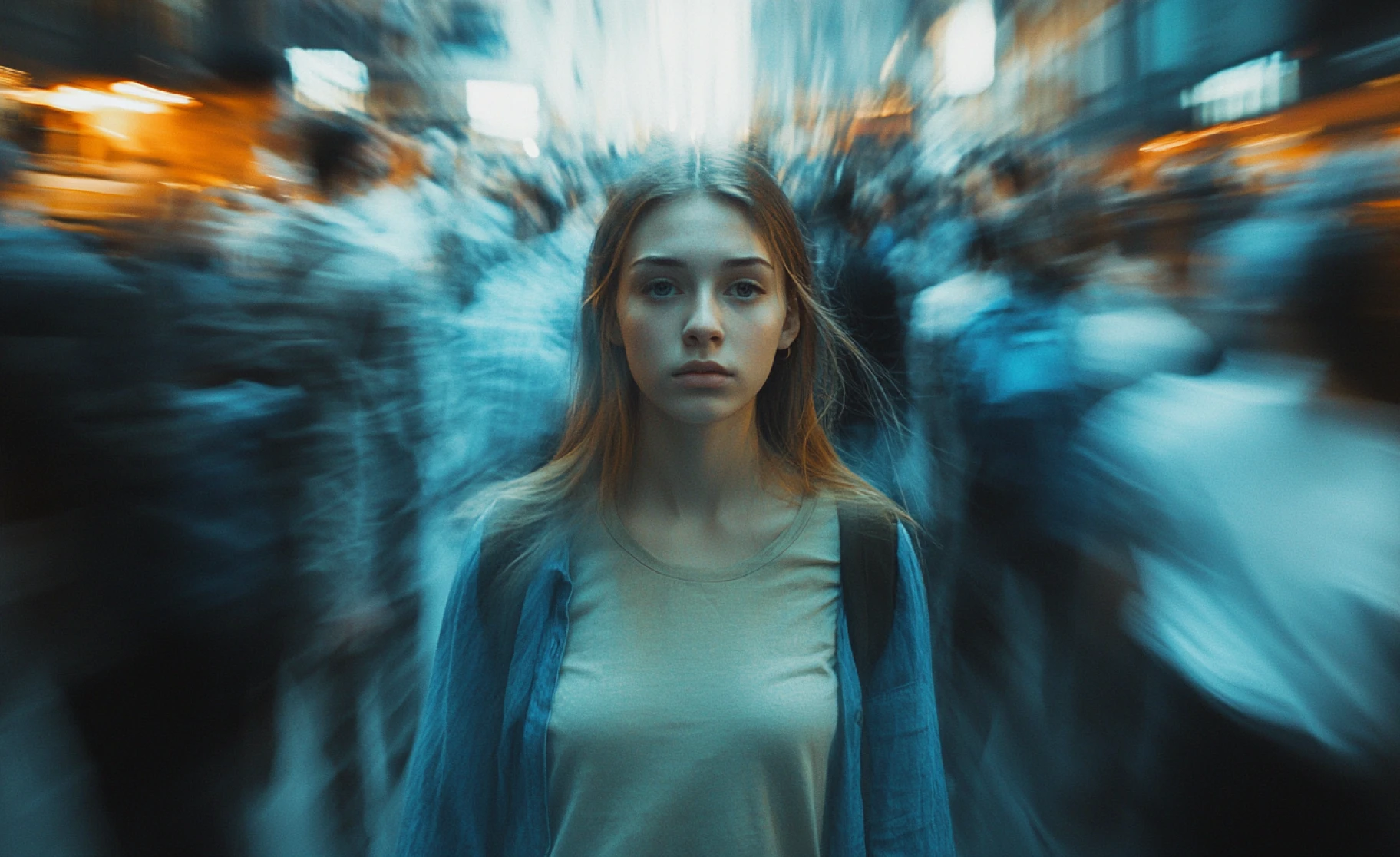
Veo 3 layers contextual audio onto your AI-generated videos automatically, giving you full creative control over visuals, sound, and effects together rather than as separate production steps. Describe the ambient noise, footsteps, or dialogue you want, and the audio generates alongside the visuals, no separate sound design pass required.
Check out other AI models at ImagineArt
Purchase a Subscription
Upgrade to get access to pro features and generate more and better
Basic
For newcomers taking their first steps
View Plans
Billed monthly
Included in plan
3Kcredits per month
Additional Features
Up to ~600 Image Generations/month
Up to ~97 Video Generations/month
General Commercial Terms
Image Generation Visibility: Public
4 Concurrent Image Generations
Complimentary Access
All GPT Models
All Gemini Models
All Claude Models
Unlimited Generations
10 Image Models
9 Video Models
Standard
For rising creators to level up their game
View Plans
Billed monthly
Included in plan
8Kcredits per month
Additional Features
Up to ~1.6k Image Generations/month
Up to ~265 Video Generations/month
General Commercial Terms
Image Generation Visibility: Private
8 Concurrent Image Generations
Complimentary Access
All GPT Models
All Gemini Models
All Claude Models
Unlimited Generations
Nano Banana
Runway Gen 4 Turbo
Midjourney V7
8 more Image Models
8 more Video Models
Ultimate
Peak performance for pros
View Plans
Billed monthly
Included in plan
16Kcredits per month
Additional Features
Up to ~3.2k Image Generations/month
Up to ~530 Video Generations/month
All styles and models
General Commercial Terms
Image Generation Visibility: Private
Complimentary Access
All GPT Models
All Gemini Models
All Claude Models
Unlimited Generations
All image models in Standard plan
All video models in Standard plan
Kling 2.6 Pro
Seedance 1.5 Pro
ChatGPT 1.5
Creator
A full production engine for powerhouses
View Plans
Billed monthly
Included in plan
100Kcredits per month
Additional Features
Up to ~20k Image Generations/month
Up to ~3.3k Video Generations/month
All styles and models
General Commercial Terms
Image Generation Visibility: Private
Complimentary Access
All GPT Models
All Gemini Models
All Claude Models
Unlimited Generations
All image models in Ultimate plan
All video models in Ultimate plan
Kling 3.0 Pro
Seedance 2 Fast
Nano Banana 2
Customer Testimonials

Pixels
Veo 3 blew my mind with its ability to generate not just stunning visuals but perfectly synced audio straight from a prompt.

Anya Petrova
Marketing Designer

TechNova
From fluid dynamics to facial expressions, this model nails realism like no other AI video tool I’ve tried.

Ben Harris
Product Manager

Shopify
I finally created a full cinematic sequence just by typing it out. Veo 3 feels like the future of filmmaking.

Michael Chenn
Product Designer

ApexStudios
It’s wild how accurate Veo 3 is at understanding detailed prompts and delivering visuals that match exactly.

Ravi Patel
Creative Manager

DreamWorks
Having audio and high-res video in one specific shot changes the game for indie creators like me.

Isabelle Kim
Concept Artist
Have questions?
We have answers!
Veo 3 is Google DeepMind's AI video generator that creates realistic videos from text descriptions. It specializes in natural human motion, accurate physics, and synchronized audio generation. Google unveiled Veo 3 at Google I/O 2025, and it remains one of Google's most capable video AI models, alongside the newer Veo 3.1 and Veo 4.
Yes. You can use Veo 3 for free on ImagineArt with no credit card required. The free access includes basic features and standard generation, and the premium plans offer faster processing and higher resolution exports.
Veo 3 excels at realistic human movement and natural physics. While tools like Runway or Pika often produce awkward motion, Google trained Veo 3 specifically on real-world movement data. It also generates native audio automatically, which most video AI tools don't offer.
Google trained Veo 3 on extensive datasets of actual human movement and real-world physics. The AI learned how bodies shift weight, how objects behave under gravity, and how materials like fabric or liquid move naturally. This physics-based training creates motion that looks filmed rather than generated.
Yes. Veo 3 generates contextual audio synchronized with your video. Describe the sounds you want in your prompt (ambient noise, footsteps, dialogue), and the AI creates matching audio automatically. No separate sound design needed.
Veo 3 generates videos up to 8 seconds long. For longer content, you can chain multiple clips together using the last frame of one video as the starting point for the next, maintaining visual continuity.
Veo 3 understands professional cinematography terms like low-angle, high-angle, tracking shot, close-up, wide shot, Dutch angle, and more. You can also specify camera movements like pans, tilts, dollies, and zooms. The AI interprets these instructions like a real camera operator would.
Yes. Use reference images to maintain character consistency. Upload an image of your character, and Veo 3 will preserve their appearance across different video generations. It is perfect for building content series or brand campaigns.
Veo 3 creates photorealistic footage, cinematic sequences, animated content, artistic styles, and more. The AI understands genre conventions for horror, sci-fi, drama, comedy, and other styles, automatically applying appropriate lighting and atmosphere.
The more specific your prompt, the better your results. Describe exact camera angles, lighting, colors, movement, and atmosphere. Veo 3 interprets complex instructions well and respects exclusion terms (things you don't want in the video).
You can use Veo 3 on ImagineArt with a simple interface that requires no coding. Google also offers Veo 3 through their Gemini API for developers. ImagineArt provides the easiest access for most users.
Yes. Videos created with Veo 3 on ImagineArt have commercial usage rights. Use them for client projects, marketing, advertising, products, or social media without restrictions.
Veo 3 manages multiple characters, environmental details, and simultaneous actions effectively. The AI understands spatial relationships and coordinates moving elements within scenes, allowing for rich, detailed videos beyond simple single-subject clips.
Veo 3 generates high-resolution videos suitable for YouTube, social media, advertising, and professional presentations. The quality stays consistent throughout the video without degradation or visual artifacts.
Veo 3 is the full-quality model optimized for cinematic results. Veo 3 Fast is a speed-optimized version that generates videos faster at a lower cost with slightly reduced quality. For final productions, use standard Veo 3. For testing and drafts, Veo 3 Fast works well.