August 22, 2026 • Updated August 22, 2026
12 mins Read
AI faceless video generator thumbnail: vertical and widescreen faceless videos for YouTube and TikTok generated from one text prompt
An AI faceless video generator turns a written prompt into a finished video with visuals, voiceover and pacing already assembled, and you never appear on camera. That part is now cheap and fast, which is exactly why it stopped being the hard part. On 15 July 2025, YouTube's monetization policies renamed the "repetitious content" rule to "inauthentic content" and spelled out that mass-produced or repetitive uploads do not qualify for the Partner Program. Thousands of channels found out the expensive way.
So the question worth answering is not how to generate a faceless video. It is how to generate fifty of them that a platform reviewer, and a viewer, would treat as fifty separate pieces of work rather than one template run through a spreadsheet.
This guide walks through the full production loop: script, voice, visuals, export ratios for YouTube and TikTok, the disclosure rules on both platforms, and what monetisation actually requires. Every spec here comes from the vendor's own documentation, not from a third-party roundup.
What is an AI faceless video generator?
.Prompt-to-video interface of an AI faceless video generator showing 9:16 and 16:9 output options
An AI faceless video generator is a tool that produces complete videos from a text description without a human presenter, generating the visuals, the voiceover and the animation timing automatically. You describe the topic, the platform, the style and the mood, and the model returns a video you can publish. No camera, no microphone, no on-screen talent.
That is broader than it sounds. A faceless video is defined by what it lacks rather than what it contains, so the category covers ambient loops, finance explainers, true crime narration, product demos, news recaps and animated storytelling. The common thread is that attention rests on the script and the imagery instead of a presenter's face.
The AI faceless video generator on ImagineArt handles the whole chain from a single prompt and typically returns a video in three to five minutes, depending on how long and how complex the request is. You can add reference images if you want the output to match a specific look.
Underneath, it runs on the same text or image to video generation stack used across the rest of the suite, so switching models mid-project is a dropdown rather than a migration.
Why most faceless channels stall after ten uploads
The first ten videos are easy because each one still feels like a decision. By video eleven you have a format, and the format starts writing the videos for you. That is the moment the channel quietly becomes a template, and templates are the specific thing platforms penalise.
YouTube is unusually direct about this. Its generic or repetitive content rules say that content which looks like it was made from a template, or that feels interchangeable after a viewer watches several in a row, cannot monetise. The policy allows a repeated intro and outro, a recurring series, even a fixed review structure, as long as the substance of each video is materially varied. Same shell, different content: fine. Same shell, rotated nouns: not fine.
This is where a lot of YouTube automation advice goes wrong. It optimises for volume per hour, which is the metric the tools are good at, and ignores variance per upload, which is the metric the reviewer applies. A channel posting three near-identical videos a day is easier to flag than one posting three genuinely different videos a week.
The practical fix is boring and it works: vary the script structure, not just the topic. Change the opening move, the length, the number of beats and the visual register between uploads. The generator will happily give you all of that. It just will not decide to.
Inside an AI faceless video generator workflow
The published workflow is three steps: enter the prompt, generate the video, download it. That is accurate as a description of the interface, and misleading as a description of the work, because almost everything that determines whether the video performs happens in how you write the prompt and what you do with the result.
Treat the generator as the middle of the process rather than the whole of it. The two sections below cover the part before you press generate and the part after.
Script and voice before visuals
Write the script first, even a rough one, because the script decides the length and the length decides everything else. A faceless video is a piece of audio with pictures attached, and viewers leave when the narration loses them, not when a frame looks slightly off. Read your script aloud with a timer before you generate anything.
Prompt specificity is the difference between a usable first output and four wasted generations. Name the topic, the platform, the pacing, the visual style and the mood in the prompt rather than hoping the model infers them, and add a reference image when you have a look in mind. Our guide to writing AI video prompts covers the structure that holds up across models.
Voice is where faceless channels either build a brand or sound like every other channel in the niche. Pick one voice and keep it across every upload, because the voice is the closest thing a faceless channel has to a face. If you are layering narration onto generated footage rather than generating it inline, the walkthrough on how to add an AI voiceover to a video explains the timing pass that keeps the audio and the cuts aligned.
Generate, compare, export
The generator often returns several variations of the same prompt. Compare them properly instead of taking the first one, because the cost of picking the second-best variation compounds across a hundred uploads. If none of them land, change the prompt rather than regenerating the same one and hoping.
Export is the step people get wrong most often, and it is the easiest to get right. ImagineArt's guidance is to export in the aspect ratio your platform needs: 9:16 for Reels, TikTok and Shorts, 16:9 for YouTube, both available from the same prompt. Generating once and cropping later throws away framing the model deliberately composed.
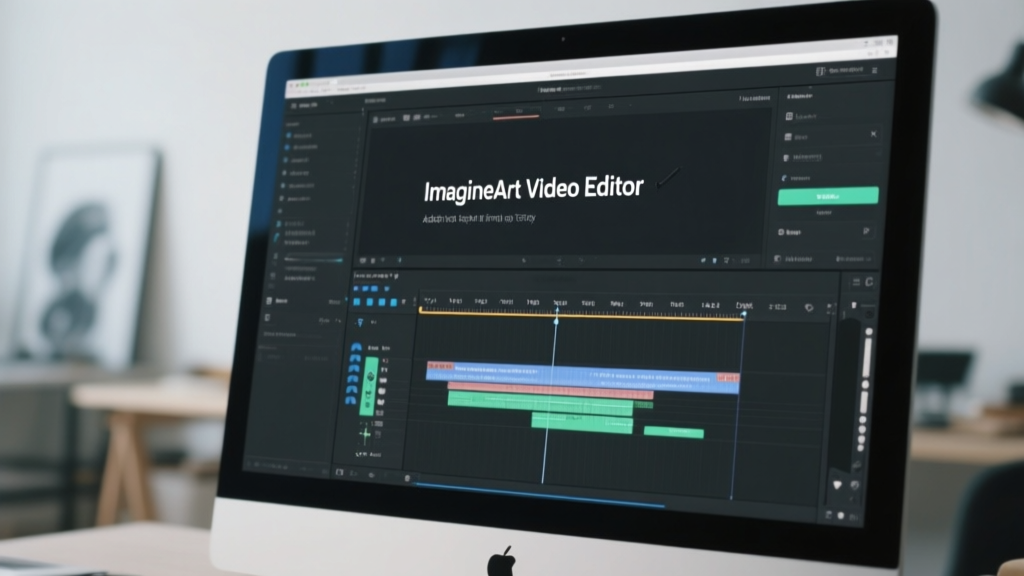
Anything that needs trimming, captioning or a re-cut goes through the AI video editor rather than back through the generator, which saves credits and preserves the take you already liked. For creators working almost entirely in vertical, the faceless video generator built for short-form skips straight to that output.
YouTube versus TikTok: length, ratio and hook
The same script rarely works on both platforms, and the reason is structural rather than stylistic. A YouTube viewer arrives having clicked a title and a thumbnail, so they have already agreed to watch. A TikTok viewer arrives by accident and has agreed to nothing.
Here is how the two formats differ in practice for faceless content.
| YouTube long-form | YouTube Shorts | TikTok | |
|---|---|---|---|
| Aspect ratio | 16:9 | 9:16 | 9:16 |
| Viewer arrives via | Title and thumbnail | Feed swipe | Feed swipe |
| Hook window | First 15 seconds | First 2 seconds | First 2 seconds |
| Script shape | Setup, payoff | Payoff, then setup | Payoff, then setup |
| Reward for series consistency | High | Medium | Low |
| Captions | Optional | Expected | Expected |
The practical consequence is that vertical scripts should open on the conclusion. Lead with the claim, the number or the outcome, then spend the rest of the clip earning it. Long-form can afford a fifteen-second setup because the click already carried the intent.
Keep both feeds running from the same research rather than the same file. One topic, two scripts, two exports. That is the workflow behind most faceless channels that survive past six months, and it is why the YouTube Shorts maker and the long-form path share a prompt but not an output.
Instagram and Facebook take the vertical version with no changes, so a single 9:16 generation covers three surfaces. The AI reels maker handles that repurposing without a second render.
Do faceless AI videos make money?
Yes, faceless AI videos can make money, but only once the channel clears the same monetisation bar as any other channel, and the bar is specific. Google's YouTube Partner Program eligibility thresholds require 1,000 subscribers plus either 4,000 qualified public watch hours in the past 12 months or 10 million qualified Shorts views in the past 90 days. Watch hours from the Shorts Feed do not count toward the 4,000, so the two routes are genuinely separate and you should pick one.
Clearing the threshold does not guarantee acceptance. Every application goes to a review queue where automated systems and human reviewers assess the channel as a whole, typically taking around a month, and they look at your main theme, your most-viewed videos, your newest videos and your metadata. A rejected first application can be appealed within 21 days or reapplied after 30.
This is where the July 2025 change bites. Coverage of the monetization update confirmed the 15 July date and the target: mass-produced and repetitious uploads. A faceless channel is not disqualified for being faceless. It is disqualified for being interchangeable.
Budget accordingly. Reaching either threshold takes months of consistent output, so the real question is cost per upload while you get there, which is what monetising short-form output depends on. Generation costs on credit-based plans are predictable per video, which makes the runway easy to calculate before you start.
Is it illegal to make AI videos on YouTube?
No, making AI videos on YouTube is not illegal and is not against the rules, but you have to disclose the ones that look real enough to mislead someone. That is the entire obligation, and it is narrower than most creators assume.
YouTube's GenAI disclosure requirements apply to three situations: content that makes a real person appear to say or do something they did not, content that alters footage of a real event or place, and content that generates a realistic scene which never occurred. You declare it during upload by setting the "AI use" attribute in YouTube Studio, and YouTube then adds a label. Disclosing does not shrink your audience or affect your ability to earn.
Plenty of what a faceless channel produces falls outside that. YouTube explicitly exempts clearly unrealistic content, minor aesthetic edits, caption generation, production assistance such as AI-written outlines, scripts, titles and thumbnails, and cloning your own voice for narration or dubbing. An animated explainer or an ambient loop needs no label. A photorealistic clip of a real city flooding does.
TikTok reaches a similar place by a different route. TikTok's AI-generated content label is a toggle creators apply to anything wholly generated or significantly edited with AI, sitting under the platform's synthetic media policy, and it is applied more broadly than YouTube's realism test.
The safe operating rule across both: if a reasonable viewer could mistake your output for a recording of something that happened, label it. If they could not, publish it and move on.
Prompt patterns for a consistent faceless series
Consistency across a series comes from fixing some variables and deliberately changing others. Lock the visual register and the voice, then vary the structure. The pattern below fixes look and leaves subject open.
Cinematic 9:16 vertical clip, muted teal and amber palette, slow push-in on a rain-streaked office window, shallow depth of field, no people in frame, ambient city sound, 8 seconds
Naming the palette and the camera move rather than a genre keeps successive generations recognisably related. "Cinematic" alone drifts; "muted teal and amber, slow push-in" does not. Swap the subject line each episode and leave every other clause untouched.
When a recurring character carries the series, generate them once and reuse the reference rather than re-describing them each time. Consistent character video exists for exactly this, and it removes the most common source of episode-to-episode drift.
Same character and wardrobe as reference image, new setting: rain-lit train platform at night, character reads a folded letter, camera static at eye level, 6 seconds
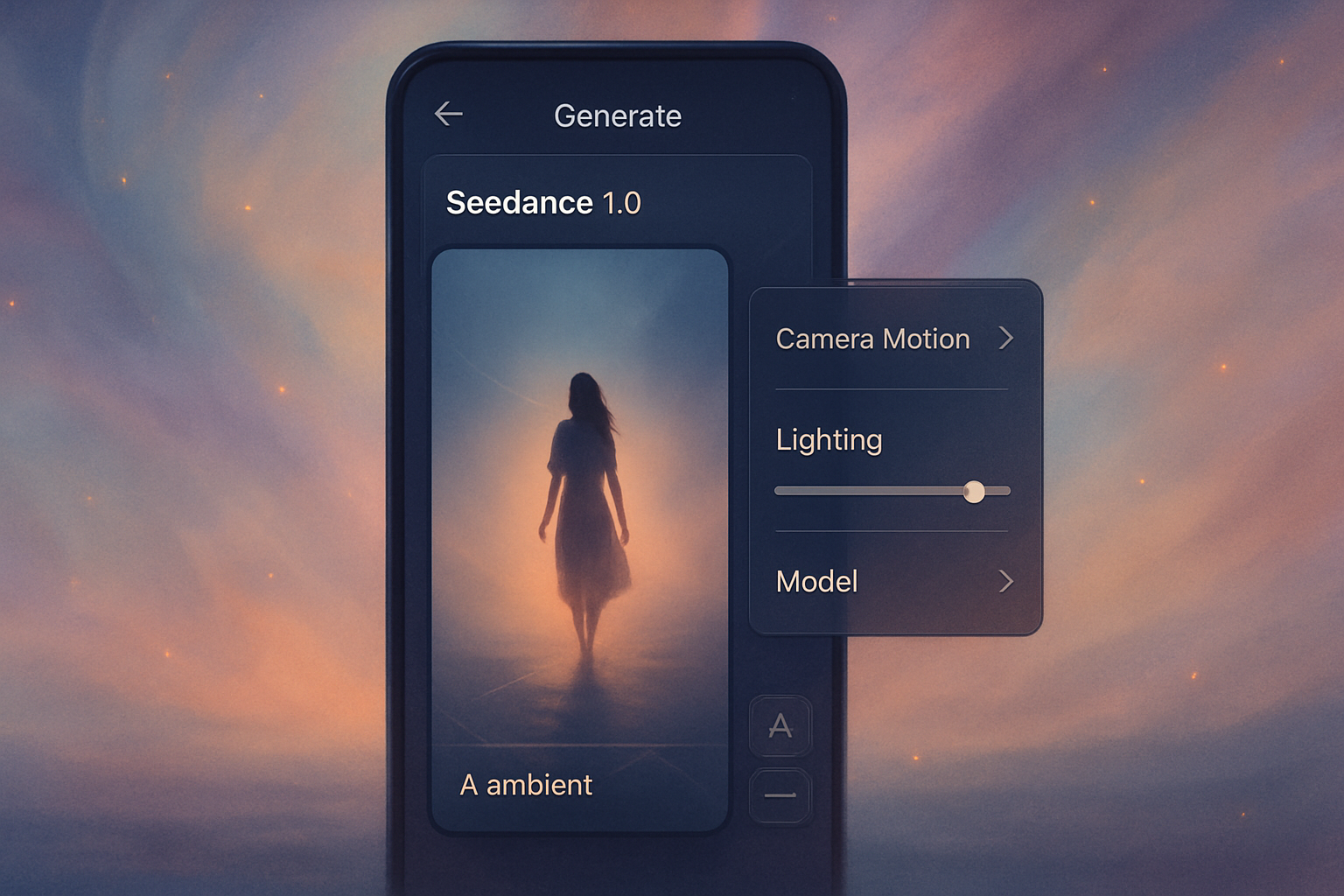
Model choice affects how literally the prompt is read, so a phrasing that works well in one model may need rewriting in another. The Seedance 2.0 prompt guide covers where that model rewards shot-level detail over scene description, which matters when you are batching a week of clips and want them to match.
AI faceless video generator questions, answered
A few questions come up on every faceless channel thread, and the answers are more concrete than the discussion usually suggests. The three below cover starting out, cost, and which niches actually suit an AI faceless video generator rather than merely tolerating one.
Two things worth settling first. Faceless does not mean anonymous: your channel still needs a recognisable point of view, and viewers subscribe to that rather than to a rendering style. And the output ceiling is set by your script, not your model, so upgrading the generator will not rescue writing that has nothing to say.
How do I become a faceless content creator?
Pick one niche, commit to a posting rhythm you can sustain for six months, and build a repeatable production loop rather than a repeatable video. Those three decisions matter more than any tool choice.
Niche first, because it determines format. Storytelling and true crime need narration that holds for minutes at a time, which the AI story video generator is built around. Motivation and self-improvement need short, punchy vertical cuts, and the walkthrough on making motivational videos with AI covers how those scripts are structured differently from explainers.
Rhythm second. Three uploads a week you actually hit beats seven you abandon in month two, and the review process rewards a channel with a coherent recent history over one with a burst and a gap.
Loop third. Write four scripts in one sitting, generate all four, edit all four, schedule all four. Batching by task rather than by video roughly halves the time per upload, and it keeps the visual language consistent because you made the style decisions once.
Is there a free faceless video maker available?
Yes, several tools offer free faceless video generation, though free tiers almost always cap resolution, length or output volume, and many add a watermark. Free is genuinely useful for testing a niche before you commit. It is rarely enough to run a channel on.
The two dominant approaches differ more than the pricing does. Canva's faceless video feature runs as an app inside its editor, which suits people already working there. Stock-library faceless tools such as InVideo pair AI-written scripts with a large stock footage catalogue, so your visuals are real clips other channels can also use.
Generated visuals cost more per video and give you footage nobody else has, which matters directly under the interchangeable-content rules covered earlier. Stock is cheaper and faster and looks like stock. Choose on that trade-off rather than on price alone.
Niche tools sit in between. A daily current-affairs channel using the AI news video generator gets a purpose-built format instead of a general one, which usually beats a broader tool at the same cost.
Conclusion
Three things decide whether a faceless channel works. The script, because a faceless video is narration with pictures attached. The variance between uploads, because interchangeable content is the specific thing that blocks monetisation. And the export discipline of generating 9:16 and 16:9 from the same idea instead of cropping one into the other.
The generator handles the part that used to cost money and days. What it will not do is decide what your channel is about or make each episode worth watching on its own, and those remain the jobs that separate a channel from a feed of output.
Start with one script, one voice and one visual register, then post for a month before changing anything.