Consistent Character Video Generator
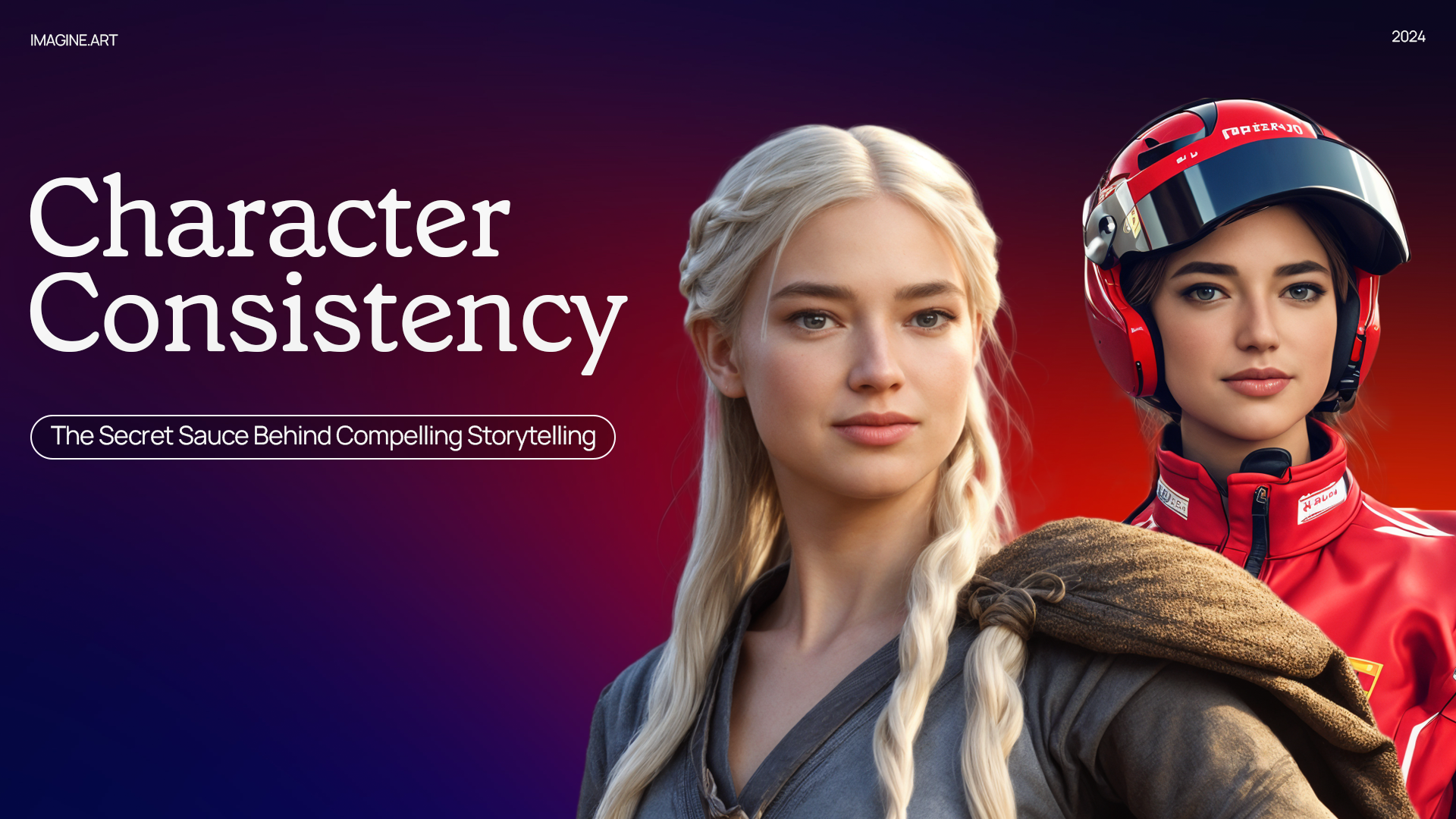
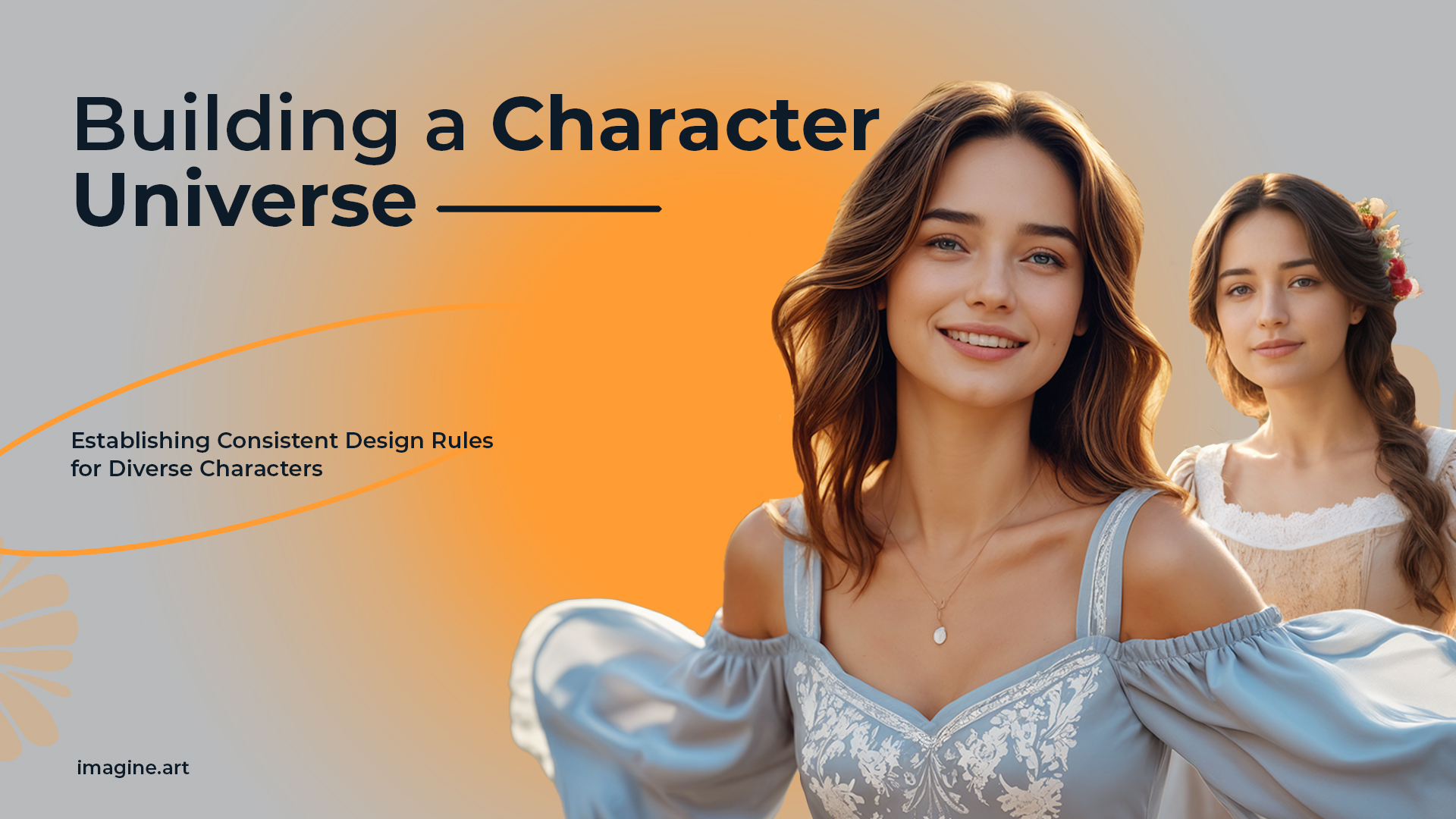
Stop watching your character change faces halfway through a scene. Upload one reference image, and ImagineArt keeps their face, outfit, and style locked in across every angle, action, and environment, so your story, brand, or mascot stays instantly recognizable from the first frame to the last.
Trusted by Professionals and Creators from leading brands
Community Creations
Maintain Seamless Subject Consistency
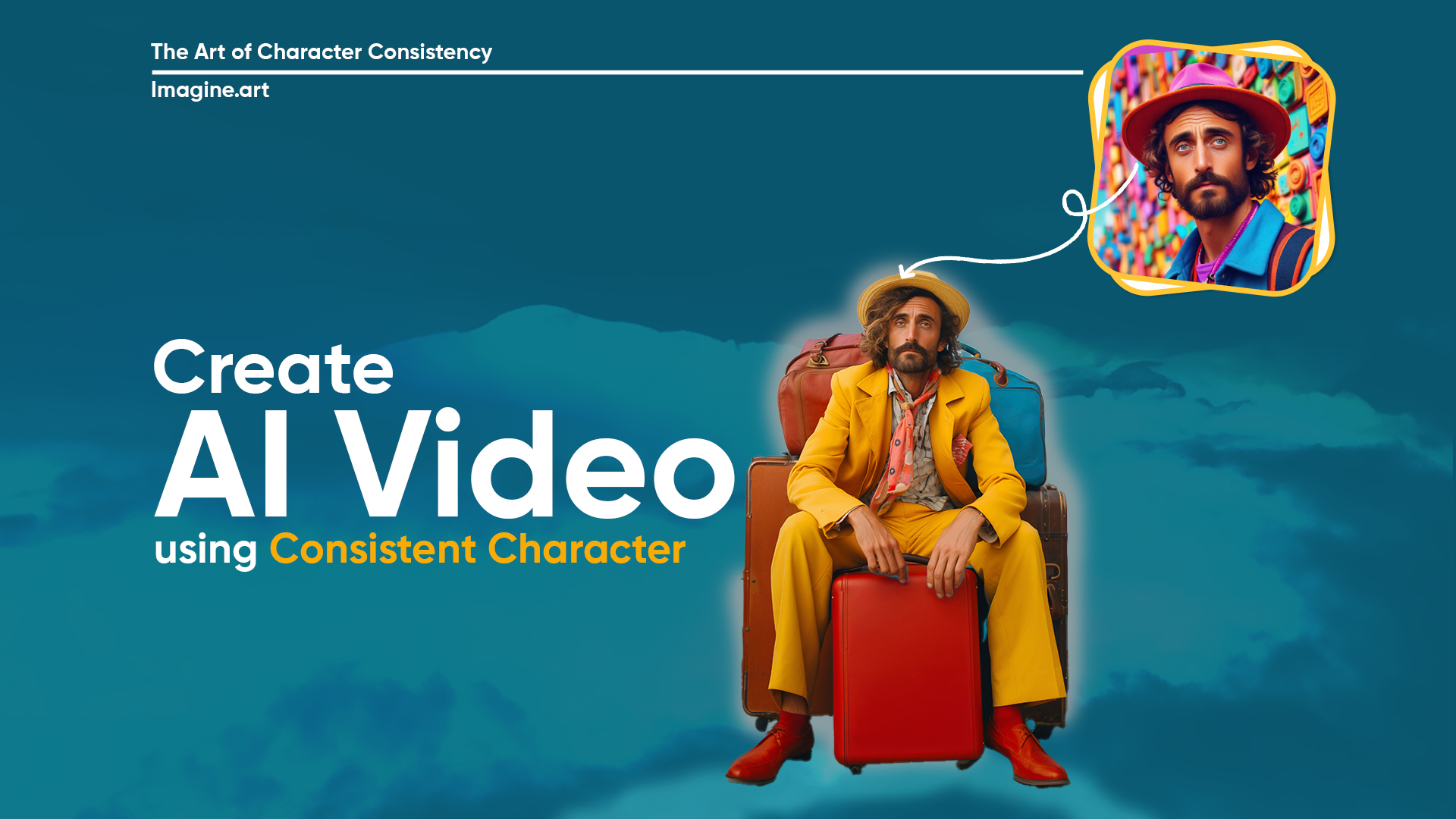
ImagineArt's character video generator keeps a character, object, or setting visually consistent across every frame of a video. Upload a reference image of the subject, and Seedance 2.0 locks onto its facial features, proportions, and details using its dedicated character-reference system, so the same character holds up across camera angles, actions, and scene changes, without regenerating from scratch each time.
Add Elements to Your Scenes
Add new objects or characters into an existing scene by describing them in your prompt. Place a model in front of a garden, add a second character to an existing shot, or introduce a prop, all from a single prompt, with the original subject's consistency undisturbed.
Create New Environments
Move your character into new locations and backgrounds, or show a product across different settings, without touching how the subject itself looks. The environment changes; the character or product stays exactly as consistent as it was in the original reference.
Create a Consistent Character Video in Three Easy Steps
Step 1
Input
Add an image or type in every tiny detail about your scene, characters, and sequences for the desired output. Make sure the prompt is descriptive enough to avoid reiteration.
Step 2
Customization
Select one of the AI video generation models, set the aspect ratios, and choose the video resolution. Review the prompt and images to ensure accurate scene and character creation.
Step 3
Edit or Export
Click the generate button and wait for a couple of minutes. Refine your prompt if the video doesn’t align with your vision. Download once you are satisfied with the results.
Multi-Modal Input Format
Upload high-quality images and describe the scenic details for AI video generation. You can tweak the background of the uploaded image or introduce movements, ImagineArt AI can handle all complex edits and additions.
Multiple Video Generation Model
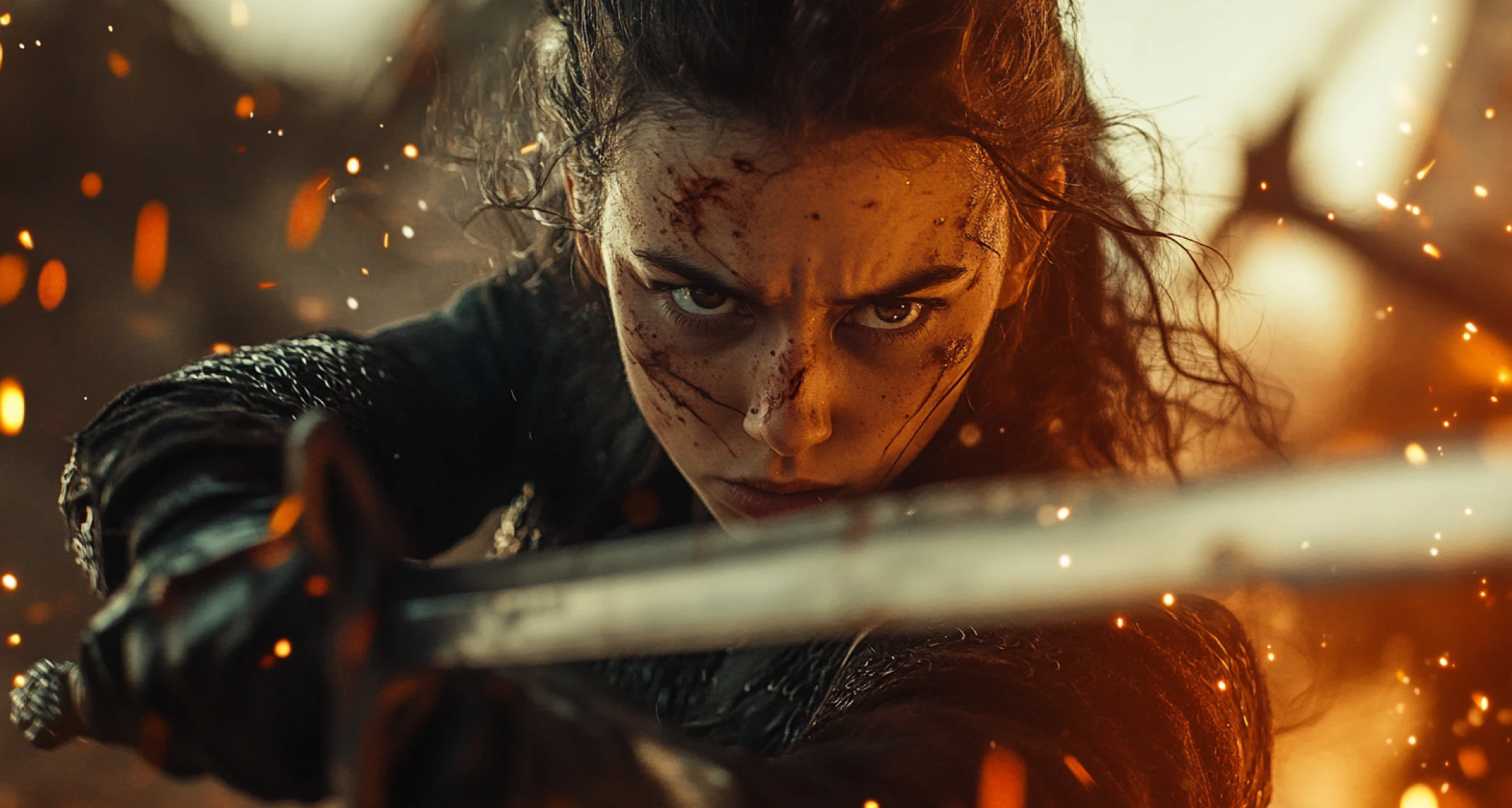
Create videos with some of the industry's leading AI video models. Seedance 2.0 is purpose-built for character consistency, using a dedicated reference system to hold a subject's identity across shots. Veo 4, Kling 3.0, and PixVerse are also available, each with its own strengths for motion, style, and multi-character scenes.
Multi-Format and Output Resolution
Generate videos with rich visuals in multiple formats and resolutions. Each video generation model comes with a defined set of video sizes and resolutions, including 1:1 (square), 9:16 (vertical), and 16:9 (Widescreen), with up to 1080p resolution.
You might also be interested in
Purchase a Subscription
Upgrade to get access to pro features and generate more and better
Basic
For newcomers taking their first steps
View Plans
Billed monthly
Included in plan
3Kcredits per month
Additional Features
Up to ~600 Image Generations/month
Up to ~97 Video Generations/month
General Commercial Terms
Image Generation Visibility: Public
4 Concurrent Image Generations
Complimentary Access
All GPT Models
All Gemini Models
All Claude Models
Unlimited Generations
10 Image Models
9 Video Models
Standard
For rising creators to level up their game
View Plans
Billed monthly
Included in plan
8Kcredits per month
Additional Features
Up to ~1.6k Image Generations/month
Up to ~265 Video Generations/month
General Commercial Terms
Image Generation Visibility: Private
8 Concurrent Image Generations
Complimentary Access
All GPT Models
All Gemini Models
All Claude Models
Unlimited Generations
Nano Banana
Runway Gen 4 Turbo
Midjourney V7
8 more Image Models
8 more Video Models
Ultimate
Peak performance for pros
View Plans
Billed monthly
Included in plan
16Kcredits per month
Additional Features
Up to ~3.2k Image Generations/month
Up to ~530 Video Generations/month
All styles and models
General Commercial Terms
Image Generation Visibility: Private
Complimentary Access
All GPT Models
All Gemini Models
All Claude Models
Unlimited Generations
All image models in Standard plan
All video models in Standard plan
Kling 2.6 Pro
Seedance 1.5 Pro
ChatGPT 1.5
Creator
A full production engine for powerhouses
View Plans
Billed monthly
Included in plan
100Kcredits per month
Additional Features
Up to ~20k Image Generations/month
Up to ~3.3k Video Generations/month
All styles and models
General Commercial Terms
Image Generation Visibility: Private
Complimentary Access
All GPT Models
All Gemini Models
All Claude Models
Unlimited Generations
All image models in Ultimate plan
All video models in Ultimate plan
Kling 3.0 Pro
Seedance 2 Fast
Nano Banana 2
What Our Customers Say

TechNova
"I struggle with character consistency in my animated video content. ImagineArt consistent character video tool solves this for me, keeping the appearance of my characters similar and consistent.”

Ben Harris
Product Manager

Shopify
“With ImagineArt consistent character video, I get to keep the digital instructor the same in all the educational videos. Would definitely recommend it!”

Michael Chenn
Product Designer

Pixels
“As a product marketer, I need to create different video prototypes for every product. With ImagineArt consistent character video tool, I simply change the environment without worrying about the product's look — the consistency is thorough and incredible.”

Anya Petrova
Marketing Designer

ApexStudios
“Character customization is unmatched, and the tool is fully capable of making extensive edits without impacting scenic or character consistency."

Ravi Patel
Creative Manager

DreamWorks
“As a freelance animator, editing each feature or element manually is such a pain. But now, I simply make quick changes through prompts and let ImagineArt handle all the tedious work!”

Isabelle Kim
Concept Artist
Have questions?
We have answers!
A consistent character video is tool by ImagineArt that allows you to add/edit one or more characters in videos, while keeping the same features and appearances throughout. It helps ensure uniformity in video context and gives your audience a cohesive viewing experience.
Yes, you can use different characters or objects in one video. You can tweak their expressions, interactions, and body movements to improve the narrative. It is perfect for storytelling, product demos, explainers, and more.
Yes, you can change the clothes of your character. You can also add or remove accessories, change hairstyle or hair color, change skin tone, and many other edits — all while keeping the character consistent.
Absolutely not! You don’t need any editing skills or animation expertise to create a consistent character video. ImagineArt consistent character video is designed for both beginner-level and professional video creators and editors.
Yes, you can use this tool for creating interactive and high-quality brand and educational videos. You can create videos with brand mascots, marketing presentations, product demos, tutorials, and more, with thorough character, scene, or object consistency.
You can export your consistent character videos in multiple formats, including MP4, AVI, and more. Whether it is a small social media clip or a long-form video, ImagineArt can handle videos of all file types, formats, and lengths.
This depends on the model you choose. Seedance 2.0Seedance 2.0 accepts up to 12 combined images and video clips in one generation, plus separate audio input, and locks them in as the fixed identity for that video. Other models support fewer reference images but still preserve facial features and outfit details across scenes.