
Umaima Shah
January 15, 2026 • Updated April 22, 2026
10 mins Read
GPT image generation now supports full production workflows, not just simple visuals. Designers, marketers, and content teams use these models for campaigns, launches, and client work. With several models available — including the newly launched GPT Image 2 — the challenge is choosing the right one. So, in this guide, I am explaining how GPT image models differ, what GPT Image 2 delivers, and where each model fits for professionals who need consistent, high-quality results without switching tools.
Which GPT Model Is Best for Image Generation?
So, the quick answer:
GPT Image 2 is the strongest GPT model for image generation — with near-perfect text rendering, improved prompt following, stronger character consistency, and native 4K output. It is now the recommended model for teams who need production-grade results. For teams who also need proven inpainting and outpainting workflows, GPT Image 1.5 remains an excellent companion model.
Top GPT Models for Image Generation
1. GPT Image 2
GPT Image 2 is OpenAI's latest and most powerful image generation model. It represents the biggest single leap in quality since GPT Image 1 launched in March 2025 — and it is available now on ImagineArt.
GPT Image 2 delivers:
- Near-perfect text rendering (99%+ accuracy) — including CJK characters. The single biggest leap over GPT Image 1.5.
- Elimination of the yellow color cast — neutral, accurate color reproduction across all outputs.
- Native 4K resolution — up from GPT Image 1.5's 1536×1024 ceiling.
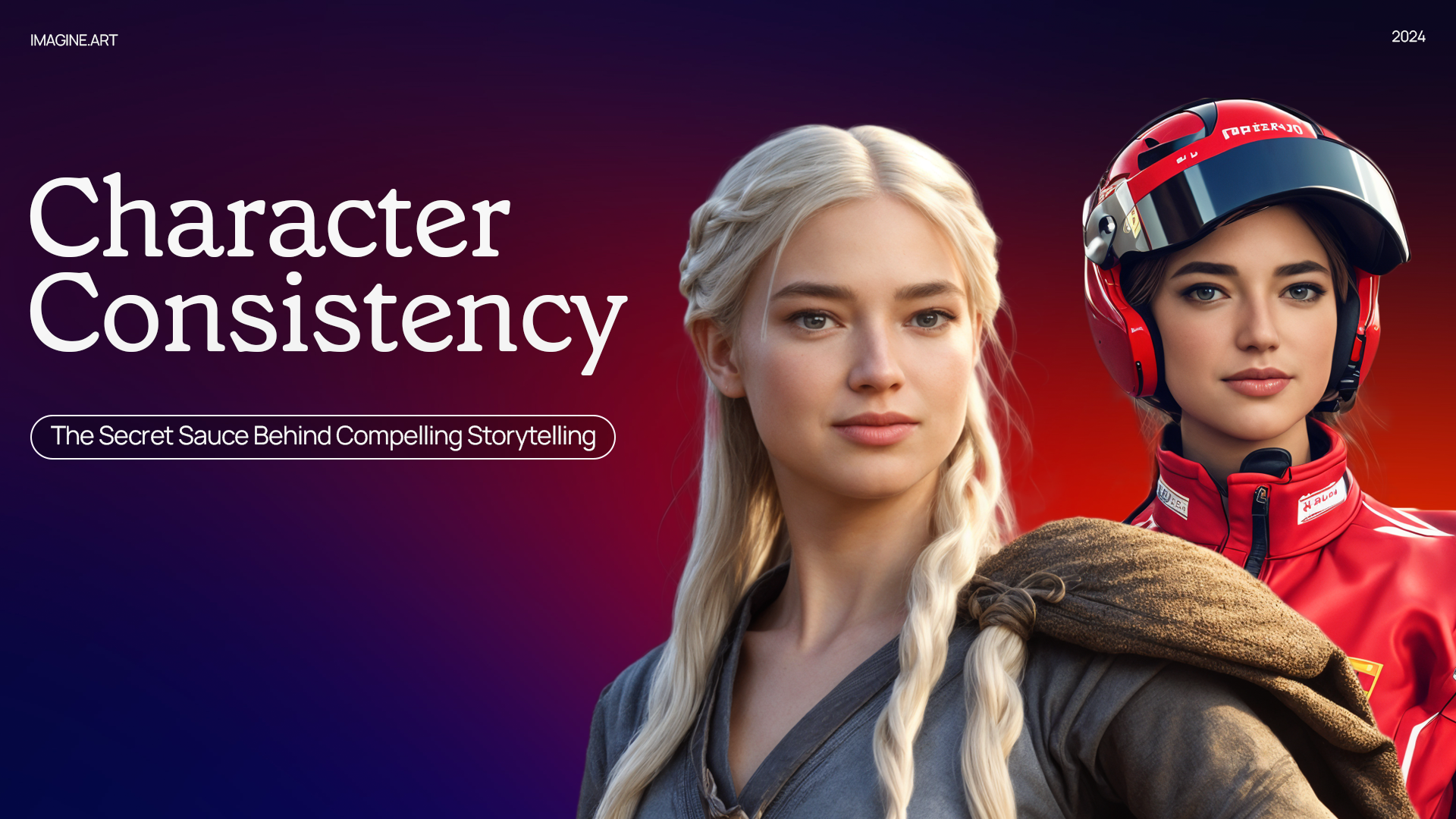
- Stronger character consistency — maintaining the same face, clothing, and expression across multiple generations.
- Improved prompt following — reliably handling multi-part compositional instructions, spatial relationships, and stylistic direction.
- Deeper ChatGPT integration — leveraging conversational context and world knowledge for more accurate, context-aware generation.
Pros
- Best-in-class text rendering accuracy
- True color accuracy without yellow tint
- Higher native resolution
- Stronger prompt adherence for complex scenes
- Deep ChatGPT ecosystem integration
Cons
- Newer model — some teams may still be building familiarity with its output style
- Inpainting and outpainting workflows are still being tested by the community
Best for
Teams who need production-grade images with accurate text, brand-consistent colors, and complex compositions — especially for ad creatives, product visuals, UI mockups, and campaign assets at scale.
2. GPT Image 1.5
GPT Image 1.5 is best for professionals who need both generation and editing in a single workflow. It handles high-detail prompts, complex compositions, and repeated variations while maintaining visual consistency. This matters when producing campaign sets, product visuals, or brand assets that must align closely.
Because it combines creation and refinement, GPT Image 1.5 fits naturally into structured production workflows and team environments.
Pros
- Strong balance of quality and control
- Generation and editing in one model
- Reliable for production assets
Cons
- Slower than lightweight models
- Requires well-structured prompts
Best for
Designers, marketers, and teams are producing high-quality visuals with ongoing revisions.
To get the best results from GPT Image 1.5, start with clear prompts that include product details, style cues, and context. If you need help crafting stronger prompts, the ImagineArt GPT Image 1.5 Prompt Guide walks through examples and techniques you can apply directly in your workflow.
3. GPT-4o Image
GPT-4o Image focuses on structured visuals and scene reasoning. It works well when an image needs to follow a narrative or include multiple elements arranged with intent.
The model also understands spatial relationships and layered instructions well, making it useful for conceptual art, illustrations, and narrative scenes.
However, GPT-4o Image is less suited to heavy editing cycles. It performs best when generating complete scenes rather than refining existing images. Teams often use it early in the creative process, then switch to another model for revisions.
Pros
- Strong scene structure
- Good narrative control
- Handles complex instructions
Cons
- Sometimes crops images
Why GPT Image 2 Changes the Game
GPT Image 1.5 was the best production model in OpenAI's lineup for months. GPT Image 2 has now taken that spot — and it is not a marginal upgrade. It addresses the three biggest pain points that professionals have been dealing with:
Text that actually works. Every marketer who has tried to generate an ad creative with a headline in the image knows the frustration. Misspellings, distorted characters, broken layouts. GPT Image 2's 99%+ text accuracy means you can generate images with real product names, CTAs, and branded text that read correctly on the first try.
Colors you can trust. The yellow tint on GPT Image 1 and 1.5 outputs has been a persistent issue for brand teams. GPT Image 2 eliminates it — neutral, accurate color reproduction means your brand palette actually looks like your brand palette.
Prompts that stick. You describe a scene with specific object placement, lighting, and composition — and the model delivers it. Fewer wasted generations. Fewer "close but not quite" outputs. More first-attempt wins.
For teams already working inside ImagineArt, GPT Image 2 is available now. Switch to it in your AI workflow and start generating immediately.
Why GPT 1.5 Is Still Worth Using
In addition to strong text to image prompt accuracy, here are three reasons why I love using GPT Image 1.5 for image generation:
Inpainting with GPT 1.5
Inpainting supports targeted edits without disturbing the rest of the image. Teams use it to fix errors, replace elements, or refine details during feedback rounds.
- Object Replacement
GPT Image 1.5 can replace specific objects within an image without affecting lighting, shadows, or overall composition. This allows precise edits while preserving the original look and visual balance.
 Keep style and structure consistent across changed outputs.
- Visual Corrections
GPT Image 1.5 can correct small visual issues in an image without altering the rest of the scene. This helps fix details like gaze direction, alignment, or minor inconsistencies while keeping the original look intact.
 Remix the same image into multiple visual styles.
- Style Continuity
GPT Image 1.5 maintains visual style across multiple images while allowing controlled changes. This helps create consistent outputs even when poses, expressions, or framing change.
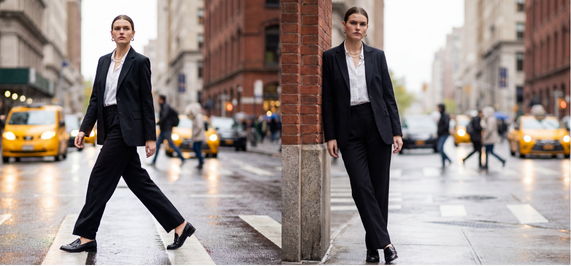 Style consistency across image variations
Outpainting with GPT 1.5
Out-painting extends an image beyond its original boundaries. This helps when resizing assets or creating wider compositions while keeping the same visual direction.
- Frame Expansion
GPT Image 1.5 and GPT-4o allow you to expand an image beyond its original boundaries while preserving composition and perspective. This helps adjust framing without recreating the image from scratch.
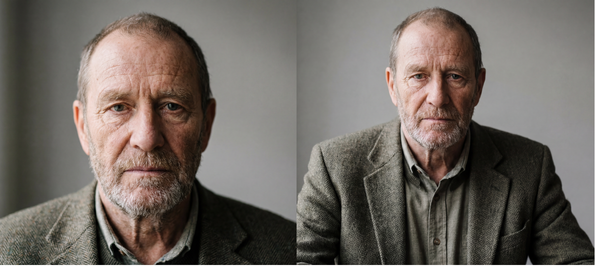 Frame expansion with GPT Image preserves composition while extending the image.
- Background Extension
GPT Image models can extend backgrounds naturally to match the existing environment. This keeps lighting, textures, and depth consistent while adding usable space.
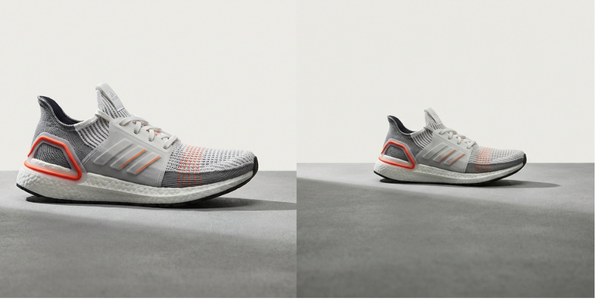 GPT Image extends environments without breaking realism.
- Asset Resizing
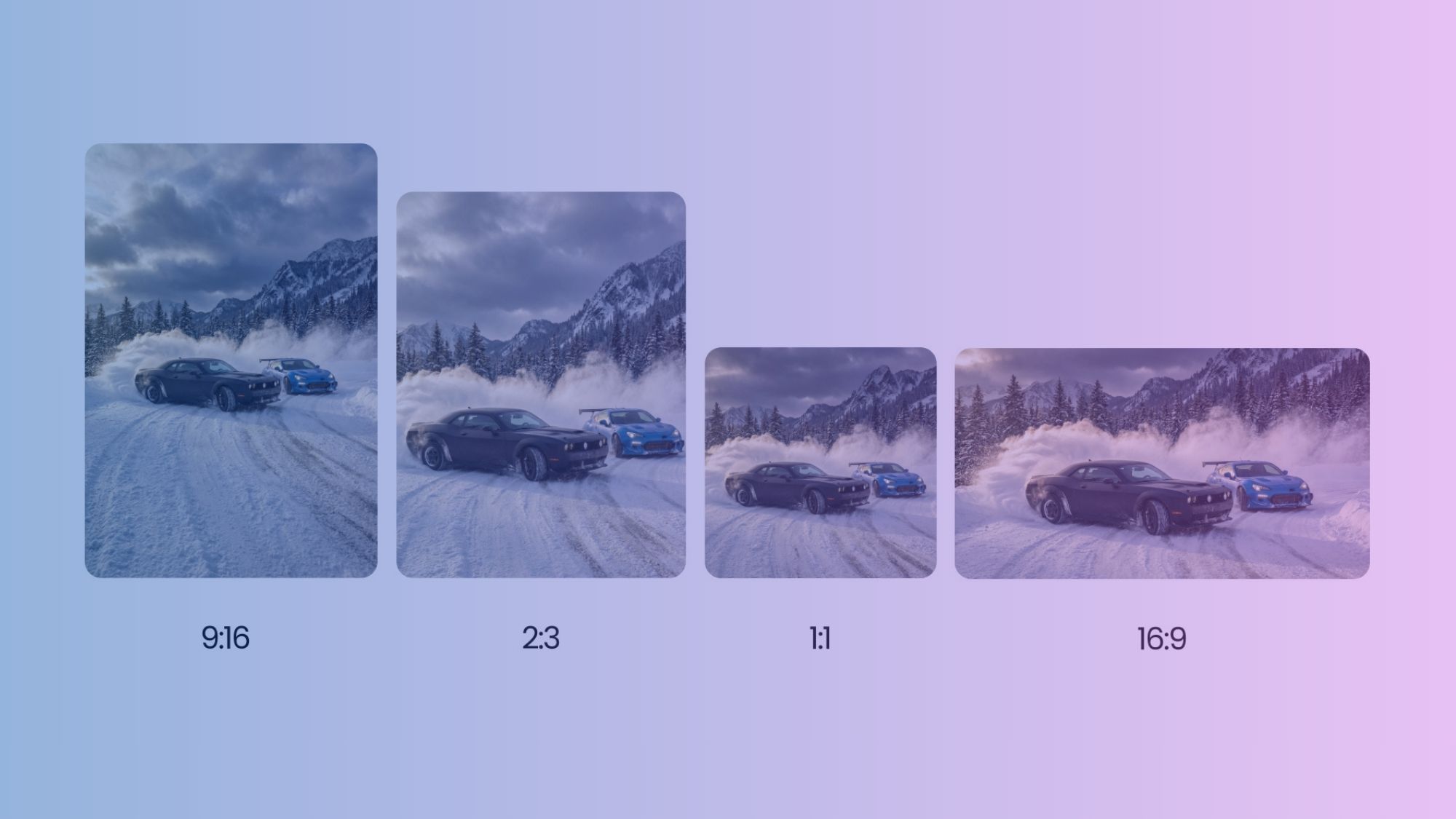
GPT Image models support resizing assets within an image while preserving proportion and visual balance. This helps adapt visuals for different formats without distortion.
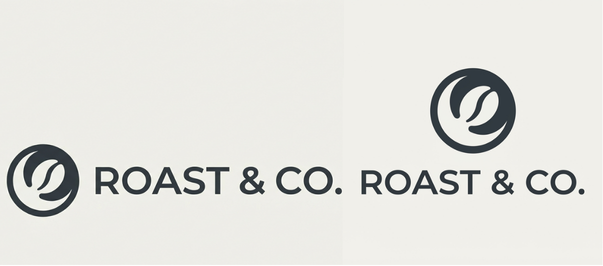 You can Resize your Assets For Different Platforms
GPT 1.5 Workflow in ImagineArt
Inside ImagineArt, GPT 1.5 fits into a full image-to-visual workflow. Generation, editing, and iteration happen in a single place, reducing handoffs and speeding up production for teams.
Difference Between GPT Image Models
Speed vs detail: GPT-4o Image generates results faster and works well for quick visual concepts, while GPT Image 1.5 focuses on higher visual quality and refined outputs. GPT Image 2 combines both — stronger detail with improved generation speed.
Editing capabilities: Inpainting, outpainting, and precise visual refinements are proven strengths of GPT Image 1.5. GPT Image 2's editing capabilities are still being explored by the community.
Scene complexity: GPT Image 2 handles complex scenes, multiple objects, and consistent composition better than both GPT Image 1.5 and GPT-4o Image.
Output consistency: GPT Image 2 maintains visual consistency across multiple generations with character-locking capabilities, surpassing GPT Image 1.5.
Text rendering: GPT Image 2 achieves 99%+ text accuracy — the biggest single improvement across the entire lineup. GPT Image 1.5 handles text reasonably well but with inconsistencies.
Use in production: GPT Image 2 is the new production standard for generation quality. GPT Image 1.5 remains the strongest choice for iterative editing workflows. GPT-4o Image fits early-stage ideation.
GPT Models vs Gemini Image Models
GPT image models and Gemini image models approach image generation differently, which affects how they fit into real workflows.
| GPT Image Models (GPT Image 2, GPT Image 1.5, GPT-4o) | Gemini Image Models |
|---|---|
| Generate complete images directly from text prompts | Generate images with a stronger focus on controlled outputs |
| Built for end-to-end workflows that include generation and iteration | Better suited for focused tasks rather than long creative pipelines |
| GPT Image 1.5 supports in-painting and out-painting within the same workflow | Stronger at precision edits and detailed adjustments |
| Designed to produce multiple consistent variations of the same concept | Designed for accuracy at the object or detail level |
| Commonly used for campaigns, branding, social content, and team production | Commonly used for fine-grained corrections and controlled visual changes |
Common Mistakes When Choosing a GPT Image Model
- Prioritising speed over control
- Overlooking editing needs
- Using lightweight models for final assets
- Treating prompt quality as secondary
Professional Use Cases
Social Media Visuals
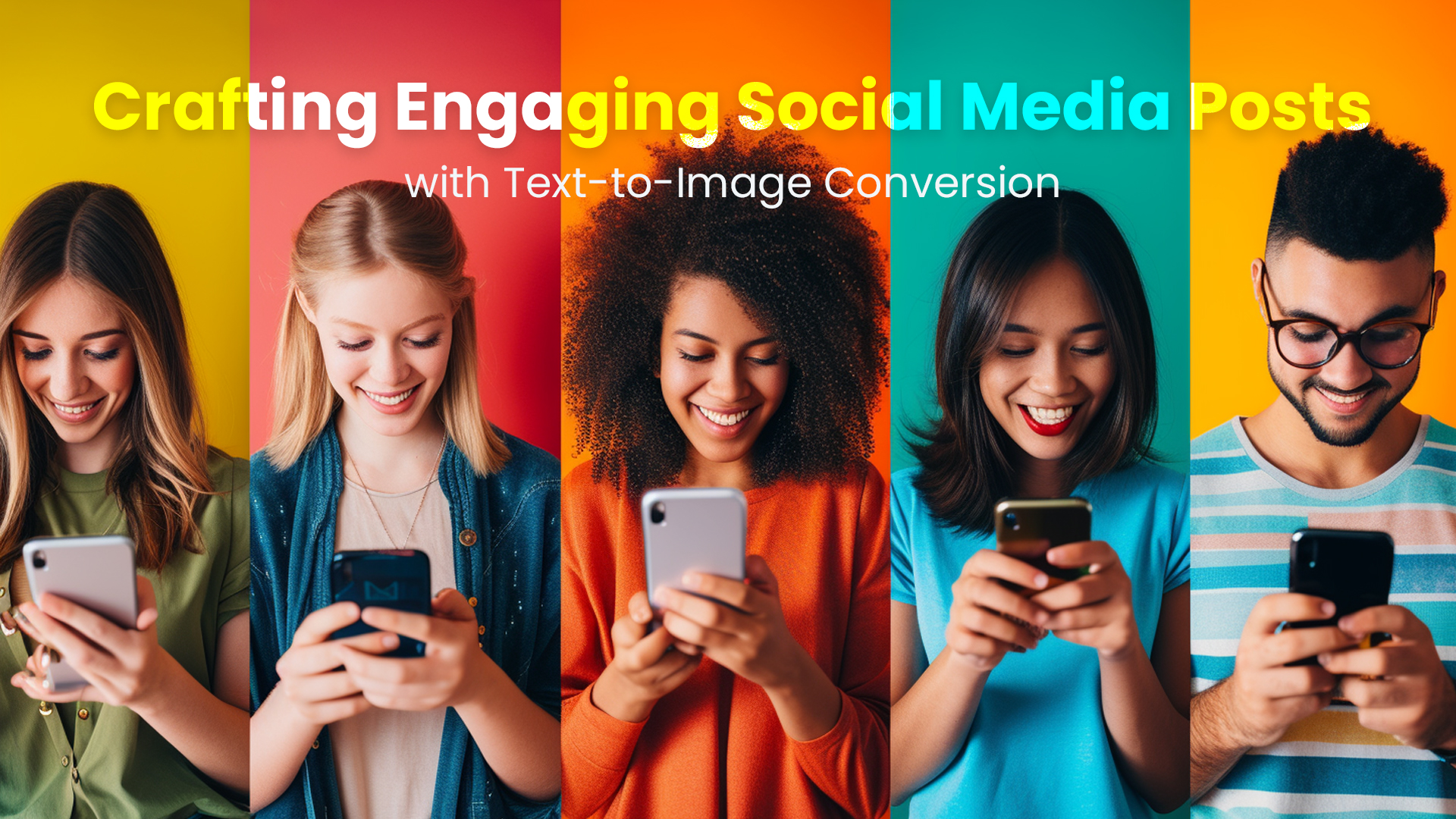
Social media demands volume and consistency. GPT Image 1.5 helps teams produce visual sets that stay aligned across posts. Variations can be generated quickly, then refined without restarting the process. This suits campaign-driven content where style consistency matters.
Ad Creatives
Ad visuals go through frequent revisions. GPT Image 1.5 supports this by keeping generation and editing together. Teams can test concepts, adjust visuals based on performance feedback, and produce final assets without breaking workflow continuity.
Product Mockups
Product visuals require clarity and polish, especially when they are used across marketing pages, presentations, and launch assets. GPT Image 1.5 helps teams generate clean, consistent mockups and refine them with targeted edits, rather than recreating assets from scratch. When used inside ImagineArt, reference images can be added to guide style, layout, and branding, making it easier to maintain a cohesive visual identity.
Concept Art
Concept art benefits from fast iteration and flexibility. GPT-4o Image works well in the early stages, where ideas are still forming, and scenes need structure, mood, and narrative direction. It helps block out compositions, environments, and visual themes before details are final. As concepts mature, GPT Image 1.5 becomes more useful for refinement. It supports targeted edits, visual consistency, and controlled adjustments without restarting the entire image. Using both models together allows teams to move from rough visual exploration to more polished concept art while maintaining creative direction.
Storyboards
Storyboards rely on visual consistency across frames to clearly communicate pacing, composition, and scene flow. GPT Image 1.5 helps maintain the same visual style, lighting, and character appearance across multiple images, which is essential during pre-visualisation. Teams can generate a sequence of frames from a shared visual direction and then refine individual shots without breaking continuity. This makes it easier to explore camera angles, scene transitions, and layout before production, while keeping the overall look aligned from frame to frame
Moodboards
Moodboards require cohesion across varied visuals. GPT Image 1.5 supports rapid exploration while keeping style aligned, helping teams settle on a direction faster.
Brand Assets
Brand visuals demand repeatability, especially when assets are reused across campaigns and platforms. GPT Image 1.5 supports consistent outputs that stay aligned with brand guidelines, making it easier to scale visual production without losing identity. For example, a brand can generate multiple social media posts using the same color palette, lighting style, and composition while changing only the message or layout. In another case, a product launch campaign can reuse the same visual direction across banners, ads, and landing pages, with refinements made to individual assets without breaking brand consistency.
How Teams Standardise Image Generation
Teams maintain consistency by:
- Choosing one primary model per project
- Sharing prompt frameworks
- Tracking versions of outputs
- Running clear review cycles
Teams that work at scale often rely on workflows to support this process. Using AI Workflow setups, teams can organise prompts, manage iterations, and reuse successful image generation patterns across projects. This makes it easier to collaborate, maintain visual consistency, and scale image production without reworking the same assets repeatedly.
Pricing and Credit Usage on ImagineArt
ImagineArt uses a credit-based system for GPT image generation, currently supporting GPT Image 2, GPT Image 1.5, and GPT-4o Image models. Image generation typically costs between 35 and 45 credits per image, depending on the model, prompt complexity, and generation settings. This range-based pricing keeps usage predictable while allowing teams to compare models side by side without changing workflows or billing logic.
Use GPT Image 2 on ImagineArt
ImagineArt brings all GPT image models into one workspace. Using GPT Image 2 in ImagineArt keeps generation and editing in a single environment. You can switch models instantly, compare outputs, and build image or video workflows without managing APIs. This setup suits professionals and teams who want control without operational overhead.
Umaima Shah
Umaima Shah is a creative content strategist specializing in AI tools, image generation, and emerging technologies. She focuses on translating complex platforms into clear, practical insights for creators, designers, and product teams