
Tooba Siddiqui
August 19, 2026 • Updated August 19, 2026
19 mins Read
According to Wyzowl's 2026 Video Marketing Statistics report, 63% of video marketers now use AI tools to help create or edit video content, up from 51% the previous year. The reason is not that AI editors have replaced skilled editors. It is that they handle the parts of production that consume time without requiring creative judgment: transcription, captioning, silence removal, speaker reframing, and clip selection.
The harder problem is choosing the right tool. This guide covers 21 AI video editors compared by use case, device, and production type. Pricing and features have been verified from official sources. The decision framework at the end maps each tool to the scenario where it performs best.
Key Takeaways
- 63% of video marketers now use AI video tools, and 91% of businesses use video as a marketing tool, according to Wyzowl's 2026 Video Marketing Statistics report
- VEED is the strongest browser-based option for YouTube creators who need transcription, captions, and multi-format repurposing without installing software
- Descript and Riverside are the most capable tools for long-form and podcast video, with text-based editing that treats the transcript as a cut list
- OpusClip automates short-form repurposing by identifying the highest-engagement moments from long video and clipping them with captions
- ImagineArt covers prompt-based video editing, Lipsync Studio, and a dedicated suite of AI video apps including background changer, object removal, color correction, and upscaling - built for social and ad content
- DaVinci Resolve is the only professional-grade video editor on this list that is completely free with no export restrictions or watermark
What Is an AI Video Editor?
An AI video editor is software that uses artificial intelligence to automate, assist with, or generate video content, either within a traditional editing timeline or from a text or audio prompt without requiring manual timeline work. There are two distinct categories:
AI-enabled editors use AI to speed up manual tasks within a traditional editing workflow:
- Auto-transcription and subtitle generation
- AI background change and removal
- Noise reduction
- AI color correction and clip tagging
AI-led editors use AI to generate, restructure, or produce video with minimal manual input:
- Script-to-video generation
- Automatic highlight extraction from long recordings
- AI avatar and spokesperson video
- Prompt-based video generation and editing
Most tools in 2026 combine both. The distinction matters when evaluating how much editing time a tool actually eliminates versus how much it assists.
How We Evaluated AI Video Editing Tools
Each AI video editing tool was assessed across seven criteria:
- AI feature quality: accuracy and output quality of the AI's primary function: captioning, clip selection, generation output, voice accuracy
- AI automation depth: how much of the editing workflow the AI handles without manual input
- Export options: resolution, format, aspect ratio availability, and platform-specific output settings
- Free tier value: what the free plan actually includes, covering export limits and watermark conditions
- Platform availability: which devices and operating systems the tool supports
- Learning curve: how quickly a new user can produce usable output
- Integration: whether the tool connects with platforms and tools the user is likely already working in
Best AI Video Editing Tools at a Glance
| Tool | Best For | Starting Price |
|---|---|---|
| VEED | YouTube creators | Free |
| Descript | Long-form video | Free |
| Riverside | Podcast video | Free |
| OpusClip | Short-form repurposing | Free |
| Captions | Reels | Free |
| CapCut | Reels | Free |
| InVideo AI | TikTok | $17/mo |
| Submagic | TikTok captions | $19/mo |
| ImagineArt | Social media and ads | Free |
| Munch | Influencer marketing | $58/mo |
| HeyGen | Digital marketers | Free |
| Wondershare Filmora | Small businesses | $9.99/mo |
| Kapwing | Small business teams | Free |
| Final Cut Pro | Mac | $299.99 one-time |
| Adobe Premiere Pro | Mac (cross-platform teams) | $22.99/mo |
| DaVinci Resolve | PC and desktop | Free |
| Camtasia | PC, tutorials and screen content | $39/yr |
| LumaFusion | iPhone | $29.99 one-time |
| PowerDirector | Android | Free |
| Adobe Express | Beginners | Free |
| Boris FX Continuum | Professional editors | Editing suite: ~$124.58/month |
21 Best AI Video Editors in 2026
Here’s a breakdown of the best AI video editing tools in 2026:
Best AI Video Editor for YouTube Creators: VEED
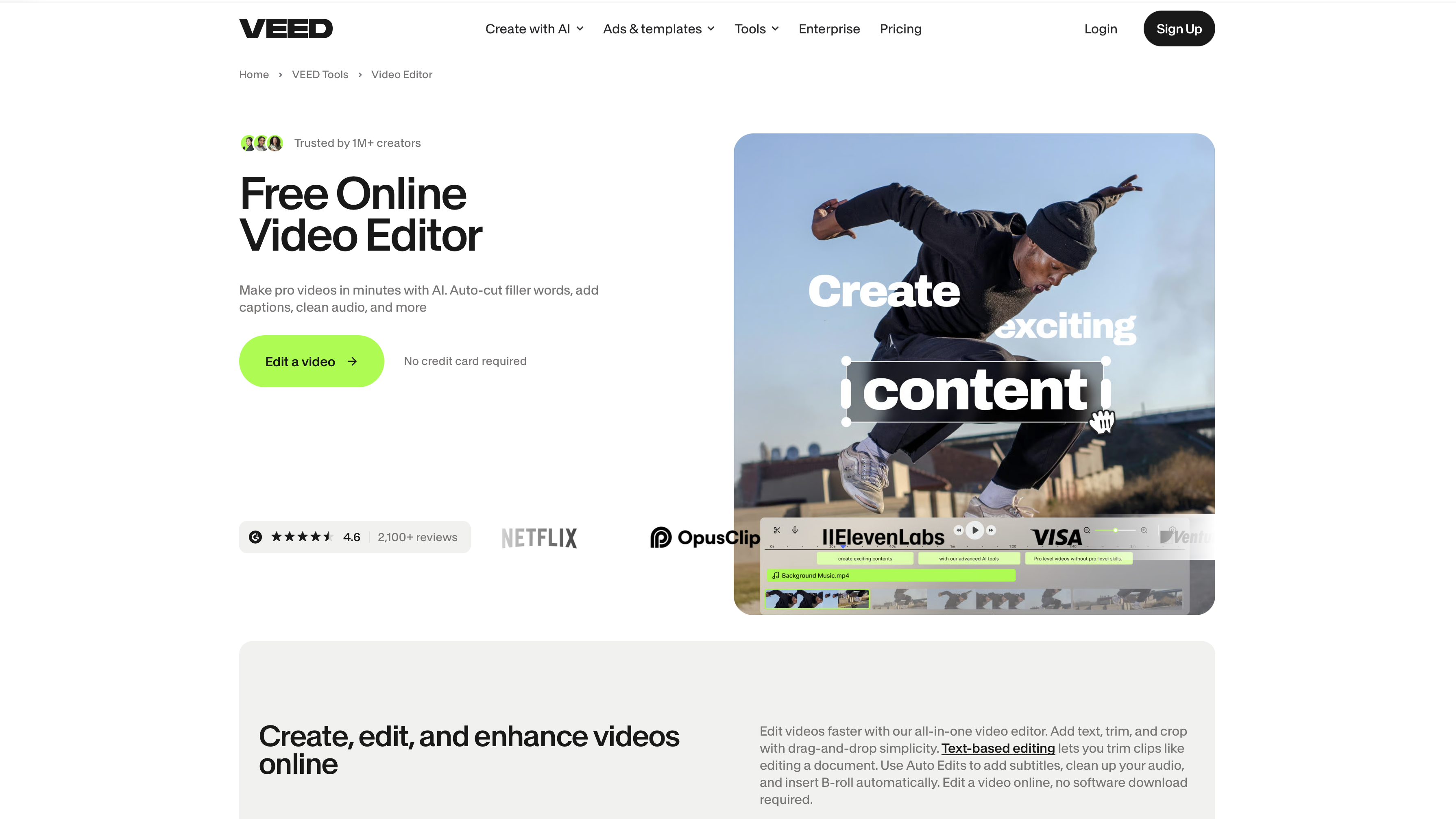
VEED is built for YouTube workflows from upload to publish. Its AI suite covers auto-captions, AI transcript editing, eye contact correction, and a built-in screen recorder, all in a browser with no software installation.
Key features:
- Auto-captions in 120+ languages
- Transcript-based editing
- Eye contact correction for talking-head footage
- Screen recorder with webcam overlay
- Direct YouTube publishing
What we like best: The AI YouTube description generator and title helper that generates descriptions and chapter titles based on keywords for your YouTube videos.
Pricing: Paid plans start from $20/user/month. VEED also offers a free trial for enterprise customers that requires a a minimum of 3 users.
Also read: VEED Alternatives
Best AI Video Editor for Long Videos: Descript
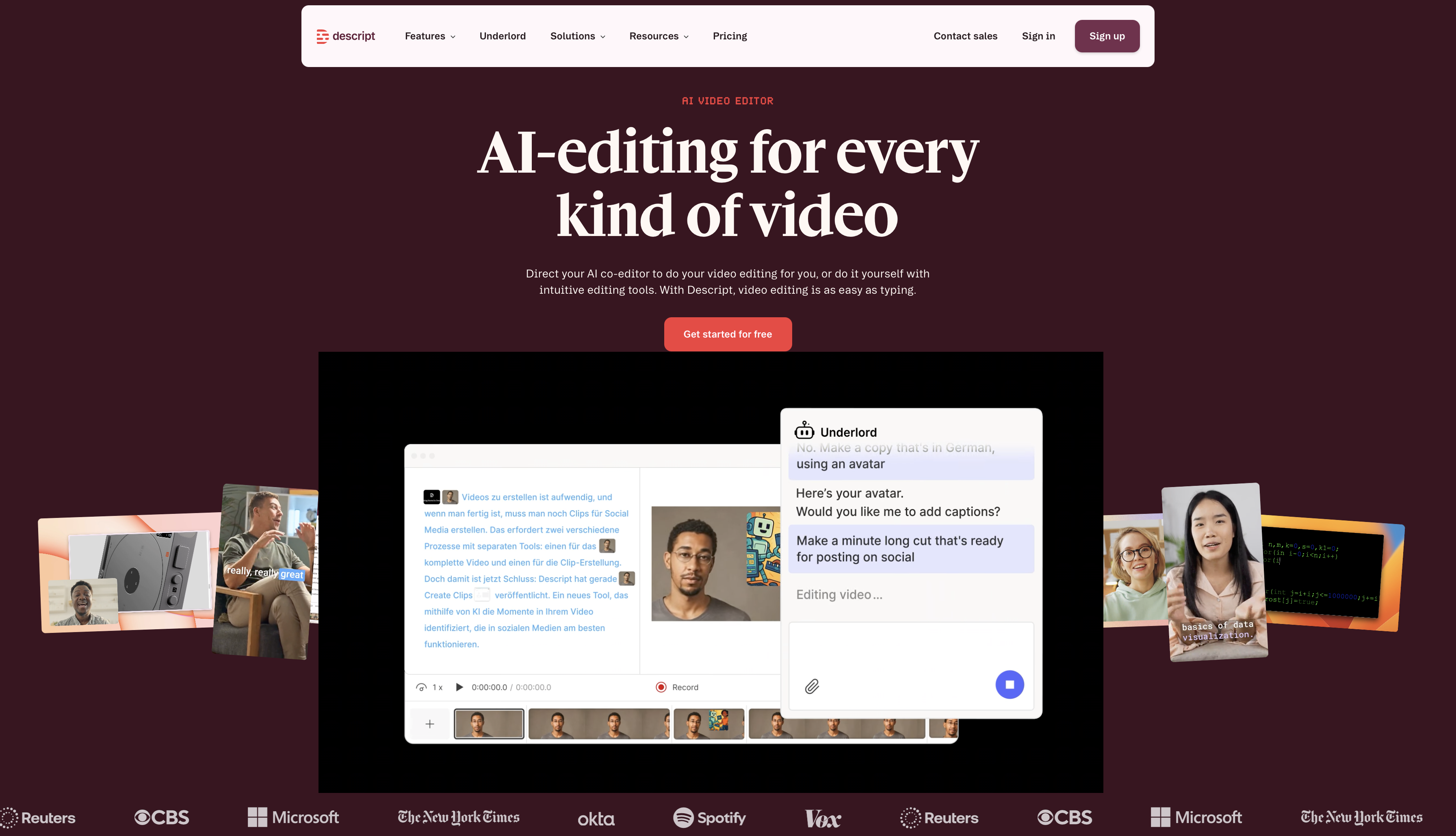
Descript turns video editing into document editing. You edit the transcript and the video follows, which makes it the fastest option for cutting interviews, podcasts, and long recordings. The AI removes filler words and silences in one click.
Key features:
- Transcript-based video editing
- Filler word and silence removal
- AI voice clone for re-recording lines without re-shooting
- Screen recorder with teleprompter
- Team collaboration with shared projects and comments
- Export to YouTube, Riverside, and social platforms
What we like best: AI filler word removal cuts editing time for talking-head content by 30 to 50 percent on most recordings.
Pricing: Paid plans start from $24/month. Free plan features 60 min AI transcription/mo with 100 one-time AI credits per editor.
Also read: Best AI Video Generators for Long Videos
Best AI Video Editor for Podcast Video Creation: Riverside
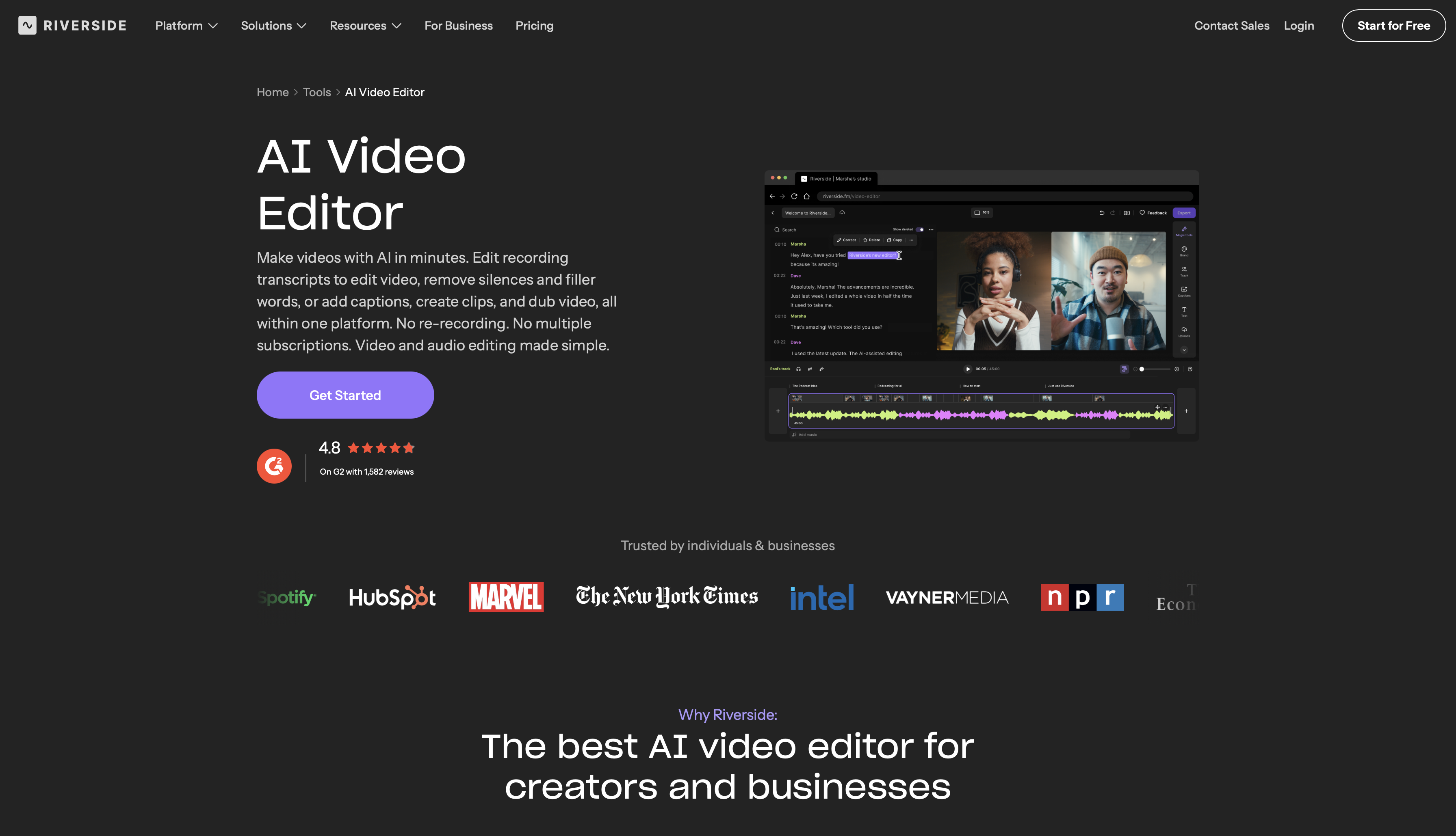
Riverside records remote guests at up to 4K locally on each participant's device, so the final video does not depend on internet connection quality. AI then handles multitrack editing, clip extraction, and caption generation from the same dashboard.
Key features:
- Local recording up to 4K per participant (no stream quality loss)
- AI-generated clips from full episodes
- Multitrack audio and video editing
- Auto-captions and transcript editor
- Magic Audio for background noise removal
- Built-in teleprompter
What we like best: Local recording eliminates pixelated, choppy footage caused by unstable connections, which is the most common problem with remote podcast video.
Pricing: Paid plan starts from $14/month. Riverside offers 14-day free trial with 2 hours of video editing.
Best AI Video Editor for Short-Form Repurposing: OpusClip
OpusClip watches a long video, identifies the moments most likely to perform on short-form platforms, clips them, adds captions, and scores each clip with a virality prediction. No manual selection required. Learn more about the short form video platforms to moentize repurposed clips.
Key features:
- AI clip selection from long-form video
- Virality scoring per clip
- Auto-captions with speaker detection
- B-roll insertion and layout suggestions
- Direct publish to TikTok, YouTube Shorts, and Instagram Reels
- Brand kit for consistent fonts and colors
What we like best: The virality scoring gives you a ranked list of clips rather than forcing you to watch the full video to identify the best moments.
Pricing: Paid plan starts from $15/month. Free has 60 credits/month (1 credits = 1 minute of video processing) with watermarked exports
Best AI Video Editor for Reels
Before you edit Instagram Reels, find out the best AI video generator for intagram reels
Captions
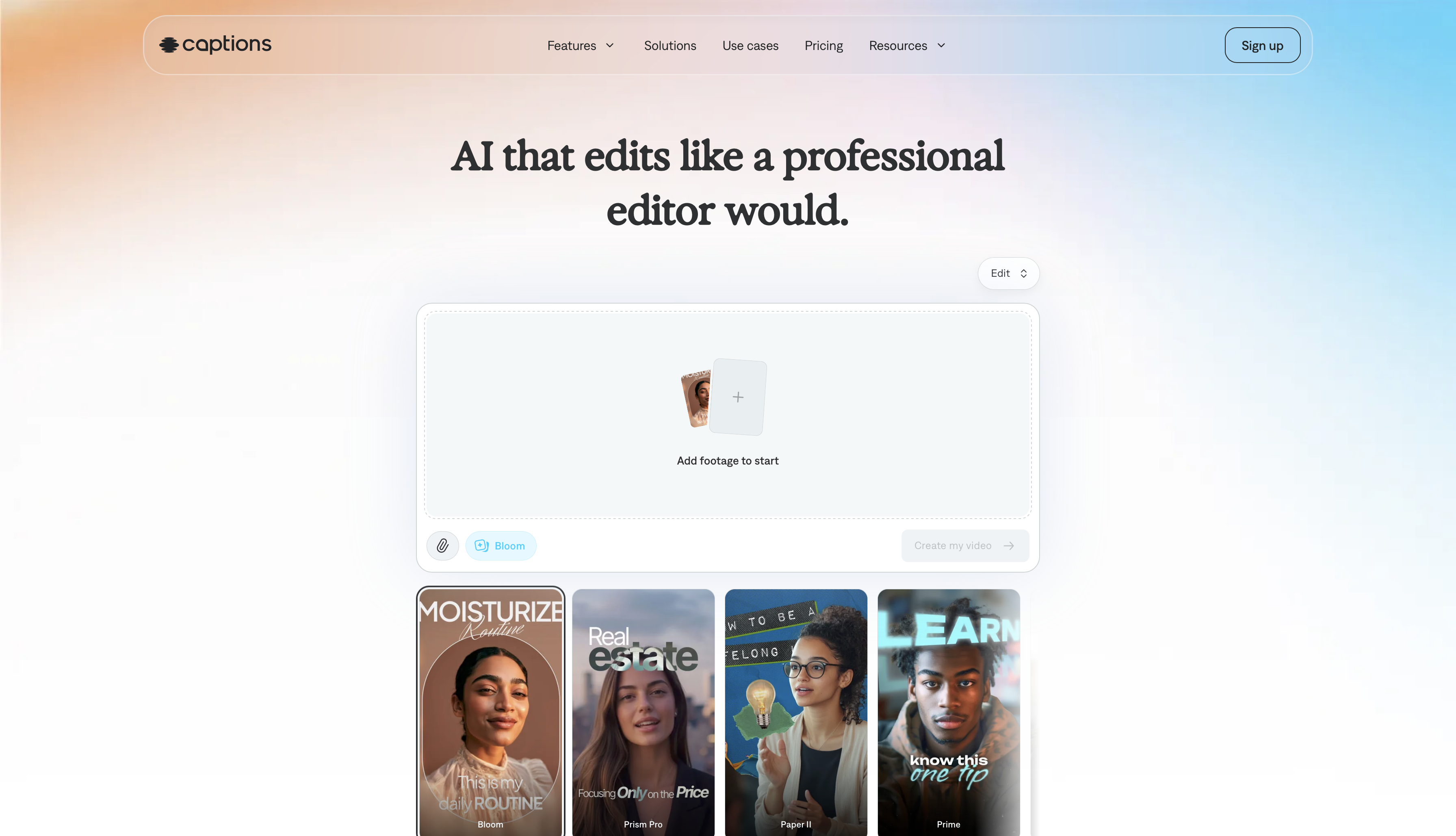
Captions is built around spoken-word Reels content. Its AI auto-edits based on speech, corrects eye contact so you appear to look at the camera even when reading from a script, and generates captions styled for social media.
Key features:
- AI auto-edit based on speech
- Eye contact correction
- Teleprompter with invisible scrolling
- Auto-captions with motion and animation styles
- AI translation and dubbing in 28 languages
What we like best: AI translation with synced dubbing means a single video can be adapted for multiple language markets without re-recording.
Pricing: Paid plan starts from $24.99/month. The free plan comes with limited features, including one caption template and traditional video editing tools
CapCut
CapCut is the better choice when the content is effects-driven rather than spoken-word. It has a broader template library, a full multi-track timeline, and AI tools for green screen edit/removal, photo animation, and style transfer.
Key features:
- Multi-track timeline with keyframe animation
- AI background removal and green screen
- Photo-to-video and image animation
- Style transfer and face filters
- Large template library for Reels and TikTok formats
- Team workspaces
What we like best: CapCut is free with no watermark on most exports, which makes it the strongest no-cost option for high-volume Reels production.
Pricing: CapCut Pro starts from $19.99/month for individual users. Free plan comes with no watermarks and basic AI tools
Also read: CapCut Alternatives
Best AI Video Editor for TikTok
Before you edit TikTok videos, find out the best AI video generator for TikTok videos
InVideo
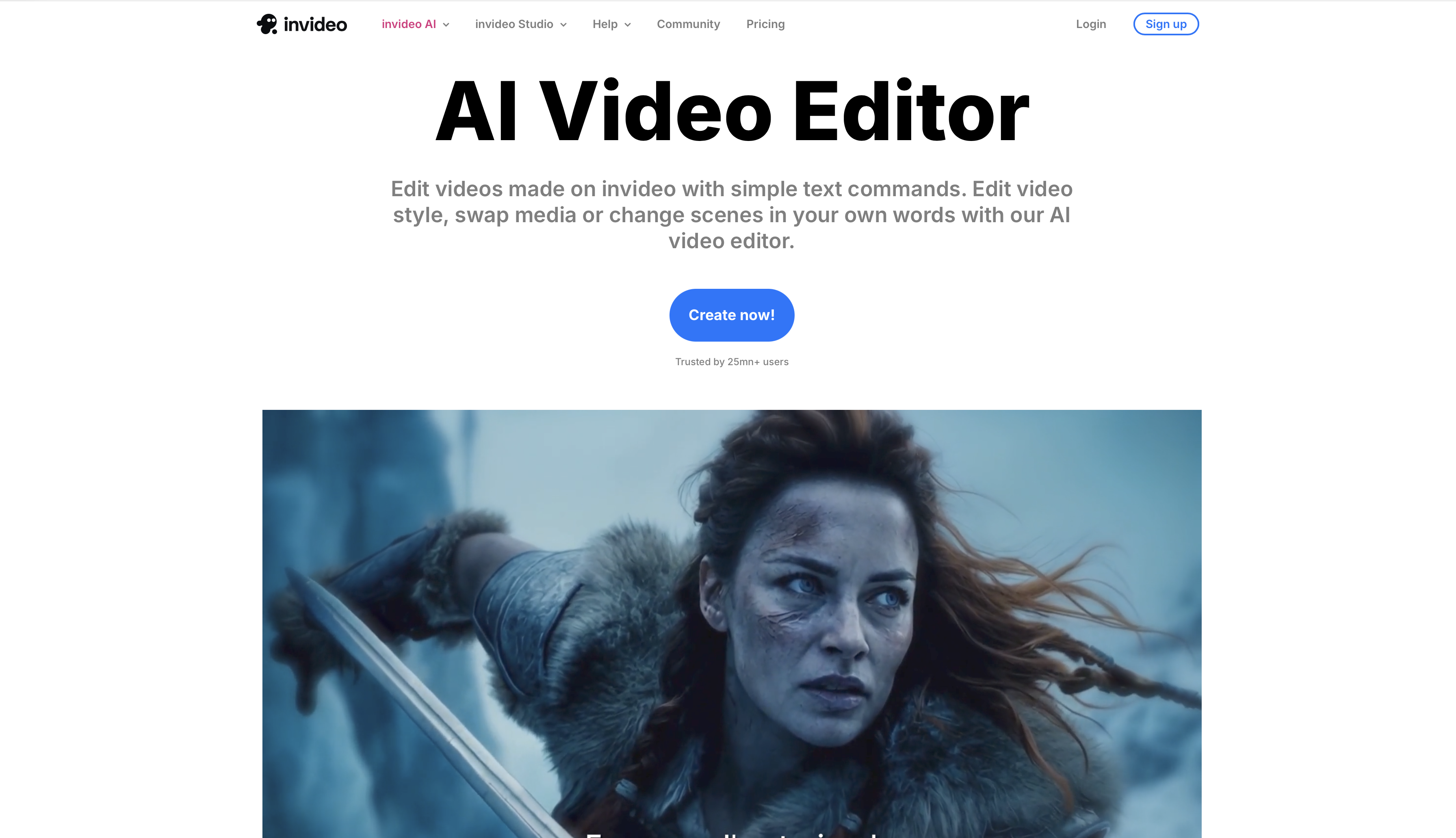
InVideo AI generates complete videos from a text prompt. You describe what you want, and the tool builds a draft with stock footage, voiceover, captions, and AI music. It is the fastest path from idea to publishable TikTok content.
Key features:
- Text-to-video generation from a prompt
- AI voiceover in multiple voices and languages
- Stock footage library with AI-assisted selection
- Auto-captions and subtitles
- Script editing with AI rewrite
- Template library for TikTok and short-form formats
What we like best: For creators producing high volumes of informational or explainer TikToks, InVideo AI removes the scripting-to-editing pipeline almost entirely.
Pricing: Paid plan starts from $17/month. Free plan has limited onthly credits.
Submagic AI
Submagic is built specifically for AI captions on short-form video. Its captions are designed for retention, with word-by-word animation, emoji placement, and dynamic styling tuned for TikTok viewing behavior.
Key features:
- AI captions with word-by-word animation
- Auto emoji placement
- Trending caption styles with one-click apply
- B-roll and background music suggestions
- Auto-reframe for vertical format
- Filler word removal
What we like best: The caption animations and emoji placement are timed to match speech rhythm rather than placed at fixed intervals, which is noticeably better than most auto-caption tools for TikTok.
Pricing: Paid plan starts from $19/member/month. The platform offers 3 free videos for trial.
Best AI Video Editor for Social Media and Ads: ImagineArt
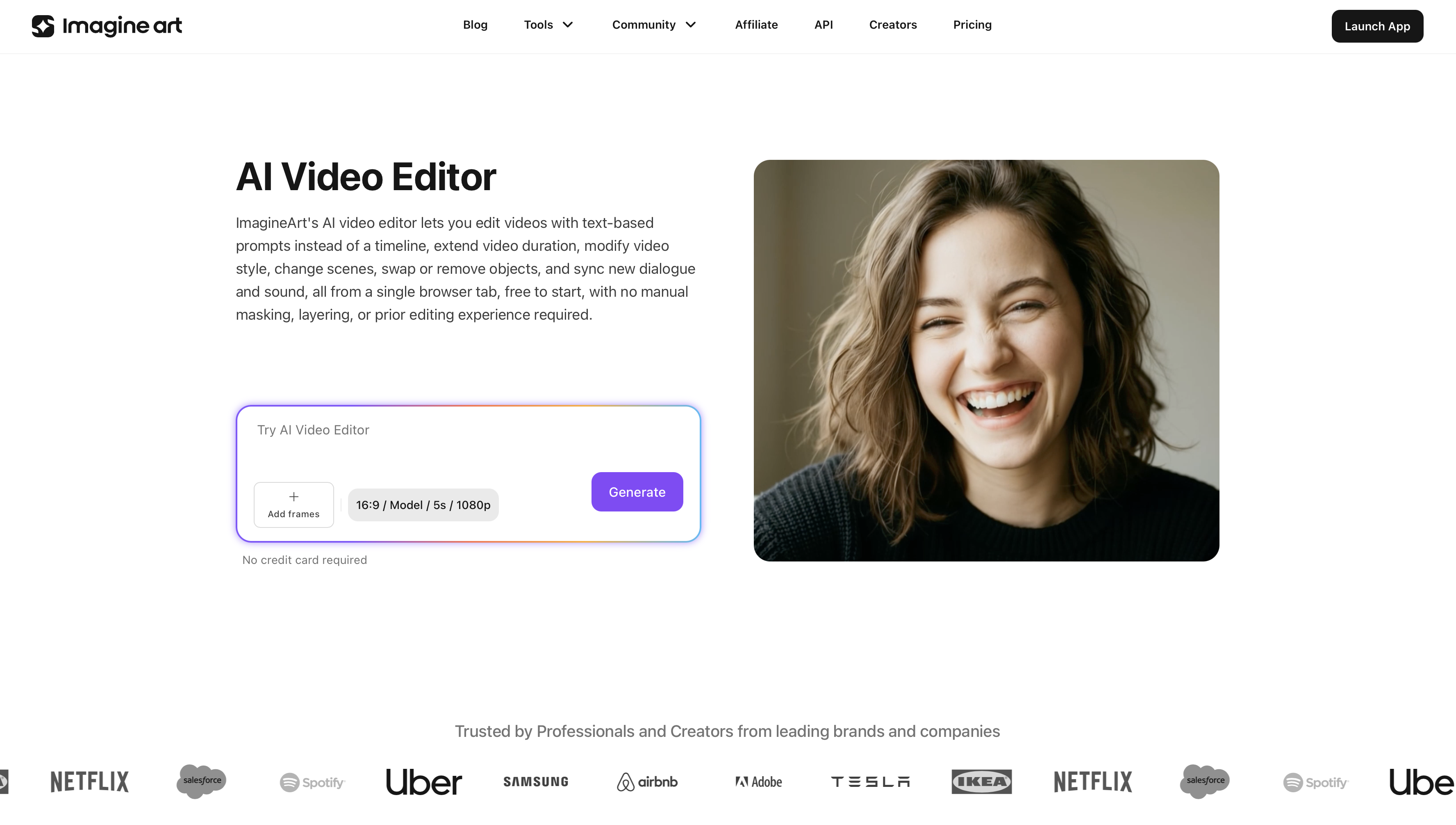 ImagineArt AI video editor
ImagineArt AI video editor is built for visual content creation at scale, with dedicated tools for AI-generated video, social ads, and branded content. Its video editing suite covers prompt-based generation with reference video input and up to four reference images, plus dedicated apps for specific editing tasks.
Key features:
- Prompt-based AI video generation with reference video and up to 4 reference images
- Lipsync Studio for syncing speech to AI or existing video
- Dedicated browser-based video editing workspace
- Video Background Changer, Object Removal, and Object Replace
- Video Color Correction and Camera Angle Changer
- Video Extend feature
- Kling Motion Control and Video Upscaler
What we like best: The combination of Lipsync Studio, dedicated video editing apps, and AI Ad Studio makes ImagineArt the most complete tool in this list for producing ad creative at volume without a full production team.
Pricing: Paid plan starts from $13/month. The free plan comes with free 100 daily credits that are refreshed every 24 hours.
Also read: Best AI Video Editor for Ads
Best AI Video Editor for Influencer Marketing: Munch Studio
Munch repurposes long-form video by identifying and extracting the highest-value moments for social distribution. It is designed for brands and teams managing influencer content across multiple platforms.
Key features:
- AI clip extraction from long-form video
- Social performance prediction per clip
- Auto-captions and branding overlay
- Multi-platform publishing workflow
- 500 minutes of video repurposing per month (Essential plan)
What we like best: Munch is one of the few tools in this list designed for both individual creator workflows and brand-side repurposing, which makes it practical for marketing teams managing influencer content at scale.
Pricing: Paid plan starts from $58/month for one brand. The platform offers a 7-day free trial.
Also read: Best AI Video Editing Tools for Influencer Marketing
Best AI Video Editor for Digital Marketers: HeyGen
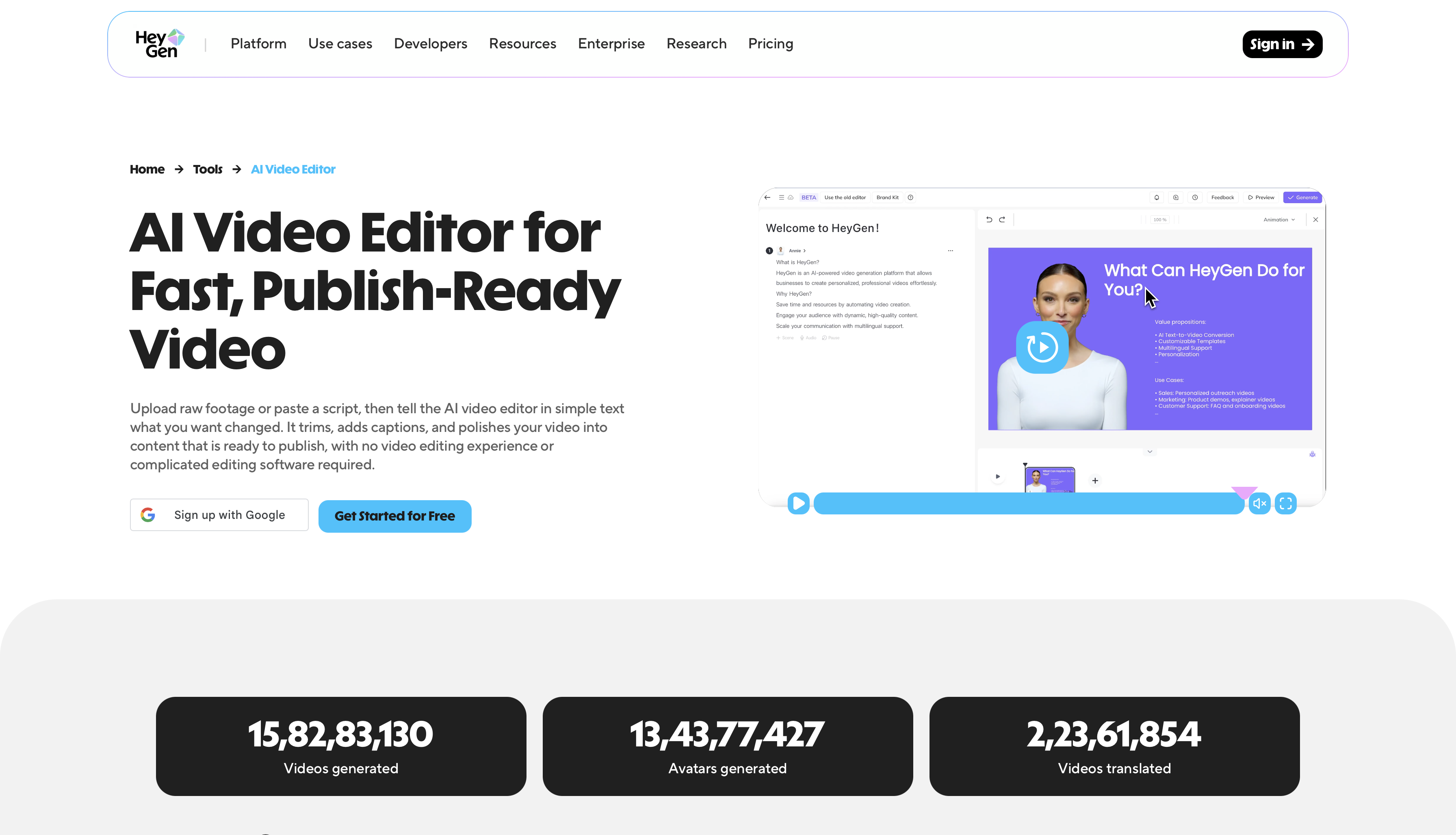
HeyGen creates AI spokesperson videos from a script. You select an avatar or clone your own likeness, add a script, and the tool produces a finished video with natural speech, lip-sync, and gesture. This is practical for product demos, explainer videos, and sales content at volume.
Key features:
- AI avatar video from script
- Voice cloning in 40+ languages
- Custom avatar creation from your own footage
- Talking photo for static images
- Video translation with synced dubbing
- Template library for marketing and sales formats
What we like best: Video translation with synced AI dubbing means a single video can be localized for multiple markets without re-shooting or hiring voice talent.
Pricing: Paid plan starts from $29/month. Free plan comes with 3 videos of up to 1 minute in a month with standard video processing features.
Also read: Best AI Video editing Tools for Digital Marketers
Best AI Video Editor for Small Businesses
Wondershare Filmora
Wondershare Filmora gives small business owners a full-featured desktop editor with AI tools that don't require significant editing experience. It covers scripting, editing, effects, and export with AI assistance at each stage.
Key features:
- AI script writer and scene detection
- AI text-to-video generation
- Motion tracking and masking
- Auto-reframe for multi-platform export
- Green screen and background removal
- Large stock library with royalty-free music and sound effects
What we like best: Filmora's AI text-to-video generator is accessible enough for non-editors to use, while the manual editing tools are capable enough for editors who want more control.
Pricing: Paid plan starts from $9.99/month. Free to download.
Also read: Filmora Alternatives
Kapwing
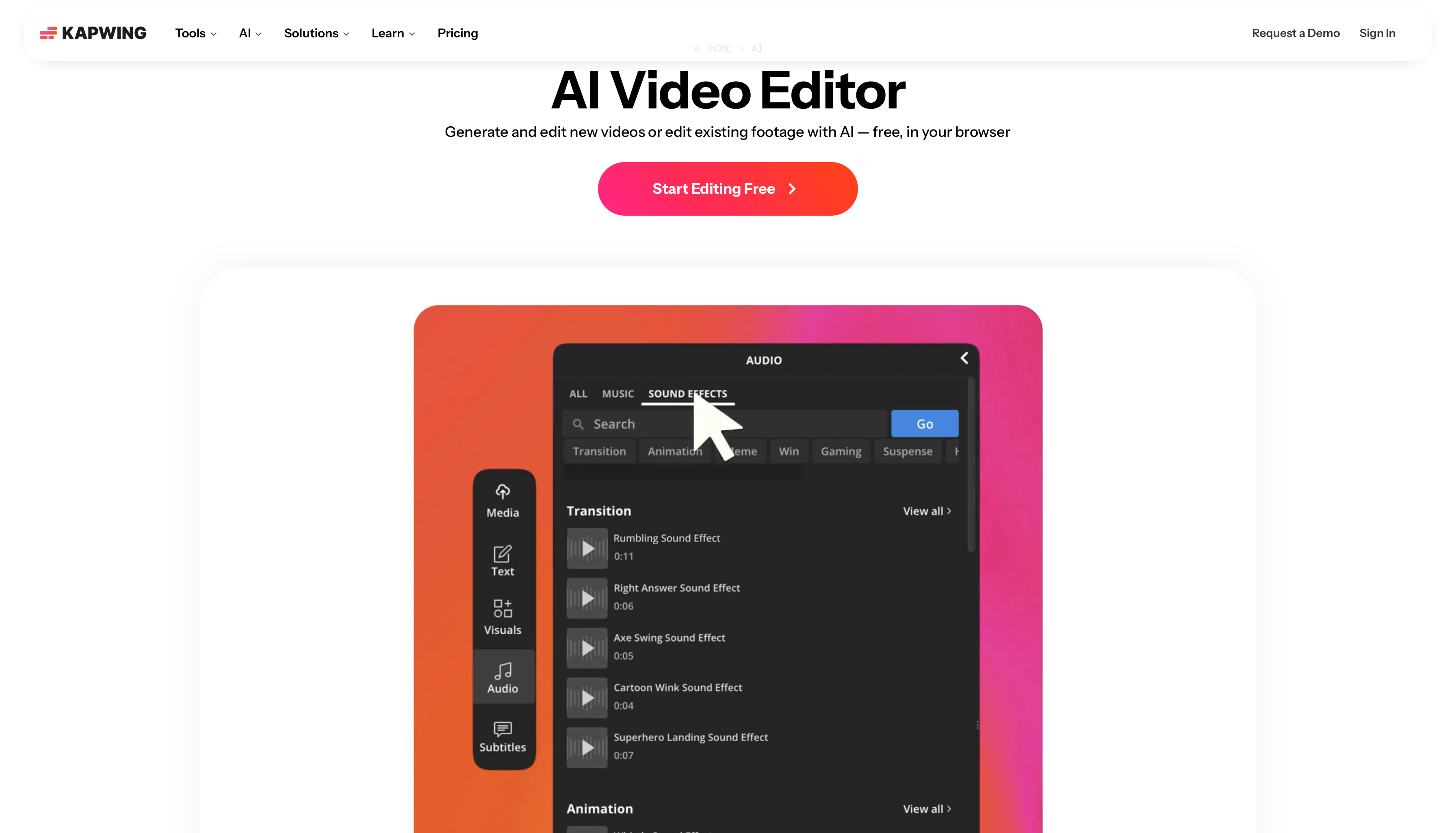
Kapwing is the stronger choice for small teams that need to collaborate on video without installing software. It runs in the browser, includes shared workspaces, and has AI tools for subtitles, background removal, and video resizing.
Key features:
- Browser-based with real-time team collaboration
- AI subtitles in 70+ languages
- AI background remover and Smart Cut (removes silences)
- Auto-resize for 10+ platform formats
- Shared brand kit and asset library
- Comment threads and approval workflow
What we like best: The approval workflow and shared workspace lets teams to co-edit in real time without file transfer delays and on-brand consistency
Pricing: Paid plan starts from $16/member/month. The free plan comes with watermarked exports, a monthly video export limit of 30 minutes, and 10 credits.
Best AI Video Editor for Mac
Final Cut Pro
Final Cut Pro is the standard for Mac-based video production. It uses Apple Silicon efficiently, processes AI effects in real time, and handles multicam, 4K, and 8K footage without the rendering delays that affect browser-based tools.
Key features:
- Magnetic timeline optimized for Apple Silicon
- AI-powered object tracker and scene removal
- Multicam editor with automatic sync
- Spatial video support for Apple Vision Pro
- ProRes and HEVC export
- One-time purchase with free updates
What we like best: The magnetic timeline removes the clip collision issues that slow down editing in traditional track-based editors, and the one-time pricing makes it significantly cheaper than a subscription over three-plus years.
Pricing: $299.99 one-time purchase. $12.99/month for Apple Creator Studio, while new subscribers can try it for free.
Adobe Premiere Pro
Adobe Premiere Pro is the better choice for editors who collaborate across Mac and Windows, or who work within the broader Adobe ecosystem.
Key features:
- Generative extend
- Text-based editing
- Object masking
- Speech enhancement
- Auto color / color match
- Auto ducking
- Scene edit detection
- Native integration with After Effects, Audition, and Photoshop
- Cross-platform: Mac and Windows
What we like best: Generative video extend, which uses AI to fill in missing frames at the beginning or end of a clip, is the most practically useful generative AI feature in any professional desktop editor currently available.
Pricing: Paid plan starts from $22.99/month. The AI video editing tool comes with 7-day free trial.
Best AI Video Editor for PC and Desktop
DaVinci Resolve
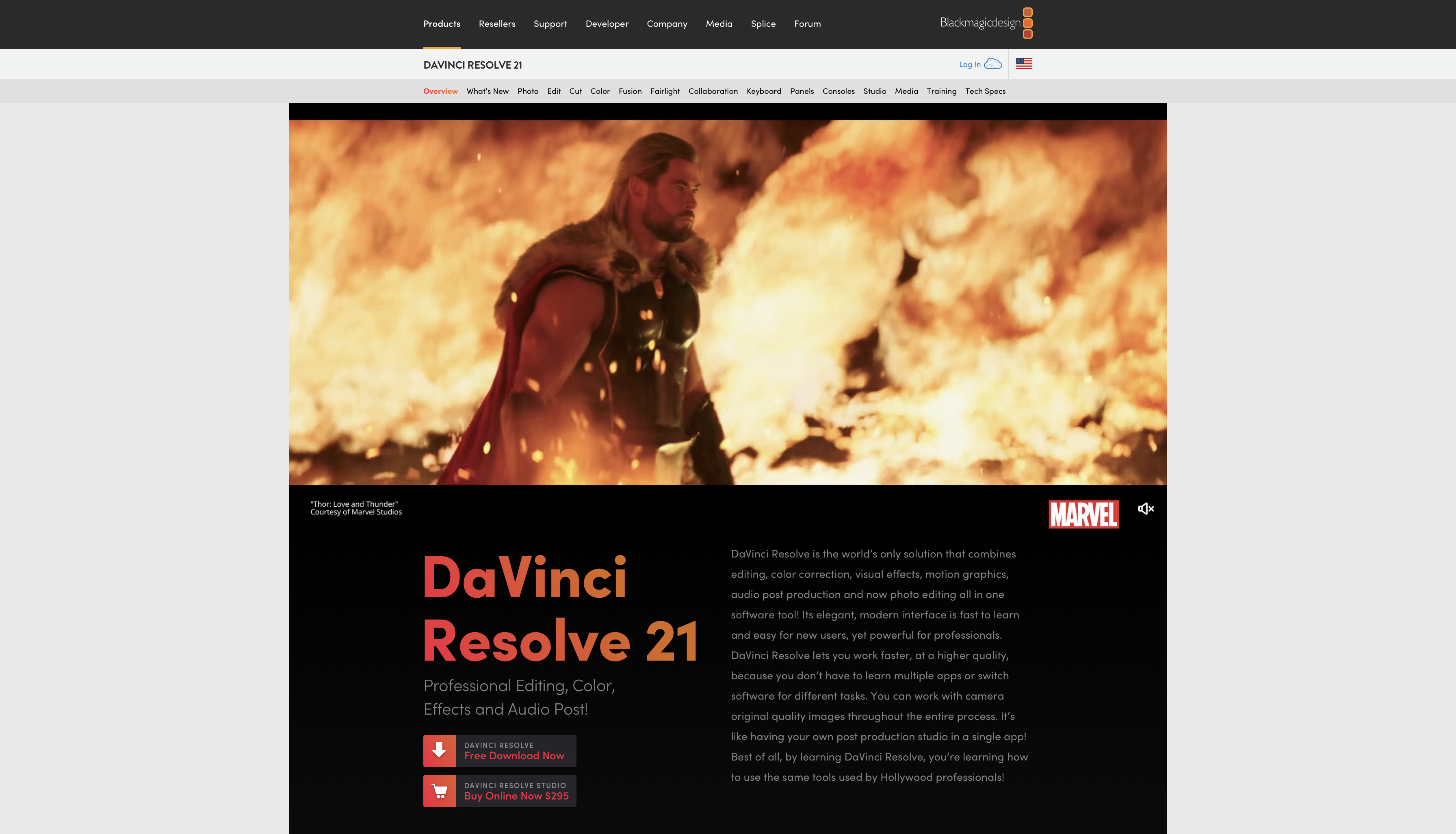
DaVinci Resolve is a fully professional editor available for free, with no watermark and no feature restrictions on the core editing suite. Its AI tools include Magic Mask for object isolation, voice isolation for audio cleanup, and Speed Warp for AI-assisted slow motion.
Key features:
- Professional multi-track timeline with color grading
- Magic Mask AI for object and person isolation
- Voice isolation and dialogue enhancement
- Speed Warp AI for smooth slow motion
- Fusion for compositing and motion graphics
- Cross-platform: Windows, Mac, Linux
What we like best: DaVinci Resolve's free version is more capable than most paid editors in this list, which makes it the clearest recommendation for editors who want professional tools without a subscription.
Pricing: One-time perpetual license costs $295. Free to download.
Camtasia
Camtasia is built for screen-based content: tutorials, software demos, training videos, and product walkthroughs. It combines screen recording with a full editor and includes Screencast, a hosting platform with viewer engagement analytics.
Key features:
- Screen recording with webcam overlay
- Callout, zoom, and annotation tools built for tutorial content
- AI-generated captions and chapter markers
- Quiz and interaction embed for training content
- Screencast hosting with per-video engagement analytics
- Templates for software demos and explainer video generation
What we like best: Screencast's viewer engagement analytics show where viewers drop off and which sections get replayed, all within the same platform, without exporting to a separate analytics tool.
Pricing: Paid plan starts from $39/year. Each feature/app included in paid plans can be trialed for free with various limits applied.
Best AI Video Editor for iPhone: LumaFusion
LumaFusion is the most capable professional video editor available on iPhone and iPad. It offers a full multi-track timeline, 4K HDR editing, and frame-accurate trimming, putting it far closer to a desktop editing experience than any other mobile editor.
Key features:
- Multi-track timeline with multiple video and audio tracks
- AI noise reduction and color grading and matching
- 4K HDR support with LUT import
- Magnetic and insert editing modes
- Background removal and chroma key
- Apple Pencil support on iPad
What we like best: LumaFusion offers broadcast-grade color grading, speed ramping, and transitions that rival computer software.
Pricing: $29.99 one-time purchase from iOS App Store
Best AI Video Editor for Android: PowerDirector
PowerDirector is the most capable AI video editor on Android, with background removal, AI motion tracking, and style transfer built in. It is also cross-platform, so projects started on Android can continue on Windows or Mac.
Key features:
- AI background removal (no green screen required)
- AI sky replacement and object detection
- Motion tracking with AI-assisted path generation
- Style transfer and cinematic color grading
- Script-to-video generation
- AI video editing through chat
What we like best: Cross-platform project continuity. You can rough-cut on your phone and finish the edit on a PC, which most mobile-only editors do not support.
Pricing: Paid plan starts from $24.99/month. Free download with limited (basic) features
Best AI Video Editor for Beginners: Adobe Express
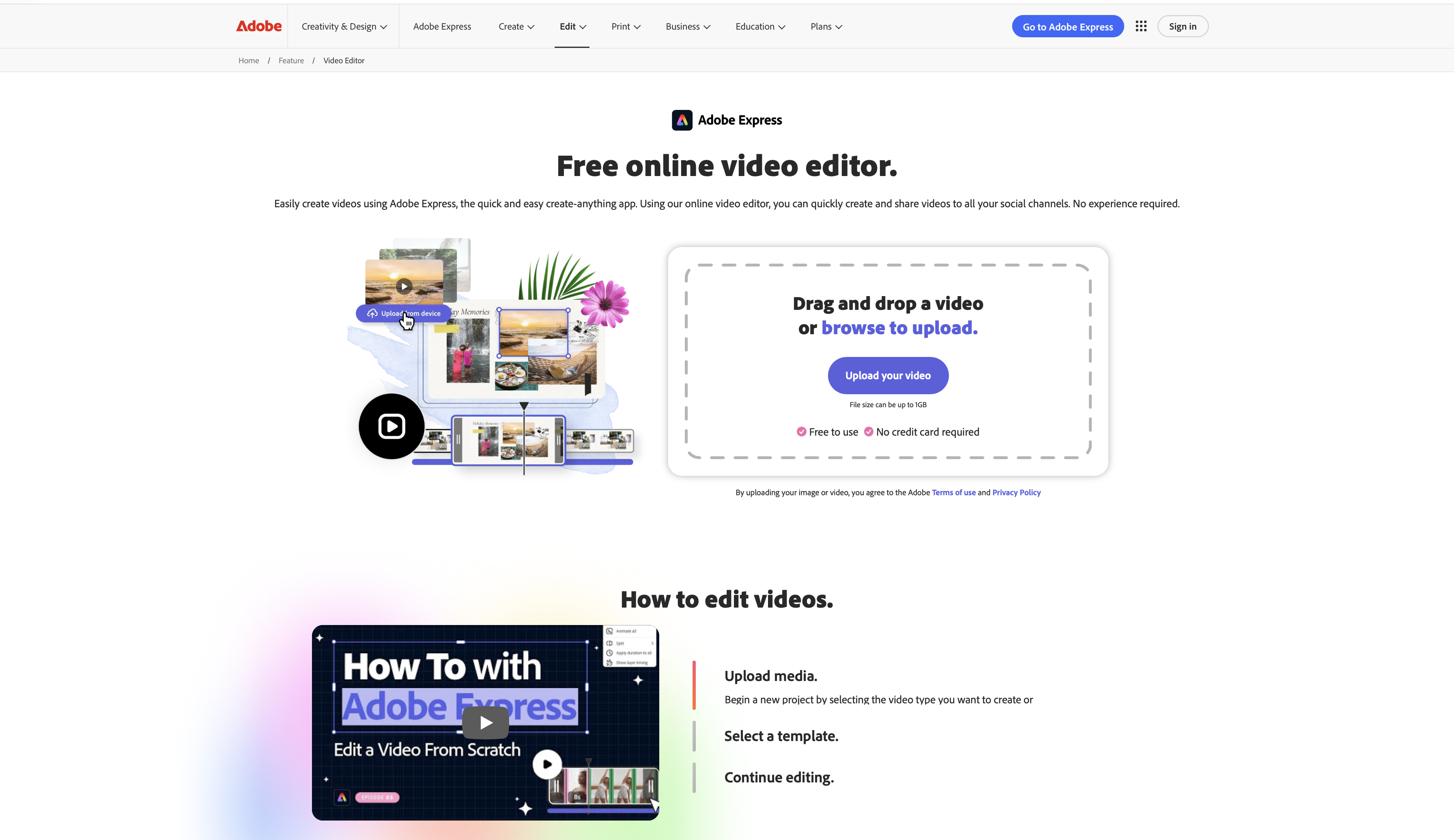
Adobe Express is the most accessible AI video editing software for users with no editing experience. It is template-driven, AI handles technically complex tasks automatically, and you can produce a finished video without understanding timelines or keyframes.
Key features:
- Template library for Reels, TikTok, YouTube Shorts, and social ads
- AI background removal and Firefly generative fill
- Automatic video resize for multiple aspect ratios
- Brand kit for consistent colors and fonts
- Text-to-image generation with Adobe Firefly
- Creative Cloud asset integration
What we like best: The AI resize tool reformats any video for different platforms automatically, which removes one of the most repetitive tasks in social media production.
Pricing: Paid plan starts from $9.99/month with 30-day free trial. Free plan comes with basic editing tools and limited assets.
Best AI Video Editor for Professional Editors: Boris FX Continuum
Boris FX Continuum is a plugin suite that installs into professional editing environments including Adobe Premiere Pro, After Effects, DaVinci Resolve, and Avid. It gives those editors access to over 1,000 AI-assisted visual effects, motion tracking tools, and compositing filters, including Mocha Pro for planar tracking and object removal used in broadcast and film post-production.
Key features:
- 1,000+ effects and filters via BCC+
- Mocha Pro AI planar tracking and object removal
- Particle Illusion for real-time particle effects
- AI-assisted stabilization and lens correction
- Film grain, optical blur, and cinematic light effects
- Works inside Premiere Pro, After Effects, DaVinci Resolve, and Avid
What we like best: Mocha Pro's AI planar tracking is the professional standard for object removal and screen replacement in post-production, and it integrates directly into the timelines where professional editors already work.
Pricing: BorisFX video editing suite costs around $124.58/month
What to Look for in an AI Video Editor
- Output type and platform: Tools built for short-form vertical video export and behave differently from tools built for long-form horizontal content. Confirm the tool's export presets match the platforms you publish to before committing to a subscription.
- AI automation depth: AI-enabled tools speed up manual editing. AI-led tools generate or restructure content automatically. If the goal is to significantly reduce editing time, you need the second category.
- Rendering speed: Cloud-based editors offload processing to remote servers, so they run well on any hardware. Desktop tools like DaVinci Resolve benefit from a dedicated GPU for AI-intensive tasks.
- Collaboration features: Solo creators rarely need shared workspaces. Teams producing content at volume should prioritize tools with role-based permissions, comment threads, and shared asset libraries.
- Pricing model: Free plans on AI-heavy tools typically cap AI credit usage, export quality, or storage. Calculate the real per-month cost based on your actual volume before signing up.
How to Choose the Right AI Video Editor
- YouTube creators who need auto-chapters, transcripts, and SEO-ready export: VEED
- Long-form editing by deleting transcript text: Descript
- Remote podcast video with studio-quality recording: Riverside
- Short-form repurposing from long videos with no manual clip selection: OpusClip
- Instagram Reels, spoken-word content with eye contact correction: Captions
- Reels, effects-driven or template-based content: CapCut
- TikTok from a text prompt: InVideo AI
- TikTok captions with retention-optimized styling: Submagic
- Social media ads and branded video generation at scale: ImagineArt
- Influencer content repurposing for brand teams: Munch
- AI spokesperson or avatar video for marketing: HeyGen
- Small business video, desktop-based with a low learning curve: Wondershare Filmora
- Small team collaboration in the browser: Kapwing
- Mac editing, professional long-form content: Final Cut Pro
- Mac editing, cross-platform teams or Adobe integration: Adobe Premiere Pro
- PC editing, professional grade at no cost: DaVinci Resolve
- PC, screen recording and tutorial content: Camtasia
- iPhone, professional multi-track editing: LumaFusion
- Android, cross-platform project continuity: PowerDirector
- Beginners, template-driven with no learning curve: Adobe Express
- Professional compositing inside existing pro editing environments: Boris FX Continuum
Best Free AI Video Editors in 2026
Here are AI video editors with a genuine free tier, AI features, and quick downloads:
- CapCut: Free plan comes with no watermarks on most exports
- ImagineArt: Free daily credits
- DaVinci Resolve: Fully professional editor, no watermark
- Adobe Express: Core AI tools with usage limits
- VEED: Basic editing with watermark
- Descript: 60 min AI transcription/month
- OpusClip: Limited clip generations per month
- Captions: Basic captions, limited exports
- HeyGen: Limited avatar video per month
- Kapwing: Full editing with watermark
- PowerDirector: Full editing with watermark
Once you have picked your AI video editing tool, explore the video editing tips to create more polished videos.
Frequently Asked Questions
What's the best AI video editor out there?
There is no single best AI video editor; the right tool depends on what you are making. For short-form social media and ads, ImagineArt, CapCut and OpusClip lead the category. For long-form editing, Descript is the strongest option. For professional post-production with AI compositing, Boris FX Continuum integrated into DaVinci Resolve or Premiere Pro is the professional standard.
What's the best AI video editor for creatives?
Creatives working on branded content, social ads, or generative video tend to get the most from tools that combine AI generation with editorial control. ImagineArt covers prompt-based video generation, Lipsync Studio, and dedicated video editing apps including object removal, background changer, and color correction.
How can I start learning AI video editing?
Start with a free tool that has a short learning curve. ImagineArt, Adobe Express and CapCut are practical starting points that give you hands-on experience with AI features and simpler learning curve. Focus on learning core concepts such as timing, layering, export settings.
Which video editor is the easiest for beginners to learn?
Adobe Express and ImagineArt has the shallowest learning curve of any video editor. AI handles technically complex tasks automatically, and you can produce a finished video without understanding timelines or keyframes.
Can ChatGPT edit videos for you?
No. ChatGPT is a text-based model and does not process or edit video files. It can help with adjacent tasks like writing a script or generating images. Some AI video platforms use large language models in their backend to power script-to-video features, but that is a separate technology from ChatGPT's interface.
Will AI replace video editors?
AI will automate a growing share of repetitive editing tasks — transcription, clipping, captioning, noise reduction, and format resizing — but it does not replace the editorial judgment that makes content effective. Editors working on narrative structure, tone, pacing, and audience psychology are doing work that current AI tools are not close to replicating. The more realistic shift is that individual editors and small teams will produce significantly more output using AI tools, which changes the economics of video production more than it changes the role itself.
Tooba Siddiqui
Tooba Siddiqui is a content marketer with a strong focus on AI trends and product innovation. She explores generative AI with a keen eye. At ImagineArt, she develops marketing content that translates cutting-edge innovation into engaging, search-driven narratives for the right audience.