
Tooba Siddiqui
May 12, 2026 • Updated May 21, 2026
14 mins Read
Most AI video tools were built for short-form content — 5 to 15 second clips optimised for TikTok, Reels, and YouTube Shorts. They generate a single scene from a prompt and stop there. That is not a long-form video production pipeline. It is a clip generator.
Long-form video is a different discipline entirely. It requires narrative structure across multiple scenes, visual continuity, consistent character and environment style throughout, and a production workflow that can handle the full runtime from first scene to final export.
What Makes a Great AI Video Generator for Long Videos?
The answer is fundamentally different from what makes a great short-form AI video tool. Short-form rewards speed and visual impact. Long-form rewards continuity, quality consistency, and production structure.
Here is what matters for long-form AI video generation:
- Clip extension capability: The ability to extend generated clips into longer continuous sequences without visible seams or quality drops between extensions
- Scene continuity: Visual consistency — lighting, environment, character style — maintained across multiple separately generated scenes
- Model quality for extended runtimes: Generation models that produce high-fidelity output consistently, not just in short bursts
- Narrative structure support: A production environment designed for chapters, scenes, and sequencing — not just single outputs
- Multi-scene editing: Tools for assembling, sequencing, and pacing individual generated clips into a coherent full-length video
- Production pipeline automation: For creators publishing long-form content on a consistent schedule, automation removes the manual steps that make volume production unsustainable
- Commercial licensing: Long-form video published on YouTube or course platforms requires clear commercial usage rights from the AI platform
The Best AI Video Generator for Long Videos 2026
ImagineArt AI Film Studio
Introducing ImagineArt Film Studio: the complete production suite to turn your stories into scenes!
— ImagineArt (@ImagineArt_X) May 20, 2026
Built on thousands of hours of director workflows, refined across hundreds of original productions, ImagineArt Film Studio brings the entire studio, casting, setting, direction,… pic.twitter.com/X5VplMnt5A
ImagineArt AI Film Studio is a browser-based production environment that takes a project from reference frame to finished film — generated images, video clips, and voiced audio — inside a single workspace, no downloads or external tools required.
The four-tab workflow maps to actual film production stages. The Image tab generates reference frames with controls for focal length, aperture, and aspect ratio, establishing visual direction before any video is produced. The Create Video tab applies Genre settings — documentary for naturalistic observational footage, action for kinetic high-energy output, atmospheric for slow mood-driven motion — alongside Movement controls and Speedramp for adjusting pace within a clip. The Edit tab refines existing footage without rebuilding from scratch. The Extend tab adds runtime without visible seams, which is what keeps multi-scene production coherent across a full long-form timeline rather than fragmenting into disconnected clips.
The References panel maintains visual consistency across scenes by anchoring generation to uploaded images, video, or audio assets. Audio Studio generates narration and custom music from within the same project. Final output is MP4.
Best for: Independent filmmakers producing complete films without crews, marketing teams building campaign video that requires narrative structure across multiple scenes, and directors in pre-production testing camera angles and scene blocking before a physical shoot. A free account includes full Film Studio access with generation credits — no credit card required. For complete guide on creating film, see how to make a film with AI
ImagineArt AI Video Generator
 ImagineArt AI video generator
ImagineArt AI Video Generator is the foundation of any long-form production workflow on the platform. It generates video from text prompts and images — establishing shots, scene environments, narrative moments, B-roll sequences — at the quality and consistency that long-form content demands.
Video Extend is where the tool earns its place in a long-form pipeline. Rather than generating a short clip and cutting to the next, Video Extend takes your generated output and builds it forward. It lets you extend the motion, the environment, and the visual continuity into a longer sequence. For long-form creators, this changes the production dynamic: instead of managing dozens of short clips in an edit, you extend key sequences to match the pacing and runtime your content requires.
Best for: Generating individual scenes, establishing shots, environment sequences, and extending key clips for long-form pacing. The starting point for any multi-scene long-form production on ImagineArt.
Runway AI
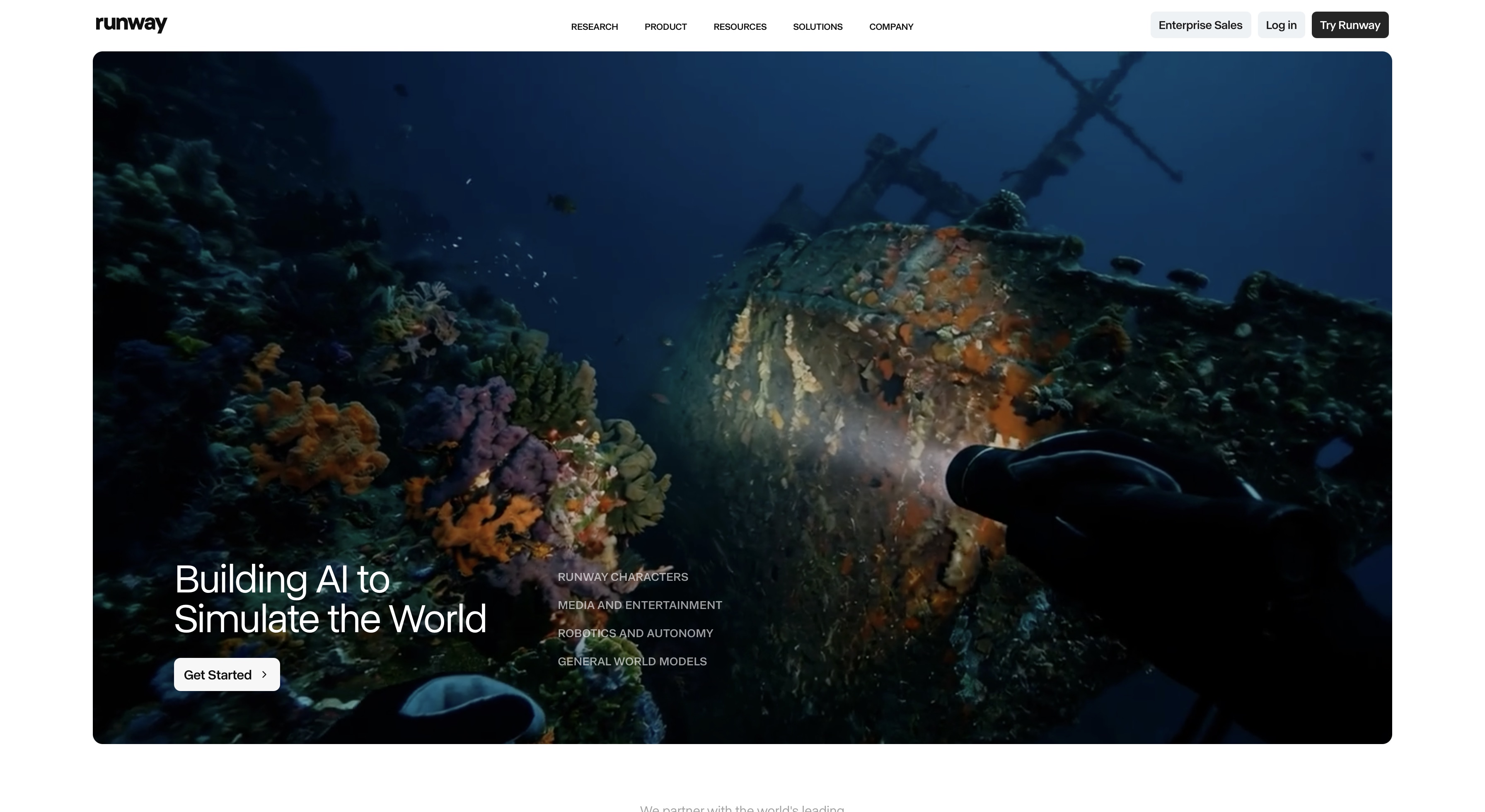
Runway Gen-4.5 brings precise cinematic control to long-form video production — camera movement, scene composition, lighting behaviour, and motion physics that match the intentionality of professional cinematography. The actual video length is up to 10 seconds, Runway Gen 4.5 supports ‘extend’ feature, letting users create longer videos of up to 40 seconds.
Best for: Independent films, art-house productions, premium long-form storytelling where visual design consistency across scenes matters as much as generation quality. Directors and creators who think in shots — not just prompts — will find Runway Gen-4.5 gives them the control their long-form work requires.
The long-form advantage of Runway is consistency. When you are generating 15 to 20 scenes across a short film or a long YouTube production, the precision of camera movement and scene framing stays controlled across every generation — the visual language of the piece holds together. For full guide on short film production, see how to make a short film.
Kling AI
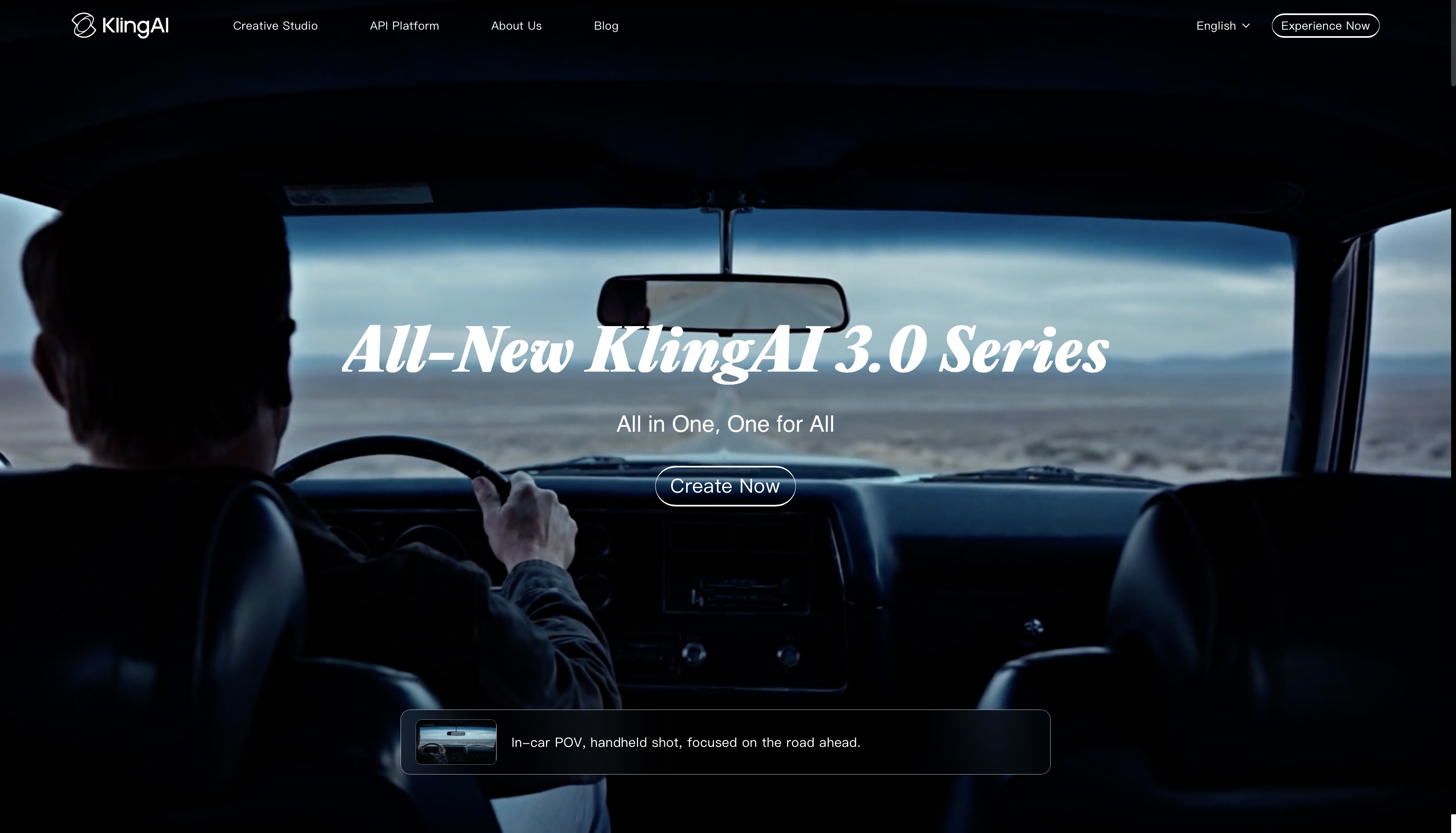
Kling 3.0 produces cinematic realism with fluid, natural motion — the model that consistently performs best for character-driven narrative content where human movement, environmental realism, and atmospheric depth need to feel believable across a full runtime. While the generated videos can be 15-seconds long, the “auto-extend” and “customized extend” features let you create videos of up to 3 minutes.
Best for: Atmospheric narrative long-form content, character-driven YouTube productions, travel documentaries, lifestyle series, and any long-form video where photographic realism is the standard.
The specific strength of Kling for long-form video is motion naturalness. AI-generated motion fatigue — where generated movement starts to feel artificial after extended viewing — is less pronounced in Kling 3.0 than in most models. For a 15-minute YouTube video where viewers spend extended time with generated footage, that difference is perceptible.
For YouTube-specific long-form strategy, see best AI video generators for YouTube.
Seedance AI
Seedance 2.0 specialises in artistic transitions, elegant visual flow, and soft dynamic aesthetics — making it the strongest model for long-form content where the visual layer is as important as the narrative content it supports. The single generation video length is of 15 seconds. With “video extend,” you can append 4-15 second segments while maintaining continuity and consistency.
Best for: Abstract, cinematic, and artistic long-form content, educational videos with an aesthetic visual layer, meditative or ambient productions, dream-like transitions between chapters, and any long-form format where conventional realism would feel too rigid.
For course creators and educators who want their video content to feel visually elevated rather than mechanically generated, Seedance 2.0 produces the kind of flowing, considered visual language that makes long-form educational content easier to watch and harder to leave.
LUMA RAY
LUMA RAY 3.14 delivers hyperrealistic shots with dramatic, precisely controlled lighting and camera movement that matches broadcast and commercial production standards. The maximum video length is of 18 seconds when modifying video using the video-to-video generation. While the clips can reach up to 30 seconds using the ‘extendd’ feature.
Best for: Corporate video production, luxury brand content, high-production-value YouTube, product-led long-form, training and onboarding video that needs to carry professional credibility.
For corporate teams producing internal training videos, onboarding content, or brand storytelling at scale, LUMA RAY 3.14 closes the gap between AI-generated video and agency-produced content. The lighting realism specifically — the way surfaces catch and diffuse light across a scene — is what separates LUMA RAY output from lower-fidelity models at commercial production standards. For corporate video direction, see corporate video ideas.
Google Veo
Google Veo 3.1 represents the current benchmark for detailed realism and sophisticated visual generation in AI video. It produces the highest-fidelity output on the platform — nuanced environmental detail, precise texture rendering, and natural scene physics that make generated footage indistinguishable from filmed content at typical viewing distances. The base clip length is up to 8 seconds, which can be extended up to 148-168 seconds.
Best for: Documentaries, high-production YouTube, realistic narrative long-form, educational content that requires photographic accuracy, and any long-form production where the audience needs to trust the visual authenticity of what they are watching.
For documentary filmmakers working without production budgets, Google Veo 3.1 is the model that makes location-independent production viable — environments, scenarios, and visual contexts that would require extensive filming logistics can be generated at the quality standard the format demands. For a full guide to documentary production, see how to make a documentary.
PixVerse AI
PixVerse AI introcuded v6 that produces fluid, high-motion output with dynamic camera effects and punchy visual energy. It is designed for content where kinetic engagement is the priority.
Best for: High-energy long-form YouTube content, action-driven productions, dynamic product showcases, engaging intro sequences, highlight reels, and any section within a longer production that needs to shift pace and energy.
The long-form role of PixVerse is specific: it is not a model for building sustained narrative across a full 15-minute runtime. It is the model for the high-energy moments within that runtime — the cold open that hooks the viewer, the chapter transition that resets momentum, the product reveal sequence that drives engagement. Used strategically within a longer production alongside a narrative model, PixVerse v6 gives you the energy variation that keeps long-form viewers watching.
ImagineArt Production Suite
AI Video Editor: Assemble your generated scenes, sequence chapters, add narration and music tracks, control pacing across the full runtime, and complete the editing layer before export. ImagineArt AI Video Editor is the step between generated clips and a finished video — essential for any long-form production where pacing, chapter structure, and audio sync determine whether the content holds the viewer's attention. For complete guide on video editing, see video editing tips.
AI Workflows: Automate your long-form production pipeline for creators on a consistent publishing schedule. Build the sequence of generation, assembly, and export steps once, and run it across every production. For YouTube channels targeting weekly or bi-weekly long-form uploads, ImagineArt Workflows removes the manual repetition that makes volume publishing unsustainable. For automation strategy, see YouTube automation.
Which AI Tool Is Right for Your Long-Form Video Strategy?
- If you are creating a documentary, use Google Veo for photorealistic environment generation, Film Studio for structured multi-scene production, and Video Editor for the final assembly and narration layer.
- If you are building a long-form YouTube channel, use Kling or Google Veo for consistent visual quality across episodes, Film Studio for project management, and Workflows for maintaining a publishing schedule. For channel setup guidance, see start a YouTube channel for business and faceless YouTube channel ideas.
- If you are producing corporate training videos, use LUMA RAY for broadcast-quality output, Film Studio for structured chapter production, and Workflows for deploying training content at scale across teams.
- If you are making a short film, use Runway for precise cinematic control, Film Studio for scene-by-scene production, and Video Editor for pacing and final cut.
- If you are creating educational or course content, use Seedance for an aesthetically elevated visual layer, AI Video Generator with Video Extend for sustained scene sequences, and Video Editor for chapter segmentation and narration sync.
- If you are publishing high-volume long-form content, use AI Video Generator with Video Extend for efficient scene production, Workflows for automating the pipeline, and whichever model matches your content's visual language.
Looking for a complete roundup of AI video tools across all formats? See our full guide: best AI video generator 2026
How to Create a Long-Form Video with ImagineArt
Creating a finished long-form video with ImagineArt follows a structured production process from concept to export.
- Define your content structure. Map out your chapters, scenes, narrative arc, and target runtime before generating anything. Long-form AI video without a plan produces disjointed output.
- Choose your model. Match the model to your content type using the guide above. Your model selection defines the visual language of the entire production.
- Generate your opening scene. Start with the establishing shot or chapter one opening. Use this generation to calibrate your prompt style — the tone, environment, and visual choices that will carry through the full production.
- Use Video Extend for key sequences. Rather than cutting between multiple short clips, extend your strongest generated scenes to match the pacing your content requires. This is the step that separates long-form production from clip assembly.
- Open Film Studio and structure your production. Build scene by scene, chapter by chapter, using consistent prompting patterns to maintain visual continuity across the full runtime.
- Generate remaining scenes. Work through your content structure systematically, maintaining prompt consistency for environment, lighting, and visual style.
- Assemble in Video Editor. Sequence your scenes, add narration, sync music, set chapter markers, and review pacing across the full runtime.
- Review for continuity. Watch the full video before export — check that visual style, lighting, and environment remain consistent across scene transitions.
- Set up Workflows for your next production. Once your production process is confirmed, automate it for future episodes or modules.
For a specific look at long-form explainer video production, see best AI video generators for explainer videos.
Common Mistakes When Using AI for Long Videos
- Generating without a content structure. The most common mistake in long-form AI video production. Generating scenes without a narrative plan first produces clips that cannot be assembled into a coherent video regardless of individual quality. Plan before you generate.
- Ignoring scene continuity. Each generated scene is independent unless you prompt for consistency. Varying your prompt style between scenes — different lighting descriptions, different environment details, different visual tone — produces a video that looks like it was made by five different directors. Define your visual language in your first generation and maintain it through every subsequent prompt.
- Not using Video Extend. Assembling 50 individual 6-second clips with hard cuts between them does not produce long-form video — it produces a highlight reel. Video Extend builds the sustained sequences that long-form content requires.
- Using the wrong model for the content type. PixVerse v6 is not the right model for a 20-minute documentary, and Seedance 2.0 is not the right model for a high-energy product showcase. Model selection determines whether your long-form content feels right for its genre.
- Skipping the editing step. ImagineArt generates the visual material. The Video Editor is where that material becomes a video. Pacing, narration sync, chapter structure, and runtime control require the editing layer — there is no shortcut around it.
- Inconsistent prompting across scenes. The most overlooked source of visual inconsistency in long-form AI video. Write your core prompt elements — environment, lighting, colour tone, visual style — into a reference you use for every scene generation. Consistency in prompting produces consistency on screen.
Ready to Create Long Video with ImagineArt?
Short-form AI video tools generate moments. ImagineArt generates productions.
Video Extend for continuous sequences. Film Studio for project-based structure. Video Editor for assembly and pacing. Workflows for publishing at scale. Everything a long-form video production requires — from first scene to finished export — inside one platform with a free plan to start.
The creators building serious long-form video channels, documentary projects, and corporate content libraries in 2026 are not stitching together clips from five different tools. They are working in a single platform with a production pipeline built for the runtime their content demands.
Start creating with ImagineArt for free and build long-form video the way it was meant to be made.
Frequently Asked Questions
ImagineArt is the best AI video generator for long YouTube videos in 2026. It can create long-form videos for every content type — documentary, educational, narrative, corporate, high-energy — with Video Extend for building continuous sequences, Film Studio for project-based production, and Workflows for maintaining a consistent publishing schedule.
Yes, with the right workflow. ImagineArt AI Video Generator creates scene-by-scene video from text prompts, Video Extend builds continuous sequences from those scenes, Film Studio structures them into a full production, and Video Editor assembles the final video with narration and audio. A complete long-form video from script to export is achievable on ImagineArt's platform.
Google Veo 3.1 is the strongest model for documentary-style long-form video on ImagineArt. Its photographic realism, environmental detail, and scene physics produce footage that carries the visual credibility documentary content requires. Kling 3.0 is a strong secondary option for atmospheric and character-driven documentary formats.
Three practices maintain visual continuity in long-form AI video: consistent prompting (use the same core environment, lighting, and style descriptions across every scene generation), Video Extend (build longer sequences rather than cutting between short clips), and Film Studio (manage the full production in a structured project environment where scene order and consistency are visible throughout).
With ImagineArt Video Extend capability and Film Studio's project-based production environment, there is no fixed runtime ceiling on AI-generated long-form video. Individual generations are extended into sequences, sequences are assembled into chapters, and chapters are structured into full productions of any runtime. Practical limits are determined by your content structure and editing capacity, not by the platform's generation capabilities.
Video Extend is ImagineArt's capability for extending generated video clips into longer continuous sequences. Rather than generating a 6-second clip and hard-cutting to the next, Video Extend builds the original generation forward — maintaining the visual continuity, motion quality, and environmental consistency of the source clip into an extended sequence. For long-form video production, it is the step that separates sustained cinematic scenes from assembled short-form clips.
Want to know more about AI video generators for short-form content? See our dedicated guides: best AI video generator for TikTok | best AI video generator for YouTube Shorts | best AI video generator for Instagram Reels.
Tooba Siddiqui
Tooba Siddiqui is a content marketer with a strong focus on AI trends and product innovation. She explores generative AI with a keen eye. At ImagineArt, she develops marketing content that translates cutting-edge innovation into engaging, search-driven narratives for the right audience.