AI NPC Character Generator
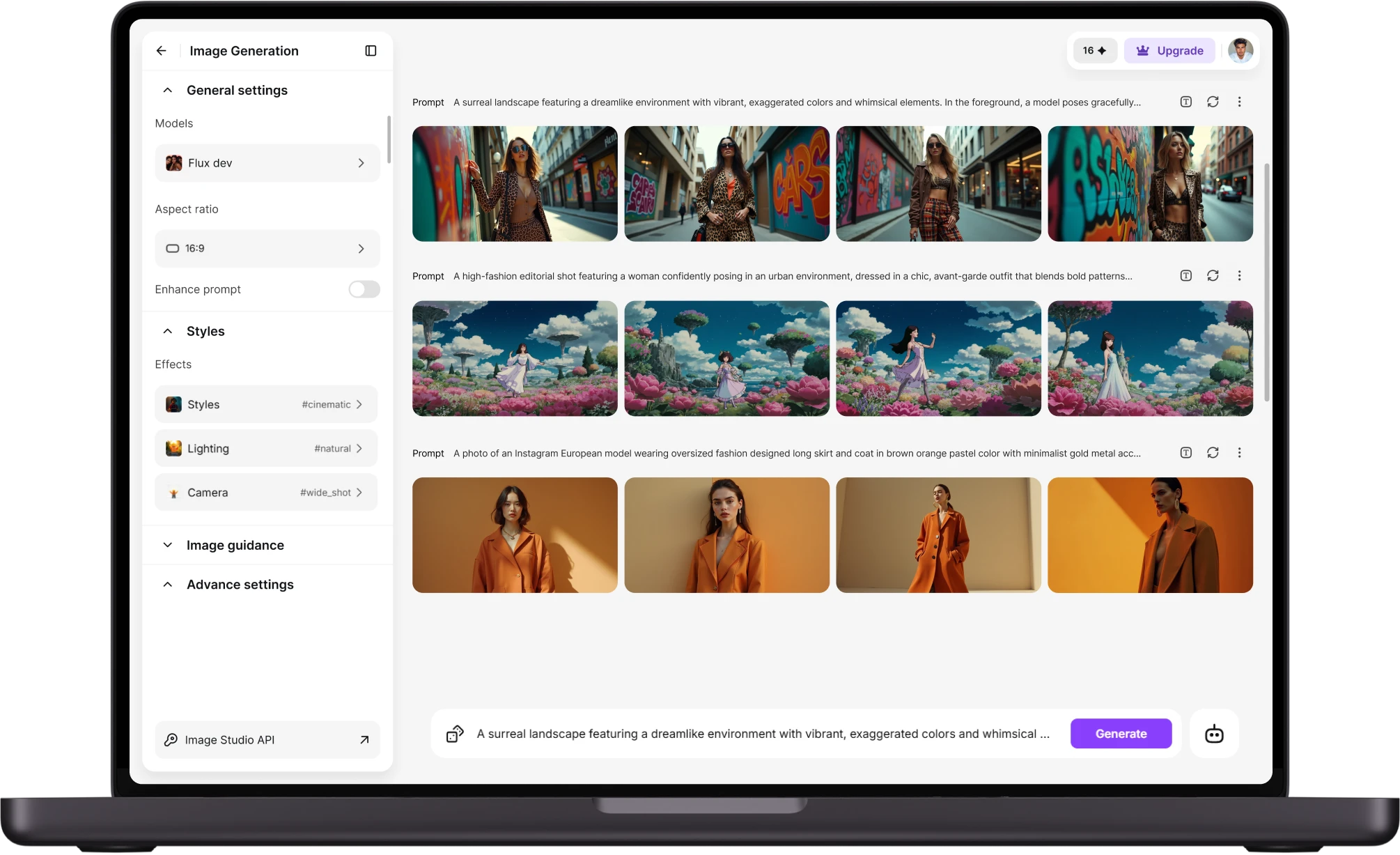
Generate a complete NPC with a face, outfit, personality, and overall vibe from just a one-line description. This NPC Generator helps tabletop dungeon masters and game writers quickly create unique characters and build an entire cast faster than starting with a sketch.
You Might Also Be Interested In
Community Creations
A full cast, not one hero portrait
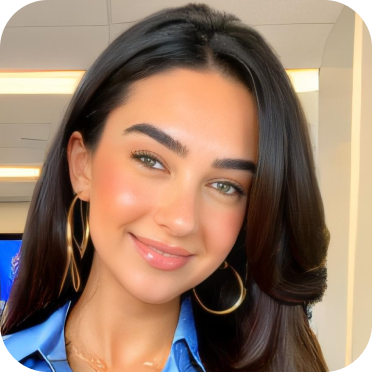
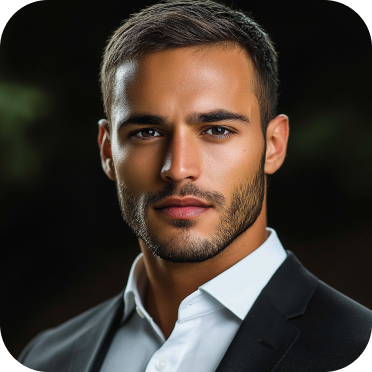
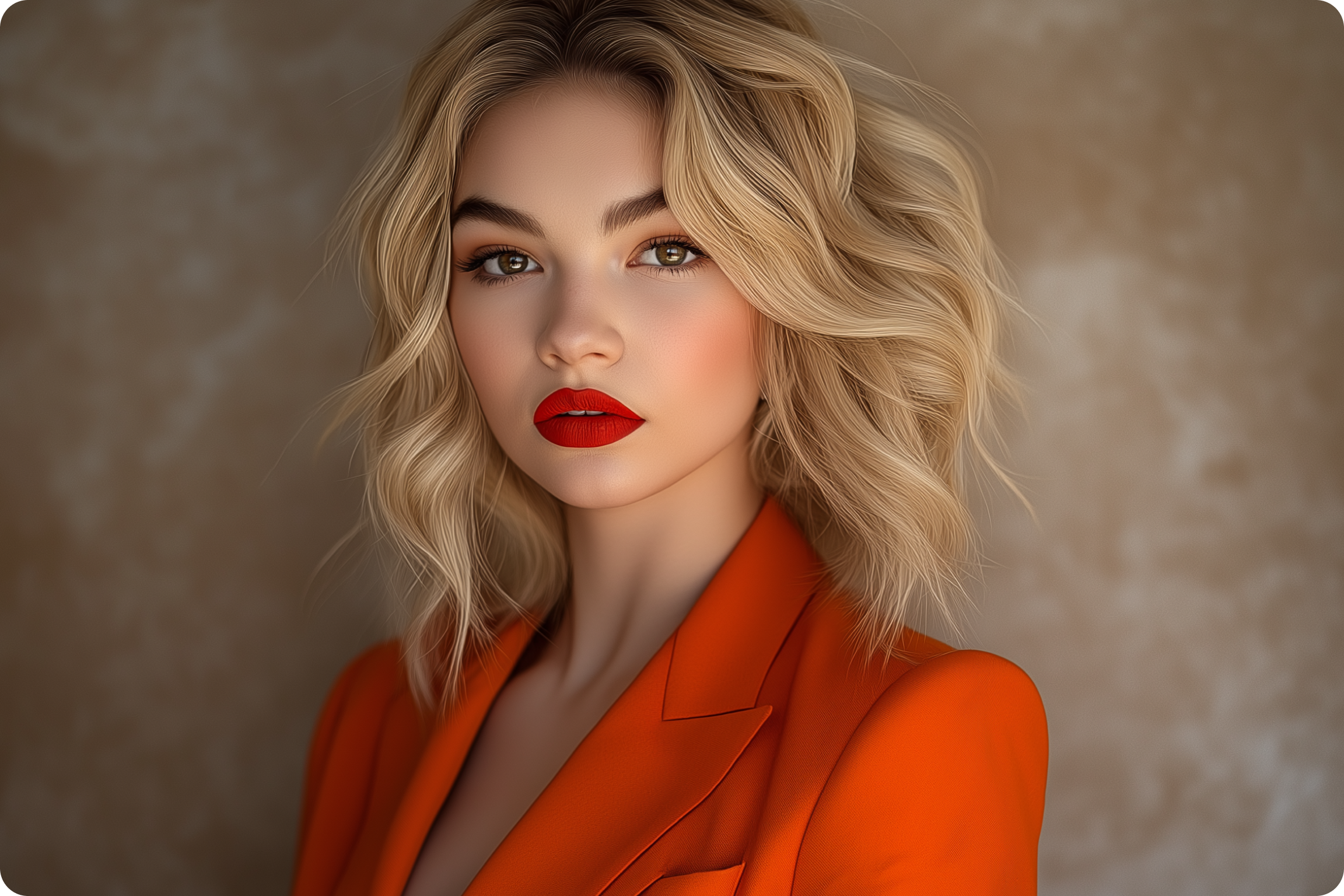
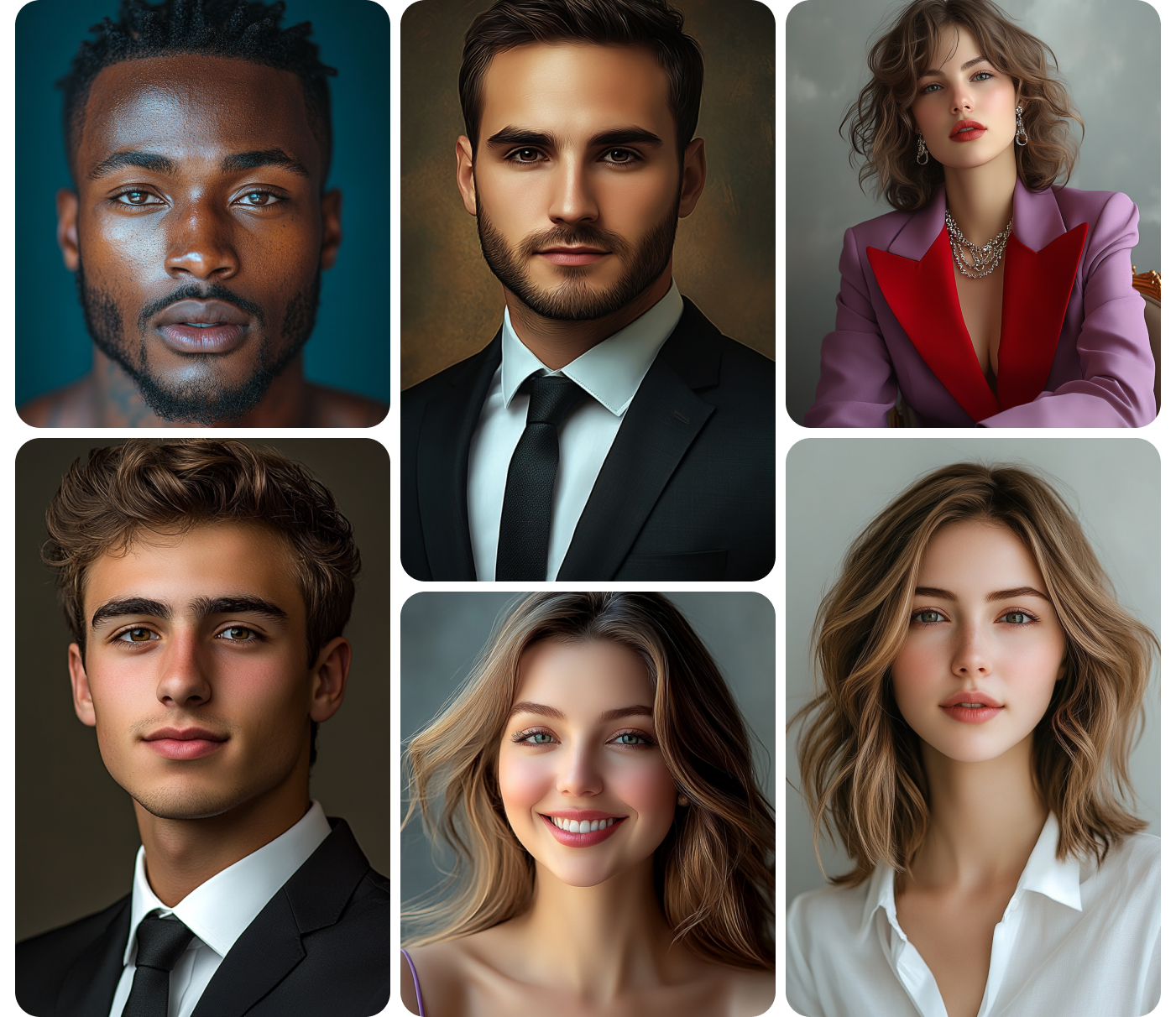
Type a one-line description, a suspicious dockworker, a retired knight running a tavern, a merchant hiding a second identity, and get back a portrait that matches. Built on models including Nano Banana 2 and Midjourney V7, so a batch of NPCs can span realistic, anime, or stylized art depending on the campaign or game's visual style, without switching tools between characters.
For dungeon masters and game writers
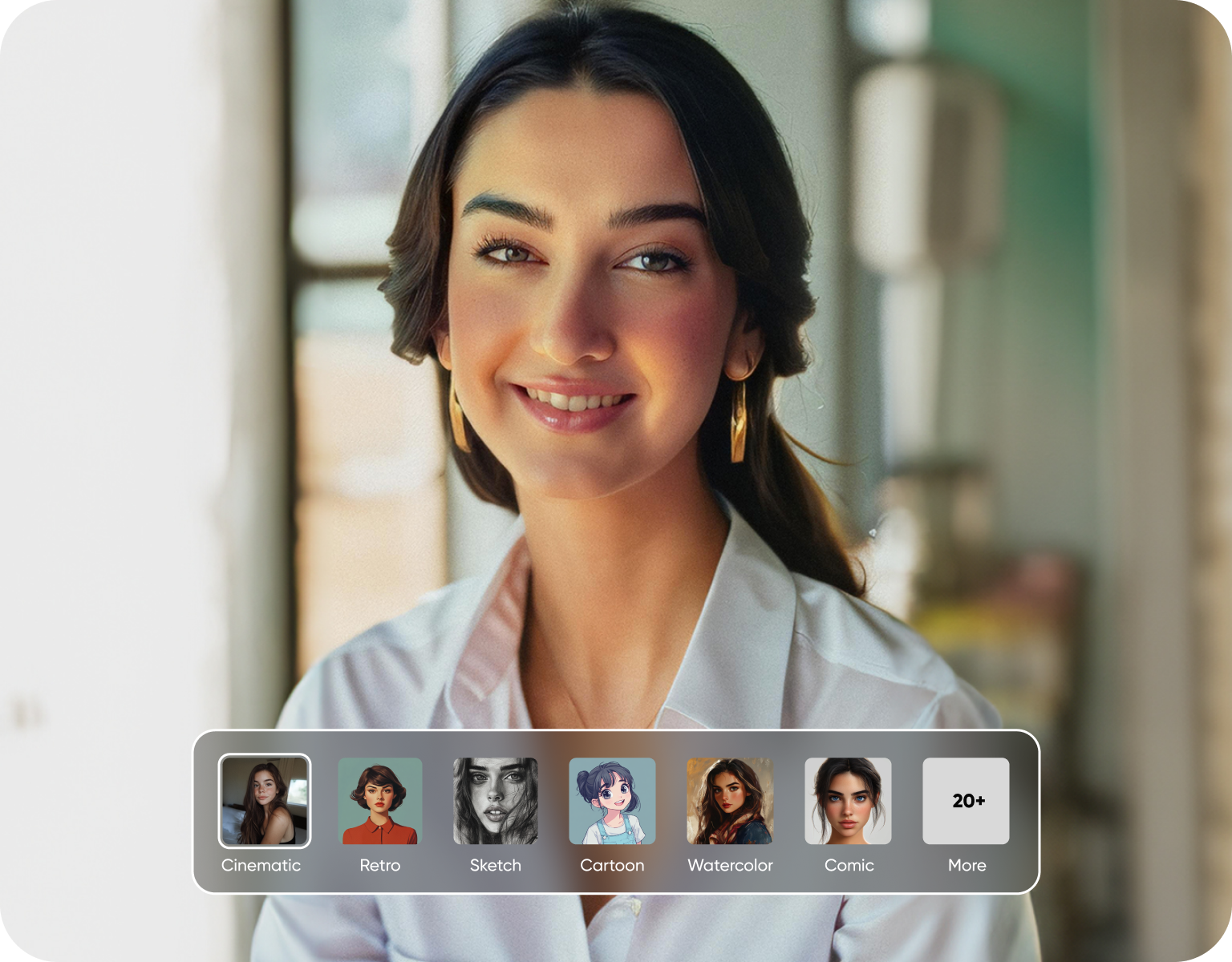
A dungeon master preparing a session needs faces for a handful of one-scene characters, not just the campaign's main villain. A game writer building a world for a visual novel or an indie RPG needs a consistent-looking cast without a full art budget. Both get the same tool: describe the character, generate the portrait, move to the next one.
Faster than reusing the same three faces
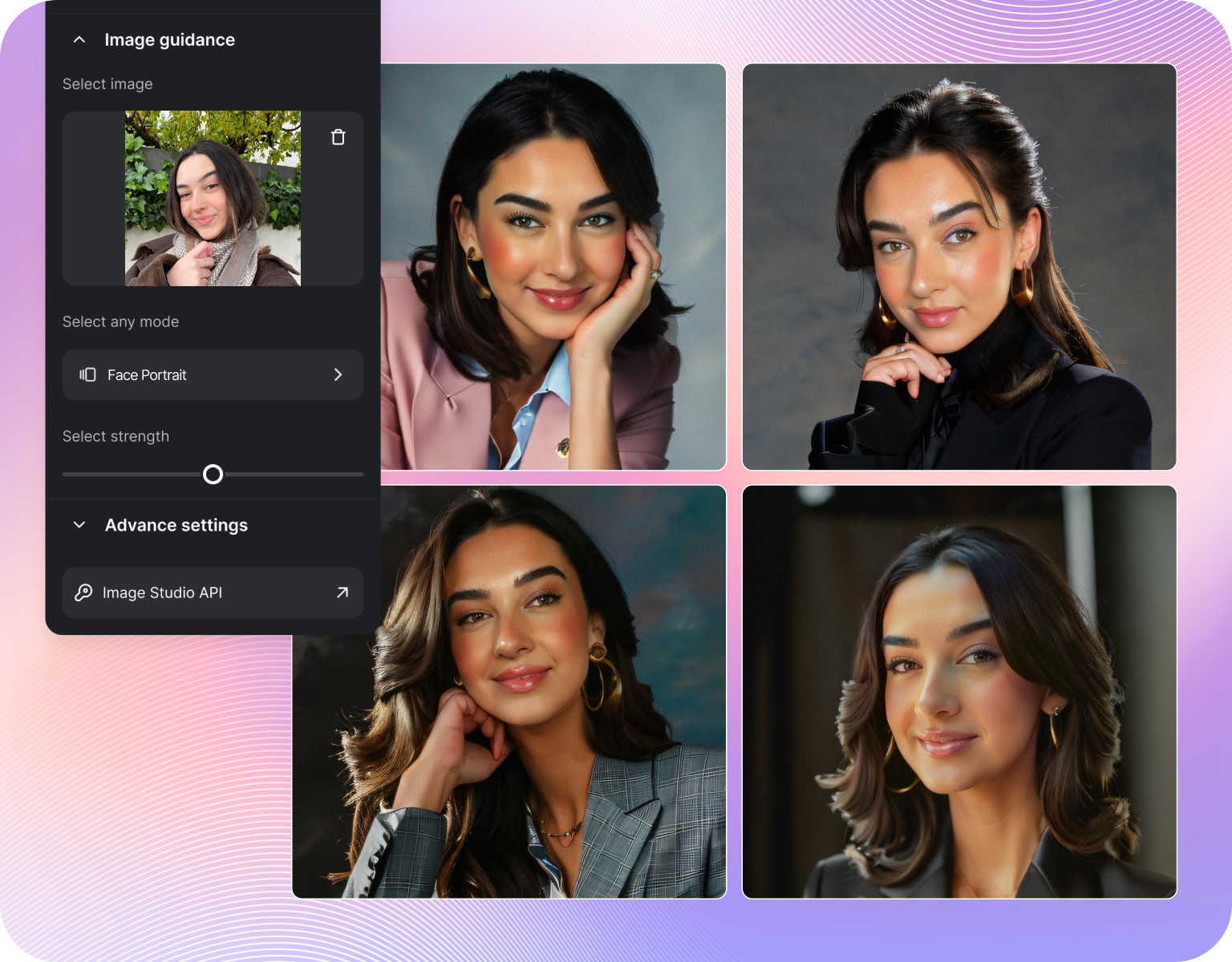
Reusing stock art or the same three NPC portraits across a campaign is the usual workaround for not having time to commission unique art. Generating a new face per NPC, even a background one, takes about as long as picking one from a folder, but the result actually looks distinct at the table instead of players noticing the tavern keeper and the blacksmith share a face. Generate all types of characters with ImagineArt
Built for volume
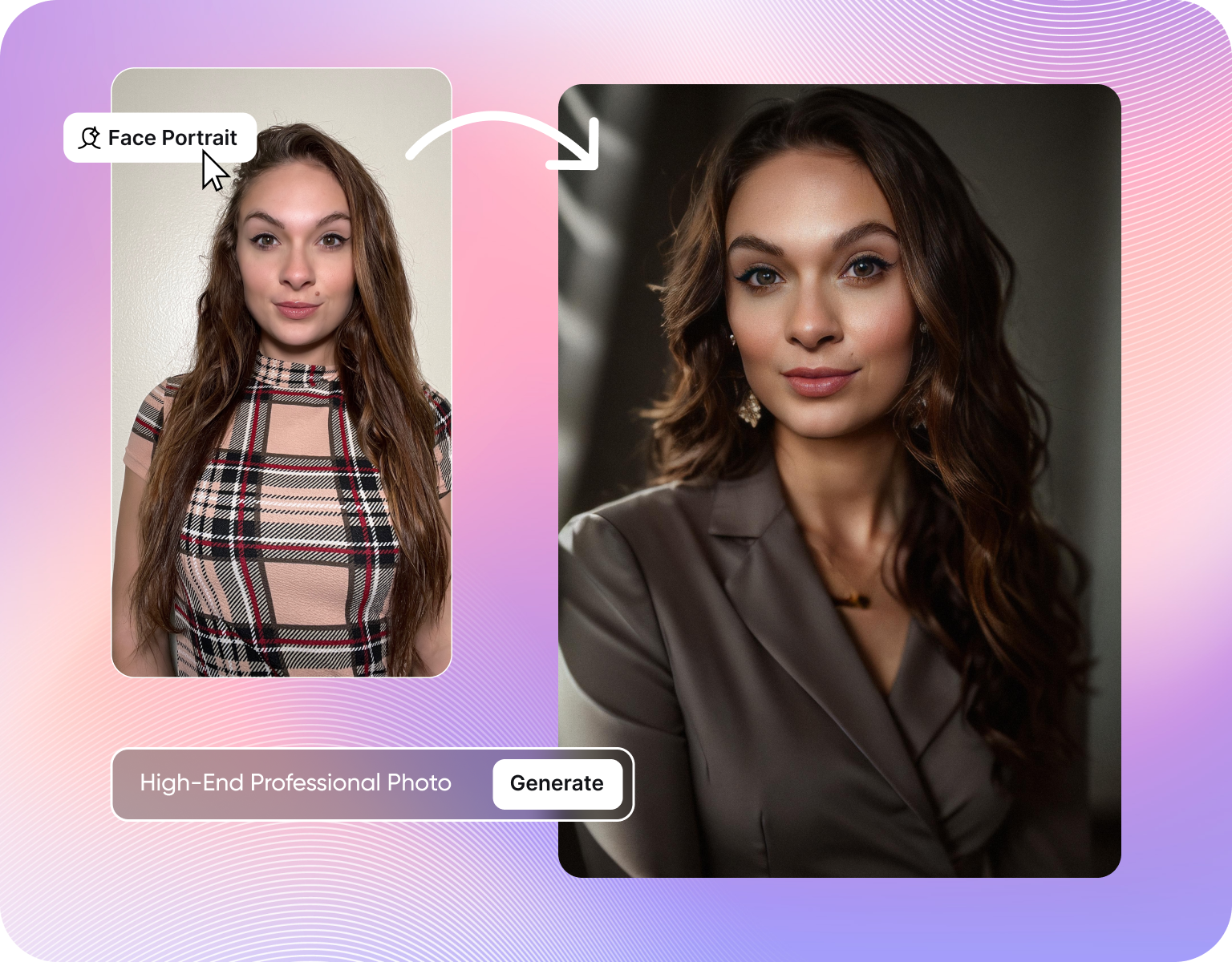
A single dungeon session might need six to ten NPCs: guards, merchants, quest-givers, a villain. Generate them in a batch instead of one at a time, keeping a consistent visual style across the set by reusing a similar prompt structure for each. Credits carry across every generation, so building a roster of twenty NPCs for a campaign costs the same per-image rate as generating one. Additionally try our best image to image generation, text to image generation and video generation with AI Image generator and AI Video Generator
NPC Character Generatoion Steps
Step 1
Describe the NPC
Write a short description: role, personality hint, and a visual detail like an outfit, scar, or accessory. A one-line prompt like "gruff dockworker with a hook hand and a patched coat" gives the generator enough to work with. Add a style, realistic or stylized, to match the rest of the campaign's art.
Step 2
Generate the batch
Set how many versions to generate and pick an aspect ratio, portrait crop works well for a reference card. Free accounts start with a limited number of credits; paid plans run from Basic at 3K credits a month up to Creator at 100K, built for generating a full roster in one sitting.
Step 3
Download and organise
Download each NPC as a PNG and drop it into a campaign folder or a virtual tabletop's character list. Regenerate any NPC individually with a tweaked prompt if a detail, like an outfit or expression, needs to change before the next session.
Built for a full NPC roster
- Batch-friendly prompts:Generate a handful of distinct NPCs in one sitting using similar prompt structure for each.
- Style range:Realistic, anime, cartoon, and fantasy styles from the same tool, matched to the campaign's visual tone.
- Personality-driven prompts:Describe a role and a trait, and the portrait reflects it, not just a generic face.
- Consistent visual tone:Keep an entire roster feeling like it belongs in the same world, town, or setting.
- Quick regeneration:Swap one NPC's look without redoing the whole batch.
Built for how game masters actually prep
- Multiple aspect ratios:Portrait crops for reference cards, wider shots for a scene reveal.
- PNG downloads:Every NPC downloads ready to drop into a virtual tabletop or campaign folder.
- Credit-based plans:A free tier to start, paid plans that scale for a full campaign's cast.
- Fast iteration:Regenerate a single NPC without restarting the whole roster.
- Shared engine:Same model stack behind ImagineArt's fantasy and medieval character generators, for a consistent look across tools.
Where a generated NPC roster gets used
- Session prep:A face for every named character before the table sees them, not just the main villain.
- Quest-givers and merchants:Distinct portraits so recurring shopkeepers and quest-givers don't blur together.
- One-scene characters:A quick portrait for a character who appears once and doesn't need a backstory.
- Game writing and visual novels:A consistent cast for an indie game or narrative project without a full art budget.
- Virtual tabletop tokens:Portraits sized and cropped for use as character tokens in Roll20 or Foundry.
Customer Testimonials
Learn what user says about NPC Generator

“Great platform, lots of useful features. All the models you would want under one roof. Multi variation parallel generation of images and videos. workflows. awesome stuff THOUGH lots and I mean lots of popups. ”
“Easy interface with all the latest models. Great pricing and worth using for advanced AI generations.”
“Using imagine has honestly been a great experience overall. The image quality is impressive, especially for cinematic and anime-style generations, and the platform feels smooth compared to many other AI tools. Prompt understanding is strong, and the renders usually come out detailed and visually appealing even without overly complex descriptions. One thing I really like is how easy the interface is to use. It doesn’t feel confusing for beginners, but still has enough features for advanced creators. The video and motion tools also have a lot of potential and can create very eye-catching content for reels and edits. ”
“I have tried quite a few AI image generators, and ImagineArt has quickly become one of my favourites. The image quality is consistently impressive, with detailed, creative, and highly accurate results from even simple prompts. The platform is easy to use, generates images quickly, and offers a great variety of styles and customisation options. One of the main ways I use ImagineArt is to create artwork for my YouTube music videos. I generate unique images and then animate them as visuals to accompany my music. The quality and creativity of the images make them perfect for this purpose, and they often require very little editing before I can use them in my projects. What stands out most is how well it understands complex prompts and turns ideas into stunning visuals with minimal effort. Whether you're creating concept art, character designs, content for social media, or visuals for videos, ImagineArt delivers excellent results. The regular updates and new features show that the team is actively improving the platform, and the overall experience feels polished and reliable. It's become an important part of my creative workflow, and I'd highly recommend it to anyone looking for a powerful and user-friendly AI image generation tool. ”
“ImagineArt offers an impressive range of AI image generation styles and tools. The platform is intuitive and produces high-quality results across different creative styles. The support team is responsive and genuinely helpful. Would recommend to anyone looking for a versatile AI image tool.”
“ImagineArt has a really amazing interface, well layered and clean. The workflow feature really makes working easy with all tools available in one place. One other thing, when I tested models like for instance Nano Banana 2 on ImagineArtAi and other Ai brands I got better results and higher quality on ImagineArtAi. It goes to show how much they have invested in making it the best of the best”
Purchase a Subscription
Upgrade to get access to pro features and generate more and better
Basic
For newcomers taking their first steps
View Plans
Billed monthly
Included in plan
3Kcredits per month
Additional Features
Up to ~600 Image Generations/month
Up to ~97 Video Generations/month
General Commercial Terms
Image Generation Visibility: Public
4 Concurrent Image Generations
Complimentary Access
All GPT Models
All Gemini Models
All Claude Models
Unlimited Generations
10 Image Models
9 Video Models
Standard
For rising creators to level up their game
View Plans
Billed monthly
Included in plan
8Kcredits per month
Additional Features
Up to ~1.6k Image Generations/month
Up to ~265 Video Generations/month
General Commercial Terms
Image Generation Visibility: Private
8 Concurrent Image Generations
Complimentary Access
All GPT Models
All Gemini Models
All Claude Models
Unlimited Generations
Nano Banana
Runway Gen 4 Turbo
Midjourney V7
8 more Image Models
8 more Video Models
Ultimate
Peak performance for pros
View Plans
Billed monthly
Included in plan
16Kcredits per month
Additional Features
Up to ~3.2k Image Generations/month
Up to ~530 Video Generations/month
All styles and models
General Commercial Terms
Image Generation Visibility: Private
Complimentary Access
All GPT Models
All Gemini Models
All Claude Models
Unlimited Generations
All image models in Standard plan
All video models in Standard plan
Kling 2.6 Pro
Seedance 1.5 Pro
ChatGPT 1.5
Creator
A full production engine for powerhouses
View Plans
Billed monthly
Included in plan
100Kcredits per month
Additional Features
Up to ~20k Image Generations/month
Up to ~3.3k Video Generations/month
All styles and models
General Commercial Terms
Image Generation Visibility: Private
Complimentary Access
All GPT Models
All Gemini Models
All Claude Models
Unlimited Generations
All image models in Ultimate plan
All video models in Ultimate plan
Kling 3.0 Pro
Seedance 2 Fast
Nano Banana 2
Have questions?
We have answers!
Yes, set the number of images per prompt to generate several versions at once, and repeat with a new one-line description for each additional character. It's built for generating a roster, six to ten NPCs for a session, rather than a single hero portrait.
Yes, styles range from realistic to anime, cartoon, and cyberpunk, so NPCs for a sci-fi campaign, a modern setting, or a fantasy world all work from the same tool, controlled by the prompt's description and style.
Yes, each NPC generates from its own prompt, so a single character can be regenerated with a tweaked description, a new outfit or expression, without touching the rest of the roster already generated.
Yes, a free tier includes a limited number of starting credits. Paid plans start at Basic with 3K credits a month and scale up to Creator at 100K credits a month for a full campaign's worth of NPCs.
NPCs download as a PNG file, sized to drop into a virtual tabletop like Roll20 or Foundry, print for a physical reference card, or save into a campaign folder.
Using a similar prompt structure, same style keyword, similar lighting description, for every NPC in a session keeps the set feeling like it belongs in the same world, even though each character is generated individually.
Design your NPC Character
Describe the character, pose, and paint style, and get a mini concept in seconds. Free to start, no sculpting kit required.
![38 AI Affiliate Programs for SaaS Bloggers - Highest Income Potential [2026 Edition]](https://blogs-cdn.imagine.art/Add_a_heading_14cf442dc9.png)