Couple AI Image Generator
Turn two photos into one couple portrait, styled any way you want, from realistic couple shoots to anime and fantasy art. Upload, prompt, and download a share-ready image in seconds.
You Might Also be Interested in
Community Creations
One prompt, one couple, every style
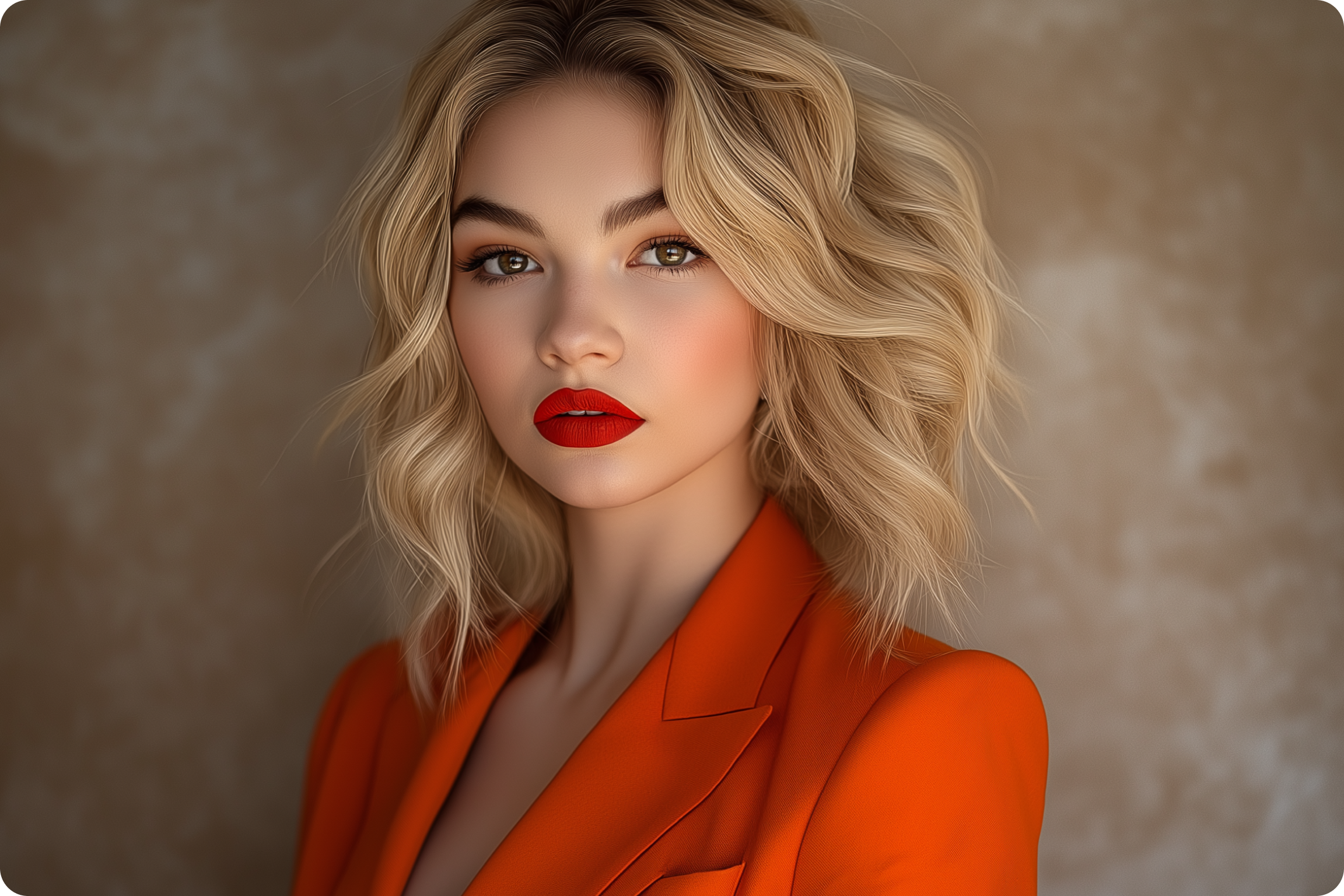
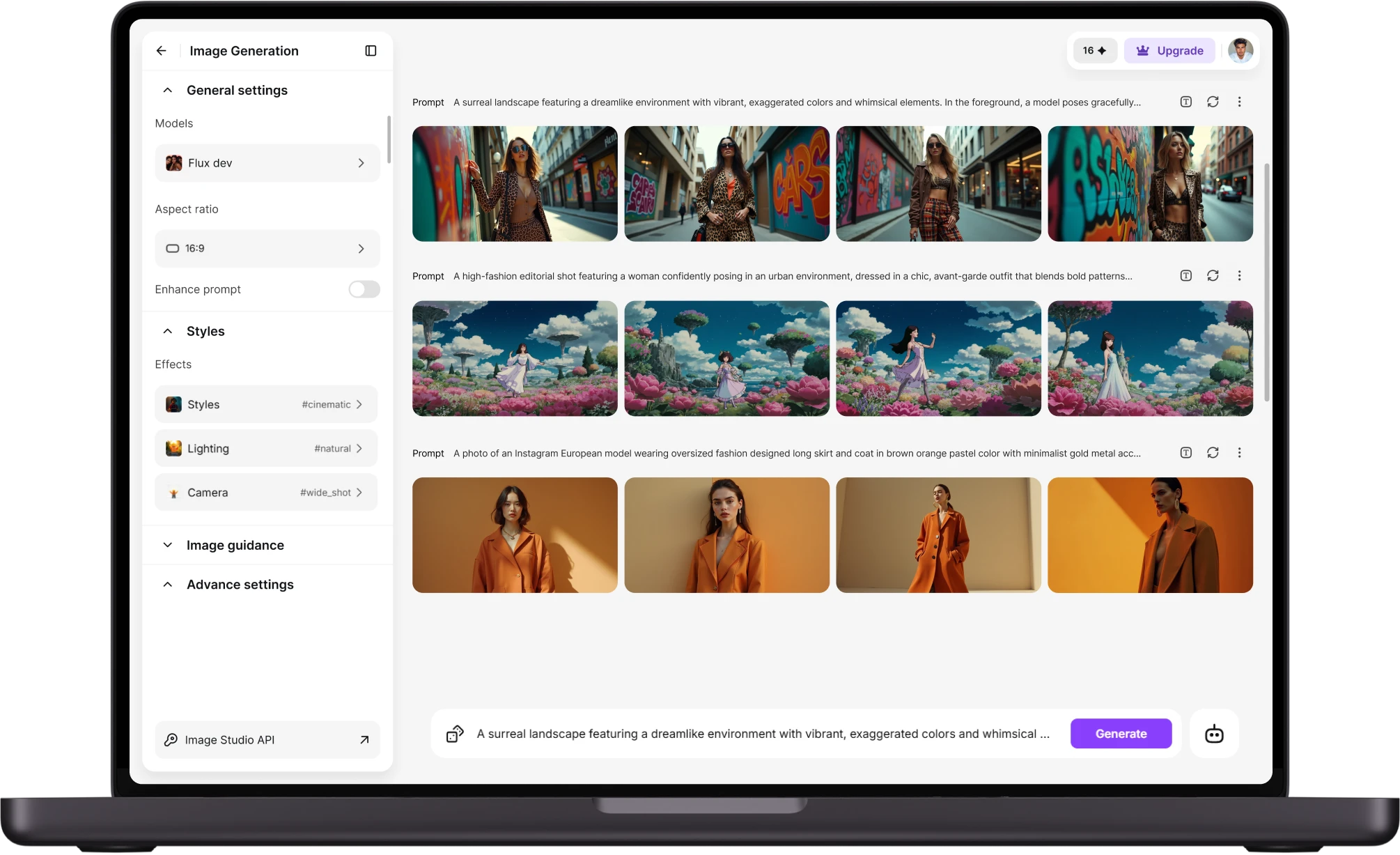
Upload one photo of each person, or a photo of you both, and describe the scene. ImagineArt's AI image generator blends both faces into a single, consistent couple portrait instead of pasting two cutouts together. Choose realistic, anime cartoon, or fantasy rendering, and the same two faces carry across every version generated. Built on models including Nano Banana 2, Midjourney V7, and Flux 2, this AI image generator offers a wide style range without switching tools.
Built for the moments people actually want printed
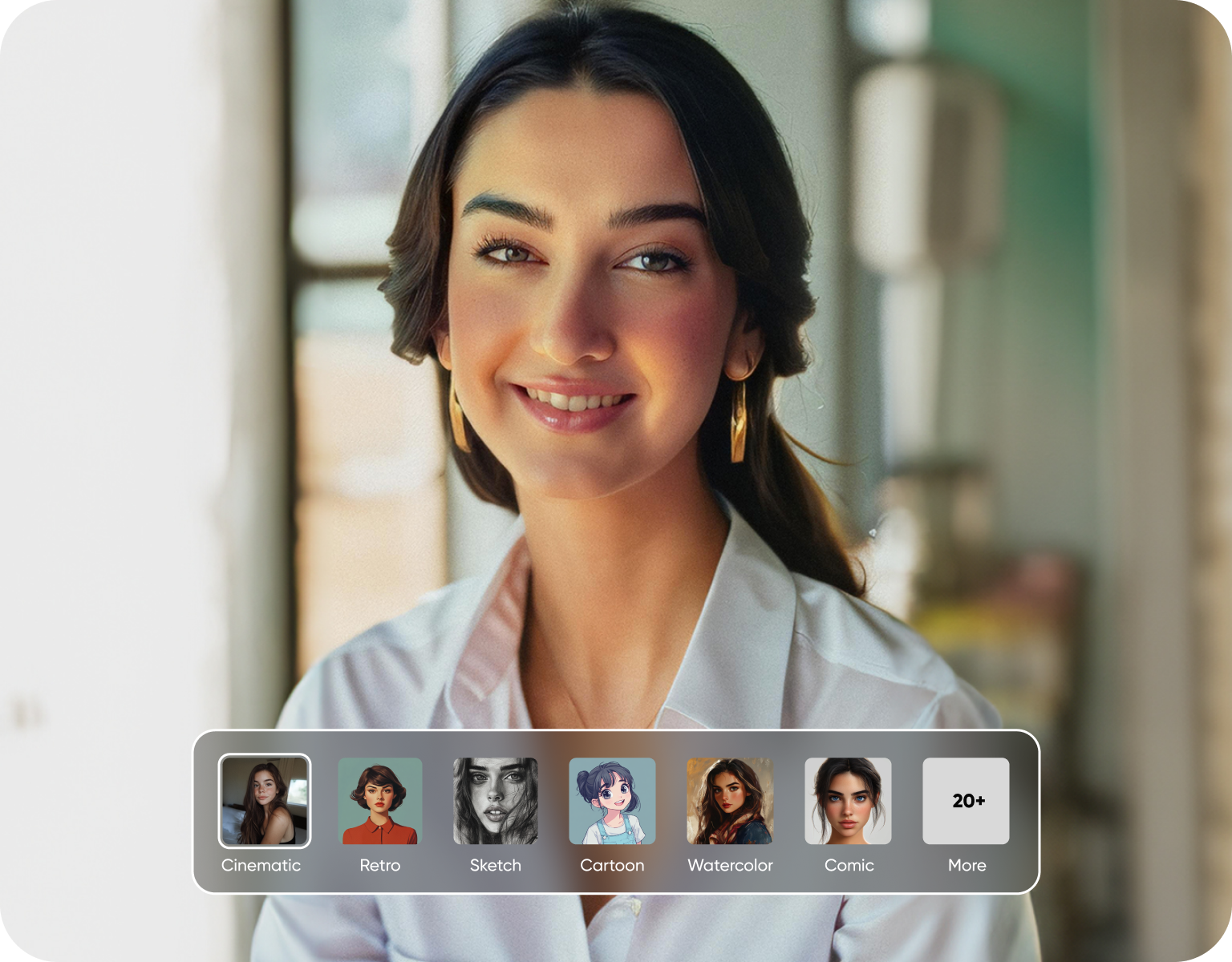
Engagement announcements, anniversary posts, a shared couple avatar, a save-the-date draft. Pick an aspect ratio suited to Instagram, a phone wallpaper, or a printed card, then set how many variations to generate at once. A couple planning a wedding invite can test five portrait styles before choosing one, instead of booking a second photoshoot to get a shot that matches their theme.
No studio, no scheduling two people's calendars
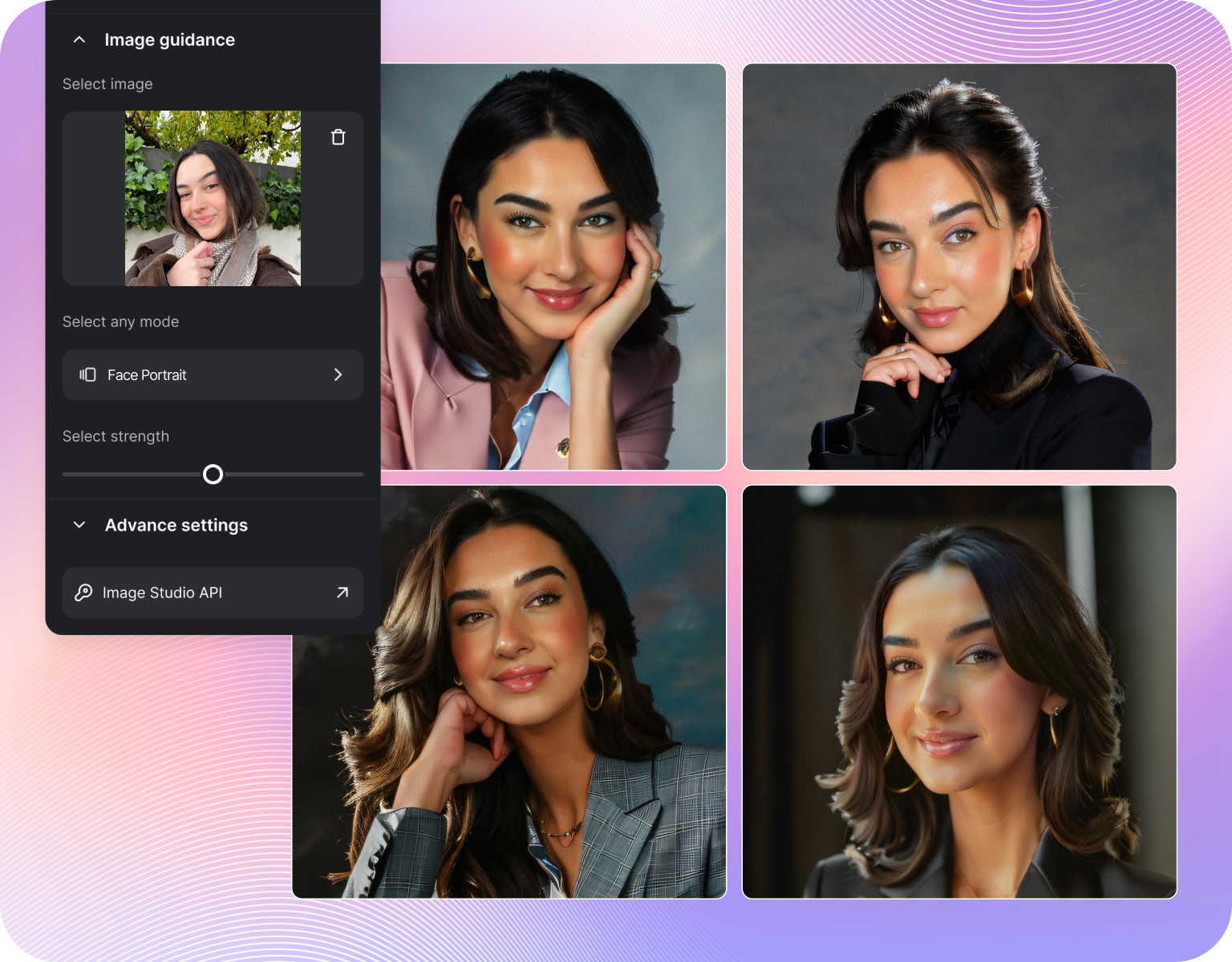
Long-distance couples, or two people who never got a proper photo together, can generate one anyway. Feed in two separate solo photos and ImagineArt composes them into a single scene at matching lighting and scale. It skips the two biggest blockers of a real couple shoot: coordinating a date, and paying for one. The result is a PNG, ready to post or print, no photographer's calendar involved.
From first date photo to anniversary card, in one tool
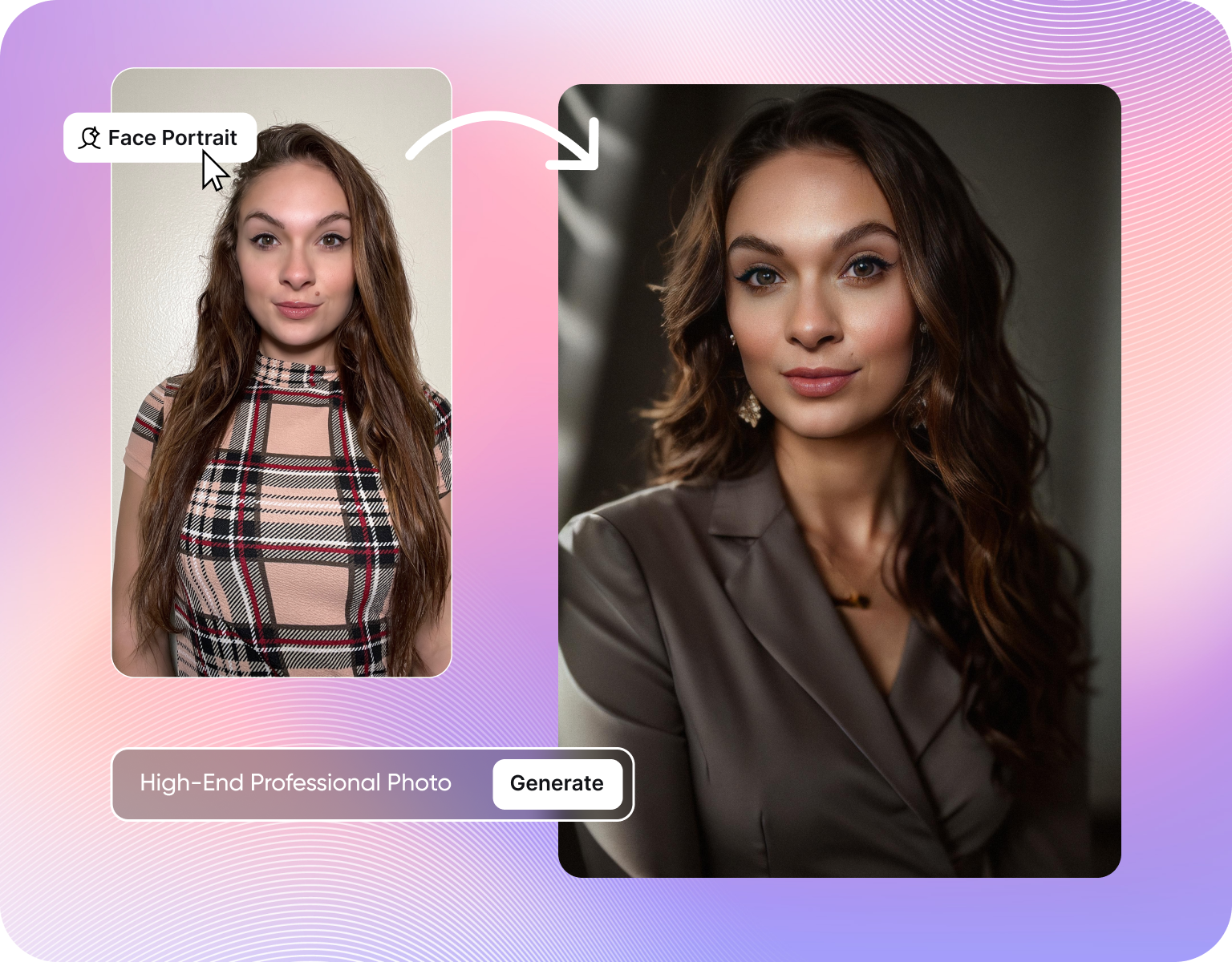
The same engine that renders a realistic couple portrait also handles a Christmas card scene, a Barbie-style selfie remix, or a caricature for a rehearsal dinner slideshow. Credits carry across every use case ImagineArt supports, so a couple isn't paying for four subscriptions to cover four occasions. Generate the serious version for a frame, then the joke version for the group chat, same account.
How the couple ai image generator works
Step 1
Upload your photos
Add one photo of each person, or a single photo with both of you already in frame. Even lighting and a clear view of both faces gets the cleanest result. Add a short prompt describing the setting, the style (realistic, anime, or fantasy), and anything specific like an outfit or a location you want the scene set in.
Step 2
Generate the portrait
Pick an aspect ratio and how many versions to generate, then hit generate. ImagineArt renders both faces into one consistent scene rather than layering two cutouts. Free accounts start with a limited number of credits; paid plans run from Basic at 3K credits a month up to Creator at 100K, for couples generating in bulk.
Step 3
Download and share
Preview the output, regenerate with a tweaked prompt if the pose or lighting isn't right, then download as a PNG. Use it as a profile photo, a printed card, or a slide in an anniversary video made with the Wedding Anniversary Video Maker. No watermark on paid plans, so it's ready to send as-is.
Styles built for couple portraits
- Realistic couple portraits: Studio-style lighting and matched skin tones for a shot that reads as a real photo, not a filter.
- Anime and cartoon couples:Turn a real photo into a matching anime or cartoon pair, styled consistently across both faces.
- Fantasy and cosplay scenes:Place a couple inside a fantasy setting, from a medieval hall to a sci-fi backdrop, without a costume budget.
- Barbie-style and caricature remixes:Lighter, meme-ready versions for a group chat or an engagement announcement with some humor built in.
- Custom backgrounds:Swap a plain background for a beach, a skyline, or a studio backdrop, described directly in the prompt.
Built for how couples actually share photos
- Multiple aspect ratios:Square for Instagram, vertical for stories, wide for a banner, generated from the same upload.
- Batch generation:Set the number of images per run and compare several variations before picking a favourite.
- PNG downloads:Every output downloads as a standard PNG, ready to print, post, or drop into a slideshow.
- Consistent faces across regenerations:Adjust the prompt to change the scene without losing either person's likeness.
- Credit-based plans:A free tier for a first try, Basic through Creator plans for couples generating regularly.
Where a couple ai portrait actually gets used
- Save-the-date and invitation drafts: Test a theme before a designer builds the final invite.
- Anniversary and milestone posts:A fresh portrait every year, styled differently, without booking a new shoot each time.
- Shared social profile photos:One consistent couple avatar across Instagram and WhatsApp.
- Long-distance couples:Compose a portrait from two separate solo photos when an in-person shoot isn't possible.
- Gifts and prints:A canvas print or framed portrait for a partner, generated instead of scheduled.
Customer Testimonials
Learn what user says about couple ai image generator

“Great platform, lots of useful features. All the models you would want under one roof. Multi variation parallel generation of images and videos. workflows. awesome stuff THOUGH lots and I mean lots of popups. ”
“Easy interface with all the latest models. Great pricing and worth using for advanced AI generations.”
“Using imagine has honestly been a great experience overall. The image quality is impressive, especially for cinematic and anime-style generations, and the platform feels smooth compared to many other AI tools. Prompt understanding is strong, and the renders usually come out detailed and visually appealing even without overly complex descriptions. One thing I really like is how easy the interface is to use. It doesn’t feel confusing for beginners, but still has enough features for advanced creators. The video and motion tools also have a lot of potential and can create very eye-catching content for reels and edits. ”
“I have tried quite a few AI image generators, and ImagineArt has quickly become one of my favourites. The image quality is consistently impressive, with detailed, creative, and highly accurate results from even simple prompts. The platform is easy to use, generates images quickly, and offers a great variety of styles and customisation options. One of the main ways I use ImagineArt is to create artwork for my YouTube music videos. I generate unique images and then animate them as visuals to accompany my music. The quality and creativity of the images make them perfect for this purpose, and they often require very little editing before I can use them in my projects. What stands out most is how well it understands complex prompts and turns ideas into stunning visuals with minimal effort. Whether you're creating concept art, character designs, content for social media, or visuals for videos, ImagineArt delivers excellent results. The regular updates and new features show that the team is actively improving the platform, and the overall experience feels polished and reliable. It's become an important part of my creative workflow, and I'd highly recommend it to anyone looking for a powerful and user-friendly AI image generation tool. ”
“ImagineArt offers an impressive range of AI image generation styles and tools. The platform is intuitive and produces high-quality results across different creative styles. The support team is responsive and genuinely helpful. Would recommend to anyone looking for a versatile AI image tool.”
“ImagineArt has a really amazing interface, well layered and clean. The workflow feature really makes working easy with all tools available in one place. One other thing, when I tested models like for instance Nano Banana 2 on ImagineArtAi and other Ai brands I got better results and higher quality on ImagineArtAi. It goes to show how much they have invested in making it the best of the best”
Purchase a Subscription
Upgrade to get access to pro features and generate more and better
Basic
For newcomers taking their first steps
View Plans
Billed monthly
Included in plan
3Kcredits per month
Additional Features
Up to ~600 Image Generations/month
Up to ~97 Video Generations/month
General Commercial Terms
Image Generation Visibility: Public
4 Concurrent Image Generations
Complimentary Access
All GPT Models
All Gemini Models
All Claude Models
Unlimited Generations
10 Image Models
9 Video Models
Standard
For rising creators to level up their game
View Plans
Billed monthly
Included in plan
8Kcredits per month
Additional Features
Up to ~1.6k Image Generations/month
Up to ~265 Video Generations/month
General Commercial Terms
Image Generation Visibility: Private
8 Concurrent Image Generations
Complimentary Access
All GPT Models
All Gemini Models
All Claude Models
Unlimited Generations
Nano Banana
Runway Gen 4 Turbo
Midjourney V7
8 more Image Models
8 more Video Models
Ultimate
Peak performance for pros
View Plans
Billed monthly
Included in plan
16Kcredits per month
Additional Features
Up to ~3.2k Image Generations/month
Up to ~530 Video Generations/month
All styles and models
General Commercial Terms
Image Generation Visibility: Private
Complimentary Access
All GPT Models
All Gemini Models
All Claude Models
Unlimited Generations
All image models in Standard plan
All video models in Standard plan
Kling 2.6 Pro
Seedance 1.5 Pro
ChatGPT 1.5
Creator
A full production engine for powerhouses
View Plans
Billed monthly
Included in plan
100Kcredits per month
Additional Features
Up to ~20k Image Generations/month
Up to ~3.3k Video Generations/month
All styles and models
General Commercial Terms
Image Generation Visibility: Private
Complimentary Access
All GPT Models
All Gemini Models
All Claude Models
Unlimited Generations
All image models in Ultimate plan
All video models in Ultimate plan
Kling 3.0 Pro
Seedance 2 Fast
Nano Banana 2
Have questions?
We have answers!
Yes. Upload one photo of each person and ImagineArt composes both faces into a single scene at matching lighting and scale. You don't need an existing photo of the two of you together, useful for long-distance couples or a first anniversary shoot where no joint photo exists yet.
Anime, cartoon, fantasy, cyberpunk, and caricature styles are all available from the same upload. Change the style by adjusting the prompt rather than switching tools, so the same two faces can appear as a realistic portrait and an anime pair in the same session.
Yes, a free tier is available with a limited number of starting credits, enough to test the tool before committing. Paid plans start at Basic with 3K credits a month and scale up to Creator at 100K credits a month for heavier use.
Every generated couple portrait downloads as a PNG file. Paid plans remove the watermark, so the download is ready to print, post, or use as a profile photo without extra editing.
Yes. Set the number of images to generate per run and choose from several versions of the same prompt before picking a favorite, useful when testing a theme for a save-the-date or invitation.
It works best with two photos with even, similar lighting, but ImagineArt adjusts tone and scale when composing the scene. For long-distance couples working from mismatched photos, a simple, well-lit portrait photo of each person gives the cleanest result.
Generate your couple portrait
Upload two photos, describe the scene, and get a couple portrait in seconds. Free to start, no photographer, no scheduling two calendars.
![38 AI Affiliate Programs for SaaS Bloggers - Highest Income Potential [2026 Edition]](https://blogs-cdn.imagine.art/Add_a_heading_14cf442dc9.png)