ImagineArt vs Photoroom
ImagineArt removes backgrounds with the same one-click flow as Photoroom, then goes further on edge detail, batch size, and ecommerce-ready output. Upload a photo, get a clean cutout in seconds, and export straight to the format your store needs.


You Might Also be Interested in
Community Creations
Why people go looking for a Photoroom alternative
Photoroom built its name on fast, mobile-first cutouts, and it still does that job well. Teams start looking elsewhere when a shoot involves flyaway hair, transparent fabric, or a product catalog too large for one-by-one edits. ImagineArt runs on the same core job, isolate the subject, but was trained specifically to hold detail at the edge instead of smoothing it away. For a single portrait or a thousand-SKU catalog, the difference shows up first in the pixels closest to the outline.
Edge and hair accuracy, side by side
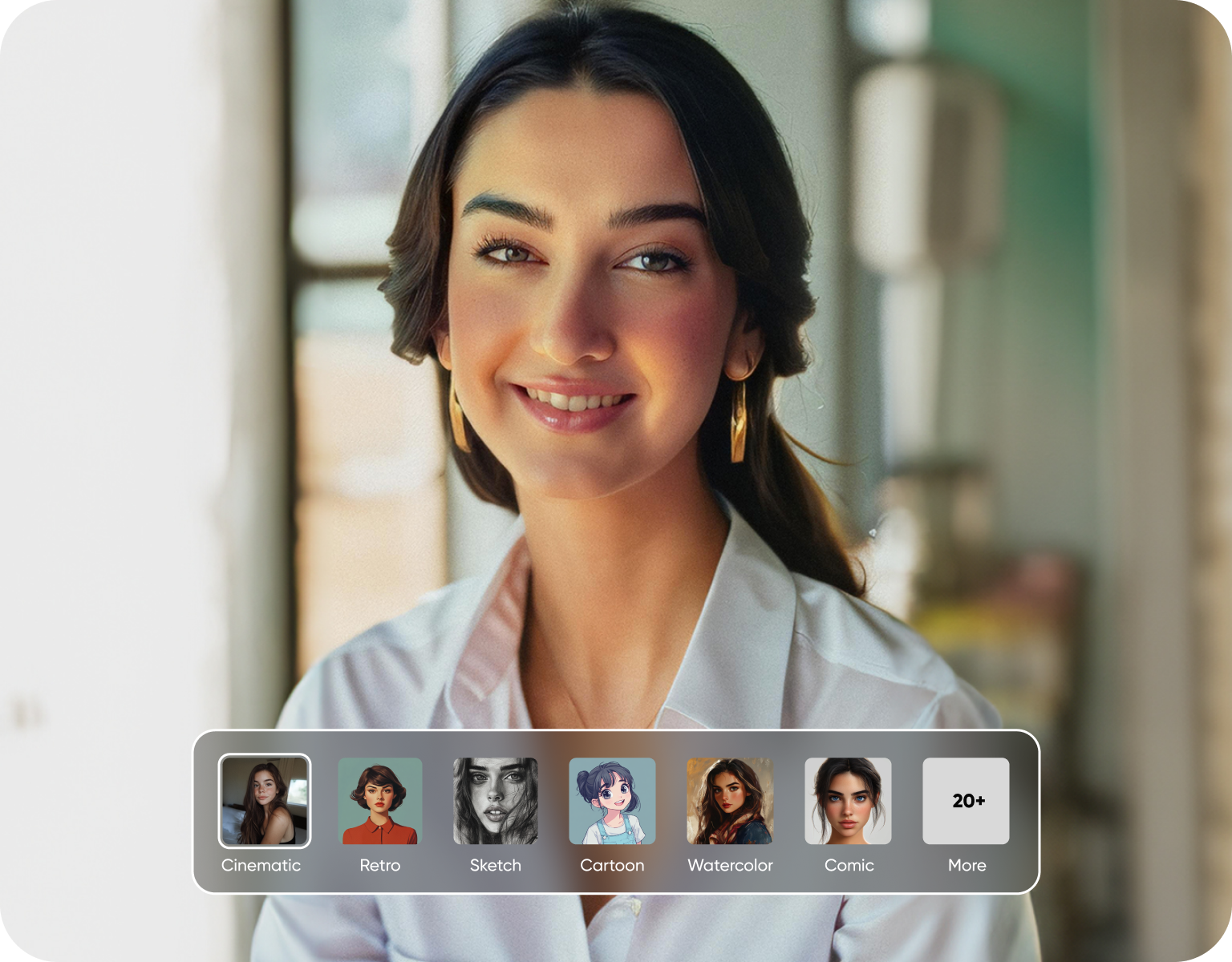
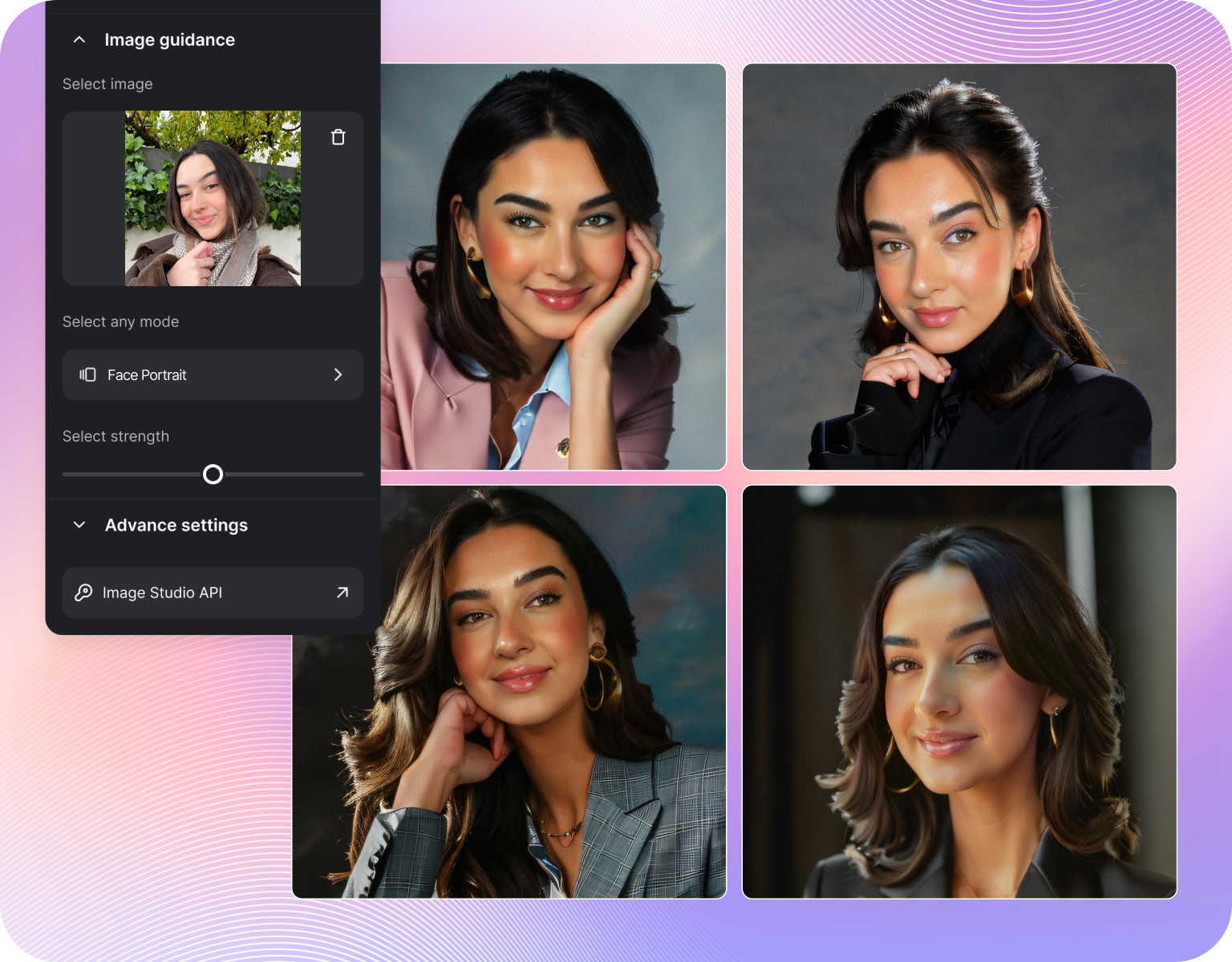
Cutout tools are judged at the boundary, not the center of the subject. Photoroom handles clean, high-contrast edges well but can clip or blur individual hair strands and semi-transparent material like veils or mesh. ImagineArt's background remover keeps strand-level detail and soft edges like fur or lace intact, because the underlying model was trained on fine-edge segmentation rather than a general silhouette mask. That matters most for portraits, pet photos, and fashion shots where the hairline is the shot. Try our best background Removal
Batch processing for real catalogs
Photoroom's bulk tool is built for its own app and works well there. ImagineArt's ai background remover handles multi-image uploads for catalog-scale jobs without forcing every file through the same manual crop. A seller with a large SKU count can queue the batch, walk away, and come back to cutouts sized and named consistently. For teams already exporting from a PIM or spreadsheet, that queue-and-return workflow saves the hours that per-image editing burns.
Built for ecommerce product photos
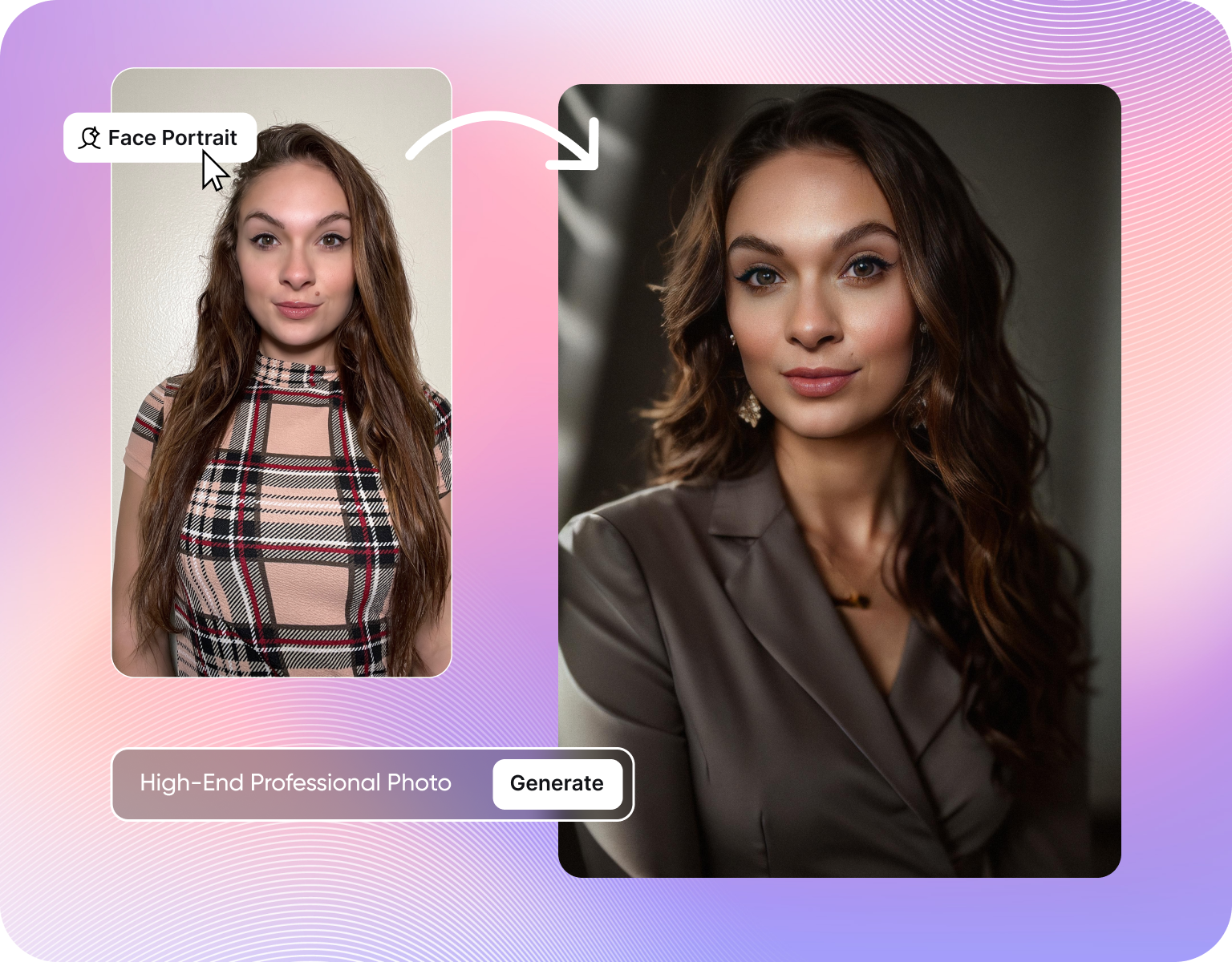
Marketplaces reject listings with soft shadows, mismatched backgrounds, or edges that show a halo from the cutout. ImagineArt lets a seller remove background from image files in bulk and drop the product straight onto a white, transparent, or branded background sized for Amazon, Shopify, or Etsy. Photoroom offers this too, but ImagineArt pairs the cutout with packshot and mockup generation in the same flow, so a raw product photo becomes a marketplace-ready listing image without a second tool.
How ImagineArt's background remover works
Step 1
Upload the photo
Drop in a single image or a full batch of product, portrait, or pet photos. ImagineArt accepts standard formats straight from a phone, a DSLR, or a product photography setup, no pre-cropping or file conversion required before the upload starts, and a full folder can go in at once instead of one file at a time.
Step 2
Let the model isolate the subject
The AI detects the subject and separates it from the background in seconds, preserving hair strands, fabric edges, and fine detail that generic segmentation tools tend to smooth over or clip during the cutout. Every image in a batch runs through the same edge-detection pass, so quality stays consistent across the full set rather than varying file to file.
Step 3
Export to the format you need
Download the cutout on a transparent, white, or custom background, sized for the marketplace or platform it's headed to. Batch jobs export as a set with matching dimensions, so a full catalog finishes in one pass instead of one download at a time, ready to drop straight into a storefront or listing template.
Where ImagineArt pulls ahead of Photoroom
- Fine-edge segmentation: Strand-level hair and fur detection instead of a smoothed silhouette, so portraits and pet photos keep their edge detail.
- Catalog-scale batching: Queue a full product batch in one upload and walk away, instead of processing files one by one.
- Marketplace-ready backgrounds:Drop cutouts onto transparent, white, or branded backgrounds sized for Amazon, Shopify, and Etsy listing specs.
- Packshot and mockup pairing:Move straight from cutout to product packshot or mockup in the same workflow, no export to a second app.
- Transparent fabric and mesh handling:Veils, lace, and sheer material stay semi-transparent instead of getting cut as a hard edge.
- One credit system: Background removal, packshots, and mockups draw from the same ImagineArt plan, instead of separate app purchases.
Built around the ecommerce workflow, not just the cutout
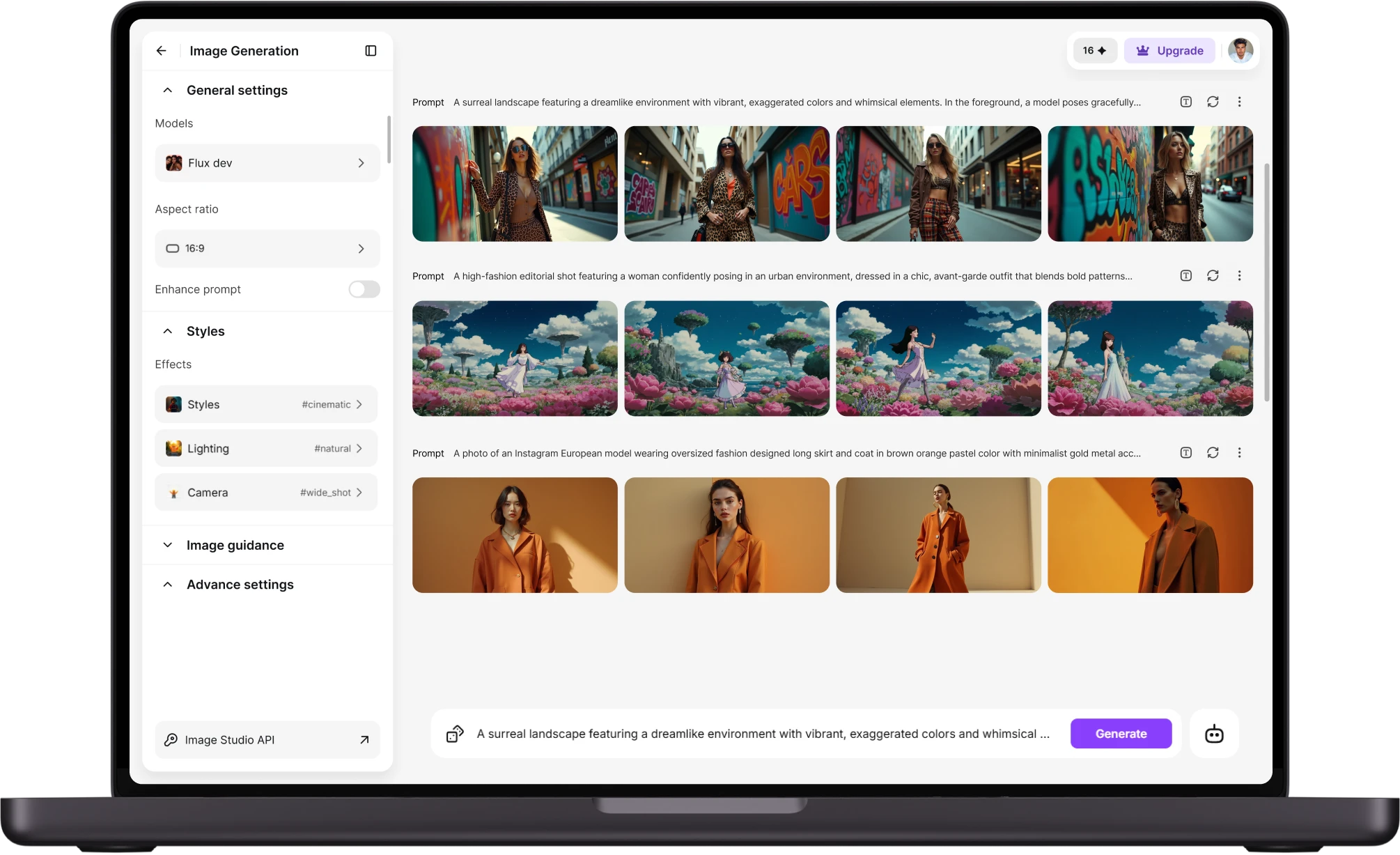
- Bulk upload for full catalogs:Sellers with hundreds of SKUs run the whole batch at once rather than opening each file individually.
- Consistent output sizing: Every image in a batch exports at the same dimensions, so a storefront doesn't end up with mismatched thumbnails.
- Direct-to-listing formats:Export presets match common marketplace specs, cutting the resize step most sellers do manually after a cutout.
- Background swap, not just removal:Replace the background with a solid color, gradient, or branded scene instead of only stripping it to transparent.
- Fashion and product detail retention:Zippers, straps, and stitched edges stay sharp instead of getting rounded off by an aggressive mask.
- Works from existing photos:No studio lightbox required. A phone photo on a plain surface is enough to start.
Handles the edge cases Photoroom struggles with
- Flyaway hair and loose strands:Portrait and headshot cutouts keep individual strands instead of a blurred outline around the head.
- Pet fur and feathers:Fine, uneven edges on animals hold their texture rather than getting flattened into a smooth curve.
- Sheer and mesh fabric:Wedding veils, tulle, and mesh sportswear stay translucent where they should, instead of reading as solid or getting clipped.
- Reflective and glass products:Bottles, jewelry, and glassware keep their edge highlights instead of losing them to a hard cutout line.
- Low-contrast backgrounds:Subjects photographed against backgrounds close in color or tone still separate cleanly from the frame.
- Multi-subject frames:Photos with more than one product or person isolate each subject without merging their edges together.
Customer Testimonials About ImagineArt vs Photoroom
Learn what user says about AI ImagineArt vs Photoroom

“Great platform, lots of useful features. All the models you would want under one roof. Multi variation parallel generation of images and videos. workflows. awesome stuff THOUGH lots and I mean lots of popups. ”
“Easy interface with all the latest models. Great pricing and worth using for advanced AI generations.”
“Using imagine has honestly been a great experience overall. The image quality is impressive, especially for cinematic and anime-style generations, and the platform feels smooth compared to many other AI tools. Prompt understanding is strong, and the renders usually come out detailed and visually appealing even without overly complex descriptions. One thing I really like is how easy the interface is to use. It doesn’t feel confusing for beginners, but still has enough features for advanced creators. The video and motion tools also have a lot of potential and can create very eye-catching content for reels and edits. ”
“I have tried quite a few AI image generators, and ImagineArt has quickly become one of my favourites. The image quality is consistently impressive, with detailed, creative, and highly accurate results from even simple prompts. The platform is easy to use, generates images quickly, and offers a great variety of styles and customisation options. One of the main ways I use ImagineArt is to create artwork for my YouTube music videos. I generate unique images and then animate them as visuals to accompany my music. The quality and creativity of the images make them perfect for this purpose, and they often require very little editing before I can use them in my projects. What stands out most is how well it understands complex prompts and turns ideas into stunning visuals with minimal effort. Whether you're creating concept art, character designs, content for social media, or visuals for videos, ImagineArt delivers excellent results. The regular updates and new features show that the team is actively improving the platform, and the overall experience feels polished and reliable. It's become an important part of my creative workflow, and I'd highly recommend it to anyone looking for a powerful and user-friendly AI image generation tool. ”
“ImagineArt offers an impressive range of AI image generation styles and tools. The platform is intuitive and produces high-quality results across different creative styles. The support team is responsive and genuinely helpful. Would recommend to anyone looking for a versatile AI image tool.”
“ImagineArt has a really amazing interface, well layered and clean. The workflow feature really makes working easy with all tools available in one place. One other thing, when I tested models like for instance Nano Banana 2 on ImagineArtAi and other Ai brands I got better results and higher quality on ImagineArtAi. It goes to show how much they have invested in making it the best of the best”
Purchase a Subscription
Upgrade to get access to pro features and generate more and better
Basic
For newcomers taking their first steps
View Plans
Billed monthly
Included in plan
3Kcredits per month
Additional Features
Up to ~600 Image Generations/month
Up to ~97 Video Generations/month
General Commercial Terms
Image Generation Visibility: Public
4 Concurrent Image Generations
Complimentary Access
All GPT Models
All Gemini Models
All Claude Models
Unlimited Generations
10 Image Models
9 Video Models
Standard
For rising creators to level up their game
View Plans
Billed monthly
Included in plan
8Kcredits per month
Additional Features
Up to ~1.6k Image Generations/month
Up to ~265 Video Generations/month
General Commercial Terms
Image Generation Visibility: Private
8 Concurrent Image Generations
Complimentary Access
All GPT Models
All Gemini Models
All Claude Models
Unlimited Generations
Nano Banana
Runway Gen 4 Turbo
Midjourney V7
8 more Image Models
8 more Video Models
Ultimate
Peak performance for pros
View Plans
Billed monthly
Included in plan
16Kcredits per month
Additional Features
Up to ~3.2k Image Generations/month
Up to ~530 Video Generations/month
All styles and models
General Commercial Terms
Image Generation Visibility: Private
Complimentary Access
All GPT Models
All Gemini Models
All Claude Models
Unlimited Generations
All image models in Standard plan
All video models in Standard plan
Kling 2.6 Pro
Seedance 1.5 Pro
ChatGPT 1.5
Creator
A full production engine for powerhouses
View Plans
Billed monthly
Included in plan
100Kcredits per month
Additional Features
Up to ~20k Image Generations/month
Up to ~3.3k Video Generations/month
All styles and models
General Commercial Terms
Image Generation Visibility: Private
Complimentary Access
All GPT Models
All Gemini Models
All Claude Models
Unlimited Generations
All image models in Ultimate plan
All video models in Ultimate plan
Kling 3.0 Pro
Seedance 2 Fast
Nano Banana 2
Have questions?
We have answers!
ImagineArt's model was trained specifically on fine-edge segmentation, so individual hair strands, fur, and semi-transparent fabric like veils or mesh stay intact instead of getting smoothed into a blurred outline. Photoroom's cutout is reliable on clean, high-contrast subjects but is more likely to clip flyaway strands or soft edges. The gap shows up most at full zoom on portraits and pet photos.
Yes. ImagineArt's background remover accepts multi-image uploads, so a full product catalog or photo set processes in one batch instead of one file at a time. Photoroom's bulk tool works well inside its own app, but ImagineArt's queue-and-export flow is built for catalog-scale jobs, including consistent output sizing across the whole batch, which matters for sellers managing hundreds of SKUs.
For ecommerce specifically, ImagineArt pairs background removal with packshot and mockup generation in one workflow, so a raw product photo becomes a marketplace-ready listing image without switching tools. Photoroom covers the cutout step well but requires a separate app or export for packshot styling. Sellers exporting to Amazon, Shopify, or Etsy specs get there in fewer steps with ImagineArt.
ImagineArt offers a free tier that includes background removal, so a seller or creator can test edge accuracy and batch handling on their own photos before committing to a paid plan. Higher-volume batch jobs and additional editing tools sit on paid tiers, similar to Photoroom's structure. The practical difference is testing hair and fine-edge accuracy costs nothing upfront.
Yes. Upload a full folder of product images and ImagineArt processes the batch together, exporting a consistently sized set rather than requiring a resize pass after each file. This is built for sellers managing large SKU counts who need every listing image to match dimensions and background style without manually correcting file by file after the cutout.
No. ImagineArt preserves the source resolution through the cutout process, so the exported file matches the quality of the uploaded photo rather than getting downsampled or compressed. This matters for print-ready product shots and marketplace listings where a soft or resized image gets flagged during a quality review. What changes is the background, not the pixel detail on the subject.
Try ImagineArt's background remover on your next shoot
Upload one photo or a full catalog and see the edge detail hold up at full zoom. No credit card required to start, and the first batch is free to run.
![38 AI Affiliate Programs for SaaS Bloggers - Highest Income Potential [2026 Edition]](https://blogs-cdn.imagine.art/Add_a_heading_14cf442dc9.png)