ImagineArt vs Ideogram
Ideogram set the bar for text inside AI images. ImagineArt cleared it: Ideogram 3.0 runs natively, alongside photorealistic, anime, and video models, so typography is one tool among many, not the only one you get.


You might also be interested in
Community Creations
Why creators search for an ideogram alternative
Ideogram built its name on clean text inside generated images, and that reputation is earned. But most people looking for an ideogram alternative are not unhappy with the text, they want the text plus everything else: photorealistic portraits, product shots, anime panels, and video. ImagineArt runs Ideogram 3.0 as a selectable model, then adds Flux, Recraft, and its own in-house engines in the same workspace, so the search for an alternative ends at one login.
One AI image generator, multiple rendering engines
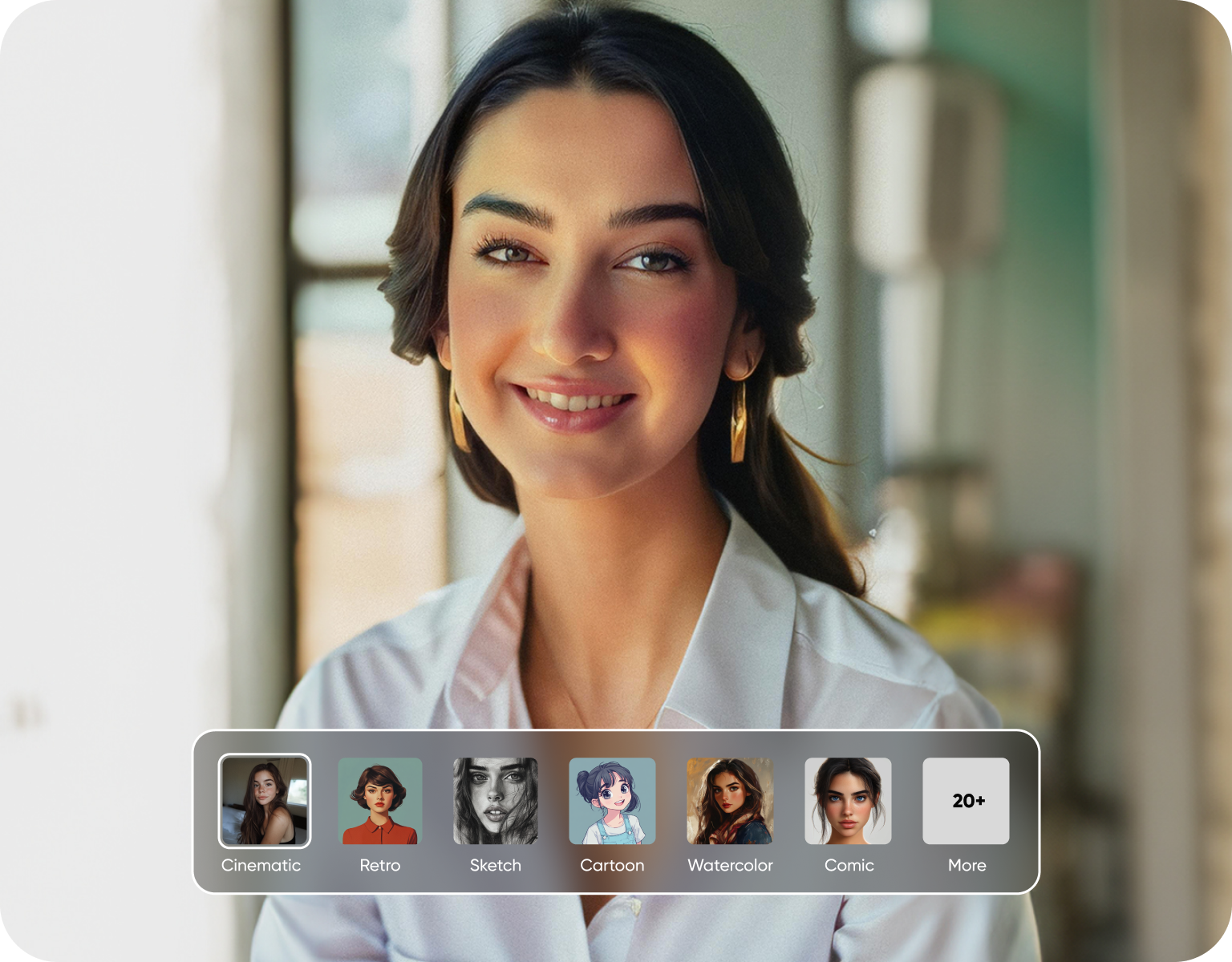
Ideogram ships one model family. ImagineArt is built as an AI image generator with a model switcher: Ideogram 3.0 for typography, Flux for photoreal detail, and ImagineArt's own Anime and Realistic engines for style-specific work. A logo brief and a product photo brief rarely want the same engine, so instead of forcing one model to do both jobs, ImagineArt lets you pick the right one per prompt. Switching costs one click, not a new subscription.
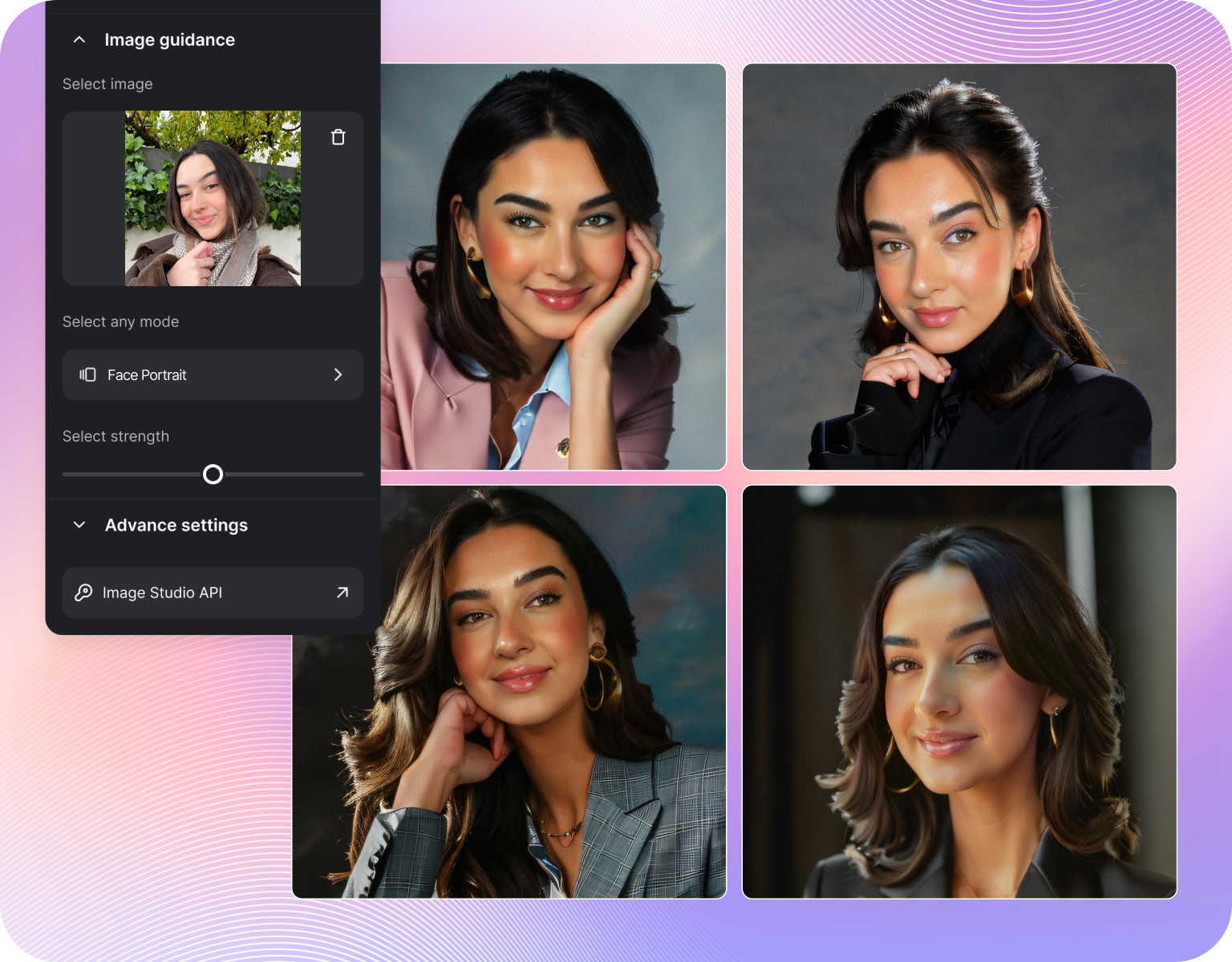
Logo and typography work: ImagineArt vs Ideogram in practice
Run the same logo brief through both and the gap is less about who renders letters cleanly, Ideogram earned that reputation, and more about what happens after. In ImagineArt, that same Ideogram 3.0 output can drop straight into the logo generator, get a poster variant, or get restyled through Flux for a softer look. In Ideogram alone, the finished text is the finished project. That is the practical difference between a renderer and a workspace.
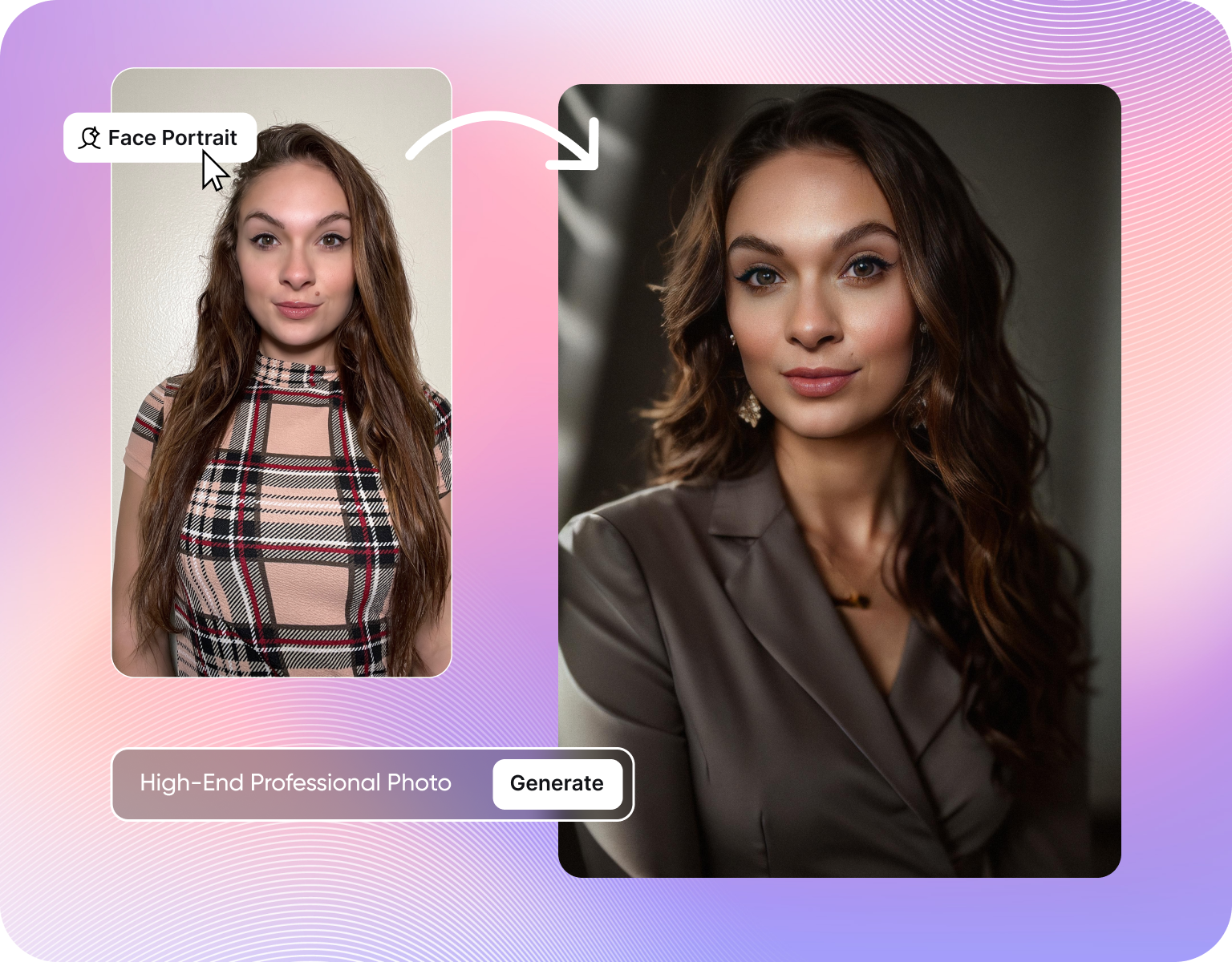
Beyond static images: what Ideogram doesn't do
Ideogram stops at a static image. ImagineArt's Ideogram 3.0 integration sits inside a broader studio that also generates video, edits photos, and builds flyers and posters from the same prompt box. A marketing team building a launch page needs a logo, an ad banner, and a short video teaser, not three separate accounts. That is the gap this comparison keeps surfacing: Ideogram to render text, ImagineArt to finish the campaign at every stage, not one.
How ImagineArt handles a typography-heavy brief
Step 1
Write the text in quotes
Type the exact words that need to appear, in quotes, next to a description of the scene: a neon sign, a cereal box, a conference banner. ImagineArt reads quoted text as a rendering instruction, not a suggestion, the same behavior that made Ideogram's own text engine reliable, now running inside ImagineArt's prompt box.
Step 2
Pick Ideogram 3.0 or another engine
Select Ideogram 3.0 from the model list for the typography pass, or start with Flux or Realistic if the scene matters more than the letters. Nothing forces a single-engine workflow. A single project can mix a Flux background with an Ideogram 3.0 sign, generated in the same session, no exporting between tools.
Step 3
Refine, resize, and export
Send the render straight into the logo, flyer, or poster generator for sizing and layout without leaving the tab. Export at the resolution the brief needs, from a social tile to a print-ready poster. Ideogram hands back one file, ImagineArt hands back a file already shaped for where it's going next.
What ImagineArt adds on top of Ideogram's text engine
- Native Ideogram 3.0 access:Select Ideogram 3.0 inside ImagineArt, no separate account or export step needed to get its text rendering.
- Model switching mid-project:Move between Ideogram 3.0, Flux, and ImagineArt's own engines without starting a new project.
- Built-in design tools:Send any render into the logo, flyer, or poster generator for layout and sizing.
- Video in the same workspace:Turn a still render into a short video, a step Ideogram does not offer.
- One subscription, multiple engines:Get Ideogram-grade text rendering plus other models under a single plan, not separate tool bills.
- Faster iteration:Regenerate a typography pass with a different model in seconds if the first render misses the brief.
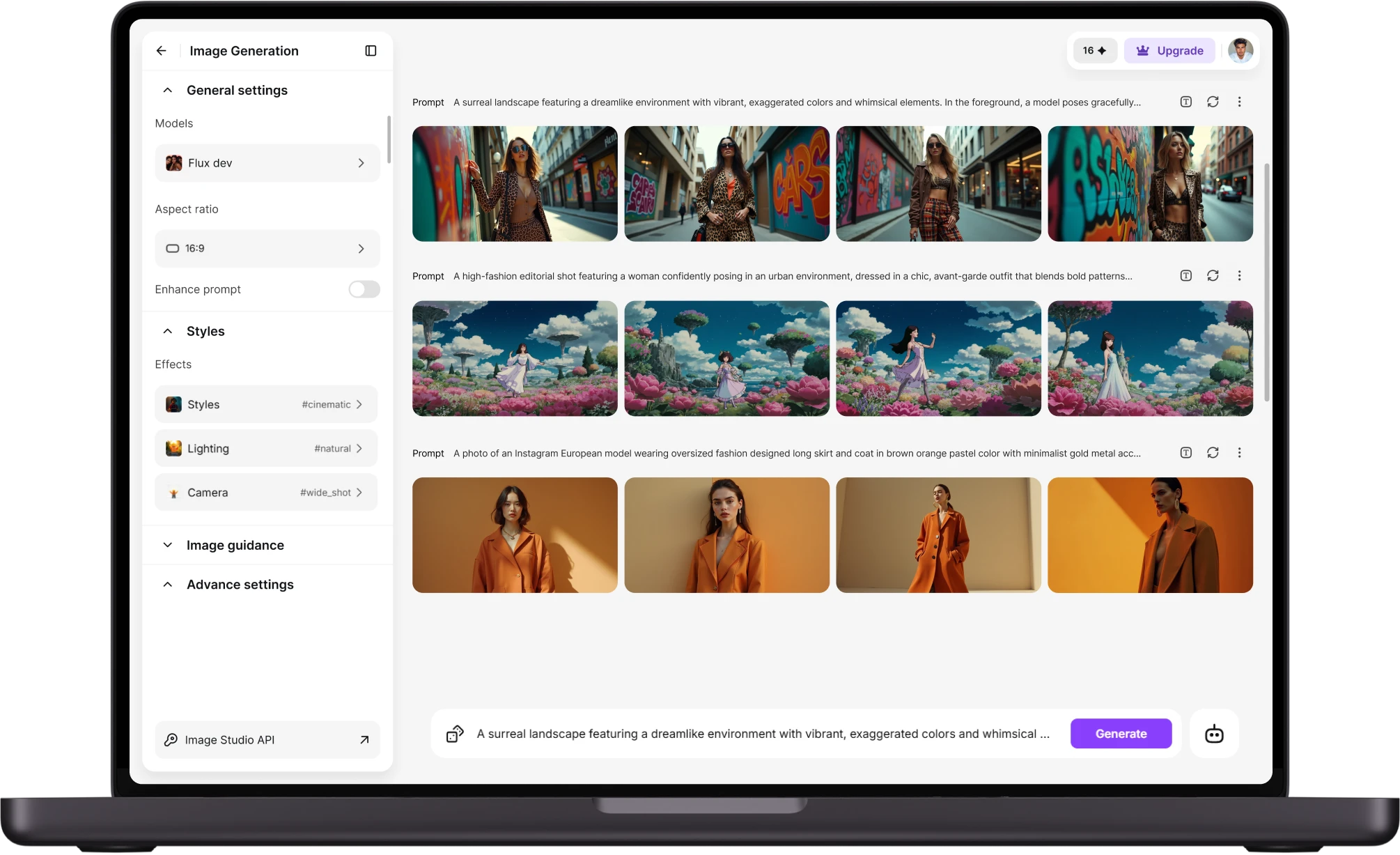
Where typography-heavy brands actually use this
- Packaging mockups:Generate a cereal box or bottle label with exact product names rendered correctly, then resize for a print proof.
- Social ad creative:Put a headline or price directly on the image instead of layering text in a separate editor afterward.
- Event signage:Render sponsor banners with names spelled correctly, then export straight to a poster-ready file.
- Logo exploration:Generate wordmark directions with Ideogram 3.0's text handling, then push the strongest one into ImagineArt's logo generator for variants.
- Merch mockups:Place a slogan or brand name on a shirt render and check readability before it reaches production.
- Pitch decks:Produce a hero image with a headline baked in for a slide, without a separate typography pass.
Models and styles you get beyond Ideogram 3.0
- Ideogram 3.0:the native integration for typography and clean in-image text, the same engine Ideogram itself runs on its own platform.
- Flux:Photorealistic detail for portraits, product shots, and lifestyle scenes that need to look shot on location, not obviously generated.
- Recraft:Vector-style and illustrative renders for icons, flat graphics, and clean brand assets that a text-only model can't produce.
- Anime engine:stylized anime and manga panels built specifically for that look, not a filter applied after the fact.
- Realistic engine:ImagineArt's own photoreal model, tuned separately from Flux for portraits, scenes, and lifestyle shots.
- Video generation:Turn a still render into a short video clip, a format Ideogram does not produce at all today.
Customer Testimonials About ImagineArt vs Ideogram
Learn what user says about AI ImagineArt vs Ideogram

“Great platform, lots of useful features. All the models you would want under one roof. Multi variation parallel generation of images and videos. workflows. awesome stuff THOUGH lots and I mean lots of popups. ”
“Easy interface with all the latest models. Great pricing and worth using for advanced AI generations.”
“Using imagine has honestly been a great experience overall. The image quality is impressive, especially for cinematic and anime-style generations, and the platform feels smooth compared to many other AI tools. Prompt understanding is strong, and the renders usually come out detailed and visually appealing even without overly complex descriptions. One thing I really like is how easy the interface is to use. It doesn’t feel confusing for beginners, but still has enough features for advanced creators. The video and motion tools also have a lot of potential and can create very eye-catching content for reels and edits. ”
“I have tried quite a few AI image generators, and ImagineArt has quickly become one of my favourites. The image quality is consistently impressive, with detailed, creative, and highly accurate results from even simple prompts. The platform is easy to use, generates images quickly, and offers a great variety of styles and customisation options. One of the main ways I use ImagineArt is to create artwork for my YouTube music videos. I generate unique images and then animate them as visuals to accompany my music. The quality and creativity of the images make them perfect for this purpose, and they often require very little editing before I can use them in my projects. What stands out most is how well it understands complex prompts and turns ideas into stunning visuals with minimal effort. Whether you're creating concept art, character designs, content for social media, or visuals for videos, ImagineArt delivers excellent results. The regular updates and new features show that the team is actively improving the platform, and the overall experience feels polished and reliable. It's become an important part of my creative workflow, and I'd highly recommend it to anyone looking for a powerful and user-friendly AI image generation tool. ”
“ImagineArt offers an impressive range of AI image generation styles and tools. The platform is intuitive and produces high-quality results across different creative styles. The support team is responsive and genuinely helpful. Would recommend to anyone looking for a versatile AI image tool.”
“ImagineArt has a really amazing interface, well layered and clean. The workflow feature really makes working easy with all tools available in one place. One other thing, when I tested models like for instance Nano Banana 2 on ImagineArtAi and other Ai brands I got better results and higher quality on ImagineArtAi. It goes to show how much they have invested in making it the best of the best”
Purchase a Subscription
Upgrade to get access to pro features and generate more and better
Basic
For newcomers taking their first steps
View Plans
Billed monthly
Included in plan
3Kcredits per month
Additional Features
Up to ~600 Image Generations/month
Up to ~97 Video Generations/month
General Commercial Terms
Image Generation Visibility: Public
4 Concurrent Image Generations
Complimentary Access
All GPT Models
All Gemini Models
All Claude Models
Unlimited Generations
10 Image Models
9 Video Models
Standard
For rising creators to level up their game
View Plans
Billed monthly
Included in plan
8Kcredits per month
Additional Features
Up to ~1.6k Image Generations/month
Up to ~265 Video Generations/month
General Commercial Terms
Image Generation Visibility: Private
8 Concurrent Image Generations
Complimentary Access
All GPT Models
All Gemini Models
All Claude Models
Unlimited Generations
Nano Banana
Runway Gen 4 Turbo
Midjourney V7
8 more Image Models
8 more Video Models
Ultimate
Peak performance for pros
View Plans
Billed monthly
Included in plan
16Kcredits per month
Additional Features
Up to ~3.2k Image Generations/month
Up to ~530 Video Generations/month
All styles and models
General Commercial Terms
Image Generation Visibility: Private
Complimentary Access
All GPT Models
All Gemini Models
All Claude Models
Unlimited Generations
All image models in Standard plan
All video models in Standard plan
Kling 2.6 Pro
Seedance 1.5 Pro
ChatGPT 1.5
Creator
A full production engine for powerhouses
View Plans
Billed monthly
Included in plan
100Kcredits per month
Additional Features
Up to ~20k Image Generations/month
Up to ~3.3k Video Generations/month
All styles and models
General Commercial Terms
Image Generation Visibility: Private
Complimentary Access
All GPT Models
All Gemini Models
All Claude Models
Unlimited Generations
All image models in Ultimate plan
All video models in Ultimate plan
Kling 3.0 Pro
Seedance 2 Fast
Nano Banana 2
Have questions?
We have answers!
Ideogram built its reputation on accurate in-image text, and that strength carries directly into ImagineArt because Ideogram 3.0 runs there as a native model. So the text-rendering quality is the same engine, not a competing one. The real difference shows up after the render, when that text needs to become a finished logo file, a poster, or a videovideo, steps Ideogram alone doesn't cover on its own.
For the initial text render, both draw on the same underlying strength since ImagineArt runs Ideogram 3.0 directly as one of its models. Where they diverge is what happens next: ImagineArt routes that output into a logo generator, flyer generator, and poster generator in the same session, while Ideogram hands back a single image file with no built-in path to a finished design asset.
Yes. ImagineArt integrates Ideogram 3.0 as a selectable model inside its own workspace, alongside Flux and ImagineArt's own Anime and Realistic engines. There's no export-import step and no second account required to use it. A user can generate a typography pass with Ideogram 3.0, then switch to another model for a photoreal background, inside one project and one subscription, in minutes.
ImagineArt offers a free tier that includes image generation, so a typography-heavy brief can be tested, including an Ideogram 3.0 render, before committing to a paid plan. Paid tiers add higher generation limits, additional models, and video. There's no requirement to enter payment details to run the first few renders, which makes it possible to compare output against Ideogram directly before deciding to switch tools.
There isn't a hidden downgrade. Ideogram 3.0 renders through ImagineArt use the same underlying model, so text-rendering quality doesn't drop when accessed this way. The tradeoff, if any, is that someone who only ever needs text rendering is paying for a broader platform than they strictly use. For anyone who also needs photoreal, animeanime, or video output, that breadth is the actual point.
Running Ideogram alongside a separate photo or video generator means two subscriptions, two prompt histories, and manual exporting between them for every finished asset. ImagineArt removes that step by hosting Ideogram 3.0 next to its other models in one project. A single campaign, logo, packaging shot, and teaser video all get built without leaving one tab or paying for two separate platforms.
Try ImagineArt free
Run your next typography brief through Ideogram 3.0, then finish the campaign without switching tools. Sign up free, no card required for the first renders, and see the same text-rendering quality alongside models Ideogram doesn't offer.
![38 AI Affiliate Programs for SaaS Bloggers - Highest Income Potential [2026 Edition]](https://blogs-cdn.imagine.art/Add_a_heading_14cf442dc9.png)