ImagineArt vs Freepik AI/Magnific
Freepik pairs a stock marketplace with Magnific's upscaler bolted on afterward. ImagineArt runs prompt, generation, upscaling, and licensing in one flow across multiple models, with fewer steps and no stock library to search first.


You Might Also be Interested in
Community Creations
Why creators search for a freepik alternative
Freepik started as a stock photo marketplace, and its AI tools sit inside that library, next to licensed photography and templates. A search for a freepik alternative usually comes from wanting a tool built around generation, not one where AI features share shelf space with millions of pre-made assets. ImagineArt opens straight into a prompt box: no marketplace to filter through, no stock category to pick first, and no license type to check before you can use what you made.
Upscaling: Magnific bolt-on vs a built-in enhancer
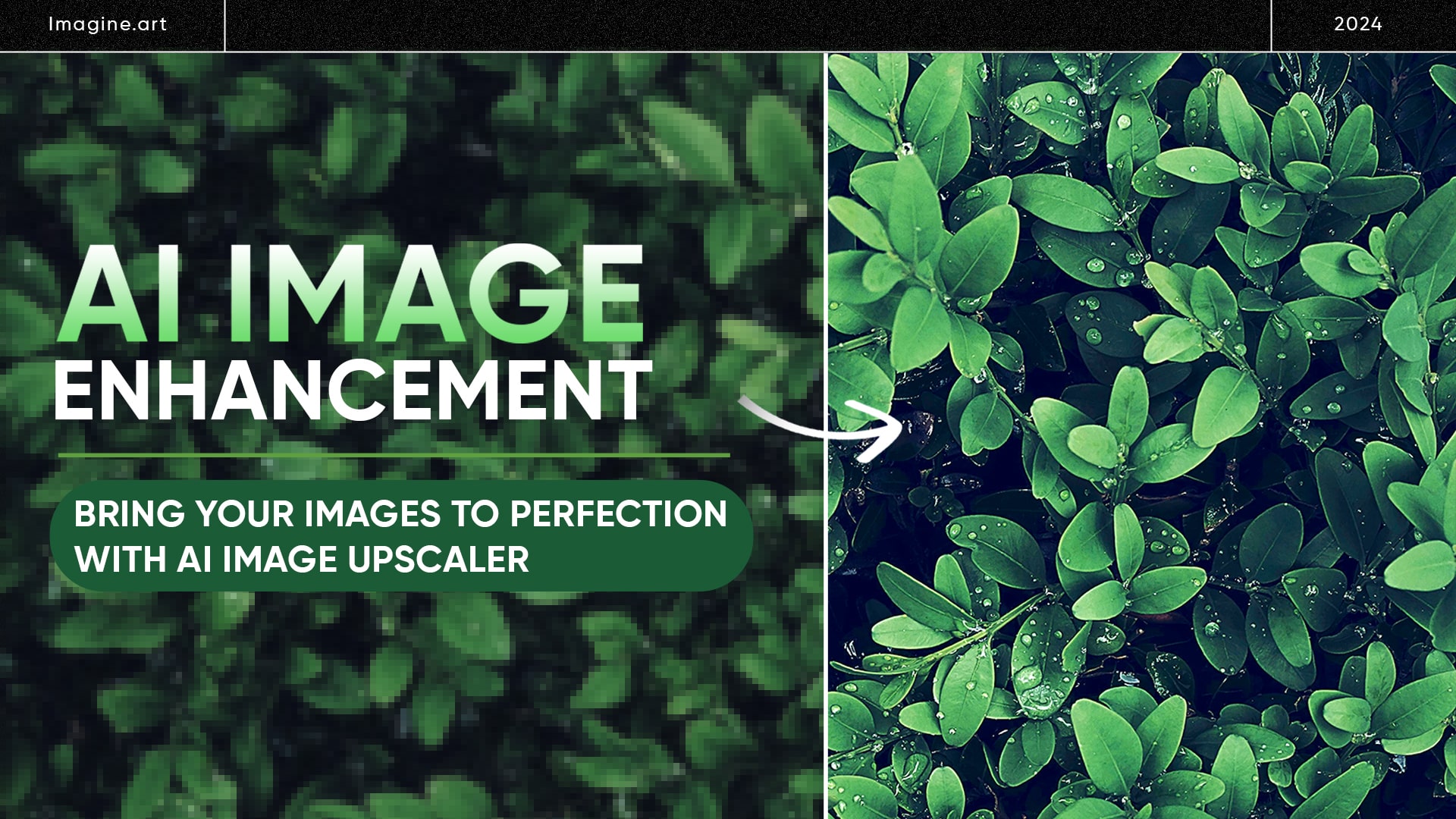
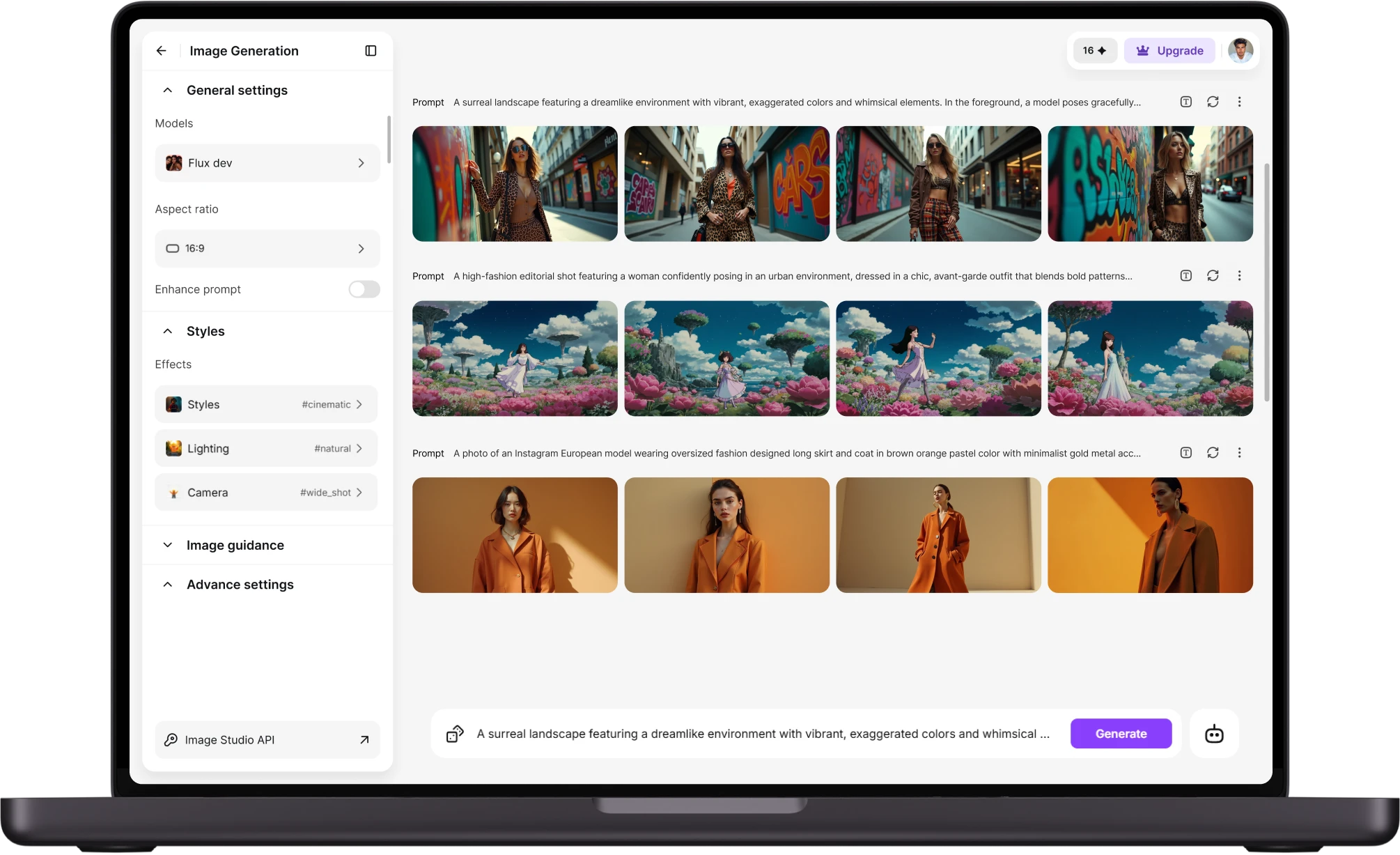
Magnific is a separate upscaler that Freepik acquired and folded into its dashboard, so enhancing an image means routing it through a distinct tool with its own settings and credit pool. ImagineArt's upscaler sits inside the same generation flow: the image you just made goes straight to enhancement, at higher resolution, without exporting and re-importing between two products built by two different teams for two different jobs on two separate release schedules.
Licensing: stock rules vs generation ownership
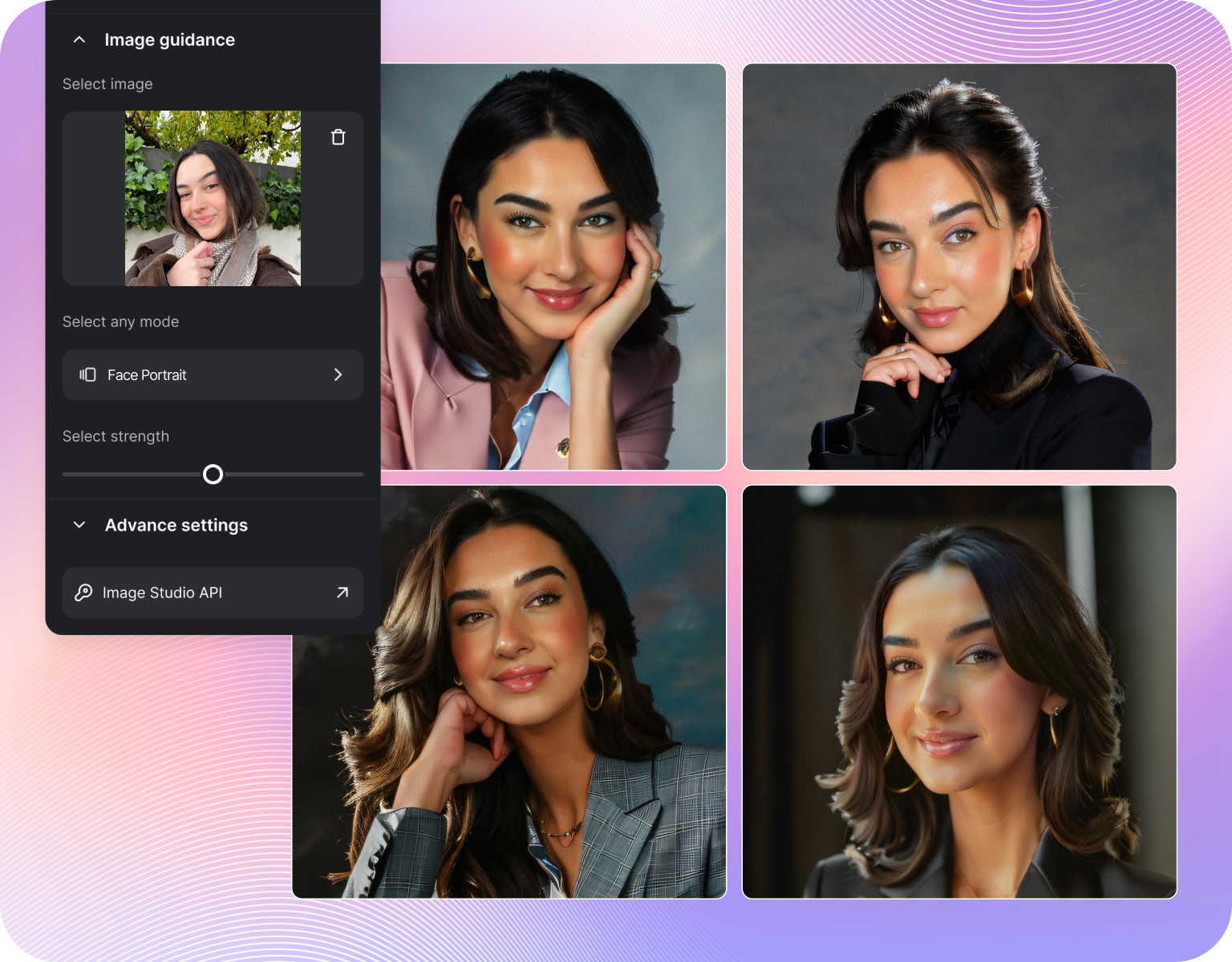
Freepik's licensing depends on what you touch: free stock, premium stock, and AI-generated output can each carry different commercial terms, and mixing a stock background with an AI-generated subject means checking two licenses instead of one before a client sees the file. ImagineArt licenses what you generate, since nothing in the output is pulled from a pre-existing stock catalog. One generation, one license, one thing to check, every time, for every project.
Multi-model access: one ai image generator, several engines
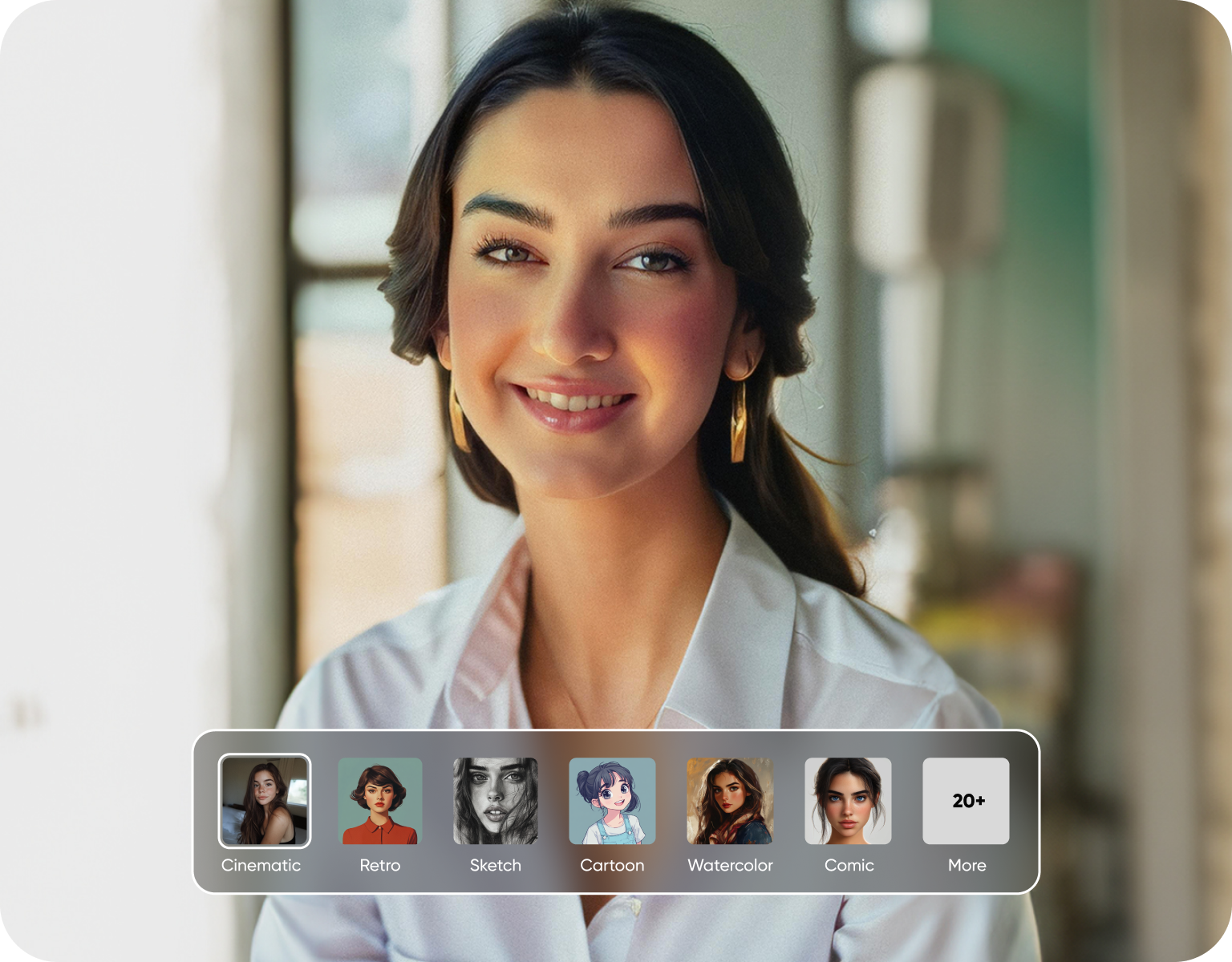
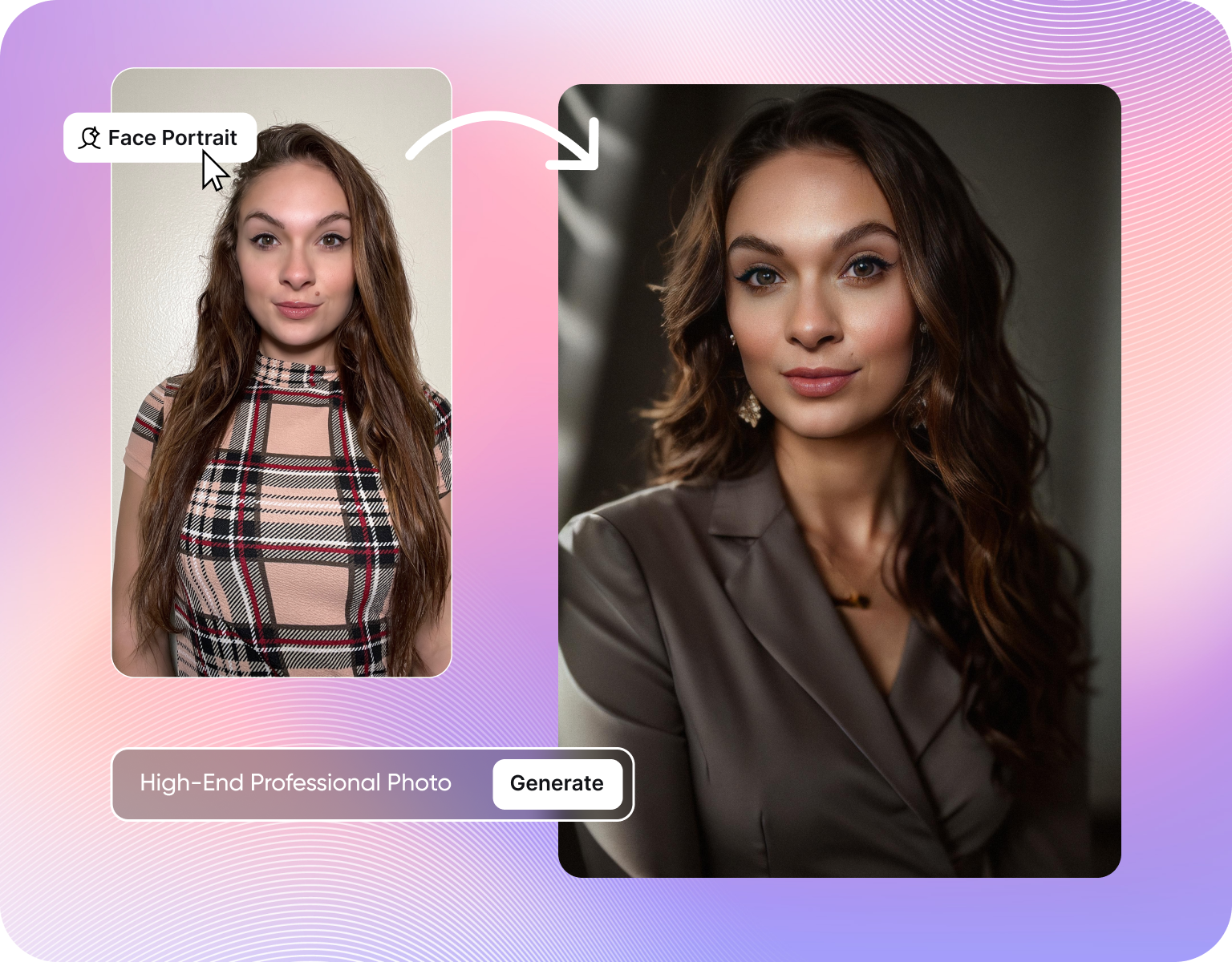
Freepik's AI suite runs primarily on its own in-house model, so switching styles often means switching tools, not models, and relearning a new panel of settings each time. ImagineArt works as a multi-model ai image generator: several underlying models are available from the same prompt box, so a photo real request and a stylized illustration request can both run without leaving the app, opening a second tab, or learning a second interface for the second look.
How ImagineArt replaces the Freepik-plus-Magnific workflow
Step 1
Type the prompt
Type what you want in plain language, the same first step as any Freepik AI search, minus the detour through stock results. There is no library to scroll past and no filter for license type or usage rights to set before the prompt box will let you start. One field, one action, and the next screen is a generated image, not a results grid.
Step 2
Generate and refine
Pick a model for the look you want, photoreal, illustrated, or stylized, and generate a set of options from the same prompt. Refine by adjusting the prompt or regenerating, not by reopening a separate stock search. Since nothing here comes from a pre-existing catalog, every version on screen is a new generationgeneration, not a filter applied to someone else's photo.
Step 3
Upscale and export with the license attached
Send the finished generation to the built-in upscaler for a higher-resolution export, no separate Magnific-style tool or second credit pool required. Download the file with one license attached, covering the full image, not a patchwork of stock and AI terms. What leaves the app is one file, one resolution setting, and one license to file away.
Generation features Freepik's stock model doesn't have
- Direct generation, no library step: Type a prompt and get an image back, with no stock catalog between the prompt box and the result.
- Multiple models, one prompt box:Switch between models for photoreal, illustrated, or stylized output without opening a separate app.
- Built-in upscaling:Send a generation to the upscaler in the same flow, instead of a separate Magnific-branded tool.
- Video from the same account:Generate video alongside images without a second signup for a separate product tier.
- One credit system: Generation, upscaling, and export draw from a single pool, not separate pools for stock, AI, and enhancement.
- Faster iteration:Regenerate or adjust a prompt in seconds, without re-running a stock search first.
Upscaling and enhancement, side by side with Magnific
- Upscaling inside the generation flow:The image you just made goes to the enhancer next, no export and re-import required.
- Magnific as a bolt-on:Freepik's upscaler is a separate acquisition folded into the dashboard, with its own settings and credit pool.
- Built for output, not browsing:ImagineArt's enhancer is built to finish a generation, not to upscale stock photos pulled from a marketplace.
- One settings panel:Adjust generation and upscaling in the same interface, instead of two panels from two product teams.
- No second tool to learn:Enhancement doesn't need a distinct app with its own onboarding or pricing page.
- Consistent pipeline:Every generation follows the same prompt-to-image-to-upscale path, so results stay predictable across projects.
Licensing and workflow bullets that matter for commercial work
- One license per file:Commercial rights attach to the generation itself, no separate license needed for a stock element.
- No mixed-source licensing:Freepik projects combining stock with AI output can carry two commercial terms in one file.
- Clear ownership of output:Nothing in a generation is pulled from a pre-existing catalog, so there is no license to trace.
- Fewer steps before delivery:Skip checking whether a background or template inside the file carries its own restriction.
- Terms tied to the plan:Usage rights scale with the account plan, not with which asset category the file touched.
- Simpler agency handoff:One license per project, no footnote needed when a client asks what they can do with it.
Customer Testimonials About ImagineArt vs Leonardo AI
Learn what user says about AI ImagineArt vs Freepik AI/Magnific

“Great platform, lots of useful features. All the models you would want under one roof. Multi variation parallel generation of images and videos. workflows. awesome stuff THOUGH lots and I mean lots of popups. ”
“Easy interface with all the latest models. Great pricing and worth using for advanced AI generations.”
“Using imagine has honestly been a great experience overall. The image quality is impressive, especially for cinematic and anime-style generations, and the platform feels smooth compared to many other AI tools. Prompt understanding is strong, and the renders usually come out detailed and visually appealing even without overly complex descriptions. One thing I really like is how easy the interface is to use. It doesn’t feel confusing for beginners, but still has enough features for advanced creators. The video and motion tools also have a lot of potential and can create very eye-catching content for reels and edits. ”
“I have tried quite a few AI image generators, and ImagineArt has quickly become one of my favourites. The image quality is consistently impressive, with detailed, creative, and highly accurate results from even simple prompts. The platform is easy to use, generates images quickly, and offers a great variety of styles and customisation options. One of the main ways I use ImagineArt is to create artwork for my YouTube music videos. I generate unique images and then animate them as visuals to accompany my music. The quality and creativity of the images make them perfect for this purpose, and they often require very little editing before I can use them in my projects. What stands out most is how well it understands complex prompts and turns ideas into stunning visuals with minimal effort. Whether you're creating concept art, character designs, content for social media, or visuals for videos, ImagineArt delivers excellent results. The regular updates and new features show that the team is actively improving the platform, and the overall experience feels polished and reliable. It's become an important part of my creative workflow, and I'd highly recommend it to anyone looking for a powerful and user-friendly AI image generation tool. ”
“ImagineArt offers an impressive range of AI image generation styles and tools. The platform is intuitive and produces high-quality results across different creative styles. The support team is responsive and genuinely helpful. Would recommend to anyone looking for a versatile AI image tool.”
“ImagineArt has a really amazing interface, well layered and clean. The workflow feature really makes working easy with all tools available in one place. One other thing, when I tested models like for instance Nano Banana 2 on ImagineArtAi and other Ai brands I got better results and higher quality on ImagineArtAi. It goes to show how much they have invested in making it the best of the best”
Purchase a Subscription
Upgrade to get access to pro features and generate more and better
Basic
For newcomers taking their first steps
View Plans
Billed monthly
Included in plan
3Kcredits per month
Additional Features
Up to ~600 Image Generations/month
Up to ~97 Video Generations/month
General Commercial Terms
Image Generation Visibility: Public
4 Concurrent Image Generations
Complimentary Access
All GPT Models
All Gemini Models
All Claude Models
Unlimited Generations
10 Image Models
9 Video Models
Standard
For rising creators to level up their game
View Plans
Billed monthly
Included in plan
8Kcredits per month
Additional Features
Up to ~1.6k Image Generations/month
Up to ~265 Video Generations/month
General Commercial Terms
Image Generation Visibility: Private
8 Concurrent Image Generations
Complimentary Access
All GPT Models
All Gemini Models
All Claude Models
Unlimited Generations
Nano Banana
Runway Gen 4 Turbo
Midjourney V7
8 more Image Models
8 more Video Models
Ultimate
Peak performance for pros
View Plans
Billed monthly
Included in plan
16Kcredits per month
Additional Features
Up to ~3.2k Image Generations/month
Up to ~530 Video Generations/month
All styles and models
General Commercial Terms
Image Generation Visibility: Private
Complimentary Access
All GPT Models
All Gemini Models
All Claude Models
Unlimited Generations
All image models in Standard plan
All video models in Standard plan
Kling 2.6 Pro
Seedance 1.5 Pro
ChatGPT 1.5
Creator
A full production engine for powerhouses
View Plans
Billed monthly
Included in plan
100Kcredits per month
Additional Features
Up to ~20k Image Generations/month
Up to ~3.3k Video Generations/month
All styles and models
General Commercial Terms
Image Generation Visibility: Private
Complimentary Access
All GPT Models
All Gemini Models
All Claude Models
Unlimited Generations
All image models in Ultimate plan
All video models in Ultimate plan
Kling 3.0 Pro
Seedance 2 Fast
Nano Banana 2
Have questions?
We have answers!
No. Freepik's core library is millions of licensed stock photos, vectors, and templates, with AI generation sitting alongside them. ImagineArt has no stock catalog at all: every image comes from a generation, not a pre-existing file. That means there's no browsing step, no stock category to filter by, and no pre-made asset mixed into the output you're licensing at the end.
Freepik's terms vary by asset type: free stock, premium stock, and AI output can each carry different commercial rules, and combining them in one project means checking more than one license. ImagineArtImagineArt licenses the generation itself, since nothing in it comes from a third-party catalog. For teams that need one clear answer per file rather than several, that's the simpler structure to work with.
Freepik's AI suite is built primarily on its own in-house model, so a different look often means a different tool or panel. ImagineArt runs several underlying models from the same prompt box, covering photoreal, illustrated, and stylized output without switching apps. For teams producing more than one visual style in a week, that cuts down on the tool-switching that Freepik's single-model setup requires.
Magnific is a standalone upscaler Freepik acquired and bolted onto its dashboard, with its own settings and credit pool, separate from generation. ImagineArt's enhancer lives inside the same flow the image was generated in, so there's no export-and-reimport step between the two. Quality depends on the source image, but the workflow difference, one tool versus two, is the concrete distinction to weigh here.
Yes. ImagineArt offers a free tier for generating and testing the workflow before moving to a paid plan, the same low-commitment entry point Freepik offers for its own free stock and basic AI tools. The difference shows up after the free tier: ImagineArt's paid plans center on generation credits, not on stock download limits layered under a separate AI add-on tier.
It depends on usage, since Freepik's stock downloads, AI credits, and Magnific enhancement can sit on separate paid tiers that add up for heavy users. ImagineArt consolidates generation, upscaling, and licensing into one plan structure, so a team currently paying for three Freepik-side tools at once is the specific case where consolidating into one subscription tends to work out lighter.
Try the freepik alternative built for generation
Generate your first image free, no stock library, no separate upscaler, no second license to check. Type a prompt, pick a model, export a file that's yours from the first generation, a freepik alternative in practice, not on a chart.

![38 AI Affiliate Programs for SaaS Bloggers - Highest Income Potential [2026 Edition]](https://blogs-cdn.imagine.art/Add_a_heading_14cf442dc9.png)