AI Yearbook Photo Generator
AI yearbook photo generator produces retro yearbook-style portraits, 90s mall photography, feathered hair, all of it, from a single selfie. Run the same style across a whole friend group so everyone ends up in the same imaginary graduating class.
You might also be interested in
Community Creations
One selfie, a full retro portrait
Upload one photo and this AI yearbook photo generator hands back a full retro portrait, studio backdrop, period lighting, and the specific photography look of whichever decade you pick. The 90s mall-photo aesthetic isn't a generic filter laid over a modern photo. It reconstructs the lighting setup, backdrop choice, and color processing that decade's yearbook photographers actually used. What comes out looks like it was shot in 1994, not edited in the present.
Decades, hairstyles, and questionable fashion choices included
Pick the decade and the portrait pulls in the fashion, hairstyle, and backdrop choices that came with it, feathered bangs and acid wash for 90s yearbook photos, big shoulders and mall-brand blazers for the 80s. Nobody asked to look like this in real life the first time around, which is exactly why doing it on purpose, as a photo instead of a fashion choice, is funnier now than it ever was in the actual decade.
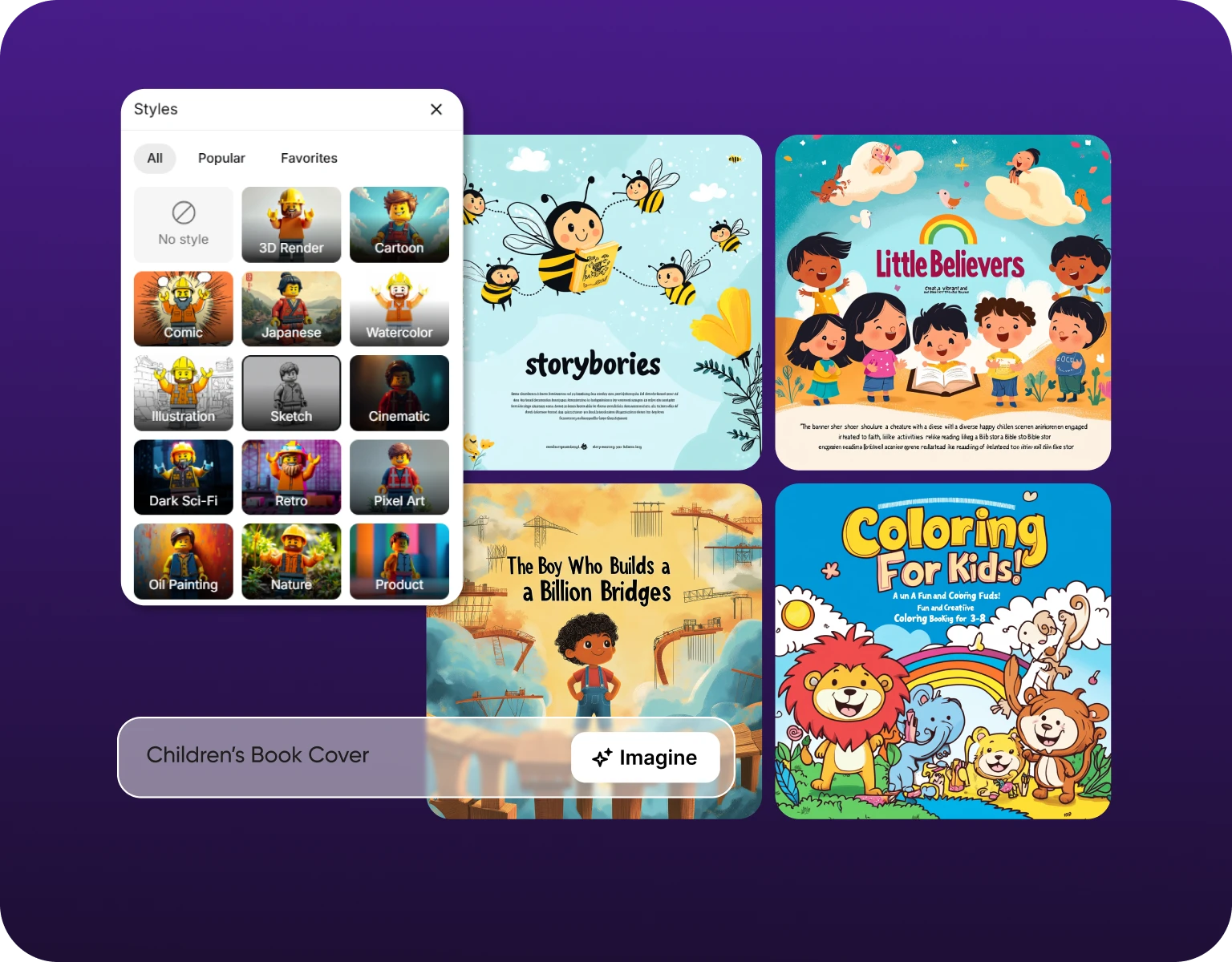
Works from a single photo, no photoshoot required
A real yearbook photo session means an appointment, specific lighting, and someone telling you where to put your hands, the whole reason people reach for an ai yearbook maker instead. This needs one existing selfie, taken on a phone, in whatever lighting was around at the time. The system reconstructs the studio backdrop and lighting style around that single photo instead of requiring a professional shoot to start from. That's the entire barrier to entry: one photo you already have.
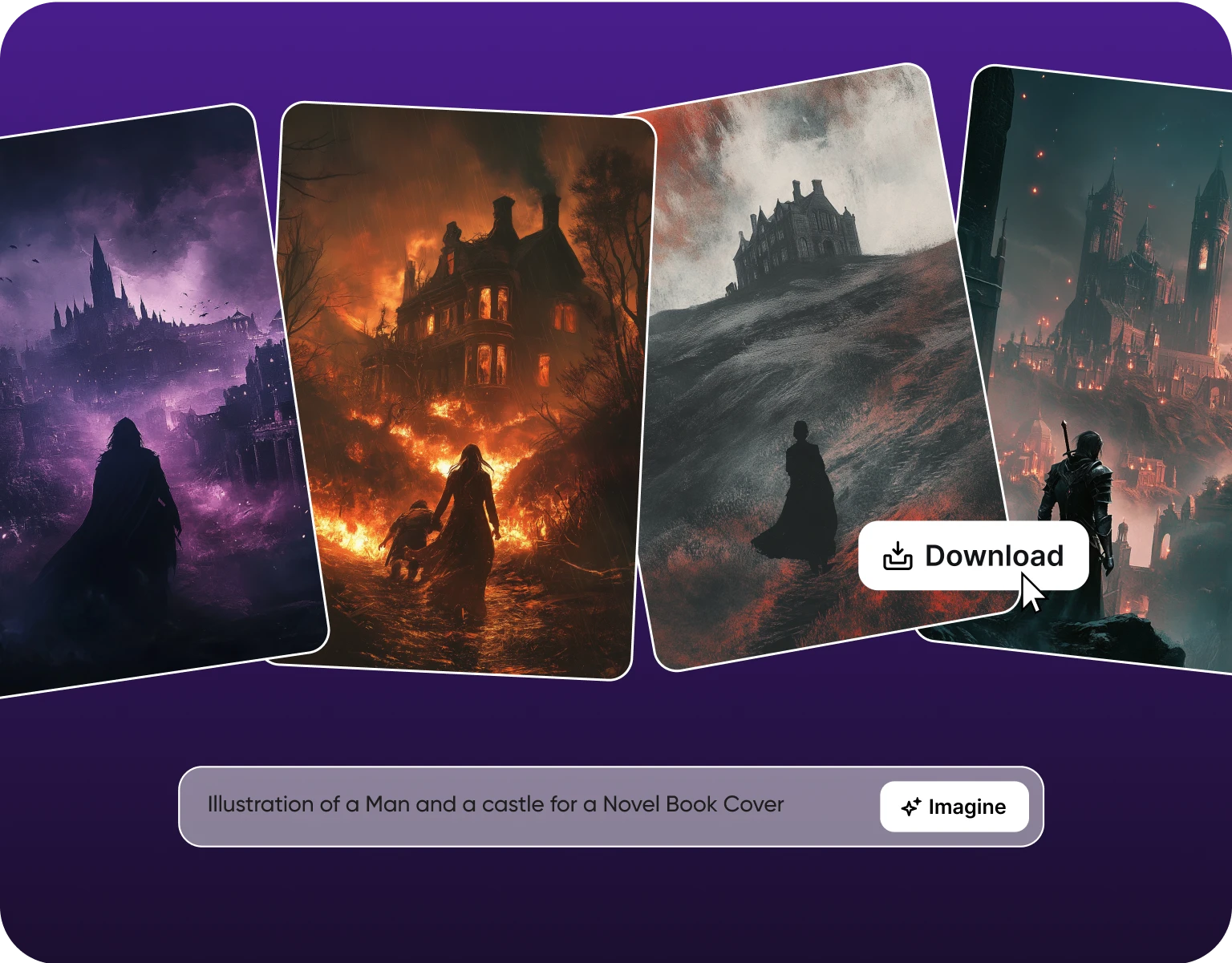
The same style, an entire friend group
Run the same decade and style setting across everyone in a group chat and the results read as one class photo of ai generated yearbook photos, not five separate individual edits. Shared backdrop, consistent lighting, and matching photo treatment carry across every person's portrait. That consistency is what makes a friend group's set of yearbook photos look like they actually attended the same imaginary school together, not like five people ran five different apps.
How To Generate AI Yearbook with ImagineArt
Step 1
Upload a selfie
Type in a clear and detailed prompt to guide the AI in generating the perfect image for you. Upload one photo, any lighting, any background. This becomes the base portrait the yearbook styling gets built around, no studio session required.
Step 2
Pick the decade
Choose the decade and style, ai 90s mall photography, 80s studio backdrop, or another era's specific look. Fashion, hairstyle, and backdrop treatment shift to match that period automatically.
Step 3
Download the portrait
Download the finished yearbook-style portrait at full resolution, ready to share, print, or drop into a group set with friends' matching portraits.
Built for the whole aesthetic, not just a filter
- Decade-accurate styling:Backdrop, lighting, and processing match a specific era's actual photography look.
- Single-photo input:Works from one selfie, no studio session or multiple angles required.
- Fashion and hairstyle shifts: Period-appropriate styling applied automatically per decade selected.
- Full resolution output:Downloads at quality suited for sharing or printing.
- Multiple decade options:Pick from several eras, not one fixed style.
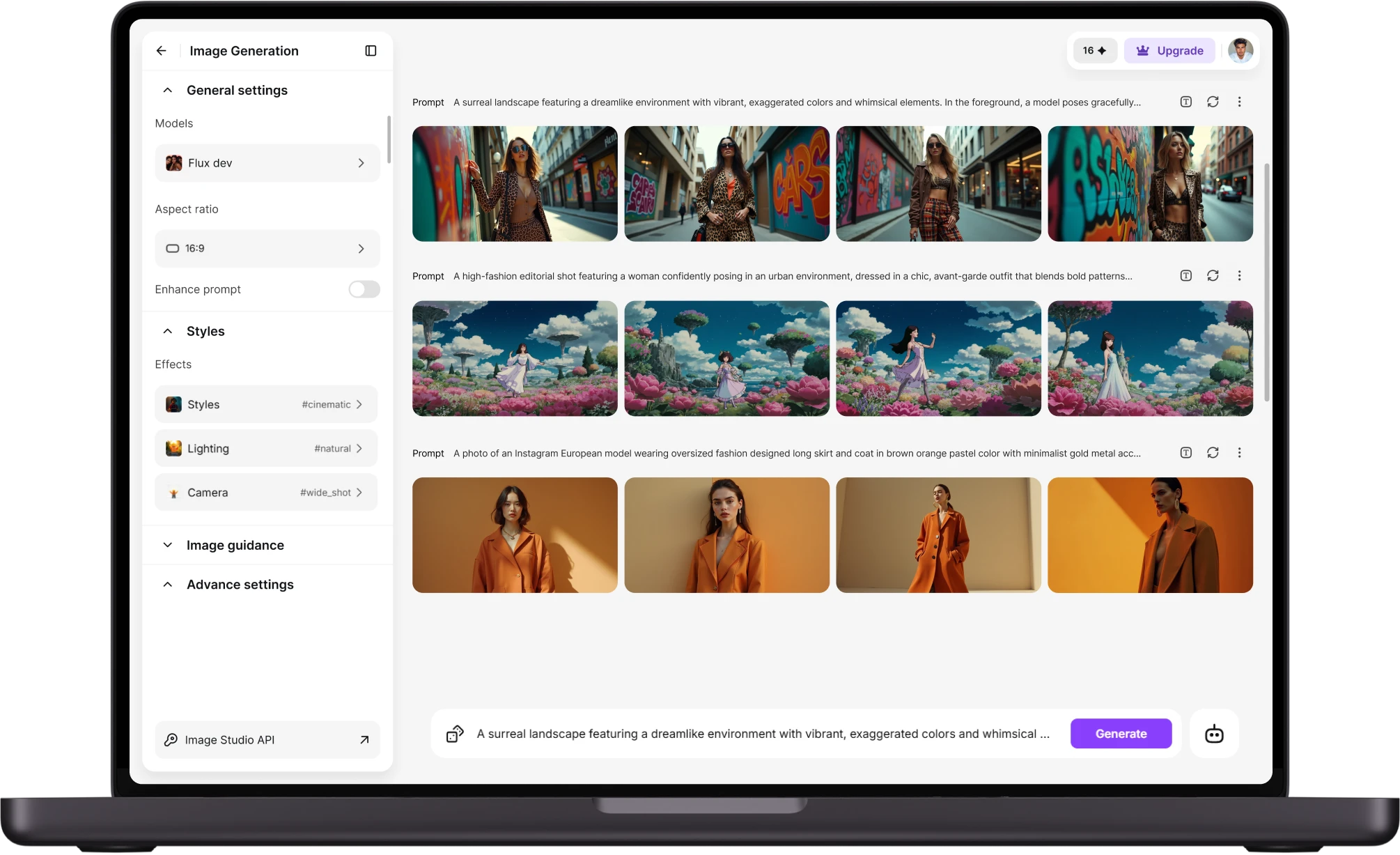
Why this became a group chat activity
- Shareable by design:Instantly recognizable as a joke without explanation.
- Group activity:One decade setting applied across an entire friend group.
- Low cost of entry:One selfie and a few minutes, no costume or photoshoot.
- High share-ability:Built for group chats and social posting specifically.
Customer Reviews about AI Yearbook Photo Maker
Learn what user says about AI yearbook generator tool.

“I love this platform very easy to navigate through whatever you need to create. Excellent image generation and video generation. The pricing is very reasonable also. Thank you Imagineart for an amazing experience. ”
“Imagine art is one of the best platforms for new AI creators offering the best prices, the market leader like Higgsfield are great but their prices are too high. Thank you imagine art for making AI Video models affordable. ”
“ImagineArt is an amazing AI art platform with an intuitive interface, fast image generation, and impressive results. It offers a great variety of styles and tools, making it easy to bring creative ideas to life. Whether you're a beginner or a professional, it's a reliable and enjoyable tool for creating high-quality artwork. Highly recommended! ”
“ImagineArt has a really amazing interface, well layered and clean. The workflow feature really makes working easy with all tools available in one place. One other thing, when I tested models like for instance Nano Banana 2 on ImagineArtAi and other Ai brands I got better results and higher quality on ImagineArtAi. It goes to show how much they have invested in making it the best of the best ”
“Great platform, lots of useful features. All the models you would want under one roof. Multi variation parallel generation of images and videos. workflows. awesome stuff THOUGH lots and I mean lots of popups.”
Purchase a Subscription
Upgrade to get access to pro features and generate more and better
Basic
For newcomers taking their first steps
View Plans
Billed monthly
Included in plan
3Kcredits per month
Additional Features
Up to ~600 Image Generations/month
Up to ~97 Video Generations/month
General Commercial Terms
Image Generation Visibility: Public
4 Concurrent Image Generations
Complimentary Access
All GPT Models
All Gemini Models
All Claude Models
Unlimited Generations
10 Image Models
9 Video Models
Standard
For rising creators to level up their game
View Plans
Billed monthly
Included in plan
8Kcredits per month
Additional Features
Up to ~1.6k Image Generations/month
Up to ~265 Video Generations/month
General Commercial Terms
Image Generation Visibility: Private
8 Concurrent Image Generations
Complimentary Access
All GPT Models
All Gemini Models
All Claude Models
Unlimited Generations
Nano Banana
Runway Gen 4 Turbo
Midjourney V7
8 more Image Models
8 more Video Models
Ultimate
Peak performance for pros
View Plans
Billed monthly
Included in plan
16Kcredits per month
Additional Features
Up to ~3.2k Image Generations/month
Up to ~530 Video Generations/month
All styles and models
General Commercial Terms
Image Generation Visibility: Private
Complimentary Access
All GPT Models
All Gemini Models
All Claude Models
Unlimited Generations
All image models in Standard plan
All video models in Standard plan
Kling 2.6 Pro
Seedance 1.5 Pro
ChatGPT 1.5
Creator
A full production engine for powerhouses
View Plans
Billed monthly
Included in plan
100Kcredits per month
Additional Features
Up to ~20k Image Generations/month
Up to ~3.3k Video Generations/month
All styles and models
General Commercial Terms
Image Generation Visibility: Private
Complimentary Access
All GPT Models
All Gemini Models
All Claude Models
Unlimited Generations
All image models in Ultimate plan
All video models in Ultimate plan
Kling 3.0 Pro
Seedance 2 Fast
Nano Banana 2
Have questions?
We have answers!
It's an ai 90s yearbook generator at heart, a tool that turns a single selfie into a retro yearbook-style portrait, reconstructing the studio backdrop, lighting, and photo processing look of a chosen decade rather than applying a simple color filter. Pick a decade, upload one photo, and the portrait comes back styled with that era's specific fashion, hairstyle, and backdrop conventions. It's built for sharing and printing, not for any professional photography use.
Yes. Choose a decade, 90s mall photography, 80s studio backdrop, or another era, and the portrait generates with that decade's specific backdrop, lighting, and fashion styling applied automatically. The result reconstructs the actual photographic conventions of that era rather than layering a generic vintage filter over a modern-looking photo.
One selfie is enough. The system builds the studio backdrop, lighting, and period styling around that single photo rather than requiring multiple angles or a real photo session. That's the main reason it's spread quickly: the barrier to entry is one photo people already have on their phone.
Yes. Apply the same decade and style setting to photos from an entire friend group and the results share the same backdrop, lighting, and photo treatment, so the set reads as one consistent class rather than several unrelated individual edits. That consistency is what makes a group set work as a shared joke or keepsake instead of a pile of separately styled photos.
Find out what decade suited you best
Upload a selfie, pick a decade, and download a yearbook-style portrait built around that era's actual photography look. Works from one photo, ready to share or print in minutes.