
Sophia Felix
November 6, 2024 • Updated June 11, 2026
6 mins Read
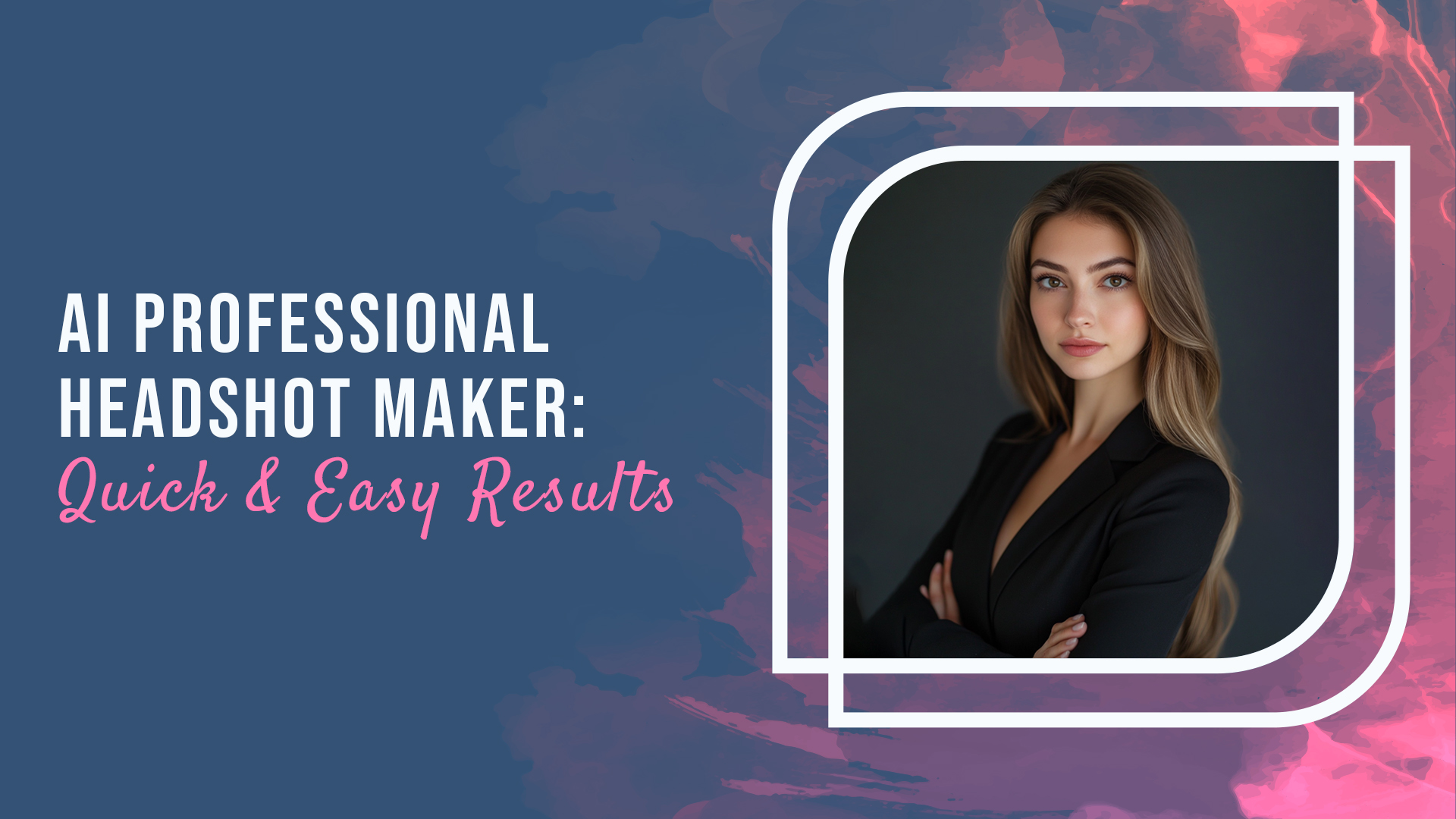
Getting the perfect photo for your LinkedIn profile or job applications can feel like a real struggle. You want to look polished, approachable, and professional, but capturing all of that in a single shot isn’t easy.
Sometimes it takes so many attempts, or the lighting isn’t right, or you don’t feel like yourself in the photo. But thankfully, AI-powered tools now make creating professional headshots so much simpler.
They give you the quality and style you need without the stress of a traditional photoshoot. For job seekers, entrepreneurs, or anyone looking to level up their online presence, an AI-generated headshot could be just what you need to feel confident and make a great first impression.
This guide will help you understand how to use an AI headshot generator to create professional images in seconds and why ImagineArt AI Image Generator stands out as the best choice.
How to Make a Professional AI Headshot
AI headshot generators use advanced algorithms to create polished and realistic headshots based on either a reference image or a text prompt. Here’s a simple breakdown of how to make a professional AI headshot in just a few steps.
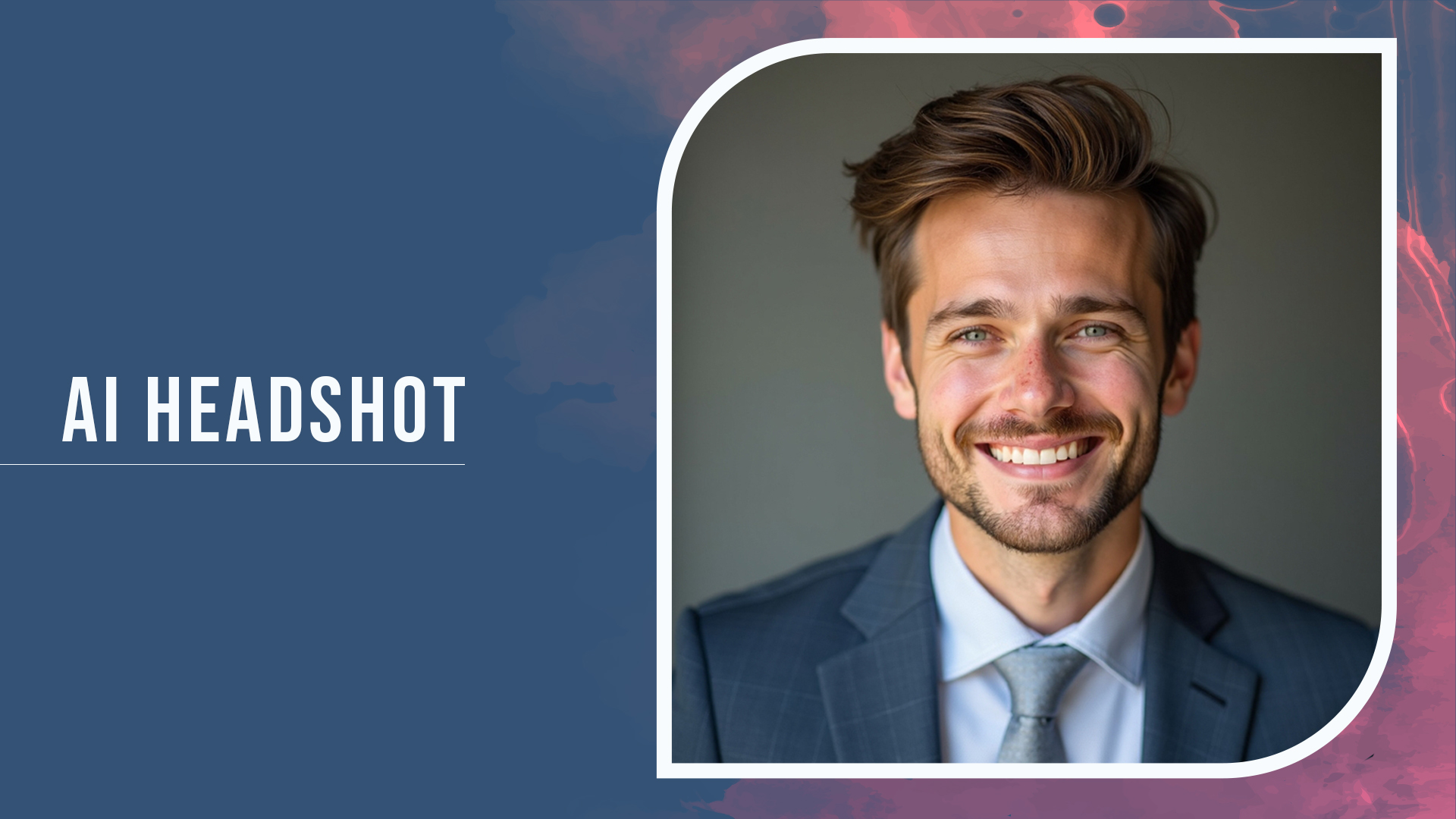 ai headshot generator
1. Choose a Quality AI Headshot Generator
To start, pick a reliable and user-friendly AI headshot generator. ImagineArt AI Image Generator is an excellent choice for this, offering free and customizable options to create high-quality headshots. With its advanced technology, you can produce crisp, professional images that truly stand out.
2. Add a Reference Image
To make your headshot look authentic, start by uploading a reference image. This provides the AI with a base to work from, ensuring the final image closely resembles your unique features. A reference image can help generate a headshot that captures your personal style and preferred look, making it perfect for professional profiles or personal branding.
3. Enter a Text Prompt
If you don’t have a reference image, you can also guide the AI by entering a detailed text prompt. For instance, you could type “professional headshot with a neutral background, smiling expression, and business attire” to get a polished headshot suited for business environments. The AI uses this description to generate an image that meets your specifications.
4. Generate and Export Your Headshot
Once you’ve set up the image with your reference or prompt, let the AI work its magic. In a few seconds, you’ll have a professionally generated headshot. After reviewing the options, you can choose your favorite, then save or export it for use on your professional platforms.
Best Free AI Headshot Generator: ImagineArt AI Image Generator
ImagineArt AI Image Generator is one of the best free options available for creating professional headshots quickly and effortlessly. Here’s why ImagineArt is the top choice when it comes to generating AI headshots for free:
- Various Styles: With ImagineArt, you can choose from a variety of professional and creative styles that match your personal brand or desired look. This flexibility allows you to experiment with different backgrounds, poses, and tones to suit various purposes.
- High-Quality Headshots: ImagineArt uses advanced technology to ensure that every headshot is of stunningly high resolution. This ensures that all details are captured for a clear, polished, and professional look.
- Multiple Variations: One of the standout features of ImagineArt is its ability to generate multiple versions of your headshot with varied expressions, poses, and backgrounds. This makes it easy to find the perfect image for your needs without spending hours on photo editing.
Top Reasons to Use ImagineArt’s Free AI Headshot Generator
Using an AI headshot generator like ImagineArt offers several advantages for professionals and creatives alike. Here are some of the top reasons to consider ImagineArt for your headshot needs:
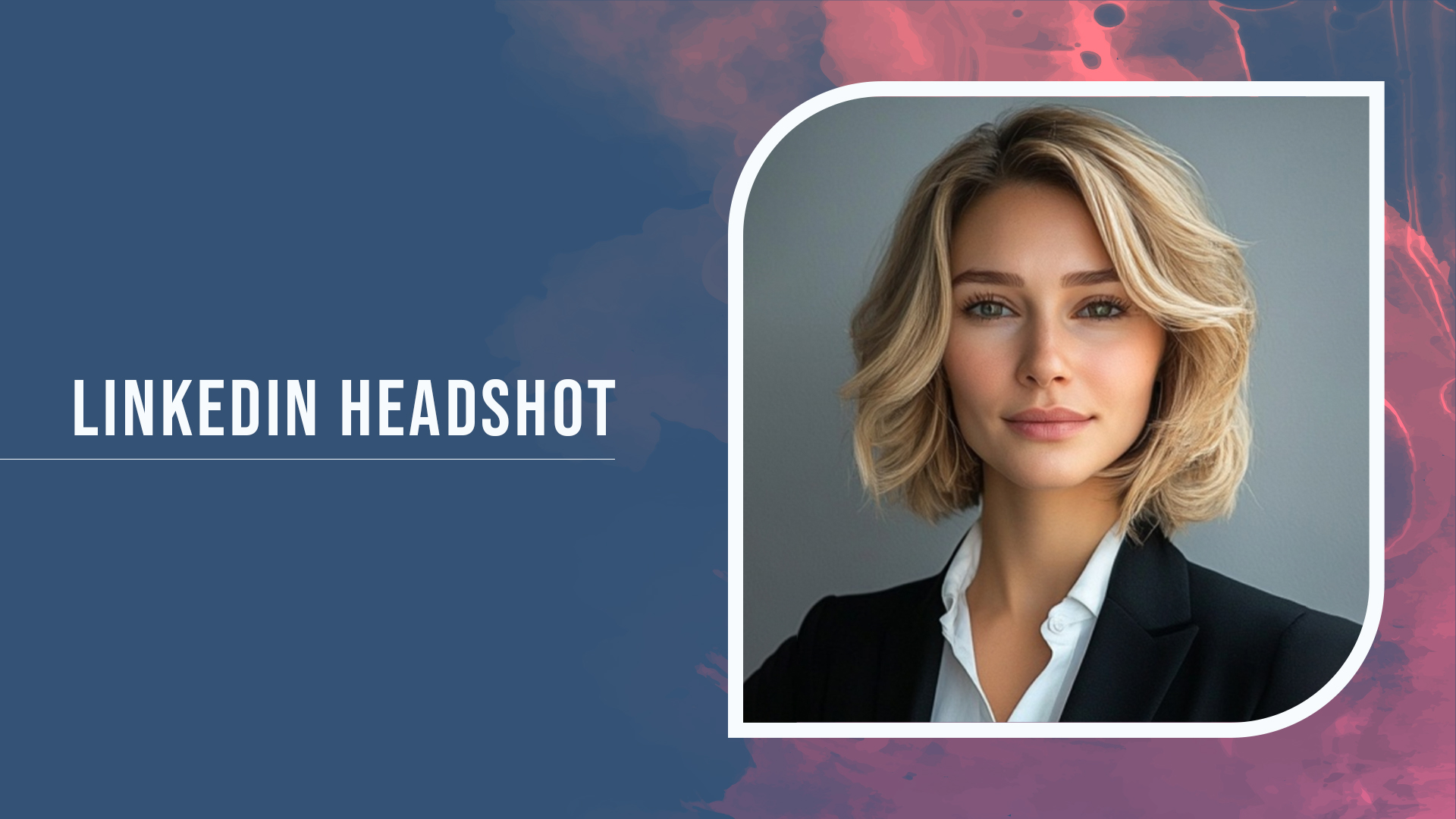 LinkedIn Headshot Generator
- Quick and Convenient: ImagineArt allows you to create professional headshots in just a few seconds, saving you the time and hassle of a traditional photoshoot.
- Customizable for Personal Branding: Whether you need a polished look for LinkedIn or a friendly headshot for social media, ImagineArt offers a range of customization options to help you achieve the exact style you’re looking for.
- Affordable and Accessible: ImagineArt’s free AI headshot generator makes it easy for anyone to access high-quality headshots without a financial investment. This is especially valuable for freelancers, entrepreneurs, or job seekers looking to enhance their profiles. -Professional Look Without Expensive Equipment: ImagineArt’s high-resolution capabilities provide a studio-quality finish, making it ideal for those who don’t have access to professional photography equipment.
How to Create Professional Images with AI Free
If you’re looking to create high-quality, professional images without spending a dime, ImagineArt AI Image Generator is an ideal choice. Here’s how you can use it to get professional results, free of charge.
- Easy Access to Professional Quality
- ImagineArt allows you to generate images that look like they were taken by a professional photographer. This is a great option for anyone looking to create a polished, trustworthy online presence on platforms like LinkedIn, job sites, or even personal websites.
- Customization with Text Prompts
- Unlike traditional photography, ImagineArt gives you control over the final look. You can add text prompts to adjust elements like clothing, background, and facial expression. Simply describe your ideal image, and ImagineArt will generate a headshot that aligns with your specifications.
- Multiple Downloads and Variations
- Once your image is ready, you can save it in multiple variations, giving you a selection to choose from. ImagineArt generates several options with different poses, backgrounds, and lighting, which is perfect for updating your look on different platforms.
Additional Tips for a Great AI Headshot
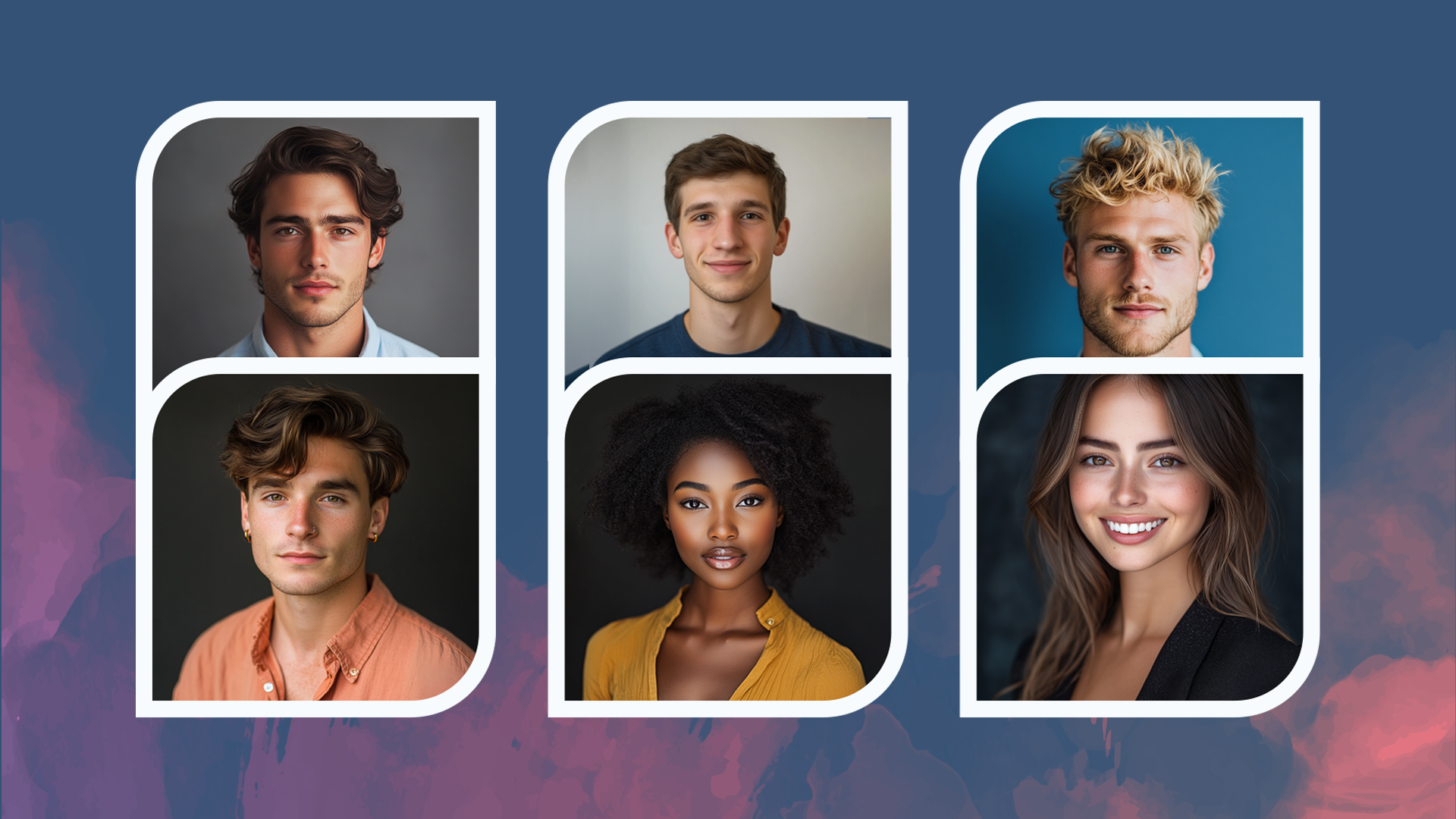 ai headshot generator
Creating a professional AI headshot isn’t just about using the right generator—it’s also about knowing what makes an image look polished and approachable. Here are some additional tips to get the most out of your AI headshot:
ai headshot generator
Creating a professional AI headshot isn’t just about using the right generator—it’s also about knowing what makes an image look polished and approachable. Here are some additional tips to get the most out of your AI headshot:
- Choose Neutral Backgrounds: For a clean, professional look, stick to neutral backgrounds. This makes your face the focal point and is suitable for most professional settings.
- Consider Your Outfit: Since AI headshot generators often give options for attire, choose a professional outfit that represents your industry. For instance, business attire works well for corporate roles, while smart casual may be better for creative fields.
- Use Natural Expressions: A warm, approachable smile is usually best for a professional headshot. It helps convey friendliness and confidence, which are valuable traits in any professional setting.
FAQs
When it comes to finding the best free AI headshot generator, ImagineArt AI Image Generator tops the list. It offers quality, variety, and ease of use, allowing users to create stunning professional headshots without any cost.
Yes, you can create professional images with AI for free using tools like ImagineArt AI Image Generator. It provides high-quality results and multiple customization options at no charge.
AI headshot generators use machine learning algorithmsmachine learning algorithms to create realistic, high-resolution images based on your input. This can include reference images or detailed text prompts, allowing the AI to adjust elements like background, lighting, and facial expression to create a polished look.
Conclusion
Creating a professional headshot no longer requires expensive photoshoots or advanced photography skills. With the rise of AI headshot generators like ImagineArt AI Image Generator, you can achieve high-quality, professional headshots for free and in just seconds. ImagineArt offers versatility in styles, multiple variations, and a user-friendly experience that makes it perfect for anyone looking to enhance their professional image. So, whether you’re updating your LinkedIn profile, launching a personal brand, or just looking for a fresh look, ImagineArt’s AI headshot generator can help you create a standout headshot with ease.
Sophia Felix
Sophia Felix is an AI enthusiast and content marketer passionate about the way technology reshapes creativity and the human experience. She dives into the latest AI trends, making complex tech accessible and inspiring for everyone.