ImagineArt vs Leonardo AI
ImagineArt gives concept artists model control, daily free credits, and canvas-based iteration in one tool. If Leonardo AI's fine-tune limits or credit resets slow your pipeline, this is the swap worth testing on your asset.


You Might Also be Interested in
Community Creations
Why concept artists are testing ImagineArt as a leonardo ai alternative
Leonardo AI built its name on fine-tuned models for illustration teams. ImagineArt matches that model depth and adds a canvas workspace where you sketch, generate, and refine in the same window. No round-trip between a prompt box and an editor. Concept artists working under deadline use the canvas to layer references, mask regions, and regenerate the part that's wrong, instead of rerolling the whole image and hoping the next seed lands closer to the brief.
Model control: how ImagineArt's fine-tuning stacks up against Leonardo AI
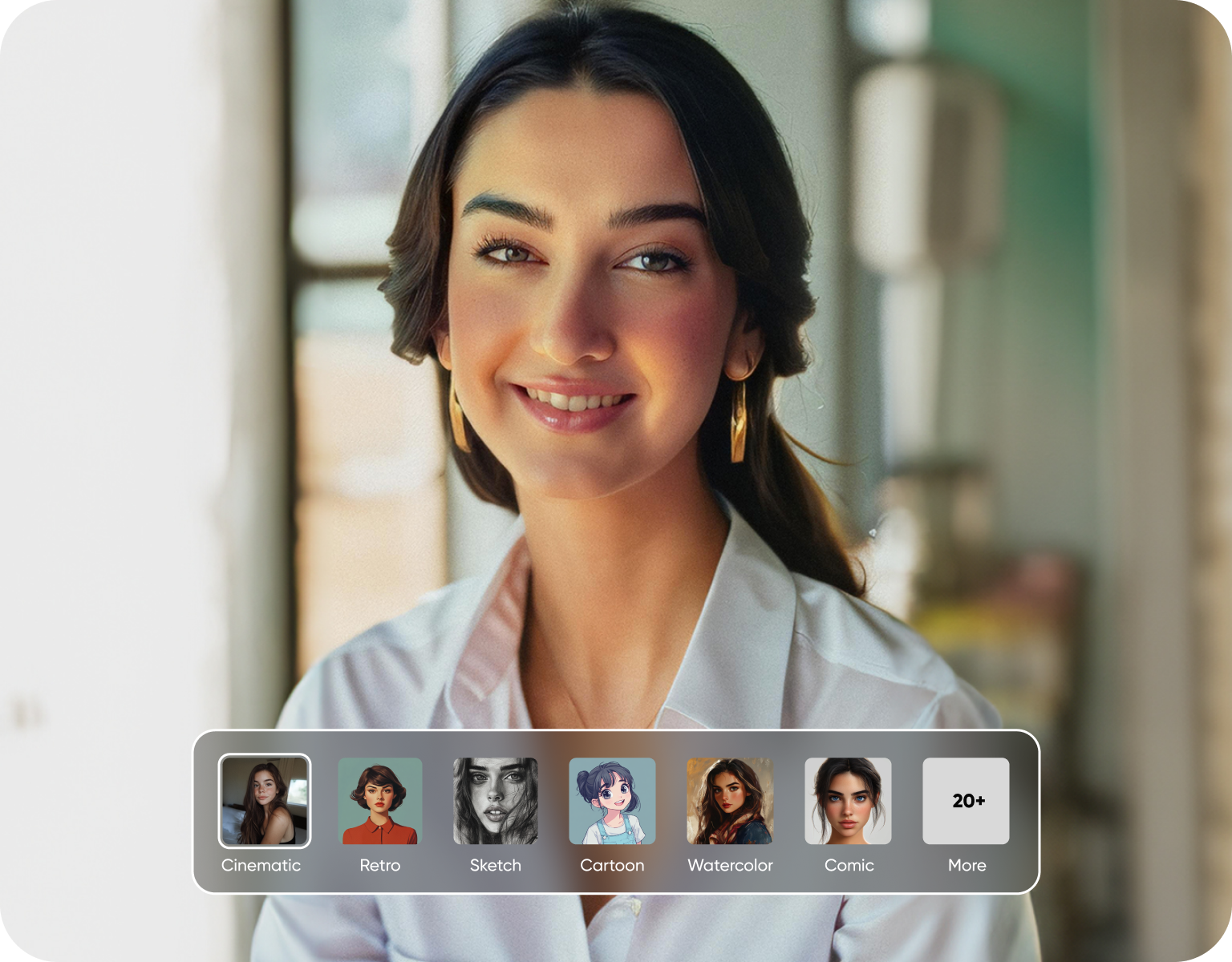
Leonardo AI's fine-tune models are trained per style and locked once trained, useful for a single consistent look. ImagineArt lets you steer output per generation using reference images, style locking, and prompt weighting, without submitting a new training job for every art direction shift. For a game studio testing three visual directions before pre-production locks, that means iterating inside one session instead of retraining a model each time the art director changes their mind.
Credits built for daily production, not just a trial
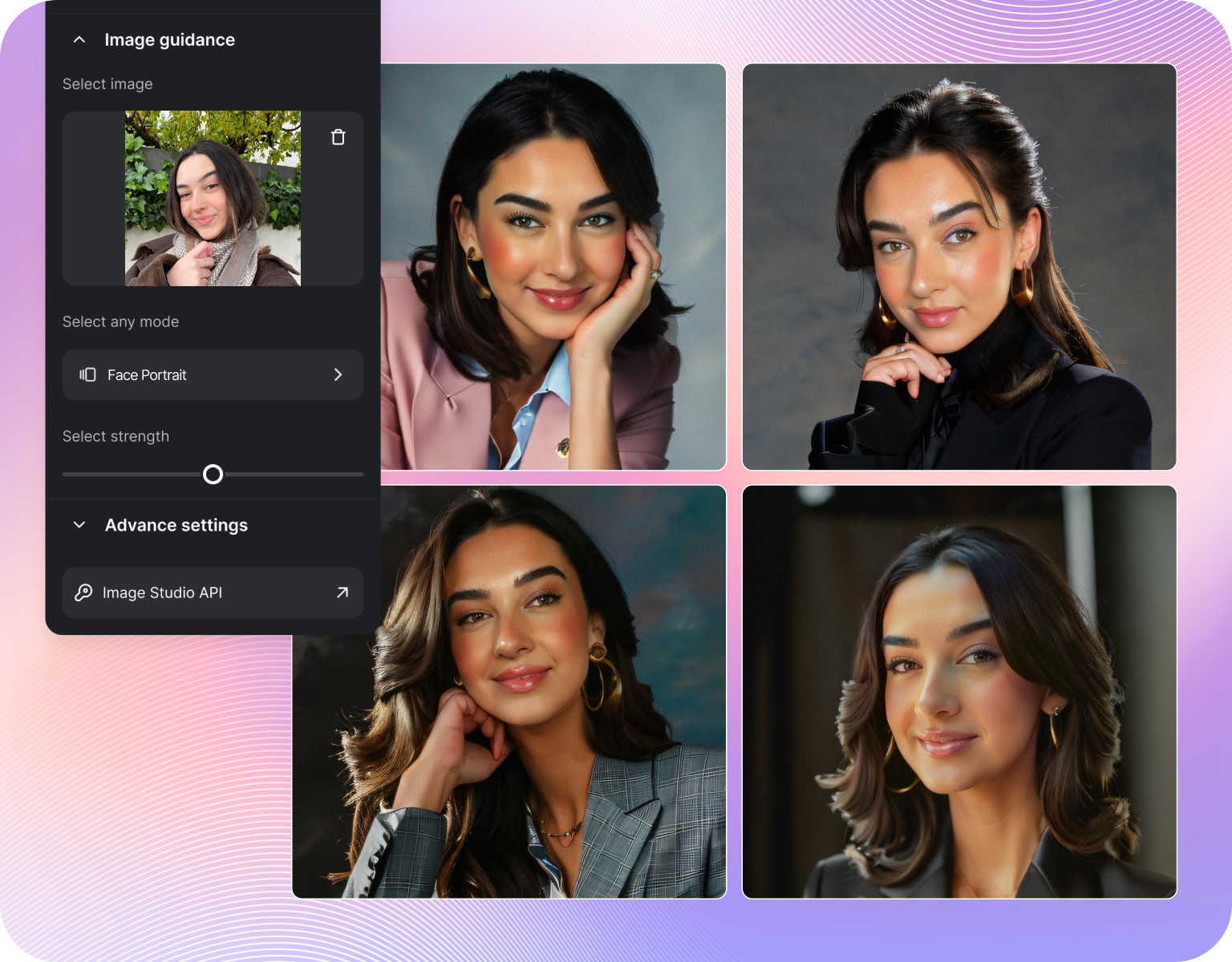
Every ai image generator rations access somehow. Leonardo AI's free tier runs on a token allowance that resets on a fixed schedule and caps how many fine-tune jobs you can queue. ImagineArt's free tier resets daily, so a concept artist producing thumbnails every morning isn't stuck waiting for a monthly reset to finish a sheet. Paid tiers on both platforms scale with usage, but the daily reset changes how a solo artist plans a sprint.
Built around game art and concept art pipelines
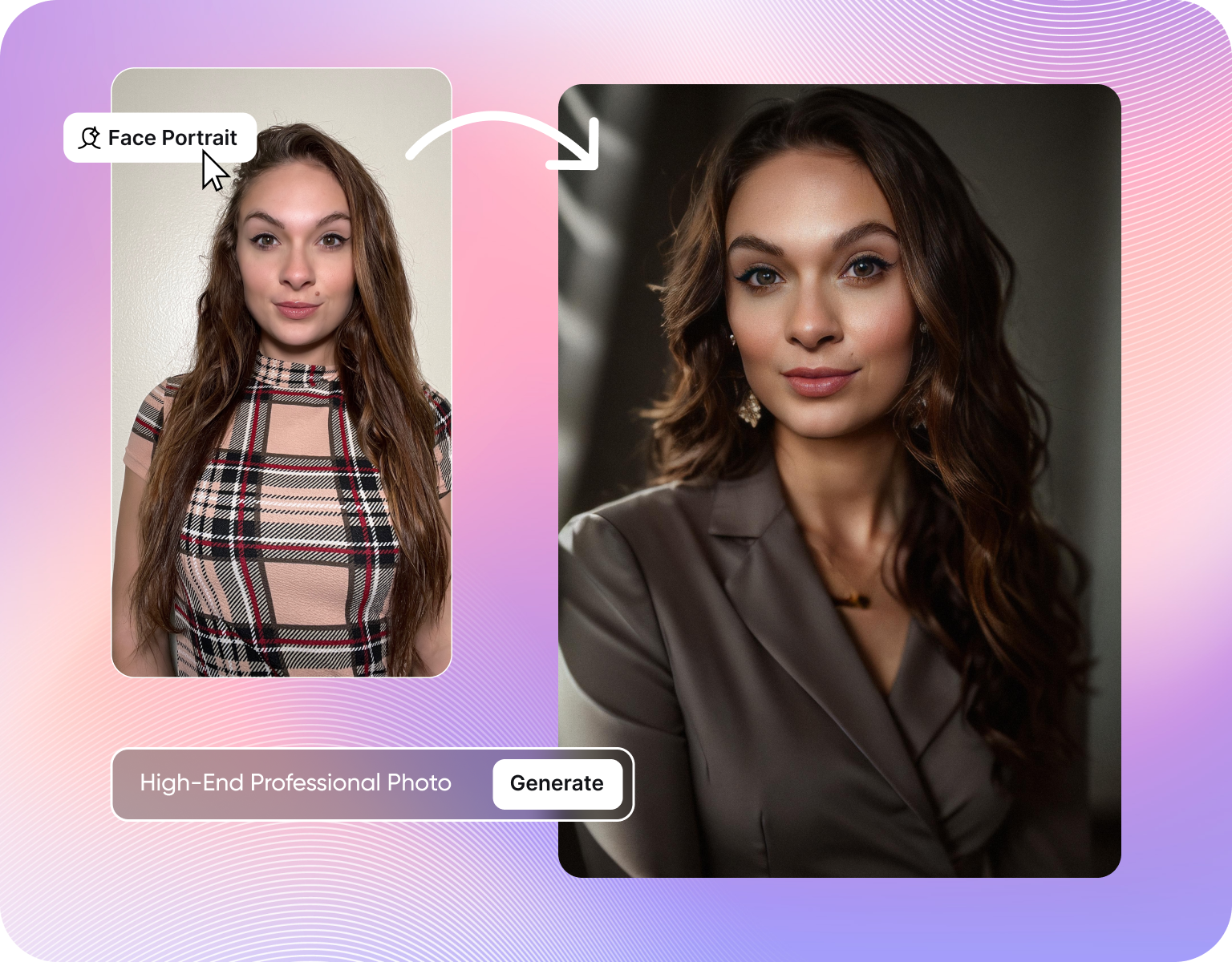
Leonardo AI serves a broad illustration and marketing-art audience. ImagineArt's canvas, character consistency tools, and batch variation output are built around the loop a game studio runs: silhouette, palette pass, final render, then a dozen pose variants for the same character. That loop needs a tool that keeps a character's design locked across shots. ImagineArt's reference-locked generation is built for that repetition, where Leonardo AI's per-prompt generation asks you to re-anchor the likeness each time.
How ImagineArt fits into a concept art workflow
Step 1
Drop in a reference
Upload a rough sketch, a mood board image, or a character sheet into the canvas. Add a text prompt describing the shot, angle, or lighting you want next. ImagineArt reads the reference for silhouette and palette, so the output stays anchored to the character or environment already established, instead of drifting toward a generic reading of the prompt alone.
Step 2
Generate and iterate in place
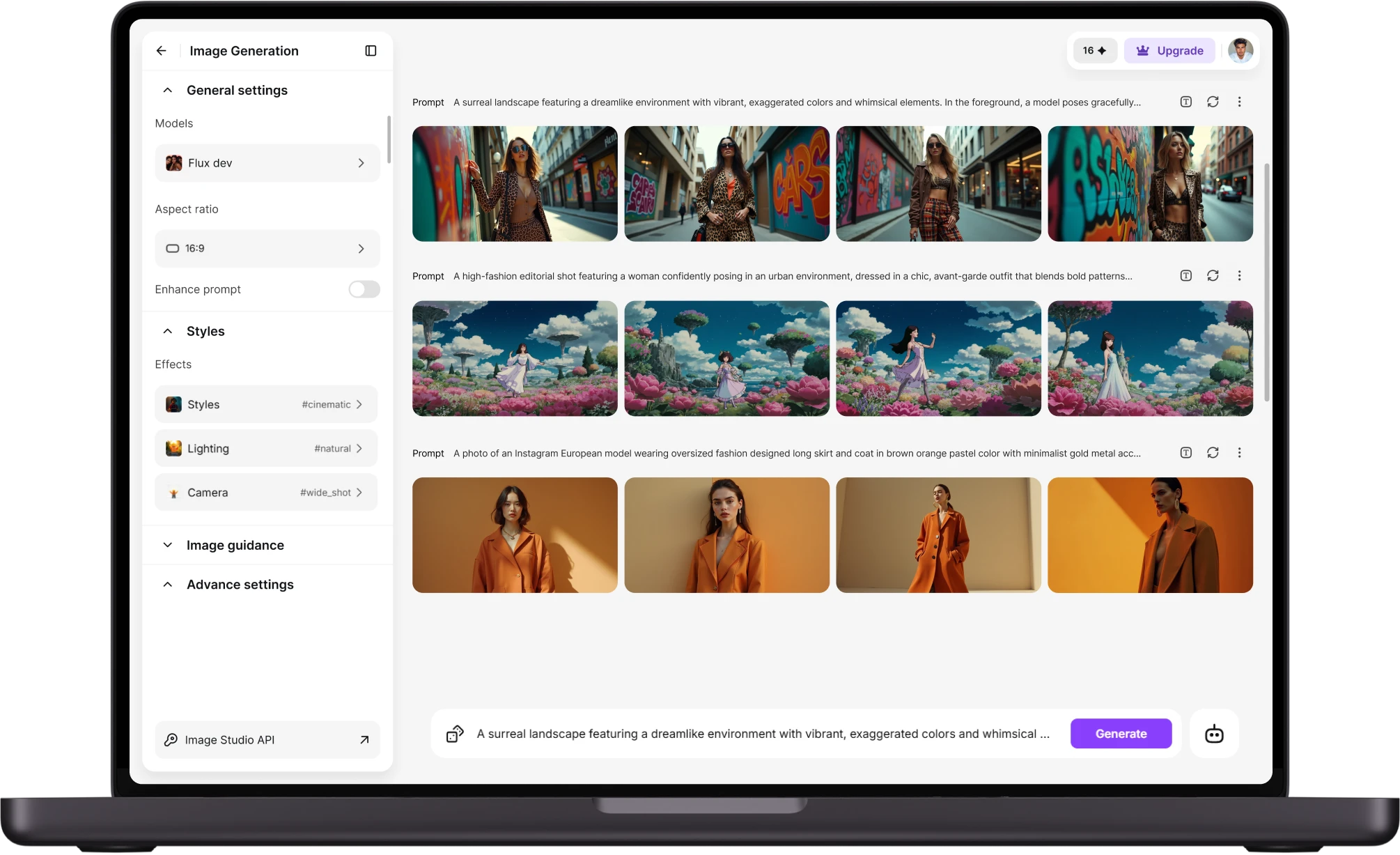
Generate multiple variants on the same canvas without leaving the workspace. Mask the part that's off, a hand, a prop, the background, and regenerate only that region while the rest holds. Leonardo AI's separate generation and editing surfaces don't offer that in one screen, which is the difference between five minutes and five tabs per fix.
Step 3
Export straight into your pipeline
Download the final frame at production resolution, or export the full variant set for a character sheet in one batch. Files land ready for a game engine's texture or concept-review pipeline without a manual resize pass. A solo artist can turn a director's note into an updated sheet before the next stand-up.
Fine-tuned model control, compared
- Style locking:ImagineArt locks a visual style using reference weighting, so a character keeps its proportions and palette across every new pose.
- Training commitment:Leonardo AI's fine-tunes require a training job per style, strong once locked but slower to adjust mid-project.
- Reference input:Both platforms accept reference images, but ImagineArt applies canvas masking so a reference can drive one region instead of the whole frame.
- Prompt weighting:ImagineArt weights specific prompt terms higher, letting an artist push a pose or lighting change without rewriting the prompt.
- Iteration speed:A locked Leonardo AI fine-tune needs a new training pass to change; ImagineArt's output just needs a new generation.
Credit systems, compared
- Reset schedule:ImagineArt's free-tier credits reset daily, built for artists generating in short bursts rather than one large monthly batch.
- Fine-tune cost:Leonardo AI's free allowance covers standard generations but limits how many fine-tune jobs a free account can queue.
- Paid scaling:Both platforms move to usage-based paid tiers once free credits run out, cost tied to volume rather than a flat seat price.
- No hidden training fee:ImagineArt charges no separate fee to train a custom style. The cost sits inside the same credit pool as generation.
- Team use:A small studio splitting daily credits across two or three artists plans more predictably than around a monthly reset that can run out mid-sprint.
Where ImagineArt wins for game art and concept art
- Character sheets in one batch:Generate a full turnaround, front, three-quarter, back, in a single canvas session instead of re-prompting for each angle separately.
- In-canvas masking:Fix a hand, a prop, or a background element without regenerating the whole frame, which keeps an approved pose intact.
- Palette consistency:Reference-locked generation keeps a character's palette steady across environment changes, a common failure point in prompt-only tools.
- Batch variation:Produce a dozen pose or expression variants from one locked design for an animation sheet or storyboard hand-off.
- Studio hand-off:Export sets at production resolution sized for a game engine's texture pipeline, skipping a manual resize step before the file reaches a teammate.
Customer Testimonials About ImagineArt vs Leonardo AI
Learn what user says about AI ImagineArt vs Leonardo AI

“Great platform, lots of useful features. All the models you would want under one roof. Multi variation parallel generation of images and videos. workflows. awesome stuff THOUGH lots and I mean lots of popups. ”
“Easy interface with all the latest models. Great pricing and worth using for advanced AI generations.”
“Using imagine has honestly been a great experience overall. The image quality is impressive, especially for cinematic and anime-style generations, and the platform feels smooth compared to many other AI tools. Prompt understanding is strong, and the renders usually come out detailed and visually appealing even without overly complex descriptions. One thing I really like is how easy the interface is to use. It doesn’t feel confusing for beginners, but still has enough features for advanced creators. The video and motion tools also have a lot of potential and can create very eye-catching content for reels and edits. ”
“I have tried quite a few AI image generators, and ImagineArt has quickly become one of my favourites. The image quality is consistently impressive, with detailed, creative, and highly accurate results from even simple prompts. The platform is easy to use, generates images quickly, and offers a great variety of styles and customisation options. One of the main ways I use ImagineArt is to create artwork for my YouTube music videos. I generate unique images and then animate them as visuals to accompany my music. The quality and creativity of the images make them perfect for this purpose, and they often require very little editing before I can use them in my projects. What stands out most is how well it understands complex prompts and turns ideas into stunning visuals with minimal effort. Whether you're creating concept art, character designs, content for social media, or visuals for videos, ImagineArt delivers excellent results. The regular updates and new features show that the team is actively improving the platform, and the overall experience feels polished and reliable. It's become an important part of my creative workflow, and I'd highly recommend it to anyone looking for a powerful and user-friendly AI image generation tool. ”
“ImagineArt offers an impressive range of AI image generation styles and tools. The platform is intuitive and produces high-quality results across different creative styles. The support team is responsive and genuinely helpful. Would recommend to anyone looking for a versatile AI image tool.”
“ImagineArt has a really amazing interface, well layered and clean. The workflow feature really makes working easy with all tools available in one place. One other thing, when I tested models like for instance Nano Banana 2 on ImagineArtAi and other Ai brands I got better results and higher quality on ImagineArtAi. It goes to show how much they have invested in making it the best of the best”
Purchase a Subscription
Upgrade to get access to pro features and generate more and better
Basic
For newcomers taking their first steps
View Plans
Billed monthly
Included in plan
3Kcredits per month
Additional Features
Up to ~600 Image Generations/month
Up to ~97 Video Generations/month
General Commercial Terms
Image Generation Visibility: Public
4 Concurrent Image Generations
Complimentary Access
All GPT Models
All Gemini Models
All Claude Models
Unlimited Generations
10 Image Models
9 Video Models
Standard
For rising creators to level up their game
View Plans
Billed monthly
Included in plan
8Kcredits per month
Additional Features
Up to ~1.6k Image Generations/month
Up to ~265 Video Generations/month
General Commercial Terms
Image Generation Visibility: Private
8 Concurrent Image Generations
Complimentary Access
All GPT Models
All Gemini Models
All Claude Models
Unlimited Generations
Nano Banana
Runway Gen 4 Turbo
Midjourney V7
8 more Image Models
8 more Video Models
Ultimate
Peak performance for pros
View Plans
Billed monthly
Included in plan
16Kcredits per month
Additional Features
Up to ~3.2k Image Generations/month
Up to ~530 Video Generations/month
All styles and models
General Commercial Terms
Image Generation Visibility: Private
Complimentary Access
All GPT Models
All Gemini Models
All Claude Models
Unlimited Generations
All image models in Standard plan
All video models in Standard plan
Kling 2.6 Pro
Seedance 1.5 Pro
ChatGPT 1.5
Creator
A full production engine for powerhouses
View Plans
Billed monthly
Included in plan
100Kcredits per month
Additional Features
Up to ~20k Image Generations/month
Up to ~3.3k Video Generations/month
All styles and models
General Commercial Terms
Image Generation Visibility: Private
Complimentary Access
All GPT Models
All Gemini Models
All Claude Models
Unlimited Generations
All image models in Ultimate plan
All video models in Ultimate plan
Kling 3.0 Pro
Seedance 2 Fast
Nano Banana 2
Have questions?
We have answers!
Leonardo AI locks a style through a dedicated training job for each fine-tune, making it powerful once trained but slower to adjust mid-project. ImagineArt’s AI image generatorAI image generator offers flexible per-generation control with reference images, style locking, and prompt weighting, allowing artists to quickly adjust poses, lighting, and visual styles without starting a new training run. For teams exploring multiple creative directions before finalizing a project, this flexibility can make the workflow faster and more efficient.
Leonardo AI's free allowance runs on a token pool that resets on a monthly schedule and separately caps fine-tune jobs. ImagineArt's free tier resets daily, suiting artists who generate in short bursts rather than saving credits for one large batch. Paid tiers on both platforms scale with generation volume. The practical difference shows up in planning: a daily reset means less rationing across a work week.
ImagineArt's canvas keeps sketching, generating, and masking in one workspace, built around the turnaround-and-iterate loop game studios run: silhouette, palette pass, final render, then pose variants. Leonardo AI serves a broader illustration and marketing-art audience with separate generation and editing surfaces. For a character sheet with a dozen angles, ImagineArt's reference-locked, in-canvas workflow generally cuts more round-trips than switching between Leonardo AI's tools per fix.
The free tier includes daily credits for standard generation and reference-based steering, with no separate fee to apply a custom style. Fine-tune training draws from the same credit pool rather than a hidden add-on charge. The catch, if there is one, is the daily cap itself. A heavy production day burns through free credits faster than an occasional sketch session, which is when a paid tier makes sense.
Yes. ImagineArt exports at production resolution and supports the standard aspect ratios used for character sheets, environment concepts, and marketing key art, including square, portrait, and widescreen formats. Batch exports keep every variant in a set at matching dimensions, which matters when a character turnaround needs to drop straight into a texture or layout pipeline without a manual resize pass on each frame first.
ImagineArt exports finished frames and full variant sets as standard image files sized for production use, ready to import into a game engine's texture or concept-review pipeline the same way any other source image would be. There's no proprietary file format to convert first. The canvas-based masking workflow also means fewer intermediate files piling up before a frame is ready to hand off.
Try the leonardo ai alternative on your next character sheet
Bring one reference image and a prompt. Generate a full character turnaround, mask what's off, and export at production resolution. Free daily credits cover the first sheet, no fine-tune training fee required to start today.

![38 AI Affiliate Programs for SaaS Bloggers - Highest Income Potential [2026 Edition]](https://blogs-cdn.imagine.art/Add_a_heading_14cf442dc9.png)