
Tooba Siddiqui
May 15, 2026 • Updated May 18, 2026
15 mins Read
The best motion design tools in 2026 fall into two categories — traditional software for professional production, and AI motion design tools for creators who need results without the technical learning curve.
Most tool guides give you a ranked list of software and leave you to figure out which one fits. This guide works differently. Motion design in 2026 has two distinct paths: the traditional route built around After Effects, Cinema 4D, and professional compositing software, and the AI route built around generation tools that produce motion content from text prompts. The right path depends entirely on what you are making, who it is for, and how much time you have to invest in learning.
If you are new to the discipline and want a foundation before choosing a tool, start with what is motion graphics. For context on why motion content demand is growing across every platform, see video marketing trends.
Traditional vs AI Motion Design Tools — Which Path Is Right for You?
Before looking at specific tools, the most important decision is which track fits your situation. Neither path is superior — they serve genuinely different needs.
| Traditional Tools | AI Motion Design Tools | |
|---|---|---|
| Best for | Professional designers, broadcast, brand systems | Creators, marketers, social media teams |
| Learning curve | Months to years | Hours to days |
| Output control | Frame-by-frame precision | Prompt-driven generation |
| Cost | $20–$255/month per tool | Free to low monthly cost |
| Speed | Days per project | Minutes per output |
A common observation among working motion designers: most projects only use 20% of any tool's features. The debate over which software is "best" matters far less than how well you know the one you are working in. Choose based on your output, not the software's ceiling.
Three questions to decide your path:
What are you making? Complex branded motion systems, broadcast title sequences, and character animation with precise frame-level control belong in traditional software. Social media motion content, marketing video, explainer-style animation, and brand video at volume belong in AI tools.
Who is it for? Professional production for agencies or broadcasters requires industry-standard software — clients and collaborators expect deliverables from known tools. Content for your own channels, brand, or marketing stack has no such requirement.
How much time do you have? Learning After Effects to a competent level takes months of consistent practice. Producing usable motion content with ImagineArt takes an afternoon.
Traditional Motion Design Tools
Adobe After Effects
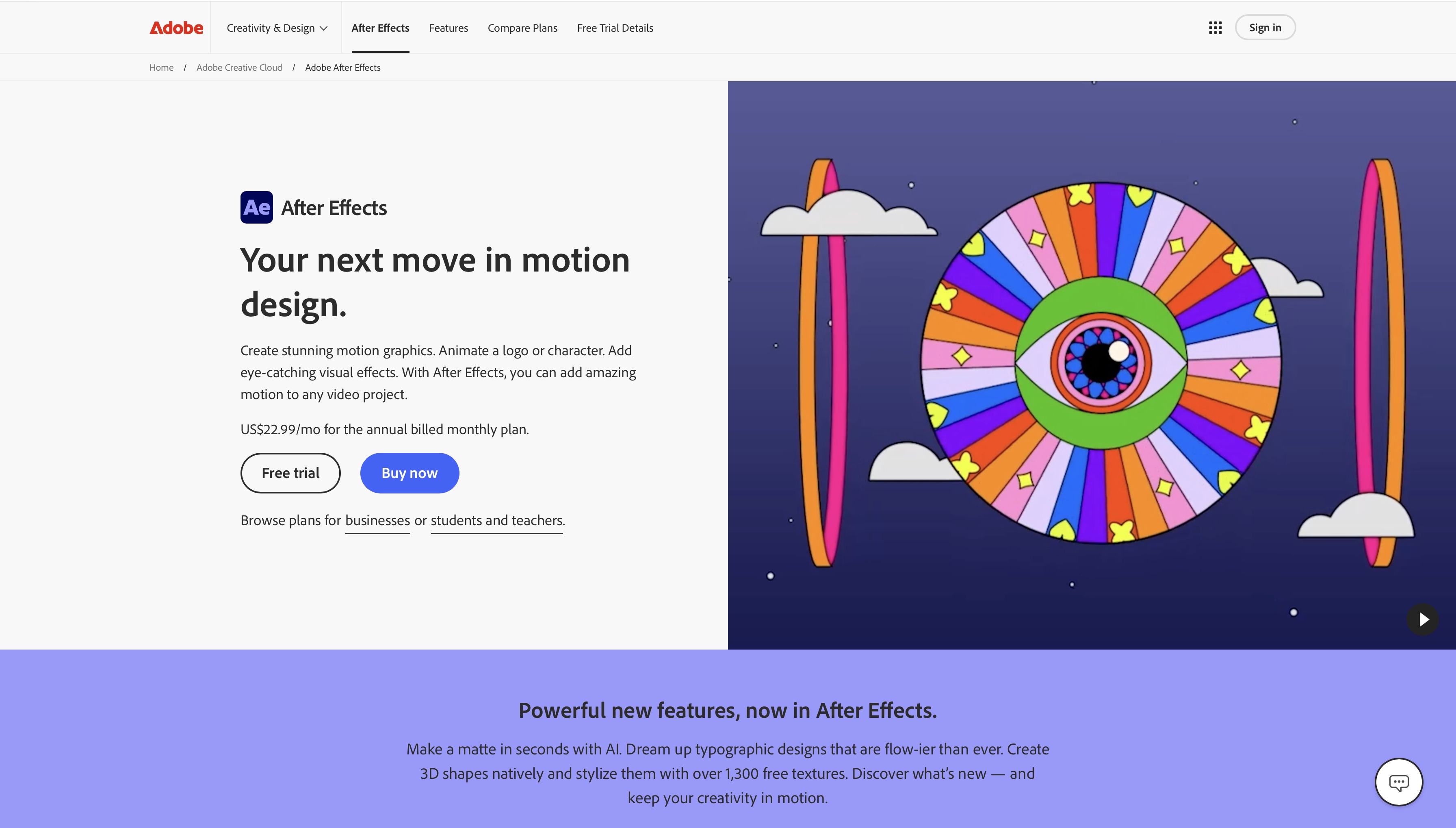
After Effects is the industry standard for 2D motion graphics and compositing. If you are building a career as a motion designer, working in broadcast, or producing advertising creative at a professional level, After Effects is non-negotiable. Every studio, agency, and production company in the world uses it.
Motion designers on r/motiongraphics consistently cite the same experience: After Effects takes six months before you stop fighting the interface and start actually designing. The most upvoted advice in the community is always the same — learn one thing at a time, finish projects before adding new tools, and accept that the early work will be bad. That is not a flaw in the learning path, it is the learning path.
Key features: keyframe animation with bezier curves, expressions for procedural animation, motion blur, an extensive plugin ecosystem (Red Giant, Element 3D, Lottie), and deep integration with the rest of Adobe Creative Cloud.
Best for: professional motion designers, broadcast graphics, advertising creative, title sequences, infographic animation.
Pricing: $34.49/month as a single app, included in Adobe Creative Cloud all-apps plan.
The honest caveat: the learning curve is steep. After Effects has a deep feature set that takes months to navigate and years to master. It is the right tool for the right career path — but it is not the fastest route to motion content if your goal is social media output.
For what professional 2D motion production actually costs, see 2D animation cost.
Cinema 4D
Cinema 4D is the industry standard for 3D motion graphics. Where After Effects handles 2D animation and compositing, Cinema 4D handles three-dimensional rendered elements — products in space, abstract 3D shapes, architectural visualisation, broadcast idents with depth and light.
Key features: MoGraph for procedural 3D animation, physically accurate lighting and rendering, tight After Effects integration via Cineware, Arnold and Redshift render engines.
Best for: 3D broadcast design, product advertising, luxury brand content, title sequences with dimensional elements, motion designers looking to add 3D to their 2D workflow.
Pricing: $69.91/month on annual subscription.
The combination of After Effects and Cinema 4D is the standard professional motion design stack for broadcast and advertising. Both together, both expensive, both requiring significant learning investment. For 3D production cost context, see 3D animation cost.
Blender
Blender is the free, open-source alternative to Cinema 4D — and genuinely competitive with it for most motion design use cases outside broadcast production.
Key features: full 3D pipeline including modelling, rigging, animation and rendering, Grease Pencil for 2D animation within a 3D environment, Geometry Nodes for procedural animation, Cycles and EEVEE render engines.
Best for: indie motion designers, students, creators who want 3D capability without a subscription, anyone building motion design skills on zero budget.
Pricing: completely free. Always.
Blender's community is one of the most active in creative software — tutorials, assets, and plugins are widely available at no cost. The learning curve matches Cinema 4D in complexity, but the price removes the financial barrier entirely. For a broader overview of what is available at different price points, see best video animation apps.
DaVinci Resolve
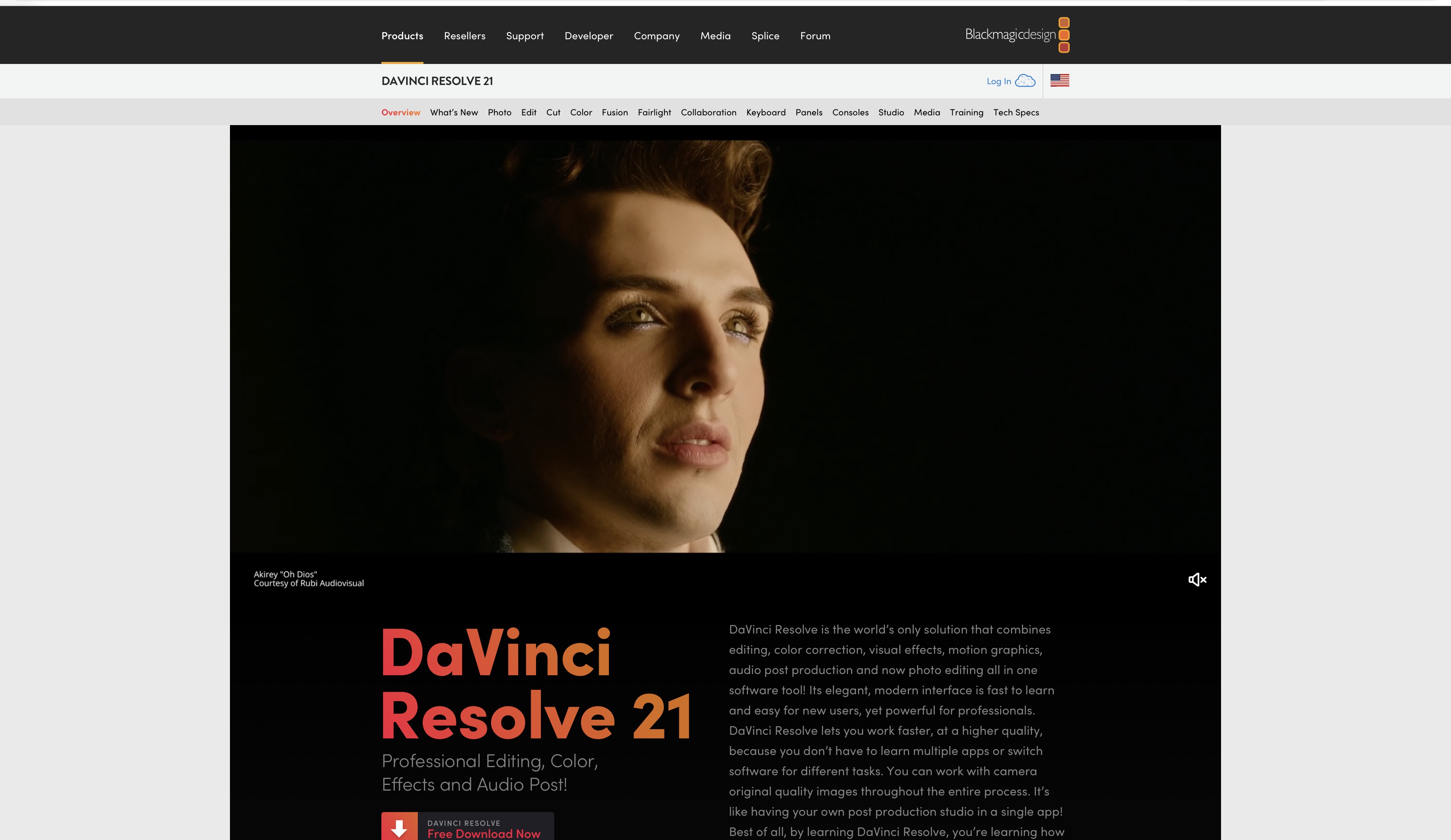
DaVinci Resolve is primarily a professional video editor and colour grading suite — but its built-in Fusion compositor makes it a genuinely capable motion graphics tool at no cost.
Key features: node-based compositing in Fusion, professional colour grading, audio post-production, all in one application. The free version covers most motion graphic use cases. The paid Studio version ($295 one-time) adds GPU-accelerated processing and collaboration tools.
Best for: video editors who need motion graphic capability without a separate application, creators who want a complete post-production suite in one free tool, anyone who needs professional colour alongside their motion work.
Pricing: free (Studio: $295 one-time purchase).
DaVinci Resolve is the most complete free professional video tool available. Fusion has a steeper learning curve than After Effects for pure motion graphics but the value proposition at zero cost is unmatched. For editing principles that apply across any tool, see video editing tips.
Cavalry
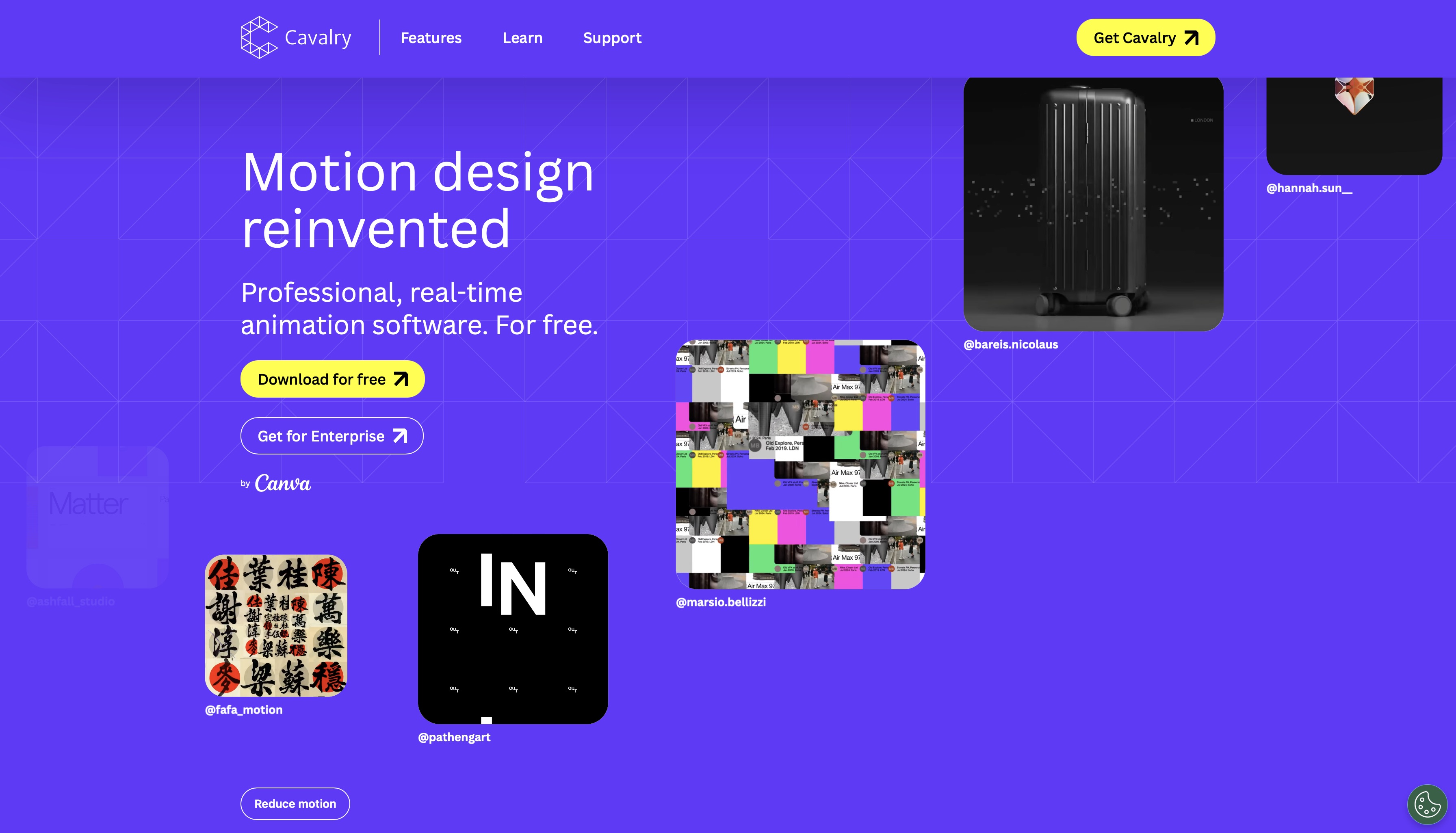
Cavalry is a data-driven 2D motion design tool built around procedural animation rather than keyframe-by-keyframe control. Where After Effects requires you to manually set each animation state, Cavalry lets you bind motion to data, logic, and rules — making it significantly faster for certain types of motion work.
Key features: data binding for animated infographics and generative motion, procedural animation system, web integration for interactive motion design, lightweight and fast compared to After Effects.
Best for: designers working with data visualisation, generative motion graphics, animated infographics, and interactive web-based motion design.
Pricing: approximately $20/month.
Cavalry is not an After Effects replacement — it is a specialist tool for a specific type of motion work. For data-heavy or generative motion projects, it is faster and more logical than keyframe-based software.
AI Motion Design Tools
ImagineArt
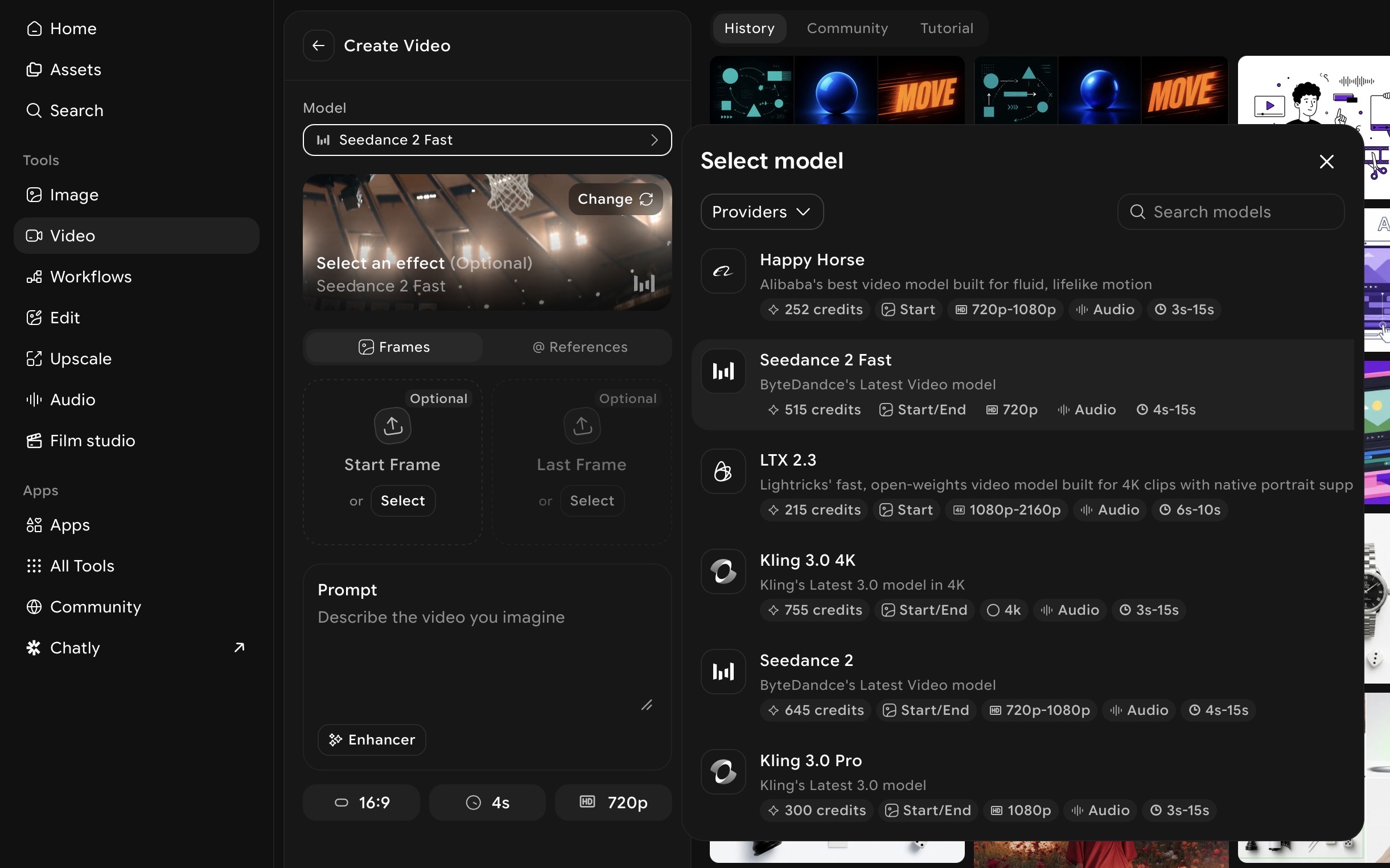
ImagineArt is the strongest AI motion design platform for social media and marketing content in 2026. Where traditional tools require months of learning before producing usable output, ImagineArt generates motion design-style video from a text prompt — and wraps it in a complete production pipeline from generation to export.
What ImagineArt covers for motion design:
AI Video Generator — generates motion graphic-style animated video from text prompts. Describe the visual style, motion type, colour palette, and mood — the generator produces output built for your specified format. For social media motion content, explainer-style animation, and brand video, this is the fastest path from concept to finished clip available. For model-specific motion capabilities, see best AI video models for motion control and animation.
Motion Control — takes a static asset and animates it with directed motion. Upload a product image, a brand mark, or a character illustration, apply a motion reference, and generate animated output with controlled, specific movement. The bridge between a static design asset and a motion graphic without frame-by-frame animation work. For a dedicated walkthrough of animating assets with directed motion, see motion transfer guide.
AI Video Editor — sequences generated clips, adds text overlays, syncs audio, and controls pacing and timing across the full output. The step between individual generated clips and a finished motion design piece.
Workflows — automates repeatable motion content pipelines. Build the generation and assembly process once, run it across every output. For brands and creators publishing motion content on a consistent schedule, Workflows removes the manual repetition that makes volume production unsustainable. For automating your motion content pipeline, see AI workflows tool.
Film Studio — project-based multi-scene production environment for longer-form motion content.
Best for: content creators, social media teams, marketers, brand teams without design budgets, anyone who needs motion content output without traditional software skills.
Pricing: free plan available. Paid plans start at $9/month.
Real-world example: Rico, founder of spatial design studio Pixel&Logika, used ImagineArt to produce a cinematic short film capturing Indonesian atmospheres — Jakarta rain, alun-alun nights, rice-field mornings — without a crew, physical locations, or rendering delays. His workflow: Pinterest mood-boarding → generating still images → storyboarding sequences → layering soundscapes → final video. The result was polished, atmospheric motion content produced within a single platform. "AI doesn't replace craft," Rico said. "It removes friction so ideas travel faster from brain to screen." Read the full case study.
Also read: How to Create Satisfying Motion design
Adobe Firefly
Adobe Firefly is Adobe's generative AI layer, integrated directly into After Effects and Premiere rather than functioning as a standalone tool. For motion designers already working in the Adobe ecosystem, it adds AI-assisted capabilities without requiring a workflow change.
Key features: generative fill for compositing, text-to-image within Photoshop for asset creation, AI-assisted colour and effects within the existing Adobe pipeline.
Best for: professional motion designers in the Adobe ecosystem who want AI assistance within their current workflow — not a replacement for traditional tools but a significant accelerator within them.
Pricing: included in Creative Cloud plans.
The limitation: Firefly is not a standalone motion design tool. It enhances an existing After Effects or Premiere workflow. Without the underlying Adobe subscription and software knowledge, it adds nothing.
Also read: Adobe Firefly Alternatives
Runway
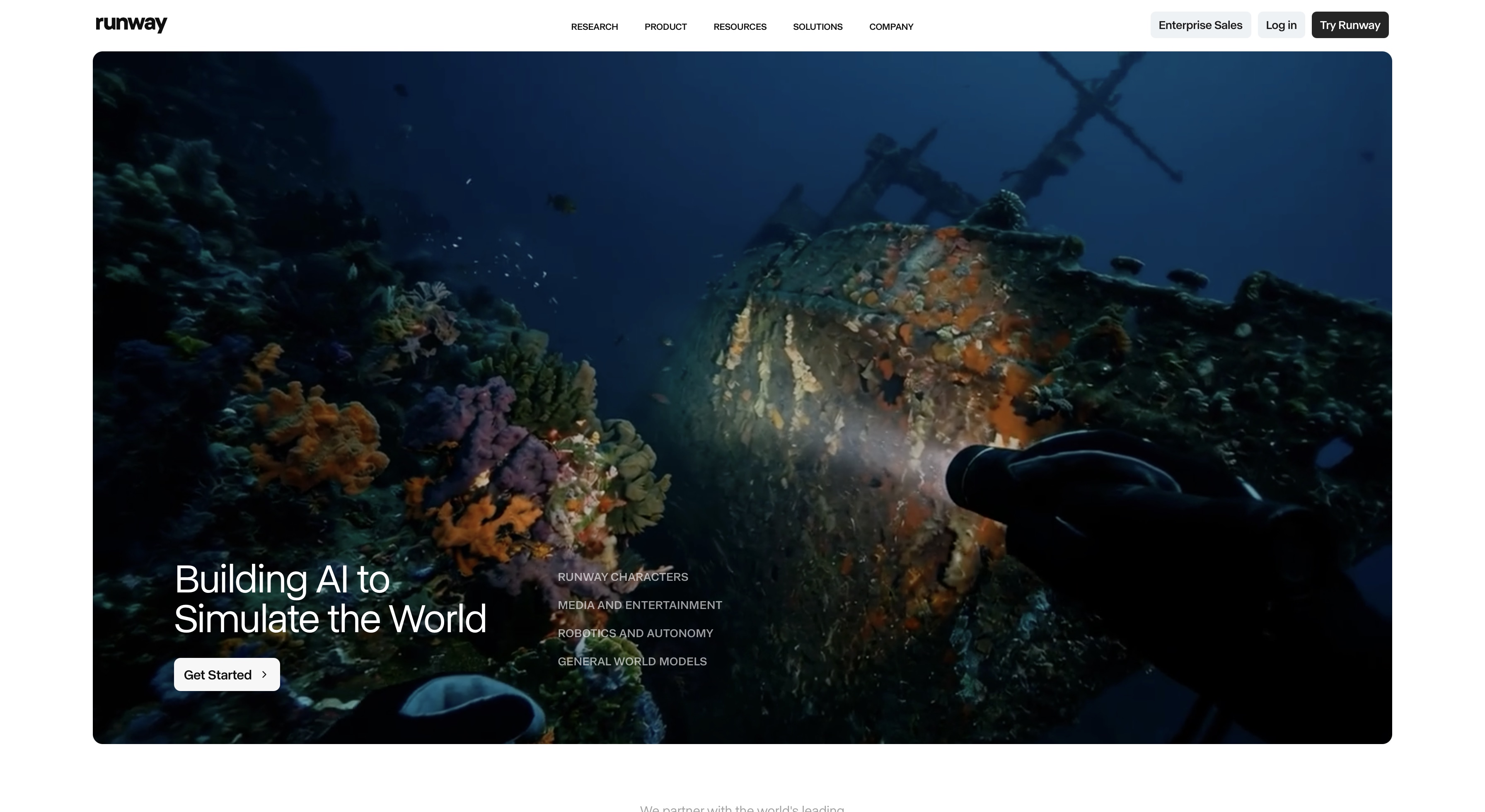
Runway is an AI video generation tool with strong cinematic camera control — the AI motion tool of choice for creators who need precise direction over how generated footage moves.
Key features: text-to-video generation, video-to-video transformation, camera movement controls (push-in, pull-out, pan, orbit), consistent scene generation.
Best for: directors and creators who need frame-level control over AI-generated motion, cinematic short-form content, motion sequences where camera behaviour matters as much as visual style.
For prompt-level camera control techniques that apply across AI video tools, see AI camera movement prompts.
Rive
Rive is an interactive motion design tool built specifically for digital products — apps, websites, and interactive experiences where animation needs to respond to user behaviour.
Key features: state machines for interactive motion, real-time animation rendering, direct integration with web, iOS, and Android, lightweight file format optimised for runtime performance.
Best for: UI/UX designers building interactive motion for apps and websites, developers who need animation that responds to user input, brands building interactive digital experiences.
Pricing: free tier to $120/seat/month.
Rive sits at the intersection of motion design and product development — it is not the right tool for social media or broadcast motion graphics, but it is the right tool for any motion designer working on digital product animation.
Free Motion Design Tools at a Glance
| Tool | Type | Free? |
|---|---|---|
| Blender | 3D animation + motion graphics | Fully free |
| DaVinci Resolve | Video editor + Fusion compositor | Free tier |
| ImagineArt | AI motion design generator | Free plan |
| CapCut | Social media motion content | Free tier |
| Rive | Interactive UI motion | Free tier |
Every tool on this list has a free entry point. There is no legitimate reason to spend money before testing output quality against your actual use case. For a broader comparison across video and animation tools, see best video animation apps.
Which Motion Design Tool Is Right for Your Use Case?
Dika, Creative Director of D|Studio, frames it well: "I always think of prompts as if I'm writing a film direction — clear, detailed descriptions with atmosphere in mind usually lead to outputs that hold together cinematically." The tool changes. The creative thinking does not. Read full case study.
- If you are creating social media motion content (TikTok, Reels, Shorts):
ImagineArt. AI generation in 9:16 format, Motion Control for animating brand assets, built-in editor for captions and audio — no software skills required and no subscription necessary to start.
- If you are a professional broadcast or advertising designer:
After Effects as your primary tool, Cinema 4D added for 3D work. This is the industry-standard stack for a reason — it gives you the precision and plugin ecosystem that professional production demands.
- If you are a beginner on zero budget:
Blender and DaVinci Resolve together. Full 3D capability and professional video editing with motion compositing, both completely free. The learning curve is significant but the capability ceiling is genuine professional-level output.
- If you are a marketer who needs motion content at volume:
ImagineArt Workflows. Build your generation and assembly pipeline once and automate it across every output — the difference between sustainable motion content production and manually rebuilding the same process every time.
- If you are a UI/UX designer:
Rive. Nothing else on this list is built for interactive product motion at the runtime performance level that apps and websites require.
- If you are an independent filmmaker:
ImagineArt Film Studio for AI-generated scene production combined with Blender for 3D elements — a complete production stack at minimal cost. For a full guide to the AI filmmaking workflow, see AI filmmaking guide. For movie production specifically, see best AI movie generator.
- If you are an Adobe Creative Cloud user:
Adobe Firefly integrates directly into your existing workflow. Add AI assistance without changing your stack.
How to Get Started with Motion Design in 2026
If you are starting from scratch with no budget
Start with ImagineArt's free plan. Generate motion content from text prompts and develop an understanding of what motion design output looks like — what works, what does not, what visual styles suit your content — before investing time in traditional software. Once you understand the output you are chasing, move to Blender and DaVinci Resolve for traditional skill-building at zero cost. For an overview of AI production tools at the professional level, see AI filmmaking tools.
If you are a content creator who needs motion content now
ImagineArt is the shortest path from zero to publishable motion design content. Open the AI Video Generator, describe the visual style and motion you need, generate, refine in the AI Video Editor, and export in the correct format for your platform. The entire workflow from prompt to published content is achievable in under an hour on day one.
Filmmaker Ilnar Vafin used ImagineArt to generate hundreds of scenes for a 3-minute 40-second cinematic film within a tight deadline — cutting generation time by more than half compared to traditional workflows. The principle applies at any scale: AI compresses the gap between concept and finished motion output. See the full case study.
If you are building a professional motion design career
After Effects is the foundation — start here and do not add other tools until you are genuinely competent. The temptation to add Cinema 4D, plugins, and additional software early is real and counterproductive. Depth in one tool builds the muscle memory and design instincts that transfer to everything else. Once After Effects is solid, add Cinema 4D for 3D capability and build a portfolio across both before expanding further. Understanding camera behaviour is foundational — see camera movements for the principles that apply across both traditional and AI motion work.
Common Mistakes When Choosing Motion Design Tools
- Starting with too many tools. The most common mistake. Three subscriptions in week one, competence in none of them by month three. Pick one tool, commit to it until you can produce consistent output, then add the next.
- Choosing based on what professionals use rather than what fits your use case. After Effects is the professional standard but it is not the right starting point for a content creator who needs motion output for Instagram next week. Tool prestige is not the same as tool fit.
- Ignoring free tiers. ImagineArt, Blender, DaVinci Resolve, Rive, and CapCut all have meaningful free access. There is no reason to commit budget before testing whether the output quality matches your actual needs.
- Treating AI and traditional tools as competitors. They are not. The strongest motion designers in 2026 use AI tools for speed and volume and traditional tools for precision and complexity. The two tracks complement each other — AI handles the output that does not require frame-level control, traditional software handles the output that does.
- Buying a subscription before testing output quality. Every tool on this list has a free tier or trial. Test output against your actual content requirements before paying anything.
Ready to Create Motion Design with ImagineArt?
Motion design in 2026 has never had a better toolkit — or a clearer split between what different tools are for. Traditional software gives professionals the precision and control that complex production demands. AI motion design tools give creators, marketers, and brand teams the speed and accessibility that professional software never could.
ImagineArt is where that second track starts. AI video generation, Motion Control, a built-in editor, and production automation — everything you need to go from motion design concept to published content, free to start, no software skills required.
Frequently Asked Questions About Motion Design
The best motion design tool depends on your use case. For professional broadcast and advertising production, Adobe After Effects is the industry standard. For AI-powered motion design for social media and marketing, ImagineArt produces the strongest results without requiring traditional software skills.
Blender and DaVinci Resolve are the strongest fully free traditional tools — both professional-grade with no cost. ImagineArt has a free plan for AI motion design generation. All three are viable starting points at zero cost.
Motion design is the broader discipline that encompasses motion graphics, UX animation, brand motion systems, and product interface animation. Motion graphics is a specific technique within motion design. A motion designer thinks systemically about how movement functions across an entire brand or product — not just individual pieces.
For a professional career in broadcast, advertising, or agency motion design — yes, After Effects is effectively required. For content creators, marketers, and social media teams producing motion content for digital platforms, AI tools like ImagineArt produce viable professional output without After Effects.
AI tools have made motion content more accessible to non-designers — but they have not replaced the strategic thinking, creative direction, and technical precision that professional motion designers bring to complex briefs. AI handles volume and speed. Complex branded motion systems, broadcast production, and character animation with precise control still require human expertise.
With traditional tools like After Effects, expect three to six months of consistent practice to reach basic competence and twelve to eighteen months to produce work at a professional standard. With AI motion design tools like ImagineArt, usable output is achievable within hours — the learning curve is in prompt refinement and creative direction rather than software operation.
Tooba Siddiqui
Tooba Siddiqui is a content marketer with a strong focus on AI trends and product innovation. She explores generative AI with a keen eye. At ImagineArt, she develops marketing content that translates cutting-edge innovation into engaging, search-driven narratives for the right audience.