
Umaima Shah
April 20, 2026 • Updated September 2, 2026
9 mins Read
A 23-minute sci-fi pilot. Made in 4 days. No crew, no set, no budget. Just Seedance 2.0 and a filmmaker who knew how to direct it.
That is where AI film making stands in 2026. What started as a novelty, a few warped seconds of inconsistent footage, is now a legitimate production pipeline that independent creators are using to make films that hit emotionally, hold together narratively, and look cinematic from the first frame to the last. The tools exist. The workflows exist. The only thing missing is knowing how to use them.
This is the complete guide to AI film making in 2026, what the tools are, how the workflow runs, and how Seedance 2.0 on ImagineArt gives you director-level control over the entire process without a crew, a timeline editor, or a six-figure budget.
What Is AI Filmmaking?
AI filmmaking is the process of producing films, short videos, and cinematic content using AI tools across every stage of production, from script and storyboard through scene generation, audio, editing, and export. In 2026, AI filmmaking covers the full pipeline:
- Pre-production: AI-generated storyboards, character references, concept art, and location visuals
- Production: Text-to-video and multimodal AI video generation using models like Seedance 2.0, Kling AI, Veo 3.1, and Grok Video
- Post-production: AI-assisted frame editing, color refinement, audio sync, and scene assembly
- Pipeline automation: Chaining every step into one automated workflow from prompt to export
The shift in 2026 is not that AI can generate a video clip. It is that AI can now generate a coherent multi-shot film with consistent characters, native audio, and cinematic camera work in a single generation pass.
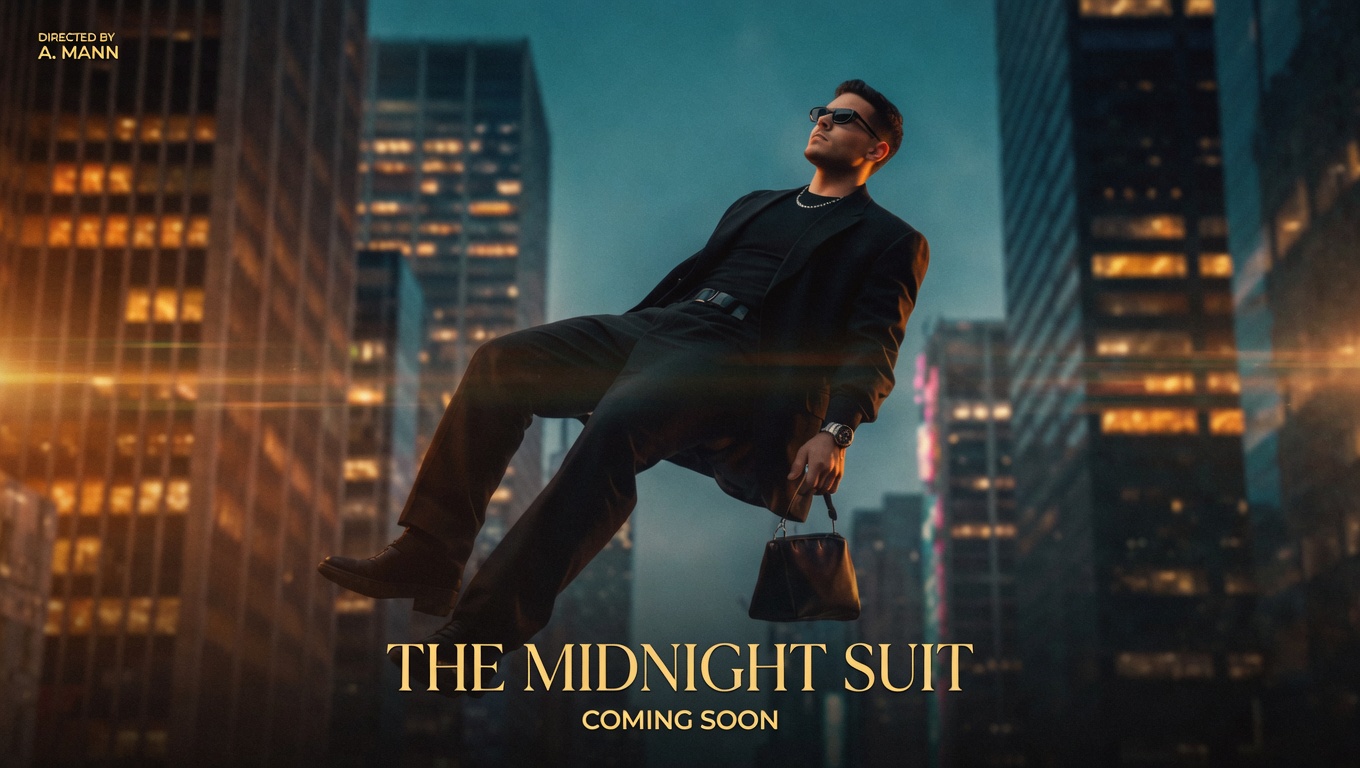
 Create production-ready visuals with AI
Why Seedance 2.0 Is the Hero of AI Filmmaking in 2026
Every other AI filmmaking tool generates one shot at a time. Seedance 2.0 generates a film.
Released by ByteDance in February 2026, Seedance 2.0 is the first consumer AI video model that combines multimodal input, multi-shot generation, and native audio in a single pass. Four things that make it the center of every serious AI filmmaking workflow:
Multimodal Input
Upload 9 images, 3 video clips (15 seconds each), and 3 audio files simultaneously alongside your text prompt. A character photo becomes your visual anchor. A film clip becomes your camera movement reference. A music track sets the emotional pacing. Seedance 2.0 reads all of it and generates accordingly.
Multi-shot Generation
Seedance 2.0 generates sequences of connected shots that flow naturally between camera angles while maintaining consistent characters, lighting, and style throughout. One prompt. Multiple scenes. One coherent visual language.
Native Audio
Dialogue with lip-sync, background music, and ambient sound effects are generated alongside the video simultaneously. No post-production audio editing required for basic sync — the single biggest bottleneck in ai filmmaking workflows, removed.
Frame-level Precision
Define your opening and closing frames for exact scene composition. Seedance 2.0 fills in everything between them with physically accurate motion and cinematic continuity.
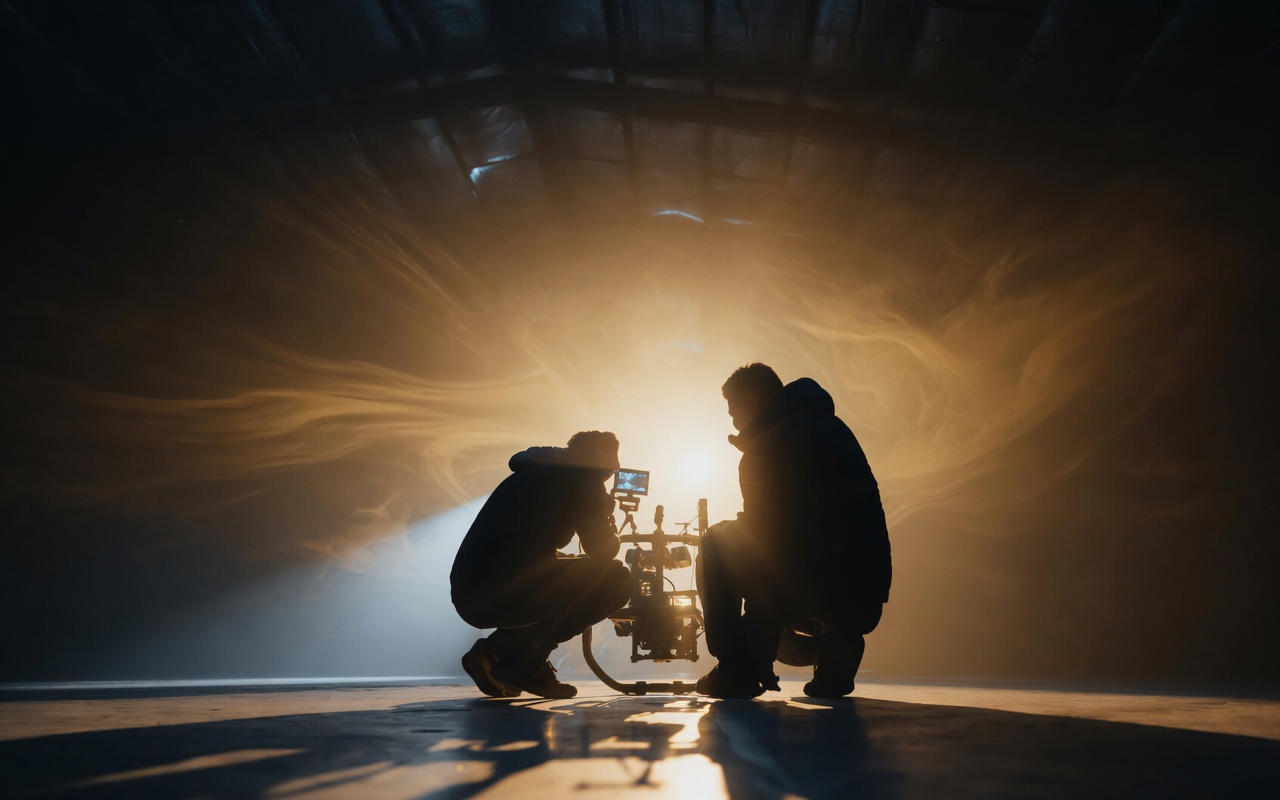 AI filmmaking in 2026 is less about generation and more about direction.
The Complete AI Filmmaking Toolkit
ImagineArt is the dedicated workspace where the full filmmaking pipeline lives — image generation, video creation, editing, and audio — in one browser-based environment with no switching between tools. The toolkit below reflects exactly what's available inside Film Studio, organized by production stage.
AI Image Tools for Pre-production
- Seedream 4.5 — character reference generation, location concept art, production stills at 4K. Upload up to 14 reference images for consistent character identity across your entire film
- Flux.2 — cinematic editorial visuals, photorealistic storyboard frames, and concept art with lifelike textures and lighting up to 4MP
- Grok Video — fast concept visualization from text with native audio, 4 variations per generation in under 20 seconds.
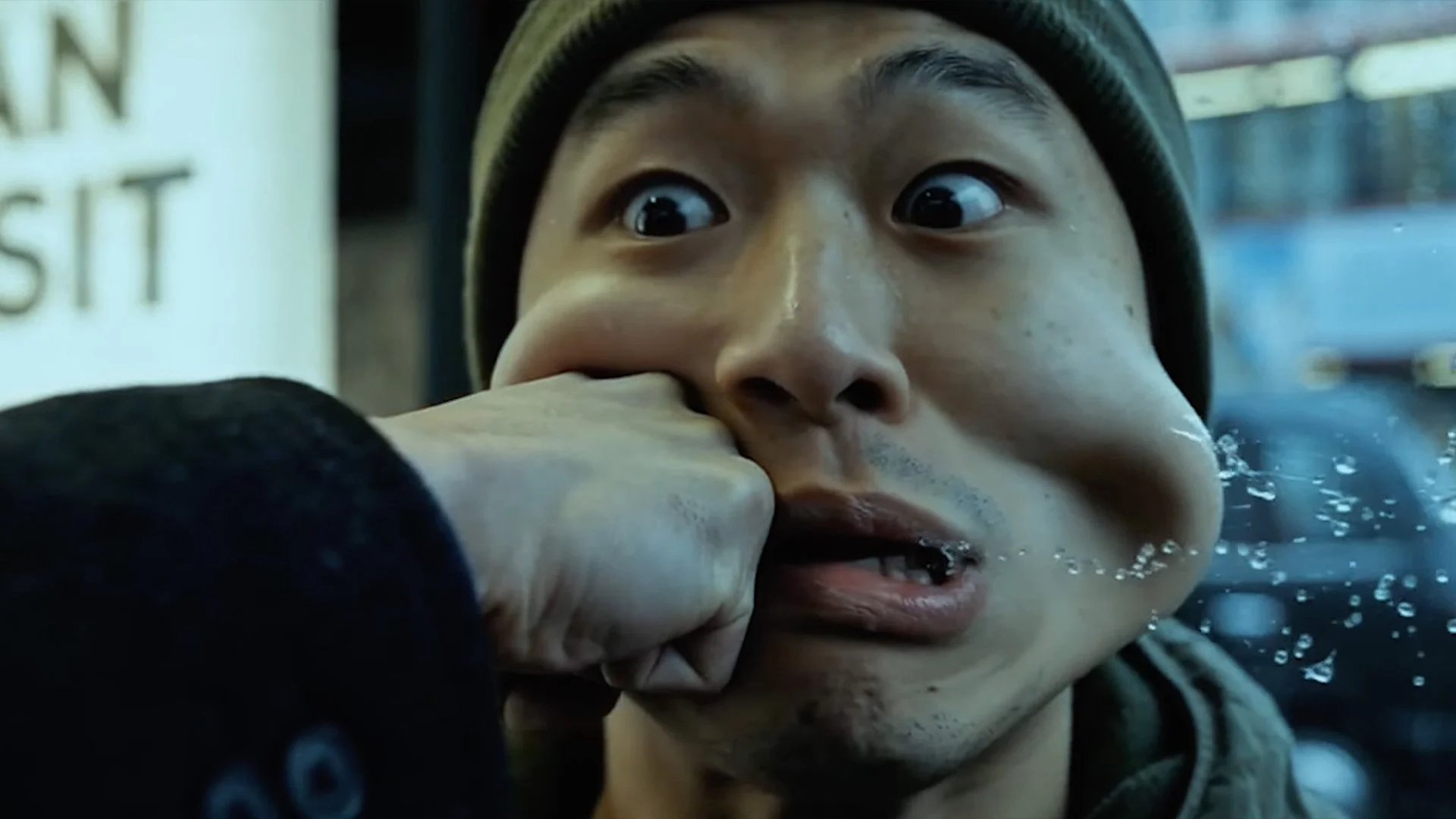
 Direct your first AI-generated scene
AI Video Tools for Production
- Seedance 2.0 — primary filmmaking model. Multi-shot generation, 12 reference assets, native audio, frame-level control
- Veo 3.1 — highest cinematic quality for emotional close-ups and dramatic scenes, 4K upscaling, 60-second video extension
- Kling AI 2.6 — physically accurate motion and character consistency for action sequences and character-driven scenes
- Wan AI 2.5 — environmental scale and establishing shots at 4K, strongest model for wide cinematic landscapes
- Hailuo 2.3 — atmosphere and contrast for horror, thriller, and tension-heavy scenes
AI Editing Tools for Post-production
- AI Image Editor — frame-level visual corrections, color adjustments, and compositing
- ImagineArt Workflow — chain prompt to image to video to edit in one automated pipeline.
All of the above tools are available inside ImagineArt Film Studio — ImagineArt's dedicated filmmaking workspace where your images, video clips, and audio are managed in one place across the full production. The step-by-step below follows that workflow from start to finish.
How to Make an AI Film with Seedance 2.0 — Step by Step
The steps below follow the ImagineArt Film Studio workflow — open Film Studio to follow along.
Step 1: Write Your Scene Breakdown Like a Director
Do not write a screenplay. Write director's notes. For each of your 8 to 15 scenes, capture:
- Subject — who is in the scene, what they look like, what they are wearing
- Action — what happens, written in the present tense, one primary movement per shot
- Camera — framing (wide, medium, close-up) and movement (dolly-in, pan, orbit, handheld)
- Mood and style — lighting tone, colour palette, genre feel
- Audio direction — dialogue, ambient sound, music tone
Seedance 2.0 prompt formula: [Subject] + [Action] + [Environment] + [Camera Movement] + [Mood/Style] + [Audio Direction]
Example: "A detective in a worn leather coat steps into a rain-soaked alley at midnight, camera tracking low at ankle height, high contrast noir lighting, tension building in the underscore, distant sirens fading into silence."
Keep each scene description to 2 to 3 sentences. For more in-depth guide read: Seedance 2.0 Prompt Guide — 70 Ready-to-Use Prompts.
Step 2: Build Your Reference Package
Before generating a single frame, build your reference package using ImagineArt's image models:
- Character references: Generate consistent character stills using AI Image Generator.
- Camera movement references: Upload a short video clip demonstrating the camera style you want. Seedance 2.0 replicates the movement and pacing with your own characters
- Audio references: Upload a 15-second audio clip capturing the emotional tone of each scene. Seedance generates matching audio around your reference
Step 3: Generate Your Scenes on ImagineArt
In Film Studio's Create Video tab, apply your reference frames from Step 2 and generate each scene:
- Upload your reference images, video clips, and audio files for the scene
- Write your scene prompt using the director's note formula from Step 1
- Set aspect ratio (16:9 for cinematic), resolution (1080p), and duration (up to 10 seconds)
- Review and check character consistency, camera movement, and audio sync
- Iterate, and adjust prompt specifics or swap reference assets before moving to the next scene
Step 4: Chain Your Scenes Into a Complete Film
Seedance 2.0 generates up to 10 seconds per shot. A 3 to 5 minute short film needs 18 to 30 connected shots. Here is how to chain them without losing visual consistency:
- Use the same character reference images in every scene featuring the same character — this locks visual identity across the entire film
- Use the previous scene's final frame as the opening frame reference for the next scene — this creates seamless transitions without jarring cuts
- Keep lighting and camera style descriptors consistent across all prompts — the same language builds a coherent visual language from the first shot to the last
- Use ImagineArt Workflow to chain image generation, video generation, and editing into one automated pipeline for multi-scene productions
Step 5: Refine and Export
For final production polish:
- Frame-level refinements: use ImagineArt AI Video Editor for visual corrections, compositing adjustments, and color consistency across scenes.
- Storyboard stills for key frames: use Seedream 4.5 to generate production-quality thumbnail and poster frames from your strongest scenes
Export at 1080p minimum from the ImagineArt platform. Commercial use is included on paid plans from $9/month.
 Start with a prompt. End with a film.
Seedance 2.0 vs Other AI Filmmaking Models on ImagineArt
| Feature | Seedance 2.0 | Kling AI 2.6 | Veo 3.1 | Grok Video |
|---|---|---|---|---|
| Multimodal input | Up to 12 assets | Image + text | Image + text | Image + text |
| Multi-shot generation | Yes, native | No | No | Limited |
| Native audio | Yes | Yes | Yes | Yes |
| Character consistency | Reference-locked | Strong | Improved | Limited |
| Max clip duration | 10 seconds per shot | 2 minutes | 60 seconds | 10 seconds |
| Green screen editing | Yes | No | No | No |
| Available on ImagineArt | Yes | Yes | Yes | Yes |
Create Your First AI Film Today
You don’t need a studio, a crew, or complex editing software to start. The entire filmmaking process lives in ImagineArt from generating scenes to refining visuals and syncing audio.
Start with a simple idea, add a few reference images or prompts, and let the model build your shots with consistent characters, motion, and sound already in place. As your story evolves, you can iterate, adjust, and expand without switching tools or rebuilding from scratch.
No setup. No steep learning curve. Just open the editor and start creating.
Frequently Asked Questions
Seedance 2.0 is the strongest single tool for AI filmmaking in 2026 — offering multimodal input with up to 12 reference assets, multi-shot generation, native audio sync, and frame-level precision in one generation. ImagineArt gives you Seedance 2.0 alongside Veo 3.1, Kling AI 2.6, Grok Video, Wan AI 2.5, and 23 additional model versions under one login from $9/month.
A 3 to 5 minute short film takes 4 to 8 hours from script to export using Seedance 2.0 on ImagineArt. A 23-minute sci-fi pilot was completed in 4 days. Scene generation takes 5 to 10 minutes per shot, while script, reference building, assembly, and export make up the rest of the timeline.
No. Seedance 2.0 generates multi-shot sequences with native audio in a single pass. ImagineArt's Workflow automates the full generation pipeline, and the AI Image Editor handles frame-level refinements without requiring professional editing software.
AI-generated content is original and does not infringe copyright when you use your own prompts and reference assets. Do not reference real actor likenesses or copyrighted characters. Films produced with Seedance 2.0 on ImagineArt's paid plans include commercial use rights from $9/month.
Create a free ImagineArt account at imagine.art. New users receive 100 free daily credits with no credit card required. Open the AI video generator, select Seedance 2.0, and start generating immediately.
Umaima Shah
Umaima Shah is a creative content strategist specializing in AI tools, image generation, and emerging technologies. She focuses on translating complex platforms into clear, practical insights for creators, designers, and product teams