
Tooba Siddiqui
April 8, 2026 • Updated May 29, 2026
23 mins Read
You type a detailed prompt. The AI generates a video. And somehow, it still looks flat.
The scene is there. The subject is there. But something is off. The image just sits on the screen, lifeless and locked, like a photograph pretending to be a film.
Here is what is missing: intentional camera movement.
Professional cinematographers do not just point a camera at a subject. They decide how the camera moves, where it starts, where it ends, and what that motion is supposed to make the viewer feel. The same logic applies when you are working with an AI video generator. The model needs to understand not just what is in the frame, but how the camera behaves inside that frame.
Video Prompts: What is the Importance of Camera Movement?
Most people writing AI video prompts spend all their attention on the composition: the character, the environment, the lighting, the mood. The camera gets a single vague word like "cinematic," and AI video generator is left to figure out the rest.
The problem is that AI video models interpret ambiguous motion instructions loosely. Without specifics, the model tends to default to a static or barely animated shot. However, when you specify camera shots in your prompts, a few things happen that directly improve the output:
- The AI stops guessing. When you tell the AI video model exactly what type of camera movement to generate, it does not have to infer intent from the mood or setting. You eliminate a major source of inconsistency.
- The emotional tone becomes deliberate. Different types of camera movements carry different emotional weight. A slow push-in builds tension. A wide crane shot creates awe. A handheld shake signals chaos. When you specify the camera shots, you are not just directing the camera, you are directing how the viewer feels.
- You reduce generation artifacts. Vague motion instructions can cause AI video generators to produce weird morphing effects or unnatural transitions. Precise camera movement terms give the model a clear spatial instruction to follow, which reduces visual glitches.
- Your videos look intentional. There is a visible difference between AI video that happens to move and AI video that moves with purpose. Specifying the types of camera shots is what separates the two. If you have already generated a shot but want to shift the angle without rebuilding your prompt, the AI camera angle changer lets you reframe the perspective directly on an existing image or clip.
50 AI Camera Movements Prompts
The prompts below are formatted to separate the camera instruction from the subject description. This structure works well across most AI cinematic video generators and helps the model process each instruction independently.
Category 1: Forward and Backward Motion (Depth Pulls)
Best for: Building tension, revealing environments, and drawing the viewer into a scene.
These are foundational camera movements that control how the viewer approaches or retreats from the subject. They change the sense of proximity and intimacy in a shot.
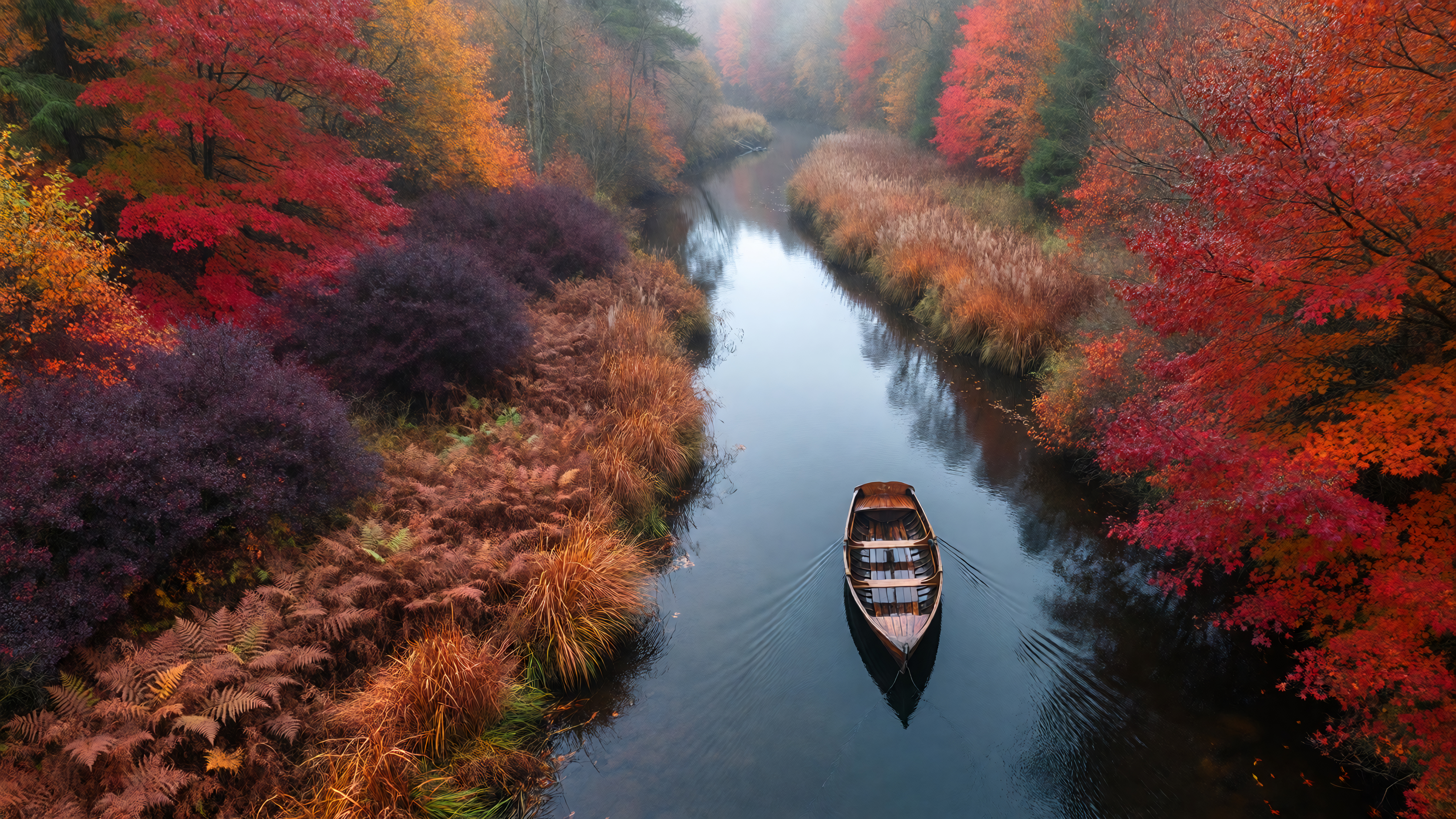
 Generated by ImagineArt AI Image Generator
1. Gentle Push Forward
The camera glides slowly toward the subject, narrowing focus and increasing emotional weight as the distance closes.
PROMPT:
CAMERA: SLOW FORWARD PUSH. The camera advances steadily through space toward the subject. Background elements expand outward as the depth increases. The movement is smooth, continuous, and unhurried. No zoom lens effect — this is a physical camera move through space.
2. Deliberate Pull Back
The camera retreats from the subject, widening the frame to reveal the surrounding environment.
PROMPT:
CAMERA: CONTROLLED PULL BACK. The camera physically moves backward away from the subject. The subject shrinks progressively in frame while more of the environment enters the shot from all edges. Smooth and consistent speed throughout.
3. Urgent Surge Forward
A rapid forward push that creates a sense of shock or sudden intensity.
PROMPT:
CAMERA: RAPID SURGE FORWARD. The camera rushes quickly toward the subject from a medium distance. Movement is fast and aggressive, simulating urgency or alarm. Background elements blur slightly from the speed.
4. The Corridor Creep
A slow push down a narrow passage or hallway toward a distant point, creating unease or anticipation.
PROMPT:
CAMERA: CORRIDOR PUSH. The camera moves forward through a narrow confined space, tracking toward a distant subject or light source at the end. Walls remain visible in peripheral frame. Movement is slow and slightly tense. Depth perspective compresses as the camera advances.
5. Compression Zoom (Hitchcock Effect)
The camera moves backward while the lens simultaneously zooms in, keeping the subject the same size while the background warps.
PROMPT:
CAMERA: COMPRESSION ZOOM. The camera body physically moves BACKWARD while the lens simultaneously zooms IN. The subject maintains consistent size in frame but the background dramatically compresses and distorts. A surreal, unsettling visual effect.
Category 2: Orbital and Circular Camera Movements
Best for: Hero reveals, product showcases, character introductions, and environmental scale.
Orbital movements rotate around a subject and are among the most visually commanding camera movements available. They communicate confidence, grandeur, or focus.
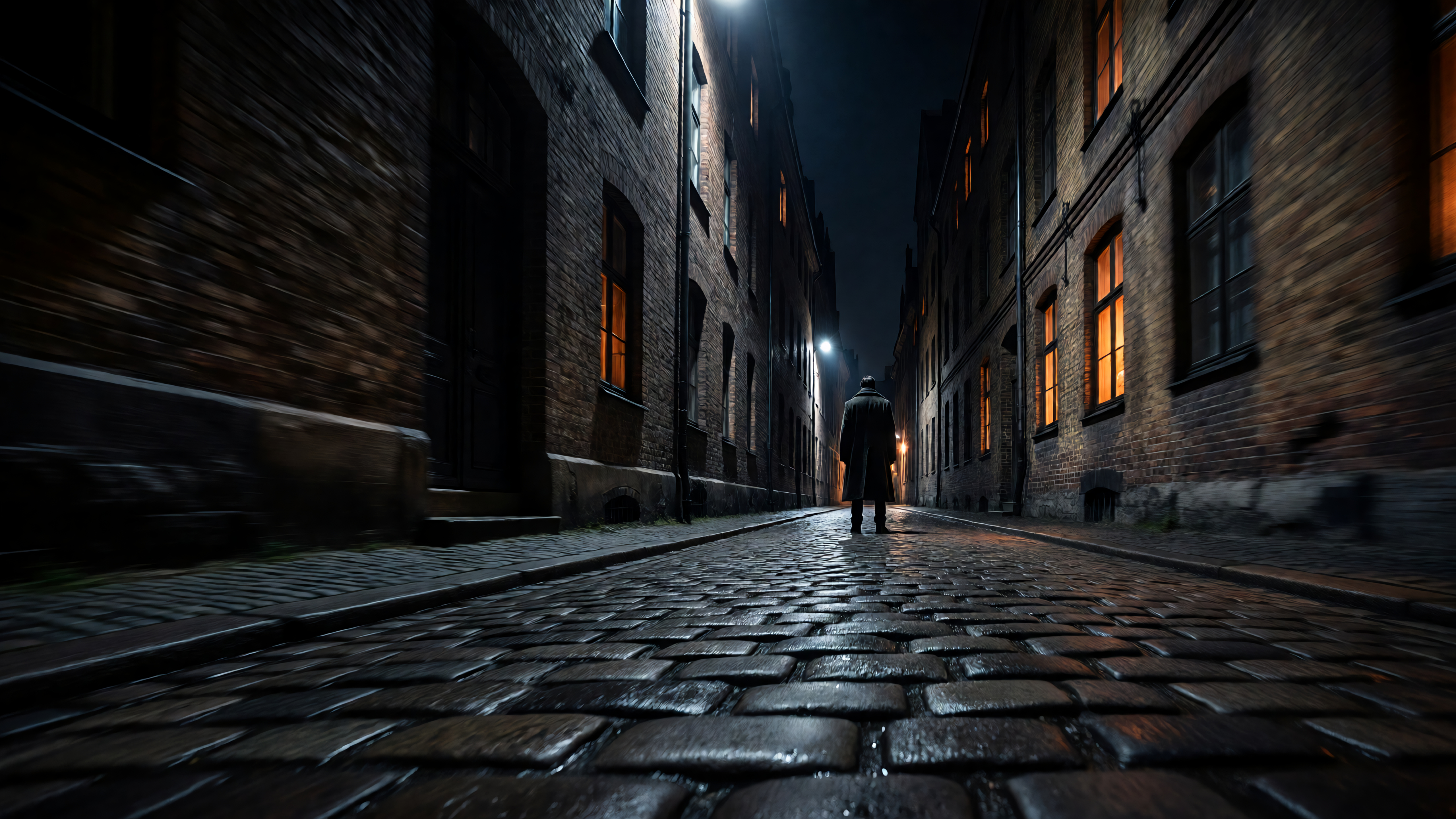
 Generated by ImagineArt AI Image Generator
6. Slow Half-Circle Orbit
The camera travels 180 degrees around the subject, moving from a front-facing angle to a rear profile.
PROMPT:
CAMERA: HALF ORBIT. Camera travels in a curved arc 180 degrees around the subject on a consistent radius. Begins at a direct frontal view and ends at a rear three-quarter angle. Smooth, unbroken movement throughout.
7. Full Rotation Sweep
A complete 360-degree circle around the subject, keeping the subject centered at all times.
PROMPT:
CAMERA: FULL 360 ORBIT. The camera completes one full circular revolution around the subject. The subject remains anchored in the center of the frame throughout. Background rotates continuously behind them. Speed is steady and controlled.
8. Low Ground Orbit
An orbital movement performed at a low camera height, looking slightly upward at the subject to convey power or dominance.
PROMPT:
CAMERA: LOW-ANGLE ORBIT. Camera circles the subject from below eye level, angled upward at approximately 20 degrees. The subject appears tall and commanding against the sky or upper environment. Movement is slow and reverential.
9. Accelerating Spin
An orbit that starts slow and increases in speed, creating a dramatic or disorienting finale.
PROMPT:
CAMERA: ACCELERATING ORBIT. Camera begins orbiting the subject at a slow pace and gradually accelerates over the duration of the shot. Background becomes increasingly blurred as rotation speed increases. Subject remains in sharp focus throughout.
10. Elevated Arc Reveal
A curved camera movement that begins high and to one side, arcing downward as it sweeps around to reveal the subject from a new angle.
PROMPT:
CAMERA: ELEVATED ARC REVEAL. Camera starts at a high angle to the left of the subject and sweeps in a wide downward arc, arriving at eye level on the right side. Movement combines horizontal orbit with a descending vertical component. A smooth, continuous reveal of the subject and environment.
Category 3: Vertical Lifts and Descents
Best for: Establishing scale, transitioning between heights, and creating cinematic grandeur.
Vertical camera movements are underused in AI video prompting. When executed well, they are some of the most emotionally evocative types of camera shots in cinematic video creation.
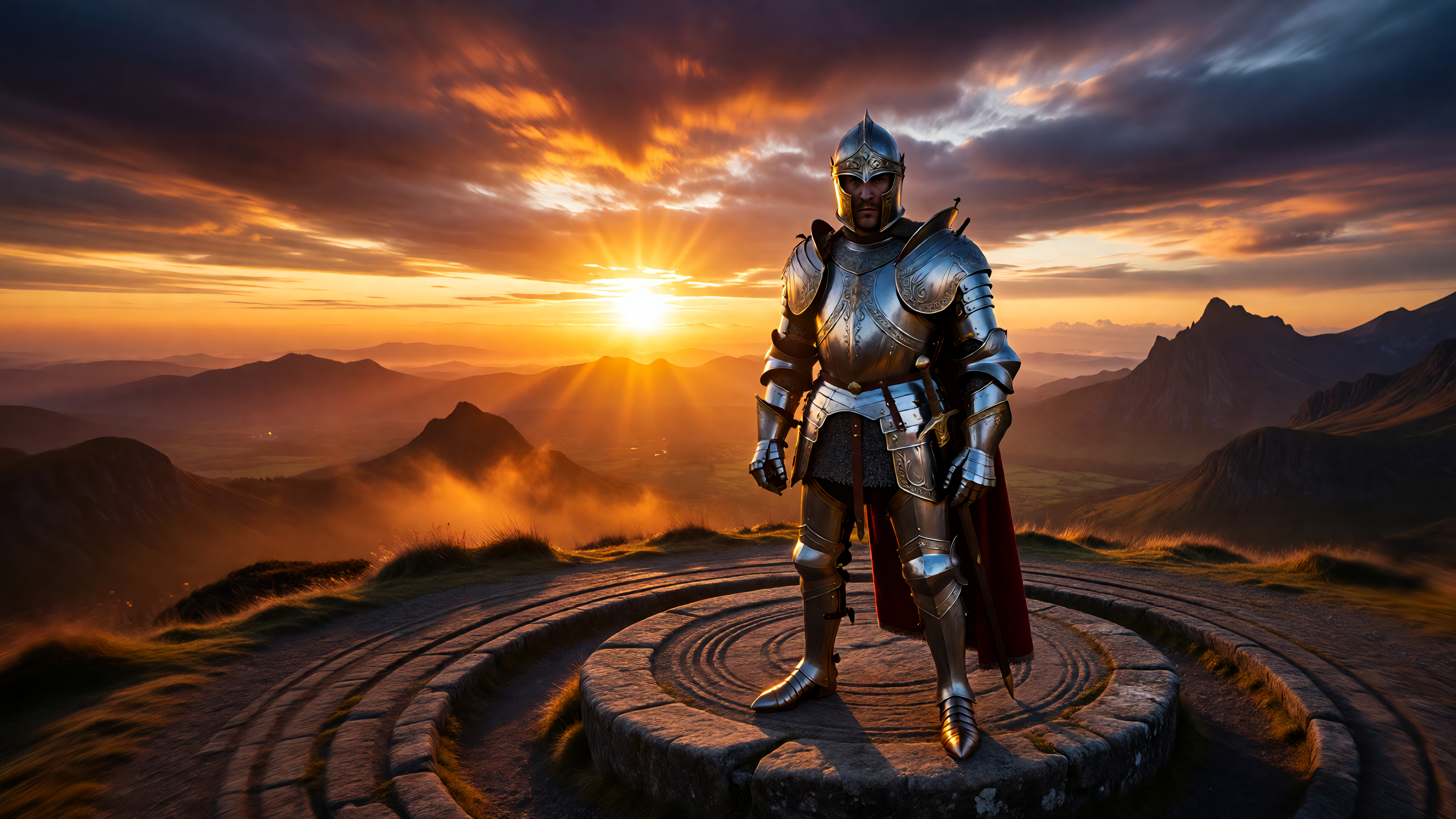
 Generated by ImagineArt AI Image Generator
11. Ground-Level Rise
The camera begins at floor level and rises smoothly to eye level, transitioning from a bug's-eye view to a neutral human perspective.
PROMPT:
CAMERA: LOW RISE. Camera begins at ground level, close to the floor surface, looking slightly upward. It rises vertically and smoothly until reaching eye level at approximately 5 feet height. Movement is steady and continuous with no shake.
12. Sweeping Crane Ascent
The camera lifts high above the subject in a wide jib-like motion, ending overhead with a downward-looking perspective.
PROMPT:
CAMERA: CRANE ASCENT. Camera rises from eye level upward in a smooth sweeping motion, angling the lens downward as it climbs. The subject becomes smaller as the frame expands to show the surrounding environment. Movement ends at a high-angle overhead view.
13. Overhead Descent
The camera begins at a bird's-eye view looking directly down and descends smoothly until reaching the subject's eye level.
PROMPT:
CAMERA: OVERHEAD DESCENT. Camera starts from a high top-down position with the lens pointing directly downward at 90 degrees. It descends vertically and smoothly until arriving at eye-level with the subject. The perspective shifts from aerial to intimate as the camera drops.
14. Floating Drop
A slow, controlled downward drift that creates a dreamy, weightless quality.
PROMPT:
CAMERA: FLOATING DROP. The camera descends very slowly from mid-height to just above the ground. Movement is extremely gradual and smooth, as though the camera is suspended by a string and gently sinking. No bobbing or instability.
15. Pedestal Pop
A short, sharp vertical rise that mimics the energy of a sudden reveal or exclamation point in the edit.
PROMPT:
CAMERA: QUICK PEDESTAL UP. The camera rises rapidly from waist level to above the subject's eye line in a single brisk movement. Motion is fast but controlled, stopping cleanly at the top position without overshoot.
Category 4: Lateral and Sliding Camera Movements
Best for: Revealing scene width, showing relationships between subjects, and profile showcases.
Lateral slides move the camera sideways across a scene. They are excellent for showing parallax, spatial relationships, and environmental breadth.
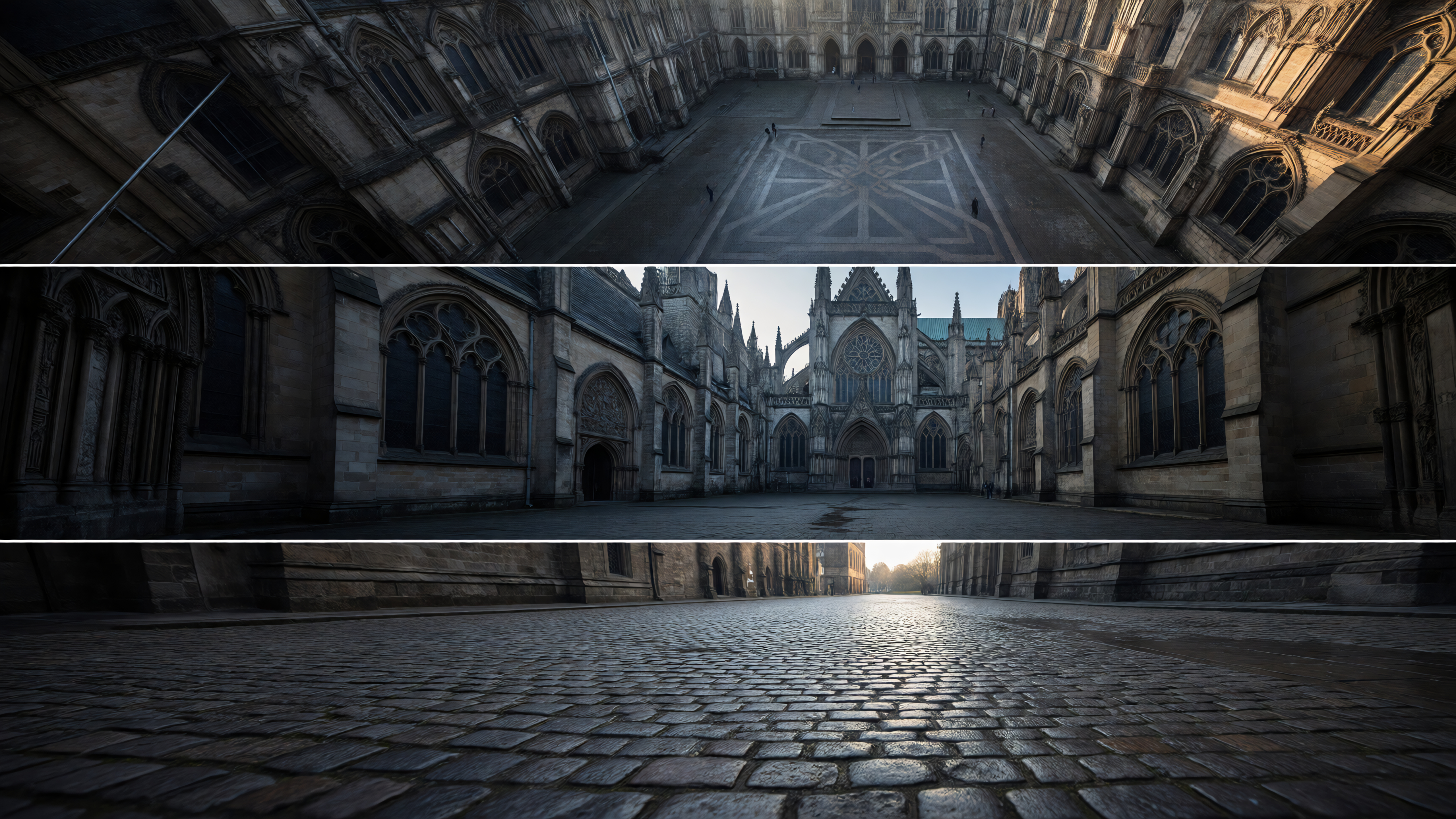
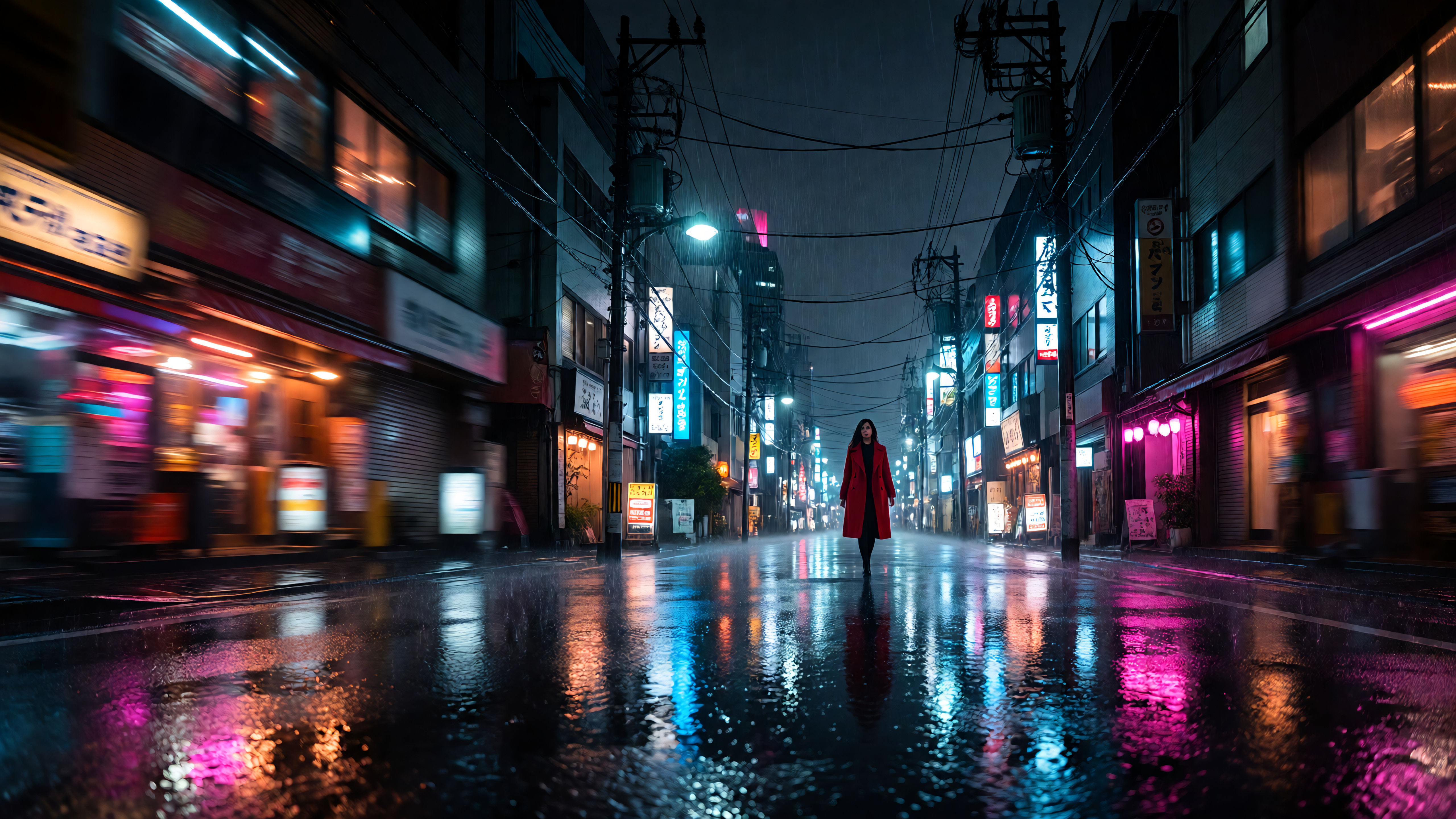 Generated by ImagineArt AI Image Generator
16. Smooth Left Track
The camera physically slides to the left on a fixed axis, revealing new elements entering from the right of frame.
PROMPT:
CAMERA: SMOOTH TRACK LEFT. The camera travels horizontally to the left along a straight path. Strong parallax is visible as foreground elements move faster than background elements. Subject remains within frame throughout the movement.
17. Smooth Right Track
The camera physically slides to the right, with foreground and background moving at different rates.
PROMPT:
CAMERA: SMOOTH TRACK RIGHT. The camera travels horizontally to the right along a straight path. Foreground elements pass across frame faster than the background, creating visible depth and parallax. Movement is controlled and fluid.
18. Reveal Slide
The camera begins behind a foreground obstruction and slides to the side to reveal the subject hidden behind it.
PROMPT:
CAMERA: LATERAL REVEAL. Camera starts with the subject obscured by a foreground element such as a wall, column, or tree. The camera slides smoothly sideways, and the obstruction peels away from frame, revealing the subject progressively. The reveal happens at a steady, deliberate pace.
19. Parallax Drift
A very slow lateral movement that emphasizes the depth of field between layered foreground and background elements.
PROMPT:
CAMERA: PARALLAX DRIFT. The camera moves slowly sideways at a minimal speed. Multiple layers of the scene are visible: a close foreground element, the midground subject, and a distant background. Each layer moves at a distinctly different rate, creating cinematic depth perception.
20. Passing Shot
The camera stays stationary while the subject moves laterally across the frame, as if watching them pass by.
PROMPT:
CAMERA: FIXED PASSING SHOT. The camera is locked on a fixed position. The subject enters from one side of the frame, walks or moves across it, and exits on the other side. Depth of field keeps the subject in sharp focus as they pass through the center of frame.
Category 5: Perspective and Lens-Based Camera Shots
Best for: Directing viewer attention, creating psychological effects, and stylistic emphasis.
These camera shots manipulate the lens itself rather than the physical position of the camera. Understanding these camera movement terms is key to more advanced AI video prompting.
21. Smooth Zoom In
The camera position is locked while the focal length increases, tightening the frame onto the subject.
PROMPT:
CAMERA: OPTICAL ZOOM IN. Camera body is completely stationary. The lens gradually increases focal length, narrowing the field of view and magnifying the subject. No physical forward movement — only optical compression from the lens change.
22. Slow Zoom Out to Wide
The camera remains fixed while the focal length decreases, widening the frame to reveal the environment.
PROMPT:
CAMERA: OPTICAL ZOOM OUT. Camera body is completely stationary. The lens decreases focal length, expanding the field of view. The subject becomes smaller as the background environment becomes increasingly visible. Smooth and gradual.
23. Snap Punch Zoom
An instantaneous, violent zoom directly into a specific detail or the subject's face.
PROMPT:
CAMERA: SNAP ZOOM. Sudden and immediate rapid zoom in on the subject's face or a specific focal point. The transition from wide to tight is nearly instantaneous. High visual impact. Simulates the crash zoom technique common in action and horror genres.
24. Soft Focus Reveal
The shot begins completely out of focus with visible bokeh and slowly pulls to sharp clarity.
PROMPT:
CAMERA: SOFT FOCUS PULL TO SHARP. Shot begins entirely out of focus — blurry bokeh fills the frame. The lens gradually pulls focus until the subject becomes razor sharp. The reveal is slow and deliberate, building anticipation before the subject becomes clear.
25. Split Rack Focus
Focus shifts from the foreground subject to a background element, changing where the viewer's eye is directed mid-shot.
PROMPT:
CAMERA: RACK FOCUS FOREGROUND TO BACKGROUND. Shot begins with the foreground subject in sharp focus and the background blurred. Mid-shot, the focus smoothly transitions: the foreground subject goes soft while the background element becomes sharp. Camera position does not move.
Category 6: Aerial and Drone-Style Camera Movements
Best for: Establishing shots, epic scale, landscape reveals, and action sequences.
Aerial camera movements add a sweeping cinematic scope that ground-level camera shots cannot achieve. These types of camera shots add a dramatic effect in AI videos.
26. High Altitude Straight Flyover
A smooth, elevated aerial shot passing directly over the scene from one end to the other.
PROMPT:
CAMERA: HIGH ALTITUDE FLYOVER. The camera moves forward at a high elevation in a perfectly straight path, passing above the subject and landscape below. The ground moves steadily underneath as the camera advances. Horizon remains visible in the upper portion of frame.
27. Descending Approach
The camera begins high and distant, then swoops down and forward to land at the subject's eye level.
PROMPT:
CAMERA: AERIAL DESCENDING APPROACH. Camera starts at high altitude looking down at a slight forward angle. It simultaneously moves forward and descends, arriving at the subject's ground level. The movement feels like an aircraft coming in for a landing, gradually revealing the subject in increasing detail.
28. Wide Sweeping Arc
An expansive aerial arc around a landmark or landscape, shot from a great distance to convey scale.
PROMPT:
CAMERA: WIDE AERIAL SWEEP. Camera orbits at high altitude in a broad arc around a central point of interest. The scale of the environment is emphasized by the distance. The movement is slow, sweeping, and majestic. The subject appears small relative to the surrounding landscape.
29. God's Eye Rotation
A perfectly top-down shot with the camera rotating slowly on its vertical axis.
PROMPT:
CAMERA: GOD'S EYE TOP-DOWN ROTATION. Camera is positioned directly overhead with the lens pointing straight down at 90 degrees. The camera slowly rotates on its own vertical axis while maintaining the top-down perspective. The scene below rotates like a clock face.
30. Aggressive FPV Dive
A fast, highly mobile first-person view shot that dives, banks, and weaves through the environment.
PROMPT:
CAMERA: FPV DIVE SHOT. Extremely fast and agile camera movement simulating a racing drone or first-person perspective. The camera dives rapidly, banks hard around obstacles, and weaves through tight spaces. Motion blur is present at edges during sharp turns. High energy and kinetic.
Category 7: Tracking and Subject-Following Camera Shots
Best for: Action sequences, character walks, chase scenes, and dynamic storytelling.
Tracking shots follow a moving subject. These camera movements keep the subject in frame while the environment changes around them. It is one of the most effective cinematic storytelling techniques in cinematography.
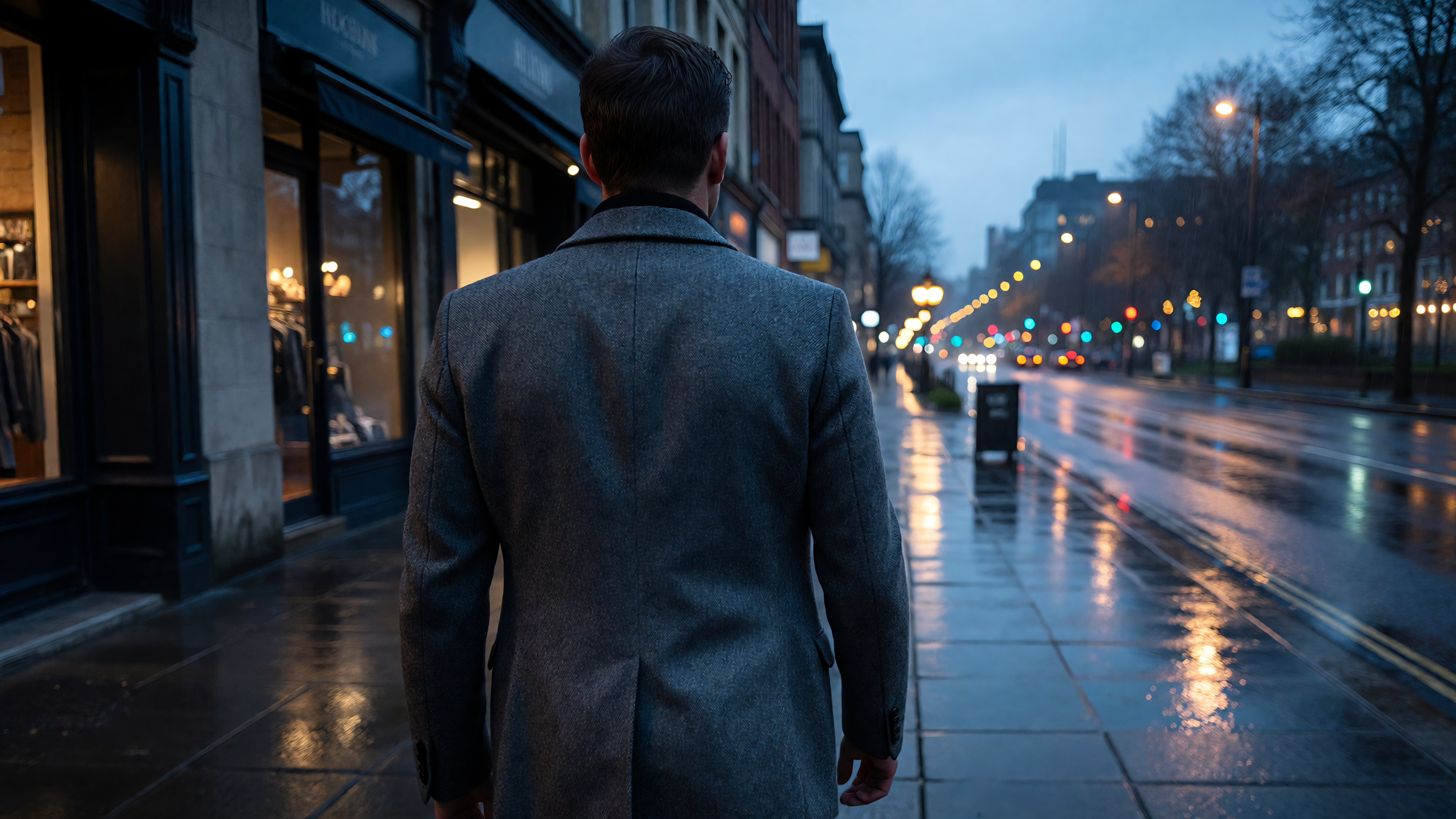 Generated by ImagineArt AI Image Generator
31. Forward Lead Shot
The camera moves backward while the subject walks toward it, keeping the subject centered as the camera retreats.
PROMPT:
CAMERA: LEADING TRACKING SHOT. The subject moves forward toward the camera at a steady walking pace. The camera moves backward at the exact same speed, maintaining a consistent distance. The subject remains centered in frame. The environment behind the subject is visible and scrolling away.
32. From-Behind Follow
The camera follows directly behind the subject as they walk away, staying at a fixed distance.
PROMPT:
CAMERA: REAR FOLLOW SHOT. The subject walks away from the camera. The camera follows behind them at the same pace, maintaining a consistent distance. The back of the subject is centered in frame. The environment ahead of them is revealed as they advance.
33. Side-By-Side Parallel Track
The camera moves alongside the subject on a parallel path, keeping them in a lateral profile view.
PROMPT:
CAMERA: PARALLEL SIDE TRACK. The subject moves from left to right in the frame. The camera tracks alongside them in the same direction, maintaining a side-on profile view. The subject's face and full body profile are visible. Background scrolls in the opposite direction from the camera's movement direction.
34. Spiraling Follow
The camera follows the subject while simultaneously orbiting around them in a slow spiral.
PROMPT:
CAMERA: SPIRAL FOLLOW. The subject walks forward while the camera tracks them from behind and simultaneously orbits around to their side. The camera gradually rotates around the subject's axis while maintaining forward movement pace. The effect reveals both the subject's profile and the environment ahead.
35. Match Cut Approach
The camera zooms slowly into a specific detail on the subject, matching the intimacy of the moment.
PROMPT:
CAMERA: SLOW DETAIL APPROACH. Camera begins on a medium shot of the subject and slowly tightens to a close-up detail — hands, face, or a specific object. Movement is extremely gradual, almost imperceptible at first. Depth of field narrows as the camera tightens.
Category 8: Handheld and Naturalistic Camera Movement
Best for: Documentary style, raw emotion, realism, and immersive storytelling.
Naturalistic camera movements simulate the organic imperfection of human-held cameras. They are the opposite of smooth, mechanical motion, and that imperfection is exactly what makes them powerful.
36. Documentary Handheld
Organic, slightly unstable camera movement that mimics a human operator holding the camera.
PROMPT:
CAMERA: HANDHELD DOCUMENTARY. The camera moves with subtle organic instability: slight horizontal drift, gentle vertical breathing, and minor random micro-movements. Not aggressively shaky. Resembles a trained camera operator handholding a camera steadily but imperfectly.
37. Stress Shake
An agitated, unstable handheld style that communicates panic, conflict, or urgency.
PROMPT:
CAMERA: HIGH-TENSION HANDHELD. The camera shakes with noticeable urgency and instability. Movements are quick, reactive, and unpredictable. The frame occasionally tilts or lurches slightly. Simulates a camera operator reacting in real-time to an unfolding event.
38. Breath Hold
Extremely subtle camera drift that simulates a human operator holding their breath and barely moving.
PROMPT:
CAMERA: BREATH HOLD STILLNESS. The camera is almost motionless but carries the faintest organic sway, as though an operator is holding very still and breathing quietly. The tiniest perceptible movement differentiates it from a locked tripod shot. Creates a feeling of suspended anticipation.
39. Walk-and-Talk Bounce
The natural up-and-down bounce that occurs when a camera operator walks while filming.
PROMPT:
CAMERA: WALKING OPERATOR BOUNCE. The camera moves forward at walking pace with the natural rhythmic vertical bounce of a human walking. Slight lateral sway accompanies each step. The movement pattern is organic and repetitive, simulating an operator walking alongside or behind the subject.
40. Surveillance Lock
An unmoving, slightly imperfect shot that simulates a fixed security camera or hidden observation angle.
PROMPT:
CAMERA: SURVEILLANCE STATIC. The camera is locked on a fixed position with no intentional movement. The angle is slightly off from a conventional composition — too high, too wide, or at an unusual height. Simulates a mounted security or surveillance camera watching the subject.
Category 9: Dutch Angle and Tilt-Based Camera Shots
Best for: Psychological tension, horror, unease, stylized aesthetics, and genre filmmaking.
Tilted camera angles are one of the most recognized types of camera shots in cinema. When used with intention, they immediately shift the emotional register of a scene.
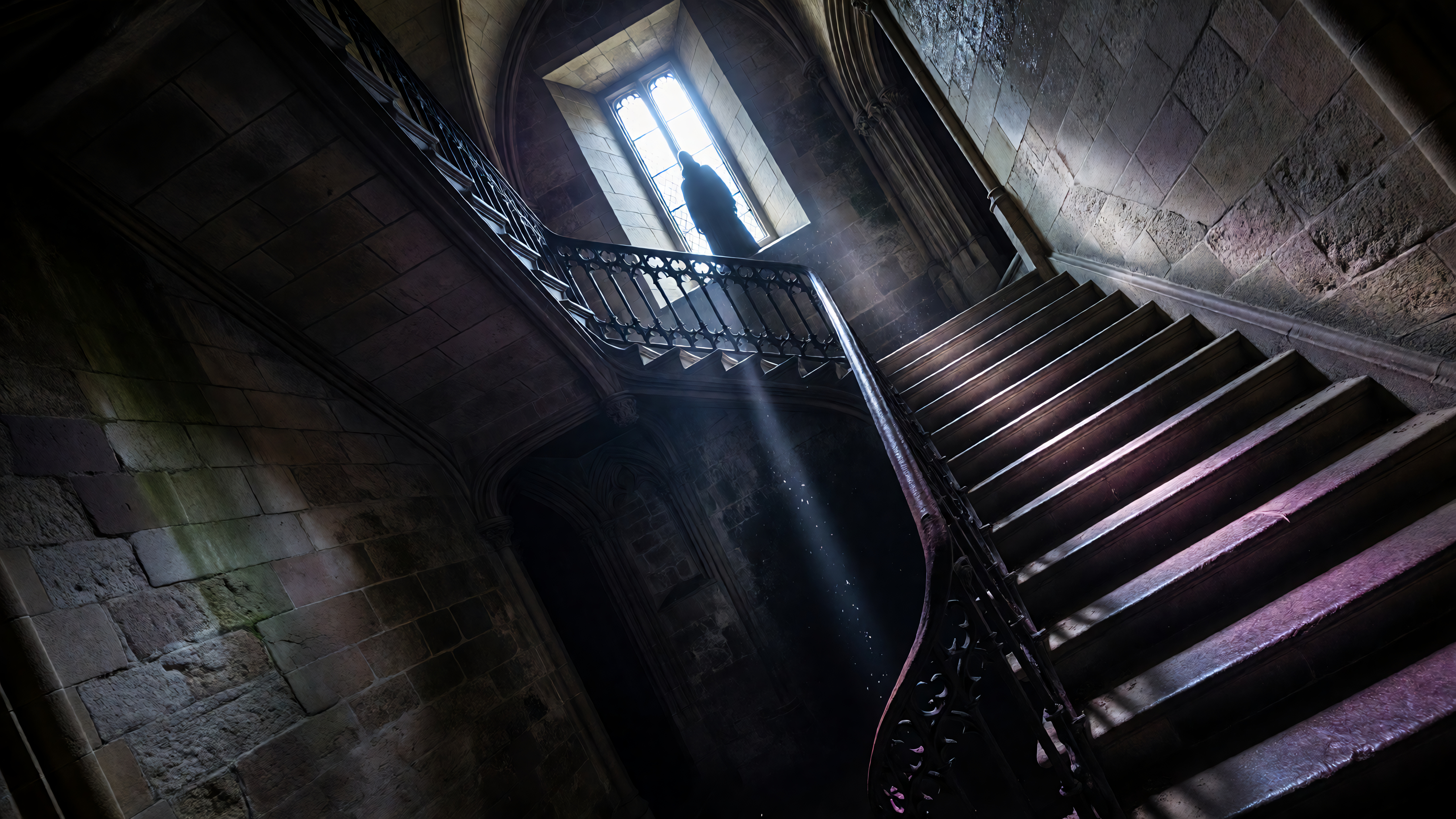 Generated by ImagineArt AI Image Generator
41. Classic Dutch Tilt
The camera is rotated on its Z-axis so the horizon line is diagonal across the frame.
PROMPT:
CAMERA: DUTCH TILT. The camera is mounted at a fixed position with the camera body rotated clockwise approximately 15 to 25 degrees on its longitudinal axis. The horizon line runs diagonally across the frame. The subject appears tilted relative to their environment, creating unease.
42. Extreme Canted Angle
A more dramatic Dutch tilt taken to a severe degree for horror, surrealism, or stylized effect.
PROMPT:
CAMERA: EXTREME DUTCH TILT. The camera body is rotated 35 to 45 degrees on its axis, creating a dramatic diagonal composition. Vertical architecture and the subject all appear severely tilted. The effect is disorienting and surreal. More aggressive than a standard Dutch angle.
43. Tilt Up Reveal
The camera begins angled down at the ground or a lower detail and tilts upward to reveal the full subject or environment.
PROMPT:
CAMERA: TILT UP REVEAL. Camera begins pointing slightly downward toward the ground or the lower portion of the subject. It slowly tilts upward on a fixed axis, revealing the subject from bottom to top. The full subject comes into view progressively as the camera tilts to eye level or above.
44. Tilt Down to Ground
The camera begins at eye level and slowly tilts downward, finishing with the lens directed at the ground or feet.
PROMPT:
CAMERA: TILT DOWN. Camera begins at eye level looking straight ahead. The camera tilts slowly downward on a fixed axis, directing the lens progressively toward the floor. The shot ends with the camera looking at the ground, feet, or a low detail.
45. Slow Roll Correction
The camera begins at a canted Dutch angle and slowly rotates back to a level horizon, as if reality is being restored.
PROMPT:
CAMERA: ROLL CORRECTION. The camera begins with a 20-degree Dutch tilt. It then slowly rotates back to a perfectly level horizon over the duration of the shot. The transition from tilted to level is smooth and gradual, as though order is being restored to the scene.
Category 10: Scene Transition and Hybrid Movements
Best for: Complex cinematic moments, creative transitions, and advanced storytelling.
These are compound camera movements that combine multiple types of camera movements in a single shot. They require the most specificity in your AI camera movement prompts but yield the most visually sophisticated results.
46. The Window Passage
The camera pushes through an opening such as a window, doorway, or gate, transitioning from outside to inside.
PROMPT:
CAMERA: PASSAGE THROUGH OPENING. The camera moves forward and passes through a narrow opening such as a doorway, window frame, or gap in a wall. The frame of the opening is visible at the start of the shot and disappears as the camera pushes through. The interior or far side is revealed as the camera emerges.
47. Swinging Around a Corner
The camera swings rapidly around the edge of a wall or building, snapping to a new angle on the opposite side.
PROMPT:
CAMERA: CORNER SWING. The camera moves laterally alongside a wall and then rapidly swings outward around a corner to reveal what is on the other side. The movement is fluid and continuous, combining a lateral track with a fast pivot at the corner point.
48. Ground-to-Sky Ascent
The camera starts at ground level aimed at the earth and rises while simultaneously tilting upward to reveal the sky.
PROMPT:
CAMERA: GROUND TO SKY RISE. Camera begins extremely low, aimed at the ground or surface. As it rises vertically, the lens simultaneously tilts upward. The shot transitions from a ground-level earth perspective to an upward-looking sky perspective. A continuous, flowing vertical and angular movement.
49. Circular Drift and Push
The camera orbits around the subject while simultaneously pushing inward, creating a closing spiral effect.
PROMPT:
CAMERA: INWARD SPIRAL ORBIT. The camera simultaneously orbits the subject in a circular path while pushing closer to them. The combined motion creates an inward spiral effect. The subject grows larger in frame as the orbit continues. Background rotates progressively. Movement is smooth and continuous.
50. The Whip-Pan Transition
A violent lateral pan so fast it creates motion blur, used to simulate a cut to a new location or subject.
PROMPT:
CAMERA: WHIP PAN. The camera pans extremely rapidly to one side, so fast that the image becomes a directional motion blur streak during the transition. The blur obscures the subject momentarily. Used to simulate an energetic cut or reaction moment. Direction of pan should be specified: LEFT or RIGHT.
Essential Camera Movement Terms You Should Know
Before using AI camera movement prompts, it helps to understand the core camera movement terms. These are the building blocks you’ll combine to create cinematic results:
- Pan (horizontal movement): The camera rotates left or right from a fixed position. Example: slow pan across a city skyline.
- Tilt (vertical movement): The camera moves up or down while staying in place. Example: tilt up from a character’s feet to their face.
- Dolly (forward/backward movement): The camera physically moves closer to or away from the subject. Example: slow dolly in toward a person during an emotional moment.
- Tracking shot: The camera follows a moving subject, often from the side or behind. Example: tracking shot alongside a runner.
- Orbit: The camera circles around a subject, creating a dynamic, 3D feel. Example: orbit around a hero standing still.
- Crane shot: The camera moves vertically through space, often from high to low (or vice versa). Example: crane down from the sky into a crowd.
- Zoom vs Dolly: A zoom changes the lens (magnification), while a dolly moves the camera physically—resulting in more natural depth. Example: zoom in on a face vs dolly in for cinematic realism.
- Handheld: Slight, natural camera shake for realism or intensity. Example: handheld shot during an action scene.
- Static shot: The camera remains completely still. Example: locked frame while subjects move within it.
Tips for Getting Better Results with AI Camera Movement Prompts
Getting good outputs from these AI camera movement prompts takes a bit of practice. Here are four techniques that consistently improve results.
- Separate your camera prompt from your subject prompt. Most AI video tools perform better when the camera instruction is clearly isolated from the subject description. Write your subject, lighting, and mood in one block, then add a clearly labeled CAMERA section beneath it. This helps the model process spatial instructions independently.
- Be specific about speed. Words like "slow," "moderate," and "fast" matter. A "slow dolly" and a "rapid surge" produce completely different emotional results. Always include speed intent in your AI camera movement prompt.
- Anchor the start and end positions. Tell the model where the camera begins and where it ends. Instead of "orbit the subject," write "camera begins at front-facing eye level and orbits to a rear three-quarter position." Clear start and end states reduce ambiguous motion artifacts. If the angle itself is the issue rather than the motion, the video angle changer lets you reframe an existing generated clip without regenerating the whole shot from scratch.
- Iterate in pairs. If a camera movement is not rendering correctly, try running the same prompt twice before making edits. AI video generation has inherent randomness, and the second generation sometimes nails what the first missed. If both of the attempts miss the mark, then refine the language. Instead of regeneration, use the AI video editor to refine your clips if the generated output needs a few tweaks.
Ready to Create Cinematic Videos?
A prompt without a camera direction is like a screenplay without a director. The words describe what happens, but the camera determines how it feels.
For more control over individual frames and stylized scenes, the AI image generator lets you define precise visual moments before you animate them. If you want to build more complex, multi-step creative processes, the AI workflow tools let you chain prompts together at scale.
If you want to take these camera movements beyond single clips and into full scene direction with character consistency and storyboards, the AI film studio gives you DP-level control over every shot of your film.
These 50 AI camera movement prompts cover the full range of camera movement terms and are designed to give AI models the clarity they need to produce genuinely cinematic video rather than flat, static generation.
Frequently Asked Questions
AI camera movement prompts are specific text instructions included in an AI video generation prompt that tell the model how the camera should move during the shot. Instead of relying on the AI to guess the camera behavior, these prompts define the exact type of camera movement. Good AI camera movement prompts significantly improve the cinematic quality of generated video.
For AI video generation, the most effective types of camera shots to specify in prompts include the push-in for building tension, the orbit for hero reveals, the aerial flyover for establishing scale, the handheld for raw realism, the rack focus for directing attention, the crane ascent for cinematic grandeur, and the leading tracking shot for walking scenes. Combining a clear shot type with a specific camera movement term gives AI models the clearest instruction and produces the most consistent cinematic results.
Copy the prompt text from any of the categories above and paste it into the camera or motion field of your AI video generator. Add your subject description, lighting, environment, and mood in a separate section. Keep the CAMERA instruction clearly labeled so the model processes it as a spatial directive. Most AI video generators respond well to prompts that separate the scene content from the camera behavior.
Specifying camera shots improves AI video quality because it removes ambiguity from the generation process. Without specific camera movement prompts, AI models tend to default to static or minimally animated shots. When you define the type of camera movement, the model has a clear spatial instruction to follow. This reduces generation artifacts like unnatural morphing, improves the emotional consistency of the shot, and makes the video feel intentional rather than accidental.
Tooba Siddiqui
Tooba Siddiqui is a content marketer with a strong focus on AI trends and product innovation. She explores generative AI with a keen eye. At ImagineArt, she develops marketing content that translates cutting-edge innovation into engaging, search-driven narratives for the right audience.