AI Fashion Models for Etsy: Photo Rules and Specs
Etsy allows AI on-model photos for handmade clothing, as long as one unedited photo shows the real item and every AI image matches what ships. Here are Etsy's photo rules in plain English, the image specs it recommends, a 10-photo plan for an apparel listing and how to keep AI photos looking handmade.

Kamran Arshad
November 6, 2026 • Updated November 26, 2026
10 mins Read
Etsy buyers zoom in on seams, judge fabric from a photo and want to know how a piece sits on a body. A hanger shot cannot show that. An AI on-model photo can, and Etsy allows it, as long as you follow two rules: keep at least one unedited photo of the real item against a real background, and make sure every AI-assisted image shows the garment exactly as the buyer will receive it.
Inside those rules, ImagineArt Fashion Studio turns a flat lay of your piece into on-model photos that show fit and drape, on one consistent model across your whole shop.
This guide covers Etsy's current photo rules in plain English, the image specs Etsy recommends, a slot-by-slot plan for an apparel listing, and how to keep AI photos looking like they belong in a handmade shop.
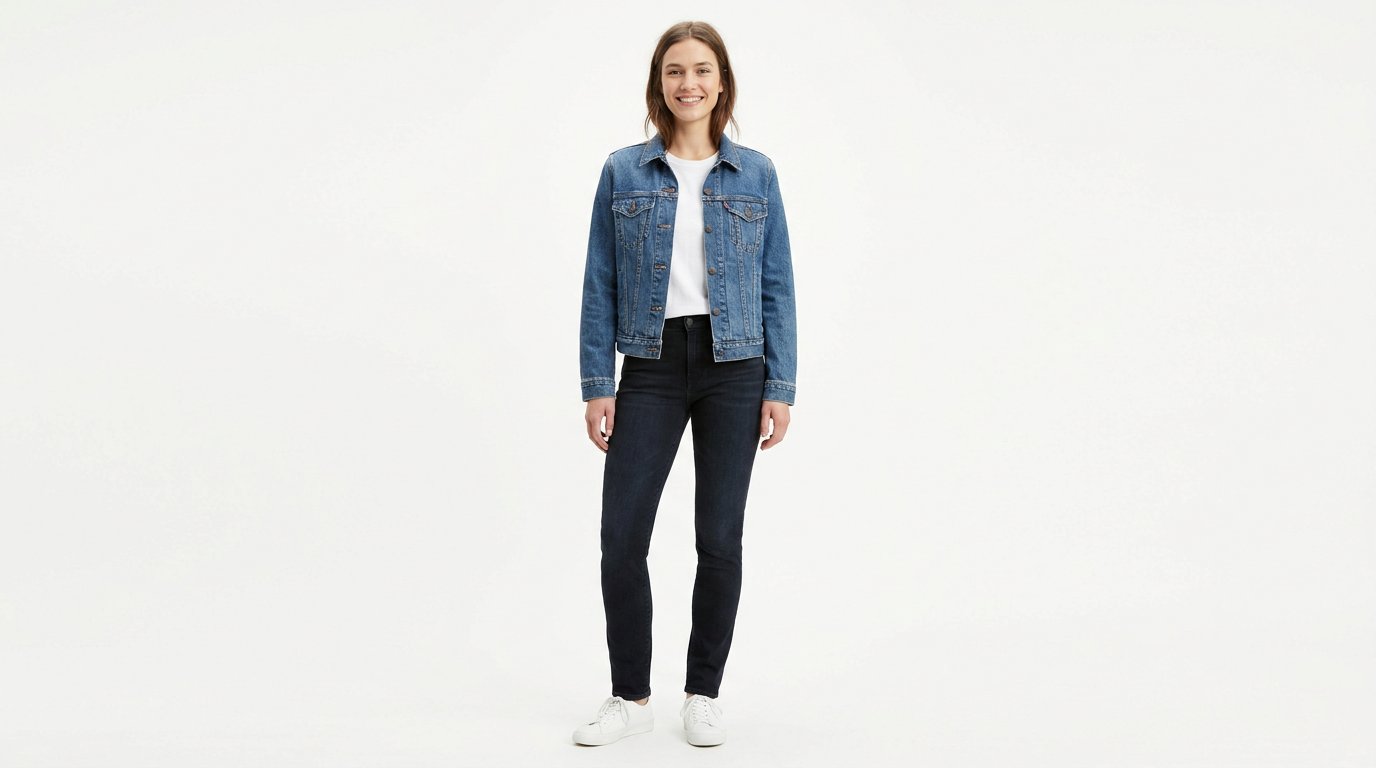
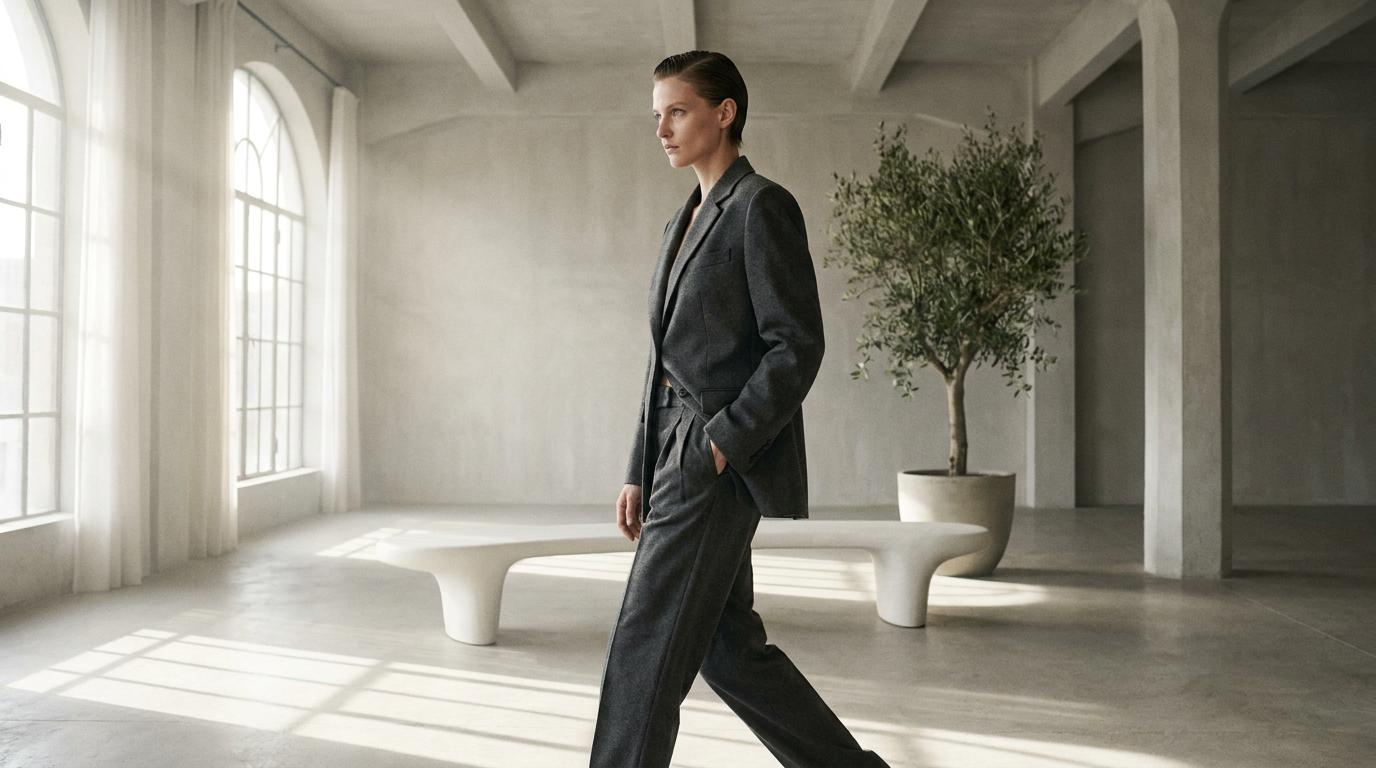
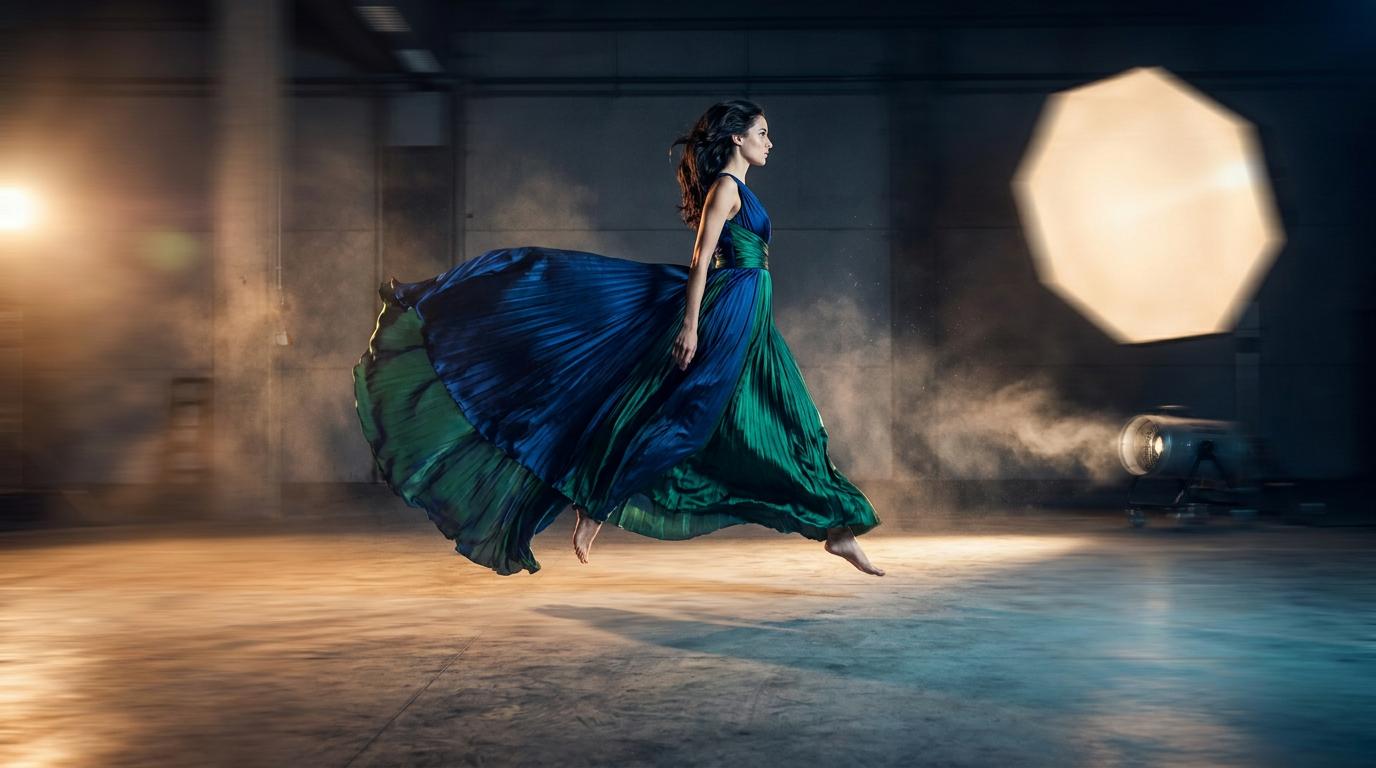
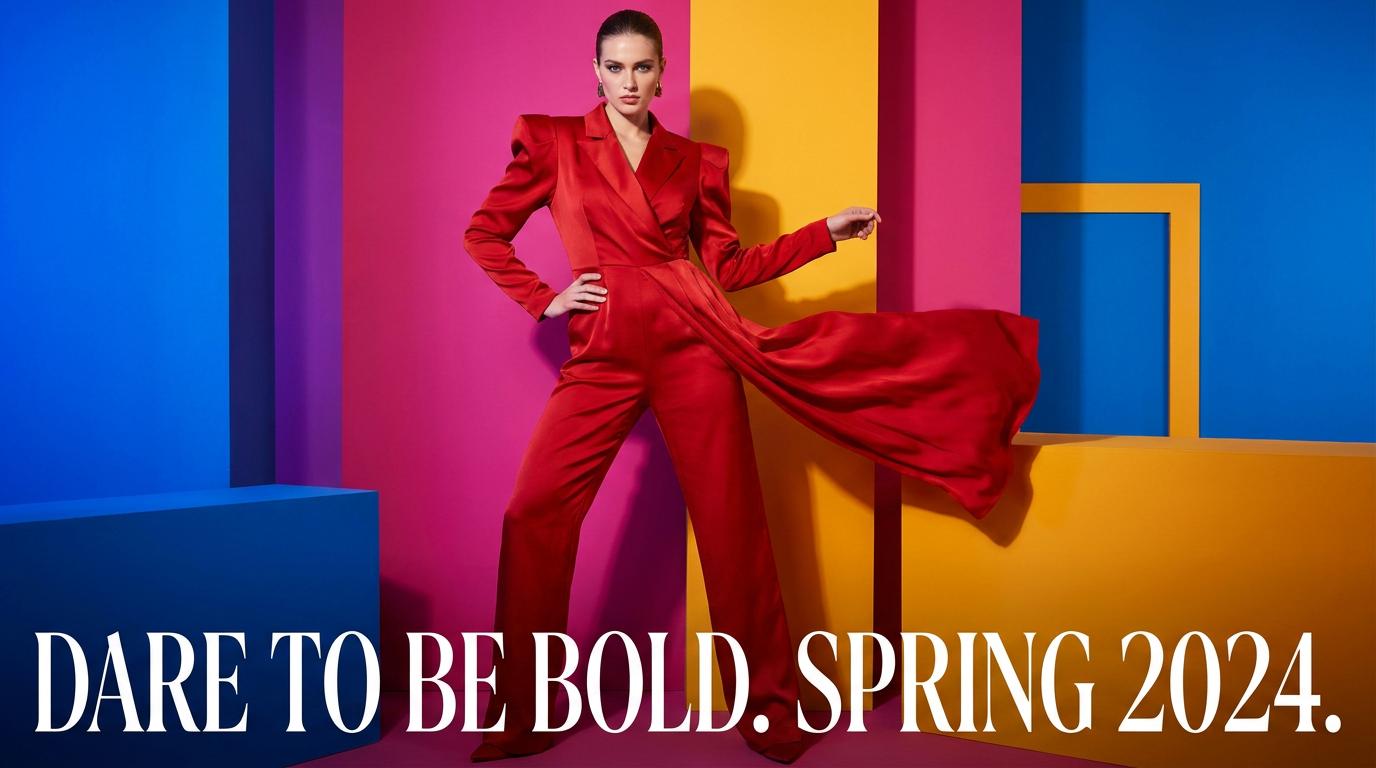
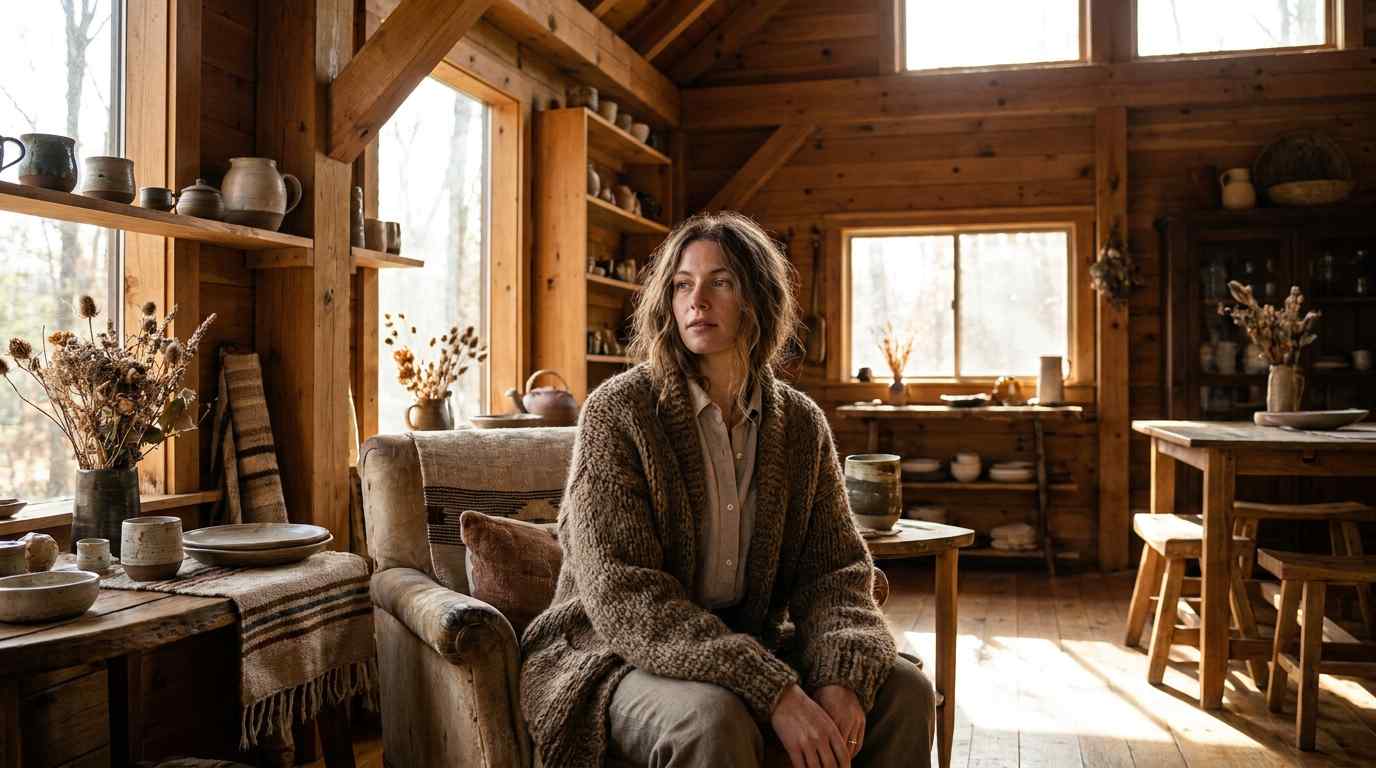
AI-generated fashion photography styled for an Etsy apparel listing
Etsy's AI Photo Rules for Sellers, in Plain English
Etsy allows AI-assisted listing photos, with limits. Its Help Center article on listing image requirements sets out three rules that matter for apparel sellers.
- Most items need at least one unedited photo of the actual item against a real background. That photo must not be edited in any way, and one per listing is enough, even when the listing has several variations.
- Other photos can use editing tools, including AI, to adjust light or color, crop or resize, or change the background, as long as the item still looks the way buyers will receive it.
- You cannot use AI to hide damage or change an item's appearance in a way that could mislead buyers.
Etsy also requires sellers to disclose when an item is created using AI, and it does not allow AI-generated work to be presented as handmade. Your garment is handmade, not AI-made, so the disclosure rule targets the product, not the photo. A one-line note in your description saying some photos are AI-assisted keeps buyers informed and costs nothing.
Etsy's article does not mention AI-generated models by name. The safe reading is to treat an AI on-model photo as an extra image, never as your required unedited photo, and to check it against the real garment before it goes live.
| Photo type | Status on Etsy |
|---|---|
| Unedited photo of the real item on a real background | Required for most items |
| Real photo with adjusted light, color, crop or background | Allowed if it stays accurate |
| AI on-model photo made from your real garment | Use as an additional photo, matched to the real item |
| AI edit that hides a flaw or changes the design | Not allowed |
Etsy Listing Photo Size, Format and Count
Etsy's own Help Center gives clear numbers, so there is no need to rely on guesswork from seller forums. The figures below come from Etsy's image requirements and best practices and how to create a listing pages.
| Spec | Etsy's guidance |
|---|---|
| Recommended size | At least 2,000 pixels wide and tall |
| First photo minimum | 635 pixels wide and tall |
| File size | Files over 1MB may not finish uploading |
| First photo shape | Landscape or square |
| File types | JPG, GIF, PNG, SVG or HEIC (no animated GIFs or transparent PNGs) |
| Photos and videos per listing | Up to 20 photos and 2 videos of 5 to 15 seconds |
Two specs pull against each other: 2,000 pixels and under 1MB. A high-quality JPG at about 2,000 pixels on each side usually lands under 1MB if you export at around 80% quality. Check the file size before upload, because a failed upload is easy to miss in a batch.
Etsy crops thumbnails to square, portrait and landscape in different parts of the site. Leave space around the garment and keep it centered, so no crop cuts off a sleeve or a hem. Shoot or generate from farther back than feels natural.
The 10-Photo Plan for a Handmade Apparel Listing on Etsy
Etsy allows 20 photos, but ten strong ones beat twenty repetitive ones. This plan covers what a buyer needs to decide on a handmade garment: what it looks like, how it fits, how it is made and what it feels like.
| Slot | Shot | Real or AI |
|---|---|---|
| 1 | Front view of the garment on a real background, unedited | Real |
| 2 | Full-body on-model front, showing fit | AI |
| 3 | On-model back view | AI |
| 4 | On-model side or walking pose, showing drape | AI |
| 5 | Close-up of fabric texture | Real |
| 6 | Close-up of stitching, buttons or finishing | Real |
| 7 | Flat lay of the whole garment | Real |
| 8 | On-model in a setting that matches your shop's look | AI |
| 9 | One photo per color or variation | Real or AI |
| 10 | Your hands at work on the piece, or your workspace | Real |
Etsy recommends making your first photo the most realistic view of the item, so slot 1 stays a real photo. The AI shots do the job a phone photo on a hanger cannot: they show how the piece sits on a body. The real close-ups and the maker shot do the job AI should not: they prove the craft.
Use a video slot too. A 5 to 15 second clip of the garment moving, either an animated on-model shot or you handling the fabric, shows weight and drape better than any still.
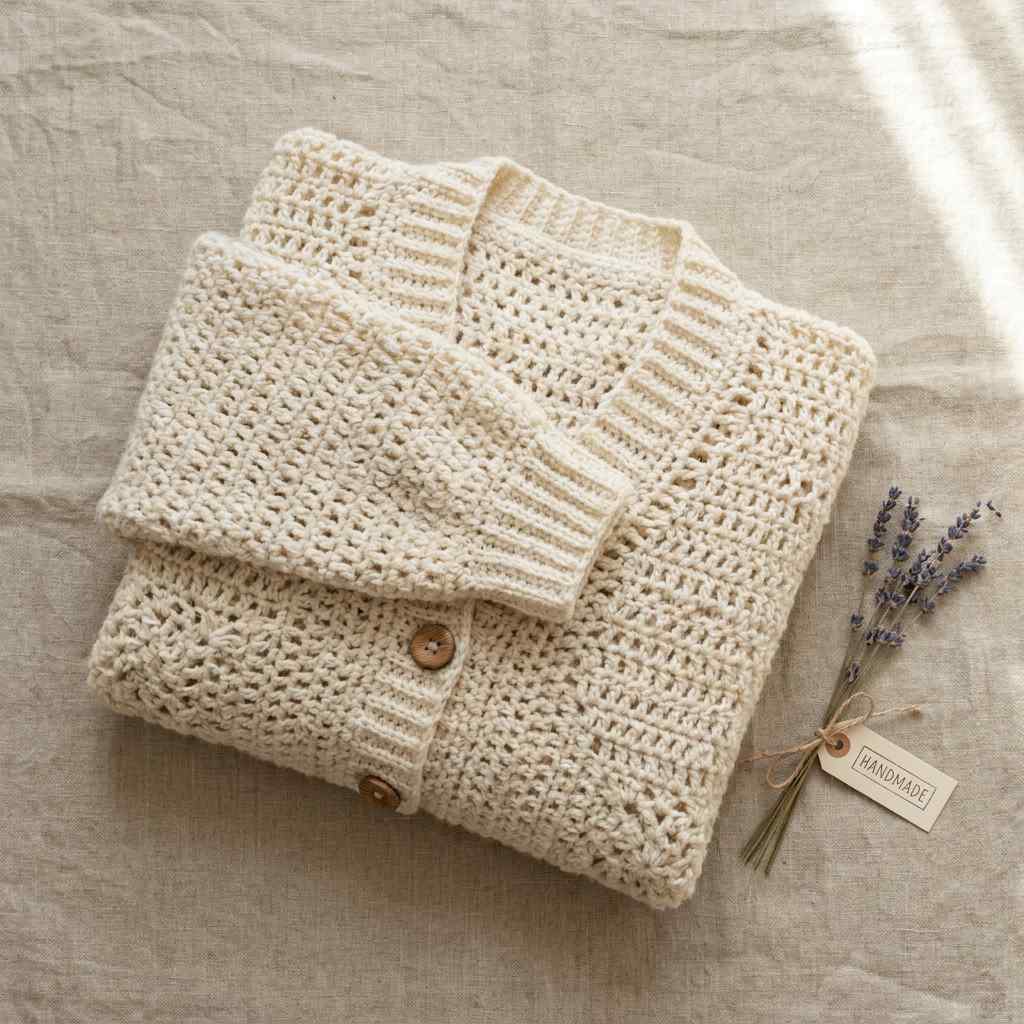 Flat lay product photo of a handmade-style garment ready for an Etsy listing
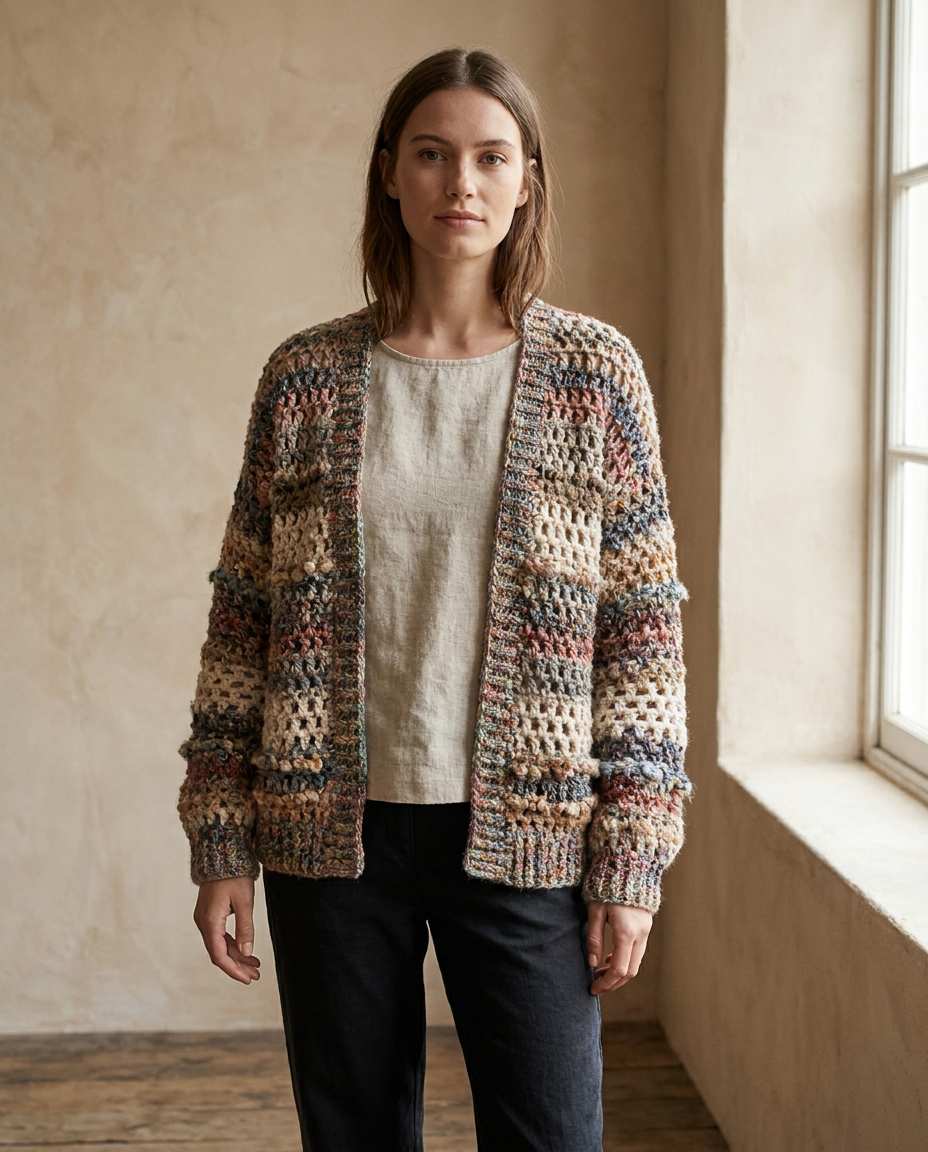 AI-generated on-model photo of the same garment, styled for an Etsy apparel listing
How to Turn a Flat Lay Into an Etsy-Ready On-Model Photo
The quality of an AI on-model photo depends on the photo you start from. A clean flat lay in good light gives the model the information it needs to keep the fabric, fit and color true.
- Shoot the flat lay in daylight near a window, on a plain surface, with the garment pressed and laid straight.
- Upload it to Fashion Studio and choose or build a model that looks like your buyer. Save that model so every listing uses the same face and body.
- Pick a background that matches your shop. Linen, wood, plants and soft natural light suit most handmade brands better than a glossy studio set.
- Generate front, back and movement poses.
- Compare each image with the real garment at full zoom. Check color, print scale, stitching, buttons, sleeve length and hem length.
- Export at about 2,000 pixels and under 1MB, then upload in the slot order above.
Our step-by-step guide on turning a flat lay into an on-model photo with AI covers lighting and garment prep in more detail. Run your own piece through it, not a sample, because Etsy buyers zoom in on texture and seams more than shoppers on mass-market sites.
How to Keep AI Photos Looking Handmade, Not Mass-Produced
Etsy buyers come for the opposite of a factory catalog. AI photos go wrong on Etsy when they make a handmade piece look anonymous. Each common problem has a fix.
| Problem | Fix |
|---|---|
| Over-polished images make a handmade piece look mass-produced | Use natural backgrounds and soft light, and keep real texture close-ups in the set |
| Only full-body on-model shots, no detail | Add real close-ups of fabric, stitching and finishing |
| A different model on every listing | Save one model and reuse it across your shop |
| The thumbnail crop cuts off the garment | Center the piece and leave space on every side |
| AI smooths away a flaw or a wrinkle that is part of the item | Show the item as it ships. Etsy does not allow AI edits that mislead buyers |
| Buyers are not told some photos are AI-assisted | Add a one-line note to the description |
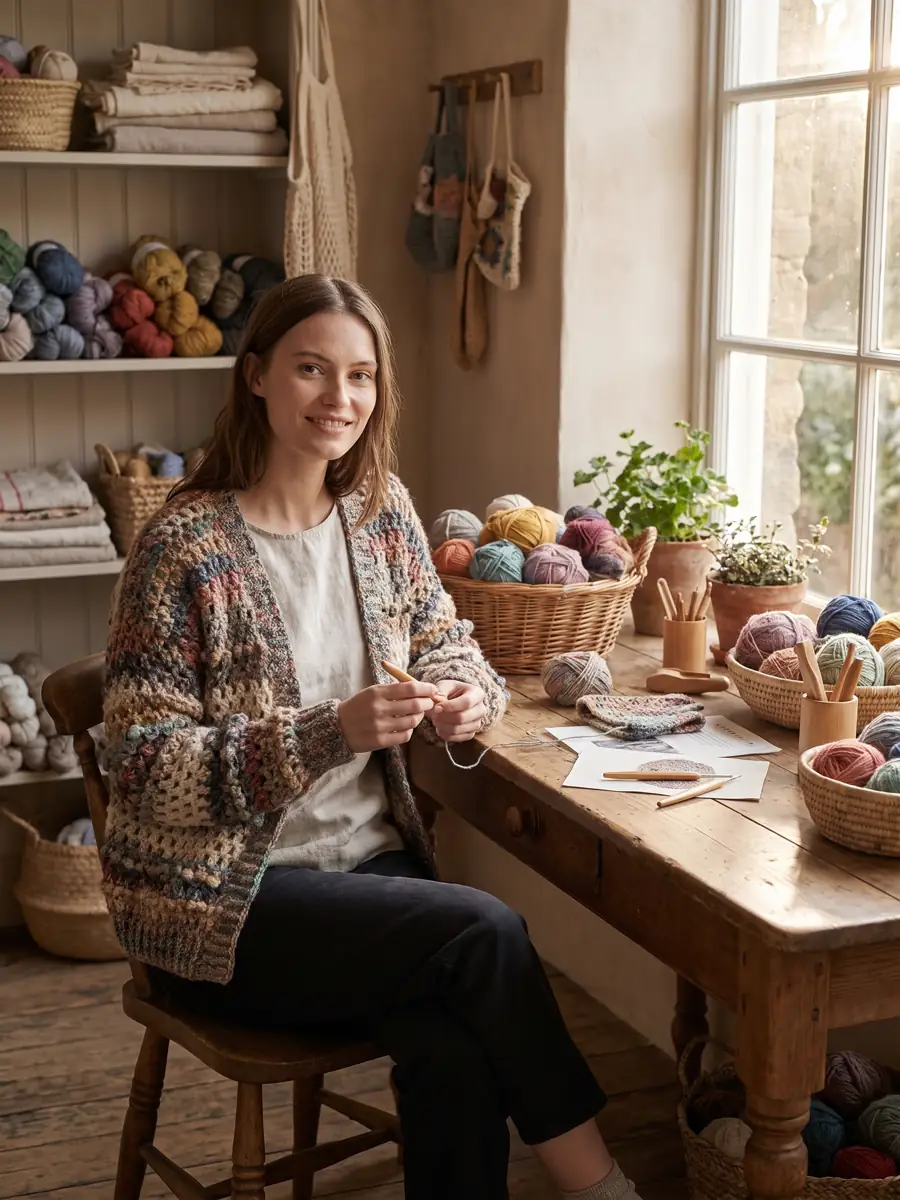 The same model in a handmade crochet cardigan sitting in a cozy craft studio with baskets of yarn
Warm light, real craft props and the same model keep an AI listing photo feeling handmade.
What AI Listing Photos Cost a Small Etsy Shop
Photography is often the biggest bill a small apparel shop never budgets for. Typical on-model product photography runs about $150 to $400 per finished image in the US, so a 20-piece shop with three on-model shots each is a $9,000 to $24,000 job. ImagineArt's own cost model puts an approved AI image at about $3.50, including garment photography and review time, which brings the same 60 images to roughly $210.
The real photos in your set, the unedited front view, the close-ups and the maker shot, still come from your phone and a window. AI covers the shots that used to need a model and a studio. Our guide on what a product page image costs with a studio versus AI walks through the full math.
One AI Model Across Your Shop Builds Buyer Trust
A shop where every listing shows the same model reads as a brand. Buyers can compare fit across pieces because the body stays the same. Add that model's height and the size they are wearing to each description, and you answer the question behind most apparel returns: will this fit me?
Here is how to keep the same AI model across your collection, including how to check a batch for drift in face, body and garment detail.
Fashion Studio is the same platform used by more than 350 companies, including Unilever's Knorr and the fashion retailer Khaadi. Its top-tier models are built to keep fabric, fit and color true, which matters more on Etsy than almost anywhere else, because your buyers judge craft from photos.
Check Your Rights Before a Shop-Wide Photo Refresh
Replacing photos on one listing is low risk. Replacing them across a whole shop is a bigger commitment, so check two things first. Confirm your AI tool's terms grant commercial use on your plan, and make sure any model you use is synthetic or has given written consent. Our guide, can you use AI-generated fashion images commercially, covers ownership, consent and labeling.
Selling across Etsy, your own site and other marketplaces? Our forward-deployed creatives can help you set up one model and one photo system for every channel.
Frequently Asked Questions
Yes, with limits. Most items need at least one unedited photo of the real item on a real background. Other photos can be AI-assisted if they show the item exactly as the buyer will receive it.
Etsy's image rules do not name AI models directly. Use AI on-model photos as additional images, keep your required unedited photo real, and check every AI image against the real garment so it does not mislead buyers.
Etsy requires sellers to disclose when an item is created using AI. For a handmade garment shown in AI-assisted photos, a one-line note in the description is the simple, buyer-friendly way to stay transparent.
Etsy recommends at least 2,000 pixels in width and height, with a minimum of 635 pixels for the first photo. Files over 1MB may not finish uploading, so export high-quality JPGs and check the file size.
Etsy allows up to 20 photos and 2 videos of 5 to 15 seconds per listing. For apparel, ten well-planned photos covering fit, detail and craft usually do more than twenty similar ones.
Etsy recommends a landscape or square first photo and crops thumbnails in several shapes, so center the garment and leave space around it. Etsy also advises making the first photo the most realistic view of the item.
No. Etsy requires one unedited photo per listing, even when the listing has several variations. Use AI-assisted photos for the other colors and sizes, matched to the real items.
Only if they replace the proof of craft. Pair AI on-model shots with real close-ups of fabric and stitching, use natural backgrounds, and keep one consistent model across the shop.
Kamran Arshad
Kamran Arshad is a full-stack marketer and growth strategist for Gen AI and B2B SaaS companies.
View all articlesRecent posts
The Best AI Avatar Generators In 2027: 11 Tools Compared And Ranked
50 Types of Art Styles: Definitions, Examples and AI Prompts
How to Edit Images With Ideogram 4.6: 38 Edits, Prompts and Results