Biggest Sale Ever! 50% OFF & Unlimited Free Generations on top models
Free AI Hairstyle Changer
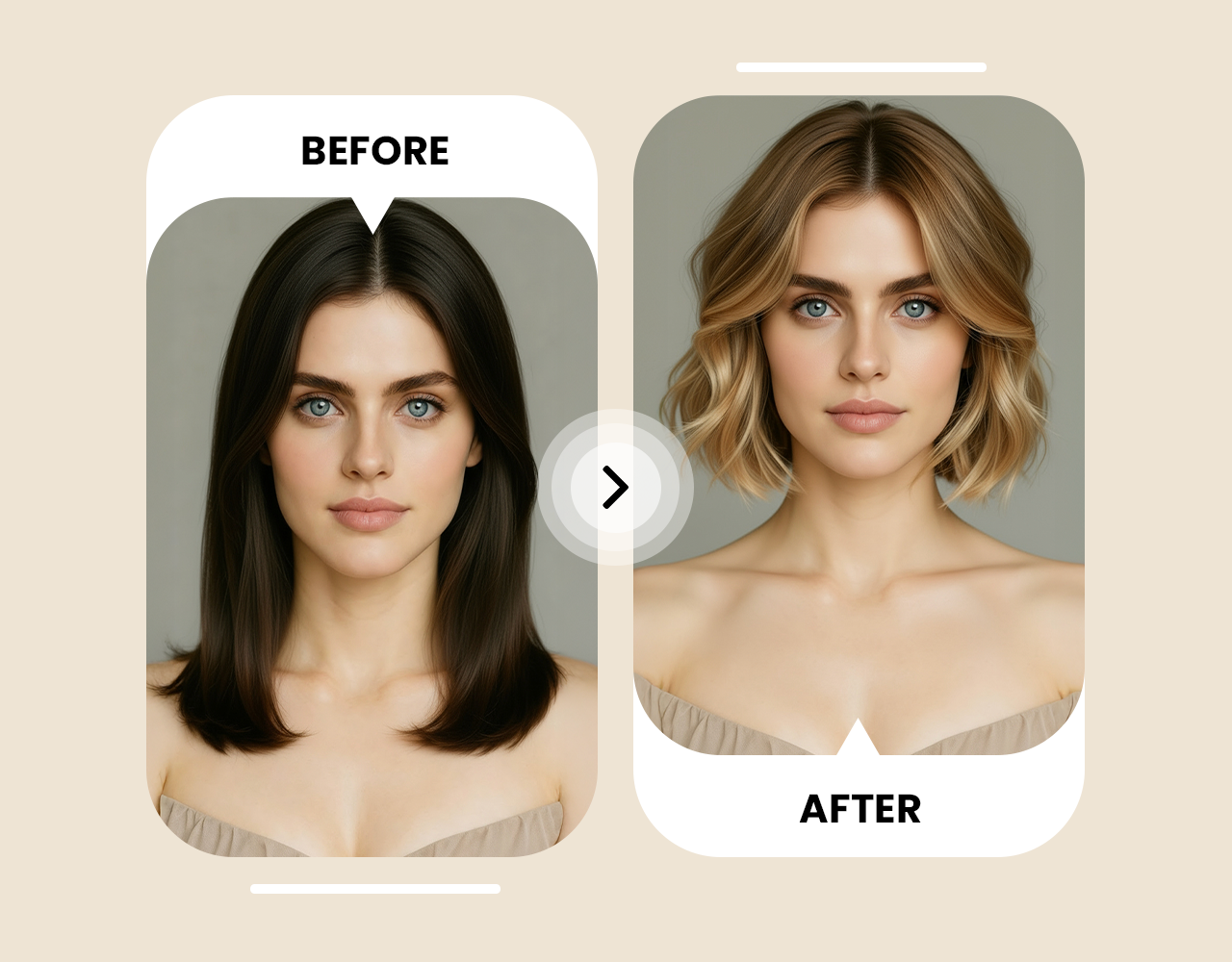
Wondering how you'd look with bangs, a pixie cut, or bold color? ImagineArt AI hairstyle changer shows you realistic previews before you make any changes.
How to Use AI Hairstyle Changer
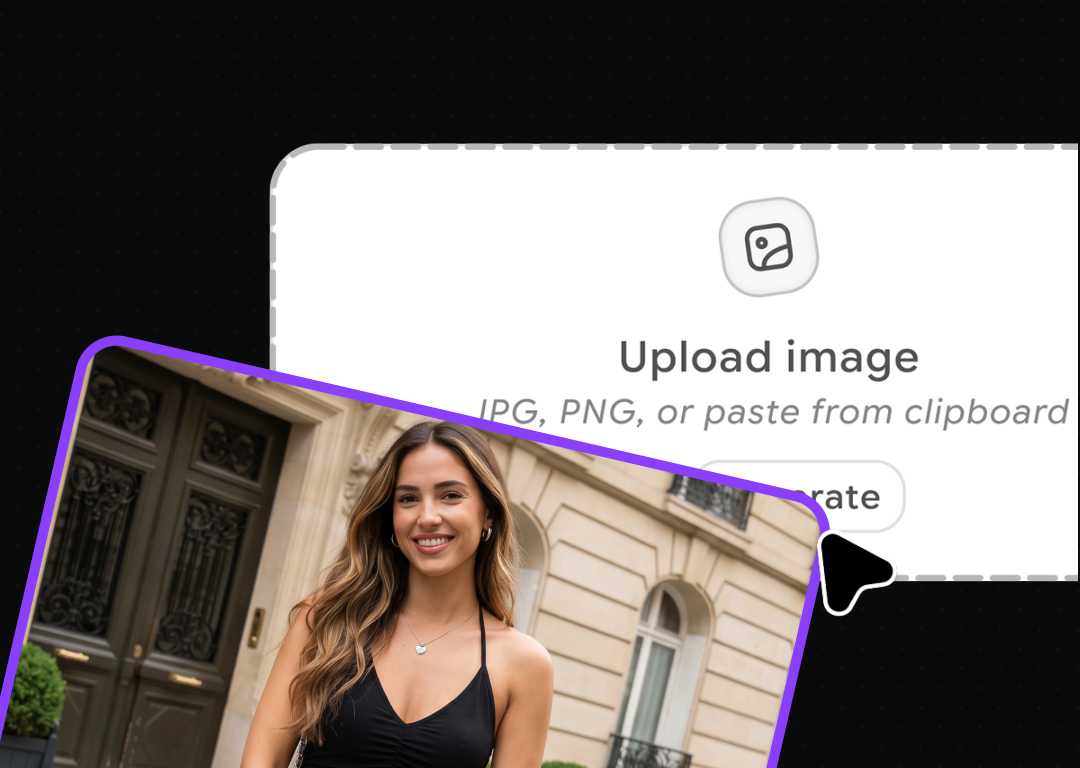
Upload Your Picture
Start with a clear, front-facing photo in good lighting. The better your image quality, the more accurate your virtual transformation will be. AI hairstyle changer works with any standard photo, including smartphone pictures.
Describe Your Desired Hairstyle
Simply provide a prompt in natural language. Whether it's "layered shoulder-length bob," " blonde pixie cut," "natural curls with highlights," "men's modern fade," or "curtain bangs with beach waves." Be as detailed or creative as you wish!
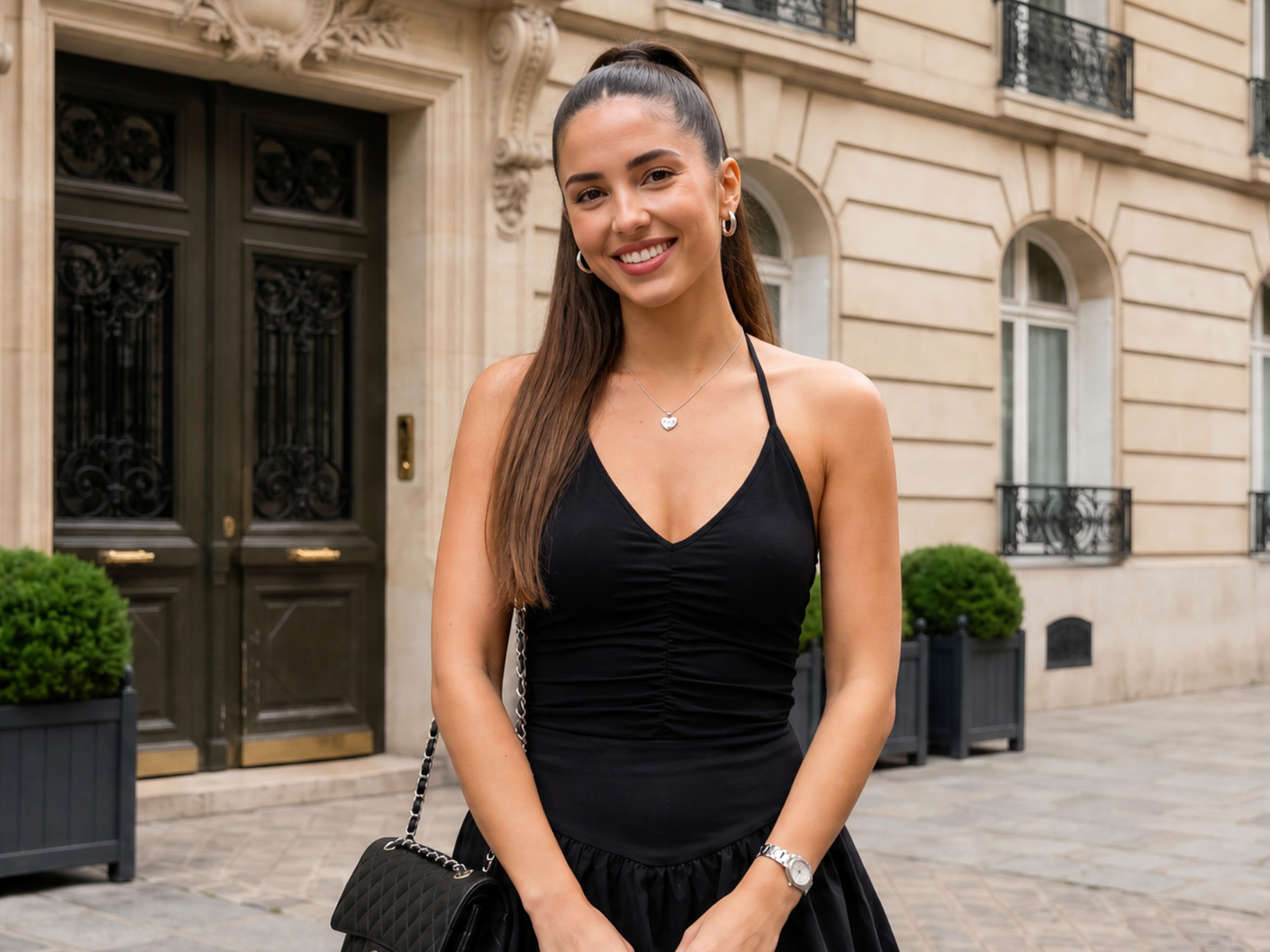
View Your New Hairstyle Instantly
Within seconds, AI hairstyle changer generates a photorealistic preview of your new hairstyle. Save the image to show your stylist, share with friends for feedback, or continue experimenting with different styles.
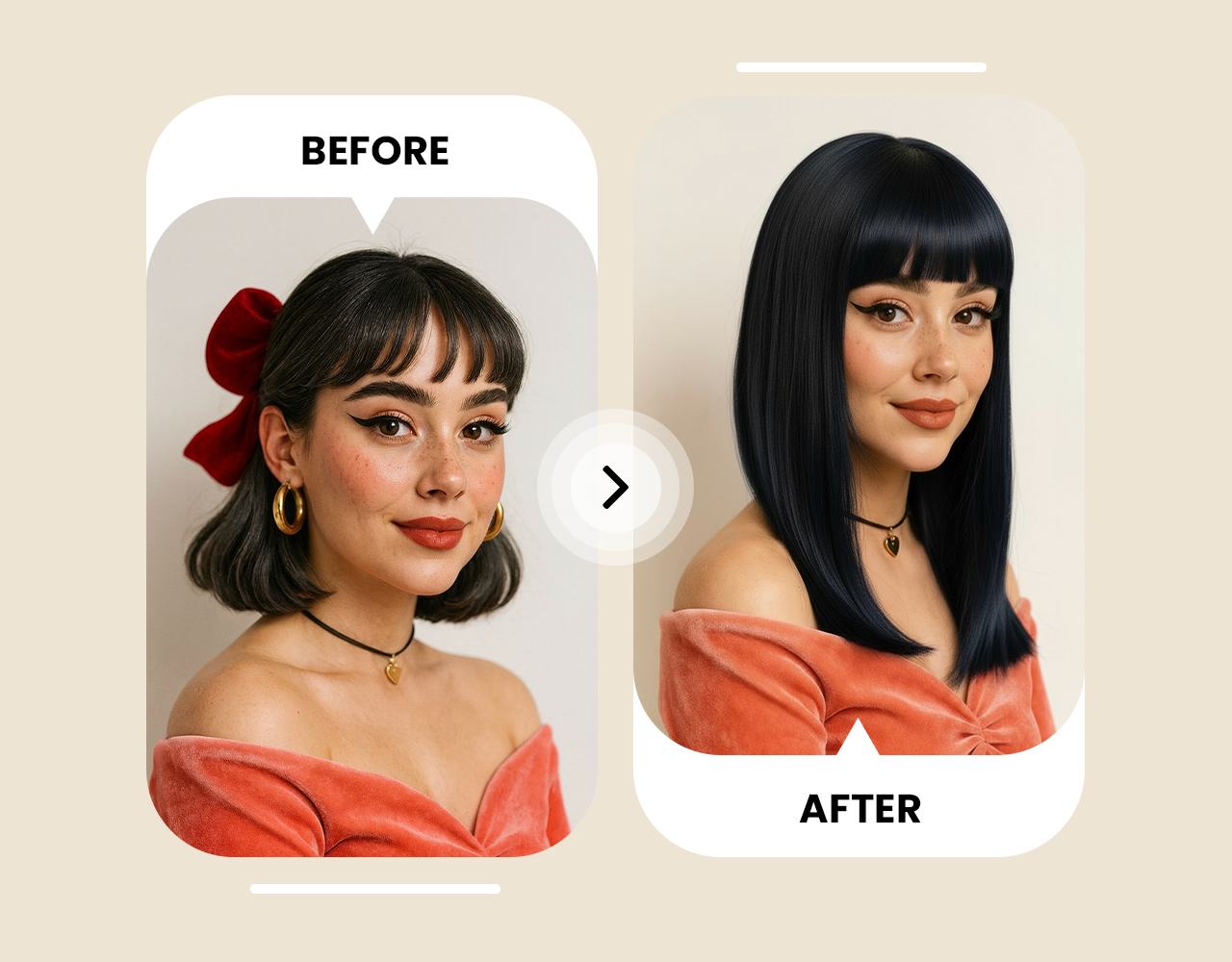
Test Hairstyles on Your Face for Free
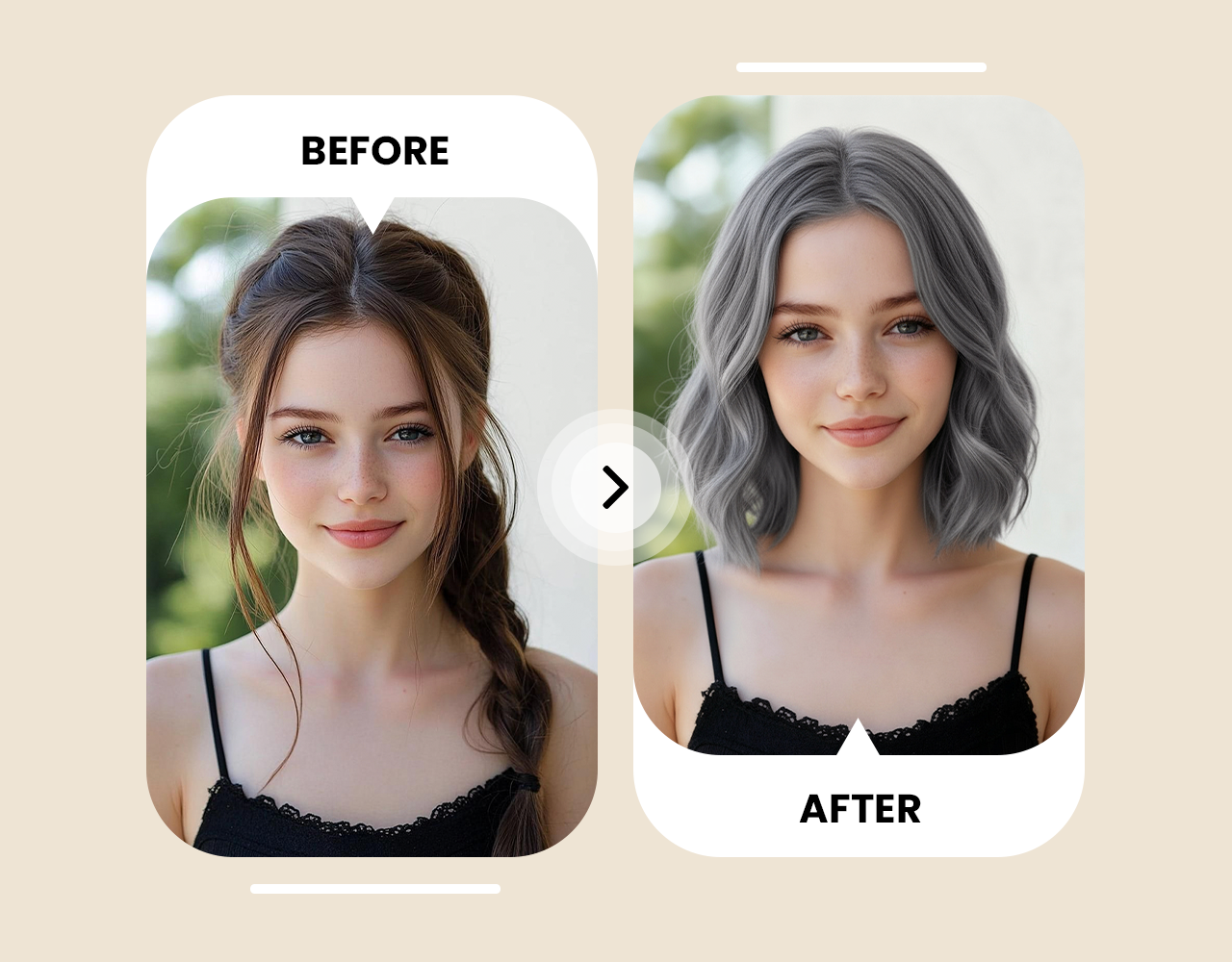
Support All Haircuts, Styles, and Types
Try Different Hair Colors


Trusted by Professionals and Creators from top Brands and Companies
Testimonials
I was about to cut 10 inches off my hair for a bob, but the AI hairstyle changer showed it didn't suit my face shape. Tried a lob instead—absolutely perfect! ImagineArt AI hairstyle changer saved me months of regret

Anya Petrova

I've wanted to dye my hair for years but was terrified it wouldn't suit me. ImagineArt AI hairstyle changer showed me exactly how it would look with my skin tone. Took the preview to my stylist—came out identical and stunning!

Ben Harris

As a busy mom, I don't have time for salon consultations. AI hairstyle changer let me experiment with pixies, bobs, and colors during my lunch break. Found my perfect style before even booking an appointment!

Isabelle Kim

Showed my stylist the AI-generated preview using ImagineArt AI hairstyle changer of the fade and textured crop I wanted — she said it was the clearest, most detailed, realistic, and helpful reference she’d ever seen in her career.

Ravi Patel

Frequently Asked Questions
ImagineArt AI Hairstyle Changer is an advanced artificial intelligence tool that analyze your facial features and current hairstyle, then digitally transforms your appearance with new hairstyles. The technology maps your face structure and applies realistic hair rendering to show how you'd look with different cuts, styles, and colors.
Yes! ImagineArt offers a free AI hairstyle changer that lets you try multiple hairstyles without payment. Upload your photo, describe your desired style, and generate realistic previews instantly, no credit card required for basic features.
Use detailed text descriptions when creating your virtual hairstyle. For example, instead of just "bob," try "shoulder-length layered bob with side-swept bangs and caramel highlights." The more specific your description, the more accurate your results will be. Include details about length, texture, color, and any special features like bangs or layers.
The most-searched cuts in 2026 are the wolf cut, bixie cut, curtain bangs, layered bob, shag, and pixie cut. Each suits different face shapes - see the trending hairstyles section above for details, and try any of them on your photo in ImagineArt.
Absolutely! ImagineArt AI Hairstyle Changer excels at processing complex style combinations. Feel free to request "a pixie cut with longer top layers, short tapered sides, and subtle copper highlights" or "waist-length curly hair with curtain bangs and a money piece highlight." The system will integrate all elements into a cohesive style visualization.
ImagineArt AI hairstyle changer is among the best, offering hyper-realistic results, unlimited style experimentation, and support for all hair types and genders. It uses advanced AI technology to generate photorealistic previews that look authentically like you.
For men's cuts, specific terminology yields the best results. Use terms like "fade" (with specifications like "high fade," "mid fade," or "low fade"), "taper," "undercut," "crew cut," "quiff," "pompadour," "textured crop," "slick back," or "comb over." Include length indicators for the top, sides, and back for precise visualizations.
Yes! ImagineArt AI hairstyle changer excels at color transformations. Try any shade from natural brunettes and blondes to vibrant fashion colors like purple, pink, or blue. The AI adjusts colors to complement your skin tone and shows realistic highlighting techniques.
The fastest way to find out is to test a few on your own face. Start with the haircuts recommended for your face shape: oval faces suit most styles, round faces look good with cuts that add height, square faces suit soft layered cuts, heart-shaped faces suit jaw-length bobs, and long faces suit haircuts with width and bangs. Upload your photo and try each one in ImagineArt AI hairstyle changer.
Upload your photo directly to ImagineArt's hairstyle changer. You don't need to match your photo to a preset - describe the cut and color you want in plain text and the AI applies it to your face. The result is a full-resolution image you can download or share with your stylist.