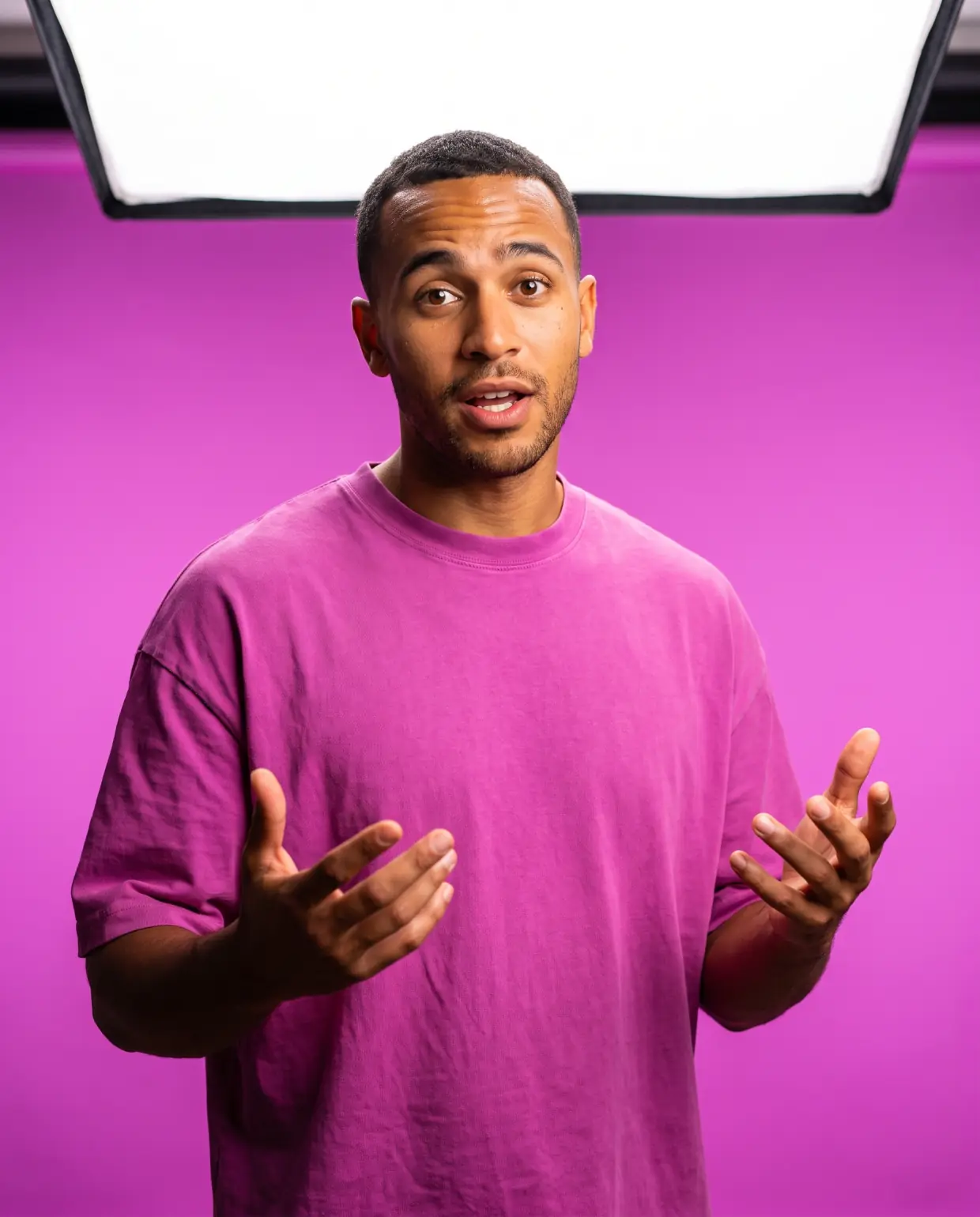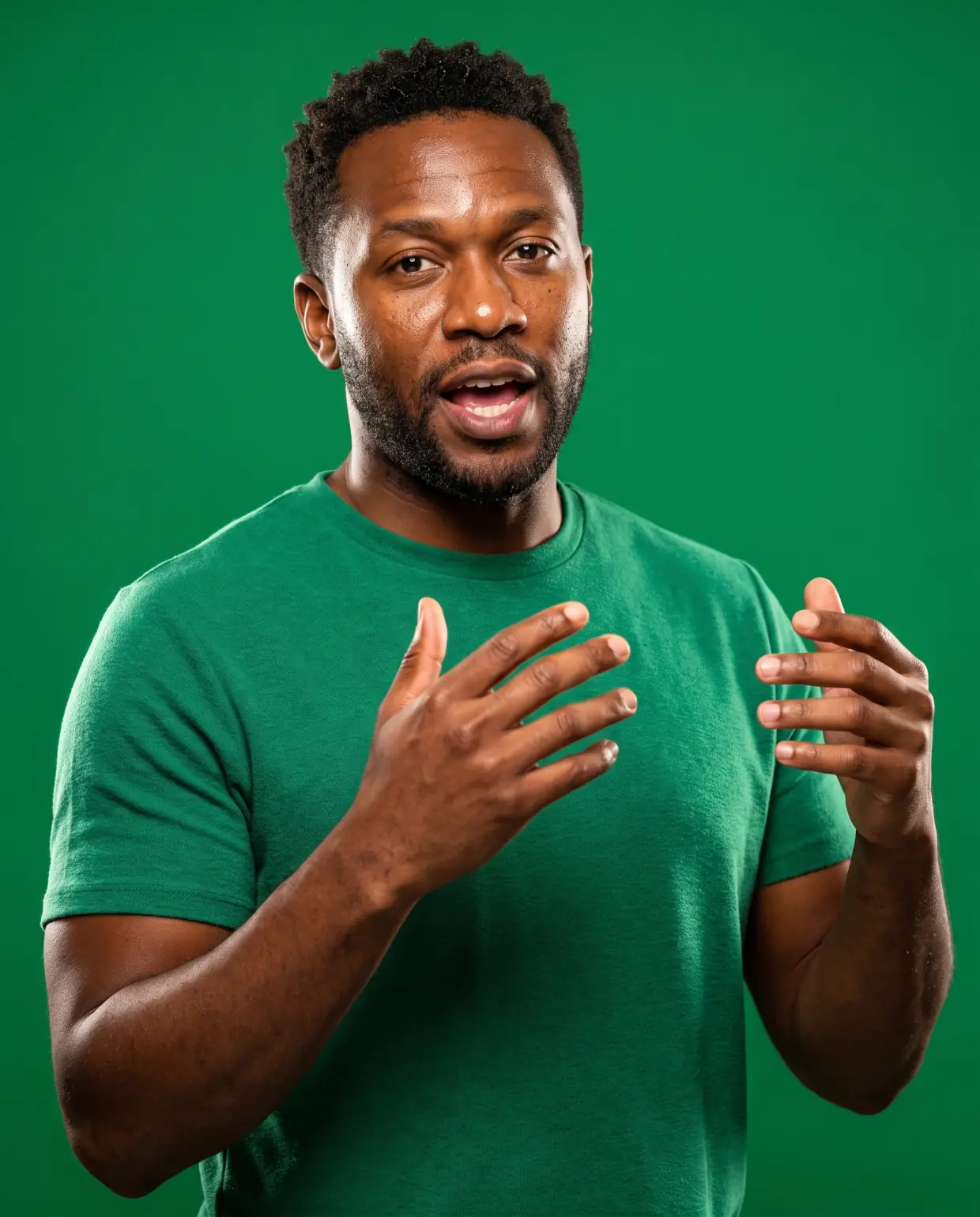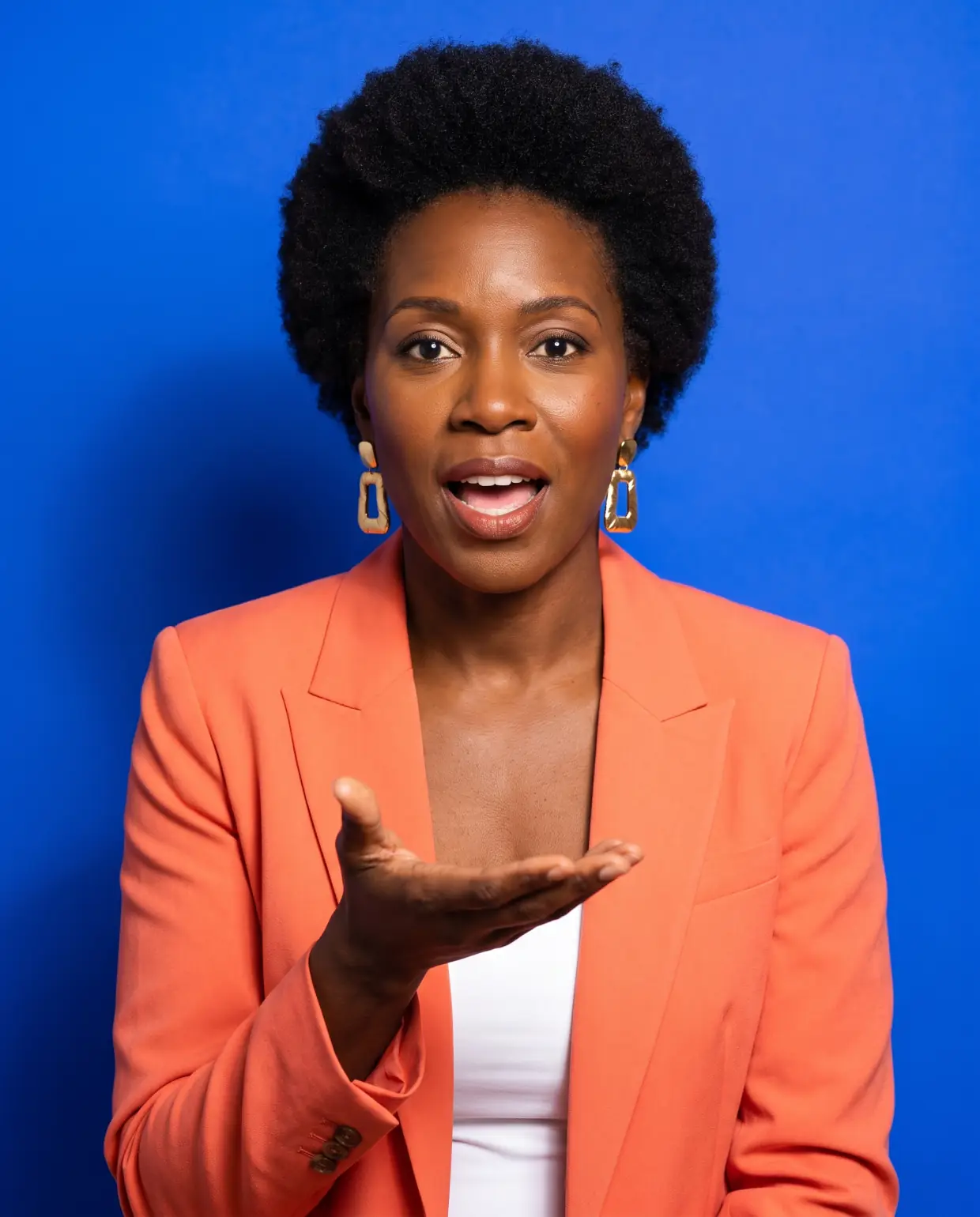
One avatar. Every video you need it in.
Turn one photo into a presenter who talks, gestures and speaks 50+ languages, then put the same face in your ads, your courses and your Spanish cut.
No credit card required
Trusted by the brands you benchmark against
- ByteDance
- Kling AI
- MINIMAX
- Wan
- fal
- Grok
Partnering with global industry leaders to power your creative output
Watch a video get made
Avatar Studio turns one photo and a script into a lip-synced video in under a minute.
What the studio does that a talking-head tool does not
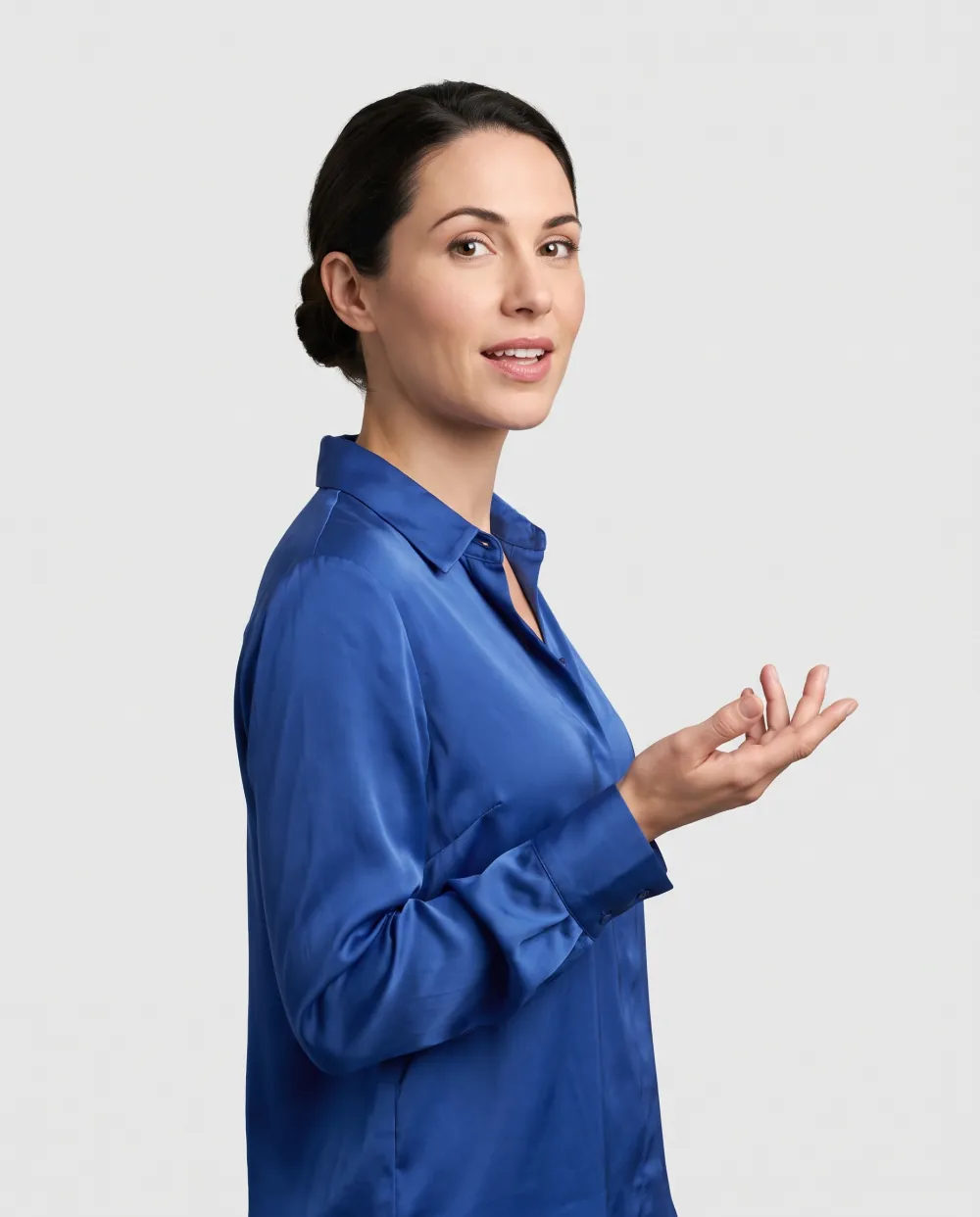
Lip sync that follows the voice, so a translated cut never reads as dubbed.
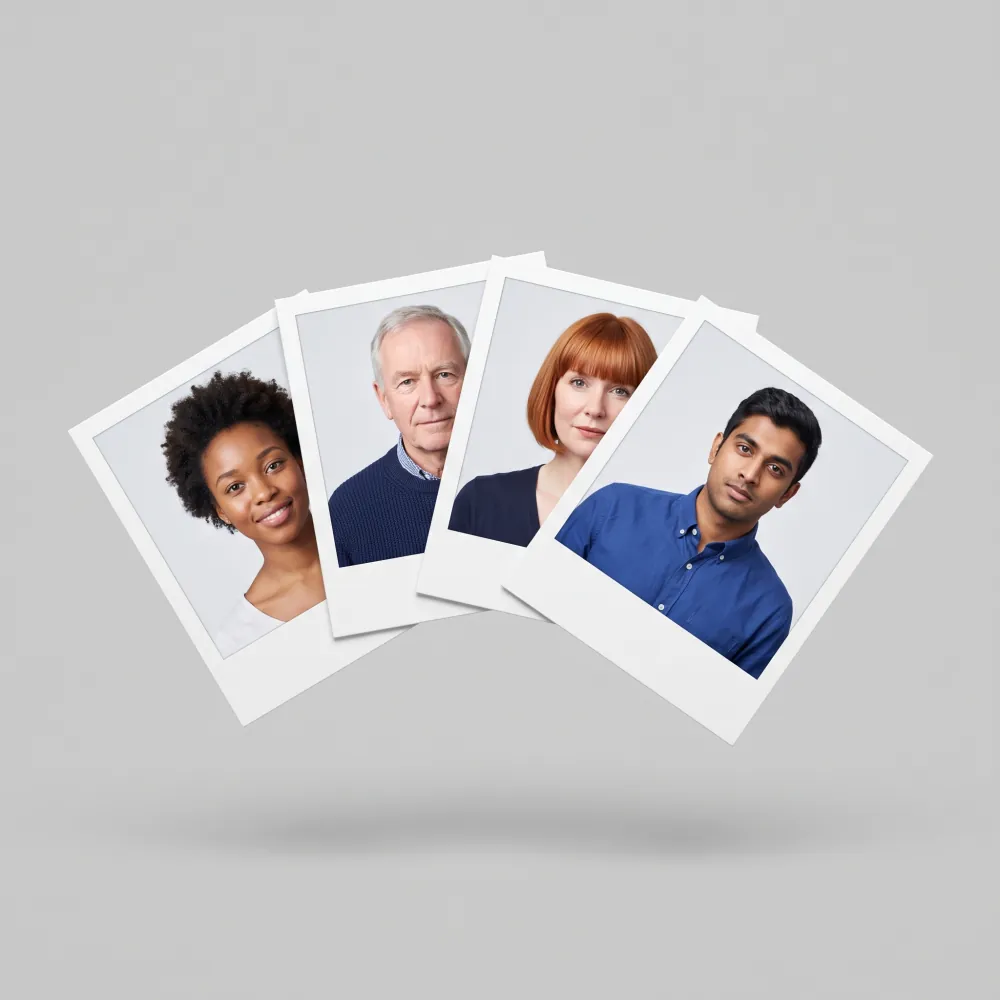
Describe an avatar and get four to choose from.
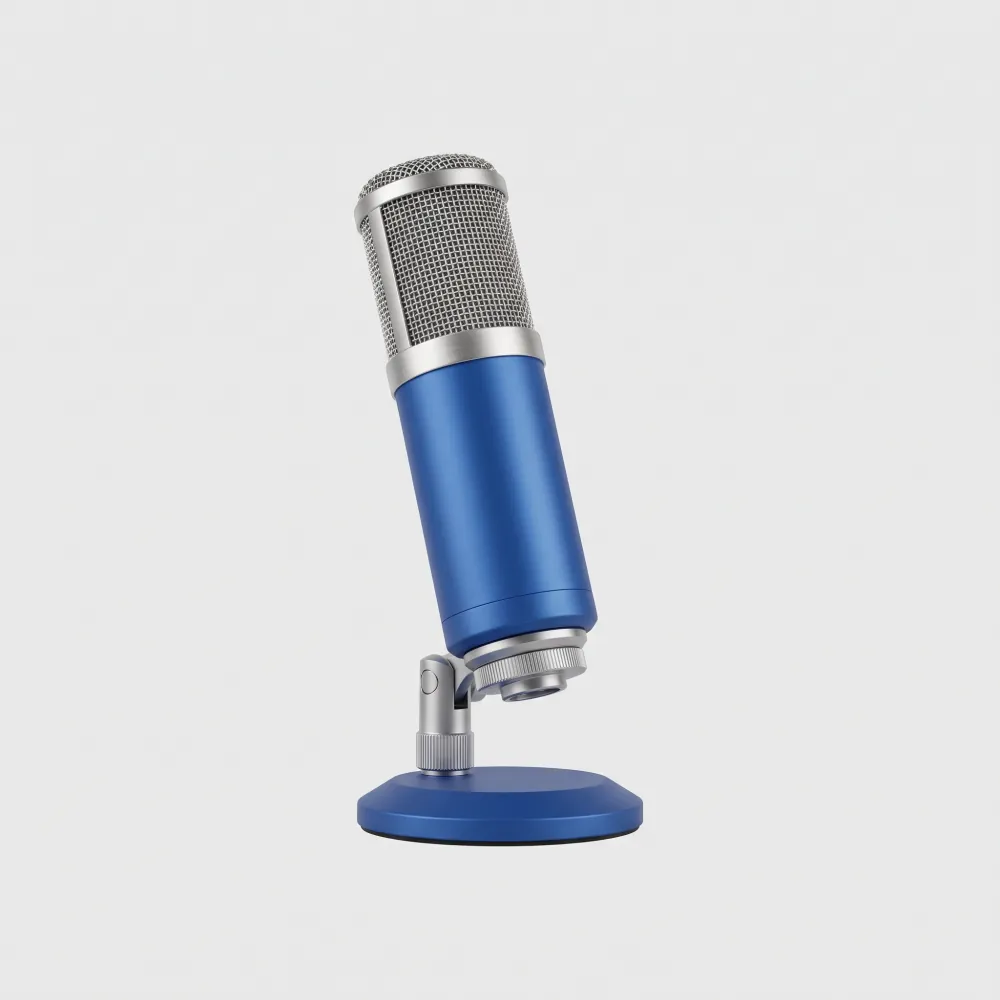
Pick a voice or clone your own, recorded in the browser or uploaded.
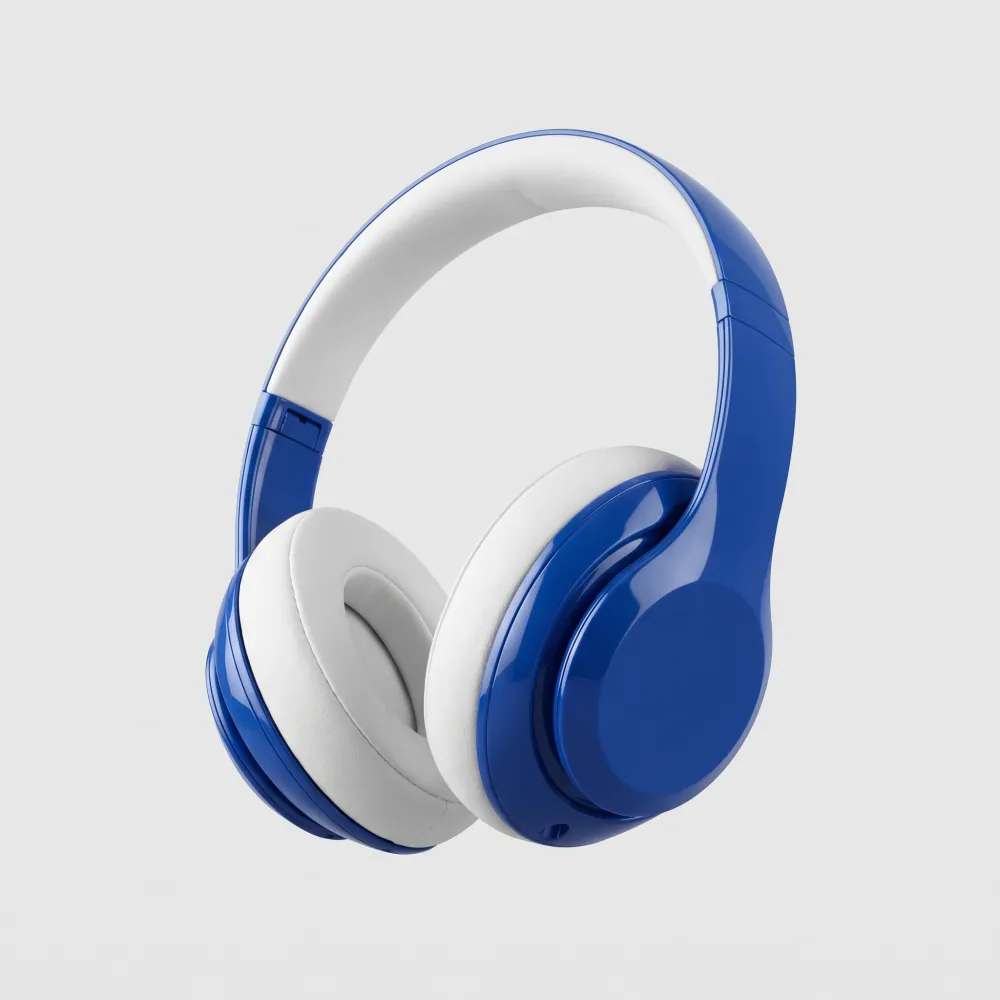
Bring your own audio and the avatar matches its accent, pitch and emotion.
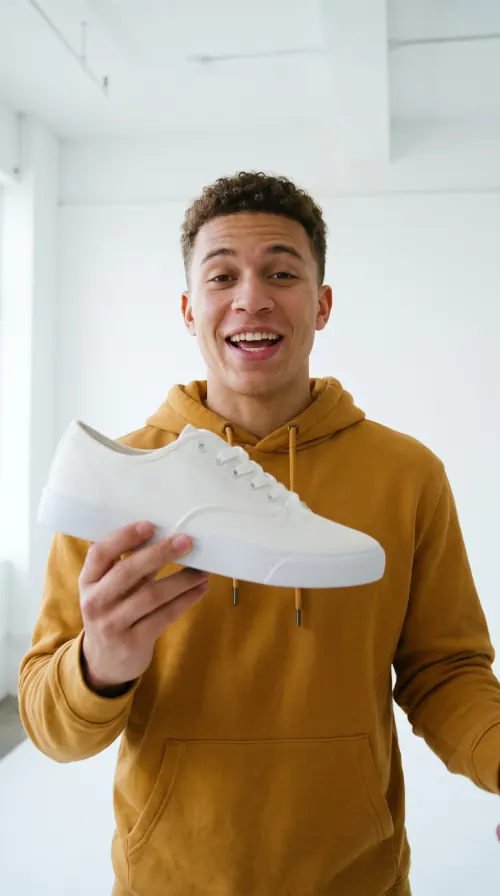
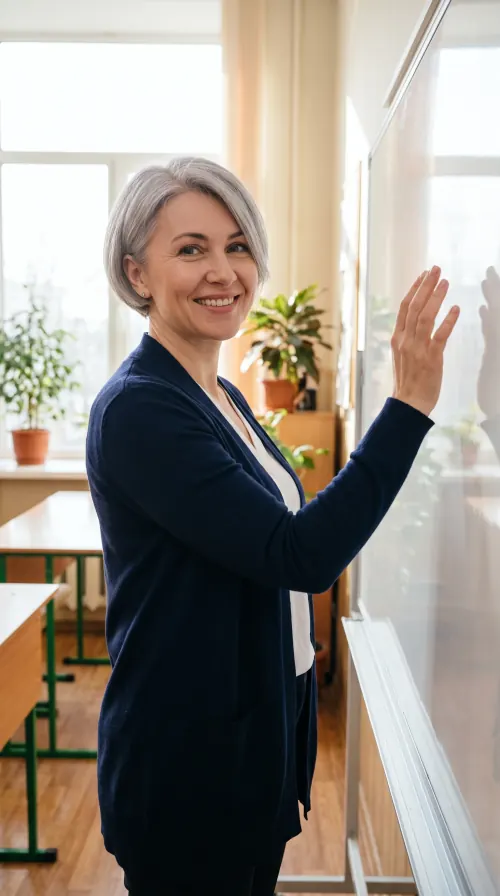
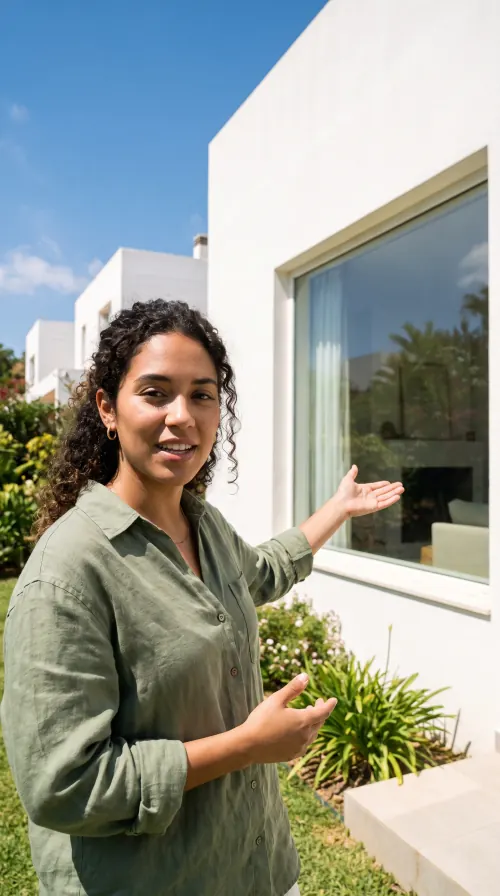
Start from a template and swap in your avatar and script.

Put them anywhere: a preset, a background you generate, an upload, or one of your creations.
What Avatar Studio does, in numbers
Built for the hundredth video, not just the first
The same face in every video
Save the avatar once and reuse it wherever you need a presenter: this month's ad, next quarter's lesson, the team update. The face your audience knows stays the same from the first video to the hundredth.
Change a line, not the shoot
When a price moves or a claim changes, edit that line and regenerate. The presenter, the set and the pacing come back the same, so a fix takes minutes instead of a reshoot.
Longer videos, one scene at a time
Build a longer video in scenes, each with its own script, shot and background, so one walkthrough can move from the desk to the product to the street without a second shoot.
Translate a video you already have
Already filmed it? Upload the finished video, pick the language, and get it back with the lip sync re-timed to the new audio: the same speaker, talking to a new market.
Where teams put an avatar to work
Five jobs the same presenter can do once it exists. Each has its own page with the workflow, the tooling and the trade-offs.
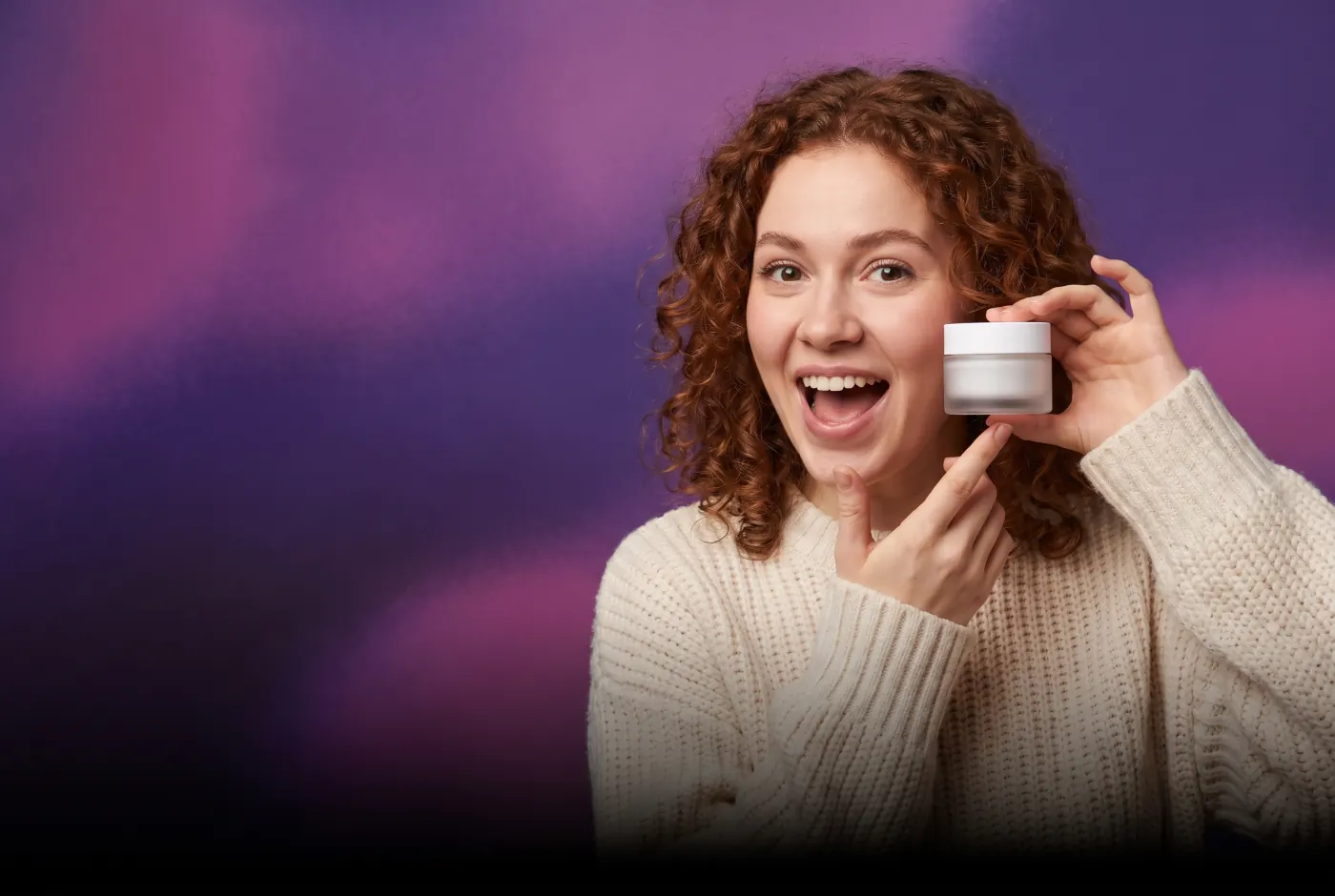

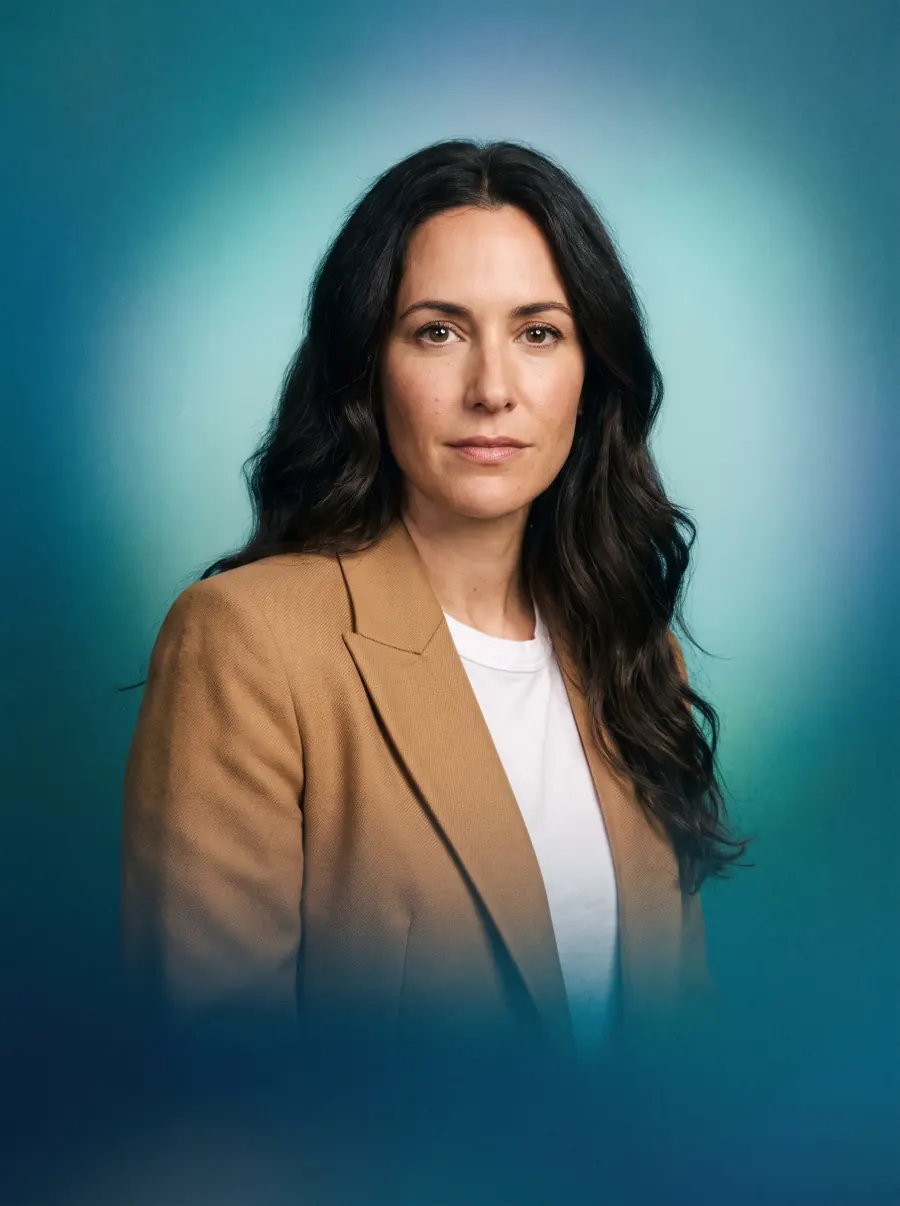
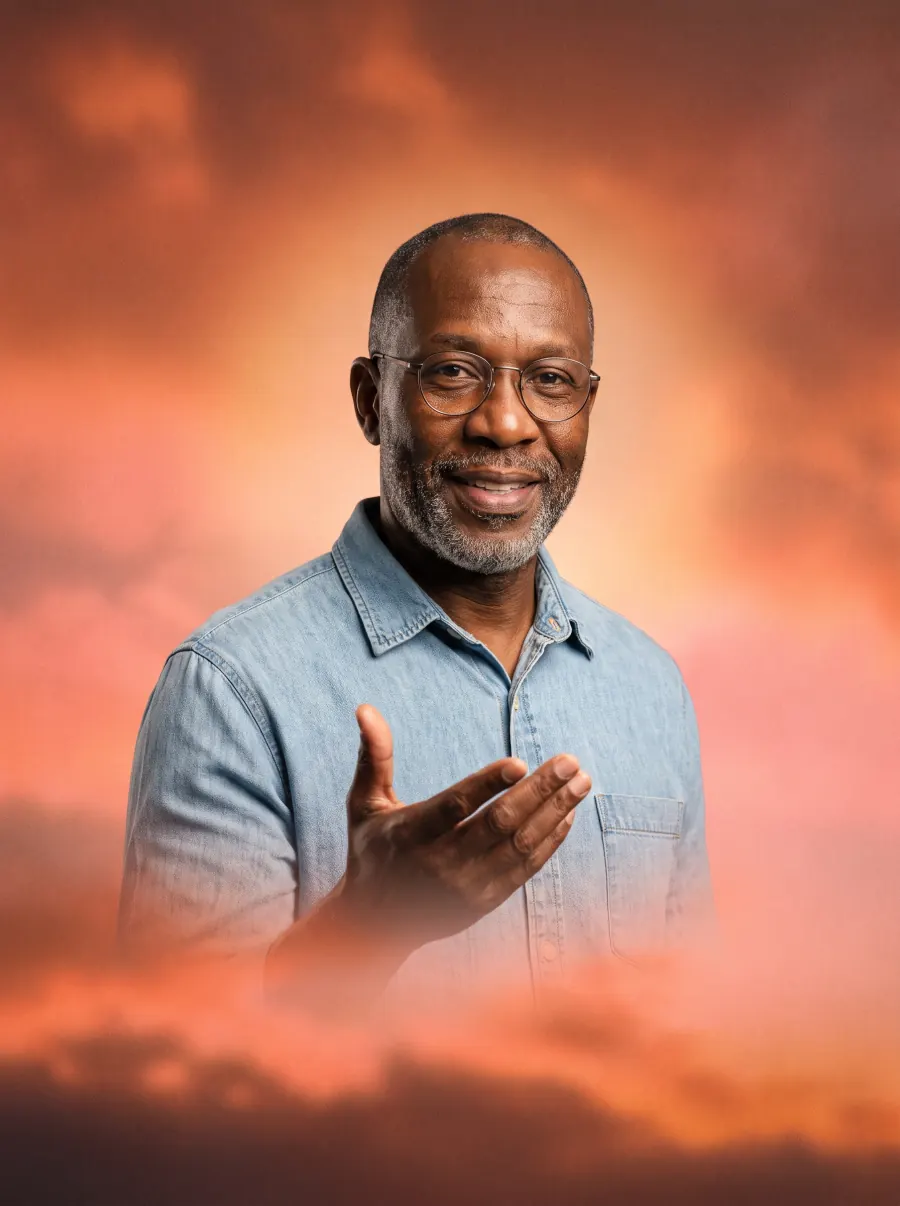
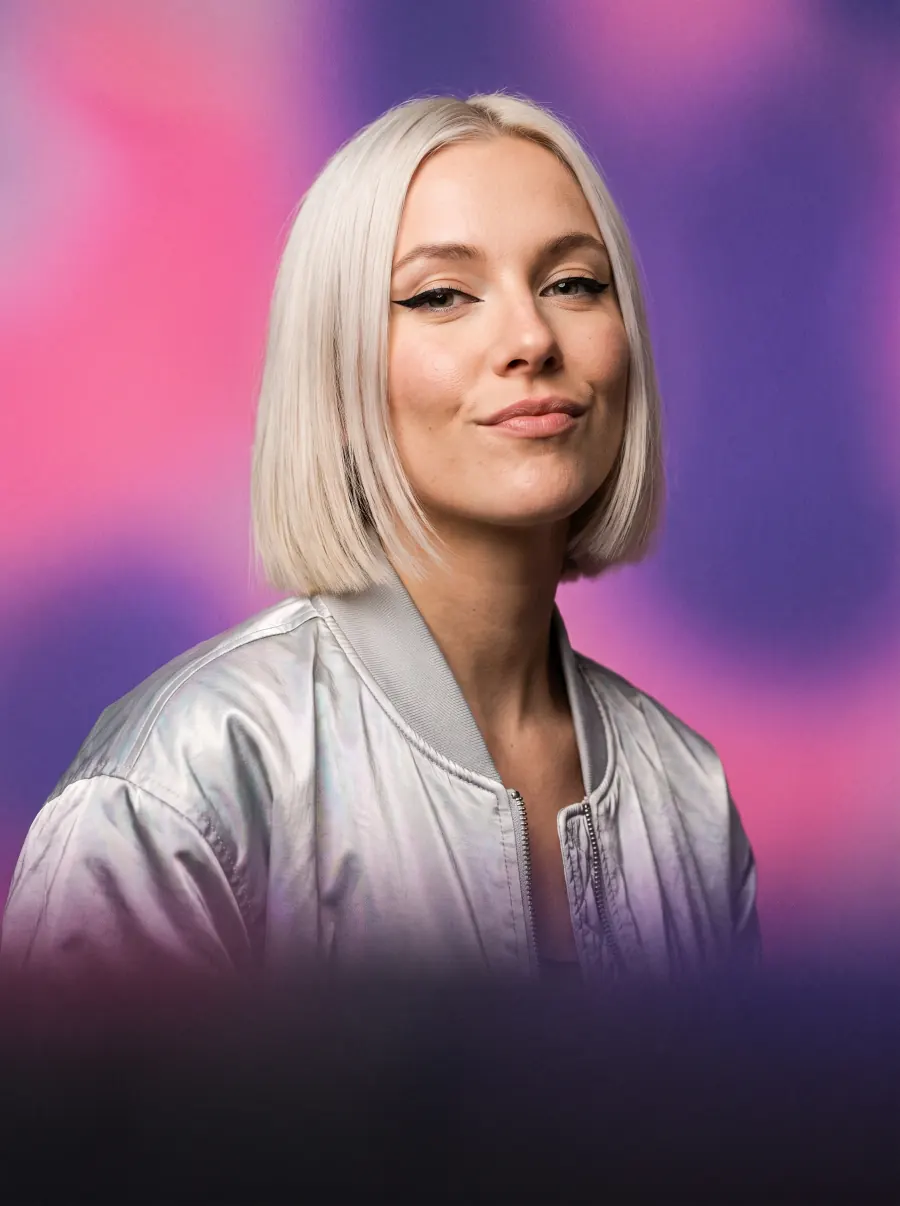
Avatar video for your industry
Presets are grouped by industry, with each industry's own use cases inside.

E-commerce
Product explainers, presenter ads and launches.See e-commerce
Fashion
Drops, styling tips and fit explainers.See fashion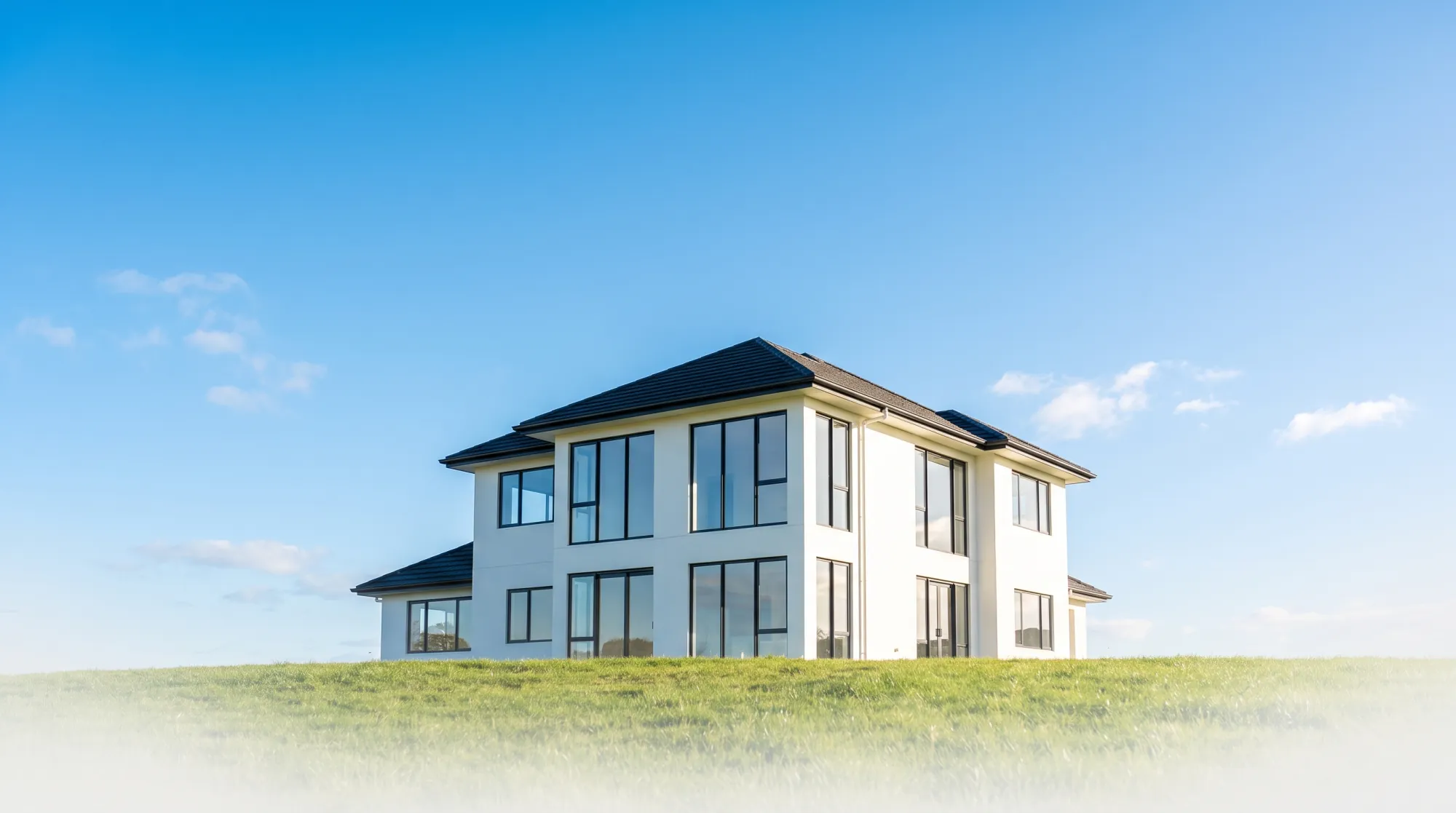
Real estate
Market updates, listing tours and agent intros.See real estate
Creators
Faceless series, a virtual persona and replies.See creators
Interior design
Project walkthroughs, tips and client intros.See interior designWhere the avatar goes next
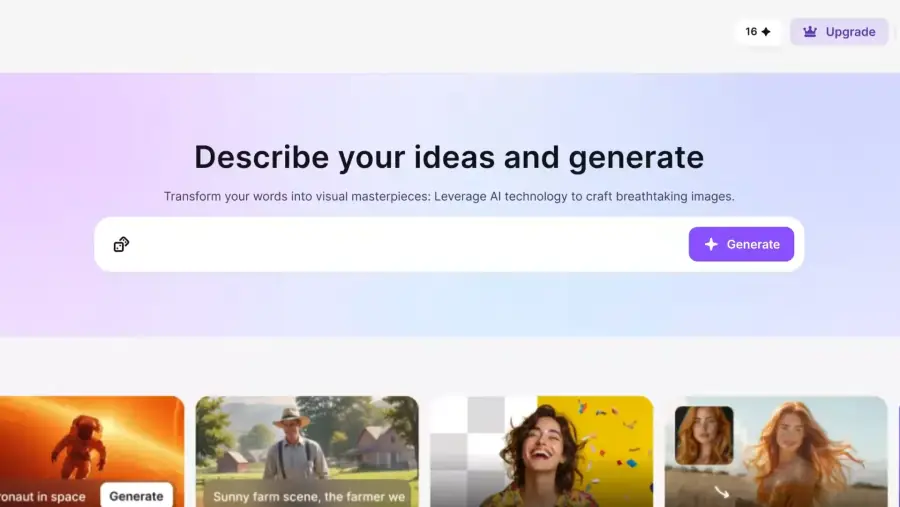
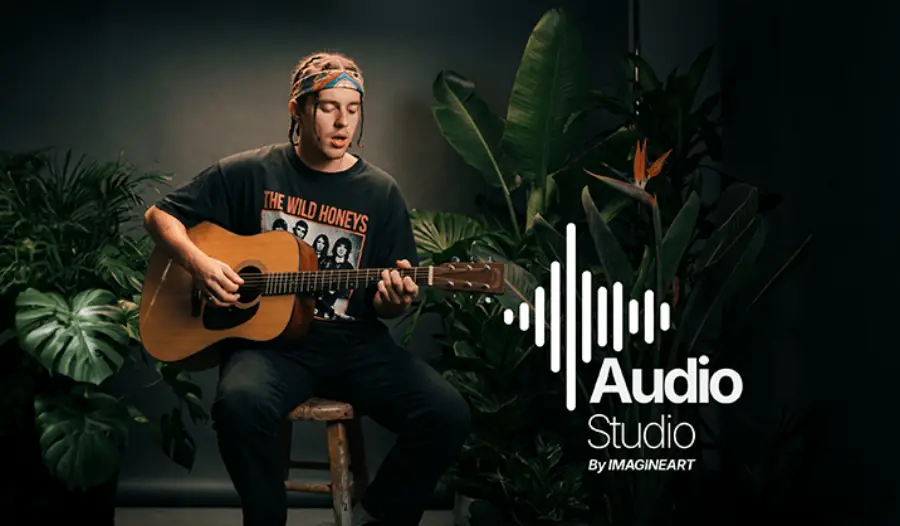
The presenter is one asset. These are the studios it feeds into once it exists.
Enterprise-grade security
The controls ImagineArt Enterprise runs on.
SOC 2 Type II
Independently audited, with the report in the Trust Center.
SSO and MFA
Sign-on through your identity provider, with MFA on every account.
Zero data retention
Prompts and outputs are never stored or used to train models.
Full audit trail
Every action logged, so you can see who made what, and when.
Encrypted end to end
Protected at rest and in transit, at every stage.
Your IP stays yours
Full commercial rights to everything you generate.
Questions about AI avatars
What the studio does, what it costs, and where the limits are.
- What is an AI avatar studio?
- It is the layer above a single avatar tool. A tool turns one photo into one talking video. A studio keeps the avatar, the voice and the brand settings in one place, then reuses them across ads, training modules, localized cuts and social posts, so the presenter stays the same across everything you publish.
- How many photos do I need to make an avatar?
- One. A single clear portrait is enough to animate a talking presenter with lip sync and gestures, in under a minute. A studio avatar takes a short recording instead, which captures how you move and gives a closer likeness.
- Can the avatar speak a language I do not?
- Yes, across 50+ languages. Type the script in whichever language you write in, then pick a voice in the target language. The lip sync re-times to the generated audio, so the result does not read as a dub over a fixed mouth loop.
- What does it cost to start?
- Nothing, and no credit card. Paid ImagineArt plans add commercial use and higher limits; the current tiers and what each includes are at imagine.art/subscription.
- What stops someone making a video with my face?
- A studio avatar is bound to the consent recording that created it, so the likeness cannot be generated from someone else's account. An instant avatar is made from a photo you upload, so only upload photos of people who have agreed to it.
- What aspect ratios and placements does it export?
- 9:16 for Reels, TikTok and Shorts, 4:5 and 1:1 for feed, and 16:9 for YouTube and display. All four come out of the same take, so the placements stay consistent with each other.
- How is this different from filming a presenter?
- The cost of a change. A filmed video needs a re-shoot when a price, a policy or a product name moves. An avatar video needs a line of script edited and a regenerate, and the presenter, set and pacing come back identical.
Make your first avatar video in under a minute
A photo and a paragraph of script is the whole setup. The first one is free.
No credit card required. Commercial use included on paid plans.