Best AI Fashion Apps: 5 AI Fashion Model Generators Compared
The best AI fashion app keeps one model consistent across your whole collection, renders prints and fabric accurately, and turns approved photos into video. We compared ImagineArt Fashion Studio, Photoroom, Botika, Flair AI and Pixelcut on price, video, resolution and Shopify support, using each vendor's own published figures. Here is the right pick for your store, plus the ten-minute test that exposes a weak tool.

Kamran Arshad
November 5, 2026 • Updated November 9, 2026
13 mins Read
Most AI fashion apps can put a dress on a model once. The hard part is doing it four hundred times on the same face, with the print still lined up at the seams, and then turning the best frames into a Reel. That is the test every tool in this guide had to pass.
The short answer: ImagineArt Fashion Studio is the best AI fashion app for clothing brands that need catalog photos, lookbooks and video from one saved model. Photoroom is good for teams already editing thousands of product photos a month. Botika suits brands that want human retouchers checking their images. Flair AI and Pixelcut are the cheapest ways to start, with tighter limits on volume but with quality concerns.
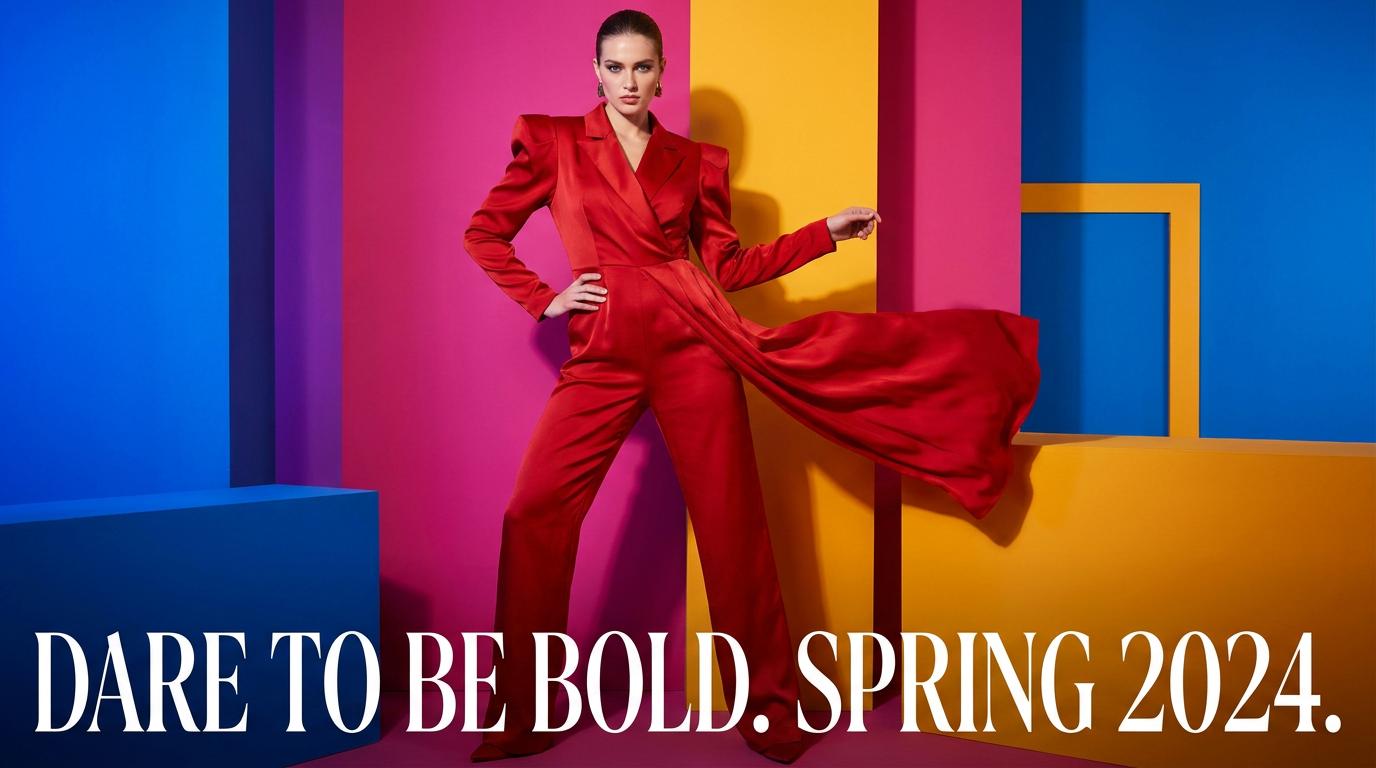
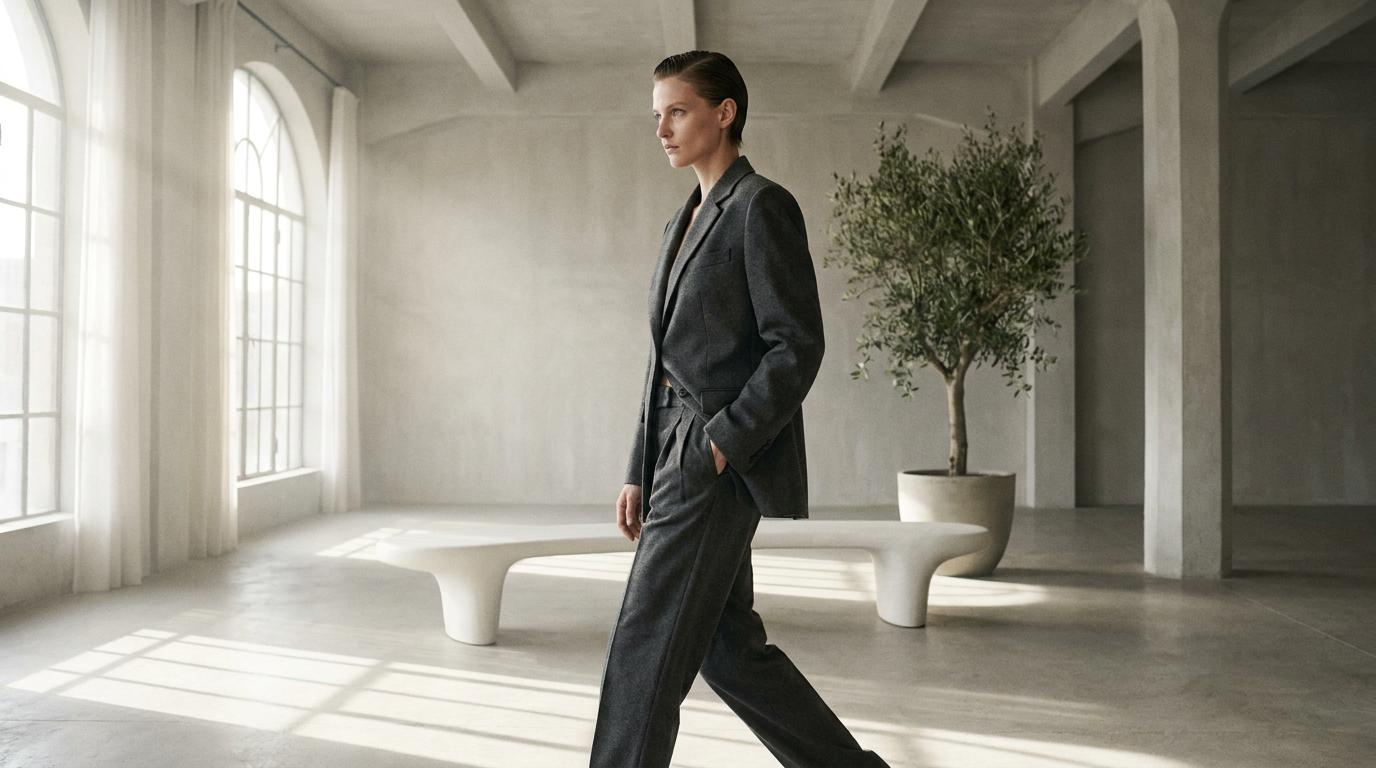
An AI-generated fashion campaign image of a model in tailored outerwear, created in ImagineArt Fashion Studio
Quick Picks: The Best AI Fashion App for Each Job
Different stores need different things from an AI fashion model generator. Find your situation in the left column and start your trial with the tool beside it.
| If you need | Start with | Why |
|---|---|---|
| Catalog, lookbook and video from one saved model | Fashion Studio | Saved models, XS to 4XL, up to 4K, and editorial and catalog images and videos from the same shoot |
| High-volume edits across an existing photo library | Photoroom | Background, retouch and AI fashion models in one editor |
| Human retouching on every batch | Botika | Retouch rounds and fix delivery included in its plans |
| A few styled scenes a month on a small budget | Flair AI | Free plan, custom human models and scene design |
| The cheapest first test of AI model photos | Pixelcut | Free plan and a $10 Pro tier with virtual try-on |
ImagineArt publishes this guide, and we rank our own tool first, and for good reasons. To make the ranking checkable, every competitor fact below comes from that vendor's own pricing page, help docs or app listing, reviewed in November.
The Five Tests Every AI Fashion App Had to Pass
A good demo proves very little.
These five tests decide whether an AI fashion app holds up on a real catalog, and they appear here in the order they knock tools out.
- Garment accuracy: the print, logo, stitching and color must match the real product at full zoom.
- Model consistency: the same face and body must carry across a whole collection, season after season.
- Video from the same shoot: Reels, TikTok clips and product-page video should come from the images you already approved.
- Model range: sizes, ages and skin tones that match your actual customers.
- Clear costs and rights: a published price and commercial terms you can read before you generate at scale.
Garment accuracy removes more tools than price ever does. A shopper who receives a jacket that looks different from the photo sends it back, and no saving on production covers a return.
AI Fashion Apps Compared on Price, Video and Resolution
The table below puts the five tools side by side on the facts that change a buying decision. Prices are each vendor's own published figures in US dollars.
| App | Entry price | Video | Top image resolution | Shopify Integration |
|---|---|---|---|---|
| ImagineArt Fashion Studio | Free to try, credit-based plans, starting from $9 | Yes, from catalog and editorial images | Up to 4K | Yes |
| Photoroom | Free trial, then Pro | Max and Ultra plans only | 4K on Ultra only | Max and Ultra plans |
| Botika | $46/mo, billed yearly | Yes, 5 credits per clip | 2K on Pro, 4K on Advanced | App not currently listed |
| Flair AI | Free, then $8/mo | 1 to 5 clips a month | Not published | No app found |
| Pixelcut | Free, then $10/mo | Yes, on credits | Not published | No app found |
Two patterns stand out. Video and 4K sit on higher tiers for most tools, so the entry price rarely reflects what a fashion brand ends up paying. And video is priced very differently from tool to tool: Botika charges five photo credits per clip, Flair AI caps clips at five a month, and Photoroom holds video back until Max.
1. ImagineArt Fashion Studio: Best AI Fashion App Overall
Fashion Studio treats your AI model as a long-term member of the brand, not a one-off render. You pick a model or build your own, save it, and that same face returns in every shoot and every season.
Upload a flat lay, hanger shot or ghost mannequin photo, set the scene, pose, framing and light, and the garment comes back on-model with its color, print and trim intact.
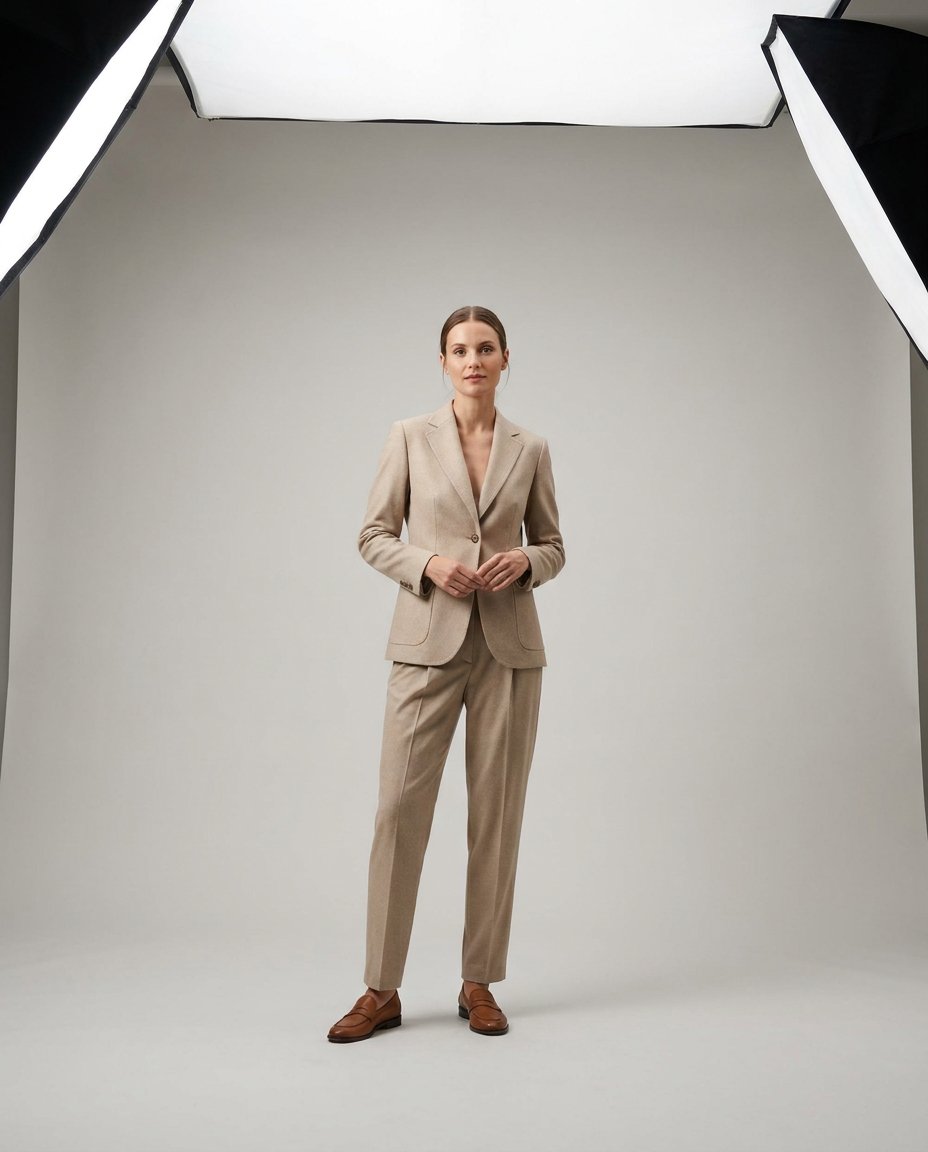 An AI-generated catalog photo of a model in a tailored blazer on a clean studio background, made in ImagineArt Fashion Studio
That saved model is the reason it ranks first. One setup produces catalog images, lookbooks and editorial campaigns, and the same approved images become video, so a single afternoon covers the product page and the week's social posts.
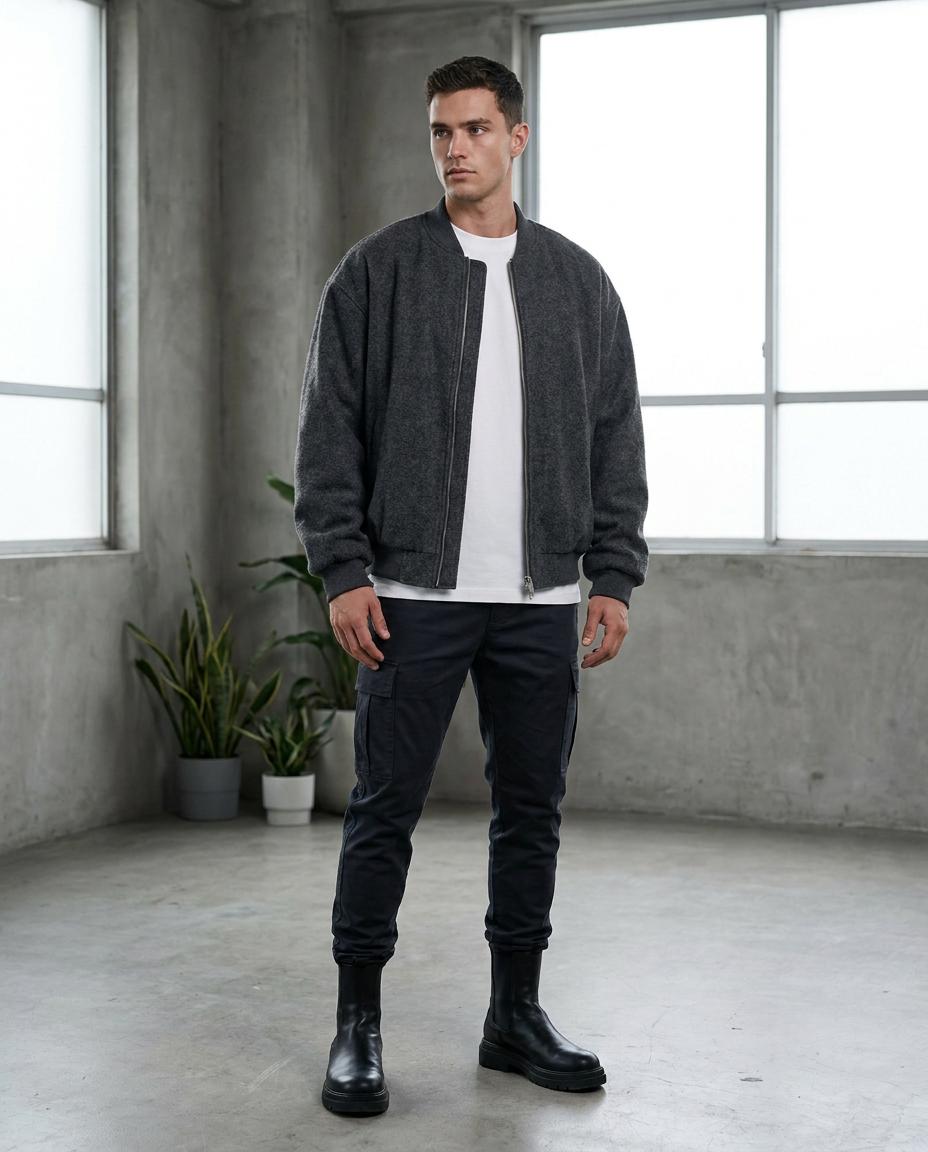 An AI-generated streetwear editorial photo of a model in an urban setting, made in ImagineArt Fashion Studio
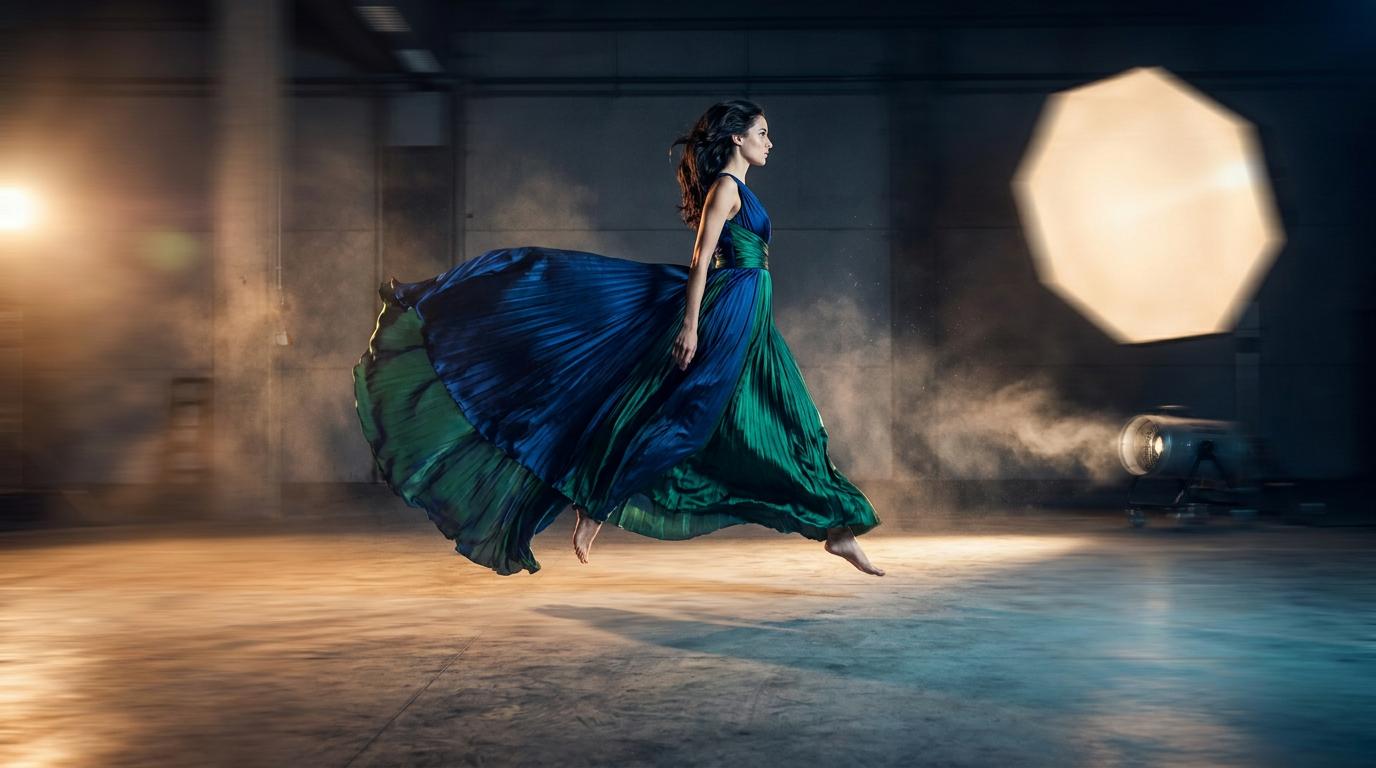
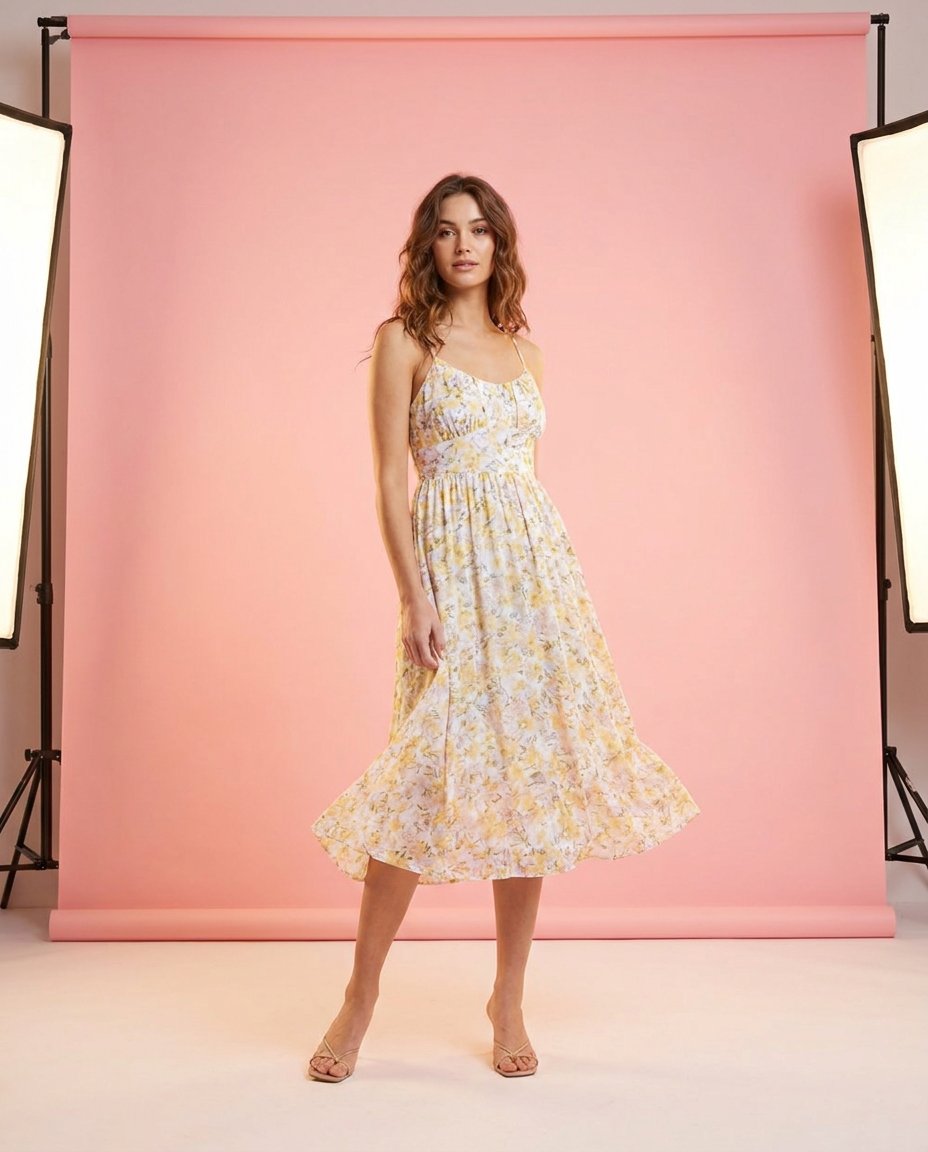 An AI-generated outdoor editorial photo of a model in a summer dress, made in ImagineArt Fashion Studio
Here is what you get beyond the saved model, all listed on the Fashion Studio product page:
- Models from XS to 4XL, petite to tall, across ages and skin tones, for womenswear, menswear and unisex lines.
- Front, three-quarter, side, back, and dozens of other angles generated from one approved image in seconds, so a product page gets its full gallery without a reshoot.
- Output up to 4K in PNG, JPG, WebP or MP4, with SKU codes applied to file names and every platform size in one click.
- Top-tier image models tuned to keep fabric, fit and color true to the garment you upload.
- Ad Studio, which turns the same looks into try-on, unboxing and haul ads for Meta, TikTok and YouTube.
- A connection to ChatGPT and Claude through MCP and GPT for Fashion, so your team can run shoots from your favorite AI tools.
The business behind the software matters at production scale. ImagineArt works with more than 3500 companies, including Unilever's Knorr, Khaadi and Kayali, and it is SOC 2 Type II audited. Unilever's teams produced 1,200 static assets and 300 video reels in six weeks, with image production 30% cheaper and turnaround 40% faster.
Enterprise teams get reserved capacity, agreed delivery dates and forward-deployed creatives who run production alongside the in-house team.
The trade-off: Fashion Studio is built for fashion and apparel. If all you need is background removal on hard goods, a general photo editor is the simpler buy.
2. Photoroom: for High-Volume Product Photo Editing
Photoroom started as a background remover and grew into a full product-photo editor, and AI Fashion Models now come with every paid plan. Its strength is volume: a team that already shoots thousands of product photos can clean, retouch, resize and dress them in one place.
Its plan structure decides what a fashion brand can do with it. Pro includes 8,000 AI credits and 1,000 exports a month, with AI fashion models at 1K resolution. Video for ads and product pages starts on Max, which also adds Shopify integration and 2K fashion models. 4K images and HD video arrive only on Ultra.
Choose Photoroom if your bottleneck is editing an existing photo library at scale. Look elsewhere if you need one saved model carried across seasons and turned into campaign video.
3. Botika: for Brands That Want Human Retouching
Botika's pitch is quality control with people in the loop. Every plan includes retouch rounds: you flag an issue and its team fixes the image, within 48 hours on Pro. You can start from smartphone photos, supplier photos or customer photos, and Enterprise customers get exclusive AI models and backgrounds built for their brand. Brands including Jordache use it.
Pricing is published and credit-based. Pro costs $46 a month billed yearly, with 600 credits a year, a limited model selection and 2K images. 4K and the full model library sit on Advanced. Each photo costs 1 credit and each video 5, and unused credits roll over while you stay subscribed.
One thing to check before you buy: when we looked in November, Botika's Shopify app was listed as not currently available on the Shopify App Store. If publishing straight from Shopify is part of your plan, confirm the current status with Botika first.
4. Flair AI: for Styled Product Scenes on a Small Budget
Flair AI is a product-photoshoot designer that handles fashion through its AI Human Builder and virtual try-on tools. It shines at composed, styled scenes, the kind of image you would brief an art director for, rather than long catalog runs.
Its quotas show where it fits. The free plan gives you 1 custom model, 5 images and 1 video. Pro+ at $26 a month gives 80 images and 3 videos, and it is the cheapest plan with a company commercial license. Scale at $38 raises that to 150 images and 5 videos. Instant image and ad generations count four times against the image quota on most plans.
At 80 images a month, Flair covers hero shots and a few campaign scenes. A brand launching 40 styles with five images each would outgrow it in the first week.
5. Pixelcut: Cheapest Way to Test AI Model Photos
Pixelcut is the lowest-cost way to find out whether AI model photos work for your products. Its virtual try-on puts your garment on AI models in different sizes and shapes, and it accepts a garment photographed alone or on a person. It runs on the web and on iOS and Android.
The free plan is enough to create a few images. Pro costs $10 a month ($8 billed yearly) with 600 credits and a commercial license, and Business costs $30 a month ($24 yearly) with 3,600 credits. The free plan does not list a commercial license, so upgrade before any image goes on a product page.
Pixelcut is a broad photo editor with fashion features rather than a fashion studio. Use it to prove the idea on a handful of products, then move to a purpose-built AI platform for fashion like ImagineArt's Fashion Studio when you need one model across a collection.
Three More Names You Will See in AI Fashion Searches
These tools come up often, but each solves a narrower problem than a full AI fashion app. Knowing what they do saves you a trial.
- FASHN focuses on virtual try-on, placing a garment onto an existing model photo, and offers an API for developers.
- Claid.ai is an image-editing pipeline that standardizes flat lays, ghost mannequin and on-model photos into one consistent look.
- Creati Studio, formerly ZMO.ai, has moved away from fashion catalogs and now makes short UGC-style video ads from a product link or image.
The Hardest-Garment Test: Ten Minutes That Save a Subscription
Every app on this list turns a solid-color T-shirt into a convincing on-model photo. Prints, lace, knits and logos are where tools separate, so run your most difficult product through every free trial before you pay.
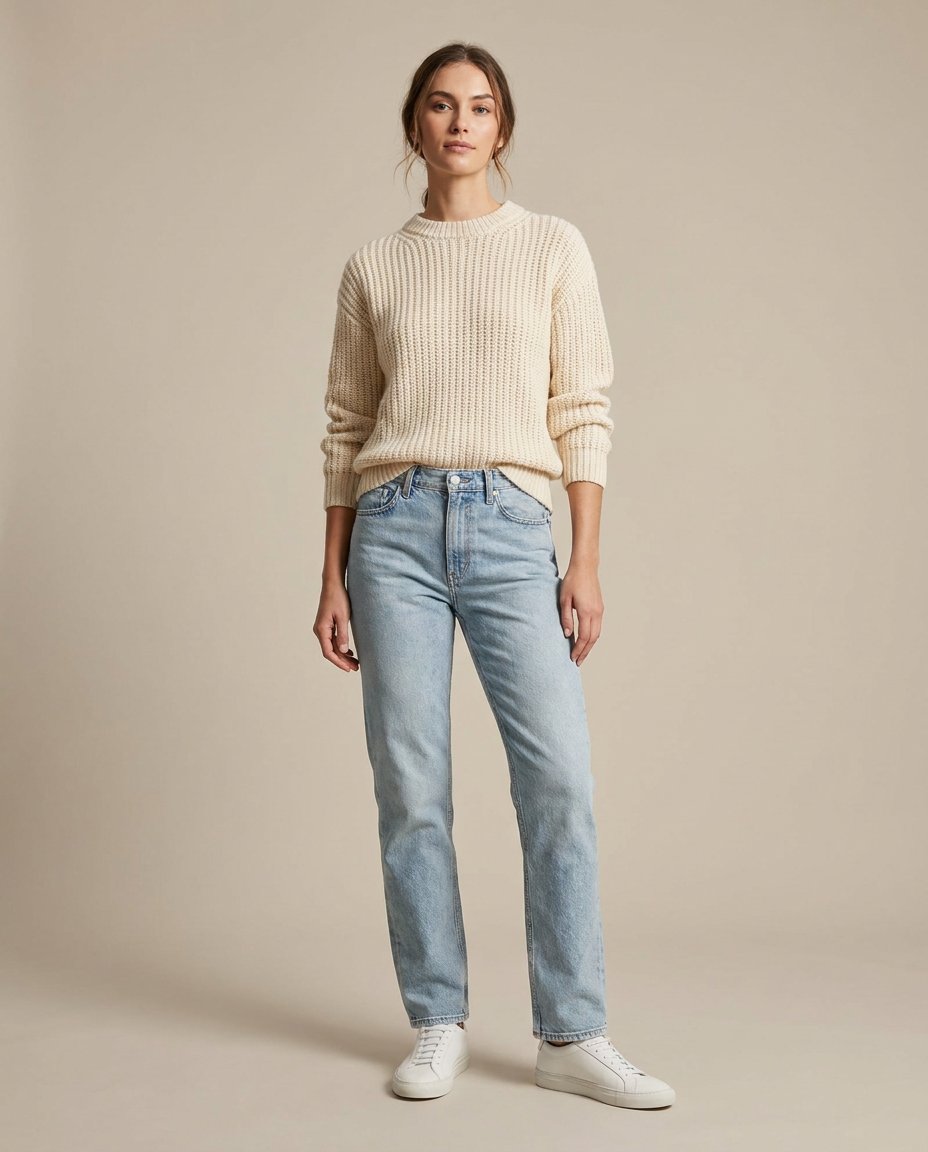 The same cream cable-knit sweater as an AI-generated on-model photo, made from the flat lay in ImagineArt Fashion Studio
Open each result at full size and check four details:
- The print or knit pattern stays aligned across seams instead of bending around the body.
- The fabric hangs with weight. A wool coat should look heavy, and silk should fall.
- Shadows and sheen match the scene's light instead of looking pasted on.
- Lace, embroidery and small logos stay sharp instead of melting into texture.
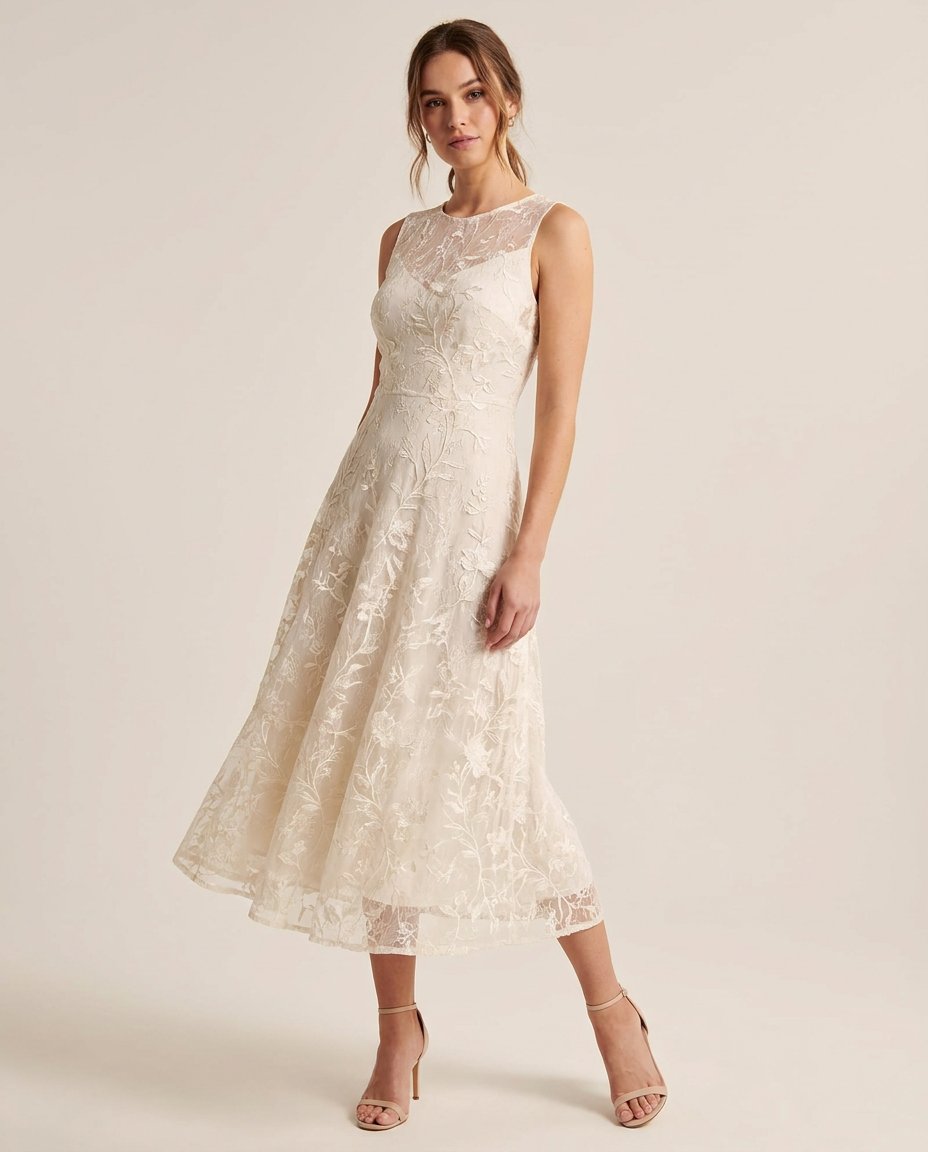 An AI-generated photo of a floral lace dress showing sharp embroidery detail at full zoom
A tool that fails on your hardest garment will fail on a share of your catalog, and you will find out from return reasons. For the full method, read how to turn a flat lay into an on-model photo with AI.
Model Range: Your Customers Should See Themselves
A model library that stops at one body type undersells half of your size curve. Shoppers judge fit from the person wearing the garment, so a size 16 customer learns little from a size 4 model.
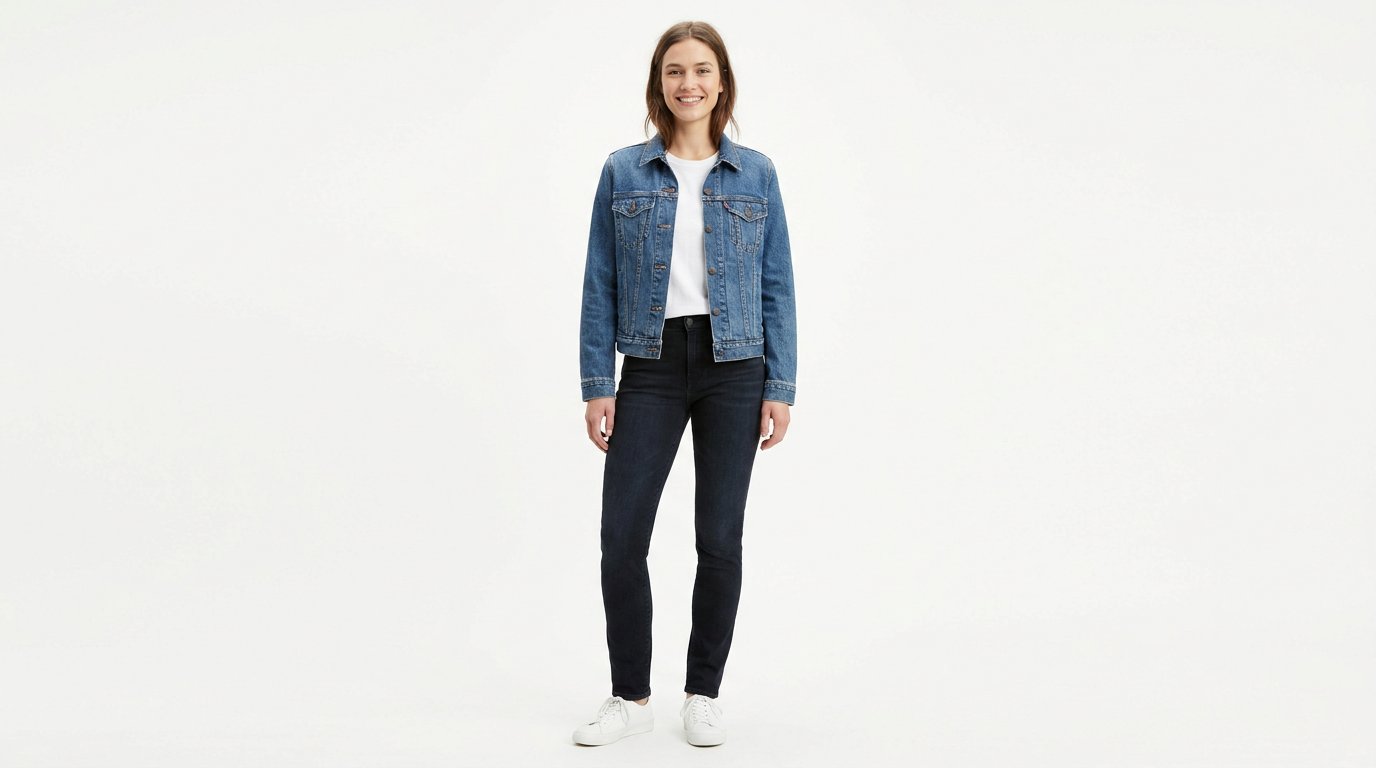
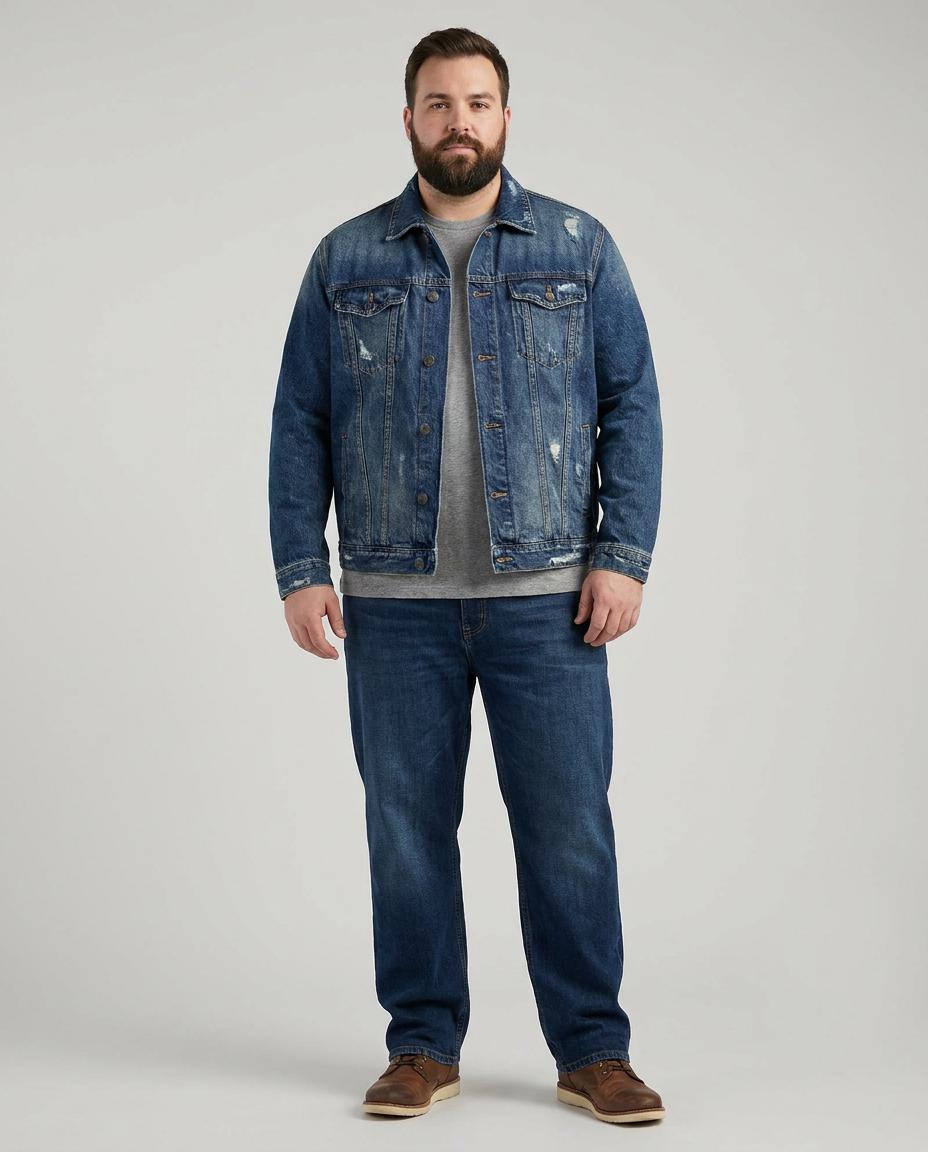 AI-generated denim photos of the same jeans on models with different body types and skin tones
Ask every vendor on your shortlist to generate one garment across your full size range before you sign. Fashion Studio covers XS to 4XL, petite to tall and a range of ages and skin tones, and the guide on keeping the same AI model across your collection shows how to cast and lock a small model lineup that matches your customers.
Match the App to Your Store: Five Common Setups
The right AI fashion app depends on how you sell. These five setups cover most clothing brands, with the tool that fits each one.
| Your setup | Best fit |
|---|---|
| Shopify brand posting Reels and TikToks every week | Fashion Studio |
| Marketplace seller with thousands of existing photos to clean up | Fashion Stidio, Photoroom |
| Premium label that wants a person checking every image | Botika |
| New label testing a few hero scenes per month | Flair AI, Fashion Studio |
| Side business checking whether AI photos work at all | Pixelcut, Fashion Studio |
If your setup spans two rows, choose the tool that covers the harder job. Editing is easy to add later and available inside Fashion Studio. A consistent model and video pipeline are hard to rebuild once your catalog is split across tools.
Whichever app you choose, read the commercial terms before you scale, and label fully AI-generated people in ads where the law requires it. Our guide to using AI-generated fashion images commercially covers the rules market by market.
Our Verdict
For most clothing brands, ImagineArt Fashion Studio is the best AI fashion app because it covers the full job: one saved model, accurate garments, a size range from XS to 4XL, and video from the same approved images. Photoroom wins for pure editing volume, Botika for human retouching, and Flair AI and Pixelcut for low-cost starts.
Run a two-week pilot on 20 of your styles, including your three hardest garments, and compare the cost per approved image with your last shoot. Start in Fashion Studio, or talk to our team to run the pilot with a forward-deployed creative.
Frequently Asked Questions
ImagineArt Fashion Studio is the best AI fashion app for most clothing brands. It keeps one saved model across your whole collection, covers sizes XS to 4XL, outputs up to 4K and turns approved images into video. Photoroom is the strongest choice for high-volume photo editing, and Botika for brands that want human retouching.
An AI fashion model generator turns a photo of a garment, such as a flat lay or ghost mannequin shot, into a photo of a model wearing it. You choose the model, background, pose and light instead of booking a studio shoot.
ImagineArt Fashion Studio makes video from your catalog and editorial images. Botika makes short clips at 5 credits each. Photoroom includes video on its Max and Ultra plans, Flair AI allows 1 to 5 clips a month depending on plan, and Pixelcut offers video on credits.
Flair AI and Pixelcut both have free plans, and ImagineArt Fashion Studio is free to try. Free plans usually exclude a commercial license, so upgrade before you use images on product pages or in ads.
Published entry prices run from $8 a month for Flair AI Pro and $10 a month for Pixelcut Pro to $46 a month billed yearly for Botika Pro. Video, 4K output and Shopify features usually sit on higher tiers, so price the plan that covers your full workflow.
ImagineArt has a free Shopify app that brings image and video generation into your Shopify admin. Photoroom includes Shopify integration on its Max and Ultra plans. Botika's Shopify app was listed as not currently available on the Shopify App Store when we checked in November.
Yes, on plans that include a commercial license. Pixelcut lists it on Pro and Business, Flair AI from Pro+, and ImagineArt permits commercial use under its terms. Some markets also require a label when an ad shows a fully AI-generated person.
Run your hardest garment, such as a print, lace piece or knit, through each free trial. Check at full zoom that patterns stay aligned, fabric hangs naturally, light matches and small details stay sharp.
Usually, yes. ImagineArt models its cost at about $3.50 per approved image, including generation, review time and garment photos, while on-model studio photography often costs well over $100 per finished image.
Kamran Arshad
Kamran Arshad is a full-stack marketer and growth strategist for Gen AI and B2B SaaS companies.
View all articlesRecent posts
The Best AI Avatar Generators In 2027: 11 Tools Compared And Ranked
50 Types of Art Styles: Definitions, Examples and AI Prompts
How to Edit Images With Ideogram 4.6: 38 Edits, Prompts and Results