Best AI Fashion Ad Generator for Clothing and Apparel Brands
Paid social needs a steady stack of fashion ad variants, and most AI ad tools change your model and garment from one ad to the next. Here is how Fashion Studio, Photoroom, Creati Studio, Botika, Flair AI and Pixelcut compare, a workflow that turns one garment photo into 45 ad files, the ad sizes for Meta and TikTok, and the labeling rules to check.

Kamran Arshad
November 6, 2026 • Updated November 24, 2026
13 mins Read
Paid social eats creative. The fashion brands that scale on Meta and TikTok launch every product with a stack of variants, then refresh them before the audience tires, and that pace breaks any workflow built on studio days. AI ad generators promise the volume. The catch is that most of them make ads for any product, so your model, your garment and your brand look change from one ad to the next.
ImagineArt Fashion Studio is the best AI fashion ad generator for apparel brands because it keeps one saved model and one accurate garment from the product photo to the video to the finished ad. It can even turn those looks into try-on, unboxing and haul ads for Meta, TikTok and YouTube, with fresh variants every week.
Photoroom, Creati Studio, Botika, Flair AI and Pixelcut each cover part of the job, compared below.
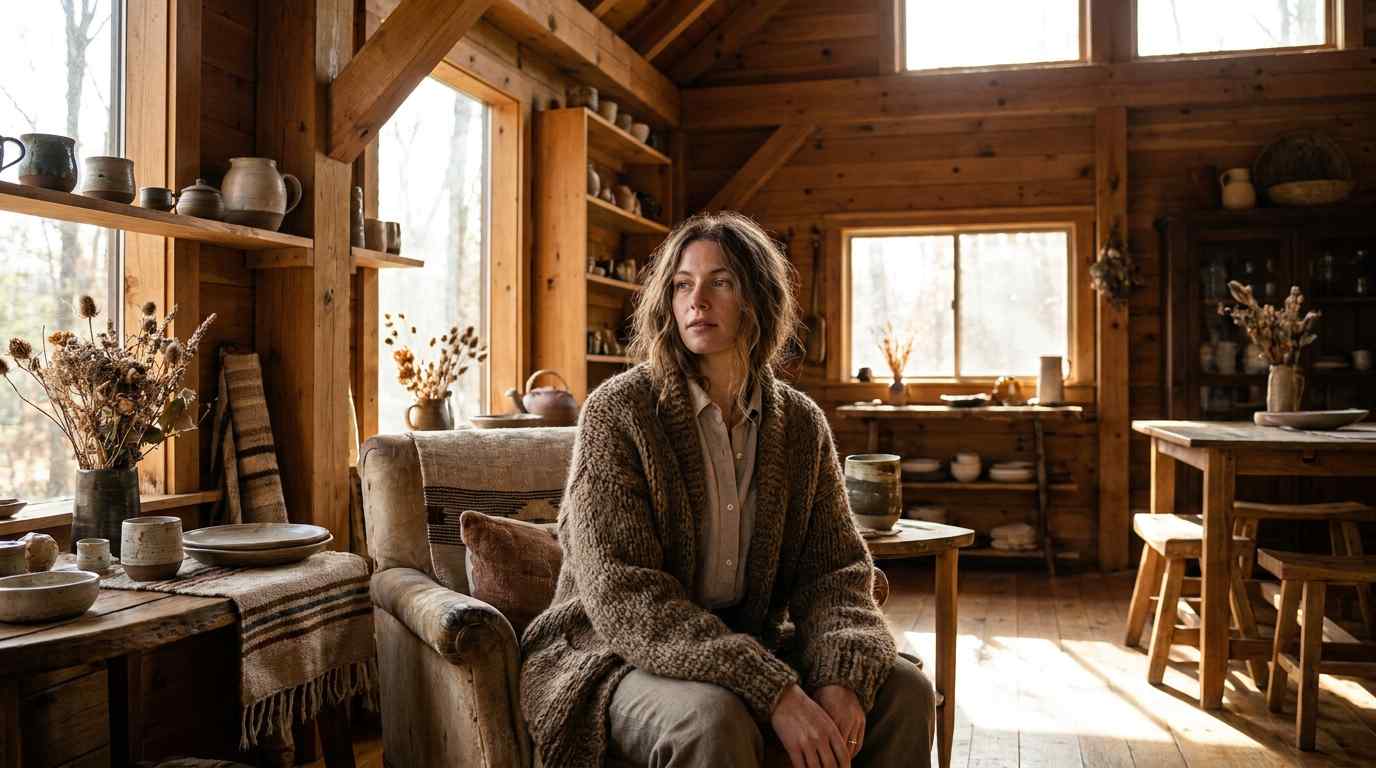
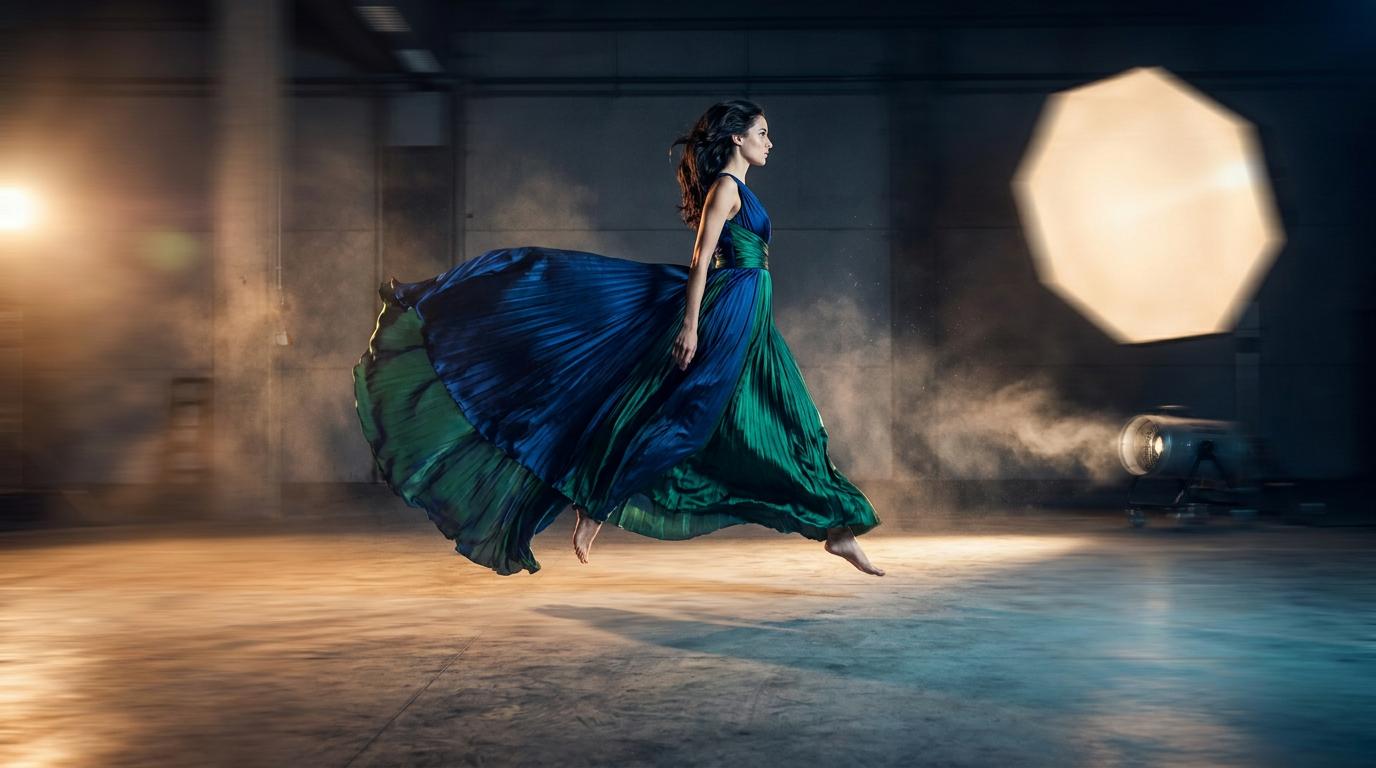
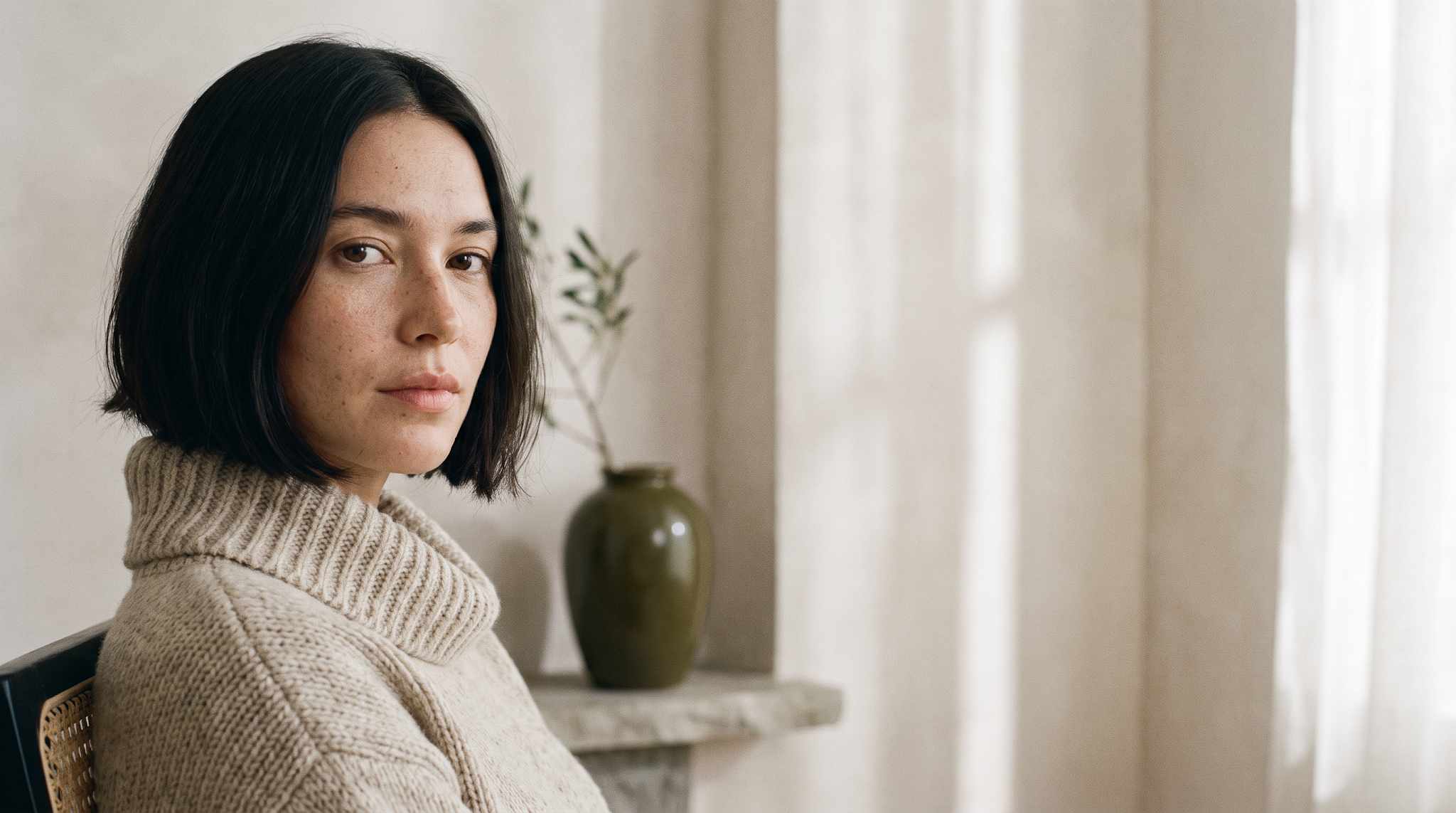
AI-generated fashion photography styled as ad creative, ready for a paid campaign
A Great Fashion Photo Is Not a Finished Ad
A product photo has one job: show the garment clearly. An ad has three. It has to stop the scroll, fit the placement it runs in, and come with enough siblings that the platform can test which one sells. Most AI fashion model generators are built for the first job and end there.
Here is what an ad needs on top of a good photo:
- The right shape for each placement: 4:5 for Facebook and Instagram feeds, 9:16 for Stories, Reels, TikTok and YouTube Shorts, and 1:1 as a fallback.
- Several variants per product, so the delivery system has options to compare.
- Motion, because Reels, TikTok and Shorts are video-first placements.
- A clear first frame, with the garment, the fit or the styling visible before anyone swipes.
- Fresh creative on a schedule, since the same ad shown to the same people loses its pull over time.
A tool that covers only the photo leaves four of those five to you. That is the real cost of a "cheap" AI photo tool when the goal is paid media.
Five Questions That Separate an Ad Generator From a Photo Tool
Before you compare features or prices, run every tool through the same five questions. They take ten minutes with a free trial and save weeks of stitching tools together later.
- Does the garment survive generation? Zoom to 100% and check prints, logos, seams, buttons and color. An ad that misrepresents the product earns the click and then the return.
- Can you save the model and reuse it? A brand face that changes in every ad reads as a different shop each time.
- Can a still become a video in the same place? If video means exporting, uploading and re-prompting in another app, you will make fewer of them.
- Does it export in placement sizes? 4:5, 9:16 and 1:1 should come out of the tool, not out of a manual crop session.
- Do the terms cover paid advertising on your plan? Some plans license images for product pages but not for ads. Read the terms before you spend media budget.
ImagineArt answers yes to all five. The comparison below shows where the others land.
Best AI Fashion Ad Generators, Compared
The table scores each tool on the three things that turn a photo into a fashion campaign: an ad workflow, video and a saved model that keeps your brand face consistent. Details come from each vendor's own pricing and product pages, reviewed in November.
| Tool | Ad-ready formats | Video | Reusable model | Best for |
|---|---|---|---|---|
| ImagineArt Fashion Studio | Ad Studio: try-on, unboxing and haul formats | Yes, from approved images | Yes, XS to 4XL | Garment photo to finished fashion ads on one model |
| Photoroom | Video Ad Maker | Max and Ultra plans | AI Fashion Models, no saved brand model listed | Ads from a large existing photo library |
| Creati Studio (formerly ZMO.ai) | Video ads from a URL, image or prompt | Yes, its core product | No | Fast UGC-style ad tests across product types |
| Botika | No ad workflow listed | Yes, 5 credits per clip | Library models, exclusive models on Enterprise | Retouched stills and clips you build ads from elsewhere |
| Flair AI | Ad generations, each counted as four images against your quota | Limited, 1 to 5 generations a month by plan | Custom humans through Human Builder | Precise product mockups and stills |
| Pixelcut | AI Ads tool listed | On credits | No | Fast single images on a small budget |
1. ImagineArt Fashion Studio — Best overall for photo-to-ad campaigns
 ImagineArt Fashion Studio
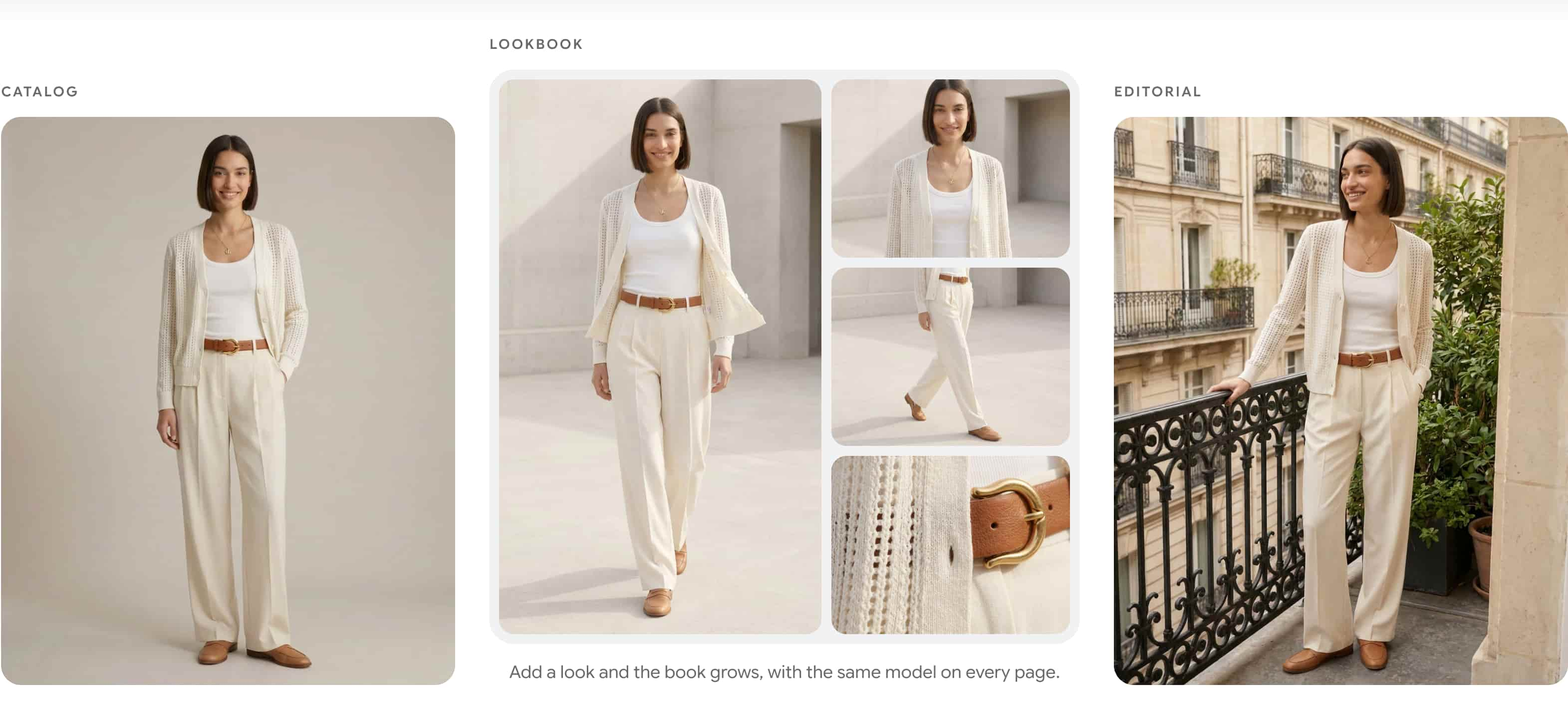
 is our first pick for brands that need a product page and a set of ads for the same launch. Start with a garment photo, create a model or pick one from library, and dress them in the piece. You can reuse that pairing for catalog images, lifestyle shots, and short video ads, then prepare the finished creative for each placement within Fashion Studio.
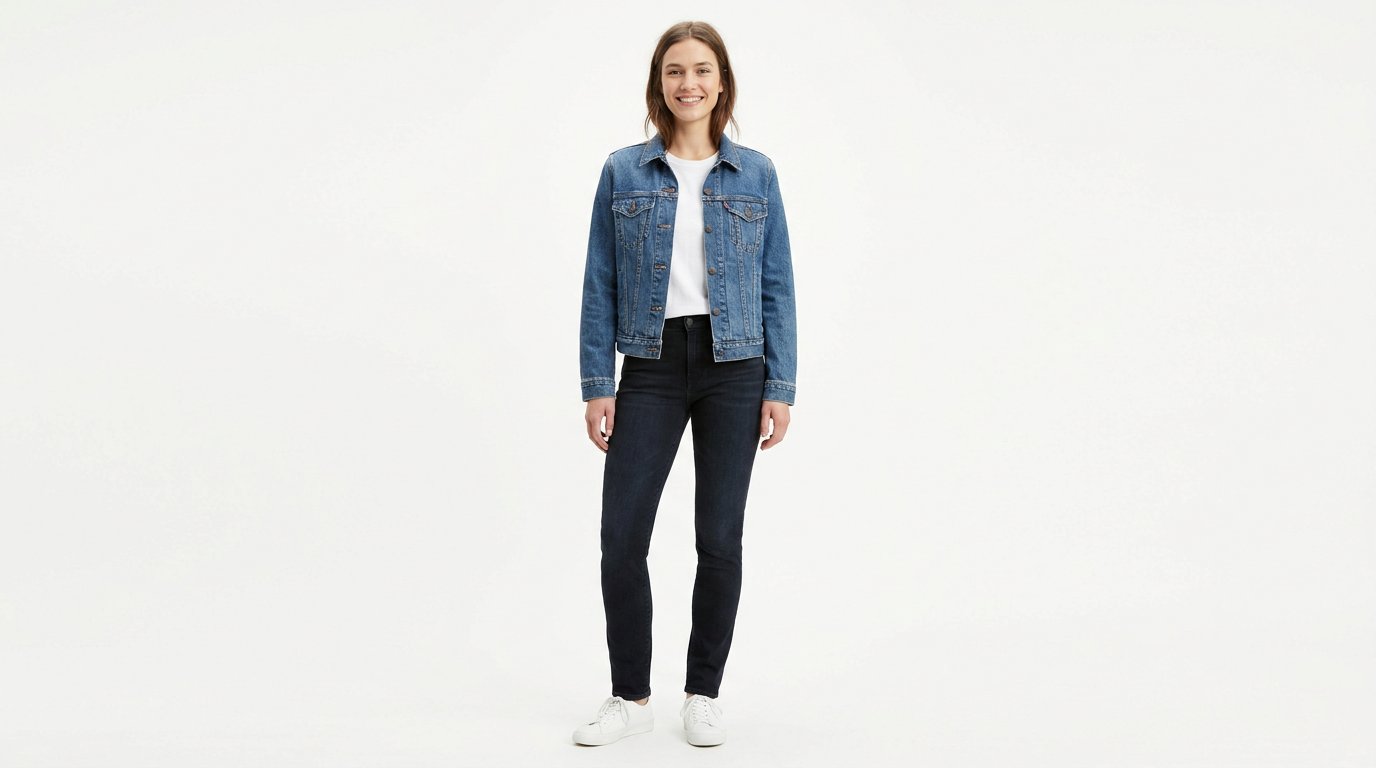
Take a boxy denim jacket. On the product page, a straight-on shot with the jacket buttoned gives shoppers a clear view of the cropped hem and dropped shoulders. For a feed ad, show the same model wearing it open over a white tee so buyers can picture the proportions of the outfit. A short video can show how the jacket sits when the model turns. Each asset answers a different question about the same piece, and you only have to establish the model and garment once inside Fashion Studio.
- Best for — Apparel teams working from flat lays that need a consistent model across product photography and paid social.
- What to know — Fashion retailer Khaadi is among the 350+ apparel and clothing companies that use ImagineArt for their fashion campaigns. Teams can work with ImagineArt’s creatives to plan and run their first campaign, or access the workflow inside ChatGPT or Claude through GPT for Fashion.
2. Photoroom
Photoroom makes the most sense when the shoot is already done. Say last season’s bestselling jacket is back in stock. You have approved product photos, and all you need for the relaunch is a short video. Photoroom’s Video Ad Maker lets you use those photos as the starting point. The same approach works across a catalog of items you already sell.
- Best for — Ecommerce teams with an established photo library who need fresh ads for restocks, seasonal promotions, and bestsellers.
- What to know — AI Fashion Models are included on every paid plan. If video is the reason you’re subscribing, you’ll need Max. For 4K output, you’ll need the Ultra plan.
3. Creati Studio
Which opening sells a reversible jacket better: “Two looks in one” or “The only jacket I packed for the weekend”? Creati Studio, is built for that kind of test. Give it a product link, image, or prompt and use it to develop short, creator-style ads around different selling points.
- Best for — Paid social teams that want to try several pitches for one product before committing to a larger campaign.
- What to know — Creati doesn’t let you dress a saved model from your own flat lay. The presenter can change between versions, which matters if you’re trying to isolate the effect of the opening line.
4. Botika
Botika is a good fit when your designer already knows how the ad should look and the missing piece is an on-model photo. It generates fashion stills and offers human retouching, so your team has a review step before an image reaches the catalog. Once you approve a still, you can turn it into a short motion clip.
- Best for — Fashion brands that want help producing garment photography and have an in-house designer or agency to build the ads.
- What to know — Each motion clip costs five credits. Budget design time for the work that follows, including placement sizes and campaign variants.
5. Flair AI
For a handbag ad, the creative decision might be whether to show the bag on its own or style it alongside the scarf and shoes from the same collection. Flair AI gives you control over product placement and composition, making it a good place to work through those ideas. You can explore layouts on the free plan before choosing one for commercial use.
- Best for — Teams whose brief calls for a carefully styled hero image or a small set of static ads.
- What to know — Commercial licensing starts on Pro+ at $26 a month. Each ad generation uses four images from your quota, and plans allow one to five video generations a month. Those limits matter if you expect several rounds of revisions.
6. Pixelcut
If a sold-out colorway comes back on Friday and you need one image to announce it, Pixelcut is an easy choice. It has a free plan, a $10 Pro tier, and an AI Ads tool for building creative around a product. Its appeal is strongest when each ad can stand on its own.
- Best for — Small shops making occasional sale, restock, or new-arrival ads.
- What to know — Video generation uses credits, and there’s no saved brand model. If a one-off promotion grows into a series, you’ll need to check the model’s appearance and the garment details across each image.
From One Garment Photo to 45 Ad Files: The Workflow Step by Step
This is the workflow we recommend for a first AI fashion ad campaign. It works for one product or a full drop, and each step feeds the next.
- Start from a real garment photo. A flat lay, a ghost mannequin shot or a clean product photo in even light all work. Our guide on turning a flat lay into an on-model photo with AI covers the inputs that give the cleanest results.
- Build one model and save it. Pick a face, body and age range that match your buyer, then reuse that model for the whole campaign. Here is how to keep the same AI model across your collection.
- Generate a core set of four shots: full-body front, back, a walking or turning pose, and a close-up that shows fabric or detail.
- Change one thing per variant. Swap the background, the pose or the crop, but not all three at once. When each variant differs by one variable, your ad results tell you what worked.
- Animate two or three of the strongest stills into short vertical clips for Reels, TikTok and Shorts. Movement shows drape and fit in a way a still cannot.
- Export every asset in placement sizes through Ad Studio: 4:5 for feeds, 9:16 for Stories, Reels, TikTok and Shorts, and 1:1 where you need it.
- Check rights and labels before launch. Confirm your plan covers paid ads, and label synthetic people wherever the rules require it. The rules are covered further down.
Here is what that produces for one product. Take a linen shirt. Four core stills across three backgrounds give you 12 images. Add three animated clips and you have 15 assets. Export each in three placement sizes and you have 45 ad files from one garment photo, all with the same model and the same shirt.
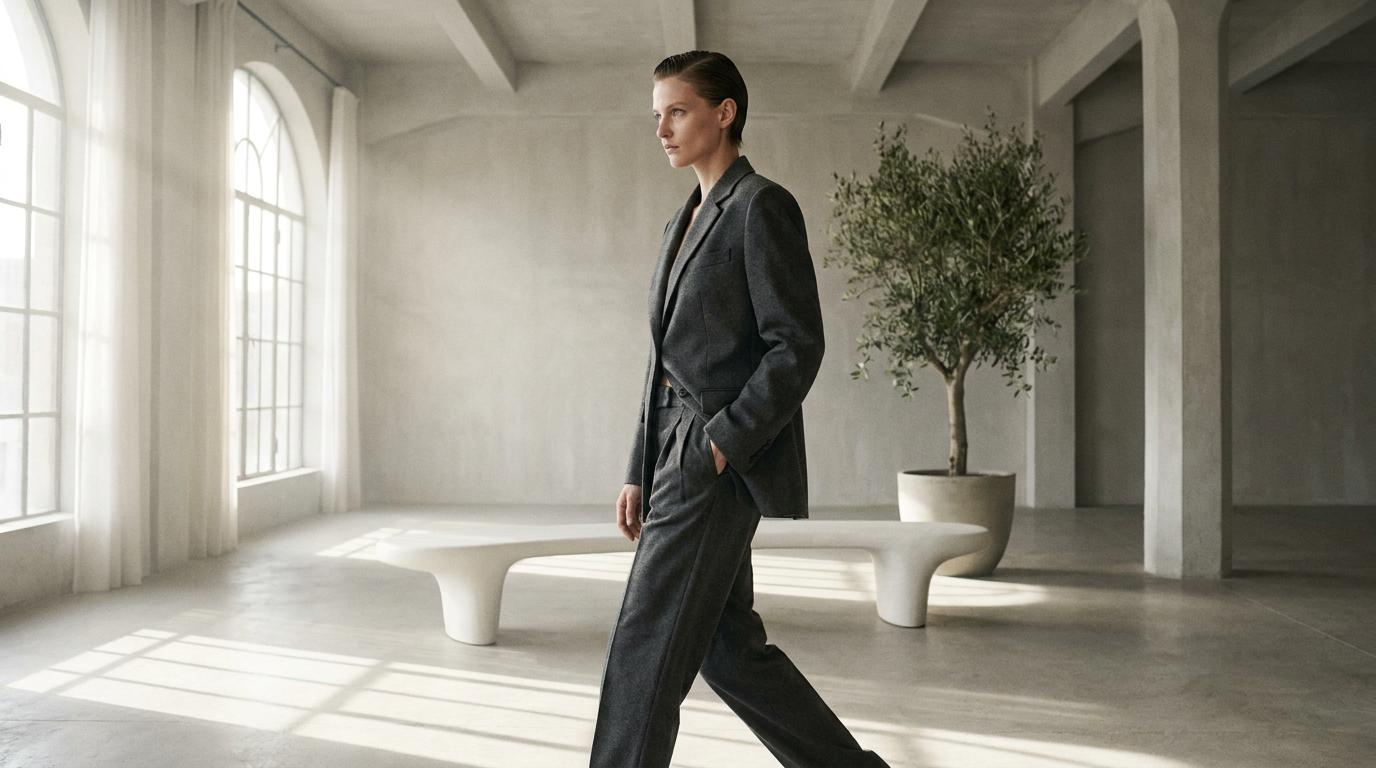
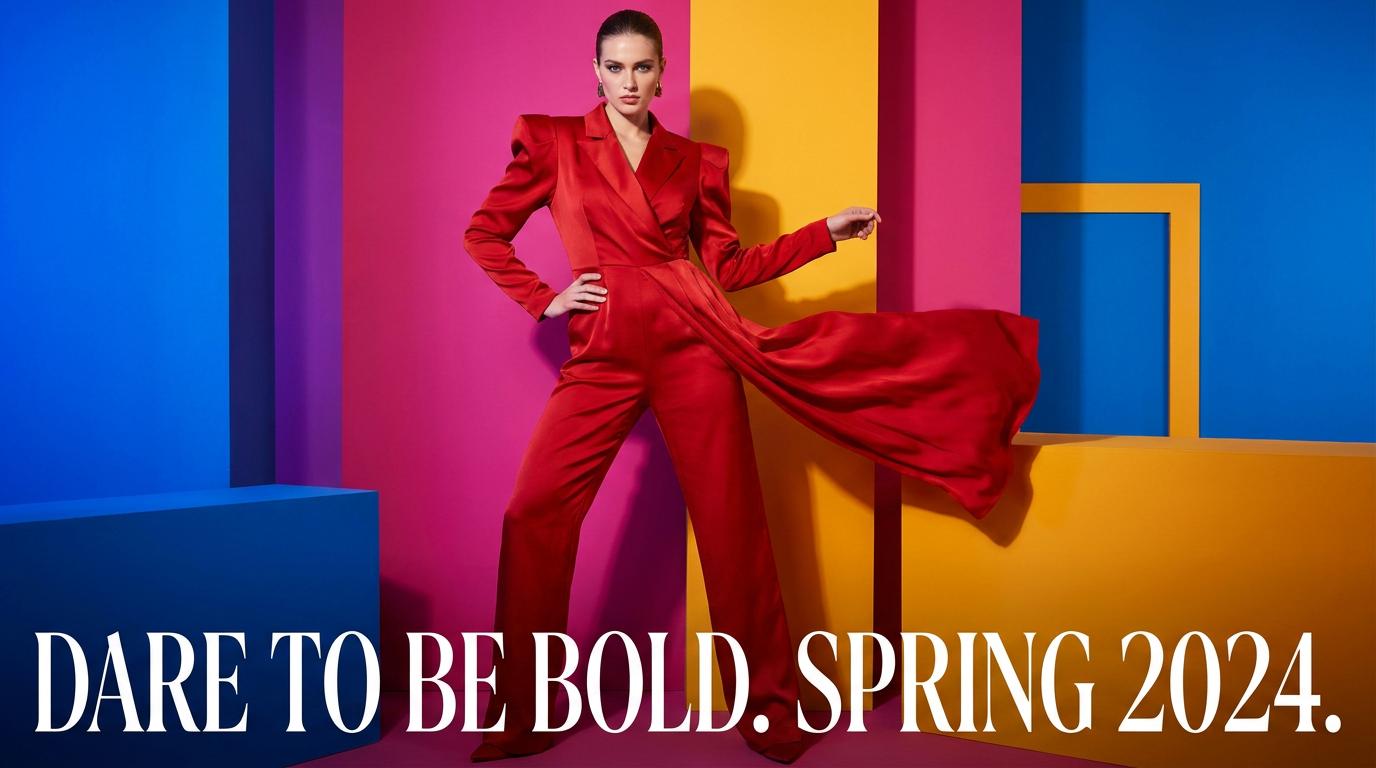
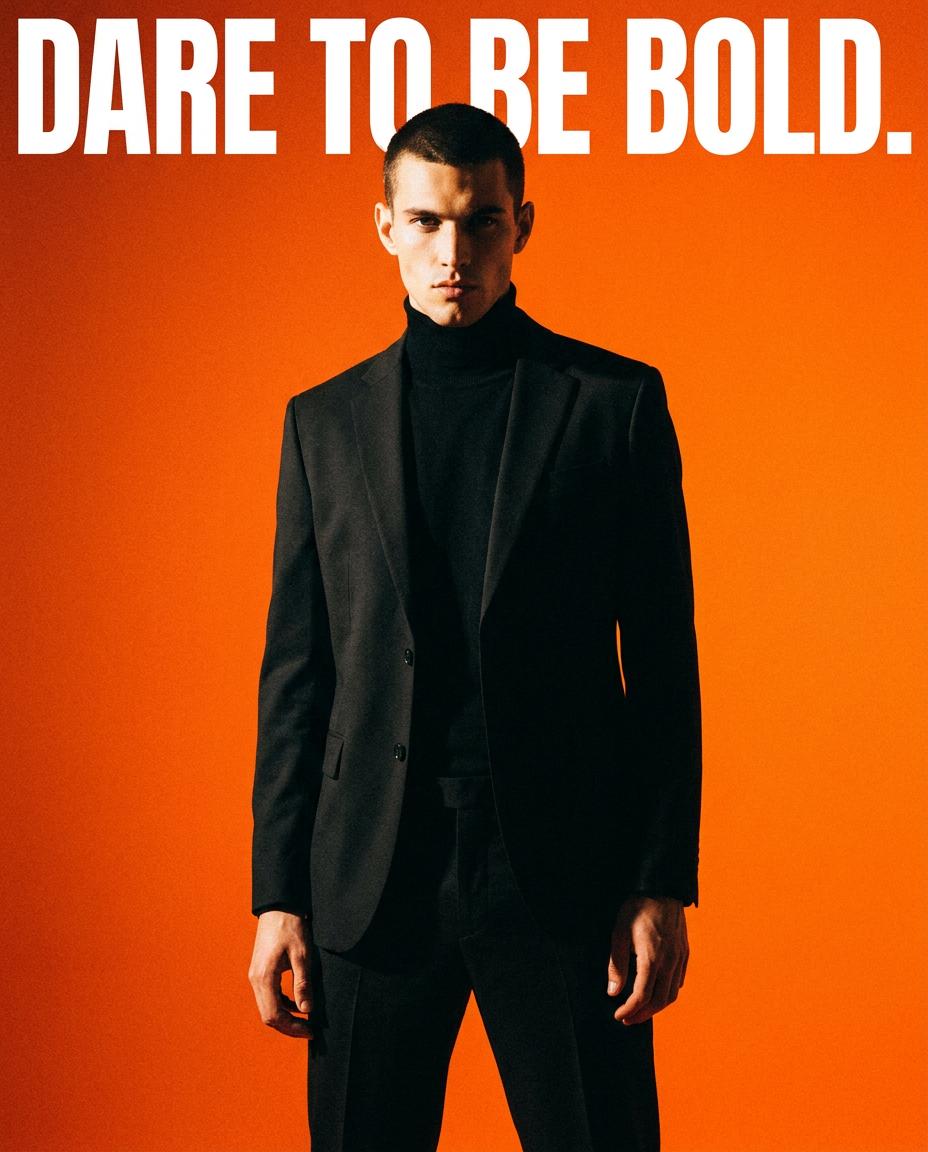 AI-generated fashion photography showing ad creative variations
The saved model is what makes the next round fast. When an ad starts to tire, you generate a new background or pose from the same setup instead of booking a reshoot.
Fashion Ad Sizes for Meta, TikTok and YouTube Shorts
Every placement crops differently, and an outfit that fits a 4:5 feed frame can lose its shoes in a 9:16 Story. Use this as a starting point and check each platform's current ad specs before a large export, since they change.
| Placement | Shape | What the first frame should show |
|---|---|---|
| Facebook and Instagram feed | 4:5 vertical | The full outfit, garment centered |
| Instagram and Facebook Stories and Reels | 9:16 vertical | The model moving, with the garment clear of the top and bottom edges where the app interface sits |
| TikTok in-feed ads | 9:16 vertical | Movement in the first second: a turn, a step or a fabric swing |
| YouTube Shorts | 9:16 vertical | The same as TikTok, with the product named early |
| Carousel ads | 1:1 square | One garment per card, same model and background across cards |
Generate with the tightest crop in mind. If the 9:16 version is the one you will run most, frame the model with room above the head and below the feet, so the 4:5 and 1:1 crops still hold the full garment.
Five Ways AI Fashion Ads Burn Budget, and the Fix for Each
Most wasted spend on AI creative comes from the same five habits. Each one has a simple fix that takes minutes, not a new tool.
| What goes wrong | The fix |
|---|---|
| One hero image carries the whole campaign | Launch with several variants per product so the platform has options to test |
| One ratio runs everywhere, cropped badly by each app | Export 4:5, 9:16 and 1:1 versions and assign each to its placement |
| The garment drifts: a print shifts, a color warms, a button disappears | Compare every image with the real garment at 100% zoom before upload |
| A winning ad runs until it stops working | Refresh with new backgrounds or poses from the saved model on a fixed schedule |
| Media budget goes live before rights and labels are checked | Confirm your plan covers paid ads and label synthetic people where required |
Garment drift deserves extra attention. A shopper who clicks a sage-green dress and receives an olive one does not complain about the ad. They return the dress. Tools built on top-tier models keep fabric, fit and color closer to the source, but a human check is still the last line of defense.
AI Model Ads Need Clear Rights and Labels
Paid placement multiplies whatever is in the image, including any rights problem. Three checks cover most of the risk.
- Read your plan's terms. Confirm they grant commercial use that includes advertising, not only product pages.
- Know who is in the image. A fully synthetic model needs no consent. An AI version of a real person needs their written consent.
- Label where the rules ask for it. New York's synthetic performer disclosure law took effect on 9 June 2026 for ads, the EU's transparency rules apply to AI-generated people, and TikTok requires creators to label realistic AI-generated content under its AI-generated content rules.
Our full guide, can you use AI-generated fashion images commercially, covers copyright, consent and labeling in detail.
Running ads for a larger catalog or several markets? Our forward-deployed creatives can set up your models, templates and review process with your team.
Frequently Asked Questions
ImagineArt Fashion Studio is the best overall choice for most apparel brands. It takes one garment photo through on-model images, video and Ad Studio, so you finish with placement-ready ad creative instead of loose photos.
Several now make ads, with different trade-offs. Photoroom and Creati Studio generate video ads but do not keep a saved fashion model, Botika stops at retouched stills and clips, and Flair AI counts each ad as four images against its quota. ImagineArt carries one saved model from product photos into video and Ad Studio.
Use 4:5 for Facebook and Instagram feeds, 9:16 for Stories, Reels, TikTok and YouTube Shorts, and 1:1 for carousels. Check each platform's current ad specs before a large export.
Launch with several, not one. Change one thing per variant, such as background, pose or crop, so your results show what drove performance. A saved AI model makes new variants quick to produce.
For Reels, TikTok and YouTube Shorts, yes, because those placements are built for video. Short clips also show drape and fit better than stills. ImagineArt, Botika, Photoroom, Pixelcut and Creati Studio all generate video. Flair AI caps video at 1 to 5 generations a month depending on plan.
In some places, yes. New York requires disclosure of synthetic performers in ads from 9 June 2026, and TikTok requires labels on realistic AI-generated content. Check the rules in each market you advertise in.
Yes. Paid placement reaches more people and carries more legal exposure, so confirm your plan's terms cover advertising and that you have consent for any real person's likeness before you spend on media.
Kamran Arshad
Kamran Arshad is a full-stack marketer and growth strategist for Gen AI and B2B SaaS companies.
View all articlesRecent posts
The Best AI Avatar Generators In 2027: 11 Tools Compared And Ranked
50 Types of Art Styles: Definitions, Examples and AI Prompts
How to Edit Images With Ideogram 4.6: 38 Edits, Prompts and Results