AI Anime Generator
ImagineArt
Browse every ImagineArt tool in one AI tools directory, sorted by what you want to make. Pick image, video or productivity, then jump straight into the tool that fits the job.
Want the full list? Our AI tools directory puts every ImagineArt tool in one place. Filter by image, video, productivity, or apps, then open any tool and start creating. The free plan includes daily credits so you can test before you pay.
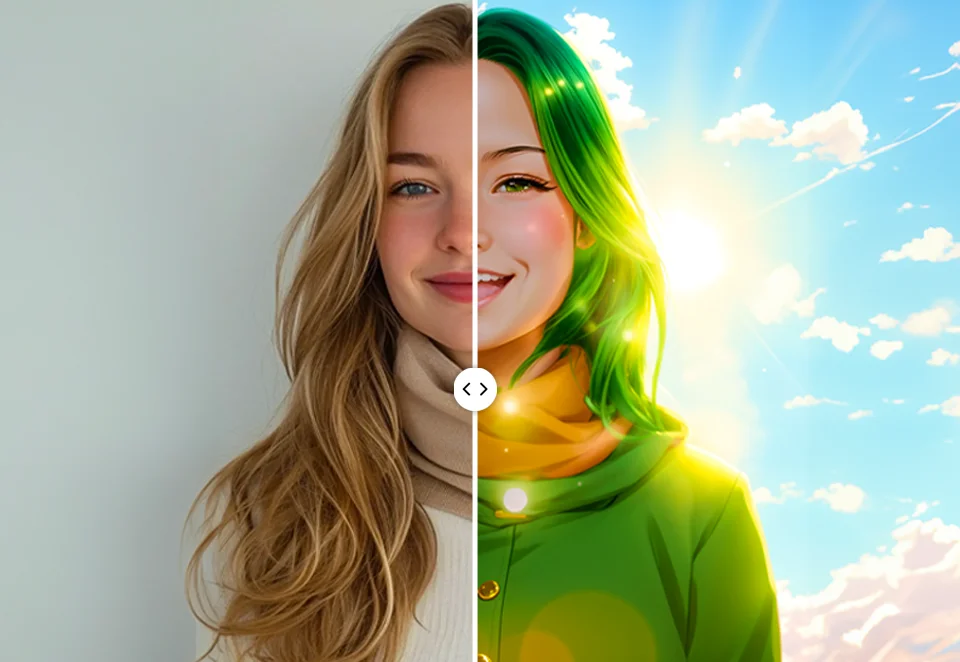
AI Anime Generator

25th Anniversary Video Maker — Free AI Anniversary Videos Online
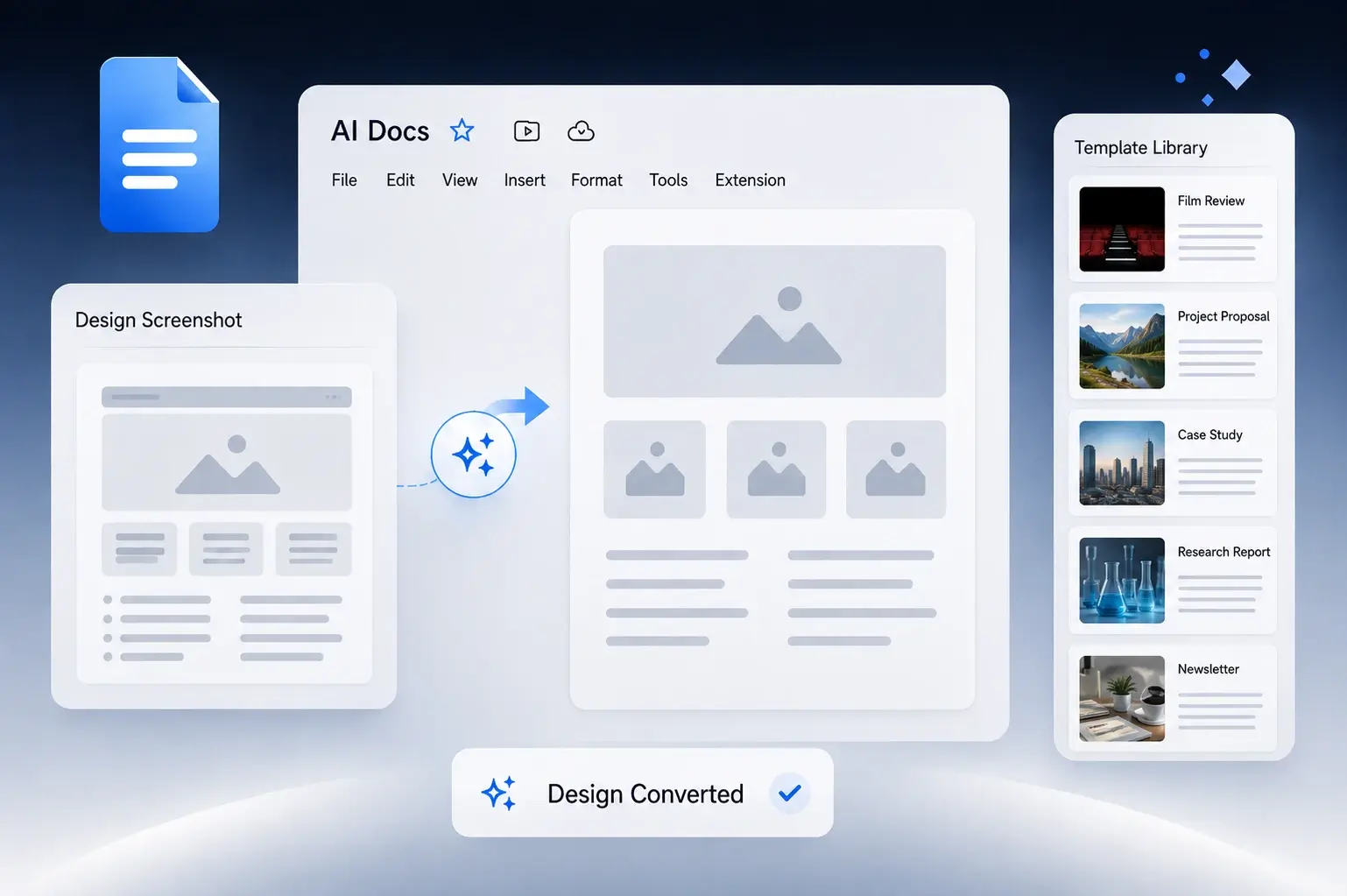
AI Document Generator – Create Any Document Free with Imagine Computer
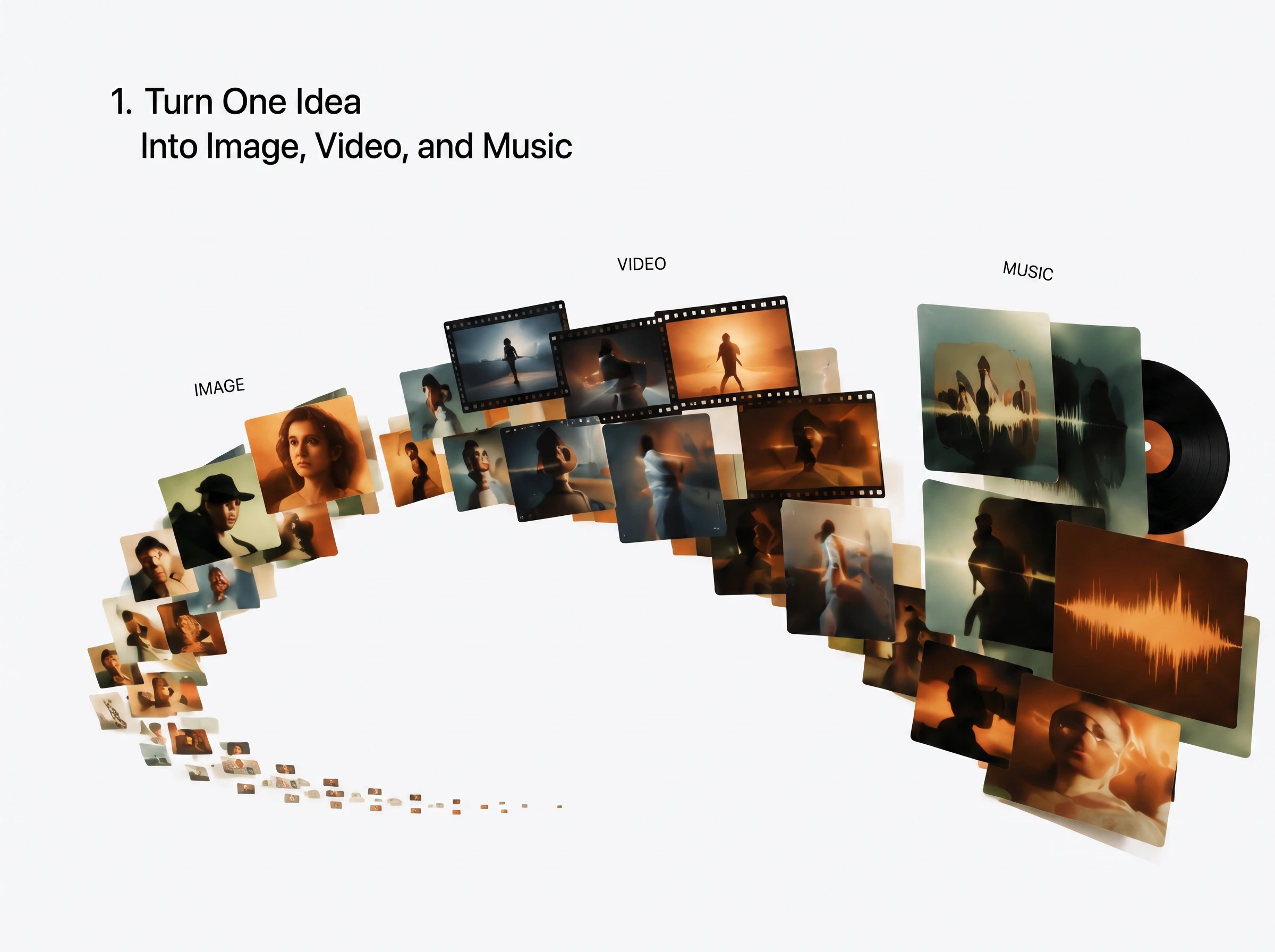
AI Creative OS by Imagine Computer
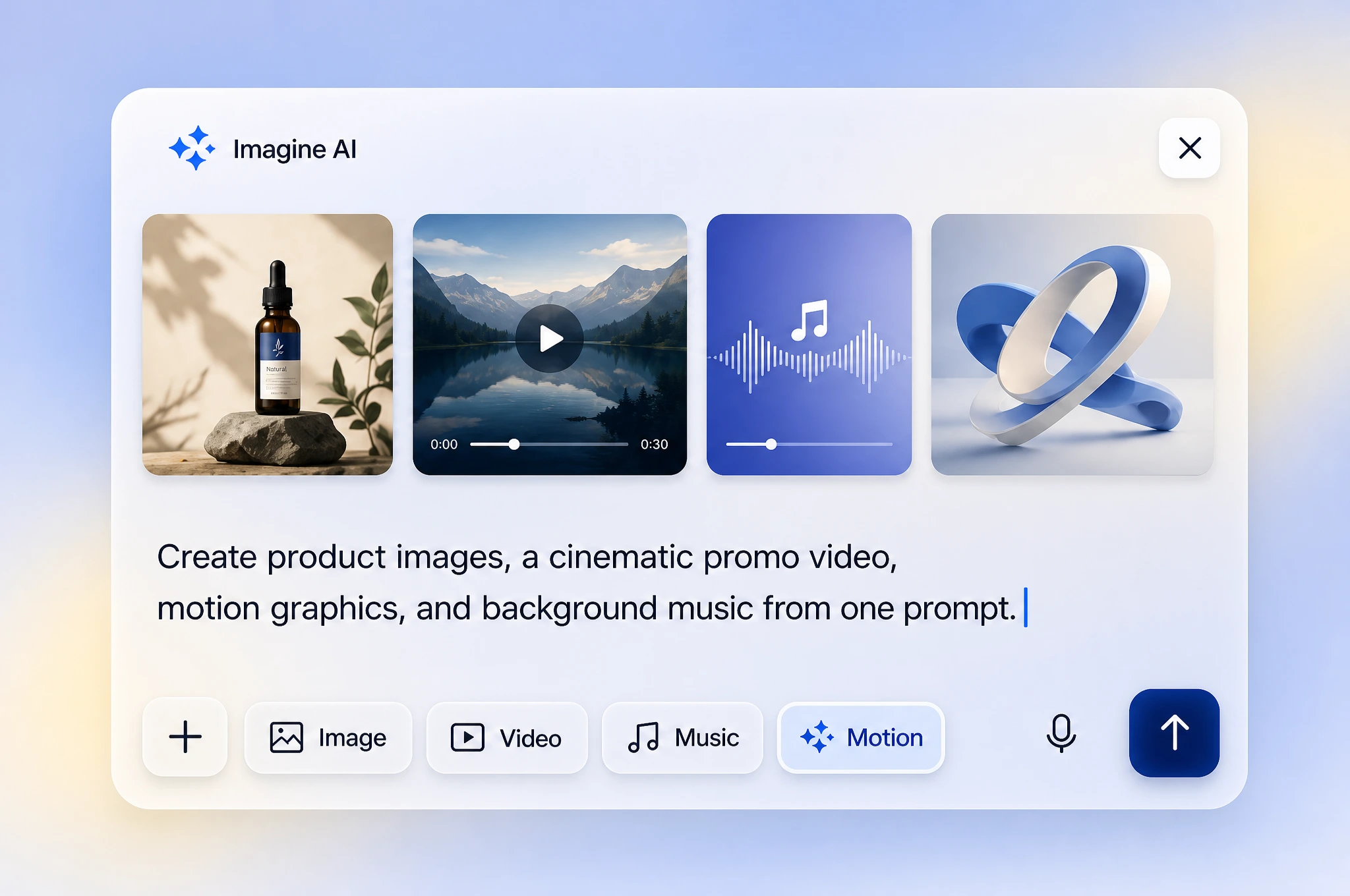
Agentic AI That Just Gets It Done | Imagine Computer
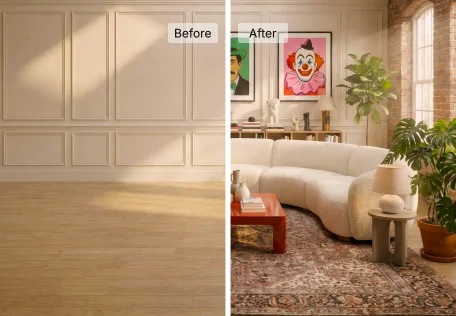
AI Interior Design
AI Influencer Generator
Relight
AI Outfit Try On
Camera Angles
Adrenaline Rush
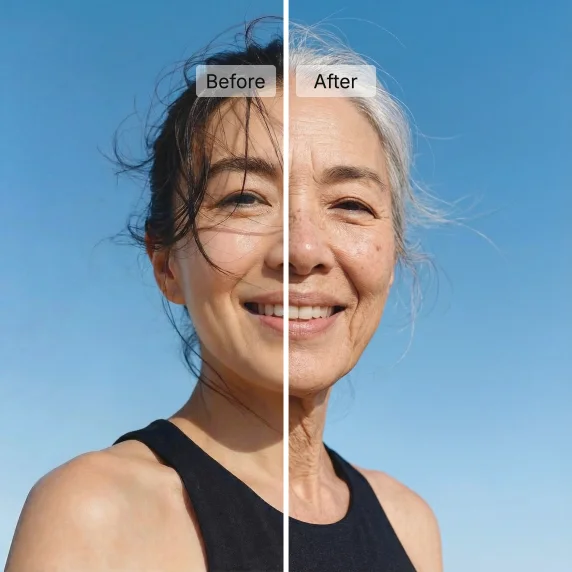
AI Age Progression
AI Music Generator
Sora 2
Wan 2.6 AI Video Generator
Grok AI Video Generator
Kling 2.6 AI Video Generator
Kling 3.0 AI Video Generator
Veo 3.1 Lite (Text to Video)
Pixverse v6
Seedance 1.5 Pro
Wan 2.7 AI Video Generator
AI Video Translator
Free AI Talking Avatar Generator
HappyHorse 1.0
URL to Video Ad Maker

AI UGC Video Generator
Veo 4 AI Video Generator
AI Spokesperson Video
Grok Imagine Video 1.5 — xAI's #1 Ranked AI Video Generator
Kling 3.0 Turbo — AI Video Generator Built for Speed and Scale
podcast
Product Reveal
Lego Reveal
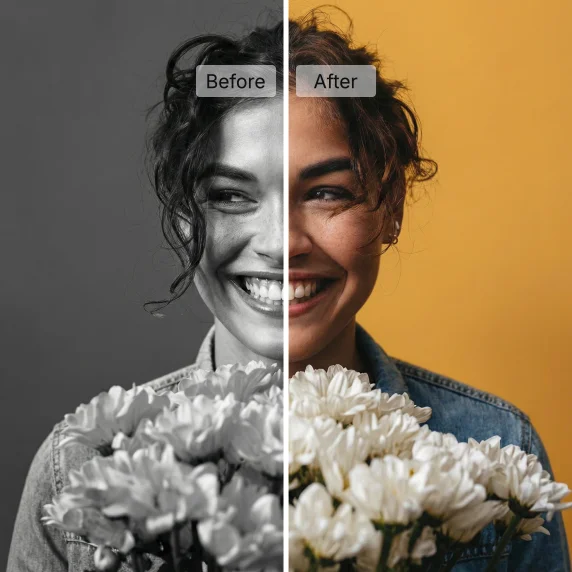
AI Image Colorizer
Variate
Nano Banana Pro (Text to Image)
Grok Imagine (Text to Image)
ImagineArt 2.0
GPT Image 2 — AI Image Generator With Perfect Text
AI Headshot Generator
AI Logo Generator

Nano Banana Pro - Image to Image
Kling 3.0 Omni AI Image Generator
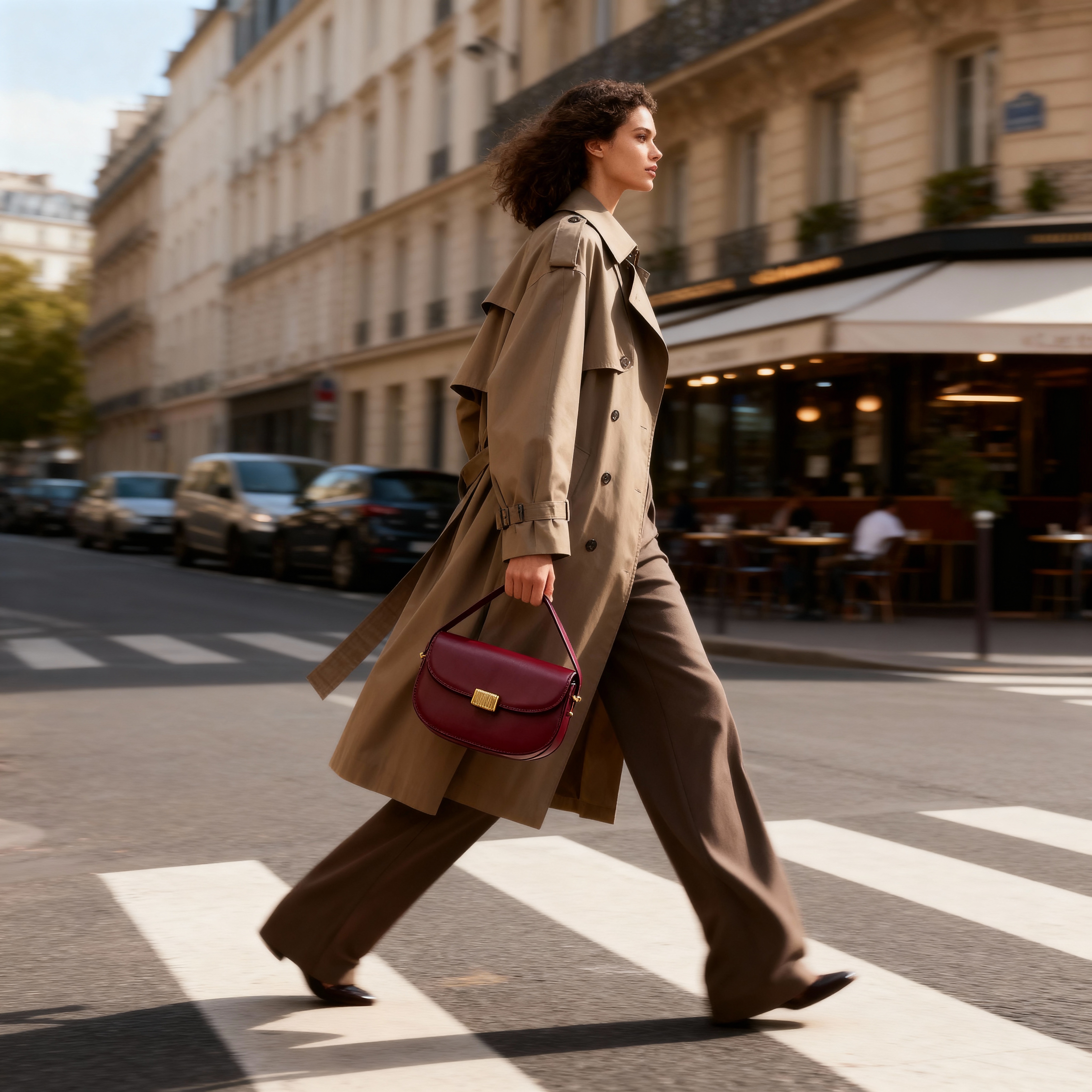
Bag Ad
AI YouTube Thumbnail Maker
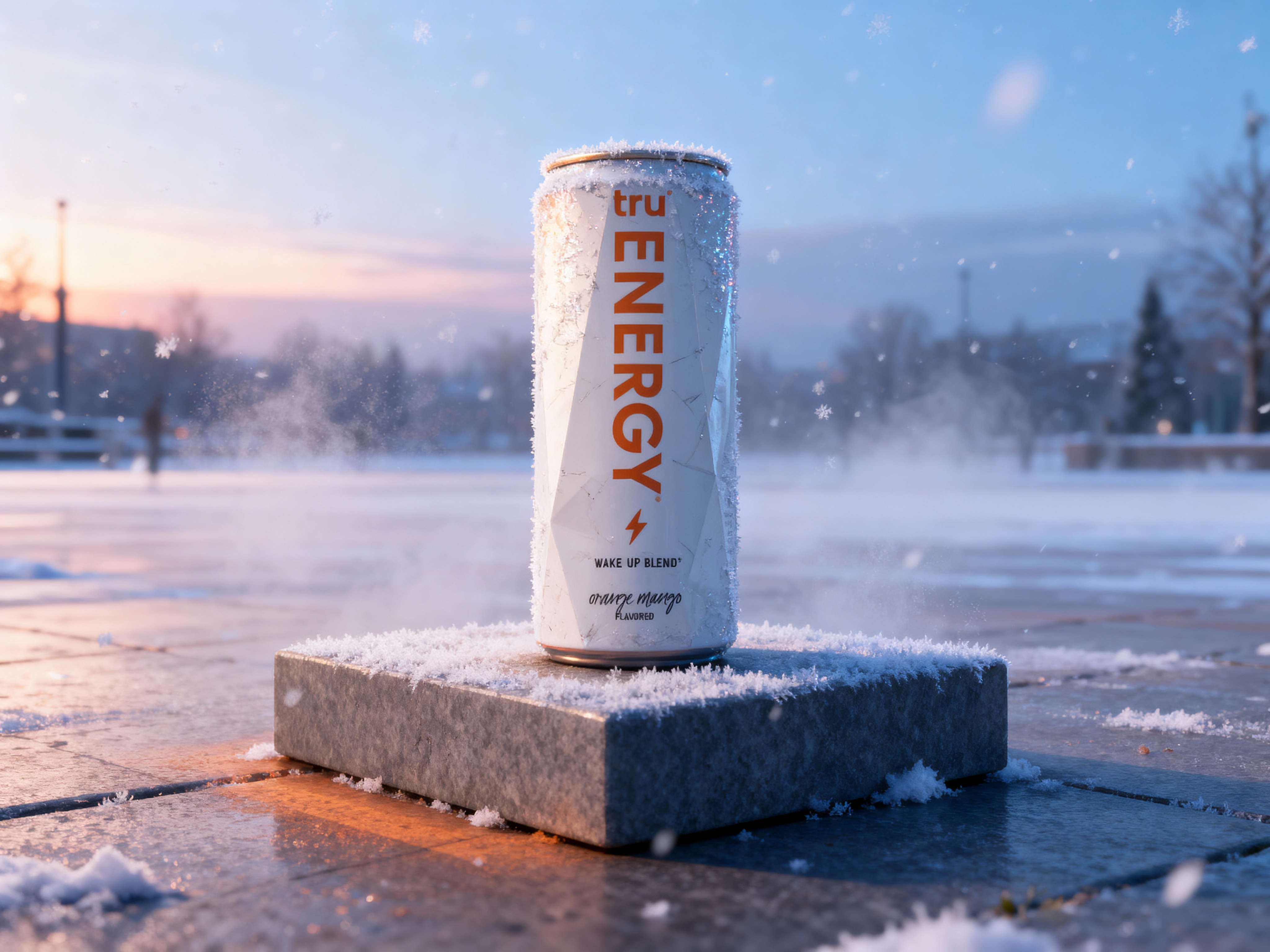
Frost Shot
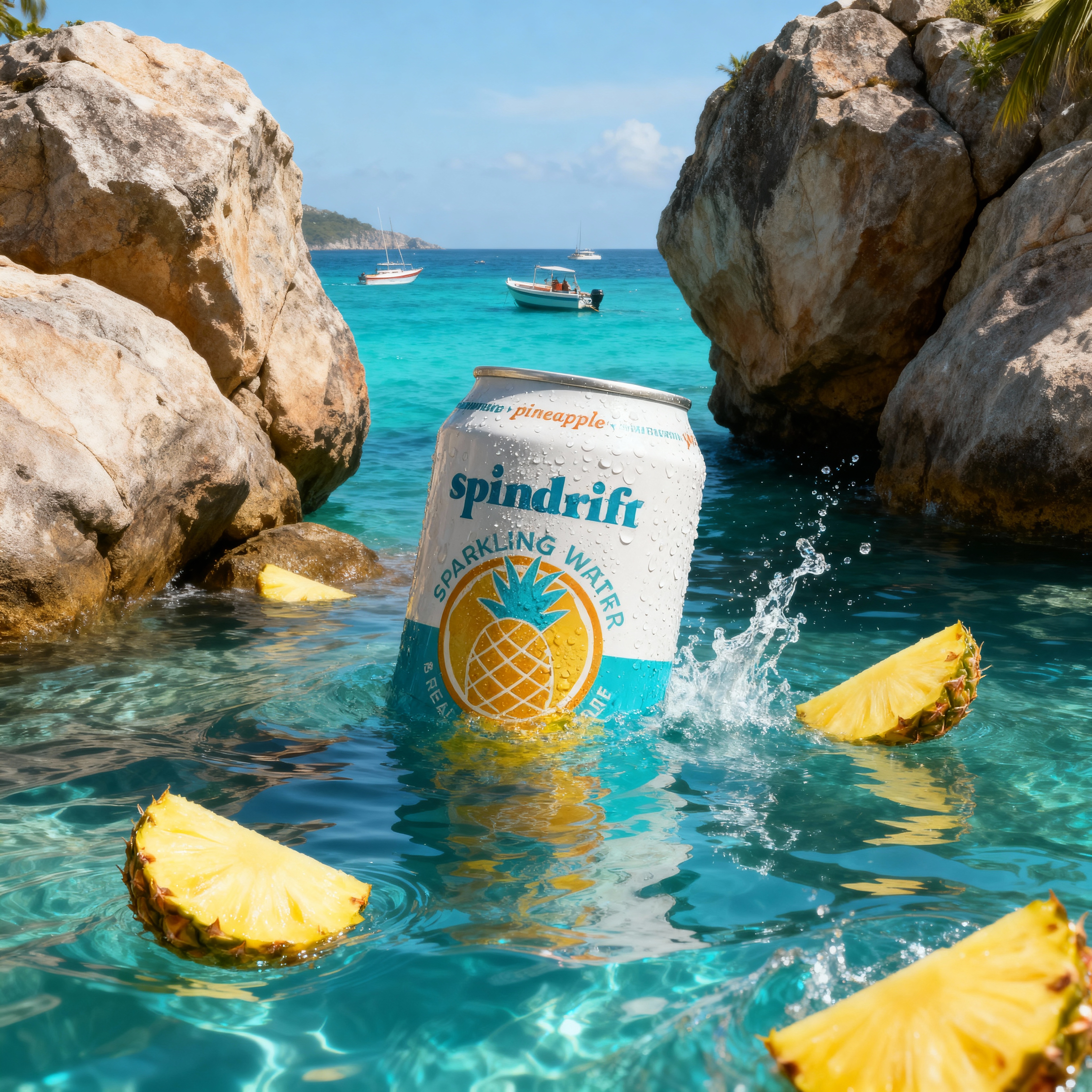
Island Splash

Smog Chamber
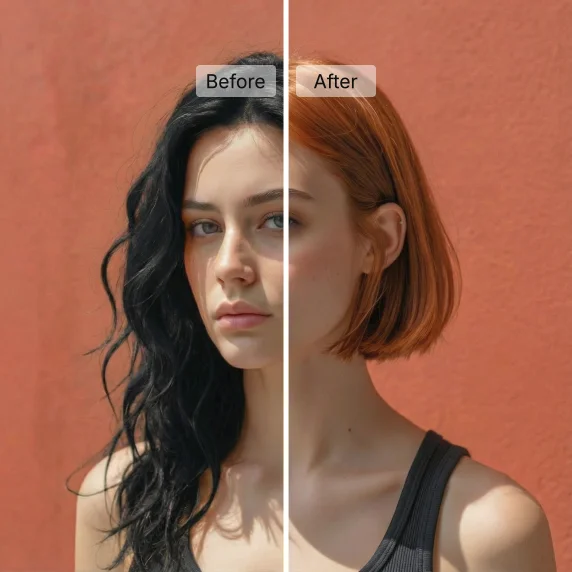
Free AI Hairstyle Changer
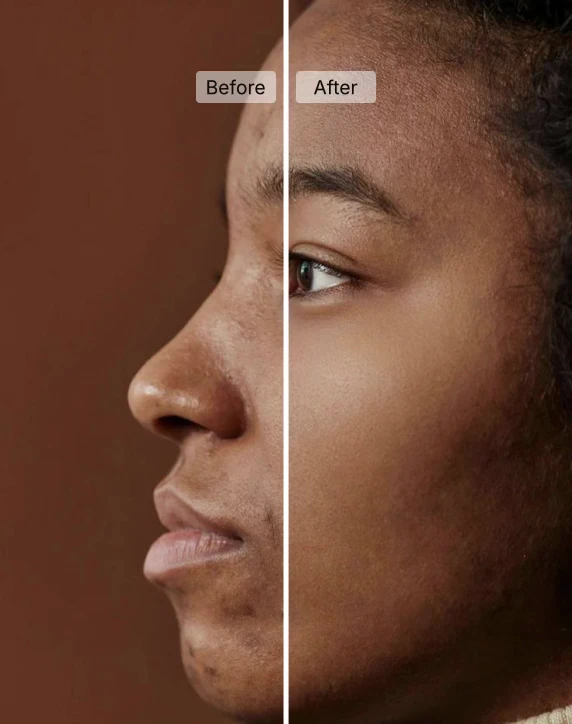
AI Skin Retouching
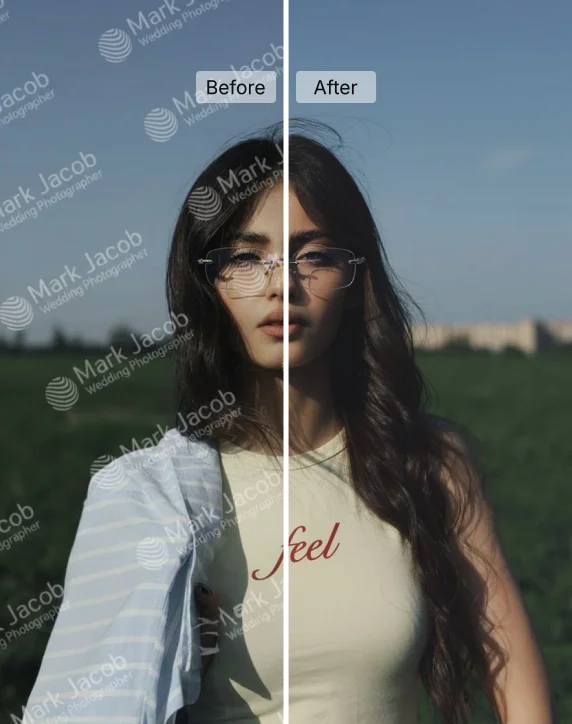
AI Watermark Remover
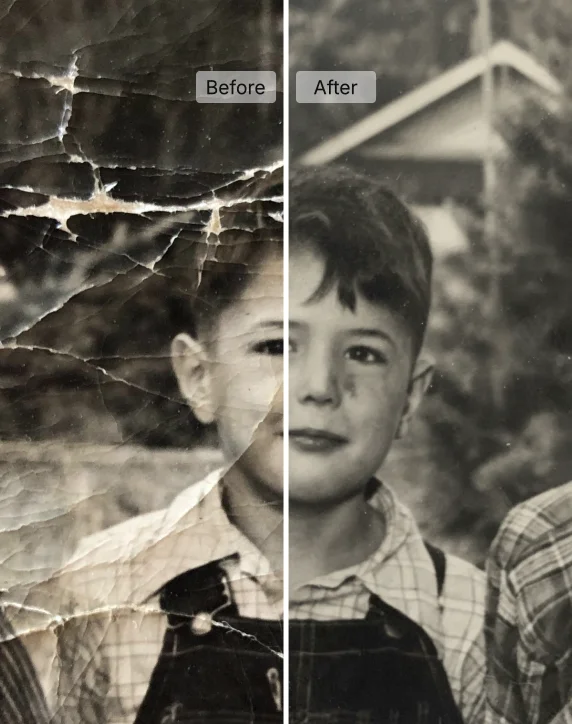
AI Photo Restoration
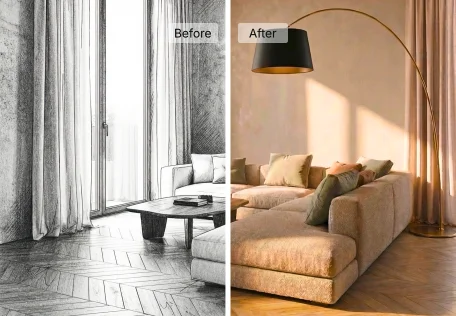
Sketch to Render AI
Interior Design Video Generator
Sign Board
Animate Image
Text to Speech
Nano Banana 2
Ideogram 4.0 — Open-Weight AI Image Generator with 2K Resolution
No tools match these filters.
Pick the right tool
Start with the output you need, not the tool name. Then match format, speed and cost to the job.
For marketing teams
Paid social burns through creative fast. A winning ad tires out in days, and a shoot takes weeks. That gap is where AI tools earn their place. Start with Ad Studio: paste a product URL and it builds a video ad you can test straight away. Then use the AI art generator to make static variants for the same campaign, and Magic Text to put clean headlines on them. Run three or four versions per audience. Keep the ones that hold attention past the first three seconds and retire the rest.
Open Ad StudioFor content creators
Consistency wins on Instagram, YouTube and TikTok. Posting daily is hard when every post needs a visual. Use the AI video generator to turn a script or a single image into a short clip. Use the AI art generator for thumbnails, covers and carousel slides. Character tools help keep the same face and style across a series, so your channel reads as one brand instead of ten experiments. Batch your week in one sitting. Write ten prompts on Monday, generate everything, pick the best and schedule. Image to video is the fastest way to give a strong still some motion.
Start CreatingFor ecommerce brands
Photoshoots cost the most when you're still deciding what to sell. AI lets you test a look before you book a studio. Upload a garment, place it on an AI model, then try different poses and backgrounds. Fashion teams can see how ImagineArt works for fashion brands to build catalog images and campaign visuals in one workflow. Pair stills with short product videos for listings and social. Treat the output as a fast first pass. Check fit, color and fabric detail by eye before anything goes live.
Explore Image ToolsFor product and design teams
Early design work slows down when every idea needs a mockup. The AI UI design generator turns a text description into screen concepts you can react to in minutes. The AI favicon generator gives a new product its first brand mark the same afternoon. Use the AI character generator and pixel art tools for game art, mascots and avatars. Once a concept is approved, train a custom model so every new asset matches the style. Designers stay in control. AI handles the rough first pass, and you refine from there.
Browse Productivity ToolsAnswers about the ImagineArt AI tools directory, free plans, and how to pick the right tool.