ImagineArt AI Influencer Generator

Your AI influencer, ready to vlogdancesellgo viral

Create an AI influencer with the face, body and style you want, then pick a motion preset or bring your own clip and watch them perform it in a video ready to post.
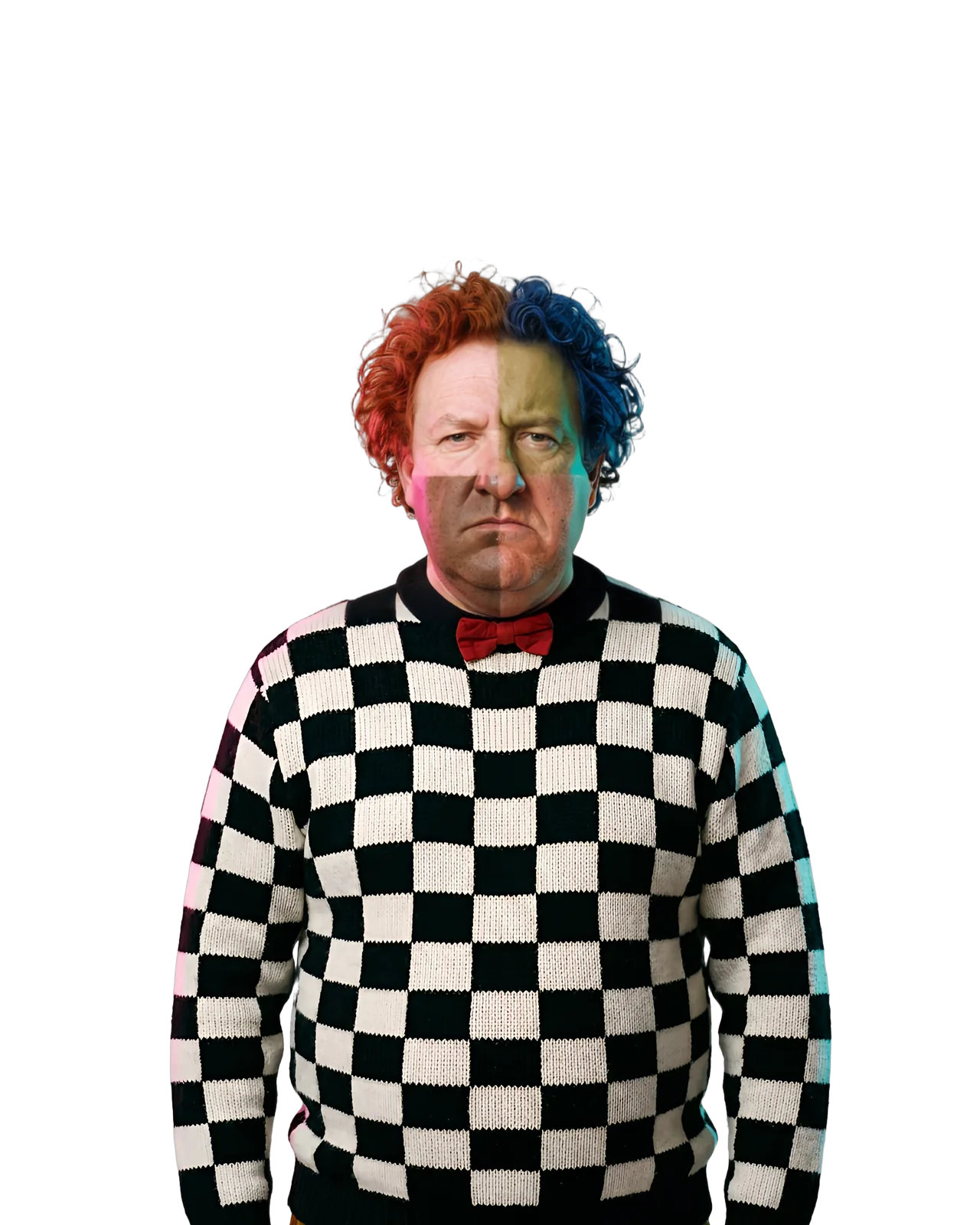
An AI influencer with half ginger, half blue hair in a checkered sweater and red bow tie

Create an AI influencer, anyone you can picture

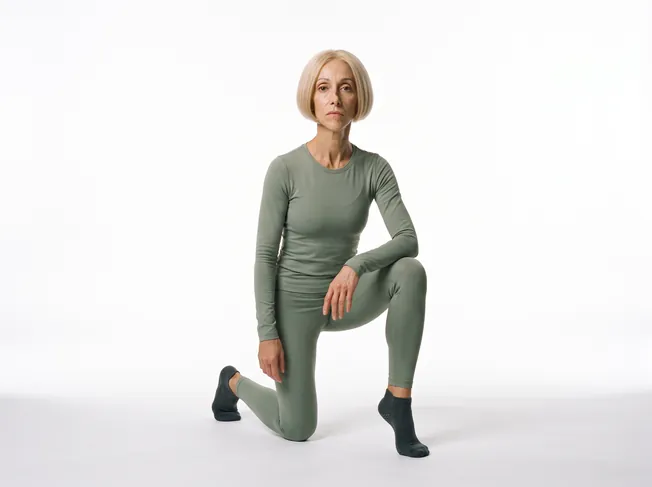
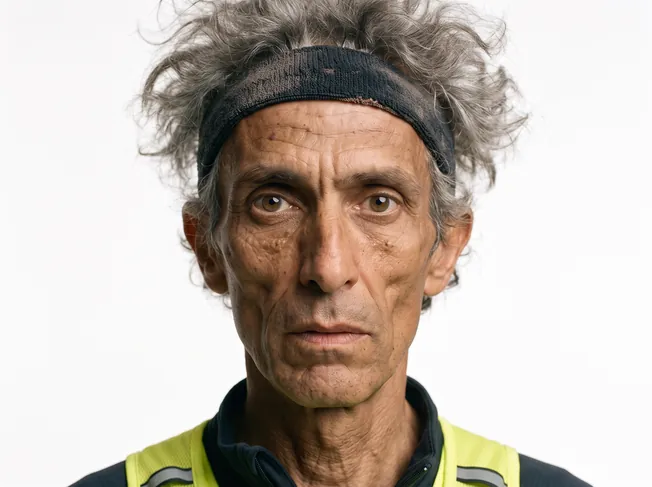
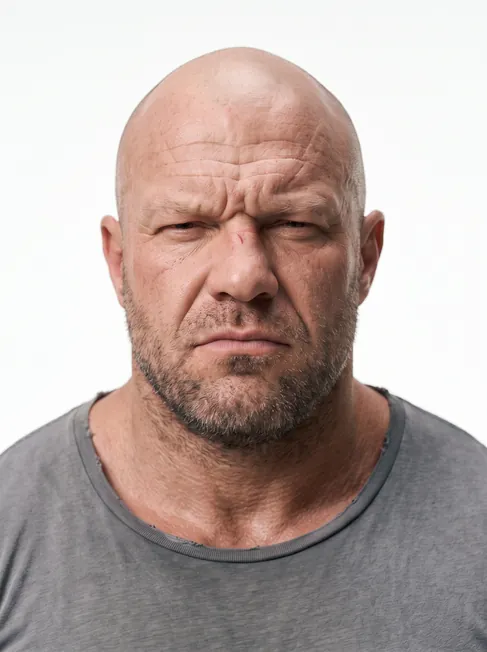
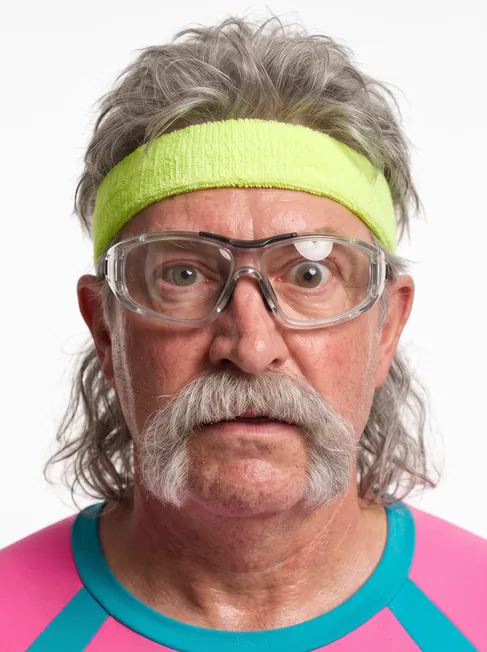
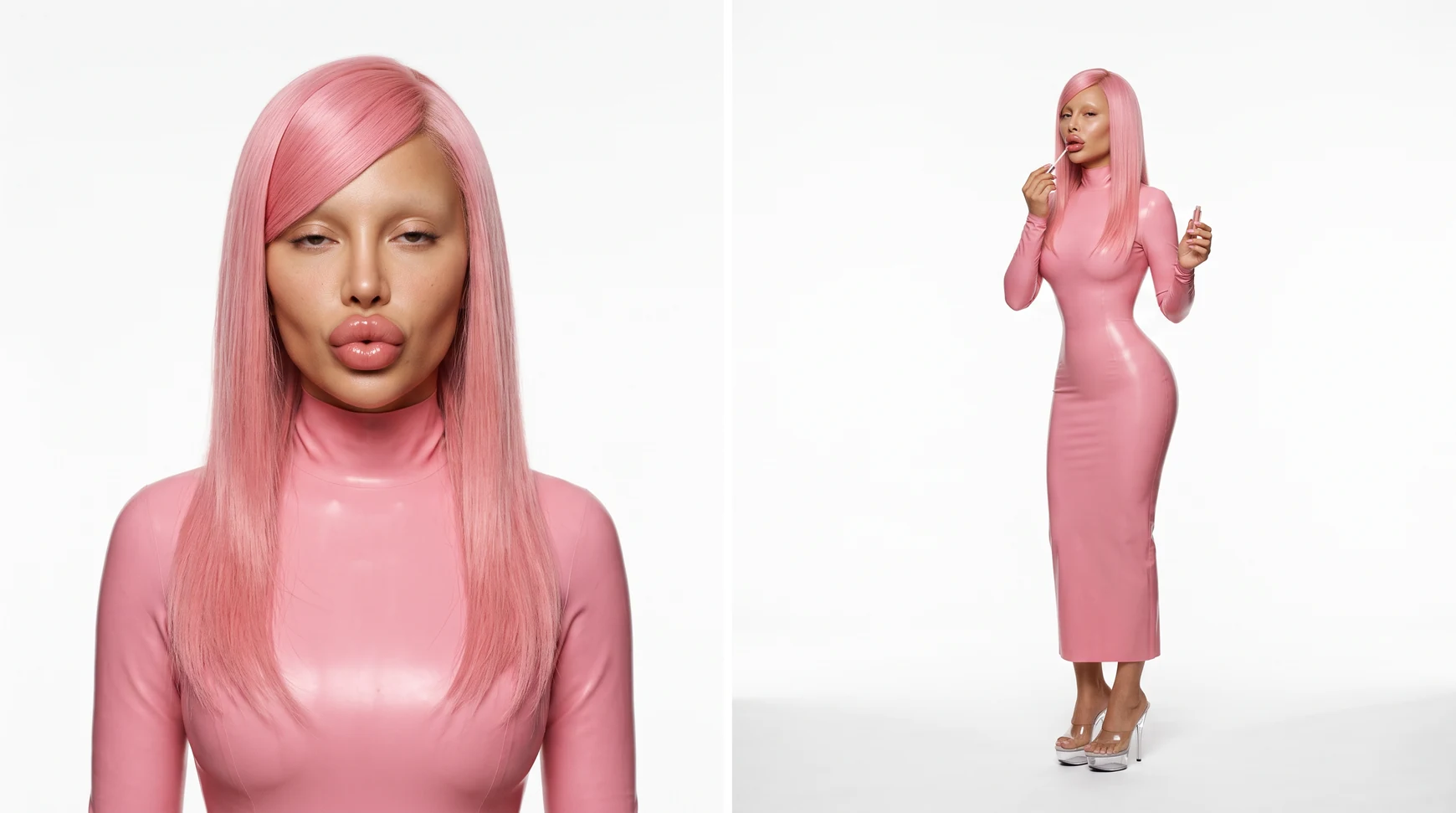
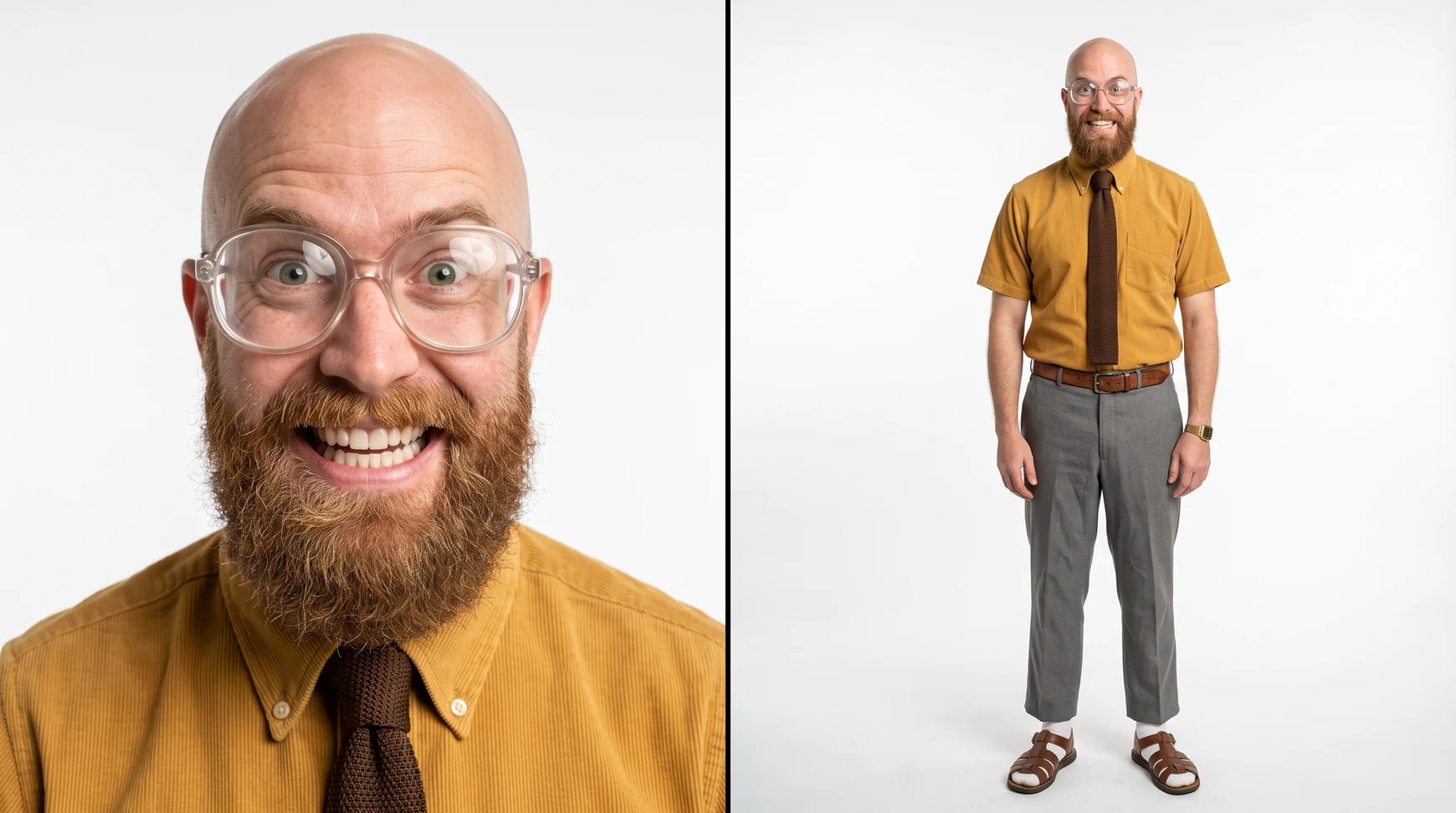
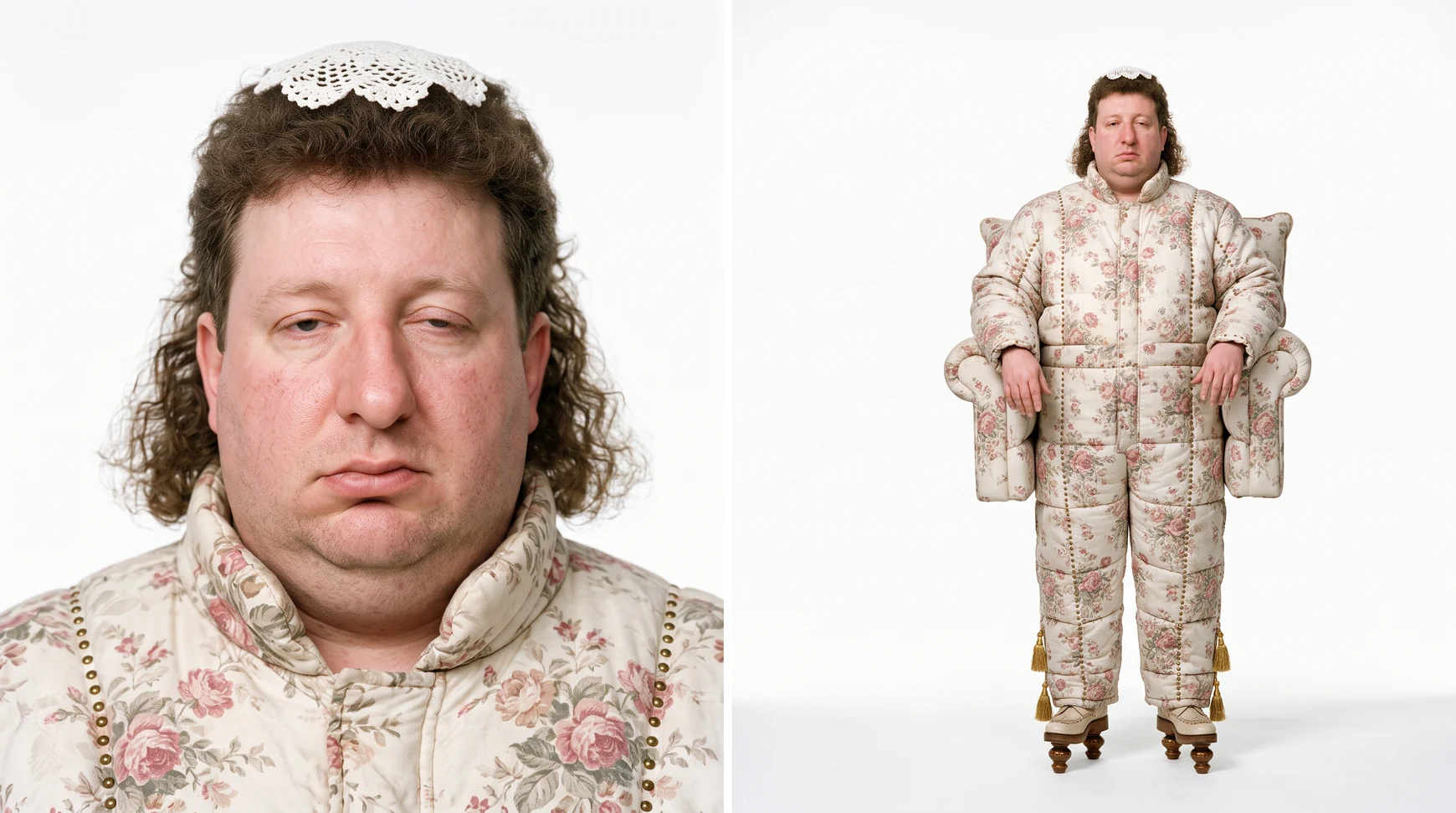
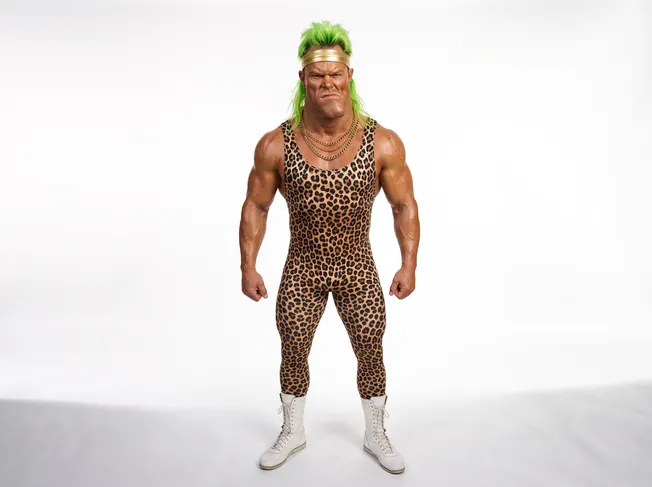
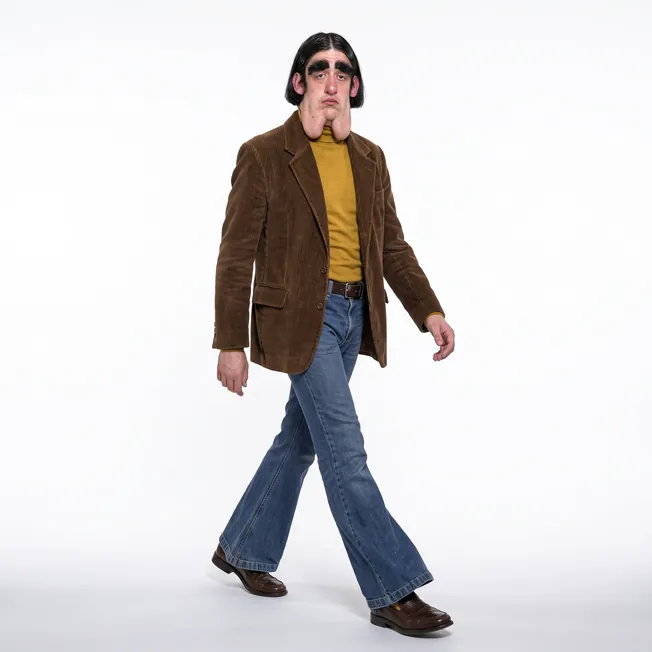
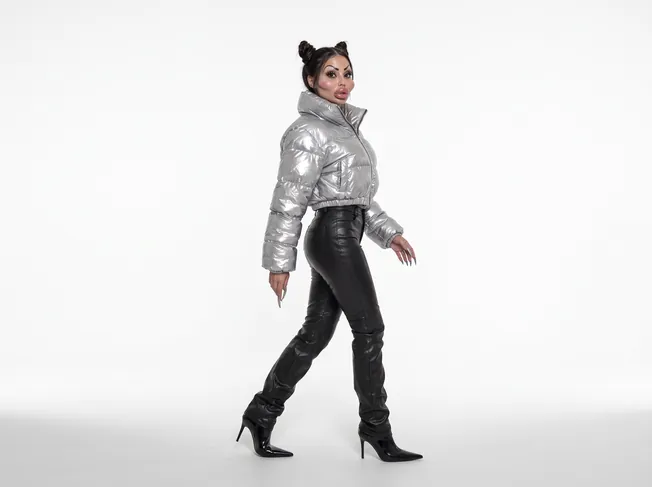
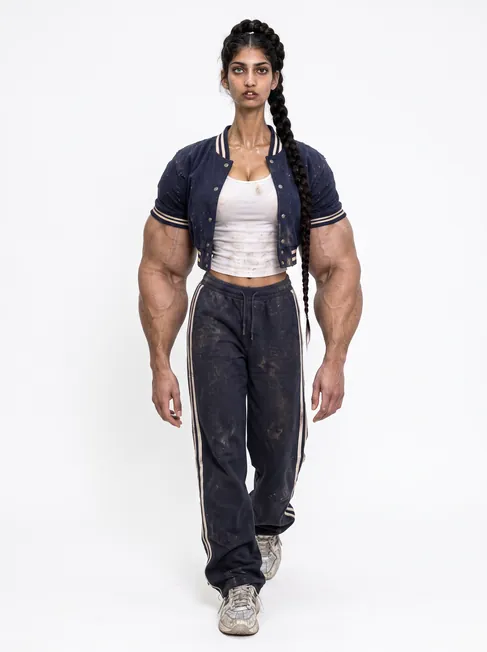
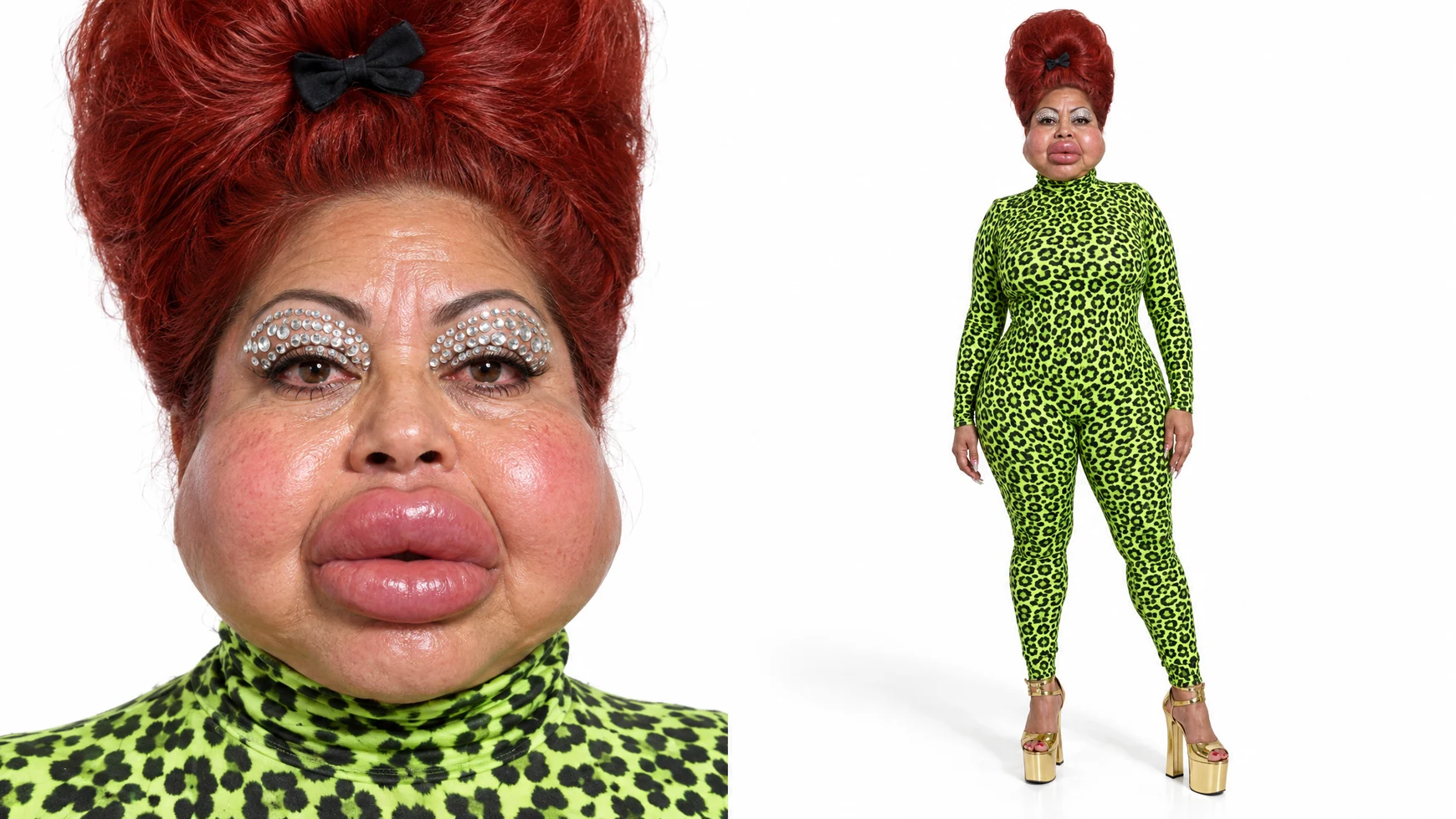
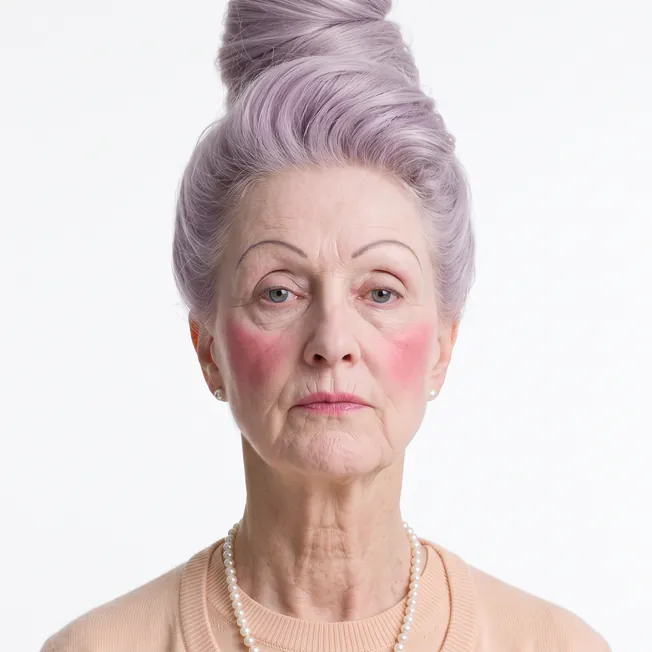
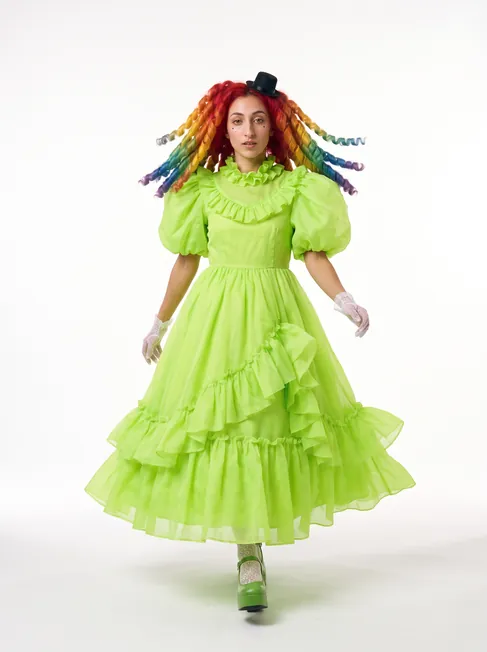
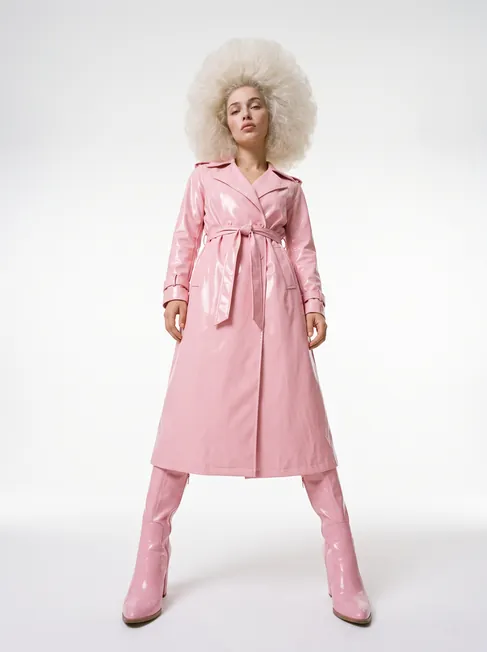
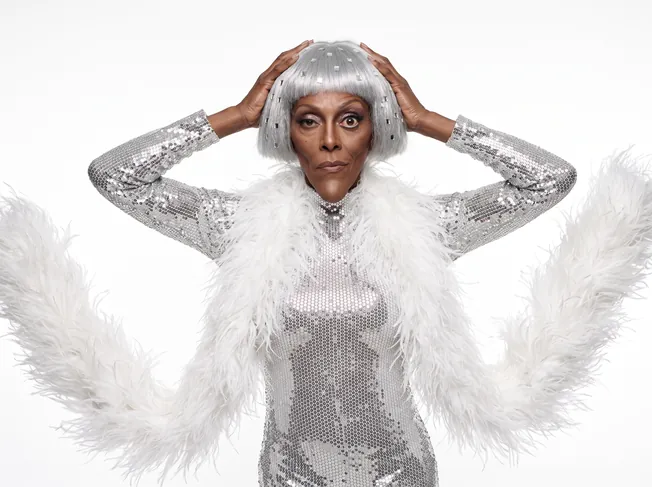
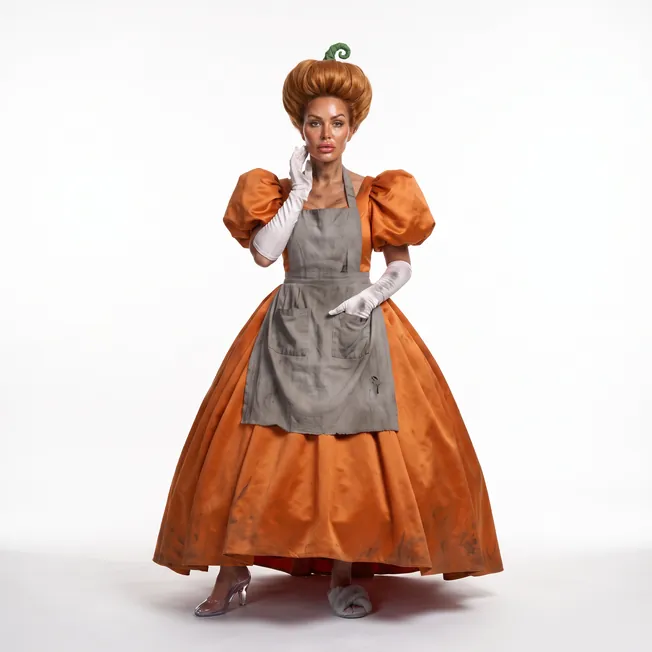
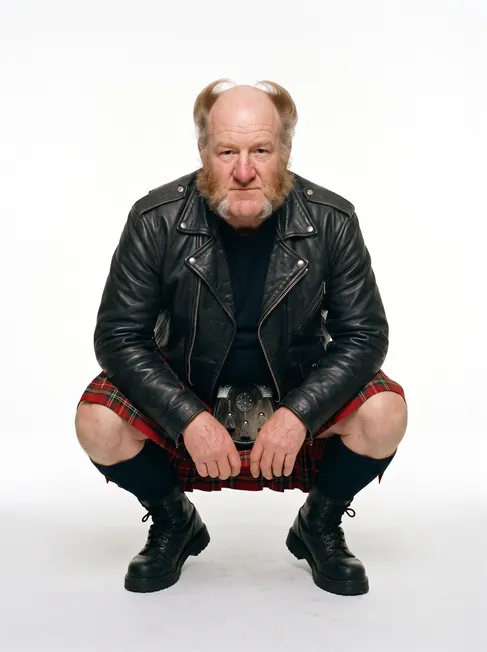
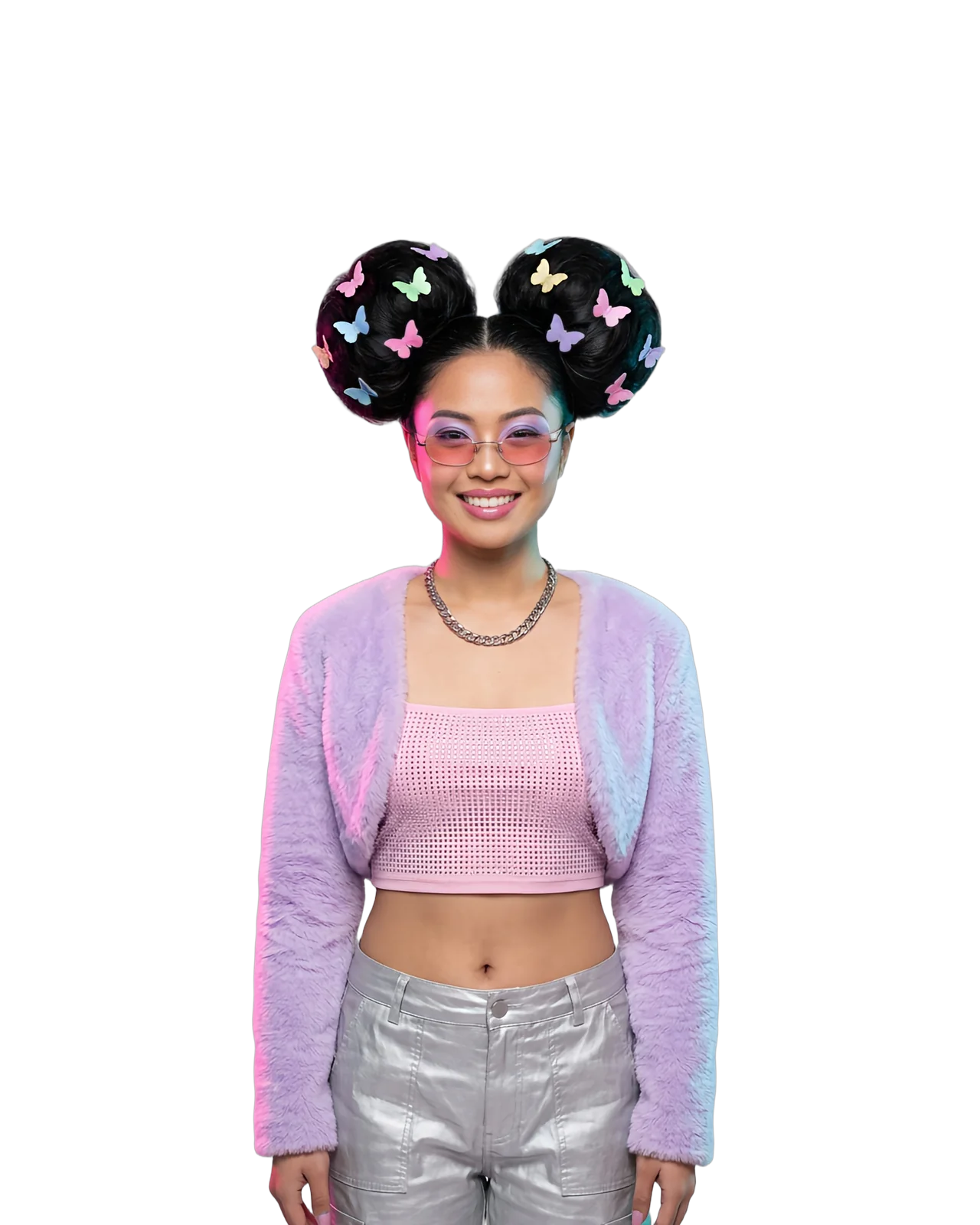
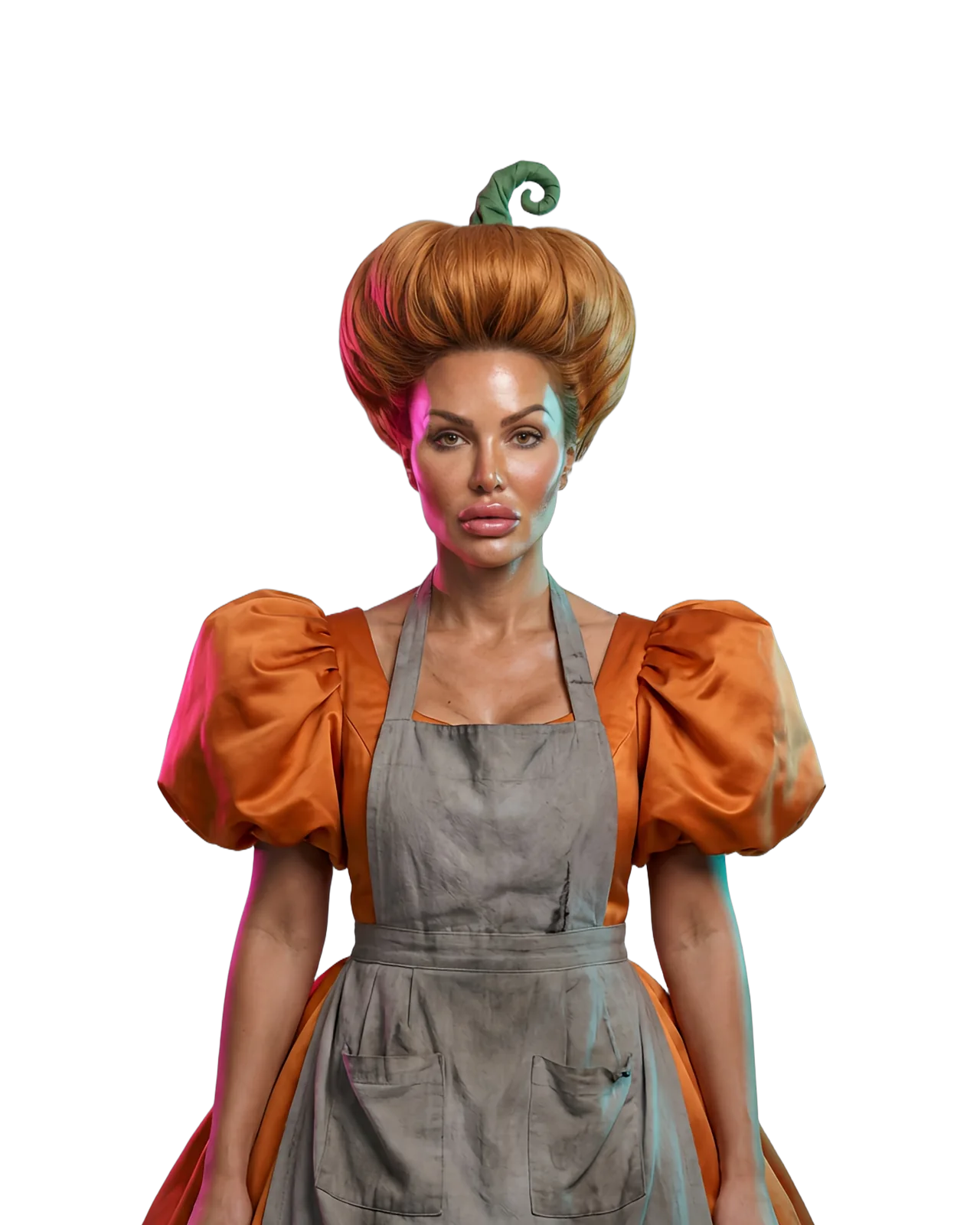
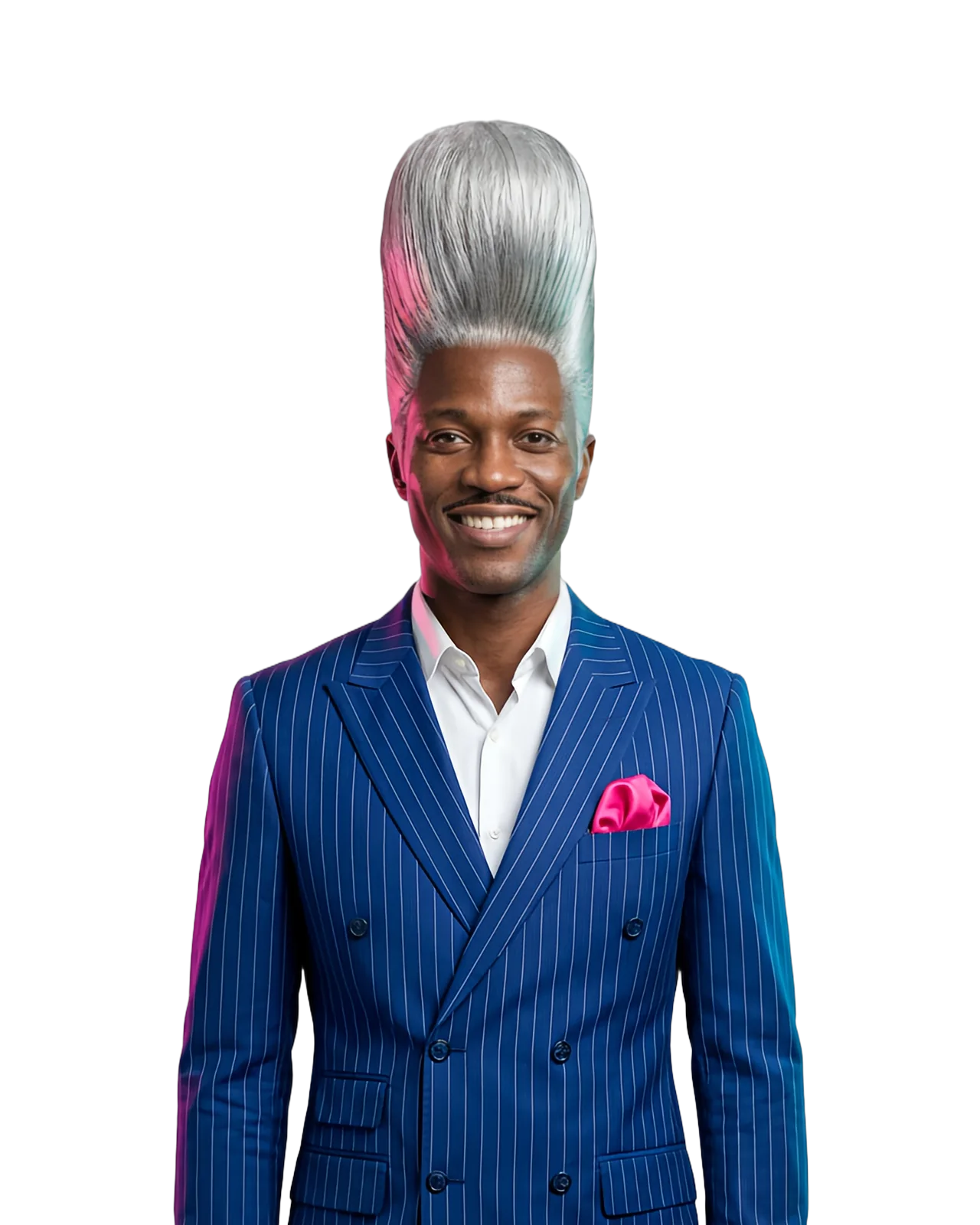
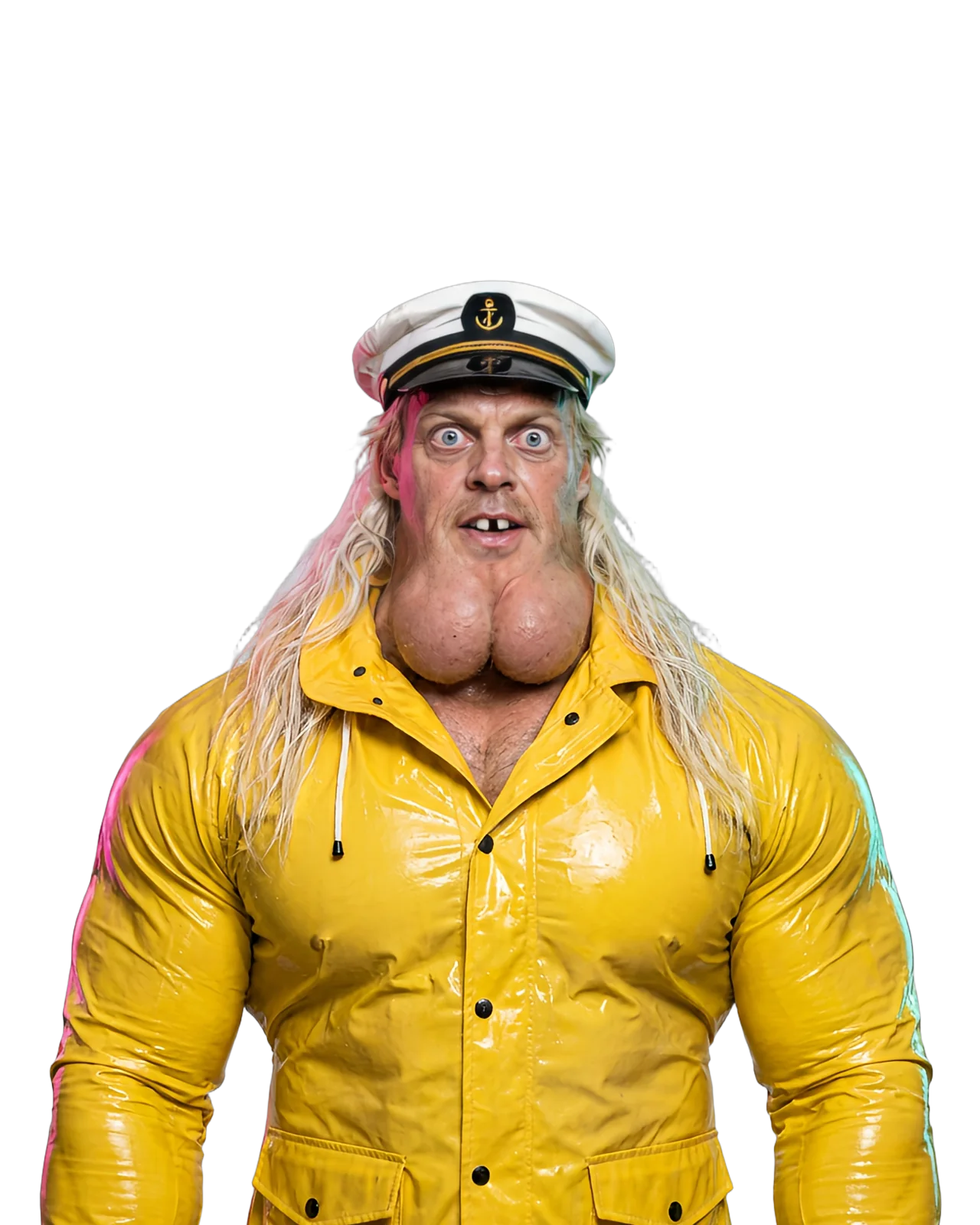
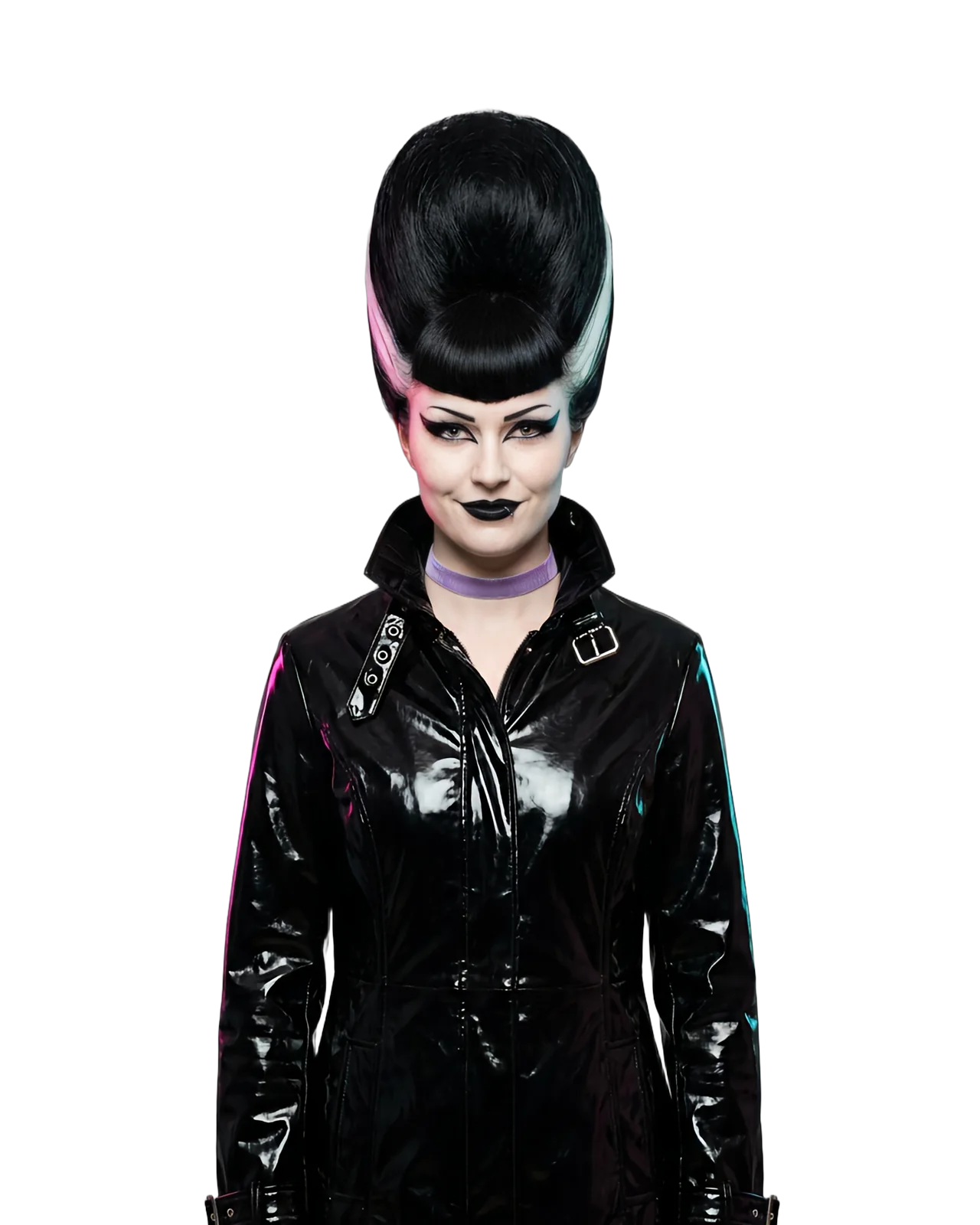
Start from your own photo or from nothing at all. Pick a character type from 21 traits and 209 options, then dial in the face, hair, body and style until they look like someone people stop scrolling for.
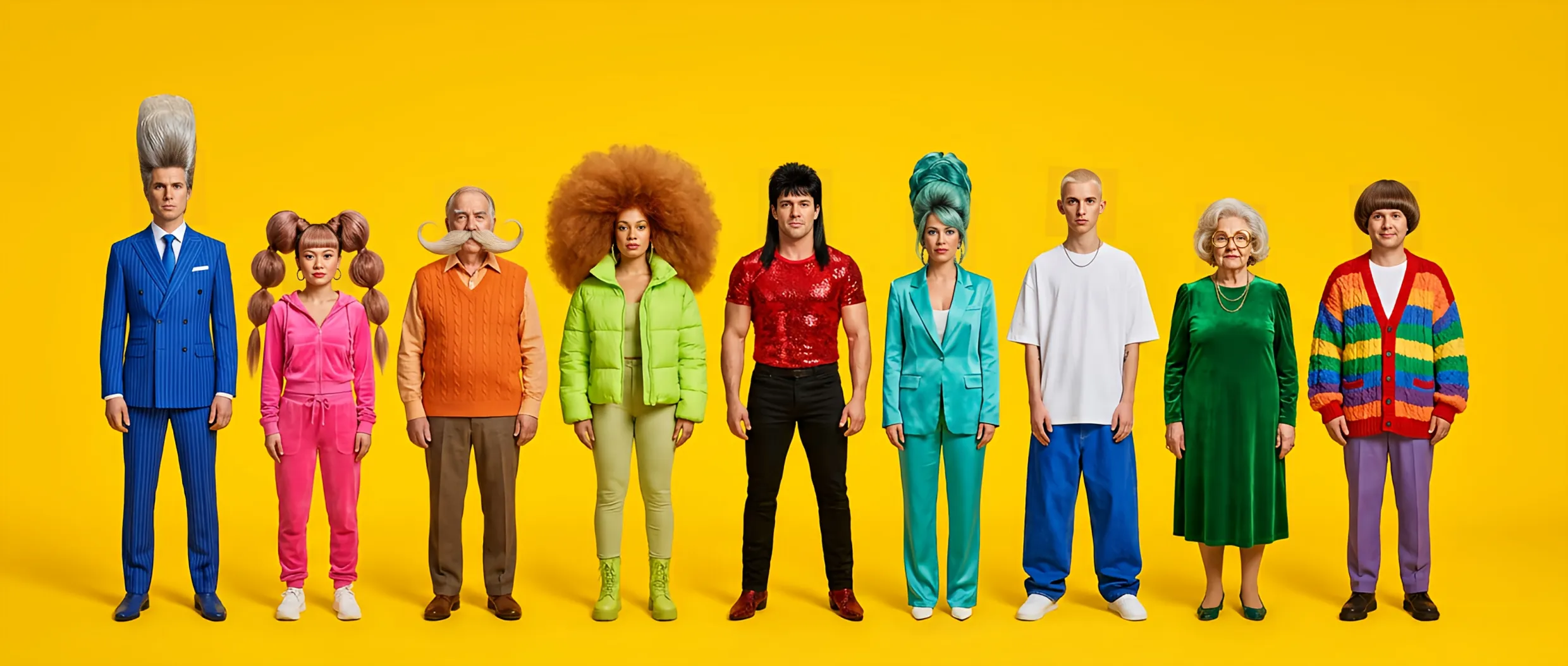
Nine bold AI influencers standing in a row on a yellow studio backdrop
Character typeGenderBuildHairstyleHair colorStyleEthnicityAgeSkin colorHeightProportions
Head shapeNeckEye shapeEye colorFeaturesFacial hairDistinctive featuresAccessoriesExpressionMakeup

How to make an AI influencer video in three steps

Everything happens in one studio: build the character, give them a motion, and get a video back.

  1. Picking a hairstyle and a style in Create Influencer, then generating a character sheet

    Step 1

    Create your influencer

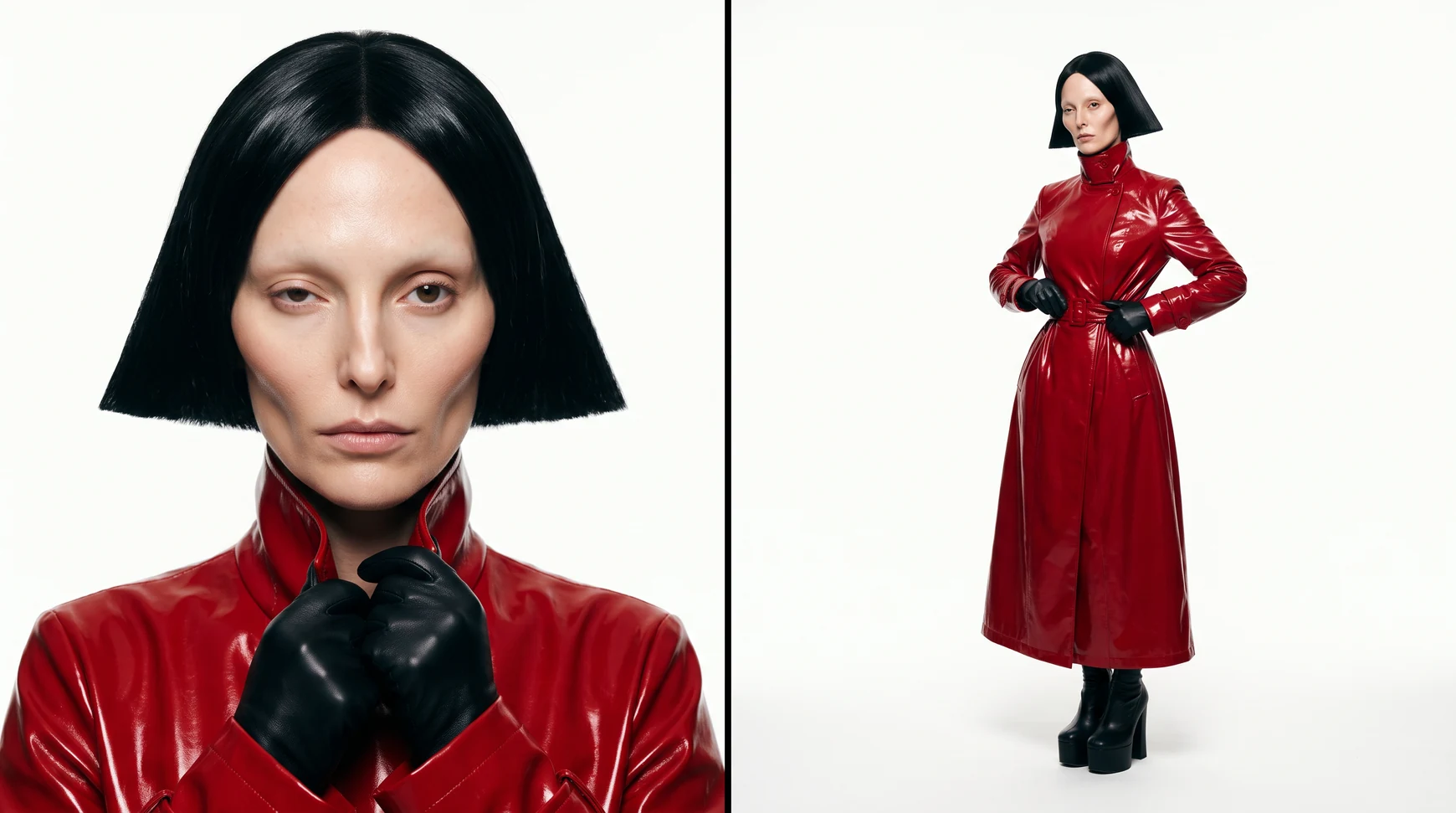
    Upload a photo to keep a real face, or build someone new from scratch. Open any trait, tap the look you want, and generate a 2K character sheet with a portrait and a full-length shot.

    • 21 traits from hairstyle to makeup
    • Up to four variations per run
    • Randomize for a curated look
  2. Selecting the Kitchen Island Toast preset in Motion and generating the video

    Step 2

    Pick a motion

    Choose an Imagine preset or upload your own reference video. Add your character, plus any products or clothes, and describe a new scene if you want one.

    • Motion Transfer copies moves, expressions and camera
    • Object Swap puts your character into the clip
    • Mention attached images with @ in the prompt
  3. Liking, sharing and recreating a preset in the AI Influencer viewer

    Step 3

    Generate, then post

    Seedance 2.5 renders the video and it lands in your History. Download it, share the link, or recreate any preset you like with your own influencer.

    • Download or share in one click
    • Recreate sends a preset straight to the sidebar
    • Every result stays in History

One character, endless takes

Keep a face, swap a star into any clip, borrow one of ours, or let Randomize surprise you.

Swap the star, keep the take

Object Swap replaces the person in a reference video with your character and keeps the camera, lighting, colour grade and original audio.
Original take
Your influencer
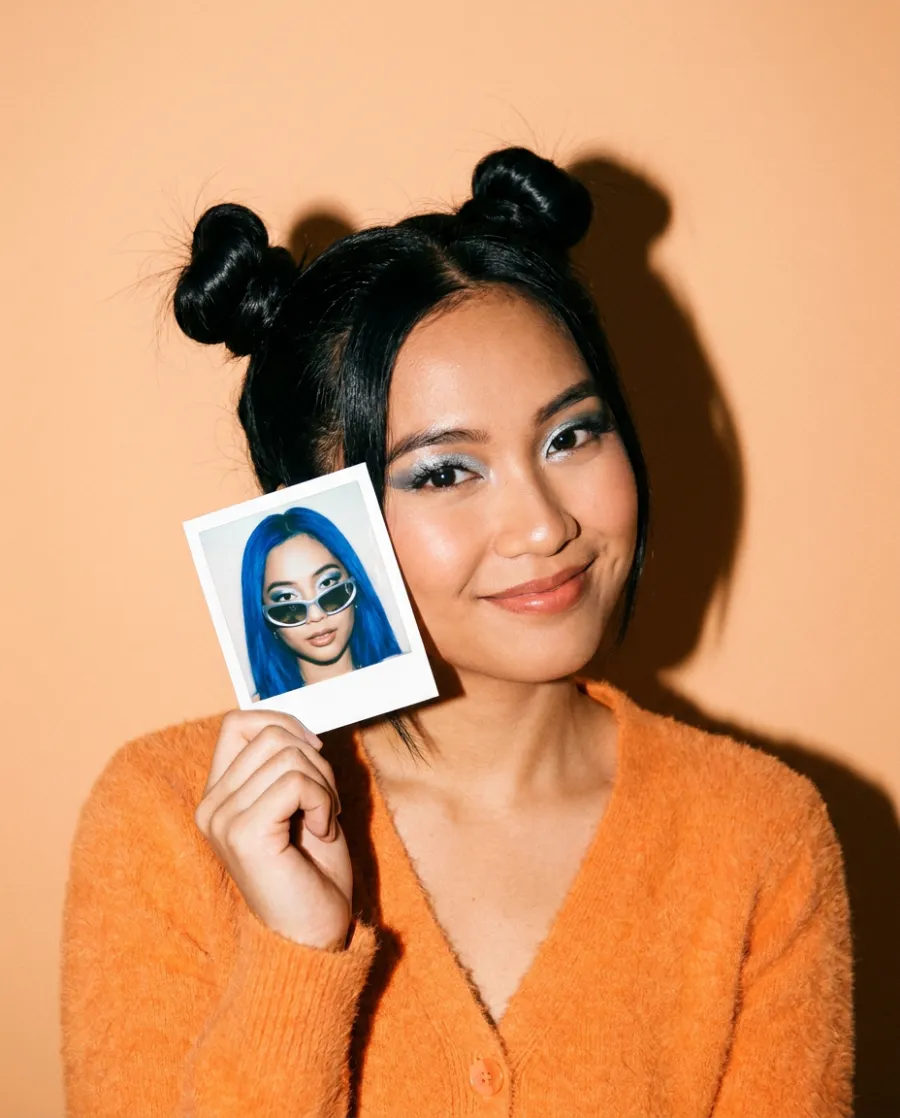
A woman holding an instant photo of her restyled AI influencer beside her face

Keep your own face

Upload a photo and every trait you pick adapts around the person in it.

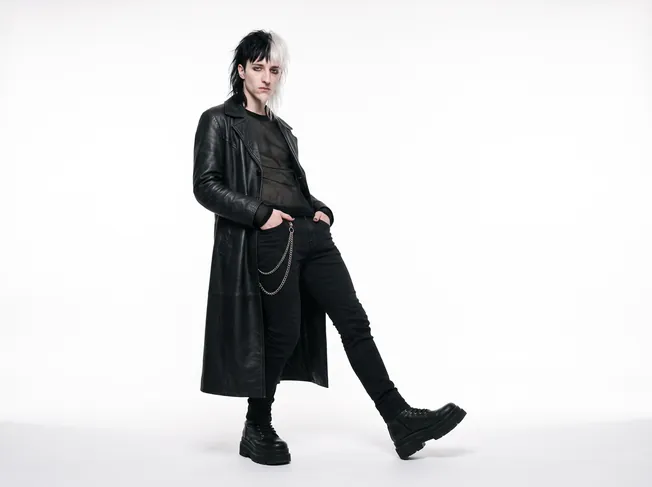
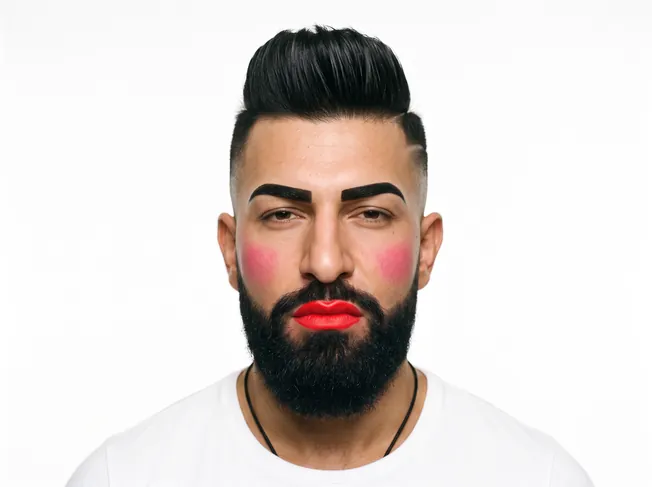
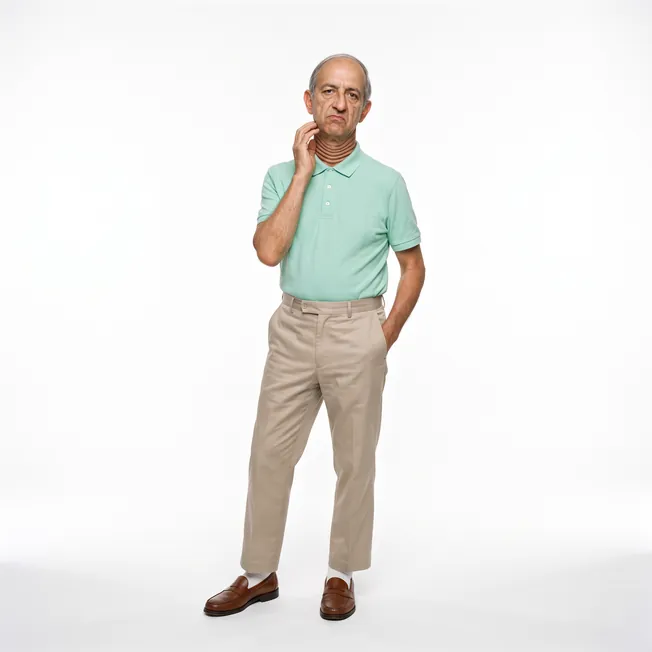
100 AI Influencers, ready to go

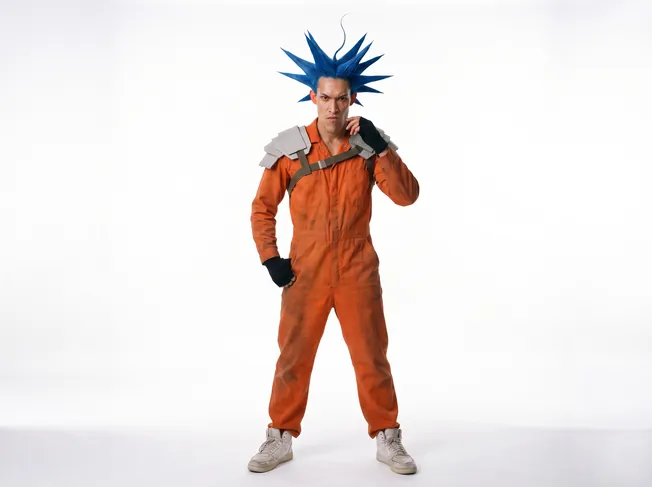
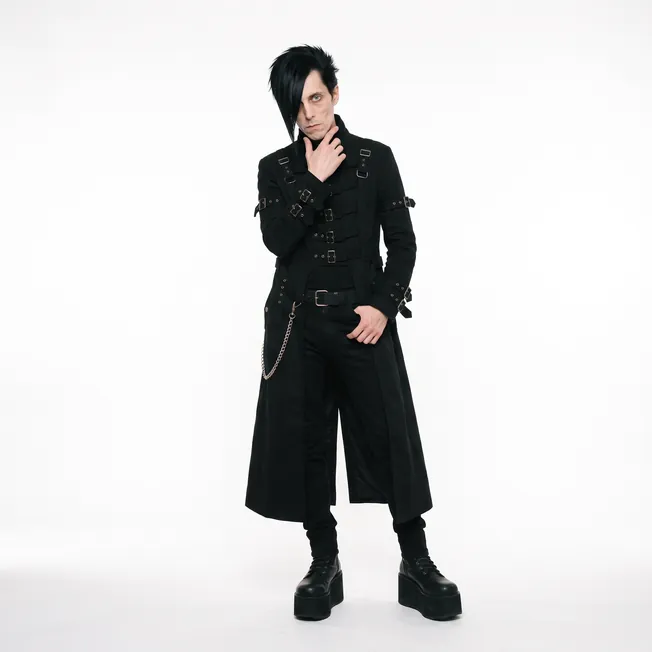
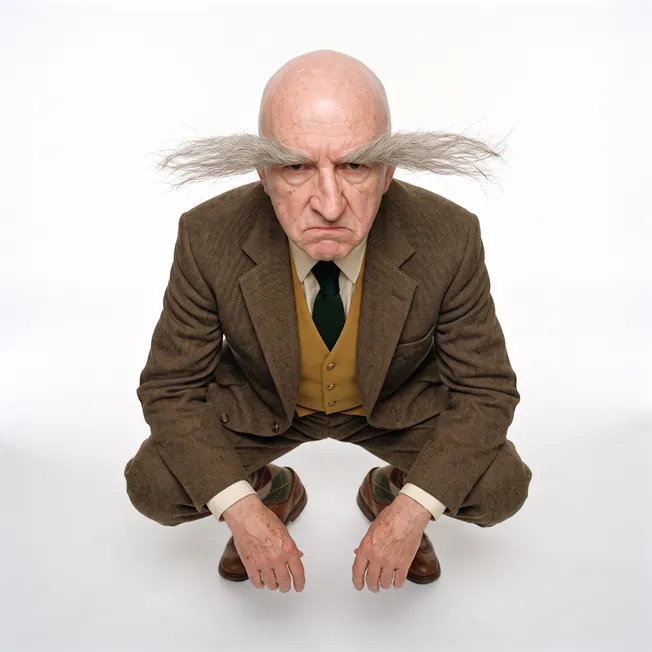
Open any of them to see their parameters, recreate the look, or send them straight to Motion.

One tap, a whole new person

Randomize loads a curated look you can tweak from there.

  • Tokyo streetwear creator
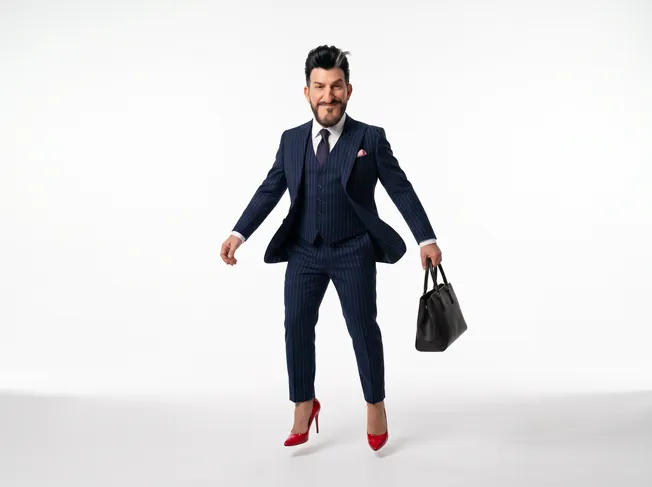
  • Old money gentleman
  • Fitness coach
  • Clean girl lifestyle
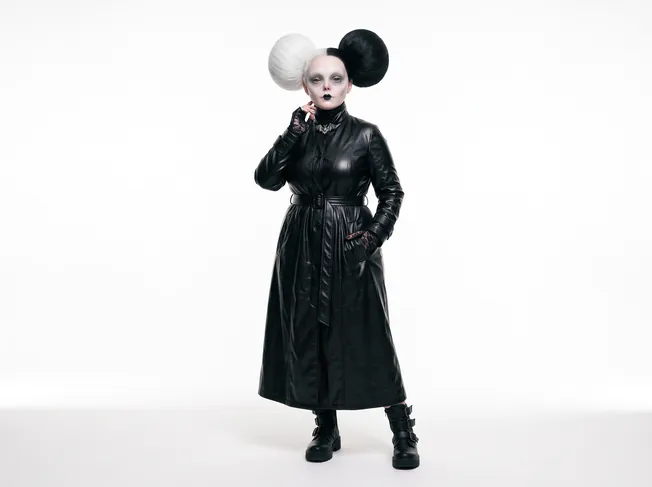
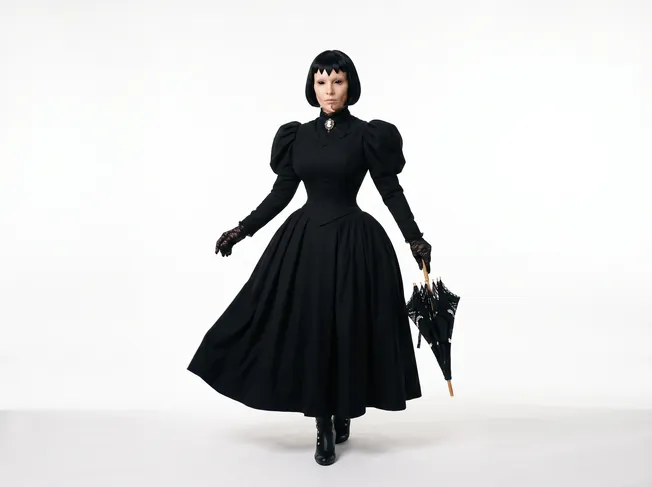
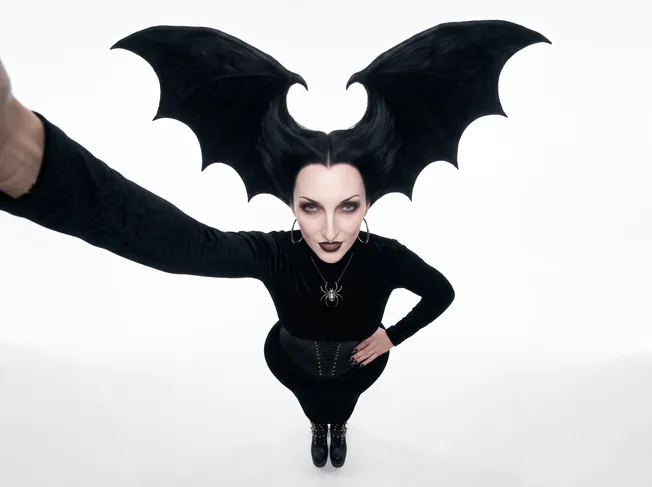
  • Goth musician
  • Techwear gamer
  • Y2K pop star
  • Modest fashion creator
  • Home cook grandpa
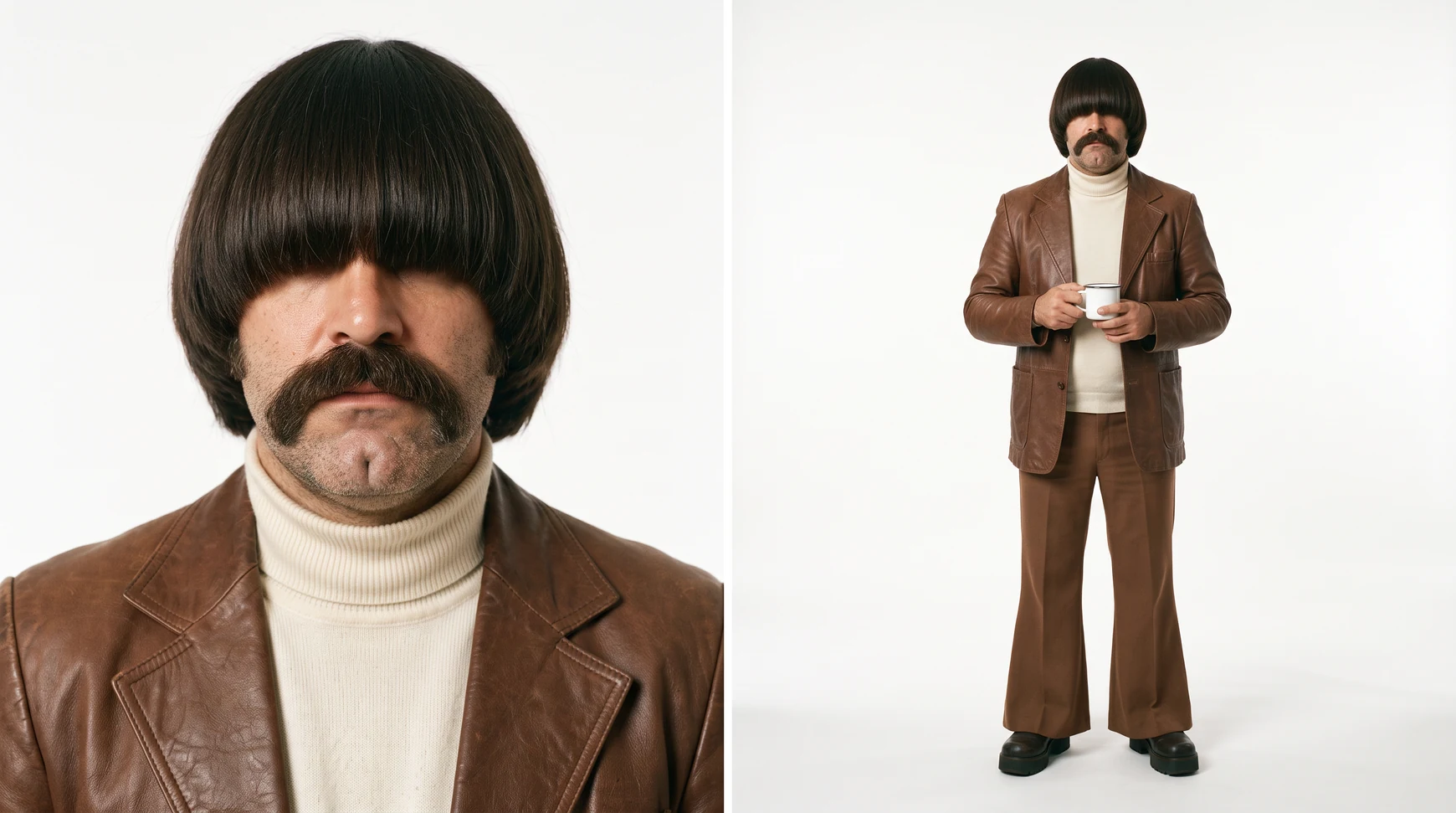
  • Retro crooner
  • Gigachad CEO

Recreate any AI influencer, then make them yours

Every AI Influencer in the studio comes with their parameters. Recreate one to load the look into Create Influencer, change what you like, and send them to Motion.
See all AI Influencers

AI influencer videos for the feed, whatever it wants today

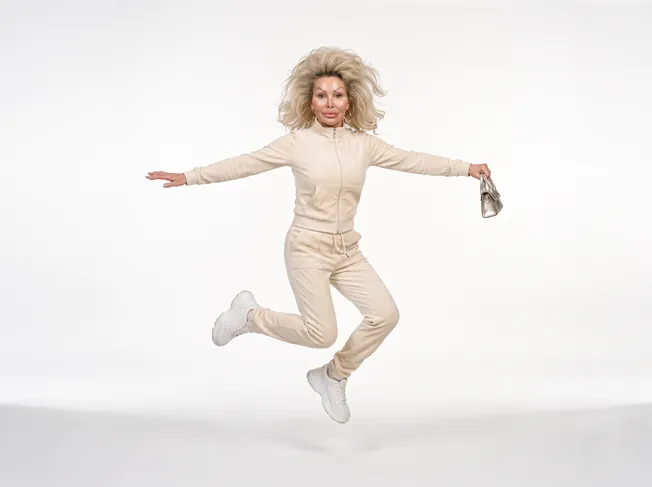
Every one of these is a Motion preset in the studio. Pick one, add your influencer, and they perform it with the same face every time.

  • Dance trends

    Learn the routine without the rehearsal

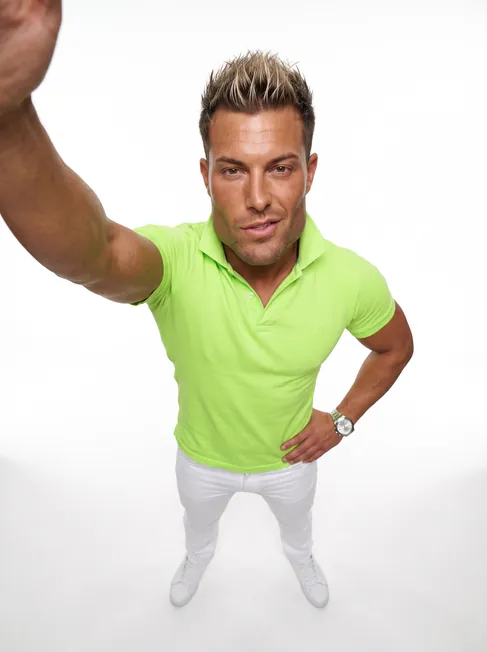
  • POV rants

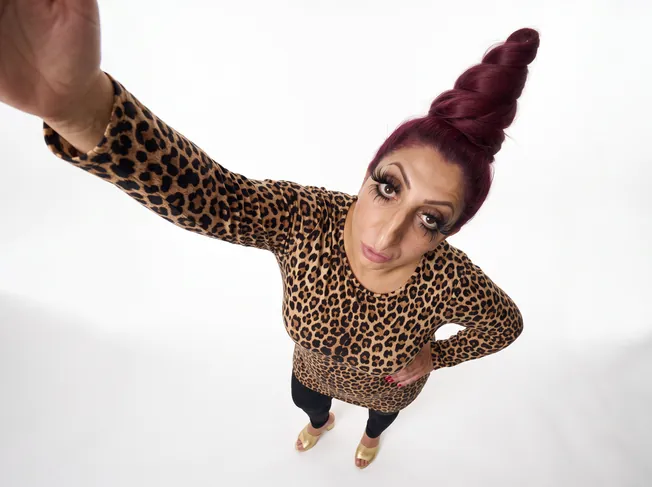
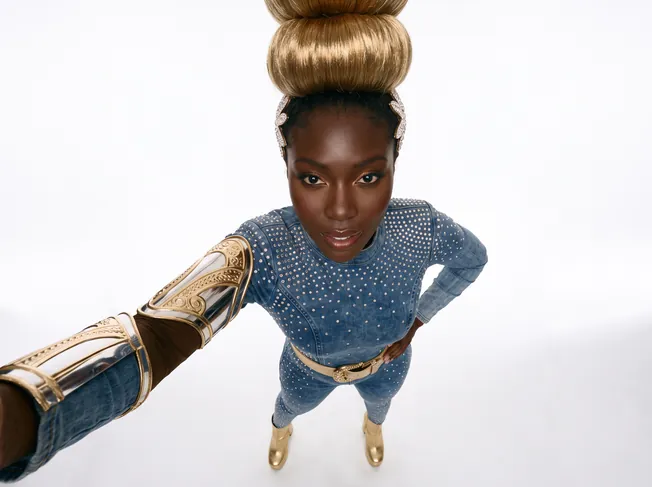
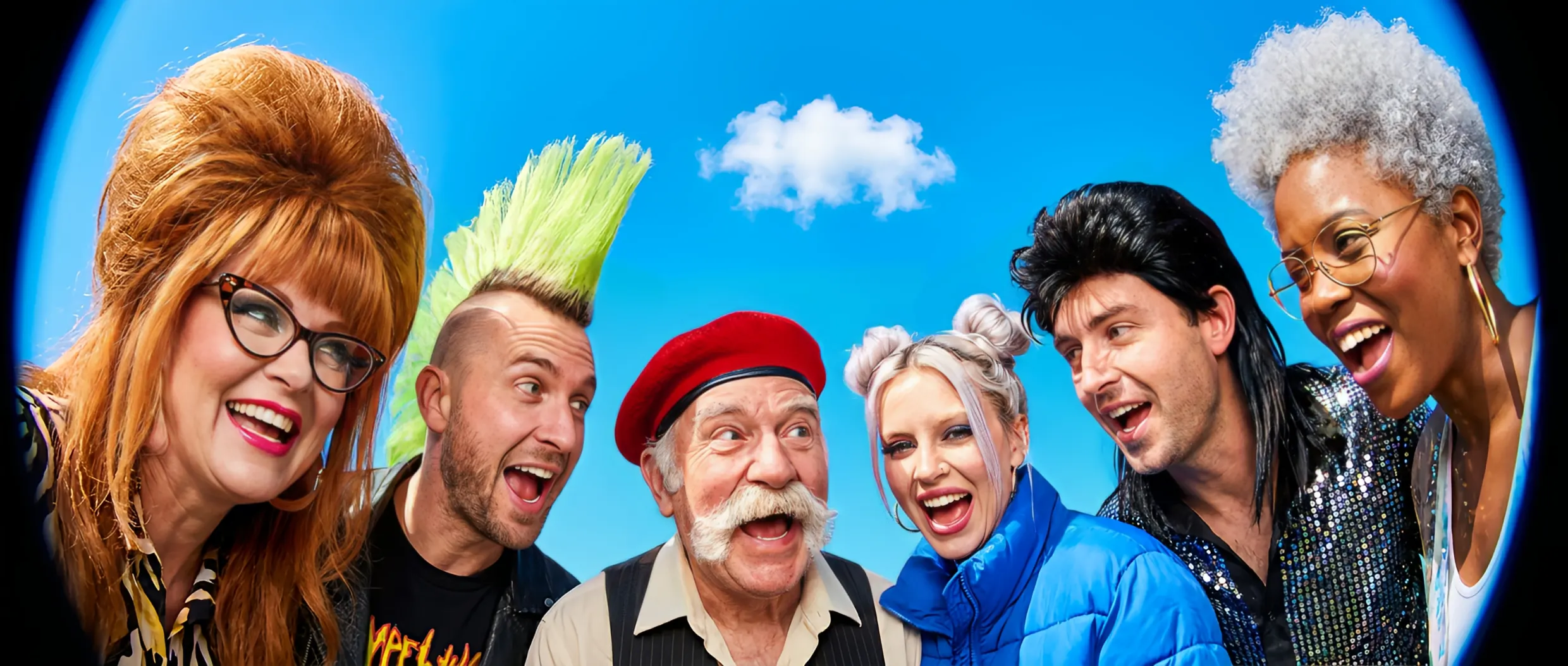
    Too close to the lens, as always

  • Couple skits

    One of them stands out a little more

  • Office POVs

    Monday, explained with both hands

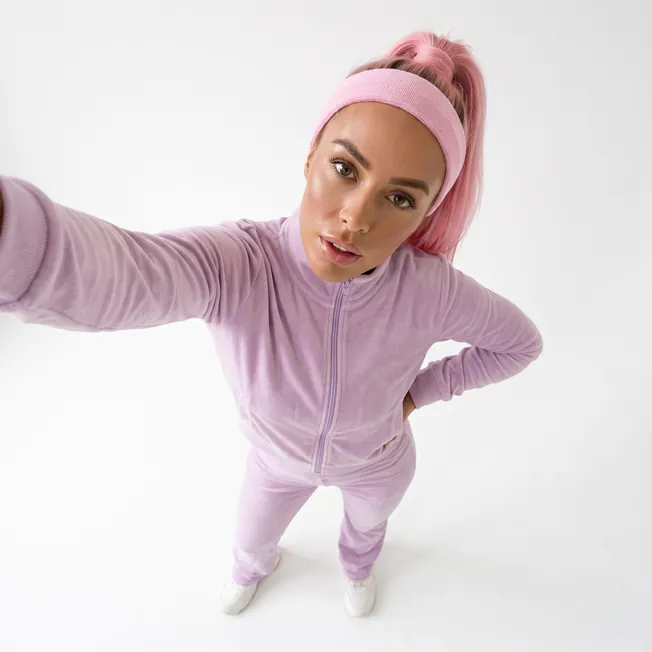
  • Travel selfies

    Paris tonight, somewhere new tomorrow

  • Character skits

    One cowboy, a whole running gag

  • Mirror transitions

    Turn around, new look

  • Sports skills

    Out-dribble the pros, no training needed

  • Car selfies

    Parked, posed, posted

  • Duo trends

    Two characters, one trend

  • Kitchen dances

    Mid-snack choreography

  • Big purchase flex

    Sign, shake, drive off

  • Fan hype

    Face paint on, game on

FAQ

What people ask before they make their first AI influencer.
AI Influencer is ImagineArt's AI influencer generator and video studio. You build a character with the face, body and style you want, then give them a motion: an Imagine preset or your own reference video. The result is a video of your influencer performing it, ready to post.

Open Create Influencer, upload a photo or pick a character type, then set the face, hair, body and style across 21 traits. Generate a 2K character sheet, then open Motion, add a preset or reference video, and generate the video.

Yes. Upload a photo in Create Influencer and the traits you pick adapt around the person in it, so the character keeps that face. Only use photos of yourself or of someone who has agreed to it.

No. You build the character by tapping options across 21 traits, and Motion works from a preset or a reference video. The prompt in Motion is optional, for when you want a new scene, such as the same moves in a new location.

Motion Transfer has your character perform the reference video one to one: the moves, expressions, camera and cuts. Object Swap replaces the person in the reference video with your character and keeps everything else, including the lighting, colour grade and original audio.

Yes. Add one reference video in Motion and the studio shows the length it accepts. Presets are there when you want a ready-made trend.

Yes. Give your influencer a product to hold up for an AI UGC video, or a dance clip to copy with Motion Transfer. The same character keeps their face across every video.

Yes. Motion takes your characters plus product or clothing images, and you can mention each attached image with @ in the prompt.

Motion videos are rendered with Seedance 2.5. Character sheets are generated as 2K images with a portrait and a full-length shot side by side.

Create Influencer generates one to four variations per run. Randomize loads a curated look, such as a Tokyo streetwear creator or a retro crooner, that you can tweak before generating.

Yes. The AI Influencers tab holds 100 characters. Open one to see its parameters, recreate the look in Create Influencer, or send it straight to Motion.

Everything you generate lands in History, with filters for images and videos, so you can come back to a character and use them again.

You can start free. Each generation costs credits, and the Generate button shows the cost before you run it. See current plans on the pricing page.

Your next viral sensation

Build the character, pick the moves, and post the video. Start free on ImagineArt.

Create your influencer free