
Installation Guide
How the panel works
Five steps from a blank timeline to a finished cut, all inside the docked ImagineArt panel.
How the panel works
Five steps from a blank timeline to a finished cut, all inside the docked ImagineArt panel.
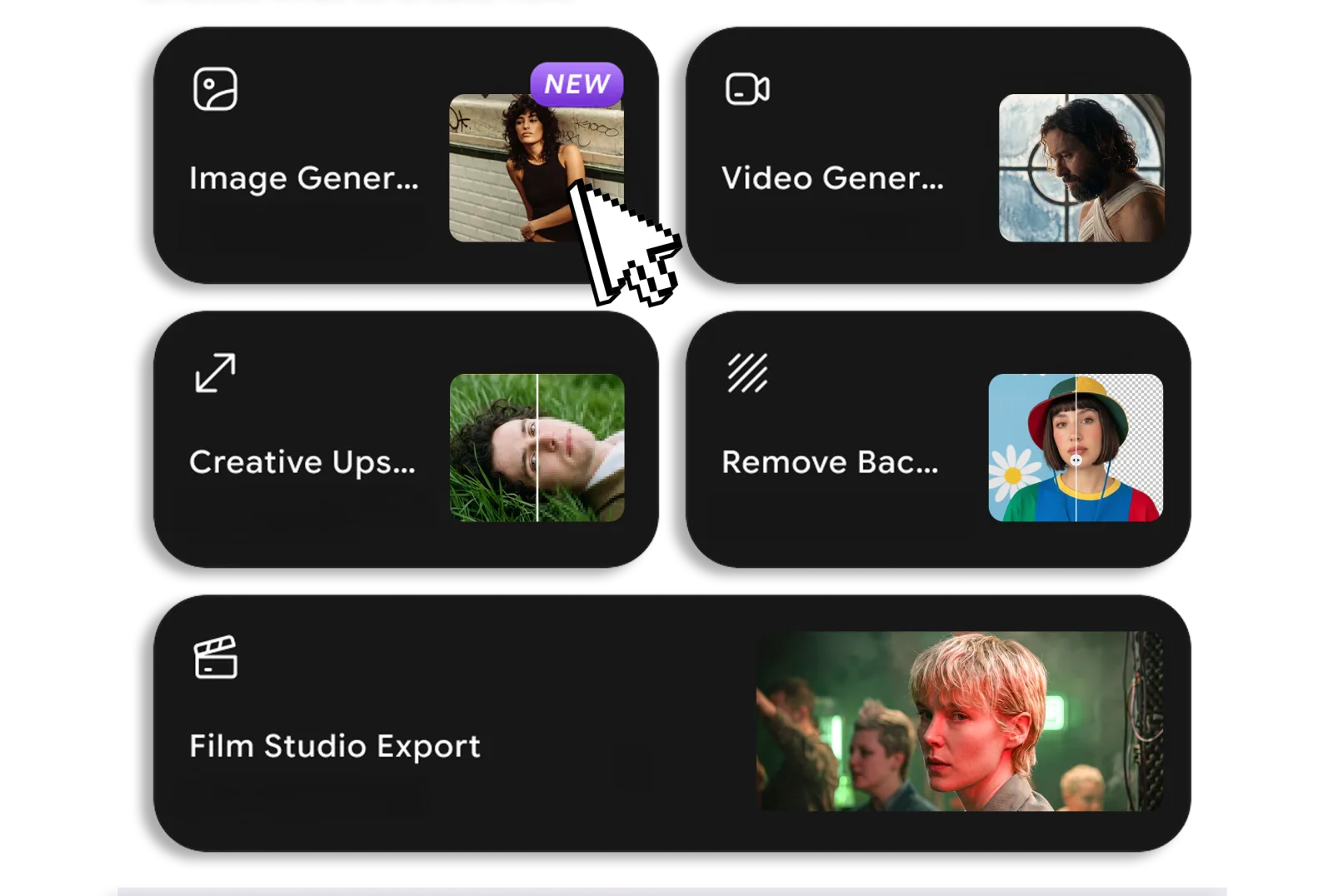
Pick a tool
Open the panel in Premiere and choose what to make, image, video, upscale, remove background, or a full Film Studio export.

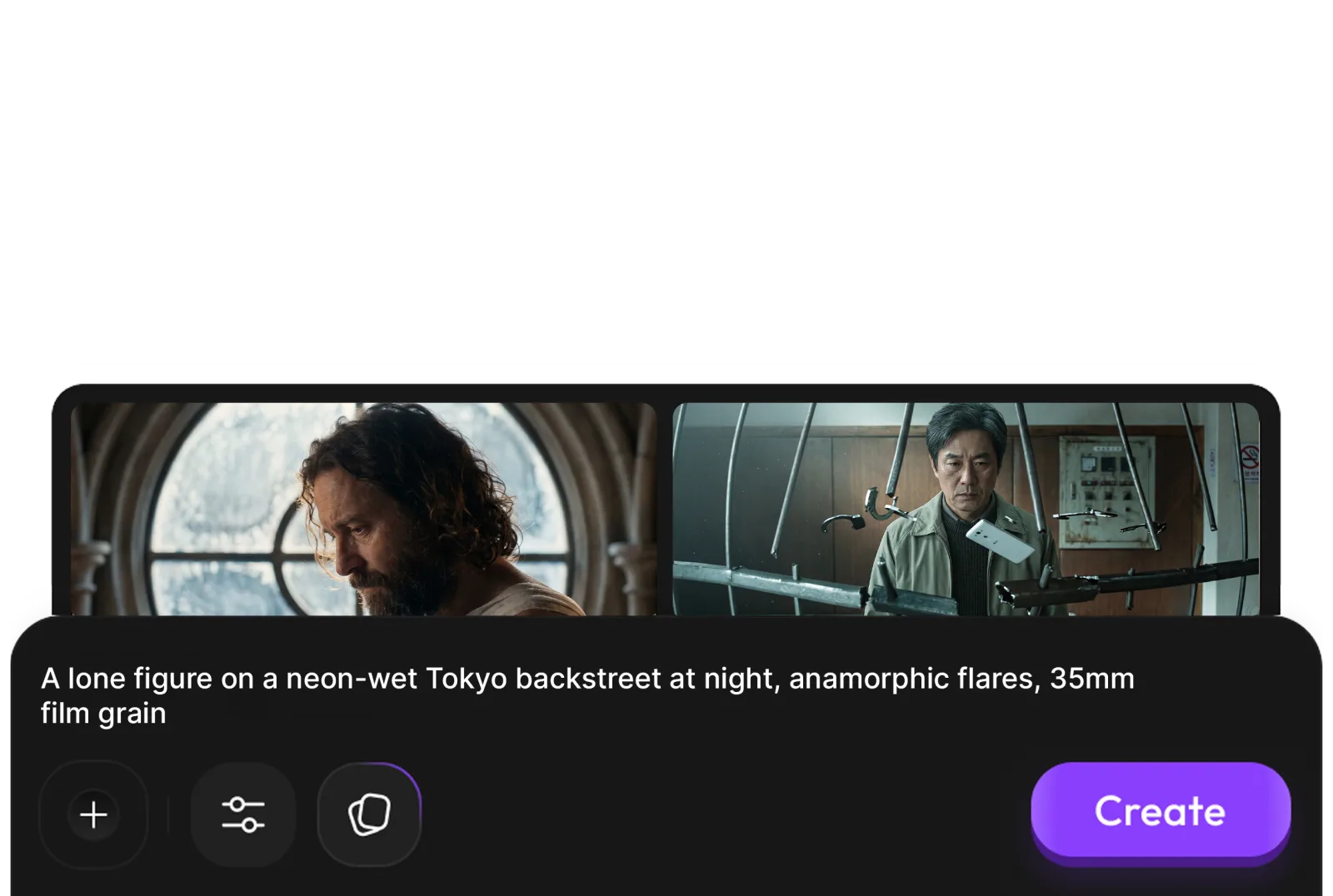
Describe your shot
Type a prompt, then set the model, aspect ratio, resolution and duration, the panel shows the credit cost before you run anything.
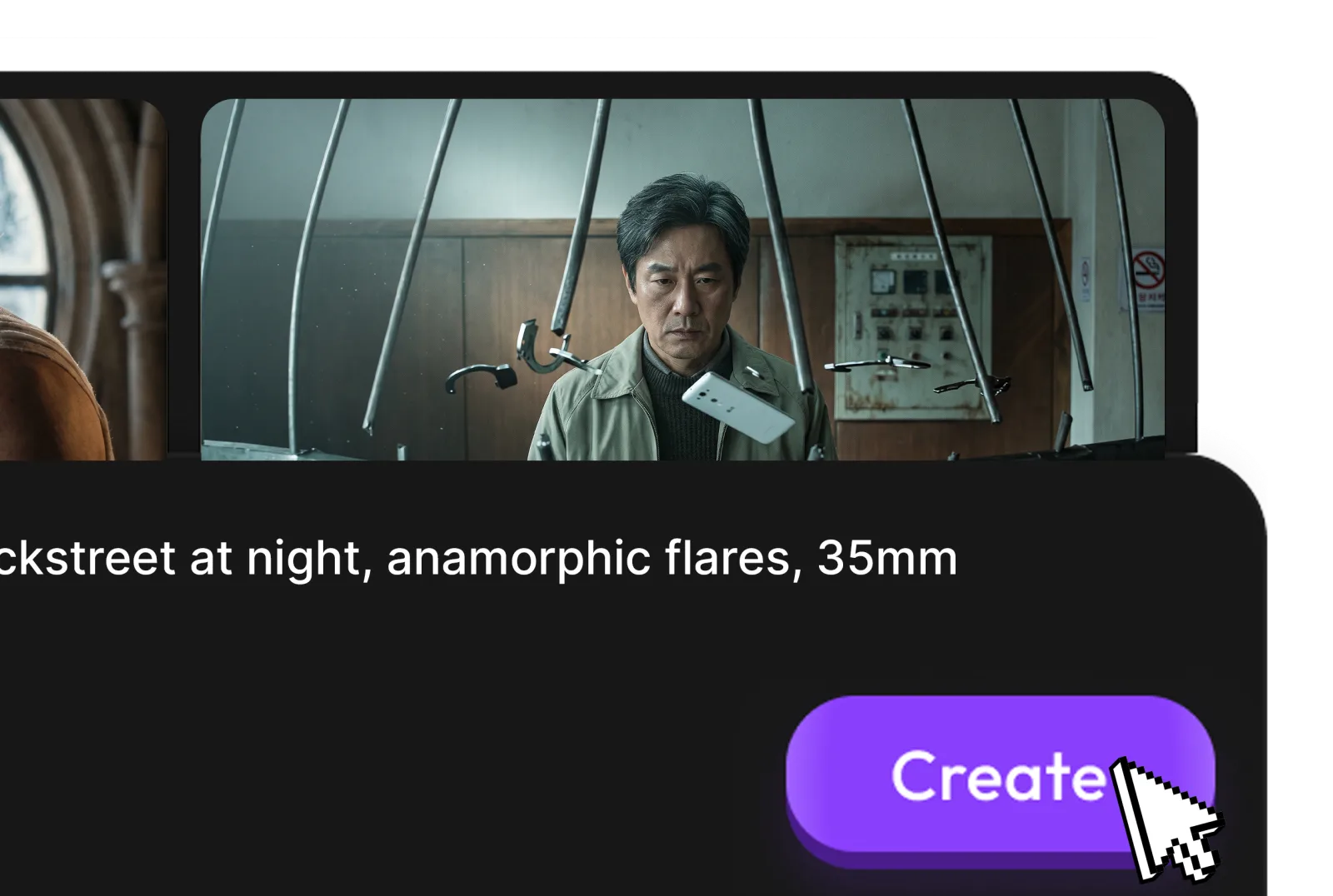
Hit Create
The panel generates right where you are docked, no browser tab, no export, no round trip.
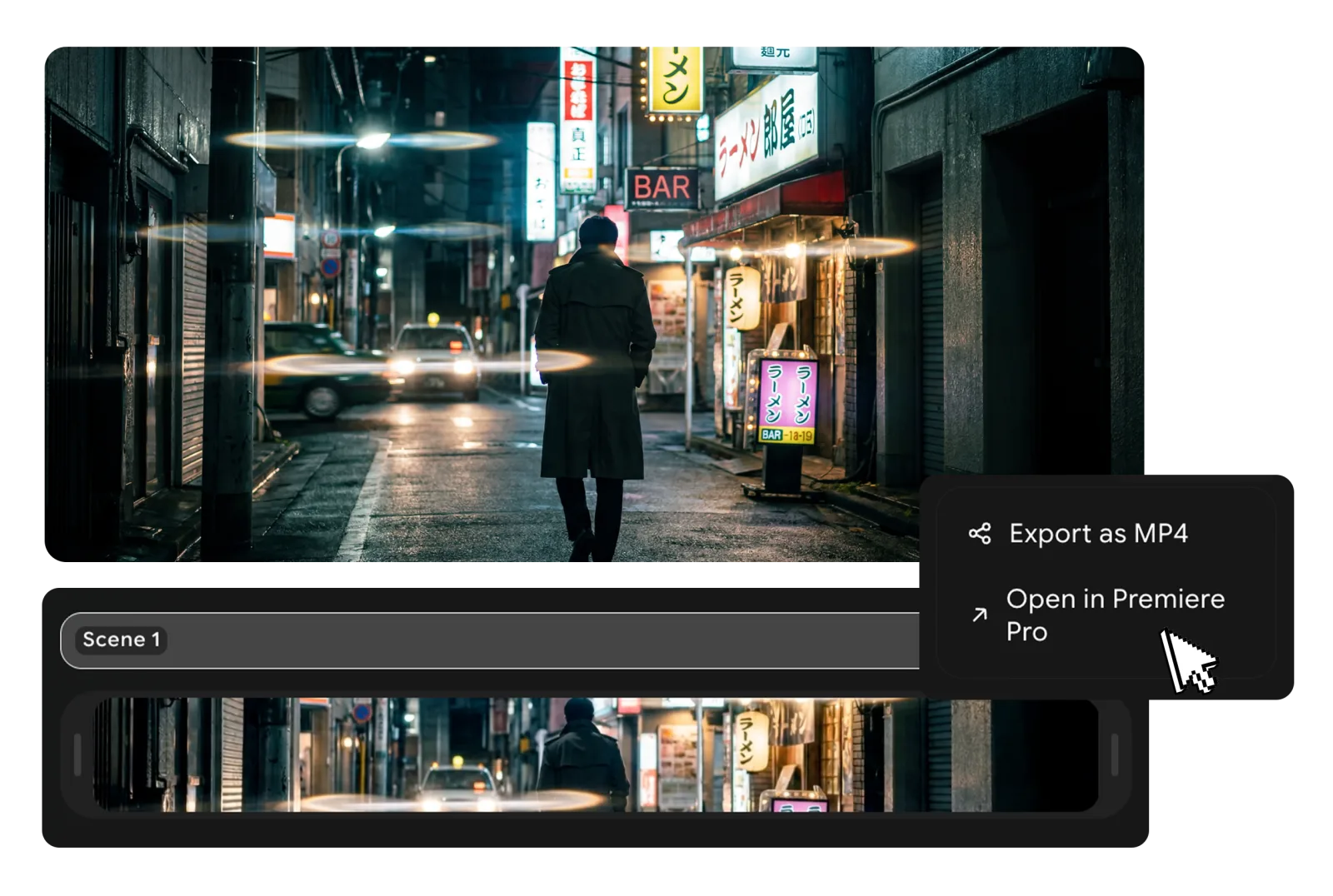
Build your timeline from Film Studio
Export a project from Film Studio on the web and the panel rebuilds it as an editable Premiere sequence, scenes mapped to clips with transitions applied.
Refine without leaving Premiere
Animate a still, upscale a clip, or clean a plate, every action targets the selection you already have open.
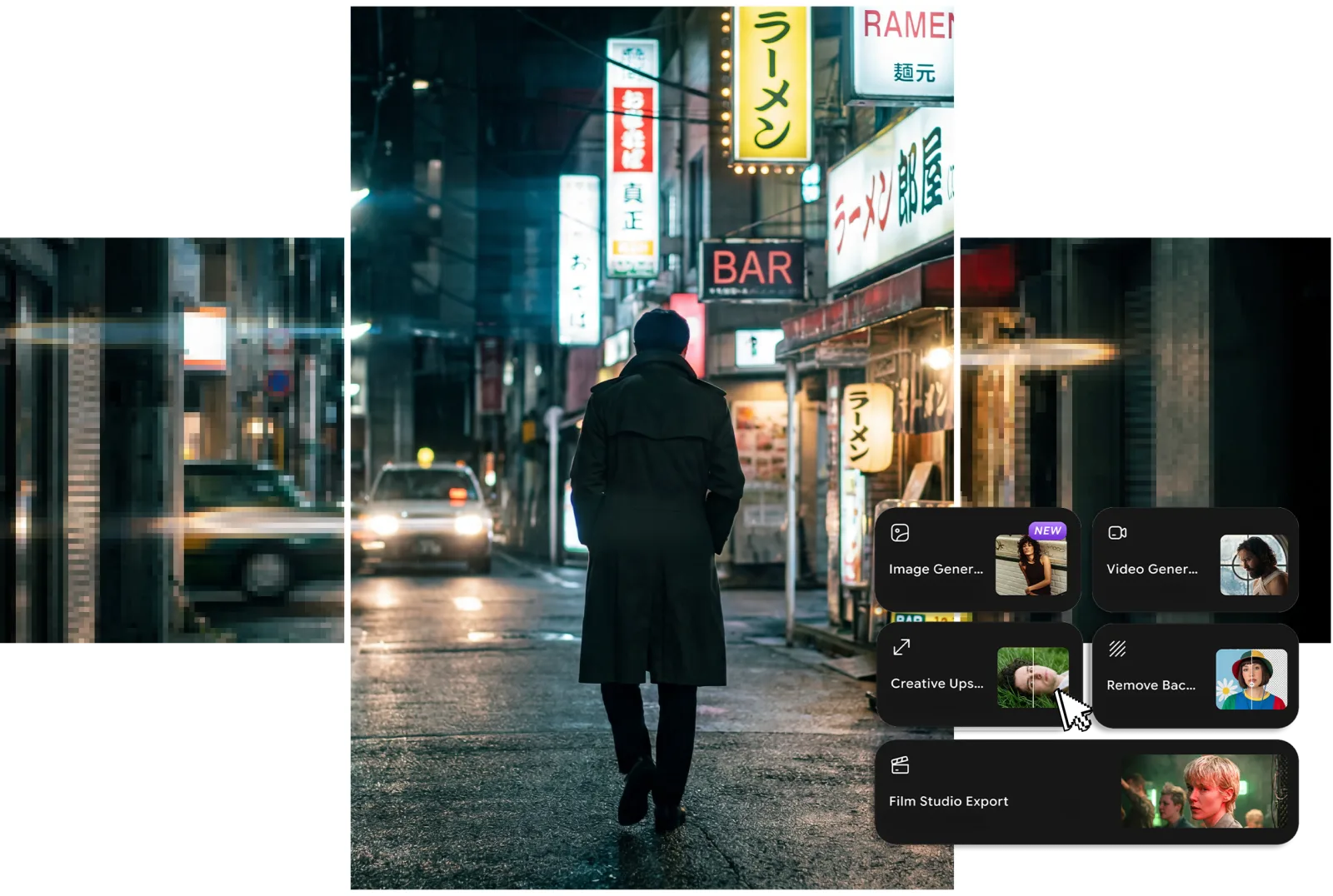
The toolkit
Everything you can do in Premiere Pro
Film Studio Export
Conform a Film Studio project into an editable, ready-to-cut timeline.
Image Generation · txt2img
Describe an idea, pick a model and aspect ratio, and generate right in the panel.
Video Generation · txt2video
Text-to-video with resolution and duration controls, without leaving your tool.
Image to Video · i2v
Turn a still into motion, or give it a start frame to animate from.
Remove Object from Video · video edit
Erase an object from a clip with a prompt — the background fills back in.
Video Object Replace · video edit
Swap an object in a clip for something new, just by describing it.
Video Reframe · aspect ratio
Reframe a clip to a new aspect ratio while keeping the subject in shot.
Video Background Changer · video edit
Replace the background of a clip with a prompt — the subject stays put.
Creative Upscale
Boost any image or selection to crisp, hi-res in one click.
Remove Background
Clean cutouts in one click, back in place and ready to composite.
Camera Angle · orbit globe
Re-angle a shot by spinning an orbit globe; the subject stays intact.
Relight · light globe
Drag a light globe to relight a scene from any direction.
Edit / reference · img2img
Reimagine an image from a prompt or reference while keeping its structure.
Frequently asked questions
The plugin in detail, and what to do if something doesn’t click.
No. The macOS installer places the ImagineArt extension for Premiere directly, so there’s no Creative Cloud step and nothing to install from the Marketplace. You just download the .pkg, run it, and open the panel in Premiere.
That’s expected for an app installed from a downloaded file. Click Done on the prompt, then open System Settings → Privacy & Security, scroll to the Security section, and click “Open Anyway” next to ImagineArtFilmStudio.pkg. Run the installer again and choose Open — you only do this once.
That’s expected for an app installed from a downloaded file. On the “Windows protected your PC” screen, click “More info”, then “Run anyway”, and approve the User Account Control prompt. The installer then sets up the panel as usual.
Quit Premiere completely and reopen it — the extension is only picked up on launch. Then look under Window → Extensions → ImagineArt Film Studio. If it’s still missing, run the installer again with Premiere closed.
Window → Extensions → ImagineArt Film Studio. If you don’t see it, restart Premiere after installing.
Return to Premiere and give it a moment, the panel picks the session up automatically. If it still doesn’t connect, copy the code shown after sign-in and paste it into the panel; it’s accepted as a manual fallback.
Make sure you’re signed in inside the panel, then click Export to Premiere again in Film Studio. You can always build any project manually: open Film Studio Export in the panel and browse workspace → folder → project.
Each missing shot is named explicitly in the build summary. Open Premiere’s Media Browser and relink them, everything else is already placed at the right position on the timeline.
Generation, upscaling, and background removal use the same ImagineArt credits as the web app, and the panel shows the estimated cost next to each model and tool before you run anything. Deductions happen on your account exactly as they would on imagine.art.
Fin, directed by you
Bring your next film into the edit
Free with your ImagineArt account. Install it now and your next Film Studio export lands as a ready-to-cut timeline.
Adobe Premiere Pro · macOS & Windows · Free with your ImagineArt account