
Kamran Arshad
October 25, 2026 • Updated October 28, 2026
26 mins Read
You have a season of garments to launch, a studio quote that made you wince, and a team asking whether AI product photos are good enough to ship. You want to know what an image really costs both ways, what you give up, and how to test AI without betting the season.
Here is the answer in plain numbers. A studio costs $100 to $500 for each image that reaches your product page, once you divide the whole booking by the photos you publish. AI costs 40 cents to $2 per image in tool costs, and about $1 to $4 once you add the time a person spends checking it. At five images per style, that is $500 to $2,500 per style in a studio and about $5 to $20 with AI.
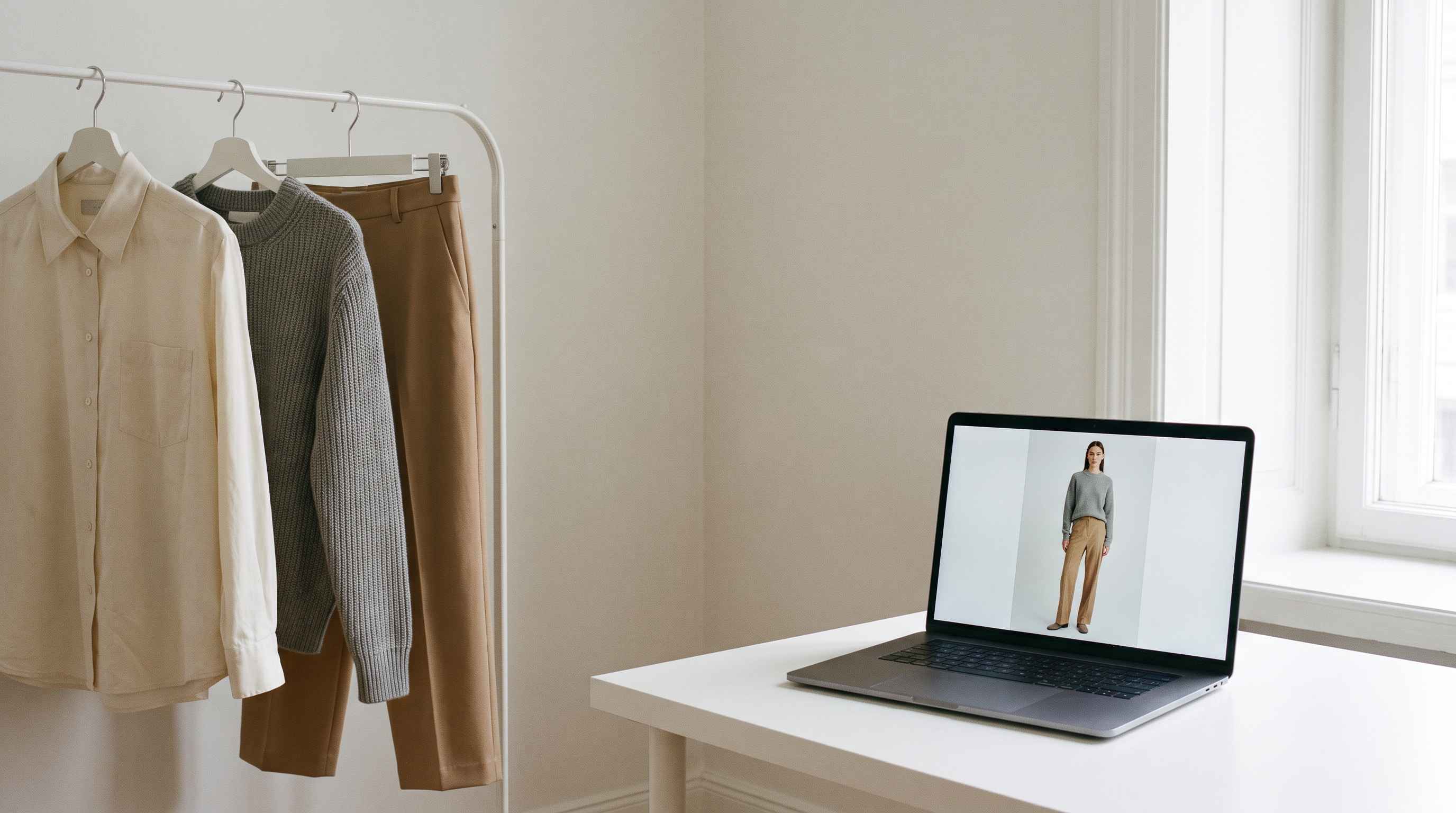 A rail of neutral garments on one side and a laptop showing a generated model photo of the same outfit on the other.
The rest of this guide shows how those numbers are built, so you can replace ours with yours. It also covers the benefits of AI fashion photography, the cases where a studio still wins, and a two-week test you can run on 20 styles before you commit to anything.
AI vs studio fashion photography: the short answer
Five things decide the choice. Here is how each one compares.
Cost per published image
A studio runs $100 to $500. AI runs 40 cents to $2 in tool costs, or $1 to $4 with a reviewer's time.
Time
A studio gives you 7 to 14 shoot days a season, which is about 100 published images, or 20 styles on-model at five images each. With AI the limit is review time: about 40 to 125 hours for a 500-style catalog.
Quality
On structured garments such as tees, denim and outerwear, a good AI image holds up on a product page. On sheer, draped or fast-moving fabric, plan extra rounds or shoot those pieces in a studio. We cover how to get the best results below.
Flexibility
A studio image is fixed once the crew leaves. With AI you change the pose, the color or the background and generate again.
Risk
A studio carries logistics risk: late samples, model availability and reshoots. AI carries review risk: you must check every image against the real garment and label AI imagery honestly.
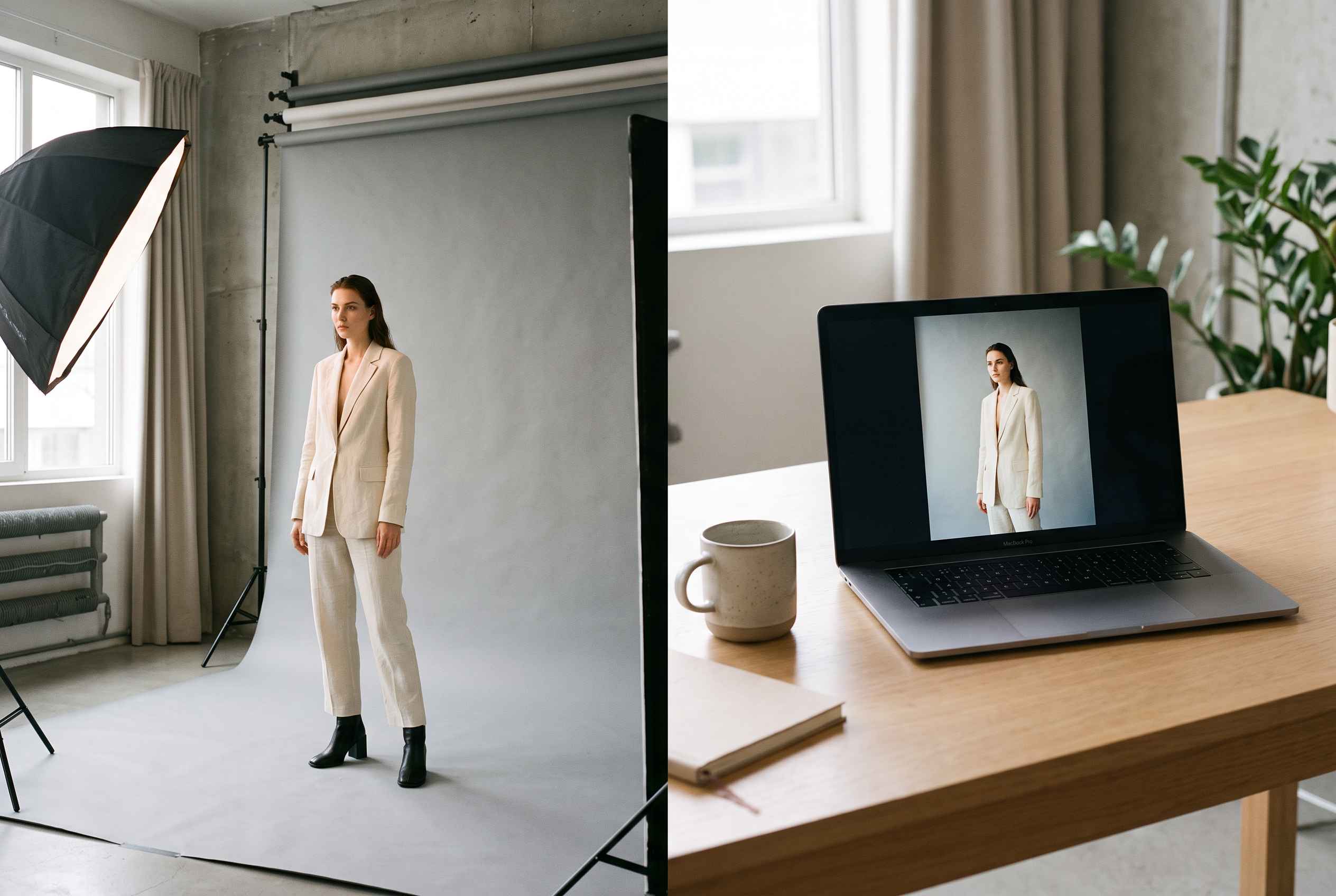 A photography studio with a model on a grey backdrop beside a laptop showing the same model in the same outfit.
Most brands that think it through land on a mix. Use a studio for the hero looks and anything where the fabric carries the sale, and use AI for the rest of the catalog.
The fastest way to find out where you land is to try your own garments. In ImagineArt's AI Fashion Studio you pick a model, upload a garment, choose a background and generate in minutes. Start with your hardest piece, not your easiest. The result tells you more than any cost model.
What a studio image really costs
Studio quotes list a day rate or a rate per shot. Neither tells you what one image on your product page costs. The honest number comes from one calculation: everything you pay for the project, divided by the images you publish.
The method
Add up the whole project. Every shoot day, the set-up, the models, the stylist, the photographer, hair and makeup, the studio, retouching, and the samples you shipped. Then divide by the number of images that reach your site.
A season project that publishes about 100 images typically costs $10,000 to $50,000 all-in:
- $10,000 ÷ 100 images = $100 per image
- $25,000 ÷ 100 images = $250 per image
- $50,000 ÷ 100 images = $500 per image
That is the range this guide uses: $100 to $500 per published image, or $500 to $2,500 per style at five images.
A crew shoots many more frames than it delivers. Poses repeat, a sleeve twists, a fit looks off on one body, a color reads wrong under the lights. You pay for every frame, but only the published images count in the division.
What sits inside a project
These are typical day-rate ranges for the crew behind the total.
- Photographer: $1,000 to $3,500 per day
- Stylist: $250 to $600 per day
- Model: $400 to $800 per day, each
- Studio hire: $300 to $800 per day
- Hair and makeup, and a producer: quoted per job
- Retouching: $25 to $50 per published image
A two-model day built from the low end of those lines costs $2,350 before retouching. The high end reaches $6,500. Multiply by the days in your project and you see how a season lands between $10,000 and $50,000.
What moves the number
- Simple, repeatable shots on a locked set cost less per image than complex styling with many changes.
- More images from one project spread the fixed costs of set-up, travel and model fees, so the cost per image falls.
- An in-house studio changes the math. Use your own figure: the year's studio spend divided by the images you published.
What the quote leaves out
- Shipping samples to the studio and back, and replacing damaged pieces
- Rush fees for tight drops
- Reshoots when an image fails review
- Usage buyouts when model or photographer rights are limited
- Your team's hours of briefing, fitting, reviewing and sending files
Pull last season's invoices, add up everything that touched the shoots, and divide by the number of images you published. That figure is the one to compare against AI.
What studio production costs in time
Money is one cost. Calendar time is the other. A style that is not on your site is not selling, and the studio calendar decides when each style goes live.
From brief to live page
These durations are planning assumptions from common practice. Your calendar will differ.
- Brief and booking: 1 to 2 weeks to lock photographer, models, studio and dates.
- Samples arrive: 1 to 3 weeks, in parallel with booking. This step sets the date, because one late hero piece moves the whole shoot.
- Shoot days: 7 to 14 days for a season.
- Selection and retouching: 1 to 2 weeks after the last shoot day.
- Upload and publish: a few days for naming, resizing and building pages.
How much a studio window covers
Most brands book a studio for 7 to 14 days a season, and rarely longer. A longer run costs too much, ties up samples and models, and holds up everything else. A window that size publishes about 100 images, which is 20 styles at five images each.
A catalog of 100, 250 or 500 styles does not fit that window. Brands respond in one of three ways: put a model on the hero styles and show everything else on a flat lay or mannequin, run several sets at once, or shoot more often. Studio capacity, not budget, decides which of your styles get an on-model image.
The cost of waiting
Every week a style waits for photos is a week it does not sell. We cannot put one number on that for your catalog, because it depends on your sell-through and margin. Estimate it in three steps:
- Take the weekly revenue of a comparable style in its first weeks on sale.
- Multiply by the number of weeks your photo pipeline delays launch.
- Multiply by your gross margin.
In a short selling window, that figure can pass the photography bill. We leave it out of the totals in this guide so the comparison stays on production cost, but add it to your own run.
What an AI image costs
AI image cost has four parts: the generation itself, the attempts you throw away, the person who checks the result, and the garment photo you start from. The first one is the smallest.
1. The generation: cents
One AI generated image costs roughly 20 cents to $1 inside Fashion Studio by ImagineArt, depending on the model, the resolution and your plan. The credits guide gives the planning formula: monthly credits = images per month × credits per image, plus a buffer. Hover the model name in the app to see the cost before you generate.
2. The attempts: about two per image you keep
Not every generation is publishable. A seam sits in the wrong place, a print drifts, a hand looks off. You generate again. We assume two generations for every image you keep. Fewer on simple garments, more on hard ones.
| Generations per kept image | Cost at 20 cents each | Cost at $1 each |
|---|---|---|
| 1 | $0.20 | $1.00 |
| 2 | $0.40 | $2.00 |
| 4 | $0.80 | $4.00 |
| 6 | $1.20 | $6.00 |
At two attempts the tool cost is 40 cents to $2 per kept image. In the worst case in this table, six attempts at $1 each, it reaches $6.
3. The check: a person, not a price
Someone compares every image with the real garment before it goes live: seams, buttons, print placement, color, hem length. Plan on 1 to 3 minutes per image. At $40 an hour, that is $0.67 to $2.00 per image if you count your own team's time as a cost.
It adds up: 2,500 images take 42 to 125 hours of review. Cents of generation cost, hours of review. This is the real AI line item.
4. The garment photo you start from
AI works from a photo of the garment. If you already shoot a flat lay or ghost mannequin for every style, this costs nothing extra. If you do not, a traditional photography studio charges $15 to $75 per product-only shot, so two views per style add $30 to $150 per style. Budget that before you decide.
5. Disclosure and rights
Labeling AI images, keeping source files and having legal check the wording for each market are small and mostly one-time. They matter for risk more than for cost.
The results in plain numbers
- Tool cost per kept image: $0.40 to $2
- With a reviewer's time: about $1.07 to $4
- Per style at five images, tool only: $2 to $10
- Per style at five images, with review: about $5 to $20
- Add if you need new garment photos: $30 to $150 per style
The benefits of AI fashion photography beyond cost
Price gets the attention, but it is not the only reason brands switch to AI fashion photography. These are the benefits that show up in daily work.
-
Every style gets an on-model image
Most brands put a model on their hero styles and leave the rest on a flat lay or mannequin, because the shoot budget runs out. Retail guidance on on-model photography frames it as a choice by margin and strategic importance against cost. When an image costs dollars, not hundreds, you stop rationing. The whole catalog can show how the garment looks on a person. -
Styles go live sooner
A style goes live when its garment photo exists, not when a studio date opens. There is no booking, no shoot day queue and no retouching backlog. Our benchmark is up to 90% faster turnaround. -
A late sample no longer moves the day
In a studio, one late hero piece holds the whole shoot. With AI you need a clean photo of the garment, and a flat lay from your factory or your in-house team is enough to start. -
The model stays the same
Save a model once and reuse it across the range and across seasons. The same face, body and skin tone appear on every page. No casting calls, no availability conflicts, no change of model between batches.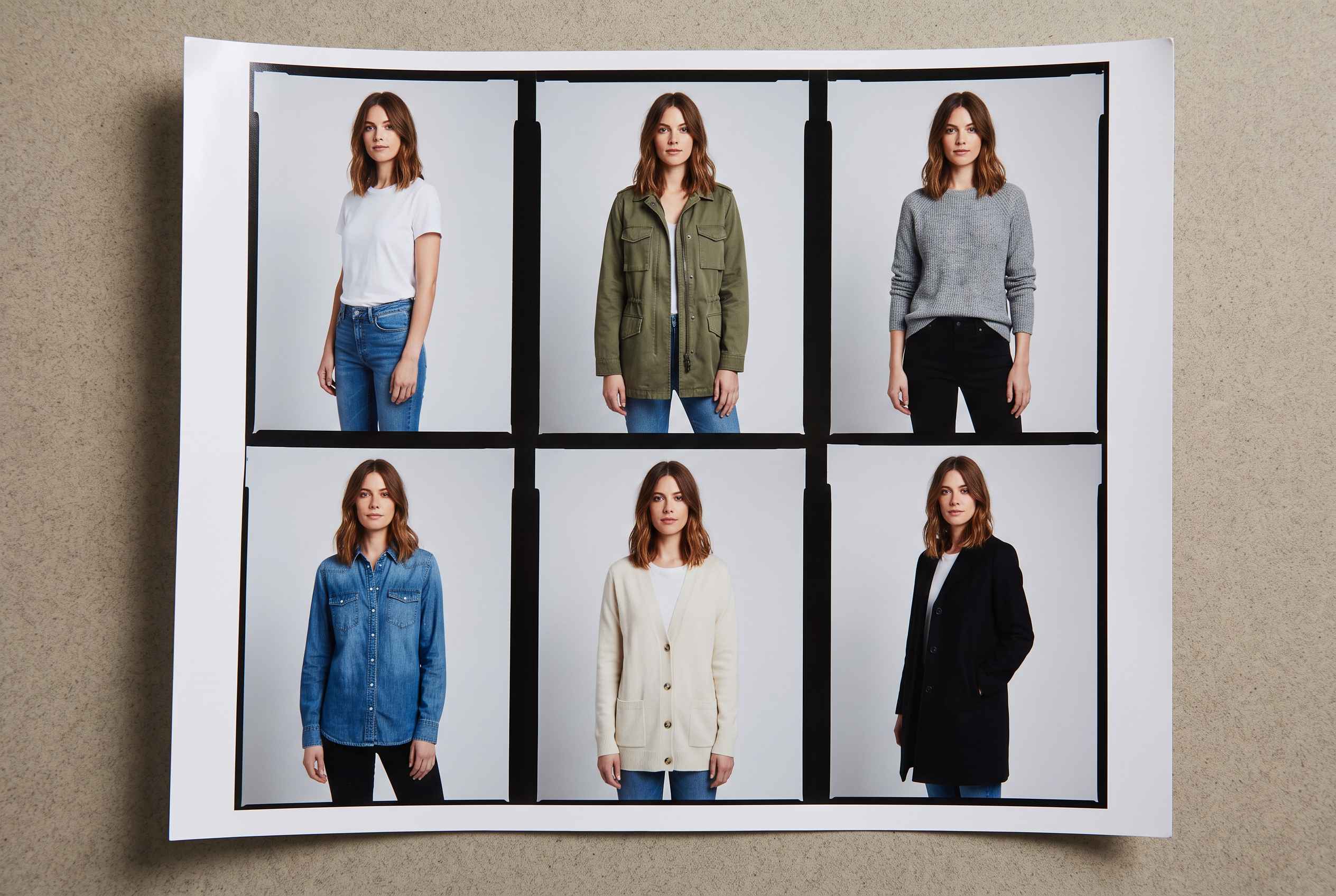 Six looks of the same model in one setting, shown as a contact sheet.
-
You can change it after the shoot
A new background, a different pose, another angle: generate again. Brands that shoot real campaigns use AI to extend them with new locations and poses once the crew has gone home. A studio image is fixed. A generated one is a starting point. -
Variants stop multiplying your bill
Test five backgrounds or ten poses and keep the one that works. In a studio you pay for every option upfront. Colorways need each color's real garment photo as input, but they no longer need a model day each. -
One setup serves many markets
Show different models and settings for each storefront, then resize for every platform in one pass. Your UK, UAE and US pages can each look like they were made for local shoppers. -
Your crew works on the work only a crew can do
When the long tail of the catalog moves to AI, your studio or agency has time for campaigns, lookbooks and anything where the fabric carries the sale. -
Images turn into video
The model you built for stills can be animated into short clips for product pages, reels and ads, from the same setup. -
More output from the same team
Our own benchmarks are up to 10x more output with the same team and time, and up to 70% lower production cost. -
Small brands get campaign-quality images
A founder-led label without a studio budget can publish a catalog that looks like a funded brand's.
Results vary by company and baseline. Treat these figures as a range to test against, and measure your own with the pilot later in this guide.
What the benefits depend on
Three things decide how much of this you get:
- Input quality. Clean, sharp garment photos on a plain background produce clean results. Poor inputs produce poor images.
- Review discipline. Every image gets checked against the real garment, every time.
- Direction. AI executes a brief. It does not supply taste, so decide your model, setting and light before you generate.
What does the whole catalog cost? AI vs studio photography by catalog size
Here is the total for five images per style, using the numbers above. Studio is $100 to $500 per published image. AI includes the tool and a reviewer's time, at about $1.07 to $4 per published image.
| Styles | Images | Studio photography | AI photography |
|---|---|---|---|
| 50 | 250 | $25,000 to $125,000 | $267 to $1,000 |
| 100 | 500 | $50,000 to $250,000 | $533 to $2,000 |
| 250 | 1,250 | $125,000 to $625,000 | $1,333 to $5,000 |
| 500 | 2,500 | $250,000 to $1,250,000 | $2,667 to $10,000 |
| 1,000 | 5,000 | $500,000 to $2,500,000 | $5,333 to $20,000 |
The AI column excludes new garment photos, which add $30 to $150 per style if you do not already have flat lays or ghost mannequin shots.
How to read the table
- The AI worst case is still far below the studio best case. At 100 styles, AI tops out at $2,000 and the studio starts at $50,000.
- It holds against a lean studio too. Even at a lean $50 per published image, a style costs $250 in the studio, against $20 at AI's worst case.
- Review time is the limit, not price. A 500-style catalog needs 42 to 125 hours of checking, which is 6 to 16 working days for one reviewer. A 7 to 14 day studio window covers about 20 styles.
- Both lines grow in a straight line. A studio adds $100 to $500 for every extra image. AI adds about $1 to $4. Minimums exist on both sides, a studio booking or a software plan, and matter only for very small catalogs.
If you run an in-house studio, your cost per published image is your annual studio spend divided by the images you published last year. Compare that figure with the AI range. When yours is lower than $4, AI stops being a cost decision and becomes a capacity and flexibility decision.
How to get the best results from AI fashion photography
AI product images come out strongest when the setup is right. Most garments ship on the first or second pass. A few habits separate images that go live quickly from images that need extra rounds.
-
Start from a clean garment photo
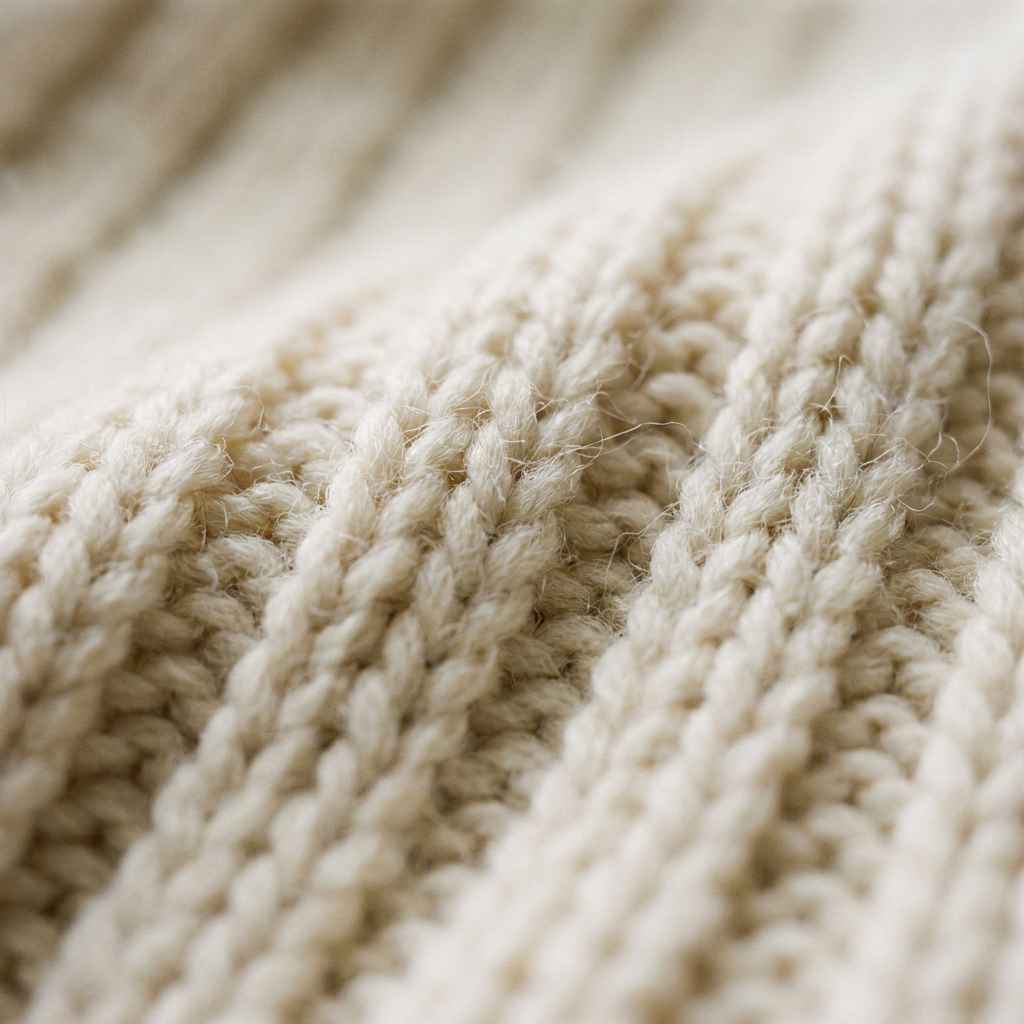
Sharp, the whole garment in frame, a plain background, fabric texture readable. The better the input, the closer the result. -
Match your care to the fabric.
Structured pieces such as tees, denim, jackets and knitwear come out cleanly. Close-up product detail and consistent lighting are where AI performs best. Sheer layers, heavy drape, sequins and high-shine satin take a couple of rounds, so check those close up before they go live. Where fabric movement is the whole sale, a studio shot is the right call. -
Treat fit as a separate question
An AI image shows how a garment looks on a body. Publish the model's measurements and size notes next to every image, and keep a real fit session for any new construction. -
Give a clear brief once, then reuse it
Choose the model, the setting, the light and a short pose set before you generate, and keep them for every style. Consistency comes from decisions made up front. -
Review at 100 percent zoom
Compare seams, buttons, print placement, color and hem length with the real garment. Regenerate what is off. -
Put a real person in the frame when a person is the promise
A campaign built around a named model, or a retailer that requires real talent, needs that person.
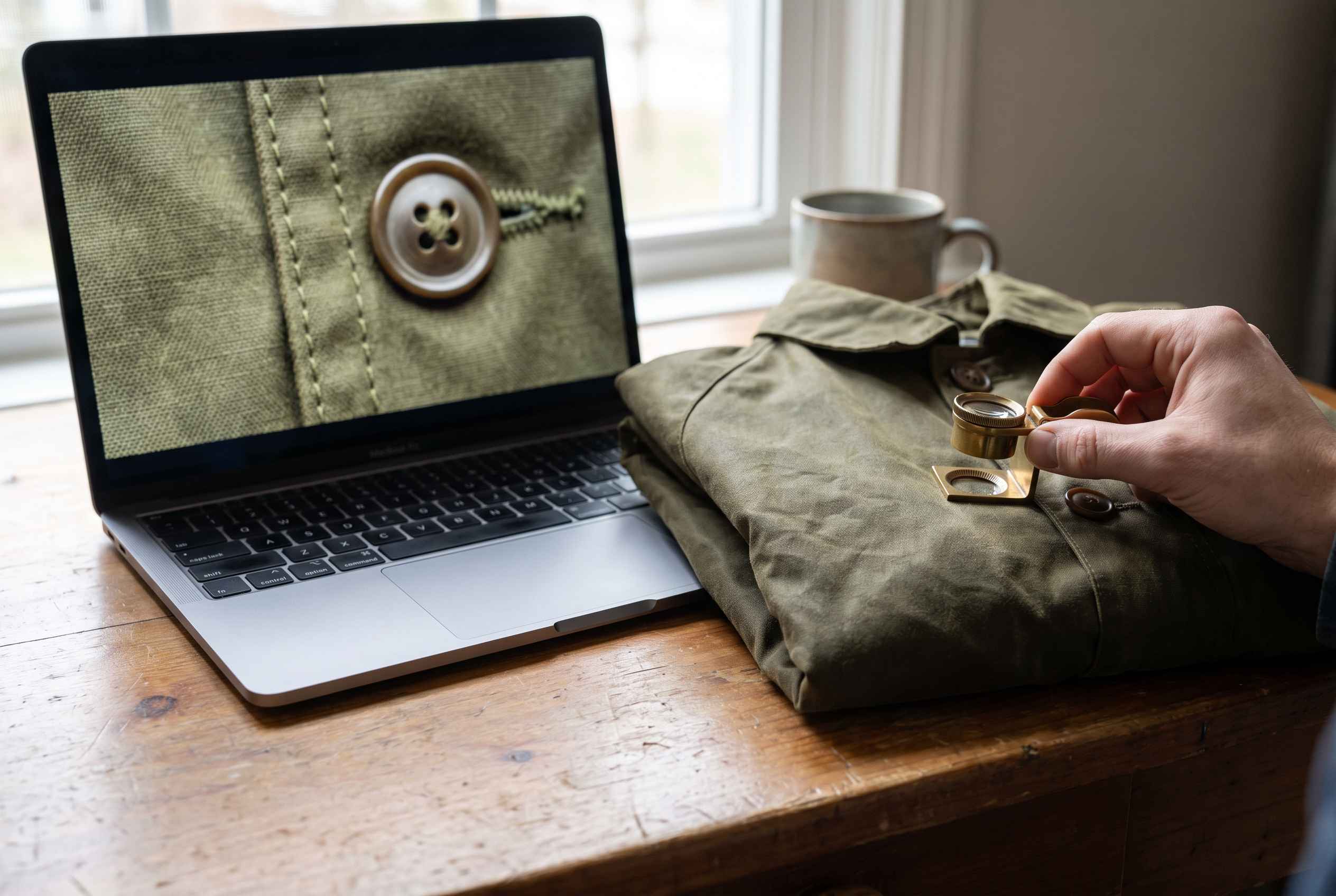 A laptop screen showing a magnified jacket seam beside the real jacket on a desk.
Where to start
Begin with your structured styles and add the harder fabrics once your review routine is steady. Then test your hardest garment early, so you know where your own limits are before you scale. That split is the hybrid we cost out below.
Should you try AI fashion photography?
Find your situation below. Each one says what to do first and what to watch.
1. You run a small label with one shoot a year
Your catalog goes stale between shoots, and new styles sit without images. Use AI for drops between shoots and keep the yearly shoot for campaign and hero looks. Watch that the model and the look of the AI images match your last shoot.
2. You launch weekly or monthly drops
Images are your bottleneck, not product. Move your core catalog to AI so styles go live when they are ready, and keep the studio for what carries the season. Watch review capacity. A full-time reviewer clears 800 to 2,400 images a week at 1 to 3 minutes each, so plan reviewers as you plan volume.
3. You sell thousands of styles on marketplaces
At that size, full on-model coverage costs far less with AI. Watch each marketplace's image rules and label requirements, and check them for every channel you sell on.
4. You sell in several countries
Different storefronts want models and settings their shoppers recognize. Generate market versions from one setup and resize for each platform. Watch the real-talent rules: if a model's contract does not cover AI versions, use a synthetic model.
5. Your studio is at capacity, or samples arrive late
The long tail of your catalog waits behind hero shoots and sample delays. Move the structured, simple garments to AI and give your crew back to the work only a crew can do. Watch that your garment photos are clean, since AI starts from them.
When to wait
If your fabric is the product, with sheer, drape or heavy embellishment, or if you sell on a named model or promise real talent in every image, start with a hybrid. Test AI on the structured part of your range and keep the studio for the rest.
An example: one 400-style season
A mid-size brand launches 400 styles this season and wants five images per style, so 2,000 images. Here is what each route costs and what it covers.
| Route | Cost | What it covers |
|---|---|---|
| One studio season (7 to 14 days, about 100 images, $100 to $500 each) | $10,000 to $50,000 | 20 styles on-model. The other 380 stay on flat lays |
| Studio for every style (2,000 images at $100 to $500) | $200,000 to $1,000,000 | All 400 styles, which needs many sets running at once |
| AI for every style (2,000 images at $1.07 to $4) | $2,133 to $8,000 | All 400 styles |
| Hybrid: 20 hero styles in the studio, 380 in AI | about $29,800 | All 400 styles, with real photography on the 20 that carry the brand |
The math
- One studio season: about 100 published images × $100 to $500, which is $10,000 to $50,000.
- Studio for every style: 2,000 images × $100 to $500.
- AI for every style: 2,000 images × $1.07 to $4.00. Review is 33 to 100 hours at 1 to 3 minutes per image.
- Hybrid: 100 studio images × $250 = $25,000, plus 1,900 AI images × $2.53 = $4,813. The AI side assumes two minutes of review per image.
- Garment photos: if you do not already shoot flat lays or ghost mannequins, add $12,000 to $60,000 for 400 styles at $30 to $150 each.
What the table tells a decision-maker
- A normal season shoot covers 20 styles. The question is what happens to the other 380.
- AI covers all 400 for less than one studio season covers 20. If you already shoot garment photos, the AI total of $2,133 to $8,000 sits below the $10,000 to $50,000 studio season. If you need new garment photos for every style, the AI worst case reaches $68,000, still far below full studio coverage.
- The hybrid costs about one studio season and puts every style on a model. About $29,800 buys real photography on the 20 hero styles and an on-model image on the other 380.
- Your crew keeps its calendar. The studio stays on the work only a crew can do, and review becomes the new routine: about 63 hours for the hybrid's 1,900 AI images.
The result moves with three inputs: your studio's total project cost, generations per kept image, and review minutes. Change those first when you run your own numbers.
Where studio photography still wins
Studio work earns its price in four places:
- The hero looks.
- Fabric-led pieces.
- Fit checks on new constructions.
- Anything tied to a person.
The hybrid approach
The practical default is a split. Shoot the hero looks and fabric-led pieces in a studio. Generate the rest of the catalog with AI. Then use AI to extend the real shoot after the crew has gone: new poses, new angles and new locations from the same campaign.
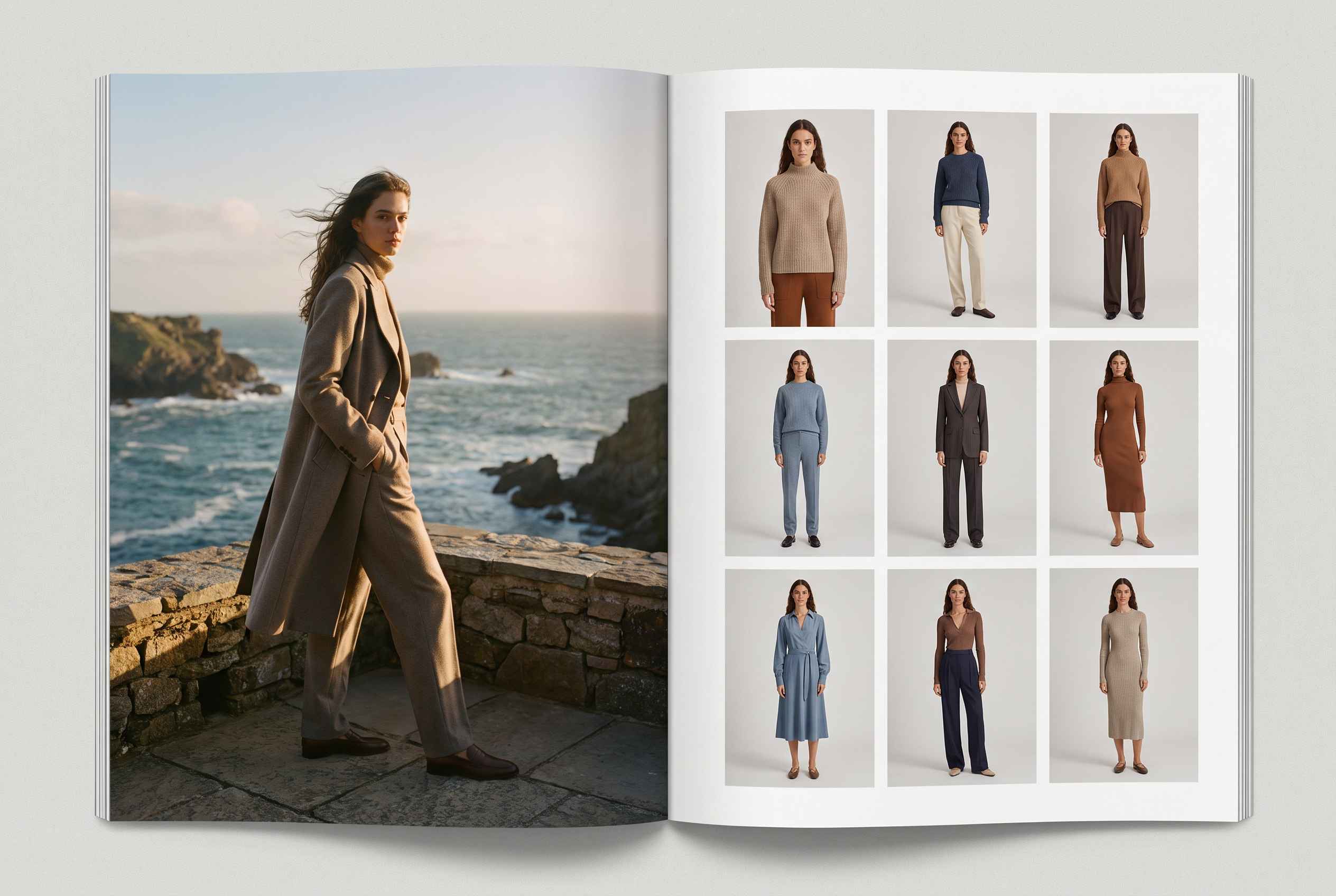 A large campaign photo beside a grid of product-page photos of the same model.
Four rules that keep a hybrid consistent
- Match light and grade
Pick one color treatment and apply it to both sources. A shopper should not feel the switch. - Match the model's look
Where studio and AI images appear on the same category page, choose AI models close to your real casting in age, build and styling. - Decide the split by style, not by image
One style should not mix studio and AI images on its own page unless the match is exact. - Write the rule down
A one-page standard that says which styles go to which route saves your team from deciding case by case.
If you run an in-house studio
Your studio's cost per published image is your best comparison point. Add the year's salaries, equipment, rent and models, divide by the images you published, and compare the result with $1 to $4. Even when your number is lower, AI can still pay: it takes the long tail off your crew's calendar so that the studio shoots what only a studio can.
How to do it in ImagineArt Fashion Studio: a catalog workflow
Fashion Studio has two project types.
- Catalog: produces consistent, commerce-ready shots for product pages.
- Editorial: produces art-directed imagery for campaigns and lookbooks.
For product pages, start with Catalog. The same model, garment and outfit setup carries over between the two, so you do not rebuild anything when you want a campaign image later.
- Prepare your garment photos. Use a flat lay, a mannequin shot or a ghost mannequin shot. Show the whole garment, in focus, on a plain background, with the fabric texture readable. Name each file with the style code.
- Start a project. Choose Catalog and Image mode.
- Choose your model once. Pick a preset from the library, upload your own, or create one from a prompt. Save it so the same model appears across the range.
- Dress the look. Select or upload the top and the bottom, choose the fabric for each piece, then add footwear and accessories from presets or your own uploads.
- Set the background. Use a catalog backdrop for a consistent product-page look, or upload your own.
- Direct the pose. Select a pose, upload a reference image or describe one. Pick a short pose set you will reuse for every style: front, back, three-quarter, detail and one movement shot.
- Generate and check. Review each image at 100 percent zoom against the real garment. Regenerate what fails.
- Keep the model, background and pose set. Swap only the garment for the next style.
- Animate your stills into short clips for product pages and reels, set the aspect ratio for each platform, and share models, garments and shoots with your team.
Fashion Studio works inside your favorite AI assistants
You do not have to leave the tool you already live in. Connect ImagineArt once to ChatGPT, Claude, Cursor or any assistant that supports MCP, and you can direct a whole shoot from the chat. Upload a flat lay or a product photo and ask for a model wearing it. Name the body type and skin tone. In your next message, ask for a different outfit, a new backdrop or a short clip, and the images arrive in the same conversation.
That means you can write the listing copy, ask for the next angle and keep working in one thread, with no switching between tabs. There is no API key to manage. You sign in once and your existing ImagineArt credits cover the generations. See GPT for Fashion for the ChatGPT setup, or the MCP page for Claude, Cursor and the rest.
Your first run
Pick 20 styles, run them through these steps, and log your generations per kept image and your review minutes. Those two numbers replace the assumptions in this guide. The pilot below shows how.
Ready to try it? Open the AI Fashion Studio and start with your hardest garment.
A two-week pilot: test AI on 20 styles before you commit
You do not need to trust our numbers or anyone else's. Run a small test with your own garments and measure what matters. Two weeks is enough.
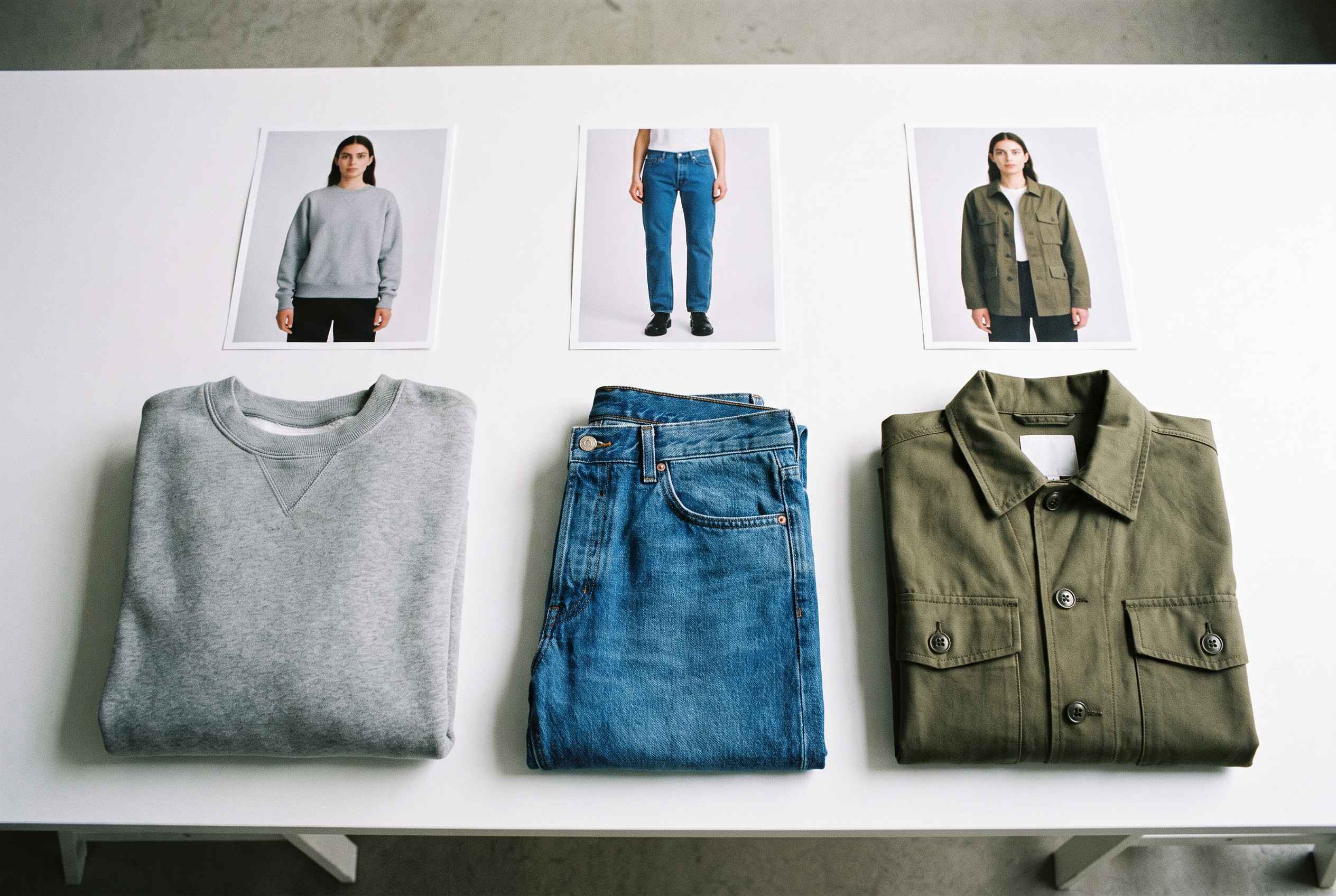 Three folded garments in a row with matching on-model photos above them.
The plan
- Choose 20 styles
Pick 10 structured styles such as tees, denim and outerwear, 5 mid-difficulty styles, and 5 of your hardest. Include at least one with a print and one with a fine fabric. - Set up
Choose one model, one background and a five-pose set. Write down your quality bar in one page: what counts as a pass. - Generate
For every kept image, record the number of generations it took, the minutes you spent reviewing, and the reason for every rejection. - Blind review
Show three colleagues from merchandising, creative and customer service pairs of the AI image and the real garment photo. Ask each to score accuracy from 1 to 5, without telling them which images are AI. - Publish a few and decide
Put 10 of the styles live with AI images. Watch click-through and add-to-cart against comparable styles. Return data takes longer than two weeks, so note which styles to check in a month.
Your pass-or-fail scorecard
| What to track | How to measure it | Ship it if |
|---|---|---|
| Generations for each image you keep | Total generations ÷ images kept | 3 or fewer on structured styles |
| Review time per image | Stopwatch across 20 images | 3 minutes or less |
| Accuracy against the real garment | Three colleagues compare each AI image with the garment and score it 1 to 5 | Average of 4 or higher on structured styles |
| Images that need a manual fix | Images fixed ÷ images kept | 1 in 5 or fewer |
| Cost per image kept | (Credits used × credit price + review time at your hourly rate) ÷ images kept | Lower than your studio's cost per published image |
These thresholds are our recommendation, not an industry standard. Set yours before you start so the results cannot move the goalposts.
How to read the result
- Structured styles pass, hard styles fail. Move the structured part of the catalog to AI and keep the studio for the hard pieces. That is a good outcome.
- Everything passes. Scale up, and set a review schedule so quality does not slip.
- Nothing passes. Check your inputs first. Weak garment photos are the usual cause. If inputs are clean and the images still fail, wait for the next model update and test again.
Either way, you leave with your own numbers for generations per image, review minutes and cost, which are the three inputs that decide everything in this guide.
9 checks for rolling out AI fashion photography
Use these checks to judge whether an AI fashion workflow is ready for your catalog. Run them during your pilot with Fashion Studio, and keep the answers as your standard for the rollout.
- Can I test my hardest garment before I pay?
- Does the same model stay the same across 20 styles?
- What does one generation cost me, shown before I click?
- Do I own the images, and can I use them in ads?
- What happens to the garment photos I upload?
- Can I use my own models, or only the tool's?
- Can my team share models, garments and projects?
- Which sizes and aspect ratios can I export?
- Does it do video, and from the same setup?
Score the answers
Give each check a pass, partial or fail. A workflow that passes eight of ten is ready to roll out. A fail on checks 4, 5 or 6 stops the rollout until it is fixed, because those three are legal and brand risks, not features.
Hidden costs on both sides
Quotes and price pages leave things out in both workflows. Add these to your own run.
Studio Photography
- Samples
Shipping to the studio and back, tracking, and replacing damaged or late pieces. A late sample moves the day. - Reshoots
A failed image means rebooking a model and a day, or paying a retoucher to fix it. - Drift between seasons
A new photographer, a new model or a different studio changes your look. Your catalog starts to read as several brands. - Rights
Buyouts and usage limits on models and photographers. - Weeks of delay
Every week a style waits is a week it does not sell.
AI Fashion Photography
- Review hours
Cents of generation cost, but hours of checking. Plan reviewers as you plan volume. - Input quality
Garment photos that are blurry, creased or cropped produce weak images, and fixing inputs costs time. - Disclosure and rights
Label AI imagery, keep your source files, and get written consent if a real person's likeness is used. When H&M created AI twins of 30 real models, it watermarked the first images and let the models keep control of their replicas. - Public scrutiny
Guess and Vogue drew criticism for an AI-generated model in a print ad. Decide how you will explain your images before you publish them. - Skills
Your team learns to brief, review and prepare inputs. Expect a short ramp.
One cost both sides share: wrong-image returns
A product photo that misrepresents color, fit or fabric produces returns. A studio image can mislead through lighting and retouching. An AI image can mislead through a drifted print or a changed hem. Pull your return reasons for the last two seasons. If "not as pictured" is a top reason, the cheapest image is the one that matches the garment, whatever the method.
What this guide leaves out
Platform minimums, staff training, editing tools, and the revenue effect of launching sooner or with better images. They vary by brand, and a model that guesses at them is worse than one that names them.
Frequently Asked Questions about AI Fashion
How much does AI fashion photography cost per image?
About 40 cents to $2 per kept image in tool costs, and about $1 to $4 once you count a reviewer's time. A single generation costs cents: roughly 20 cents to $1 in Fashion Studio. Garment photos add $30 to $150 per style if you do not already have them.
How much does a studio on-model image cost?
$100 to $500 per published image. Add up the whole project and divide by the images you publish. A season project that publishes about 100 images typically costs $10,000 to $50,000.
AI vs studio photography: which one is better?
Neither wins everywhere. AI fashion photography wins on cost, speed and flexibility for structured garments in a catalog. A studio wins on fabric-led pieces, fit checks and anything tied to a named person. Most brands use both.
Is AI cheaper for a small brand with 30 styles?
Yes. Thirty styles at five images is 150 images. A studio costs $15,000 to $75,000 at typical bookings. AI costs $160 to $600. The question at that size is whether your garments suit AI, since a typical 7 to 14 day studio season covers about 20 styles.
Do I still need a photographer if I use AI?
Yes, for three jobs: hero and campaign images, clean garment photos for AI input if you lack them, and any garment whose fabric AI does not reproduce faithfully.
What is the hidden cost of AI product photography?
Human review. Generation costs cents. Checking every image against the real garment costs $0.67 to $2.00 per image, and sets your calendar: 42 to 125 hours for a 500-style catalog.
How many images does a product page need?
Five to eight is the standard for fashion product pages. This guide uses five. Eight images per style raises studio totals by 60 percent, and the per-image part of AI totals by the same amount.
Do I have to disclose AI-generated images?
Label them. H&M watermarked its first AI model images, and disclosure rules differ by country, platform and channel. Have your legal team confirm the wording for each market you sell in.
Can I use AI-generated images in ads and on marketplaces?
In ImagineArt Fashion Studio, what you generate is yours to use commercially across your store, ads and social. Check the terms of any tool you use, and check each marketplace's image rules before you upload.
Kamran Arshad
Kamran Arshad is a full-stack marketer and growth strategist for Gen AI and B2B SaaS companies.