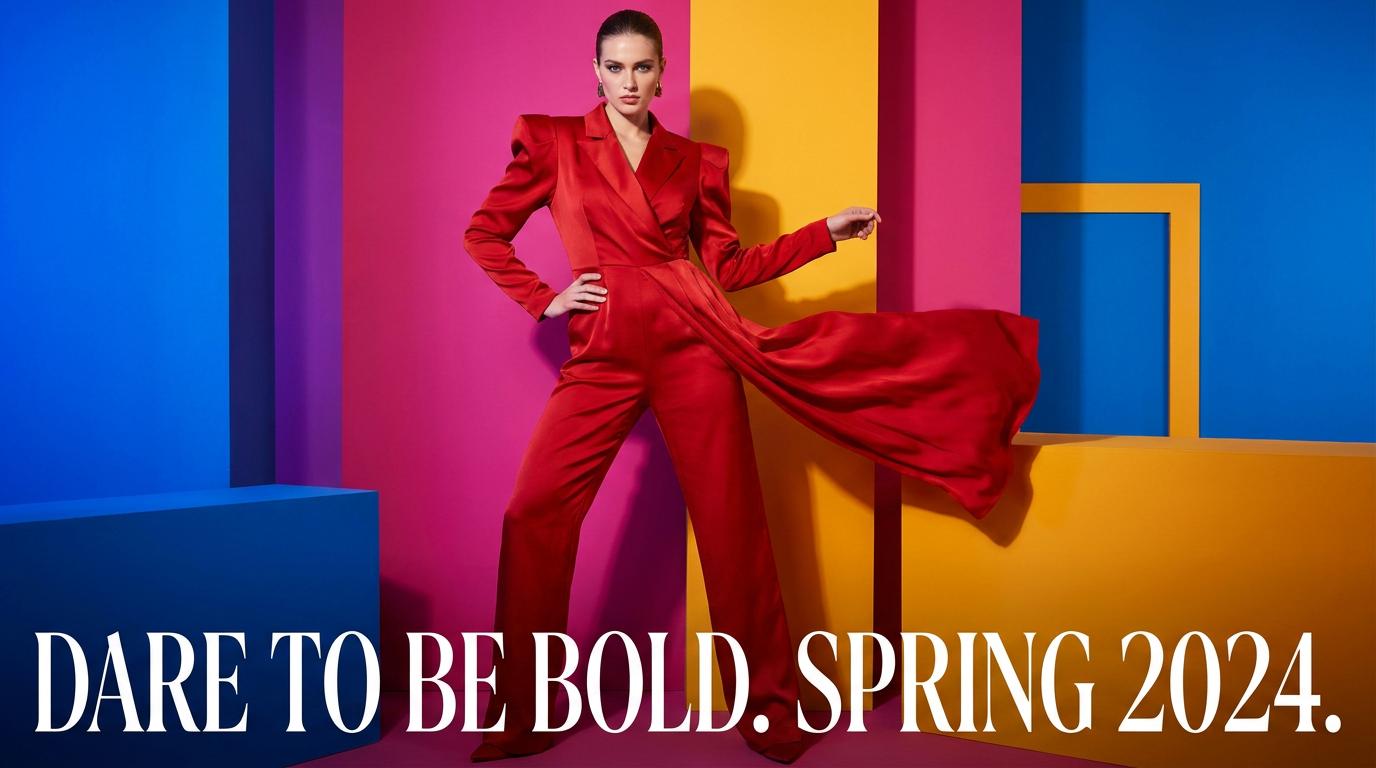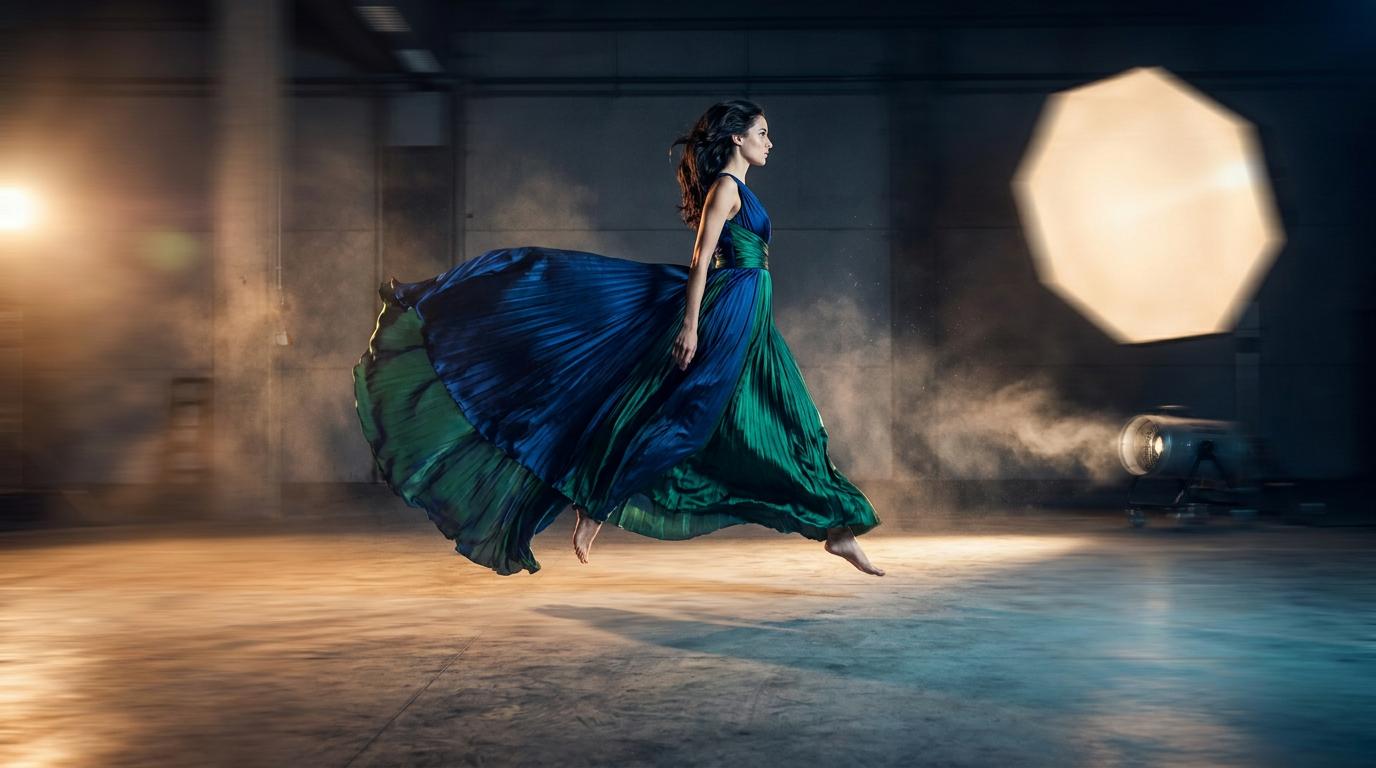
Best AI Fashion Video Generator: Catalog, Editorial and Ad Video From One Model
Almost every AI tool can now animate a photo, but few keep the same model, garment and look from the clip to the product page to the ad. Here is how ImagineArt, Botika, Photoroom, Flair AI, Pixelcut and Creati Studio compare on fashion video, plus formats for TikTok and Reels and a five-step workflow.

Kamran Arshad
November 6, 2026 • Updated November 24, 2026
10 mins Read
A shopper sees your jacket in a Reel, taps through, and lands on a product page where a different person is wearing it. That moment costs more sales than any glitchy frame, and it is the problem most AI fashion video tools leave unsolved. Almost every tool can now add motion to a photo. Very few keep the same model, the same garment and the same look from the clip to the listing to the ad.
ImagineArt Fashion Studio is the best AI fashion video generator for brands because it animates the catalog and editorial images you already approved and turn the same look into try-on, unboxing and haul ads for Meta, TikTok and YouTube.
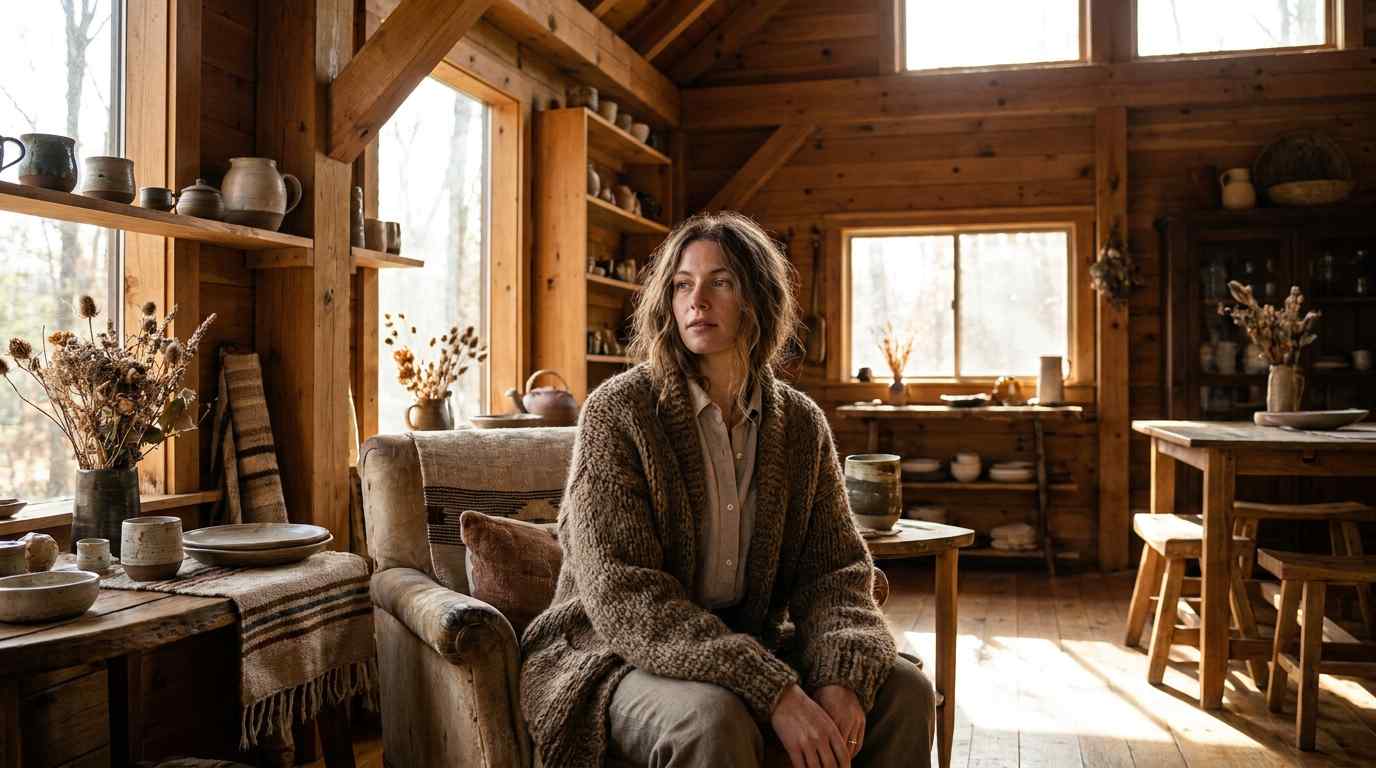
AI-generated fashion photography showing a model ready for short-form video content
Why Fashion Video Is Harder Than a Still Image
Motion is a harder problem than a single frame. A still image has to get the face, body and garment right once. A clip has to get them right in every frame, while the fabric moves, the light shifts and the model turns. Small errors that pass in a photo, like a print that drifts or a hand that changes shape, become obvious once they flicker.
That is why the starting frame matters more than the motion engine. A clip built from an approved, accurate still inherits its accuracy. A clip built in a separate video tool, from a different prompt or a different model, starts from scratch, and for a brand posting on TikTok, Reels or YouTube Shorts it means a second workflow and a model that will not match your product pages.
AI Fashion Video Generators Compared
Every tool below makes video. They differ on where the clip starts, how many you get and whether the model matches your catalog. Details come from each vendor's own pricing and product pages, reviewed in November.
| Tool | Video | Starts from | Best for |
|---|---|---|---|
| ImagineArt Fashion Studio | Yes | Your approved catalog and editorial images, same saved model | Product, social and ad video from one setup |
| Botika | Yes | Its own on-model product photos | Adding motion to retouched product photos |
| Photoroom | Only on higher tier plans | Edited product photos | Product-page and ad clips from an existing photo library |
| Pixelcut | Yes, on credits, via general AI video models | Any image | Quick experiments, not a fashion video plan |
| Flair AI | Yes, 1 to 5 generations a month by plan | Product mockups and custom humans | Occasional clips alongside mockups |
| Creati Studio | Yes | A product URL, image or prompt | Fast UGC-style ad tests, no saved fashion model |
Why Fashion Studio Is the Best AI Fashion Video Generator for Brands
Fashion Studio starts video where most brands already have their best material: the approved image. You cast and save a model, put your garment on them from a flat lay, hanger shot or ghost mannequin photo, approve the still and set it in motion. The model in the clip is the model on your product page, wearing the same garment with the same color, print and trim.
That continuity is what a brand needs, and it comes with practical output. These are the details that matter when video is going on several channels:
- Catalog frames and editorial frames both animate, so one session covers product pages and social.
- Clips export as MP4, and Fashion Studio exports for every platform size in one click.
- The same saved model works for women, men and unisex ranges from XS to 4XL.
- Images run on top-tier models built to keep fabric, fit and color true at up to 4K, so the source frame is right before motion starts.
The setup already runs at enterprise scale for more than 350 companies, including Unilever's Knorr and fashion retailer Khaadi. In Unilever's case, their marketing team with our forward deployed creatives shipped 1,200 static assets and 300 video reels in six weeks.
Editorial Video vs Catalog Video: Pick the Job Before the Tool
Fashion video does two different jobs, and mixing them up wastes both. Catalog video helps a shopper decide. Editorial video makes someone want the collection in the first place.
| Catalog video | Editorial video | |
|---|---|---|
| Goal | Show fit, drape and fabric | Set a mood and sell the season |
| Where it runs | Product pages and marketplace listings | Reels, TikTok, YouTube Shorts and campaign pages |
| Look | Plain backdrop, the garment turning or walking | Locations, golden-hour or night light, movement with intent |
| Length | A few seconds | Short enough to hold a scroll |
Decide which one you need before you generate. A slow, moody clip does not help a shopper check a hemline, and a clinical turn on a white backdrop does not stop anyone in a feed. Fashion Studio handles both from the same model: animate the studio frame for the product page, then the rooftop or courtyard frame for social.
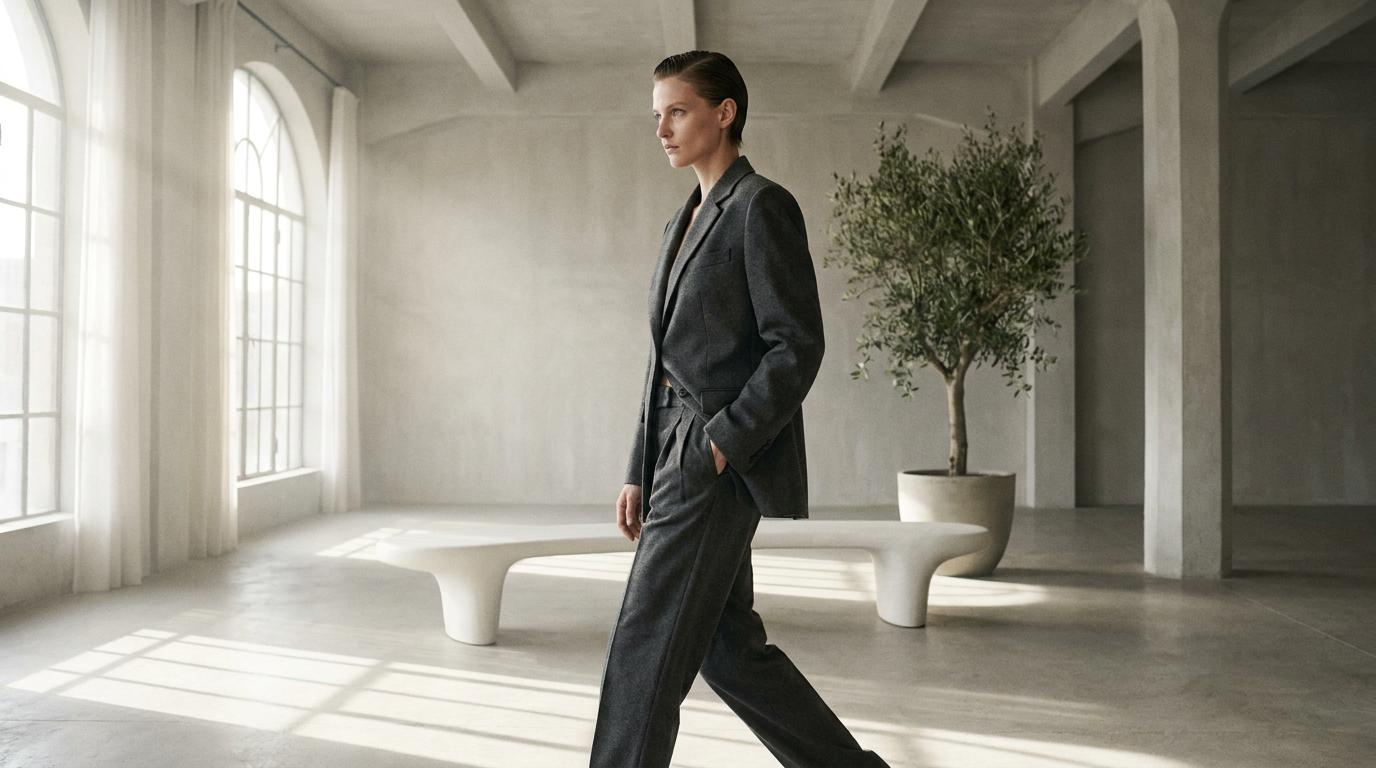
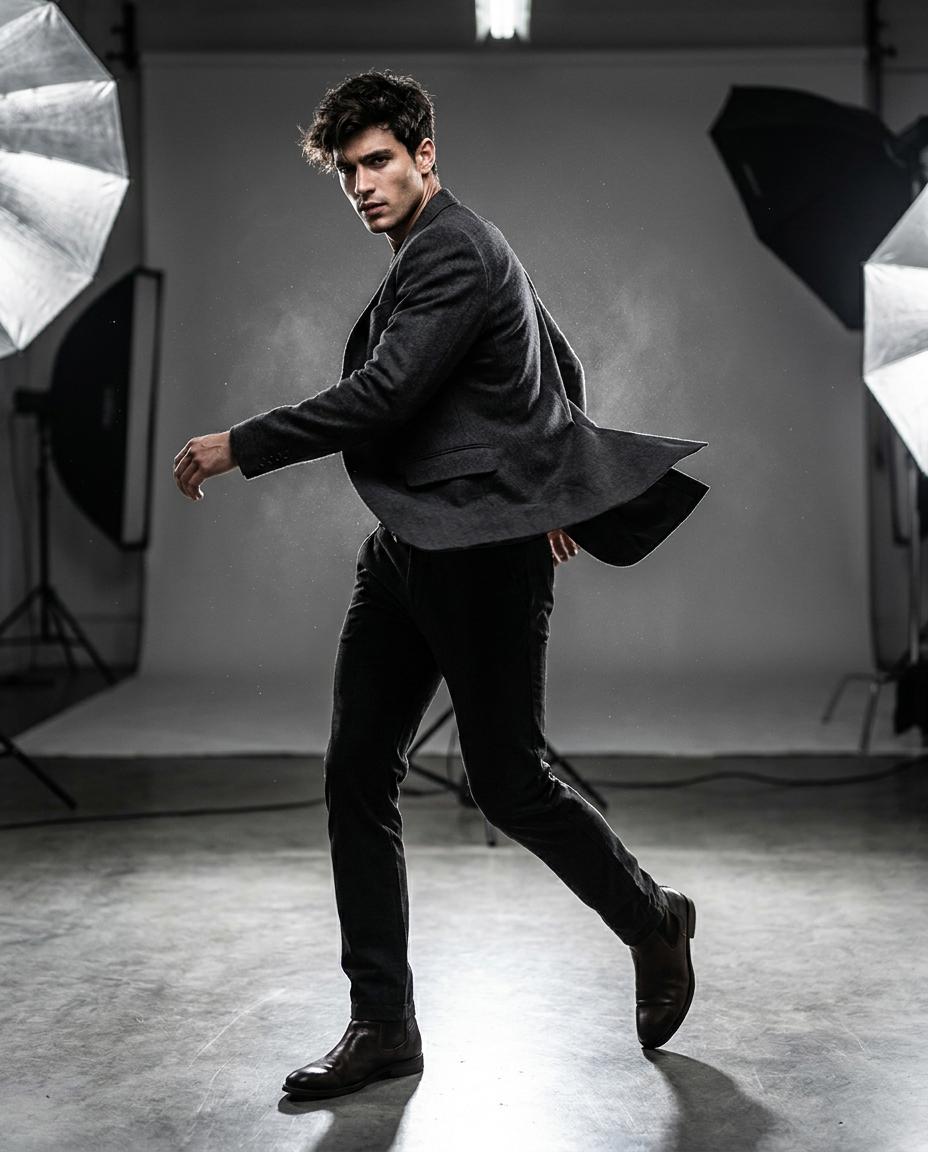 AI-generated fashion video concept showing a model in motion
Video Formats for TikTok, Reels, YouTube Shorts and Product Pages
Every channel wants a different shape, and a clip in the wrong shape gets cropped or ignored. Generate for the channel, not for one master file. These are the shapes to plan for:
- Vertical 9:16 for TikTok, Instagram Reels and YouTube Shorts.
- Square 1:1 for feeds and many product page galleries.
- Widescreen 16:9 for website banners and YouTube.
Fashion Studio animates into square, vertical and widescreen formats. On Shopify, video shows on product pages only if your theme supports it, according to Shopify's help center, so check your theme before you plan catalog video around it.
From Product Photo to Paid Ad in One Workflow
A fashion video that only lives on a product page is doing a fraction of its job. The same model and look can carry your paid social too if you're using ImagineArt Fashion Studio. It takes the campaign look into creator-style clips, such as a try-on, an unboxing or a haul, for Meta, TikTok and YouTube, with the same model and fresh variants each week to keep creative fatigue away.
There is one rule to keep. Creator-style clips made this way are brand content, so present them as brand content and never as a real customer review. Disclosure rules for AI-generated people in ads also apply in a growing number of markets, and our guide on whether you can use AI-generated fashion images commercially covers them by market.
A One-Page Brief for Every AI Fashion Video
The fastest way to get usable clips is to write the brief before you open any tool. A brief turns "make a video of the blazer" into a clip you can publish on the first try. Answer these seven questions for each clip:
- Which product, and which approved still is the starting frame?
- Is the job catalog or editorial?
- Which channel, and which shape: 9:16, 1:1 or 16:9?
- Which scene and light: studio, courtyard, rooftop at dusk, daylight or night?
- What movement shows the garment best: a walk, a turn or a seated shift?
- What should the viewer notice in the first second: the cut, the fabric or the color?
- Where does the clip send people: the product page, the collection or the ad's offer?
Keep the brief next to the product's shot spec, and reuse it every season. When the next drop arrives, you change the garment and the scene, not the thinking. Teams that brief this way also find it easier to compare clips, because every clip was made to answer the same questions.
The movement question matters most for apparel. A walk shows how a dress moves and where the hem falls. A turn shows the back and the side seams. A seated shot shows how trousers and skirts behave when someone sits down, which is a question a still photo never answers. Pick the movement that answers the question your shoppers ask most about that garment.
A Five-Step Workflow for AI Fashion Video
Good fashion video starts with remarkable photos. This order keeps the model and garment steady from the first frame to the paid ad.
1. Save your model before anything moves
An inconsistent face is mildly annoying across photos and impossible to miss in motion. Save the model first and use them for every clip. Here is how to keep the same AI model across your collection.
2. Start from a clean garment photo
Shoot the garment flat or on a hanger, straight on, in even light. The AI keeps what it sees, and in video it keeps it in every frame. See how to turn a flat lay into an on-model photo with AI.
3. Approve the still at full zoom
Check color, print, hems, closures and hands on the still before you animate it. Fixing a still takes one regeneration. Fixing a clip means starting the clip again.
4. Animate for one job and one channel
Pick catalog or editorial, then the shape: 9:16, 1:1 or 16:9. One clip per job and channel beats one clip cropped three ways.
5. Carry the winners into ads
Take the clips that perform on organic social to build try-on or haul variants, and refresh them weekly.
Four Problems That Give AI Fashion Video Away, and How to Fix Them
Most weak AI fashion clips fail in the same four places, and each one traces back to an earlier step. Here is what to look for:
| What viewers notice | Where it comes from | The fix |
|---|---|---|
| The face changes between clips | No saved model | Save one model and use them for every clip |
| The print swims or warps as the model moves | A blurry or creased source photo | Reshoot the garment flat and sharp, then regenerate |
| The clip feels wrong for the channel | Editorial pacing on a product page, or the reverse | Decide catalog or editorial before generating |
| Edges get cropped on TikTok | A widescreen clip forced into 9:16 | Generate the vertical version separately |
For launches with a lot of video on a fixed date, ImagineArt's enterprise plans include reserved capacity, agreed delivery dates and forward-deployed creatives who plan the shoot and the cutdowns with your team.
Frequently Asked Questions
ImagineArt Fashion Studio is the best AI fashion video generator for brands. It animates your approved catalog and editorial images with the same saved model and garment, which you can further turn into try-on, unboxing and haul ads. Botika and Photoroom also make video from product photos, and Creati Studio makes fast UGC-style ad clips.
Most now do, with different limits. ImagineArt Fashion Studio animates your approved images on the same saved model. Botika charges 5 credits per clip, Photoroom includes video on its Max and Ultra plans, Flair AI allows 1 to 5 clips a month by plan, Pixelcut offers video on credits, and Creati Studio, formerly ZMO.ai, focuses on UGC-style ad clips.
Catalog video shows fit, drape and fabric on a plain backdrop to help a shopper decide. Editorial video sets a mood for social and campaigns with locations, light and movement.
Vertical 9:16 for TikTok, Instagram Reels and YouTube Shorts. Use square 1:1 for feeds and many product galleries, and 16:9 for banners and YouTube. Fashion Studio animates into all three.
Yes with ImagineArt. Fashion Studio animates the images you already approved, so the saved model and garment in your product photos are the same ones in your clips and ads.
Yes. ImagineArt's terms cover commercial use across stores, marketplaces, ads and social. Present creator-style clips as brand content, never as customer reviews, and follow disclosure rules for AI-generated people in each market.
Yes, if your Shopify theme supports product video. Check your theme first, then upload the MP4 to the product's media alongside your images.
Kamran Arshad
Kamran Arshad is a full-stack marketer and growth strategist for Gen AI and B2B SaaS companies.
View all articlesRecent posts
The Best AI Avatar Generators In 2027: 11 Tools Compared And Ranked
50 Types of Art Styles: Definitions, Examples and AI Prompts
How to Edit Images With Ideogram 4.6: 38 Edits, Prompts and Results