ImagineArt vs Midjourney
Generate images from a prompt box on the web or in an app, no Discord server, no slash commands to memorize. Compare stylistic control, web access, and per-image economics against Midjourney before you switch.


You Might Also be Interested in
Community Creations
Why creators search for a midjourney alternative
Midjourney still runs its core workflow through Discord: join a server, type a slash command, then wait in a shared public channel next to dozens of other users' jobs. That setup was built for an early beta, not a daily production tool. ImagineArt runs the same prompt-to-image job inside a private web dashboard or a dedicated mobile app instead. No server invite, no channel history to scroll, no other users' prompts and outputs sitting next to yours while you work.
Stylistic control, compared side by side
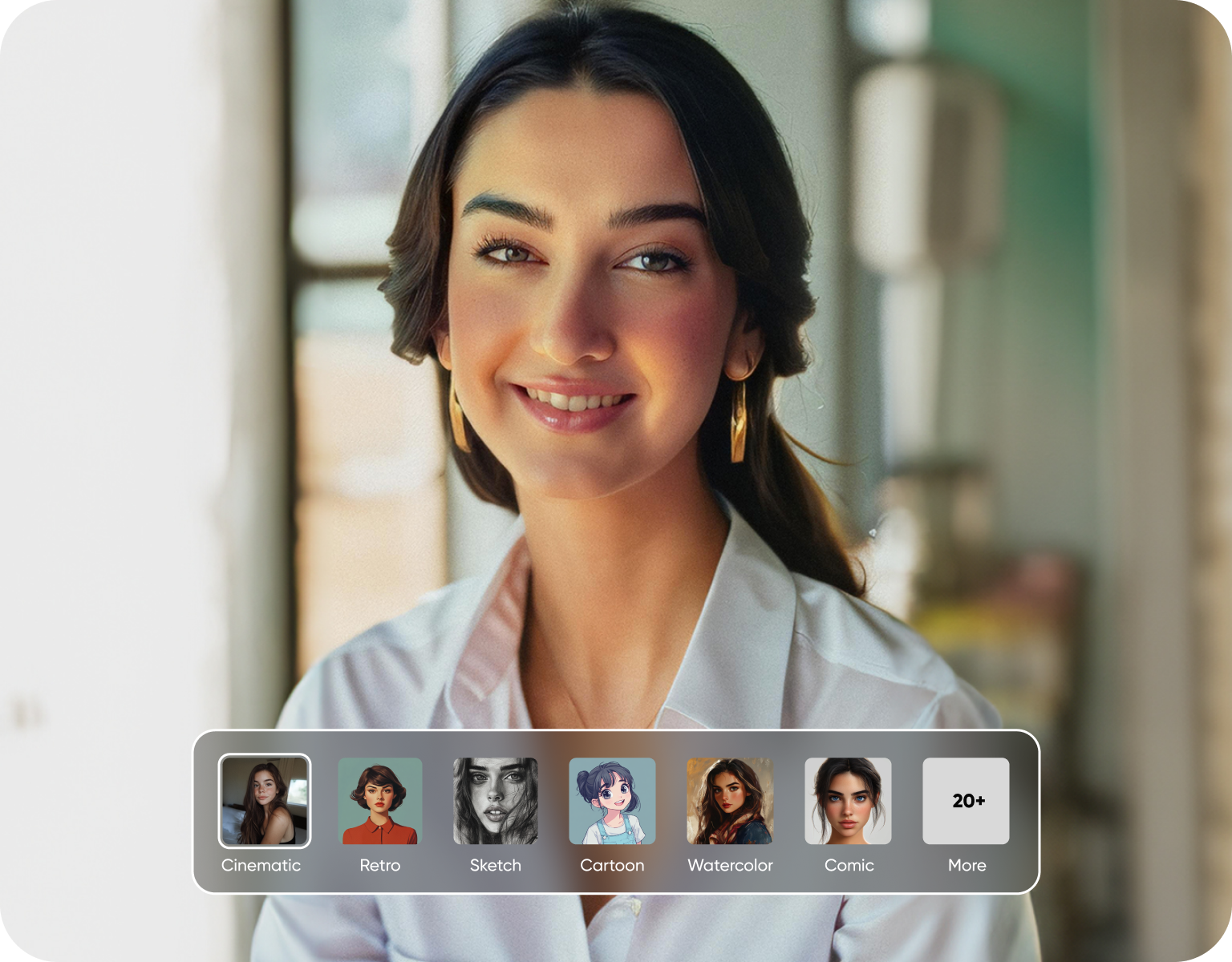
Midjourney is known for a distinct default aesthetic set almost entirely by its own single model. ImagineArt gives you a model picker instead of one fixed house style, so you choose between several image models and style presets, from photoreal to anime to illustration, on a per-generation basis. You set aspect ratio, style strength, and reference images directly through on-screen controls in the interface, rather than stacking parameter flags into one long text command every time.
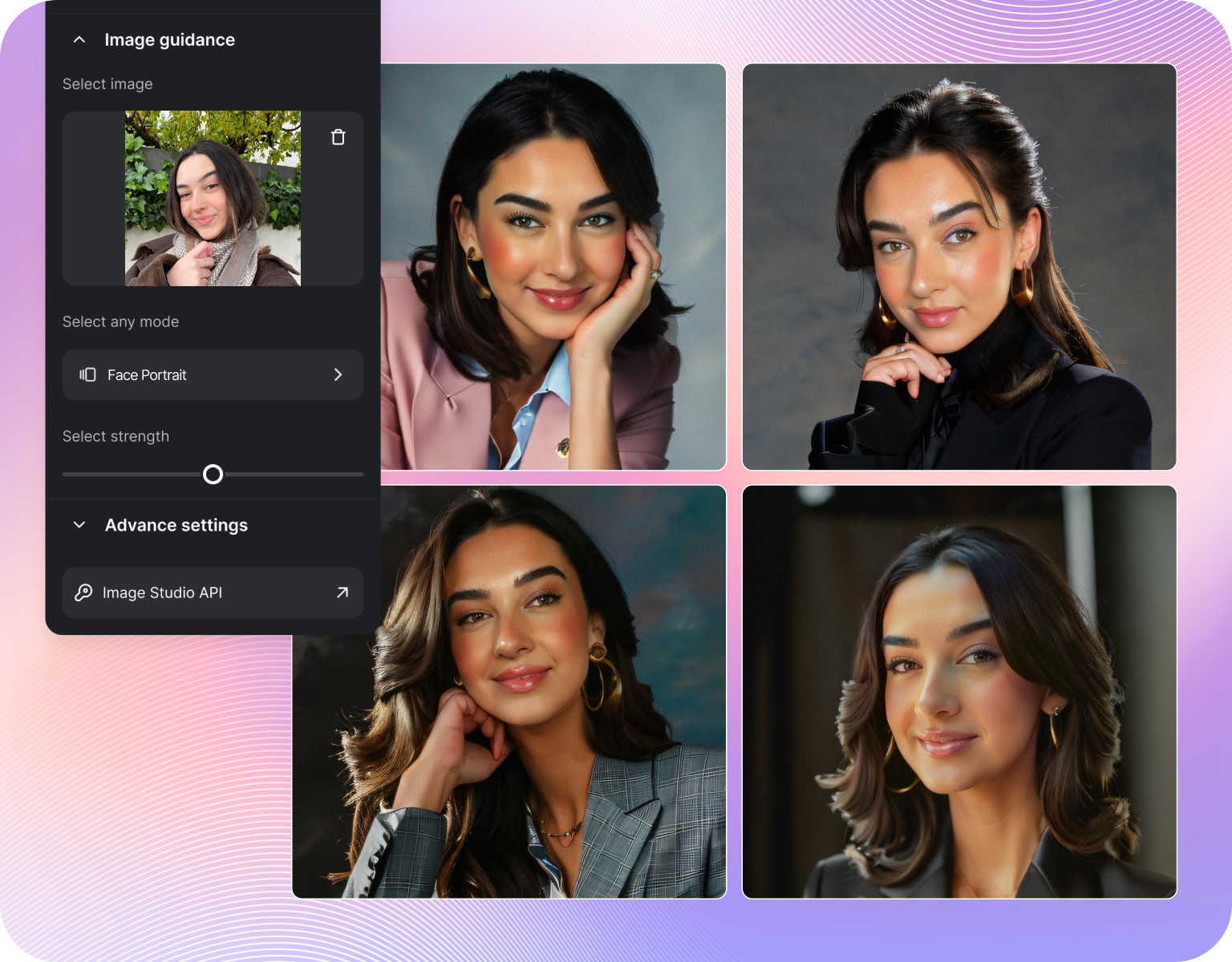
Web and app access instead of a Discord server
Midjourney generation still happens inside Discord's chat interface, on desktop or through the Discord mobile app, with every job posted into a shared channel. ImagineArt ships as a standalone website plus a dedicated mobile app of its own, so your prompt history, saved styles, and downloads all live inside one private account instead of a scrolling public channel. Anyone on a team can open a browser tab and start generating, with no Discord account or server role permissions to configure first.
Per-image economics for an ai image generator workflow
Midjourney sells access through monthly subscription tiers built around GPU-hours, with your jobs queued alongside every other subscriber on that same plan level. ImagineArt separates plans by generation credits per month instead, so cost per image scales directly with how much you actually generate rather than a shared compute pool split across a crowded server. Check current plan pages on both sites for exact figures before you commit any budget, since tiers and included credits change over time.
How ImagineArt works as a midjourney alternative
Step 1
Enter your prompt
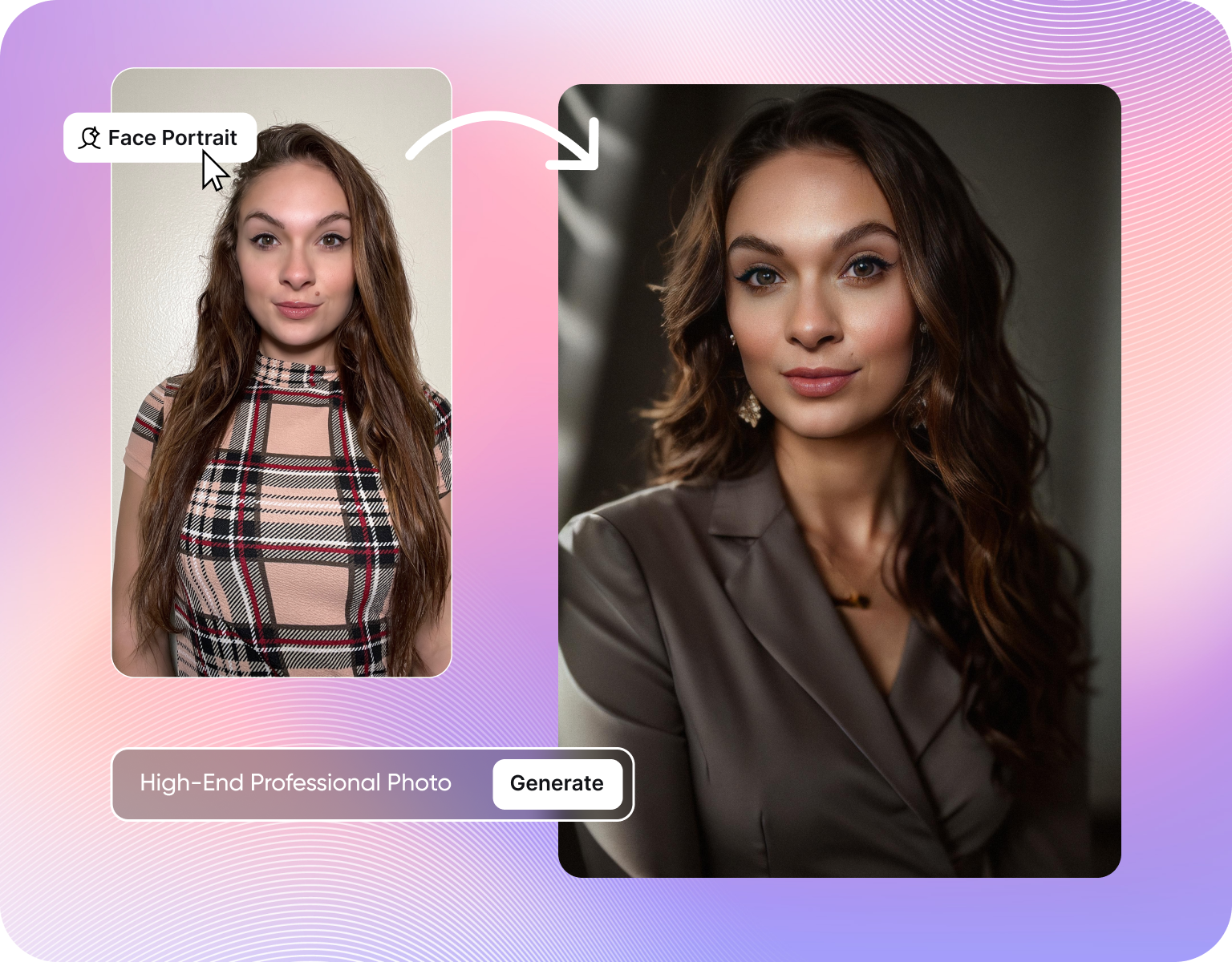
Open the web app or mobile app and type a plain text prompt into the box on the home screen, the same description you'd send as a slash command in Discord. Add a reference image if you want the output to match a pose, palette, or layout. No server join, no bot invite, no command syntax to look up.
Step 2
Pick a model and style
Choose an image model and a style preset from the panel next to the prompt box, covering photoreal, anime, illustration, and more. Set aspect ratio, style strength, and variation count in that same screen. The choice sits in visible on-screen controls instead of typed parameters, so changing one setting doesn't mean retyping the whole command again.
Step 3
Generate, then edit or download
Hit generate and the image renders directly in your dashboard, saved to your account history automatically for later reference. Upscale, edit, or run it through a follow-up tool like background removal without leaving the page. Download the final file straight to your device, with no need to right-click a thumbnail or dig through a channel for the original render.
Stylistic control features compared to Midjourney
- Multi-model picker:Switch between several image models in one account instead of one fixed house style, matching the model to the brief.
- Style presets by category:Choose from preset style categories, including photoreal, anime, and illustration, without writing style keywords into every prompt.
- Visible parameter controls:Set aspect ratio, style strength, and variation count through on-screen controls, rather than typed flags in a text command.
- Reference image input:Upload a reference image directly in the interface to guide pose, palette, or composition, instead of pasting an image URL into a chat message.
- Private generation history:Every past prompt and output saves to your own account view, not a shared channel log visible to other server members.
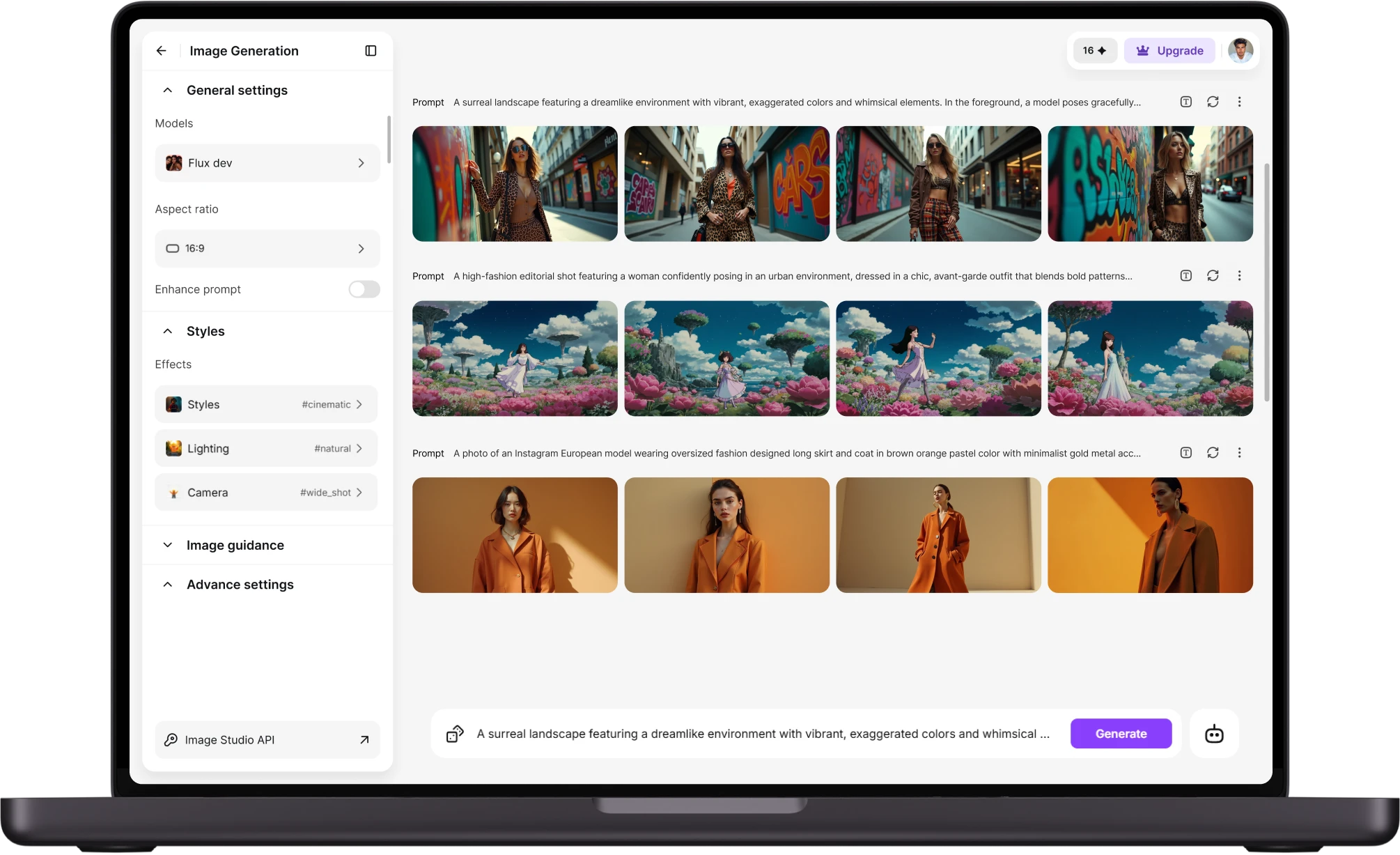
Access and workflow features without Discord
- Web dashboard:Generate, browse your history, and manage your account from a standalone website, no Discord login or server invite required.
- Mobile app:Run the same prompt-to-image flow from a dedicated phone app built for the task, rather than the general-purpose Discord mobile client.
- No slash commands:Type a plain-language prompt into a text box instead of learning command syntax and a list of parameter flags.
- No shared channel queue:Your generation jobs run inside your own account session, not a public channel where other members' prompts sit alongside yours.
- Team seats without server admin:Add teammates to a workspace account directly, skipping Discord role setup and server permission configuration entirely.
Pricing and economics features per image
- Credit-based plans:Pay for a set number of generation credits per period, so cost tracks directly with how many images you actually create.
- Plan tiers by use case:Pick from separate plan levels built for casual, frequent, or team-scale generation, rather than one tier gating access to Discord itself.
- No shared compute queue:Jobs run against your own account's allotment, not a pool shared with every other subscriber on Midjourney's server at once.
- Editing tools included:Upscaling and follow-up edits draw from the same account, without a separate paid pass required to refine one image.
- Free tier to test first:Try core generation on a free plan before comparing paid tiers on both platforms against your own usage.
Customer Testimonials About ImagineArt vs Photoroom
Learn what user says about AI ImagineArt vs Midjourney

“Great platform, lots of useful features. All the models you would want under one roof. Multi variation parallel generation of images and videos. workflows. awesome stuff THOUGH lots and I mean lots of popups. ”
“Easy interface with all the latest models. Great pricing and worth using for advanced AI generations.”
“Using imagine has honestly been a great experience overall. The image quality is impressive, especially for cinematic and anime-style generations, and the platform feels smooth compared to many other AI tools. Prompt understanding is strong, and the renders usually come out detailed and visually appealing even without overly complex descriptions. One thing I really like is how easy the interface is to use. It doesn’t feel confusing for beginners, but still has enough features for advanced creators. The video and motion tools also have a lot of potential and can create very eye-catching content for reels and edits. ”
“I have tried quite a few AI image generators, and ImagineArt has quickly become one of my favourites. The image quality is consistently impressive, with detailed, creative, and highly accurate results from even simple prompts. The platform is easy to use, generates images quickly, and offers a great variety of styles and customisation options. One of the main ways I use ImagineArt is to create artwork for my YouTube music videos. I generate unique images and then animate them as visuals to accompany my music. The quality and creativity of the images make them perfect for this purpose, and they often require very little editing before I can use them in my projects. What stands out most is how well it understands complex prompts and turns ideas into stunning visuals with minimal effort. Whether you're creating concept art, character designs, content for social media, or visuals for videos, ImagineArt delivers excellent results. The regular updates and new features show that the team is actively improving the platform, and the overall experience feels polished and reliable. It's become an important part of my creative workflow, and I'd highly recommend it to anyone looking for a powerful and user-friendly AI image generation tool. ”
“ImagineArt offers an impressive range of AI image generation styles and tools. The platform is intuitive and produces high-quality results across different creative styles. The support team is responsive and genuinely helpful. Would recommend to anyone looking for a versatile AI image tool.”
“ImagineArt has a really amazing interface, well layered and clean. The workflow feature really makes working easy with all tools available in one place. One other thing, when I tested models like for instance Nano Banana 2 on ImagineArtAi and other Ai brands I got better results and higher quality on ImagineArtAi. It goes to show how much they have invested in making it the best of the best”
Purchase a Subscription
Upgrade to get access to pro features and generate more and better
Basic
For newcomers taking their first steps
View Plans
Billed monthly
Included in plan
3Kcredits per month
Additional Features
Up to ~600 Image Generations/month
Up to ~97 Video Generations/month
General Commercial Terms
Image Generation Visibility: Public
4 Concurrent Image Generations
Complimentary Access
All GPT Models
All Gemini Models
All Claude Models
Unlimited Generations
10 Image Models
9 Video Models
Standard
For rising creators to level up their game
View Plans
Billed monthly
Included in plan
8Kcredits per month
Additional Features
Up to ~1.6k Image Generations/month
Up to ~265 Video Generations/month
General Commercial Terms
Image Generation Visibility: Private
8 Concurrent Image Generations
Complimentary Access
All GPT Models
All Gemini Models
All Claude Models
Unlimited Generations
Nano Banana
Runway Gen 4 Turbo
Midjourney V7
8 more Image Models
8 more Video Models
Ultimate
Peak performance for pros
View Plans
Billed monthly
Included in plan
16Kcredits per month
Additional Features
Up to ~3.2k Image Generations/month
Up to ~530 Video Generations/month
All styles and models
General Commercial Terms
Image Generation Visibility: Private
Complimentary Access
All GPT Models
All Gemini Models
All Claude Models
Unlimited Generations
All image models in Standard plan
All video models in Standard plan
Kling 2.6 Pro
Seedance 1.5 Pro
ChatGPT 1.5
Creator
A full production engine for powerhouses
View Plans
Billed monthly
Included in plan
100Kcredits per month
Additional Features
Up to ~20k Image Generations/month
Up to ~3.3k Video Generations/month
All styles and models
General Commercial Terms
Image Generation Visibility: Private
Complimentary Access
All GPT Models
All Gemini Models
All Claude Models
Unlimited Generations
All image models in Ultimate plan
All video models in Ultimate plan
Kling 3.0 Pro
Seedance 2 Fast
Nano Banana 2
Have questions?
We have answers!
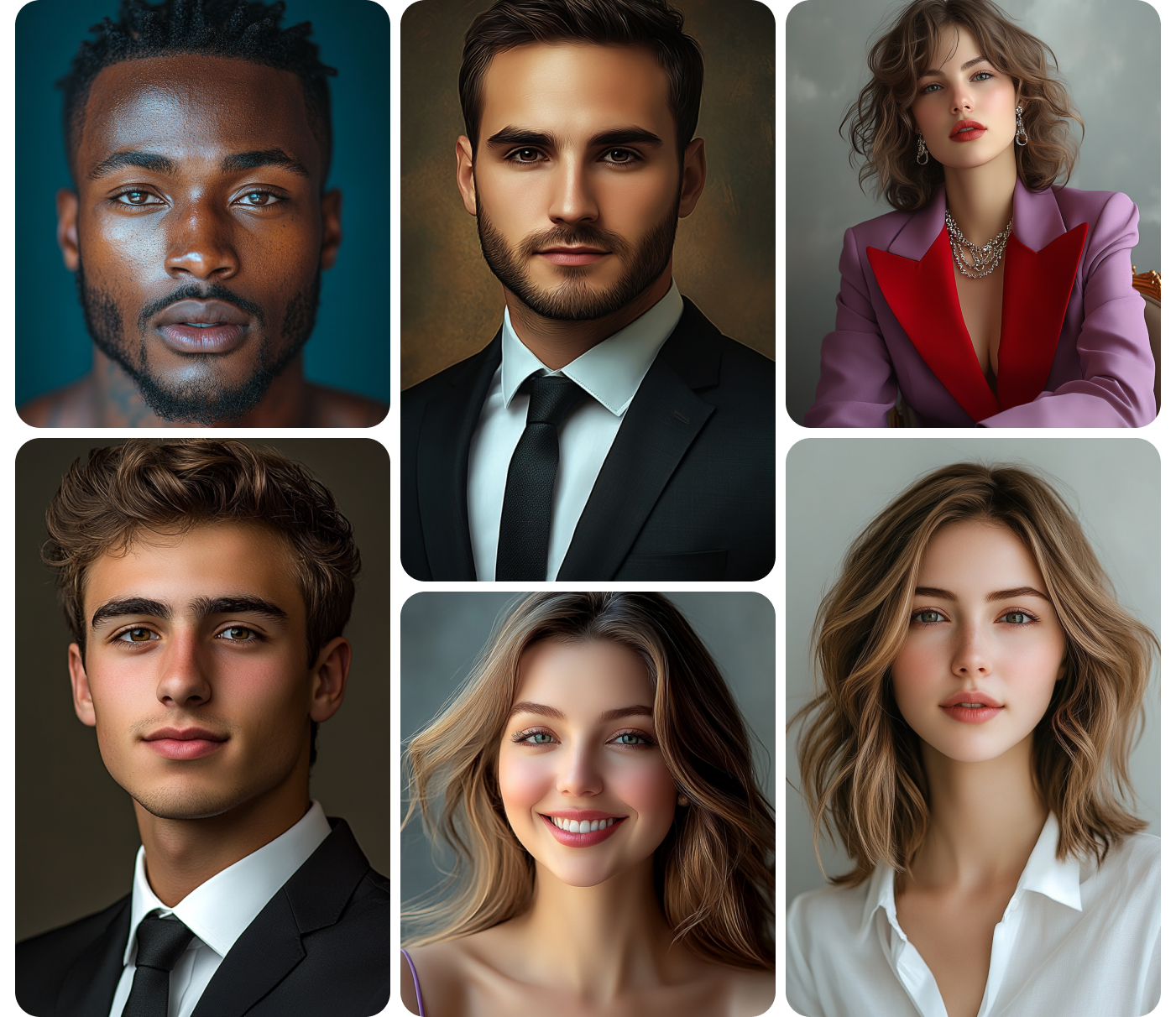
ImagineArt covers stylistic control through a model picker and style presets rather than one fixed house look. You choose between multiple image models, set style strength, and pick categories like photoreal or anime per generation, all through visible on-screen controls. Midjourney's control comes from parameter flags typed inside a single model instead. Both offer real control, just through different interfaces suited to different working habits and skill levels.
Yes. ImagineArt runs entirely through its own website and mobile app, with no Discord account, server join, or bot invite required at any step of the workflow. You generate, browse your history, and manage your account and billing from that same interface directly. This matters most for teams that want generation access without granting Discord server permissions to every single member who needs to create images. here is midjourney alternativemidjourney alternative best and cheapest AI tool.
ImagineArt sells generation credits by plan tier, so your cost per image scales with what you actually generate that month rather than a flat rate regardless of use. Midjourney bills through subscription tiers tied to GPU-hours, shared across a queue with other subscribers on your same plan level. Check both platforms' current plan pages directly for exact figures, since tiers and included generation counts change over time.
Yes, ImagineArt offers a free tier that lets you test core prompt-to-image generation before comparing it against a paid Midjourney subscription of your own. Use the free tier to check output quality, model options, and interface fit for your specific workflow first, with no card required upfront. Paid tiers add more generation credits and extra editing tools once you confirm the free tier covers your basic use case.
Yes, ImagineArt has a dedicated mobile app for generating, editing, and downloading images directly from a phone, separate from any browser or desktop session you might also use. Midjourney's mobile access runs through the Discord mobile app instead, inside the same channel-based interface as its desktop version. A native app built specifically for image generation changes how usable on-the-go creation actually feels day to day.
ImagineArt gives you a picker across multiple image models in one account, so you match a model to a specific brief instead of adapting every brief to one fixed house style. Midjourney generates through its own single model line, with style shaped entirely by parameters typed inside that one model. Neither approach is wrong on its own, they simply suit different kinds of creative briefs and teams.
Try ImagineArt's background remover on your next shoot
Upload one photo or a full catalog and see the edge detail hold up at full zoom. No credit card required to start, and the first batch is free to run.
![38 AI Affiliate Programs for SaaS Bloggers - Highest Income Potential [2026 Edition]](https://blogs-cdn.imagine.art/Add_a_heading_14cf442dc9.png)