Type a prompt, paste a link, upload a PDF, or drop in a design you like. The AI document generator inside Imagine Computer drafts the whole thing, formatted and ready to send. It’s free to start, no card required.
18 pages
fully formatted
Draft ready
in 8 seconds
Follow four simple steps to turn a rough idea into a polished, ready-to-share document.
Create your documentChoose from 100+ templates or upload an inspiration page. Document generation begins with whatever you have.
The AI document generator writes the full first pass including structure, headings, and content in the format you need.
Ask for a section to be shorter, more formal, or rewritten entirely. It’s an AI document editor as much as a generator.
Download as PDF, Word, or HTML, or hand it straight to whoever needs it next.
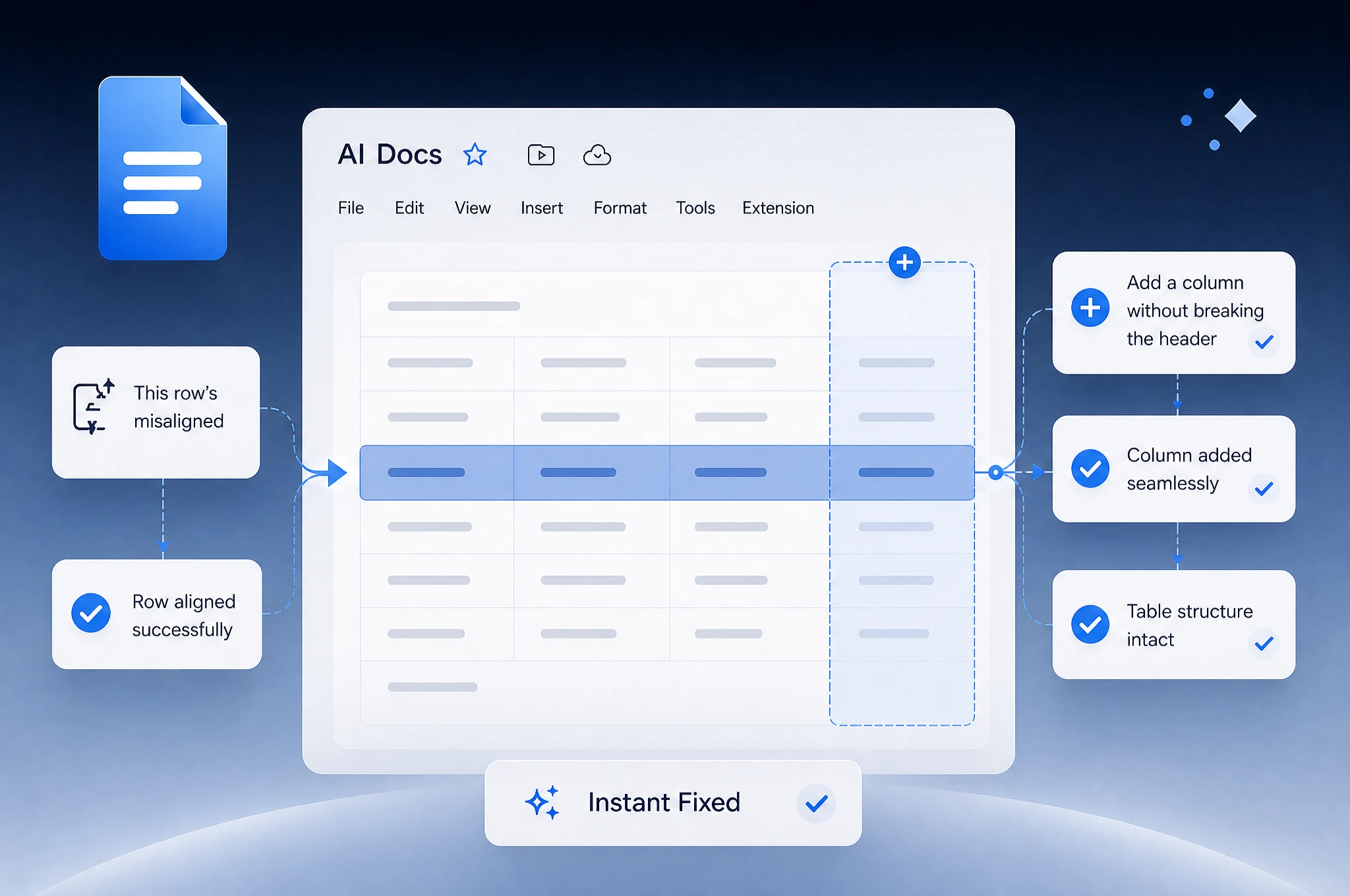
Say “this row’s misaligned” or “add a column without breaking the header,” in plain language, and the AI document editor fixes the actual table. No digging through menus, no broken structures. It fixes the problems instead of creating them.
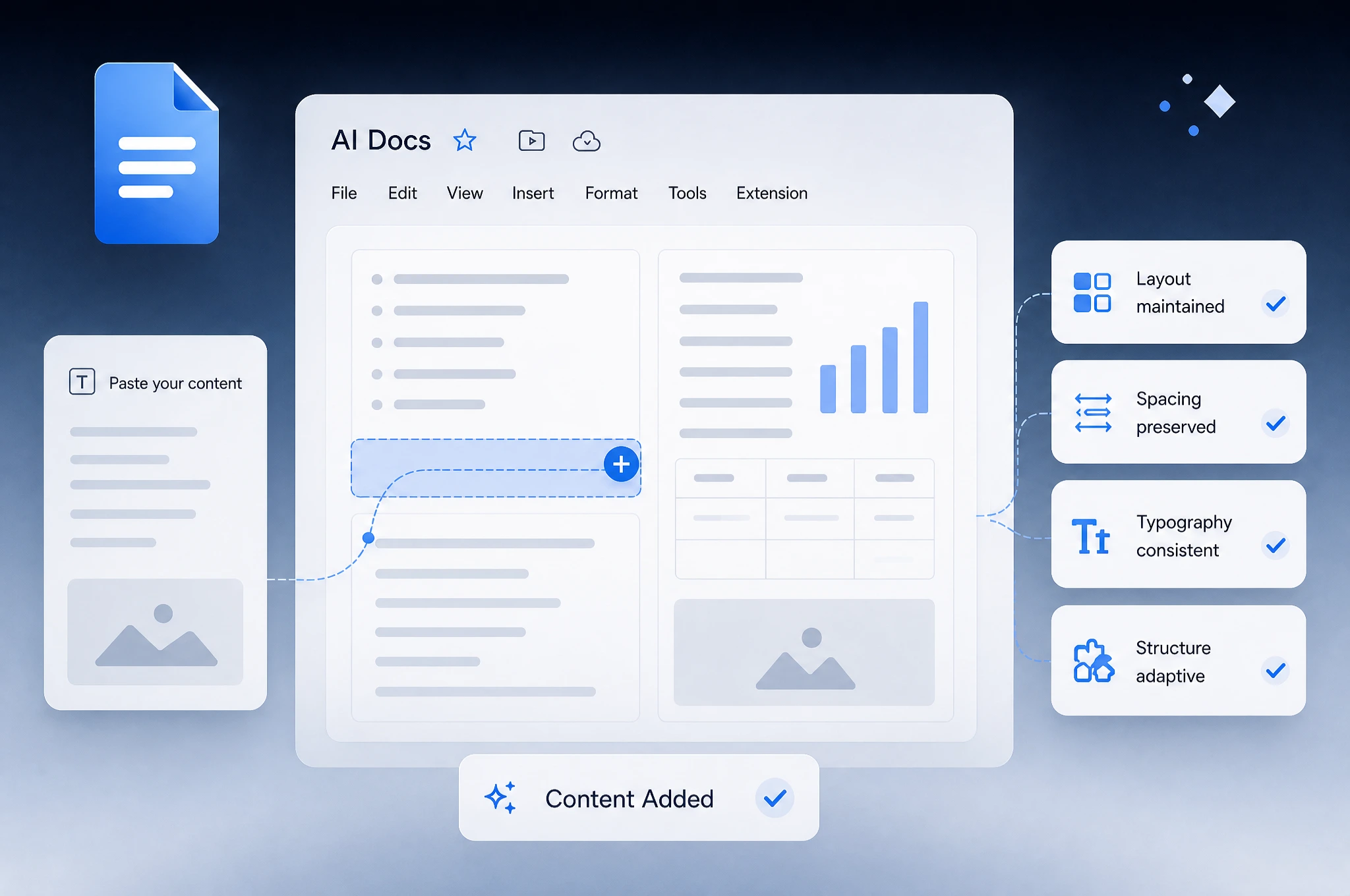
Paste in your own bullet points or a paragraph from somewhere else, and it fits the existing structure instead of dragging in someone else’s fonts and spacing along with it. That’s the difference: static files break while an AI document template generator adapts as you go.
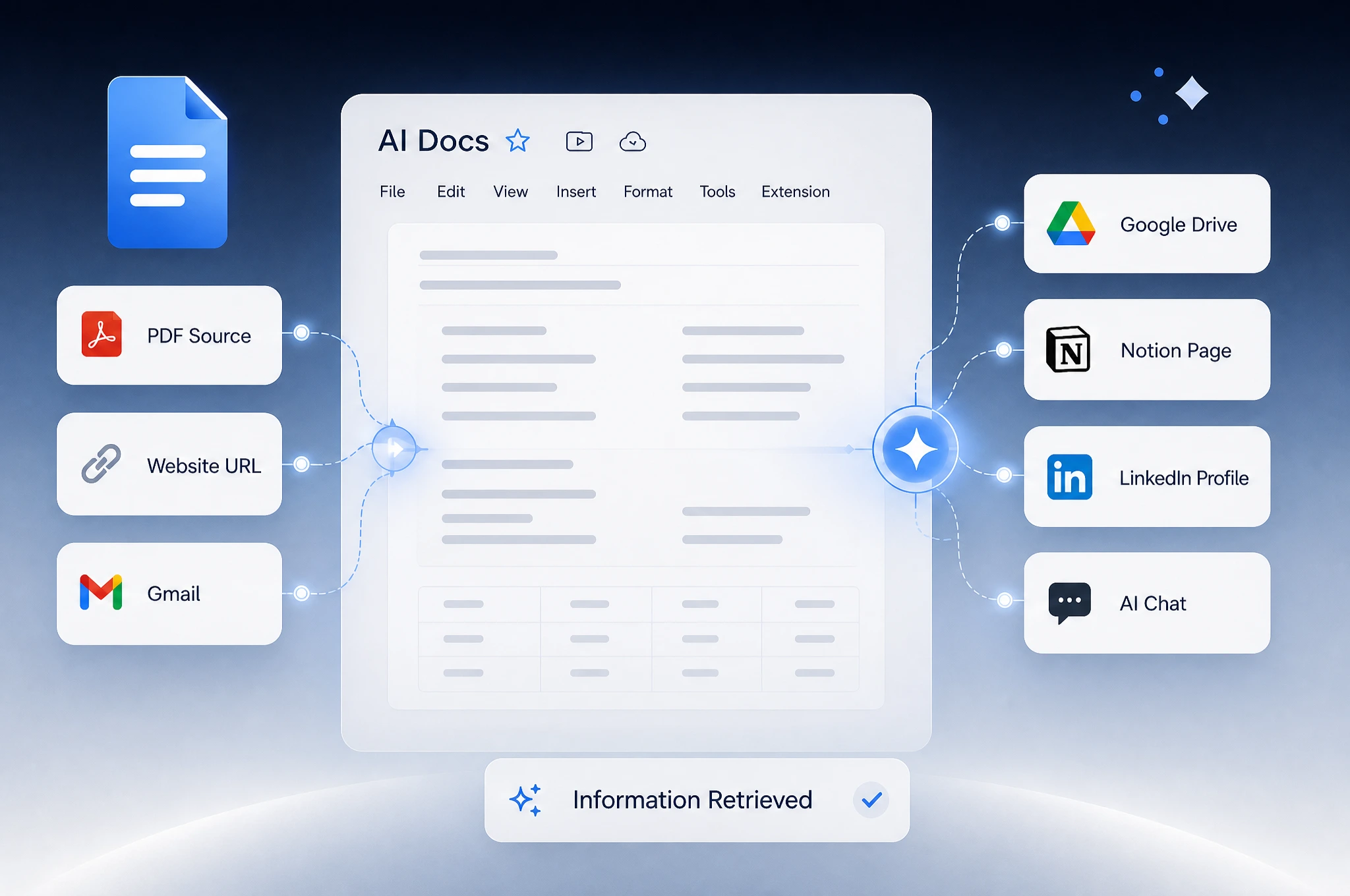
Drop in a URL, a PDF, or a LinkedIn profile and Imagine Computer’s document generator AI pulls the relevant details straight into a formatted draft. And because it lives inside the same workspace as AI Chat, it pulls directly from a connected Gmail thread, a Google Drive file, or a Notion page.
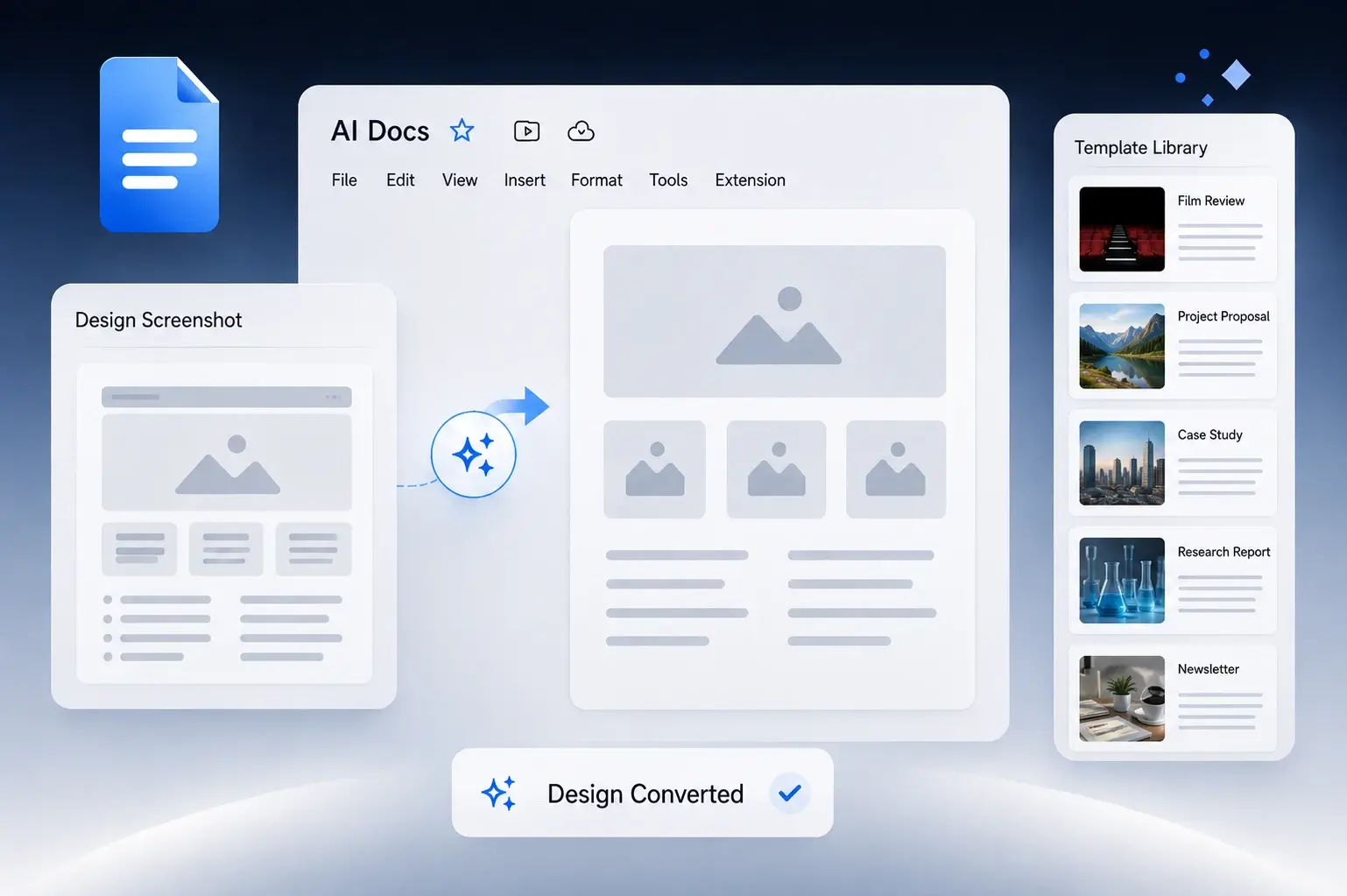
Hand over a screenshot or a link and get the actual layout back as a working template. One that holds together once you drop real content into it, instead of a copy you pieced together by eye. Save the designs so that document generator AI also serves as your template library.
Most tools only cover a single use case and struggle as soon as the needs change.
Turn job descriptions and a LinkedIn summary into a tailored resume for specific jobs instead of reusing the same file. The AI document generator also doubles as a resume maker.
Proposals, business plans, one-pagers, and invoices, drafted the way an AI word document generator should work. Structured, on-brand, and fully editable.
Contracts, NDAs, and terms-of-service drafts, handled by the AI legal document generator free of the hourly rate. Always have a licensed professional review anything before you rely on it.
Summarize a stack of papers into one document, or turn scattered notes into something structured enough to actually study from.
Business plans, invoices, one-pagers. The paperwork that isn’t the business, handled so you can get back to the part that is.
Most people already default to Word, Google Docs, or a single-purpose template site. Here’s what changes when generation, sources, and export all live in one workspace.
| Imagine Computer AI Document Generator | Word / Copilot | Google Docs / Gemini | Single-purpose template site | |
|---|---|---|---|---|
| Go from built-in templates to final document |
|
|
|
|
| Auto-fill from a connected Gmail, Drive, or Notion |
|
|
|
|
| Turn a screenshot of a design into a template |
|
|
|
|
| Set an approval level before anything finalizes |
|
|
|
|
| Export as PDF, Word, or HTML |
|
|
|
|
| Free to start, no card required |
|
|
|
|
I’d rewritten the same resume so many times I couldn’t tell anymore if it was good or just familiar. Needed something to look at it cold and tell me what was actually missing before application number twelve.
Every proposal felt like starting over even though it’s the same five sections every time. I don’t need help writing. I need to stop losing an hour to formatting before I can even get to the writing part.
I’m not trying to replace a lawyer, I’m trying to not send a first draft that makes us look like we don’t have one. There’s a real gap between “nothing” and “billable hours,” and that’s the gap I needed filled.
Had six papers to get through before a lit review was due and my eyes were done working for the day. Needed the summary, not the six-hour read, just to know which ones were actually worth going back to.
The invoice and the one-pager are not the part of freelancing I’m good at or enjoy, and they were eating into the hours I actually bill. Getting those off my plate mattered more than any writing help.
We’ve answered the most frequently asked questions about the Imagine AI document generator.
It’s a built-in feature of Imagine Computer, running on the same engine as AI Chat and the rest of the workspace — not a separate app, a separate login, or a separate subscription to manage.
Yes. Imagine Computer runs on one shared quota across AI Chat, the document generator, and its other tools, so you’re not tracking a separate limit for each. Check usage once and it covers everything.
Any language the underlying models handle well, which covers the major world languages. This is useful when a cover letter or a contract needs to go out in something other than English.
Nothing built into the product caps the length of the document. A one-page cover letter and a long internal report both work the same way, though very long documents are usually easier to review and revise section by section than all at once.
Yes, documents live in your account the same way AI Chat conversations do, and the same Connectors (Slack, Google Drive, Gmail) that power AI Chat make it straightforward to send a draft to someone else without exporting it first.
Not directly today. Export as PDF or DOCX and route it through whatever e-signing tool your team already uses — worth knowing upfront if you’re comparing this against a tool like PandaDoc that builds signing in natively.
Earlier versions of a document stay part of the conversation they were generated in, so you can point back to what you had before and ask it to pick up from there instead of starting over.
You are. Treat anything Imagine Computer’s AI document generator produces, especially legal or financial documents, as a first draft, not a substitute for a licensed professional’s review before it’s signed, filed, or sent. Always review the information and get a second professional opinion to be safe.
Pick a template or type what you need. Imagine Computer’s AI document generator handles the first draft so you can spend your time on the parts that need your attention.
