Text to Speech
ImagineArt’s text to speech app turns written content into natural, expressive audio in seconds. Paste your text, pick a voice, and get studio-quality audio without a recording studio.
How to Use the AI Text to Speech
Enter Your Script
Drop in any Script, a text, an article, a product description, a social media caption, or an entire document. The TTS maker handles short snippets and long-form content equally well.
Choose Your Text to Voice Settings
Choose from a wide library of AI voices — male, female, neutral, young, mature, across multiple languages and accents.
Generate and Preview
Hit generate and preview your audio in real time on ImagineArt. Not Satisfied? Tweak the voice or narrator and regenerate in seconds. Once satisfied, export your audio in MP3 or WAV, optimized for video, podcasts, apps, and presentations.
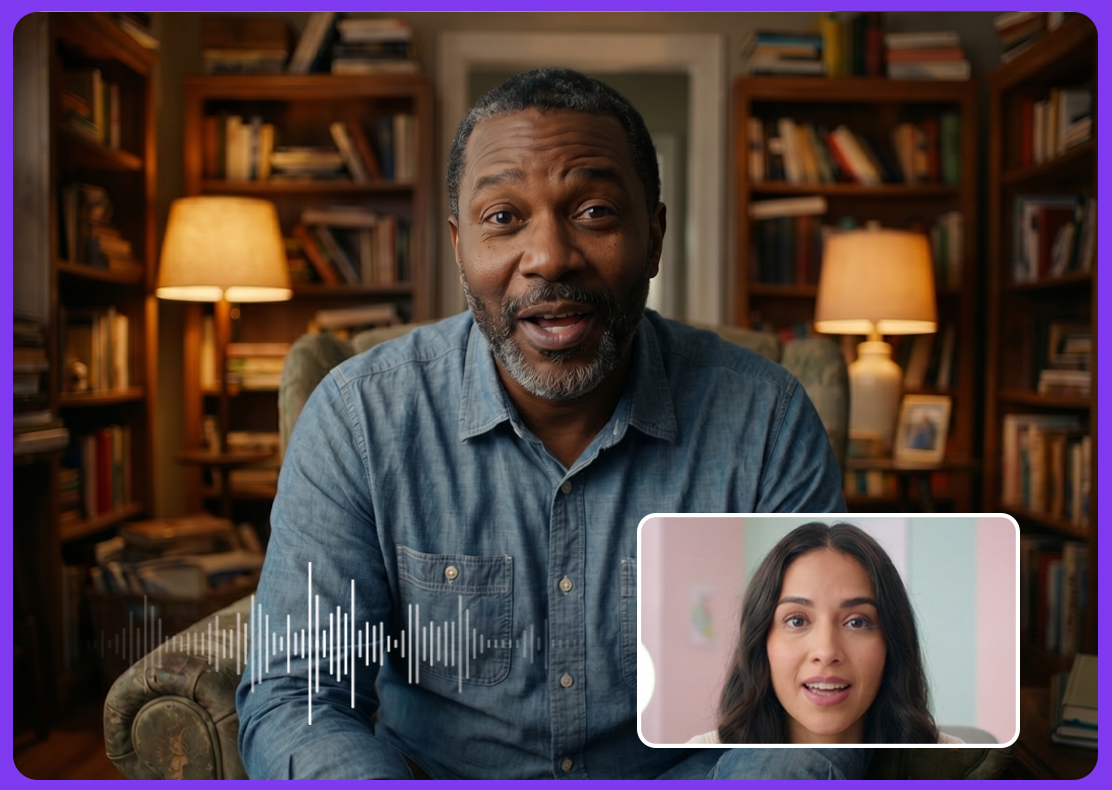
Voices That Sound Human
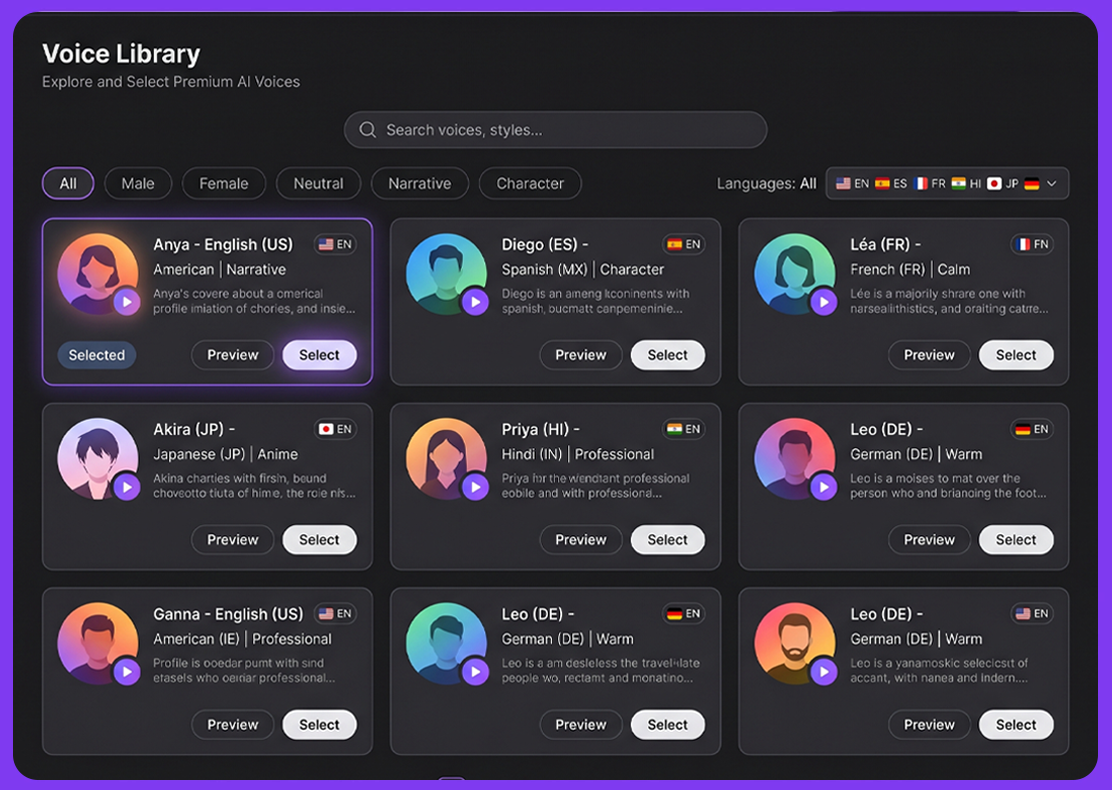
Voice Library & Languages
ImagineArt's text to voice generator gives you access to a deep library of AI voices spanning multiple languages, accents, and speaking styles. Multilingual content creators can generate voiceovers in multiple languages from the same script using text to voice generator, without hiring a single voice actor or managing a single recording session.
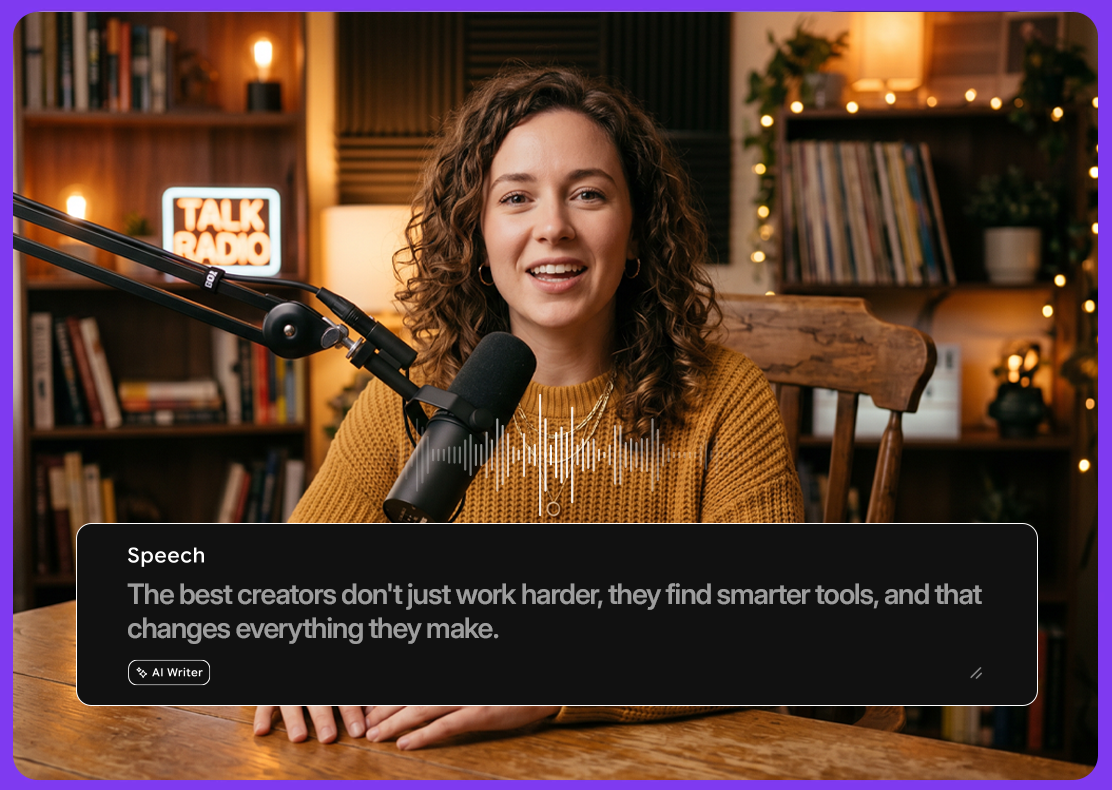
Text to Voice AI for Every Platform
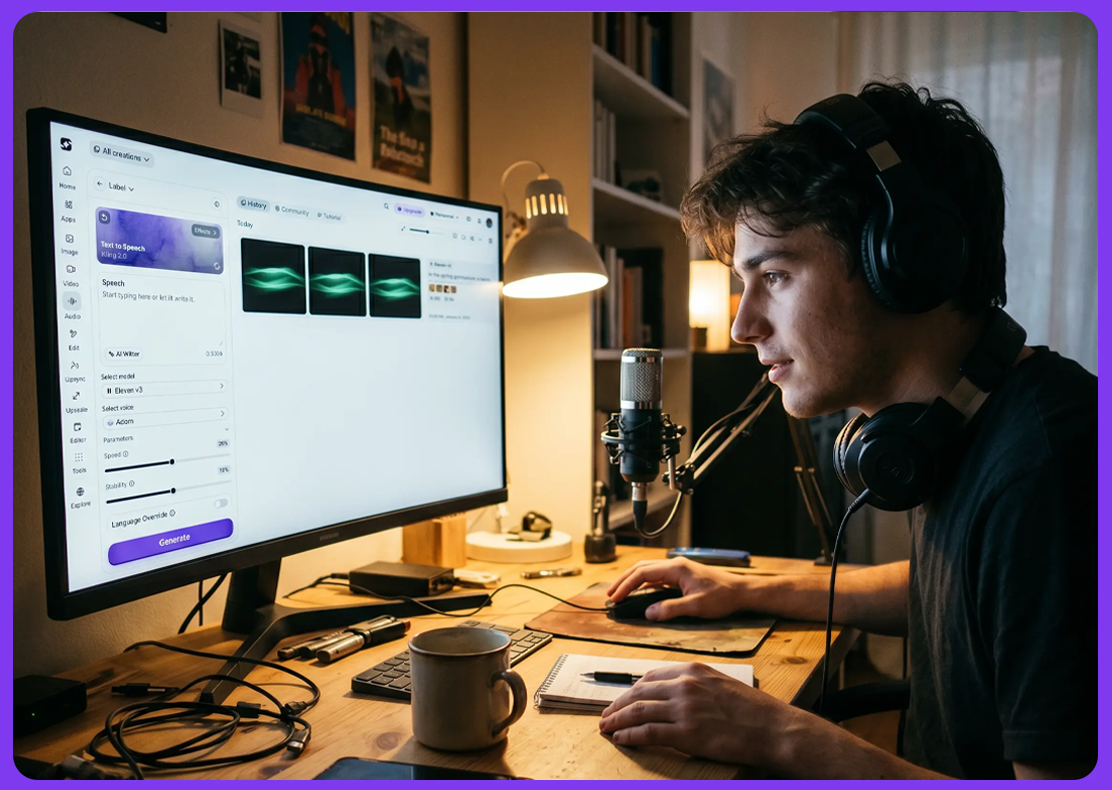
Speed & Accessibility








Choose a plan that fits your needs
Upgrade to get access to pro features and generate more and better
Kling
ByteDance
Minimax
Nano Banana
Gemini
Claude
Qwen
GPT Image
Runway
Grok
Trusted by Professionals and Creators from top Brands and Companies
FAQs
AI text to speech is a technology that converts written text into spoken audio using artificial intelligence. Unlike older robotic TTS systems, modern AI text to speech — like ImagineArt's — produces natural, expressive voices that sound genuinely human. You paste or type any text, choose a voice and language, and the tool generates a high-quality audio file you can use in videos, podcasts, e-learning content, apps, ads, and more. No microphone, no voice actor, and no recording studio needed.
Yes. The free plan requires no credit card and includes core voices and standard audio generation. Paid plans unlock unlimited generation, premium voices, higher character limits, and API access.
ery natural. ImagineArt uses neural TTS models that deliver realistic pacing, intonation, and expression, far beyond flat, robotic output. For most use cases, listeners can't distinguish them from a human recording.
ImagineArt supports multiple languages and accents including English (US, UK, Australian), Spanish, French, German, Portuguese, Hindi, Japanese, and more. The full list is available inside the tool.
Audio exports in MP3 and WAV. MP3 suits web and social content; WAV is ideal for professional video production and editing workflows requiring lossless quality.