Sketch to Render AI
Turn your concept sketch into a photorealistic and accurate AI render image in minutes without any complex 3D rendering software – fast, free, and with no hassle.
How Sketch To Render AI Works
Import Your Sketch to Render Online
Start by uploading your concept image, hand-drawn sketch, CAD export, or line drawings to experiment with different styles. Make sure the concept images are of high quality. ImagineArt Sketch to Render AI supports images of all formats.
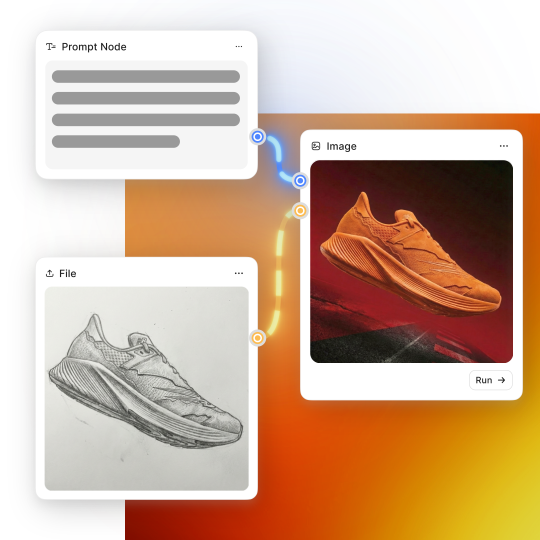
Write Prompt for Sketch Rendering
Next, write a detailed prompt and include details about style, materials, color palette, layout, and mood. It interprets your sketch structure first, then enhances it using AI rendering logic rather than overwriting your original design intent.
Generate AI Render Images
Click “Generate” to process the 3D rendering of your sketches. Refine your prompt or use alternative concept images for sharper details. Save and edit your design iterations, 3D product renders, or architectural renders without starting from scratch.
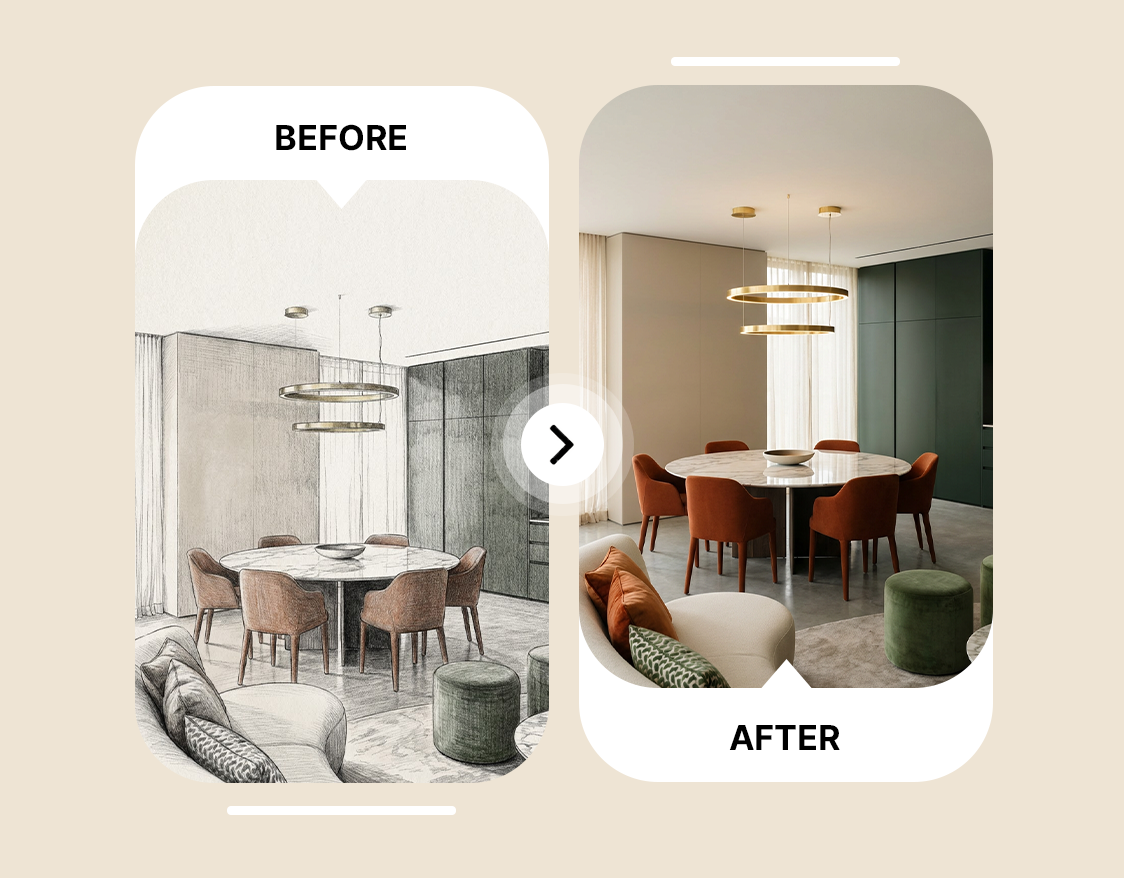
Sketch to Render AI for Accurate, Realistic 3D Design
Homeowners, renters, interior designers, and real estate professionals can turn a rough sketch into a realistic 3D rendering. ImagineArt Sketch to Render AI lets you create proportionally accurate spaces with logical furniture placement and consistent lighting for renovation plans, staging ideas, or presenting a property concept.
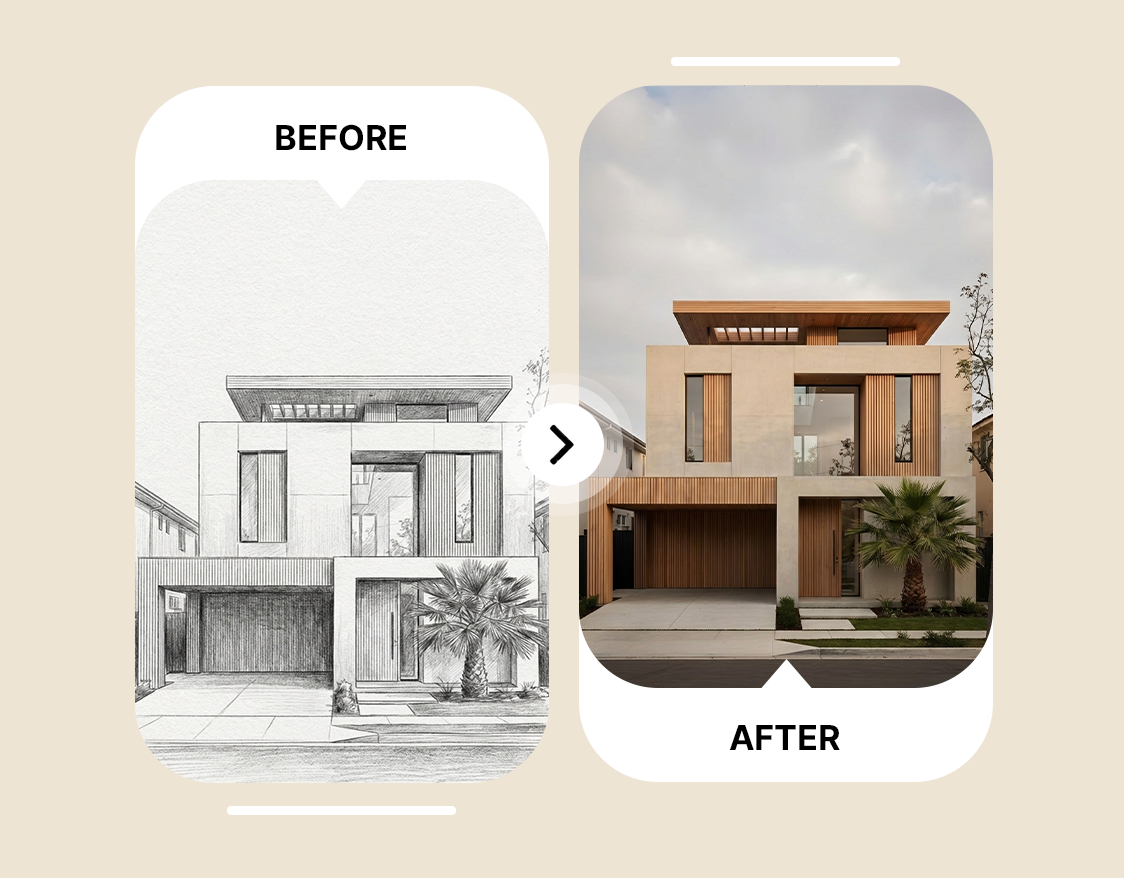
Smart AI Rendering Without the Technical Setup
ImagineArt Sketch to Render AI lets you test ideas and layouts, preview room updates, refine product concepts and create AI rendering images online without any advanced 3D rendering software. Ideal for architecture students, interior design beginners, product designers, and DIY planners.
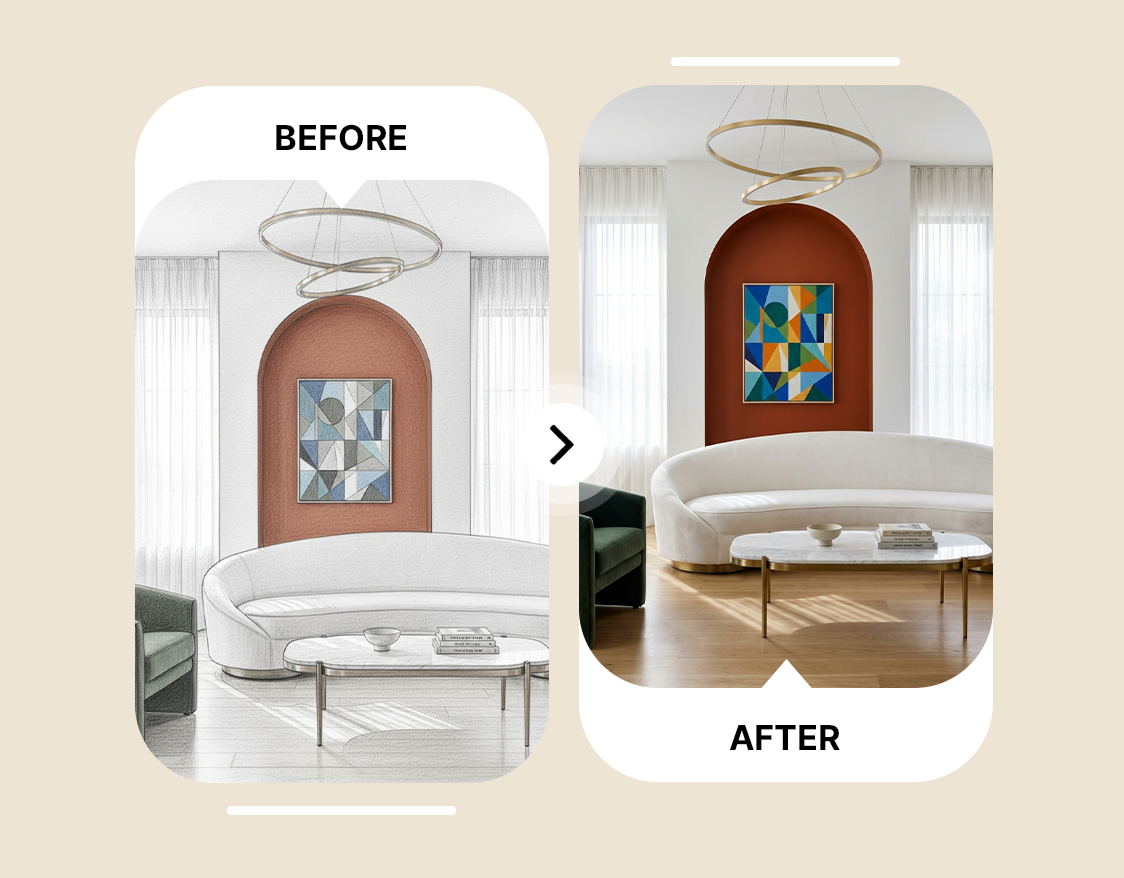
Rapid 3D Rendering and Scalable Output
You can generate multiple 3D product renders, multi-unit property visuals, and spatial previews using ImagineArt Sketch to Render AI. Scale your design workflows, validate the client’s visual preferences, and make design decisions faster with reduced costs.





Choose a plan that fits your needs
Upgrade to get access to pro features and generate more and better
Kling
ByteDance
Minimax
Nano Banana
Gemini
Claude
Qwen
GPT Image
Runway
Grok
Trusted by Professionals and Creators from top Brands and Companies
What Users Say About Sketch to Render AI
Compared to manual 3D rendering software, ImagineArt Sketch to Render AI app helped me convert rough sketches into polished concepts that were more accurate than manual sketch renders. For creating client-ready concepts, I recommend this app.

Anya Petrova

I use Sketch to Render AI to test architectural layout and design decisions. It saves me hours of time that I would have spent on manual sketch rendering. It’s fast, intuitive, and precise.

Isabelle Kim

ImagineArt Sketch to Render AI makes rendering image online a whole lot easier and practical for product designers. The 3D product renders maintain consistency and structure with improved realism. It is now a must-have tool for me.

Ben Harris

As an interior designer, Sketch to Render AI lets me convert pencil-drawn renovation plans and house upgrades into a detailed sketch render for my client’s feedback. It does help me save time.

Michael Chenn

FAQ's About Sketch to Render AI
ImagineArt Sketch to Render AI is an AI-powered tool that lets you convert hand-drawn sketches into realistic and accurate AI render images. You can experiment with different concept images and text-based prompts for 3D rendering of product designs, property layouts, architectural designs, and more.
Yes, ImagineArt Sketch to Render AI offers online rendering free when you sign up. You receive 100 free daily credits that you can use for sketch rendering and exploring other ImagineArt apps.
ImagineArt Sketch to Render AI supports a wide variety of file formats, including hand-drawn sketches, line drawings, CAD exports, JPG, PNG, and more.
ImagineArt Sketch to Render AI app takes a few seconds to create a rendering image online. However, the time taken also depends on the server load and the complexity of the inputs.